 ProMapRanker
Best Apps for Tracking Flights in 2026

Key takeaways
- Flightradar24 leads for live maps and plane spotting, while FlightAware leads for practical status, delays, and airport pickups.
- Flighty is the strongest choice for frequent flyers who want fast delay predictions and a clean trip timeline.
- Most travellers can track a flight well on a free plan, with paid tiers adding history, weather, and deeper alerts.
- Use two apps on a busy travel day, one for status and one for the live map, rather than relying on a single source.
- Data comes from ADS-B receivers, airline feeds, and air traffic sources, so coverage varies by region and aircraft.
Quick comparison
| Pick | Great for | Pricing starts at | Free tier | |
|---|---|---|---|---|
 Flightradar24 Flightradar24 | Live maps and plane spotting | Free | Yes | Visit |
 FlightAware FlightAware | Status, delays, and pickups | Free | Yes | Visit |
 Flighty Flighty | Frequent flyers and delay alerts | See website | Yes | Visit |
 Plane Finder Plane Finder | AR sky view and alerts | See website | Yes | Visit |
 RadarBox RadarBox | Research and playback | Free | Yes | Visit |
 TripIt TripIt | Trip plans with flight tracking | Free | Yes | Visit |
 ADS-B Exchange ADS-B Exchange | Unfiltered live traffic | Free | Yes | Visit |
 Airspace Live Airspace Live | Overhead spotting on watch | Free | Yes | Visit |
The best apps for tracking flights
Flight trackers answer different questions. Some show where a plane is right now, others tell you whether it will land late, and a few organise a whole trip. The best app depends on whether you are flying, picking someone up, or watching planes for fun.
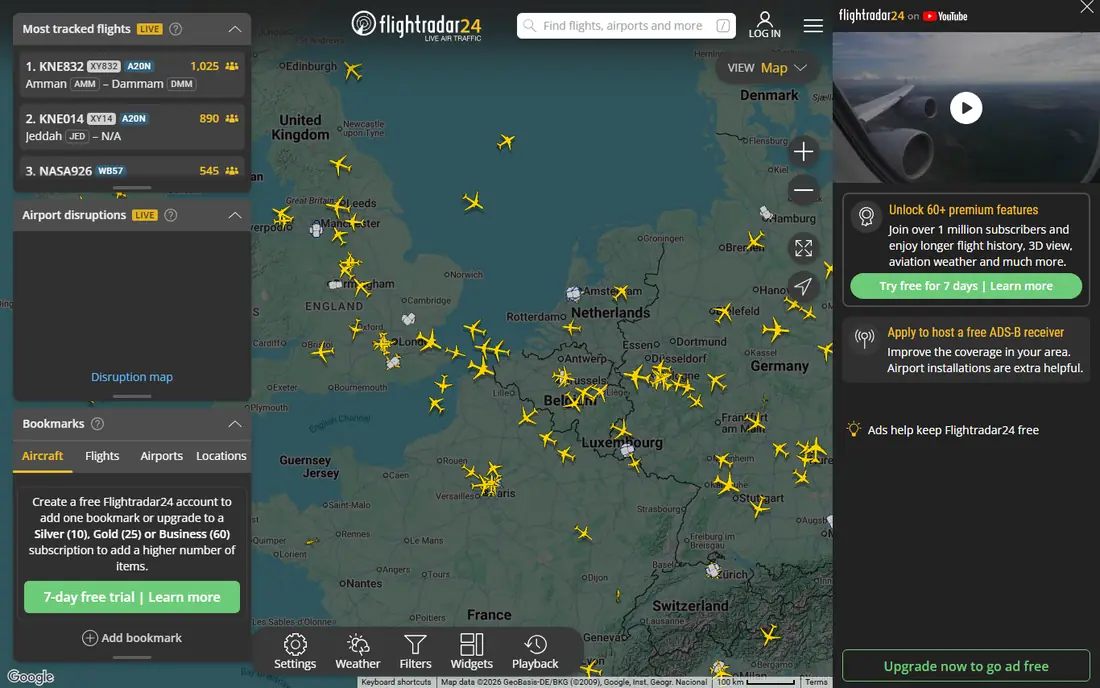
Flightradar24 is our pick for live maps. Tap any plane to see its route, altitude, speed, aircraft type, and a photo of that airframe, and use filters to find flights by airport, airline, or aircraft. The 3D pilot view and AR sky view make it fun for enthusiasts and curious travellers alike.
The free version covers basic tracking well, but longer history, weather overlays, and extra filters need a paid plan. It also focuses on what is happening in the sky, rather than on passenger rights or rebooking help when a flight is delayed. For pure tracking, though, it is hard to beat.
- Detailed live map with aircraft photos
- 3D and AR views
- Playback for past flights
- Best features sit on paid tiers
- Proactive delay help is limited
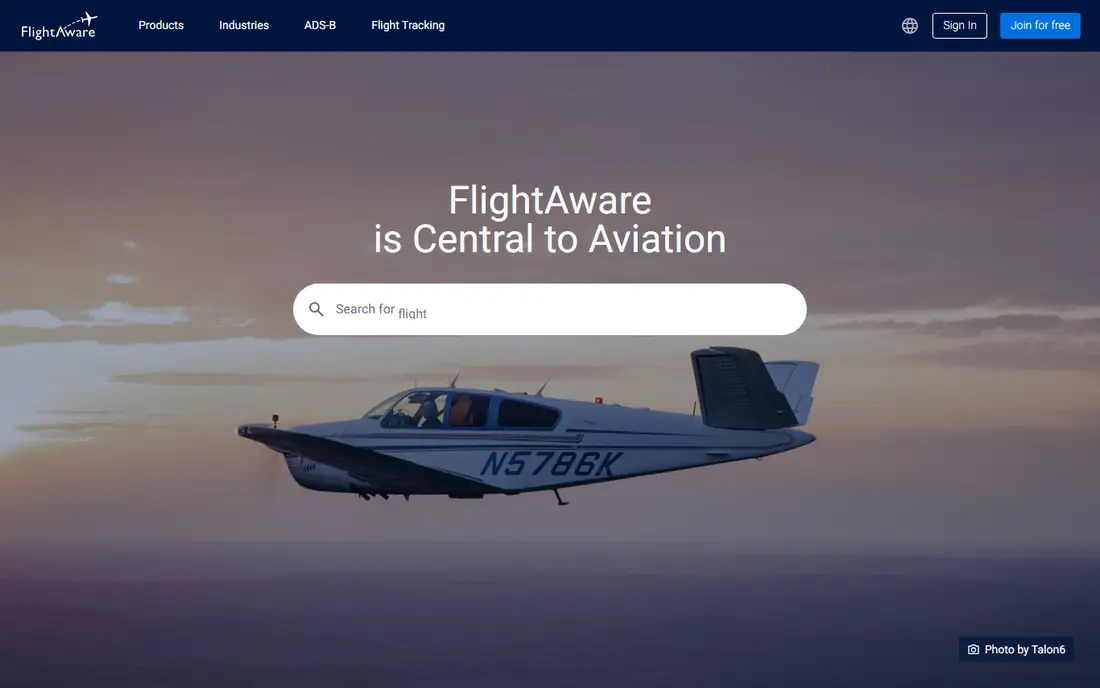
FlightAware is the best practical tracker for travellers and pickup drivers. Its "Where is my plane" feature follows the inbound aircraft that will become your flight, which can flag a delay before the airline updates its own status. Alerts cover departures, arrivals, gate changes, and cancellations.
The map is functional rather than beautiful, and enthusiasts may miss the depth of Flightradar24 photos and filters. For the core question on a travel day, whether a flight is on time, delayed, or diverted, FlightAware answers it fast and clearly.
- Clear status and delay alerts
- Inbound aircraft tracking
- Airport delay maps
- Map is less visual than Flightradar24
- Some history features need a paid plan
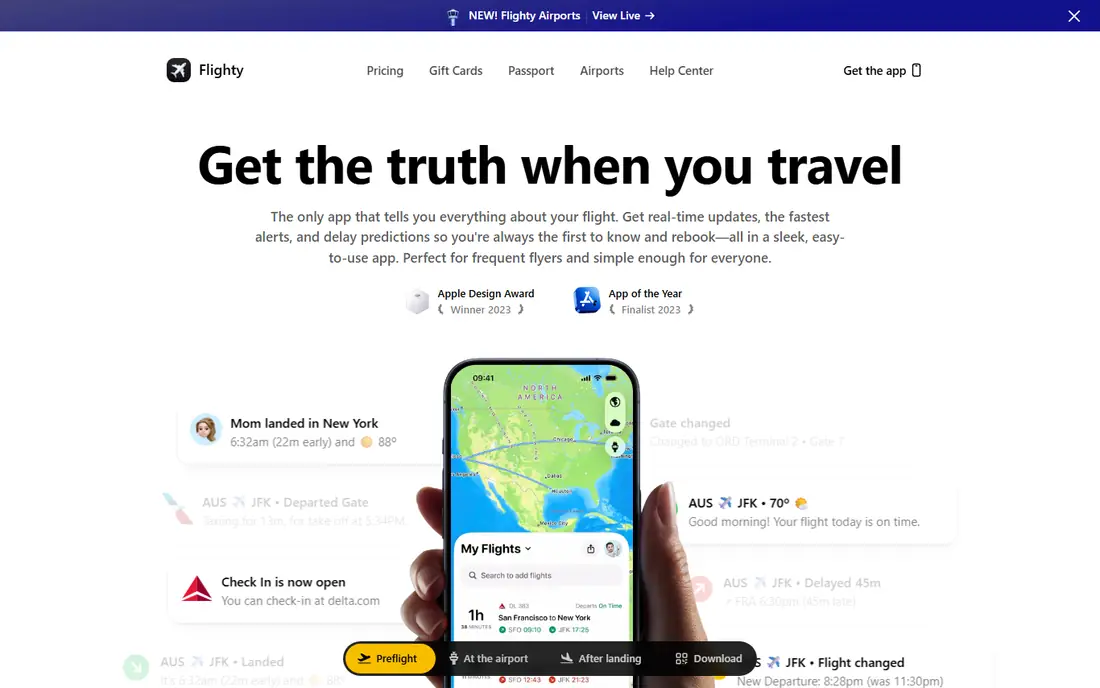
Flighty suits frequent flyers who want a calm, clear trip timeline. It pulls flight details from email or manual entry, then tracks delays, gate changes, and connection risks in one place. Delay predictions can give an early warning when a connection is at risk, which helps with rebooking decisions.
The free tier covers basic tracking, but the strongest prediction and alert features sit behind a subscription. It is not a replacement for a live map app, so pair it with Flightradar24 or FlightAware when you want both a timeline and a map.
- Fast delay predictions
- Clean trip timeline
- Useful for tight connections
- Best features need a subscription
- Less of a live-map tool for enthusiasts
Plane Finder is a strong alternative for sky spotting. Point your phone at the sky to identify the plane overhead, then follow its route, altitude, and speed on the map. Alerts and playback help families track a flight from takeoff to landing without watching the map constantly.
Some features need a paid subscription, and the interface can feel busy at first. If AR identification is your main use, Plane Finder is worth testing alongside Flightradar24 to see which view you prefer.
- AR view to identify planes overhead
- Alerts and playback
- Global coverage
- Paid tiers needed for full features
- Interface is busier than Flightradar24
RadarBox, from AirNav Systems, suits researchers, enthusiasts, and professionals who want playback and fleet data. You can replay past traffic, check airport activity, and follow fleets over time. That depth helps for studying routes, delays, and airport patterns.
For a casual traveller who just wants a gate and a delay alert, RadarBox can feel like more tool than needed. Use it when history and research matter, and keep FlightAware for simple travel-day status.
- Detailed playback and history
- Airport and fleet views
- Useful for research
- Paid tiers for deeper history
- Less focused on casual traveller alerts
TripIt is the best choice when flight tracking is part of a larger trip. Forward booking confirmations to TripIt, and it builds a single itinerary with flights, hotels, and car rentals, plus status updates for flights. That saves time when a trip has several legs and bookings.
It does not match specialist trackers for live maps, aircraft detail, or playback. Use TripIt to organise the trip, and a specialist app for live tracking on the day of travel.
- Organises flights, hotels, and cars in one itinerary
- Flight status updates
- Calendar sync
- Tracking is less detailed than specialist apps
- Pro features need a subscription
ADS-B Exchange is a community-fed, unfiltered map that shows traffic other commercial apps may hide, including many military and private flights. It is free, and it appeals to enthusiasts and researchers who want raw coverage rather than a polished consumer app.
The interface is basic, and it lacks the alerts, trip timelines, and customer support of paid apps. For pure coverage and transparency, it is unmatched, but most travellers will prefer FlightAware or Flightradar24 for daily use.
- Free and unfiltered traffic data
- Includes many military and private flights
- Community-fed
- Basic interface
- No polished traveller alerts or trip tools
Airspace Live suits plane spotters who want a quick overhead check, including on a watch. Its radar-style view shows nearby traffic at a glance, and the Pro upgrade is a one-time purchase rather than a subscription. That makes it a low-cost second app for enthusiasts.
It does not replace a full tracker for trip planning, delays, or airport pickups. Keep it for spotting, and use FlightAware for travel-day status and Flightradar24 for detailed maps.
- Tactical radar view
- Watch app for quick overhead checks
- One-time Pro option
- Smaller feature set than large trackers
- Less airport and status depth
How we picked these
We compared official app listings, pricing pages, and feature pages, plus 2026 flight tracker comparisons. We looked for apps that track live flights in the United States and globally, offer a free tier or trial, and are available on iOS, Android, or web in October 2026. We kept a mix of map-led, status-led, trip-led, and enthusiast tools, rather than listing only the two largest brands.
How to track a flight well
Start with the flight number, not just the route. Two flights can share a route and airline on the same day, so the number and date avoid confusion. Add the flight to your tracker before travel day, and turn on alerts for departure, arrival, gate change, and cancellation.
Next, check the inbound aircraft on a delay-prone day. If the plane coming in is late, your departure is likely to slip, even if the airline status has not updated yet. FlightAware makes this check easy, and it can give you time to adjust pickup plans or rebooking options.
Also allow for data limits. ADS-B coverage is strong near cities and airports, but it can thin out over oceans and remote areas, where satellite or airline feeds fill gaps with delays. A plane that pauses on the map has not vanished, it may simply be out of receiver range for a few minutes.
Finally, keep airline messages as the official source for boarding and rebooking. Trackers are excellent for status and maps, but gate agents and airline apps control boarding, seat changes, and compensation claims. Use both, and trust the airline for check-in and boarding instructions.
Frequently asked questions
What is the best flight tracking app for free?
Flightradar24 and FlightAware both offer strong free tiers for live maps and status. Flightradar24 leads for maps and spotting, while FlightAware leads for status and pickup planning, so many travellers keep both.
What is the best app for tracking flights for airport pickup?
FlightAware is the best pickup app, thanks to clear arrival status, delay alerts, and inbound aircraft tracking. Set alerts for landing and gate arrival, and check traffic to the airport before leaving home.
What is the best free flight tracking app for families?
FlightAware and Flightradar24 both work well for families, since a free account can track a flight by number and share updates. Flighty adds a cleaner timeline for frequent flyers, but its best features need a subscription.
Can I track a flight by tail number?
Yes, most specialist trackers let you search by tail number, flight number, route, or airport. Tail number search is useful for private and charter flights, though some operators ask for tracking details to be restricted.
Why does my flight disappear from the map sometimes?
Coverage gaps over oceans, remote areas, and regions with few ADS-B receivers can cause brief pauses. The flight usually reappears when it enters receiver or satellite coverage again, and airline status feeds can fill some gaps.
Which app is best for plane spotting?
Flightradar24 leads for spotting, with aircraft photos, filters, and AR views. Plane Finder and Airspace Live are strong alternatives when AR identification or a watch app matters more.
Sources
See where you really rank - block by block
ProMapRanker scans Google Maps across a grid of your service area. Simple monthly plans from $19, white-label on every plan.
Start freeKeep reading
 zendesk alternatives
Best Zendesk Alternatives in 2026
Compare the best Zendesk alternatives in 2026, from budget help desks to AI-first support tools, with current pricing, free plans, and honest trade-offs.
Read → wordpress alternatives
Best WordPress Alternatives in 2026
Looking for the best WordPress alternatives? We compare 8 free and paid options for blogs, business sites, stores, and developer-led projects in 2026.
Read → which real estate company has the best training
Best Real Estate Company Training in 2026
Compare which real estate company has the best training, from Keller Williams and eXp to Compass and Coldwell Banker, by program, mentor, and fit in 2026.
Read →