 ProMapRanker
Best Apps for Toddlers in 2026


Free early learning for ages 2 to 8 · Pricing starts at: Free
Key takeaways
- Khan Academy Kids and PBS KIDS Games are the strongest free starting points for most families with toddlers.
- ABCmouse suits families who want one guided path across reading, math, and art, and who are happy to pay a monthly fee.
- Short sessions with an adult nearby work better than long solo sessions, whatever app you pick.
- Check age guidance, ads, and in-app purchases before you hand a device to a child under 4.
Quick comparison
| Pick | Great for | Pricing starts at | Free tier | |
|---|---|---|---|---|
| Khan Academy Kids | Free early learning for ages 2 to 8 | Free | Yes | Visit |
 PBS KIDS Games | Free games with familiar TV characters | Free | Yes | Visit |
 ABCmouse | A guided curriculum across subjects | $14.99 per month | Free trial | Visit |
 Lingokids | Play-based English learning | See website | Yes | Visit |
 Starfall | Early reading and phonics | $35 per year | Yes | Visit |
 Duolingo ABC | Short phonics lessons for ages 3 to 8 | Free | Yes | Visit |
 Kiddopia | A broad mix of games and learning | See website | Free trial | Visit |
 Moose Math | Early counting and number games | Free | Yes | Visit |
 Teach Your Monster to Read | A story-led reading game | See website | No | Visit |
The best apps for toddlers
These picks focus on ages 2 to 4 first, with room to grow. We looked at age guidance, ads, parent controls, and price, and we left out apps aimed mainly at older children.

Khan Academy Kids is our first pick for most families because it costs nothing and it covers a lot of ground. Children meet letters, numbers, shapes, and simple stories through short games and videos. The app adapts to the child, so a toddler can start with very simple tasks and move on when ready. Parents can set up a profile and check progress without paying for extras.
The honest catch is that a 2 year old will still need an adult close by, and some parts of the app feel made for preschoolers rather than true toddlers. That is normal for this age group, and it is not a reason to skip the app. Start with the shortest activities, keep sessions brief, and treat the app as one small part of play, not a full day of learning.
- Fully free with no ads
- Covers reading, math, and social skills
- Friendly characters guide each activity
- App only, with no full web version
- Some activities suit ages 4 and up better than age 2
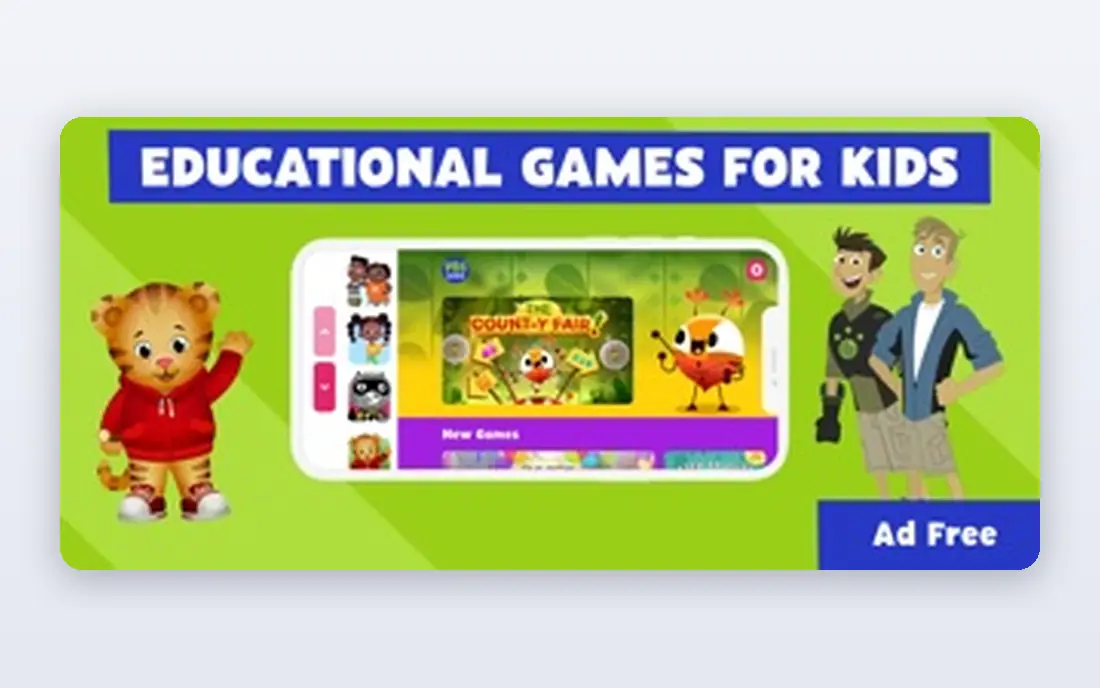
PBS KIDS Games works well when a child already loves a show like Daniel Tiger or Sesame Street characters, because the games build on stories they know. The games are short, bright, and easy to start, which suits a toddler attention span. Parents can feel better about this pick than about a general app store search, since the content comes from a public media brand made for young children.
The trade-off is choice. With so many games in one app, a toddler may tap around rather than settle on one activity. A parent can help by picking two or three games to start with and hiding the rest for later. The app also works best as a shared activity, with an adult talking about what is on screen.
- Free with no in-app purchases in the main app
- Characters many children already know
- Games cover math, reading, and science
- Quality varies a little from game to game
- Needs a device with enough storage for many games
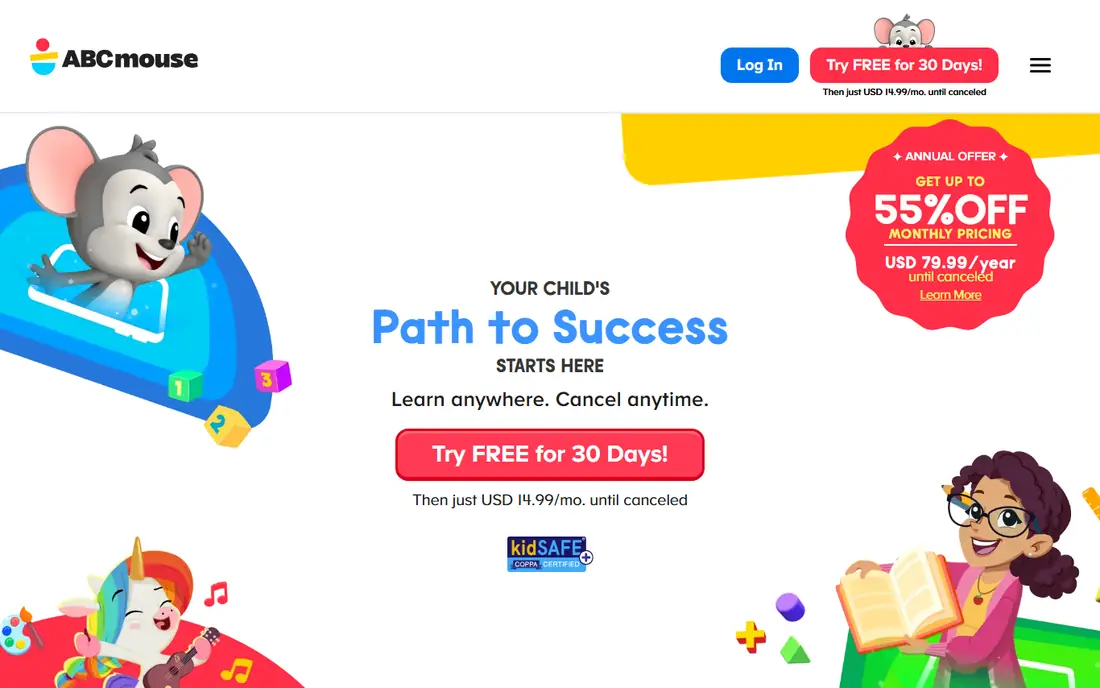
ABCmouse is the pick for families who want structure. Instead of a loose set of games, it gives a path that moves a child through levels in reading, math, and other subjects. That structure helps when a parent wants the app to do the planning, and it gives older toddlers a sense of progress as they finish activities and earn tickets. The art and music sections also add variety beyond letters and numbers.
The cost is the main drawback, since free apps cover much of the same early ground. ABCmouse also uses rewards heavily, and some children focus more on earning tickets than on the activity itself. We suggest trying the free options first, then paying for ABCmouse only if your child likes a guided path and you will use it often enough to justify the monthly fee.
- A clear step-by-step learning path
- Covers reading, math, science, art, and music
- Up to three child profiles on a paid plan
- Monthly cost adds up over a year
- The reward and ticket system may distract some children
Lingokids is a good fit when language is the main goal. The app teaches English words and phrases through songs, short games, and videos, with a parent area that shows what a child has done. For families raising a bilingual child, or for parents who want early English exposure, that focus is clearer than in a general learning app. The tone is gentle and the activities are short.
The free version is limited, so a child may hit the daily limit quickly. That limit can actually help parents keep sessions short, but it may frustrate a child who wants to keep playing. Check the current price on the Lingokids site before you sign up, since app store prices can differ from web prices, and cancel promptly if the paid plan is not used.
- Songs, games, and videos built for young children
- A parent area with progress reports
- Content covers vocabulary and early social skills
- The free version limits daily games
- Full access needs a paid plan
Starfall is best for reading first. Its free learn-to-read section walks children through letter sounds and simple words in small steps, which is exactly what a toddler who is starting to notice letters needs. The design is simple, with little noise or flash, so a young child can focus on the sound and the letter. Parents who want phonics without a lot of extra games often like this calm style.
The downside is that Starfall does not try to do everything. Math, songs, and creative play are present, but they are not as deep as the reading work. That is fine if reading is your goal, and the yearly home membership is low cost compared with monthly apps. Use Starfall alongside free play, books, and talk, rather than as the only reading practice.
- A long record in early reading
- Core learn-to-read content is free
- Simple design with few distractions
- The look is plain next to newer apps
- Math and other subjects are thinner than reading
Duolingo ABC takes the short-lesson style of the main Duolingo app and applies it to early reading. Children trace letters, hear sounds, and build simple words in lessons that last only a few minutes. That short format fits a toddler routine well, and parents can use it as a quick daily habit rather than a long session. The app is free, which makes it easy to try without a payment decision.
The limit is scope. Duolingo ABC is a reading app, not a full curriculum, so it will not cover math, science, or creative play. It is also aimed at ages 3 to 8, so a 2 year old may find some lessons hard. For a 3 year old who is ready for letter sounds, though, it is one of the simplest free reading tools on this list.
- Free with no ads in the ABC app
- Short lessons suit short attention spans
- Clear phonics progression
- Aimed at ages 3 and up, so age 2 is early
- Reading focus only, with little math
Kiddopia tries to cover the whole early years in one place. Toddlers can play with letters, numbers, shapes, and colors, and parents can add printable worksheets for offline time. That breadth helps when a child jumps between interests, since one app can follow them from counting games to simple spelling. The games are colorful and the navigation is simple enough for a young child with help.
The catch is that breadth can mean less depth in any one subject, and full access needs payment. Check the current price on the Kiddopia site and in the app store before you commit, since plans differ by platform. We would try the trial with a clear plan, such as three short sessions a week, and keep the free apps on this list if Kiddopia does not earn its place.
- Covers letters, numbers, shapes, and colors
- Includes games, videos, and worksheets
- One app for many early topics
- Paid plan needed for full access
- Some content suits ages 4 and up better
Moose Math is a small, focused pick for early numbers. Children help characters build a town by counting, sorting, and solving simple number problems. The tasks grow slowly, which helps a child who is just learning to count to ten and then beyond. Because it is free and focused, it pairs well with a reading app rather than replacing one.
Parents should note that this is a math game, not a full learning app, and a 2 year old may need help with the tasks at first. That is fine. Use it for five to ten minutes at a time, talk about the numbers out loud, and move to blocks or counting real objects when the screen time ends. For early math practice, it is hard to beat a free app this simple.
- Free early math games
- Simple counting, sorting, and addition
- Gentle pace with no ads in the main game
- Math only, with no reading content
- Better for ages 3 to 5 than for age 2
Teach Your Monster to Read turns phonics into a game with a clear story. A child creates a monster, then plays through a world where each step teaches letter sounds and simple words. That story pull can keep a child going longer than a set of drill games, and the progression from sounds to sentences is clear. Teachers use it in schools, which gives parents some confidence in the reading sequence.
The main drawback is price and setup. The game is paid, and the price can differ between web, app store, and school versions, so check the official site before you buy. It also works best when a parent sets up the account and checks progress now and then. For a 3 year old who loves stories and is ready for letter sounds, it is a strong paid option after the free picks.
- A story that pulls children into reading
- Covers letter sounds through early sentences
- Works on web and mobile
- Paid, with prices that vary by platform
- Needs more parent setup than a simple game
How we picked these
We compared official age guidance, pricing pages, and app store listings, and we favored apps made for young children with clear parent controls. We looked for a mix of free and paid options, and for coverage across reading, math, language, and play, rather than one subject only. We left out apps aimed mainly at school-age children, apps with heavy advertising to young children, and apps that did not publish clear age or price details. We did not claim hands-on testing, and we based our view on public feature pages, pricing, and parent-facing guides.
What to check before you download
Start with age and ads. An app rated for ages 4 and up may still work for a 3 year old with help, but an app full of ads or purchase prompts is a poor fit for a toddler. Look for a parent gate, a way to turn off purchases, and a clear privacy note. If an app asks for a lot of personal details for a toddler profile, skip it or use the minimum details it allows.
Next, think about time and routine. Short, regular sessions work better than long ones, and screen time should sit alongside books, outdoor play, and talk. Pick one free app to start, add a second only if the first is used well, and set a simple rule, such as one session after breakfast. If a paid app is not used at least a few times a week, cancel it and return to the free picks.
Finally, check the price on the official site and in the app store, since the two can differ. Annual plans look cheaper per month but cost more up front, so a monthly plan is safer for a first trial. Keep an eye on renewal dates, and remember that a toddler will outgrow an app quickly, so a short commitment is often the smarter choice.
Frequently asked questions
What is the best free app for toddlers?
Khan Academy Kids and PBS KIDS Games are the best free starting points for most families. Both are free, made for young children, and cover reading and math basics without ads in the main app. Start with one, keep sessions short, and add a paid app only if you need more structure.
What are the best apps for 3 year olds?
For a 3 year old, we suggest Khan Academy Kids for general learning, Duolingo ABC or Starfall for early reading, and Moose Math for counting. Lingokids is a good choice if English language play is the goal. A 3 year old still benefits from an adult nearby, even in a child-friendly app.
Are toddler apps safe?
Apps made for young children should have no ads aimed at children, a parent gate for purchases, and a clear privacy policy. Check those points before download, turn off in-app purchases on the device, and stay nearby during use. No app replaces adult supervision for a child under 4.
Is ABCmouse worth paying for?
ABCmouse is worth it if your child likes a guided path and you will use it often. It covers more subjects in one place than most free apps, with a clear progression. If your child is happy with Khan Academy Kids and PBS KIDS Games, the free apps may be enough, and you can save the monthly fee.
How much screen time is right for a toddler?
Keep sessions short, often 10 to 20 minutes, and pair screen time with books, play, and talk. Many health guides suggest about one hour a day of high-quality programming for ages 2 to 5, with an adult present. If a child gets upset when the app ends, shorten the session and give a clear warning before it finishes.
Sources
See where you really rank - block by block
ProMapRanker scans Google Maps across a grid of your service area. Simple monthly plans from $19, white-label on every plan.
Start freeKeep reading
 zoho inventory alternatives
6 Alternatives to Zoho Inventory, Compared on Price and Fit
Zoho Inventory alternatives: 6 tools compared on price, free plans and fit. Katana leads the list for manufacturers. Fit and flaws are laid out for each entry.
Read → zoho crm alternatives
Best Zoho CRM Alternatives (2026)
Need Zoho CRM alternatives? We compare 7 tools on cost, free access and who each suits. Every pick gets a straight assessment. Built for quick decisions.
Read → zelle alternatives
Best Zelle Alternatives in 2026
Compare the best Zelle alternatives for sending money to friends, paying sellers and moving funds abroad, with honest notes on fees, speed and safety in 2026.
Read →