 ProMapRanker
Best Apps for Time Management in 2026

Key takeaways
- Todoist is the best time management app for most people because it turns plans into a simple daily list you will actually open.
- Toggl Track and Clockify are the best time tracking apps for freelancers and teams that bill by the hour.
- RescueTime suits people who want automatic insight into where their day goes, without starting timers by hand.
- Forest is the best focus timer for phone distraction, because it turns staying off your phone into a small game.
- The best tools for time management work only if you review them weekly, so pick the simplest app you will keep using.
Quick comparison
| Pick | Great for | Pricing starts at | Free tier | |
|---|---|---|---|---|
 Todoist Todoist | Simple daily planning | See website | Yes | Visit |
 Toggl Track Toggl Track | Simple, reliable time tracking | $9 per user per month | Yes | Visit |
 Clockify Clockify | Free tracking for unlimited users | Free | Yes | Visit |
 RescueTime RescueTime | Automatic insight into your day | $7 per month | Yes | Visit |
 Forest Forest | Staying off your phone | See website | No | Visit |
 Sunsama Sunsama | Guided daily planning ritual | See website | Free trial | Visit |
 Motion Motion | Automatic calendar scheduling | See website | Free trial | Visit |
 Reclaim.ai Reclaim.ai | Protecting focus time on your calendar | See website | Yes | Visit |
The best apps for time management
Time management apps fall into three groups: planners that organize your tasks, trackers that record where hours go, and focus tools that protect your attention. Most people need one from the first group and, if they bill clients, one from the second. We compared official pricing pages, feature documentation, app store listings, and public reviews to build this list.
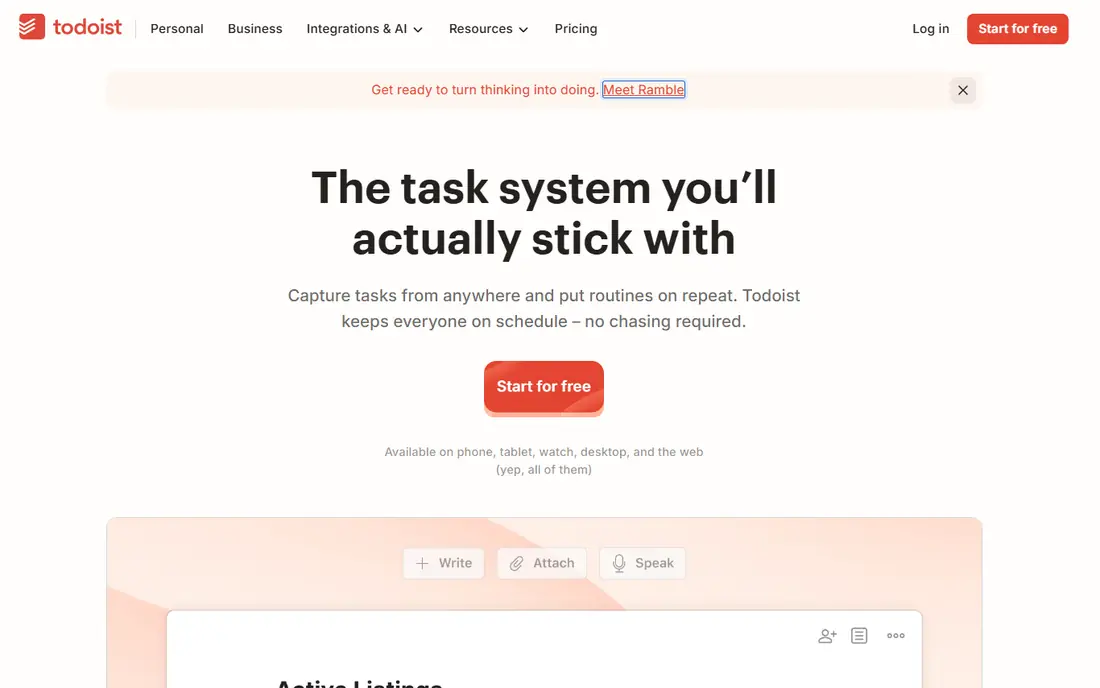
Todoist is the easiest daily planner to stick with, and that is why it leads this list. You type a task in plain language, such as a meeting tomorrow at 10, and Todoist sets the date for you. Projects, labels, filters, and priorities keep work organized without turning the app into a project management system. It runs on phones, desktops, browsers, and watches, so your list is always nearby.
The main limit is time tracking: Todoist does not track hours itself, so billable workers need an integration with Toggl Track or Clockify. Paid Pro plans add reminders, filters, and more projects, and pricing varies by billing term, so check the current pricing page. If your main problem is deciding what to do today, Todoist is the best time management app to start with.
- Clean task lists
- Natural language dates
- Works on every platform
- Time tracking needs an integration
- Advanced features need the Pro plan
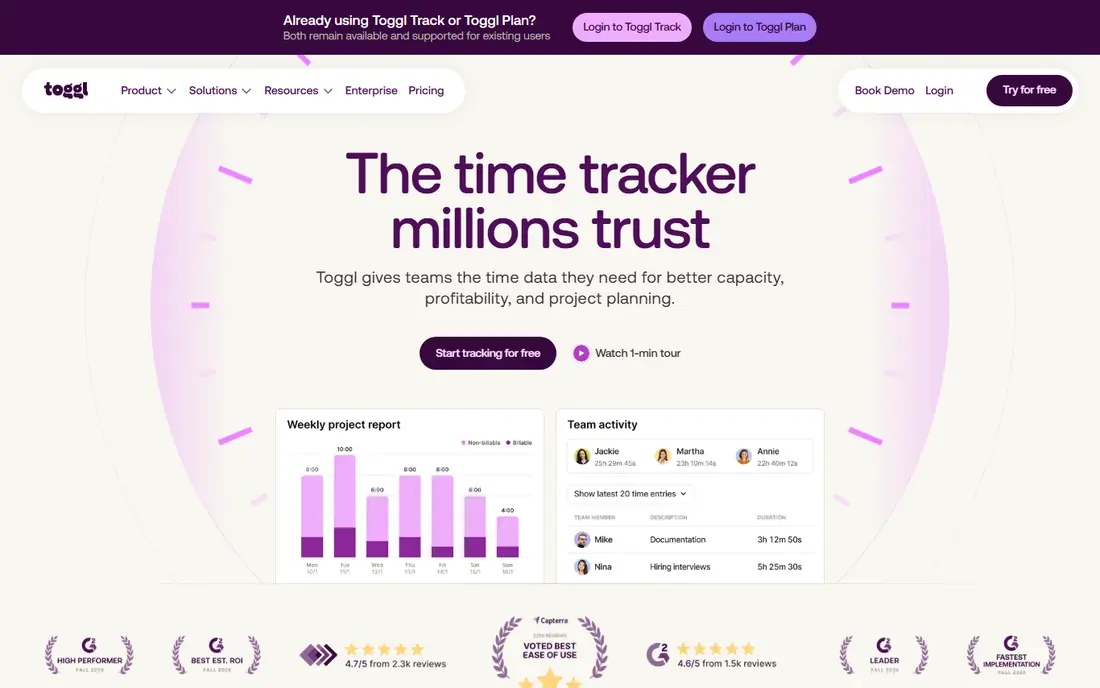
Toggl Track is the timer people actually remember to use. One click starts a timer in the browser, on desktop, or on mobile, and reports break hours down by project, client, and team member. The browser extension adds timers inside tools such as Asana, Notion, and Google Docs, which removes the excuse of forgetting to log time. Privacy is a plus: Toggl Track does not take screenshots or monitor activity.
The free plan covers up to 5 users, and paid Starter plans start at $9 per user per month when billed annually, adding billable rates and project estimates. Larger teams pay for everyone past the free limit. If you bill clients and want clean reports without surveillance features, Toggl Track is the best time tracking app for most freelancers and small teams.
- One-click timer everywhere
- Clear reports
- No monitoring or screenshots
- Free plan caps at 5 users
- Billable rates need a paid plan
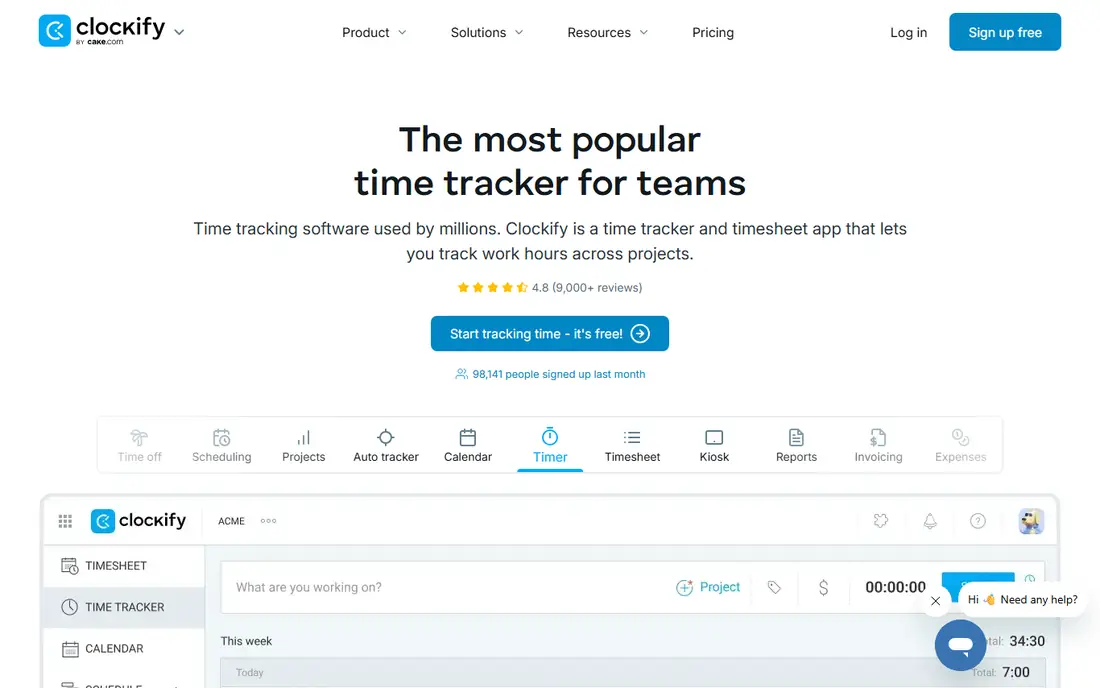
Clockify is the budget pick for time tracking. Its free plan covers timers, timesheets, calendar views, and reports, with paid plans starting at $3.99 per user per month when billed annually for admin controls, estimates, and billable rates. That makes it the cheapest way for a larger team to track time without paying per seat for the basics.
The interface is more functional than beautiful, and some teams will prefer Toggl cleaner reports. Approvals, time off, and scheduling sit on higher tiers. If headcount is your constraint, or you want to try time tracking across a whole team for free, Clockify is the best time tracking tool for the price, which is hard to argue with.
- Generous free plan
- Timers, timesheets, and reports
- Invoicing on paid plans
- Interface is plainer than Toggl
- Approvals and scheduling need paid plans
RescueTime answers a question timers cannot: where did my day actually go. It runs in the background on your computer, categorizes apps and websites as productive or distracting, and sends a weekly report. Focus sessions can block distracting sites for a set period, which helps when willpower alone is not enough. Paid plans start at $7 per month when billed annually, and a free Lite plan covers basic tracking.
Mobile tracking is limited compared with desktop, and the automatic categories need some tuning before reports feel accurate. RescueTime also works best as a mirror rather than a task list: it shows the problem but does not plan your day. Pair it with Todoist for planning, and use RescueTime to check whether your plan survived contact with reality.
- Runs automatically in the background
- Focus sessions and distraction blocking
- Weekly reports
- Desktop-focused
- Mobile tracking is limited
- Categories need tuning
Forest turns focus into a small, pleasant game. You plant a virtual seed, set a timer, and the tree grows while you stay off your phone. Leave the app early and the tree dies. That tiny stake is surprisingly effective for students and anyone whose phone steals attention every few minutes. Friends can plant trees together, which adds gentle accountability.
Forest is a focus timer, not a planner or tracker, so it will not organize your projects or bill your hours. It is also a paid app, with pricing listed in the app store rather than a subscription page, so check the current store price. As a companion to Todoist or Toggl Track, Forest is the best mobile time tracking app alternative for attention, if not for hours.
- Simple focus timer
- Grows a virtual tree while you focus
- Friends can plant together
- Paid app with no free plan
- Focus only, no task management
Sunsama is for people who like a daily planning ritual. Each morning, it guides you through picking tasks from Todoist, Asana, Trello, Gmail, and other tools, then timeboxes them onto your calendar for the day. That guided flow helps you stop over-planning and start with a realistic list. The interface is calm and focused, with none of the clutter of larger project tools.
There is no free plan beyond a trial, and Sunsama costs more than Todoist alone, so check the current pricing page before committing. It also works best if your tasks already live in another tool, since Sunsama plans more than it stores. If you end each day wondering where the time went, Sunsama daily review can change that habit.
- Calm daily planning flow
- Pulls tasks from other tools
- Timeboxing built in
- No free plan beyond trial
- Pricier than a simple task list
Motion takes a different approach: instead of asking you to plan your day, it builds your schedule for you. Add tasks with deadlines and priorities, connect your calendar, and Motion places tasks into open slots, rescheduling them automatically when meetings shift. That automation suits busy professionals whose calendars change constantly and who hate replanning by hand.
The price is higher than a simple task list, and there is no free plan beyond a trial, so check the current pricing page. Setup also takes time, since Motion needs your tasks, priorities, and calendar rules to schedule well. If your calendar runs your life and manual planning keeps failing, Motion is the best time management software for letting the calendar do the planning.
- Auto-schedules tasks into your calendar
- Reschedules when meetings move
- Project views included
- No free plan
- Price is higher than simple planners
- Setup takes time
Reclaim.ai is the quiet guardian of your calendar. It automatically blocks time for habits, focus work, lunch, and tasks around your meetings, and it moves those blocks when your schedule changes. That matters because focus time that is not on the calendar usually loses to the next meeting request. Reclaim works with Google Calendar, and a free plan covers basic habit and focus blocking.
The main limit is platform: core features are built for Google Calendar, so Outlook users get less value. Team features, such as shared scheduling links and team analytics, need paid plans. If your calendar is already full and your deep work keeps getting squeezed out, Reclaim is the best online time tracking software companion for defending time you already have.
- Auto-blocks habits, focus time, and tasks
- Works with Google Calendar
- Free plan available
- Google Calendar only for core features
- Team features need paid plans
How we picked these
We compared official pricing pages, feature documentation, and app store listings for each app, along with public reviews. We favored apps that are actively available in October 2026, work on current phones or browsers, and solve a clear time problem: planning, tracking, or focus. We left out apps that only block websites without planning or tracking, and apps that had not been updated in a long time.
How to build a system that lasts
Pick one planner, one tracker if you bill time, and one focus tool at most. More apps mean more places to check and more chances to quit. Start with Todoist for planning, add Toggl Track or Clockify if you need hours, and add Forest or RescueTime if distraction is the real problem. Use the system for two full weeks before judging it, since the first week always feels awkward.
The weekly review
Set aside twenty minutes each week to review what you planned, what you finished, and where time leaked. That review is where time management apps earn their keep: without it, a tracker is just a record and a planner is just a list. Move unfinished tasks deliberately, cancel tasks that no longer matter, and protect one block of focus time for the next week. Small, regular reviews beat a perfect system you never open.
Avoid the trap of over-tracking
Tracking every minute can become its own distraction. Track billable work and major categories, not every email and coffee break. If tracking takes more than a few minutes a day, simplify it: fewer projects, fewer tags, and one timer. The goal is better decisions about your time, not a perfect log of it.
Frequently asked questions
What are the best apps for time management?
Todoist is the best app for time management for most people, because it makes daily planning simple. Toggl Track and Clockify are the best time tracking apps for billable work, while RescueTime is best for automatic insight and Forest is best for phone focus. The best combination depends on whether you need planning, tracking, focus, or all three.
What is the best time tracking app for freelancers?
Toggl Track is the best time tracking app for many freelancers because its timer is fast, its reports are clear, and it does not monitor your screen. Clockify is the best free alternative, especially if you work with a small team. Both export reports clients accept, and both offer free plans to test before paying.
What is the best time management app for students?
Todoist free plan and Forest are a strong pair for students: Todoist organizes assignments and deadlines, while Forest helps you stay off your phone during study sessions. RescueTime free plan can also show where study time leaks. Keep the system simple during term time, since a complex setup rarely survives exam season.
What are the best time tracking tools for teams?
Toggl Track, Clockify, and Harvest are the best time tracking tools for teams, depending on budget and invoicing needs. Clockify is cheapest for larger teams, Toggl Track is simplest to adopt, and Harvest adds built-in invoicing. Trial one tool with a real project and check whether managers can build the reports they need.
What is the best mobile time tracking app?
Toggl Track and Clockify both offer strong mobile apps with one-click timers that sync to desktop and web. Forest is the best mobile app for focus sessions rather than hour tracking. Test the mobile timer during a real workday, since a timer you forget to start on your phone is worse than no timer at all.
What is the best time management software for remote teams?
Clockify and Toggl Track suit remote teams that need simple, privacy-respecting time tracking without screenshots. Reclaim.ai helps remote workers protect focus time across time zones, while Sunsama helps distributed teams plan each day clearly. Choose tools that work across time zones and do not require constant check-ins to function.
Sources
See where you really rank - block by block
ProMapRanker scans Google Maps across a grid of your service area. Simple monthly plans from $19, white-label on every plan.
Start freeKeep reading
 youtube alternatives
Best YouTube Alternatives in 2026
Looking for youtube alternatives in 2026? We compare Vimeo, Dailymotion, Twitch, Rumble, and more on price, audience, monetization, control and privacy.
Read → what's the best ai tool for photo editing
What Is the Best AI Tool for Photo Editing in 2026
What is the best AI tool for photo editing? We compare ten tools for 2026, from Photoshop and Lightroom to Luminar, Topaz, Canva and mobile editors today.
Read → twitter alternatives
Best Twitter Alternatives in 2026
Compare the best twitter alternatives for 2026, from Bluesky, Threads, and Mastodon to Reddit, Tumblr, and Micro.blog, with free plans and audience notes.
Read →