 ProMapRanker
Best Apps for Teenage Girl in 2026


Free lessons in maths, science and more · Pricing starts at: Free
Key takeaways
- Every app in this list is for learning, creativity, reading, organisation or wellbeing, and none of them is a dating or anonymous chat app.
- Khan Academy and Libby stand out for free learning and free library reading, while Duolingo and Quizlet help with languages and revision.
- Canva and Notion suit school projects, portfolios and planning, and Forest and Finch help build calmer study habits.
- Parents and teens should check the age rating, privacy settings and in-app purchases in each app store listing before downloading.
- The best choice depends on the goal, so start with one app for school and one for a hobby, then add more only if they get used.
Quick comparison
| Pick | Great for | Pricing starts at | Free tier | |
|---|---|---|---|---|
| Khan Academy | Free lessons in maths, science and more | Free | Yes | Visit |
 Duolingo | Daily language practice in short sessions | Free | Yes | Visit |
 Quizlet | Flashcards, matching games and test revision | Free | Yes | Visit |
 Canva | Posters, presentations and creative projects | Free | Yes | Visit |
 Notion | Notes, homework planning and project pages | Free | Yes | Visit |
 Forest | Staying off the phone during study time | See website | Yes | Visit |
 Finch | Gentle daily check-ins and self-care habits | Free | Yes | Visit |
 Libby | Free ebooks and audiobooks from a local library | Free | Yes | Visit |
 Day One | Private daily journaling and memories | Free | Yes | Visit |
The best apps for teenage girl
We picked apps that help a teen learn something, make something, stay organised or look after her wellbeing, without pushing her toward adult social spaces. Each one below is described in plain terms, with its free option and its honest limits.
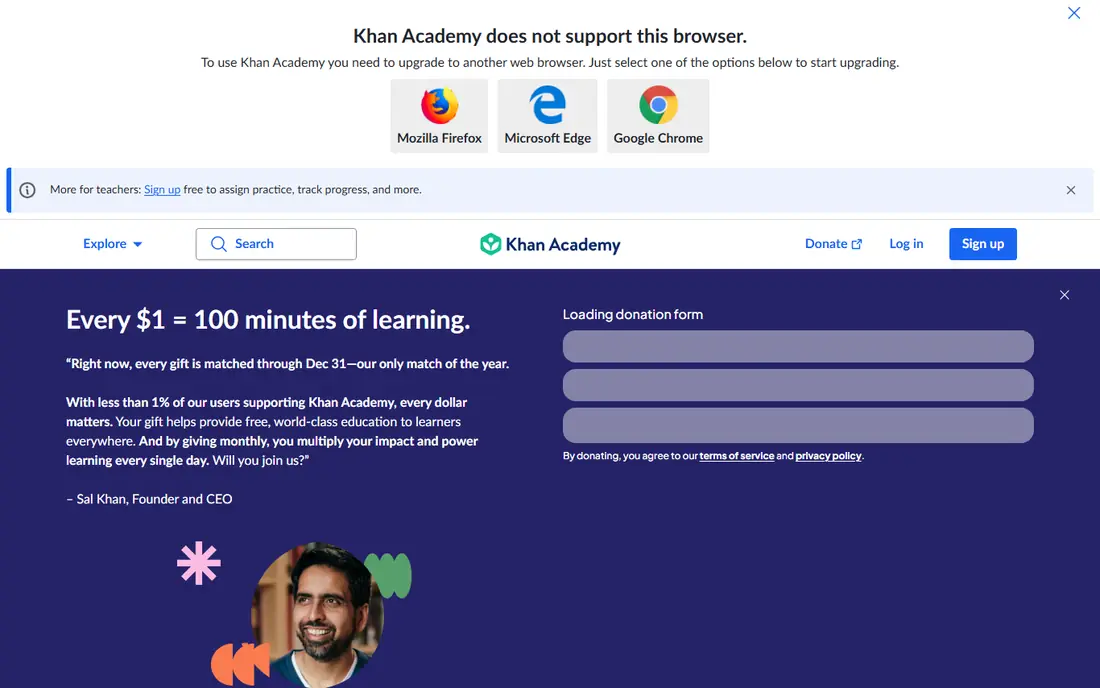
Khan Academy works best as a steady study companion rather than a quick homework shortcut. Its lessons cover school maths, science, computing, economics and test preparation, and practice questions help a learner check understanding instead of only watching a video. A teen can move at her own pace, repeat a topic that feels shaky, and skip ahead when a subject already feels clear. That structure suits revision before a test and catch-up after a missed class.
The honest catch is that Khan Academy feels like school, because it is built for learning. Teens who want games, social feeds or short viral videos will find it quieter than most apps on a phone. It also works best when a learner sets a small goal, such as one lesson or one practice set a day, rather than opening it with no plan. Used that way, it is one of the strongest free resources in this list, and it asks for no payment to reach its core lessons.
- Fully free core lessons
- Practice exercises with feedback
- Progress tracking across subjects
- Less depth for very advanced topics
- Video style will not suit every learner
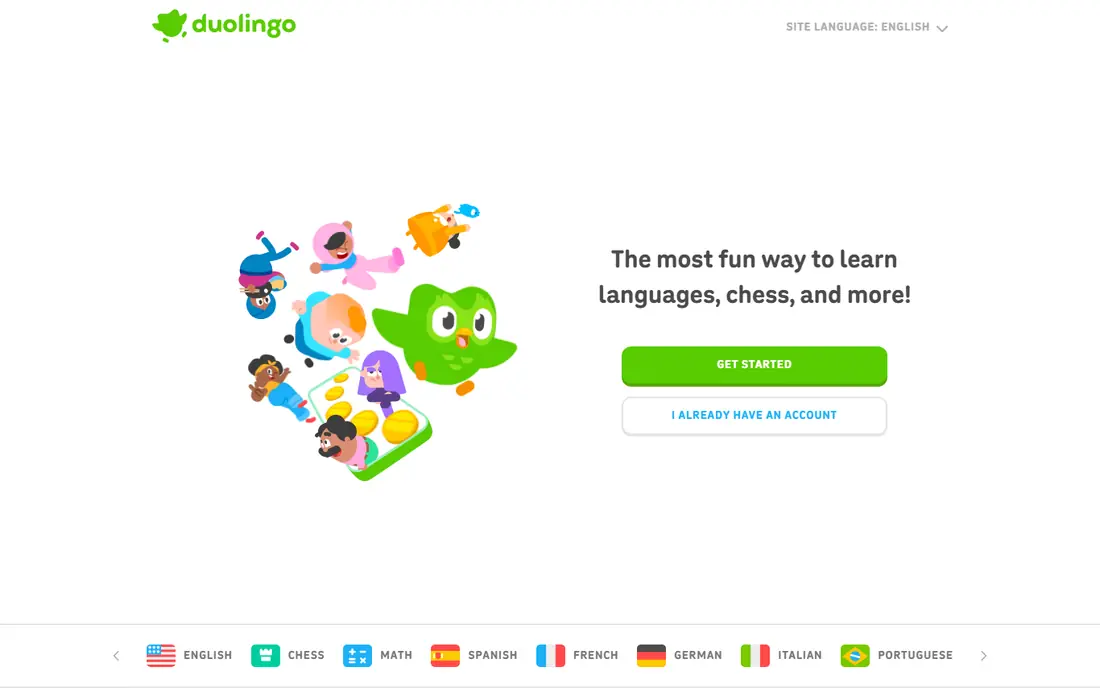
Duolingo suits a teen who wants to keep a language alive between classes, or start a new one for travel, family or fun. Lessons take only a few minutes, mix listening, speaking, reading and writing, and use streaks and small rewards to keep practice regular. That short format fits a bus ride, a break between classes or a few minutes before bed, and it is far easier to keep going than a long textbook session.
The free version does have limits, including ads and a hearts system that can pause practice after mistakes, and paid plans remove some of those limits. Duolingo also teaches useful phrases and vocabulary, but it does not replace classroom grammar work or real conversation. Pair it with school lessons, songs, books or speaking practice, and it becomes a useful daily habit rather than a complete language course on its own.
- Short, game-like lessons
- Many languages
- Speaking, listening and reading practice
- Ads and hearts limit free play
- Grammar explanations can feel light
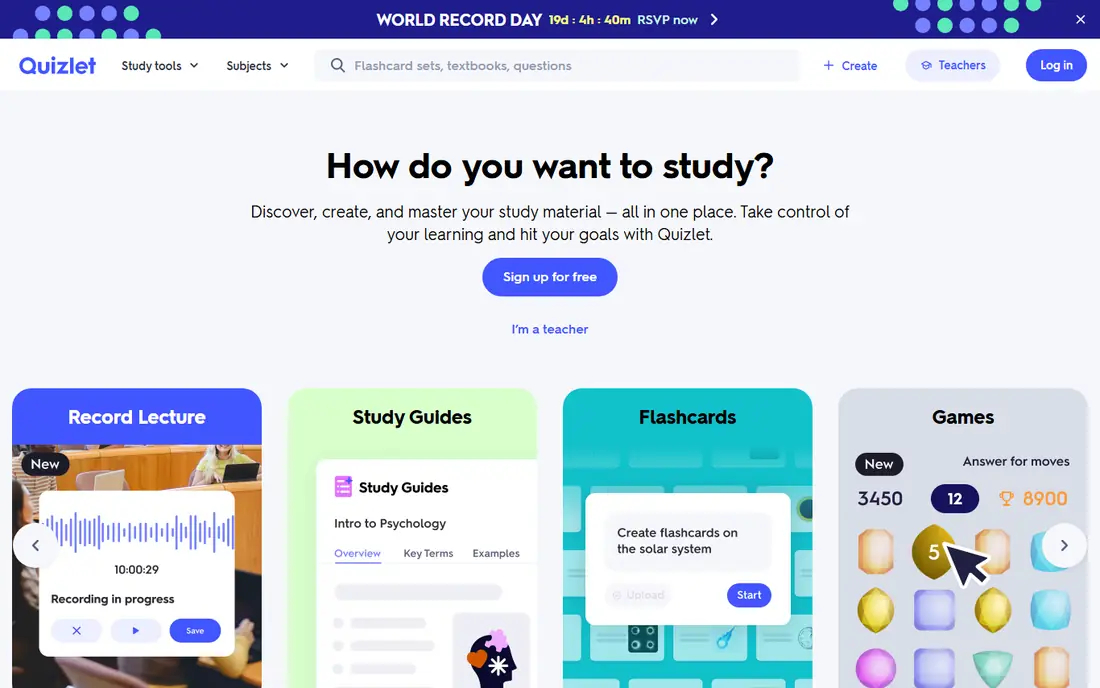
Quizlet is a practical pick for a teen who learns by testing herself rather than rereading notes. She can make flashcards for vocabulary, science terms, history dates or formulas, then use Learn mode to practise until answers stick, or Match mode for a quick timed game. Ready-made sets can save time, though it is worth checking them against class notes, since shared sets are made by other users and can contain errors.
The free version covers the core flashcard work, while Quizlet Plus adds fuller access to some study tools and removes ads, with pricing shown on its own site and app store listing. For most school revision, the free tier is enough to start, especially when a teen makes her own sets instead of relying only on other people's work. The act of writing clear questions and answers is itself good revision, and that is where Quizlet earns its place here.
- Huge library of ready-made study sets
- Easy to make your own sets
- Learn and Match modes
- Some study modes and tools sit behind Quizlet Plus
- Quality of shared sets varies
Canva is the creative pick in this list, and it suits school presentations, club posters, social posts for a school project, and personal art. Templates give a teen a strong starting point, and the drag-and-drop editor makes it possible to change colours, fonts, photos and layouts without learning professional design software. For a teen who enjoys art, photography or planning events, Canva turns an idea into something she can print or share the same day.
The free plan is generous for school and hobby work, but some premium templates, stock photos and tools require a paid plan, so it helps to check before building a project around a locked item. Canva for Education may be available through a school, which can widen access. The main risk is time, since design work can grow from a quick poster into an hour of tweaking, so a clear deadline helps keep it useful rather than distracting.
- Large template library
- Easy drag-and-drop design
- Canva for Education options for schools
- Some templates, photos and tools need a paid plan
- Easy to spend too long perfecting a design
Notion suits a teen who likes to keep notes, deadlines and ideas in one place, and who wants more structure than a single notes app. She can build a homework tracker, a revision page, a reading list or a club planning page, using tables, checklists and calendars inside the same workspace. It works on phones, tablets and computers, so notes started at school can be finished at home without copying everything across.
A shared workspace can also help with group projects, since pages can be shared with classmates for a club or assignment. Keep sharing private by default, and share only the page that a group actually needs.
- Flexible pages, lists and calendars
- Good for school and hobby planning
- Free plan for personal use
- Takes time to set up well
- Can feel too open-ended at first
Forest turns focus into a small visual reward. A teen plants a virtual tree, sets a timer, and the tree grows while she stays away from distracting apps. If she leaves the app early, the tree withers, which gives a gentle reason to finish the study block. That simple loop suits homework, reading and revision, and it can also be used with friends who plant trees at the same time.
Forest is not a blocker that can force good habits, and a determined phone user can still switch apps, so it works best as a self-chosen tool rather than a rule imposed by someone else. Some extra features sit behind a paid option, and pricing varies by store, so check the listing before buying. For a teen who already wants to focus but keeps getting pulled into notifications, Forest gives that intention a clear, short timer and a visible result.
- Simple focus timer
- Virtual tree grows while you stay focused
- Friends can plant together
- Full features may need a paid option
- Needs self-discipline to work
Finch is a self-care pet app that links looking after a small virtual pet with looking after yourself. Daily check-ins, mood tracking, breathing exercises, journaling prompts and small goals are the core tools, and completing them helps the pet grow. That light, friendly structure suits a teen who finds a blank journal hard to start, or who wants a calmer end to the day without a long meditation course.
The core self-care tools are free, while Finch Plus adds extra outfits, adventures and soundscapes, so a teen does not need to pay to use the main features. Finch is not a replacement for professional support if a teen is struggling, and any app that asks about mood deserves a look at its privacy settings. Used as a gentle habit tool, with friend features handled carefully, it is a kind and age-appropriate addition to this list.
- Mood check-ins, journaling prompts and goal tracking
- No ads in the free core
- Friendly pet companion
- Some extras sit behind Finch Plus
- Social features need care with privacy settings
Libby connects to a local public library and lets a teen borrow ebooks and audiobooks for free, which makes it one of the best reading picks here. A library card is the key, and many libraries offer cards to teens, sometimes with a parent or guardian involved depending on local rules. Once signed in, a teen can borrow, place holds, read on a phone or tablet, and listen to audiobooks during a walk, a chore or a journey.
The limits are library limits, not app limits. A popular new book may have a waiting list, and a small library may not stock every title, though holds and recommendations help. Libby also shows reading progress and lets a reader adjust text size and layout, which helps with longer books. For a teen building a reading habit, pairing Libby with a school or public library card is free, legal and easy to keep going.
- Free with a library card
- Ebooks and audiobooks
- Easy holds and reading progress
- Needs a library card
- Popular books may have a wait
- Catalogue depends on the local library
Day One suits a teen who wants a private place to write, rather than a public feed. Entries can hold text and photos, and the calendar view makes it easy to look back at a school trip, a birthday, a first performance or an ordinary day that mattered. Prompts can help on days when writing feels hard, and search makes it possible to find an old entry without scrolling for ages.
Privacy matters here, so a teen should set a passcode if the app offers one on her device, and think about whether entries should sync to a cloud account. The free version covers basic journaling, while a paid plan adds more features, with current pricing on the Day One site. As a private journal, Day One avoids the pressure of likes and comments, and that quiet space is exactly why it fits a teen list focused on wellbeing and creativity.
- Clean journal entries with photos
- Calendar and search
- Passcode and sync options
- Some features need a paid plan
- Sync setup takes a few minutes
How we picked these
We compared official feature pages, pricing pages and app store listings, and we kept only apps that are age-appropriate for teens and genuinely useful for learning, creativity, reading, organisation or wellbeing. We left out dating apps, anonymous chat apps and adult-oriented services, even when they are popular, because they do not belong in a teen list. We also checked that each app has a real free way to start, so a teen can try it without paying first.
What to check before downloading
A good app for a teen is not only about features. Check the age rating in the app store, read the privacy policy in plain terms, and look at what data the app collects and whether it shows ads or allows contact from strangers. Turn off or limit in-app purchases if a younger teen will use the phone, and talk about what to do if a message, comment or request feels uncomfortable. A trusted adult can help review settings on a first install, and that short check is worth more than any single feature.
Safety and privacy notes
For this list, we favour apps where a teen can learn or create without a public profile being the point of the app. Libby uses a library account, Khan Academy and Duolingo focus on lessons, and Day One is built for private writing. Where an app has social features, such as Canva sharing or Finch friend features, use the most private setting that still lets the teen do the work. If an app asks for a birthday, location or photo, pause and check why it needs that detail. Children and teens deserve stronger data protection, so avoid apps that collect more personal data than the task requires, and delete any app that is no longer used.
Picking by goal
Frequently asked questions
What are the best apps for teen girls?
The best apps for teen girls depend on the goal, but a strong starting set is Khan Academy for school subjects, Duolingo for languages, Canva for creative projects and Libby for free library reading. Add Notion for planning or Finch for gentle self-care habits if those needs feel real. Avoid apps built around dating, anonymous chat or adult content, and check age ratings before downloading.
Are these apps free?
Most of the apps in this list have a genuinely free core, including Khan Academy, Libby, Duolingo, Quizlet, Canva, Notion, Finch and Day One. Some offer paid plans that remove ads, add templates or add extra features, but the core learning, reading or journaling work does not require payment. Check the app store listing for in-app purchases before a teen starts using an app.
Are these apps safe for teenagers?
These apps were chosen because they focus on learning, creativity, reading, organisation or wellbeing, and they do not promote dating or anonymous chat. Safety still depends on settings, so check age ratings, privacy controls, sharing options and purchase controls. A parent or guardian can help with the first setup, and a teen should know how to block, report and ask for help if anything feels wrong.
What is the best app for teenage girl students?
For students, we would start with Khan Academy for lessons, Quizlet for revision and Notion for planning homework and deadlines. Duolingo adds language practice, and Forest can help with focused study blocks. That combination covers learning, revision and organisation without adding a social feed to the school day.
Do these apps work on both iPhone and Android?
Most of the apps here are available on iPhone, Android and the web, though some features vary by device. Khan Academy, Duolingo, Quizlet, Canva, Notion, Finch, Libby and Day One have broad mobile support, and Forest is available on major mobile platforms. Check the app store listing for the exact device and version before downloading.
Should a teen use a journaling app?
A private journaling app can help a teen notice patterns in mood, school stress and sleep, and it gives writing practice without public pressure. Day One suits private entries, while Finch adds prompts and gentle check-ins. A journal app is not medical help, so a teen who feels persistently low, anxious or unsafe should talk to a trusted adult or a professional.
Sources
See where you really rank - block by block
ProMapRanker scans Google Maps across a grid of your service area. Simple monthly plans from $19, white-label on every plan.
Start freeKeep reading
 zscaler alternatives
Best Zscaler Alternatives in 2026
Looking for zscaler alternatives? We compare 9 SASE and zero trust platforms on architecture, data protection, pricing, and fit for your network and team.
Read → zapier alternatives free
Best Zapier Alternatives Free in 2026
Nine automation tools for zapier alternatives free in 2026, all with genuinely free tiers, plus free plan limits, starting prices and upgrade paths explained.
Read → which platform is best for online reputation
Which Platform Is Best for Online Reputation in 2026
Wondering which platform is best for online reputation? We compare 8 review, listing, and response tools for small and multi-location businesses and agencies.
Read →