 ProMapRanker
Best Apps for Teachers in 2026


Schools already using Google Workspace for Education · Pricing starts at: Free
Key takeaways
- Google Classroom suits schools already using Google Workspace, with assignments, grading, and Drive in one place.
- ClassDojo and Seesaw work best for younger students, with parent messaging and student portfolios at the center.
- Kahoot and Nearpod make lessons interactive, but they serve different moments: quick games versus guided lessons.
- Remind keeps parent communication simple by text, which helps families without a full school app habit.
- Most teacher tools offer a free core plan, so start with the free tier and upgrade only when a paid feature solves a real classroom problem.
Quick comparison
| Pick | Great for | Pricing starts at | Free tier | |
|---|---|---|---|---|
| Google Classroom | Schools already using Google Workspace for Education | Free | Yes | Visit |
 Seesaw | Elementary portfolios and family sharing | Free | Yes | Visit |
 ClassDojo | Elementary classroom community and parent messaging | Free | Yes | Visit |
 Kahoot | Fast quizzes, review games, and class energy | $3 per month | Yes | Visit |
 Nearpod | Interactive, teacher-led lessons with checks for understanding | See website | Yes | Visit |
 Remind | Simple messaging to families by text or app | Free | Yes | Visit |
 Canva for Education | Classroom posters, slides, and student design projects | Free | Yes | Visit |
 Edpuzzle | Video lessons with embedded questions | Free | Yes | Visit |
The best apps for teachers
These eight tools cover classroom management, family communication, interactive lessons, and lesson creation. We compared official product pages, pricing pages, and education plans to sort them by age group, school system fit, and cost. All eight are live and widely used in US schools in October 2026.
Google Classroom
Great for: Schools already using Google Workspace for Education
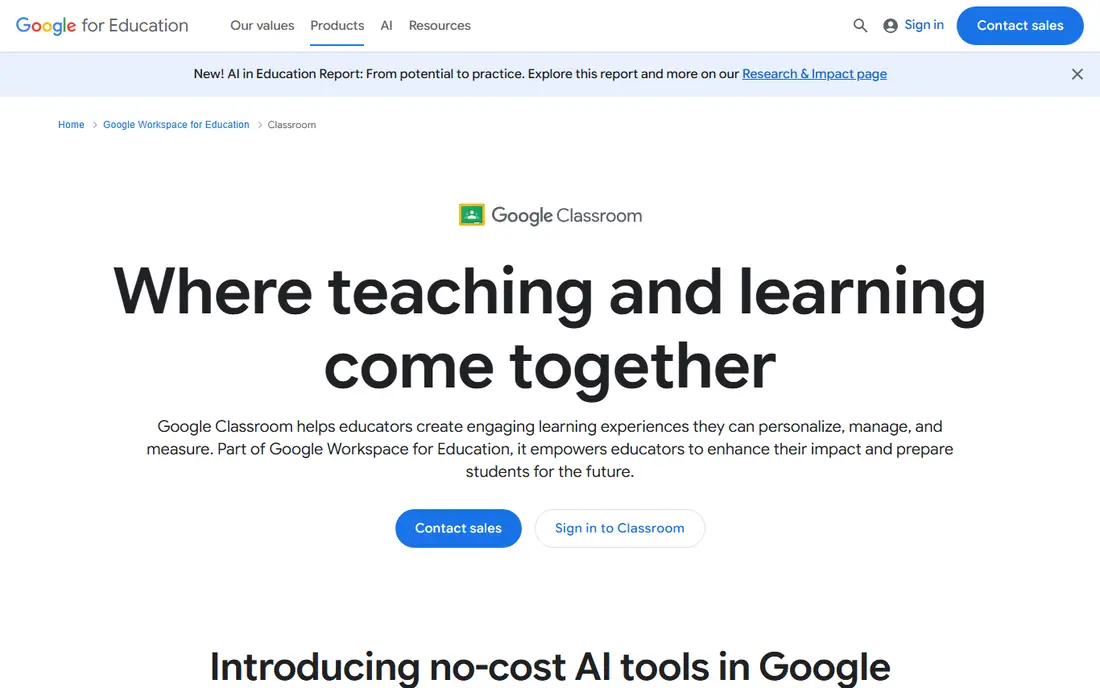
Google Classroom is the hub for many schools because it ties assignments to the tools students already use. Teachers create classes, post work, collect submissions, grade in one view, and return feedback without juggling separate systems. Integration with Docs, Slides, and Drive keeps student work organized and searchable.
The limits are communication and younger-student fit. Parent summaries exist, but Classroom is not a messaging-first app like Remind or ClassDojo. Younger students may also need more visual portfolio tools than Classroom provides. For schools on Google Workspace, Classroom is the natural starting point, with other tools added for messaging or portfolios where needed.
- Assignments, grading, and Drive in one place
- Free for schools on Workspace for Education
- Familiar to many students
- Parent communication features are lighter than dedicated messaging apps
- Setup depends on school Workspace accounts
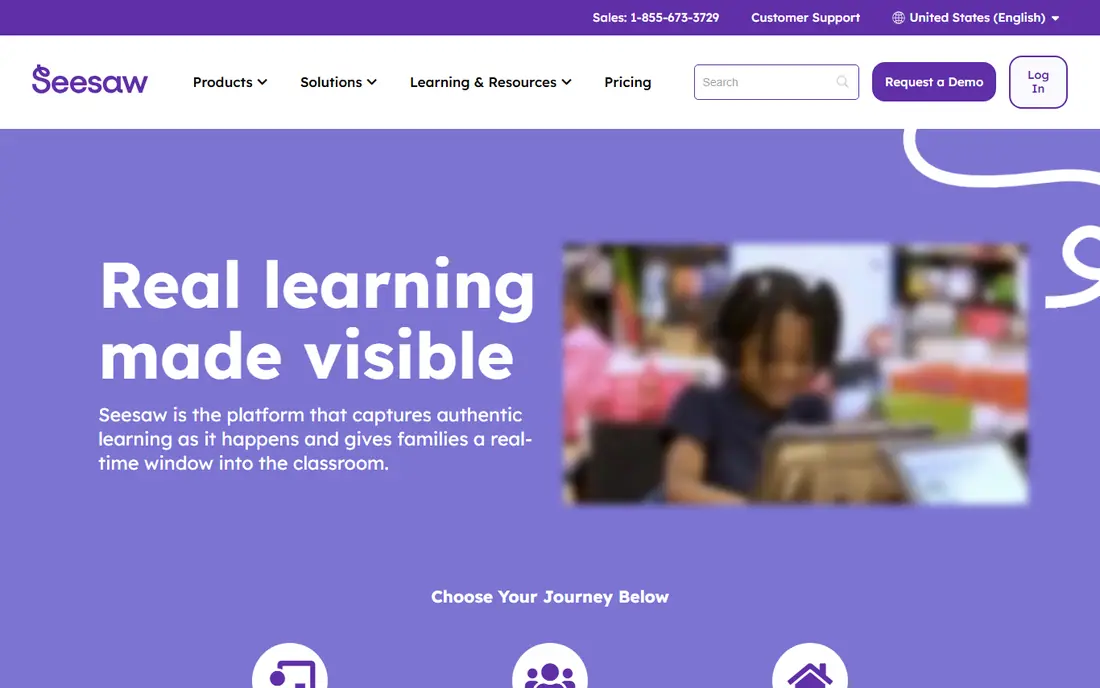
Seesaw centers on student work. Young learners can add photos, drawings, voice notes, and videos to a portfolio, and families can view and comment on that work. That visual record helps parents see progress without needing to understand grades or assignment lists. Teachers can also send activities and give feedback directly on portfolio items.
For older students, Seesaw can feel simple compared with a full learning management system. Assignments with rubrics, long essays, and complex grading fit better in Google Classroom or a similar hub. For elementary classes, though, Seesaw's portfolio approach matches how young students show learning, and its free core plan makes it easy to start.
- Student portfolios with photos, video, and drawings
- Family access for sharing work
- Simple interface for young learners
- Paid school features cost more
- Less suited to older students with complex assignments
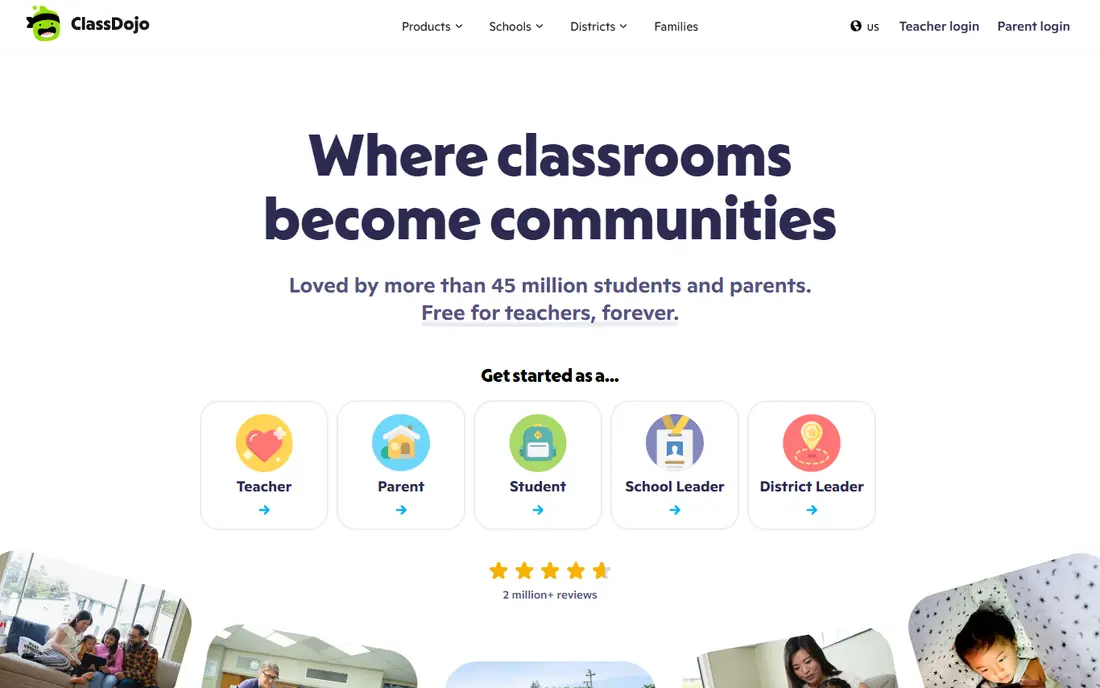
ClassDojo combines classroom messaging, sharing, and behavior feedback in one app built for primary schools. Teachers can message families, share photos and updates, and award points for positive behavior. Families get a single place for classroom news, which reduces the need for separate email threads and paper notes.
Behavior points deserve thought. Used well, they encourage participation and positive habits. Used as punishment or public ranking, they can feel unfair. Teachers should set clear, positive rules for points and keep the focus on encouragement. For elementary teachers who want family communication and classroom community in one free core app, ClassDojo is a strong choice.
- Free core messaging and classroom community
- Positive behavior points that students enjoy
- Family access without cost
- Paid Plus features are optional extras
- Behavior points need careful use to stay positive and fair
Kahoot turns review into a game. Teachers create quizzes, students join on their devices, and the class competes in real time or at their own pace. That energy helps for revision, formative checks, and Friday review sessions. Reports after a game show which questions students missed, which helps a teacher plan the next lesson.
Kahoot is less suited to teaching new material in depth. Short quiz questions work for recall and quick checks, not for extended writing or complex problem solving. Paid tiers add question types, larger participant limits, and fuller reports. For quick engagement and formative assessment, Kahoot remains one of the most useful teacher tools available.
- Quick to create and play
- Students join with a simple code
- Reports help spot topics that need review
- Game format suits review better than deep teaching
- Paid tiers add fuller question types and reports
Nearpod sits between a slide deck and a quiz app. Teachers build or adapt lessons that mix slides, videos, polls, open questions, and collaborative boards, then run them at teacher pace or let students work through them alone. That structure suits guided lessons where a teacher wants to check understanding during the lesson, not only at the end.
Creating a polished Nearpod lesson takes more time than making a quick Kahoot. Teachers can save time by adapting lessons from the library, but school-specific content still needs custom work. For lessons where interaction and checking understanding matter throughout, Nearpod offers more depth than a quiz-only tool.
- Lessons with polls, quizzes, and collaborative boards
- Teacher-paced or student-paced modes
- Large lesson library
- Building polished lessons takes time
- Full school features are paid
Remind solves a simple problem well: reaching families who may not check a school portal or a classroom app every day. Teachers send announcements and messages, and families can receive them by text, which lowers the barrier for busy parents. That simplicity is its strength, especially for reminders, schedule changes, and quick updates.
Remind is not a learning management system. It does not handle assignments, grading, or student portfolios, so teachers still need a classroom hub for those jobs. For communication alone, though, its text-first approach reaches more families than many richer apps. Schools that struggle with parent engagement often benefit most from Remind.
- Families can receive messages by text without an app
- Simple class messaging
- School and district plans available
- Not a full classroom or grading system
- Message limits can apply on some plans
Canva for Education
Great for: Classroom posters, slides, and student design projects
Canva for Education gives teachers and students a design tool with templates for posters, presentations, worksheets, and videos. Teachers can create classroom materials quickly, and students can design projects that look polished without learning complex software. For eligible teachers, the education plan is free, which makes it an easy addition to a classroom toolkit.
Canva is not a classroom management system. It does not grade work or track assignments in the way Google Classroom does, so teachers usually pair it with a hub. Eligibility for the education plan also needs verification through a school. For visual materials and student creativity projects, Canva for Education is a practical and popular choice.
- Free for eligible teachers and schools
- Huge template library
- Students can design slides, posters, and videos
- Eligibility checks apply for education access
- Design tool is not a grading or assignment system
Edpuzzle turns passive video watching into an active lesson. Teachers take a video, add questions at key moments, and assign it to students. The platform tracks viewing and answers, so a teacher can see who watched, where students paused, and which questions caused trouble. That data helps target follow-up teaching.
The free plan has limits on storage and the number of videos, so heavy users may need a school plan. Video lessons also need care: a long, unfocused video with too many questions can lose students. Used with short, purposeful videos, Edpuzzle is an effective way to flip a lesson or support homework review.
- Embed questions in videos to check understanding
- Track who watched and how they answered
- Works with YouTube and uploaded videos
- Free plan limits storage and video numbers on some tiers
- Video lessons need curation to stay focused
How we picked these
We compared official product pages, education pricing pages, and school plans for tools that are live and widely used in US classrooms in October 2026. We favored tools with a free core plan for teachers, clear classroom use, and a distinct role, so the list covers management, messaging, portfolios, interaction, design, and video rather than repeating the same quiz app eight times.
What to check before you choose
Start with your school system. If your school uses Google Workspace, Google Classroom will fit more smoothly than a separate hub. If your school uses another system, check integration and single sign-on before adopting a new tool. Student age matters too: portfolios and visual tools suit younger learners, while older students need assignment and grading depth.
Next, check privacy and family access. Confirm how student data is handled, what families can see, and whether parent consent or district approval is needed. Test the free tier with one class before rolling a tool out school-wide. A tool that works for one teacher may need district support, training, or a paid plan to work across a whole school.
Frequently asked questions
What are the best software for teachers?
Google Classroom is a strong hub for schools on Google Workspace, while Seesaw and ClassDojo suit younger classes and family communication. Kahoot and Nearpod cover interactive lessons, and Remind covers simple parent messaging. The best software depends on school system, student age, and whether the main need is management, messaging, or lesson interaction.
Are there free apps for teachers?
Yes, most tools on this list offer a free core plan, including Google Classroom, Seesaw, ClassDojo, Remind, Canva for Education, and Edpuzzle. Free tiers usually limit storage, class numbers, or advanced reports, so check those limits before a school-wide rollout. Paid school plans add admin controls and fuller reporting.
What is the best app for teachers to communicate with parents?
Remind is the simplest option for text-based parent messaging, since families can receive messages without installing an app. ClassDojo suits elementary families who want a classroom community with photos and updates. Google Classroom offers parent summaries, but it is less messaging-focused than Remind or ClassDojo.
Which teacher app is best for elementary students?
Seesaw and ClassDojo are built for younger learners, with visual portfolios, simple interfaces, and family sharing. Seesaw focuses on student work and progress, while ClassDojo focuses on classroom community and messaging. Many elementary teachers use both: Seesaw for portfolios and ClassDojo for family communication.
Can teachers use Kahoot for free?
Yes, Kahoot offers a free basic plan for teachers, with paid tiers adding more question types, larger participant limits, and fuller reports. The free plan suits quick quizzes and review games for a single class. Teachers who run large sessions or need advanced reports should compare paid tiers before committing.
Sources
See where you really rank - block by block
ProMapRanker scans Google Maps across a grid of your service area. Simple monthly plans from $19, white-label on every plan.
Start freeKeep reading
 zoho inventory alternatives
6 Alternatives to Zoho Inventory, Compared on Price and Fit
Zoho Inventory alternatives: 6 tools compared on price, free plans and fit. Katana leads the list for manufacturers. Fit and flaws are laid out for each entry.
Read → zoho crm alternatives
Best Zoho CRM Alternatives (2026)
Need Zoho CRM alternatives? We compare 7 tools on cost, free access and who each suits. Every pick gets a straight assessment. Built for quick decisions.
Read → zelle alternatives
Best Zelle Alternatives in 2026
Compare the best Zelle alternatives for sending money to friends, paying sellers and moving funds abroad, with honest notes on fees, speed and safety in 2026.
Read →