 ProMapRanker
Best Apps for Small Business Owners in 2026

Key takeaways
- Start with accounting and payments first, since Wave, QuickBooks and Square cover the money work that keeps a business running.
- HubSpot CRM is the best free starting point for customer tracking, while Trello and Slack cover projects and team chat.
- Free tiers are genuinely useful here, but check user limits, invoice limits and paid add-ons before you build a workflow around them.
- The best small business apps are the ones your team will actually open daily, so favour simple setup over a long feature list.
Quick comparison
| Pick | Great for | Pricing starts at | Free tier | |
|---|---|---|---|---|
 Wave | Free accounting for solo owners | Free | Yes | Visit |
 QuickBooks Online | Full accounting for growing businesses | See website | Free trial | Visit |
 Square | Payments, point of sale and appointments | Free | Yes | Visit |
 Shopify | Selling products online at scale | See website | Free trial | Visit |
 HubSpot CRM | Free customer and deal tracking | Free | Yes | Visit |
 Trello | Simple visual project boards | Free | Yes | Visit |
 Slack | Team messaging and quick decisions | Free | Yes | Visit |
 Canva | Fast social, flyer and presentation design | Free | Yes | Visit |
The best apps for small business owners
Small business owners need different tools at different stages, so this list covers the core jobs: money, selling, customers, projects, communication and marketing. Each app below is live in October 2026, widely used by US small businesses, and available without enterprise contracts.
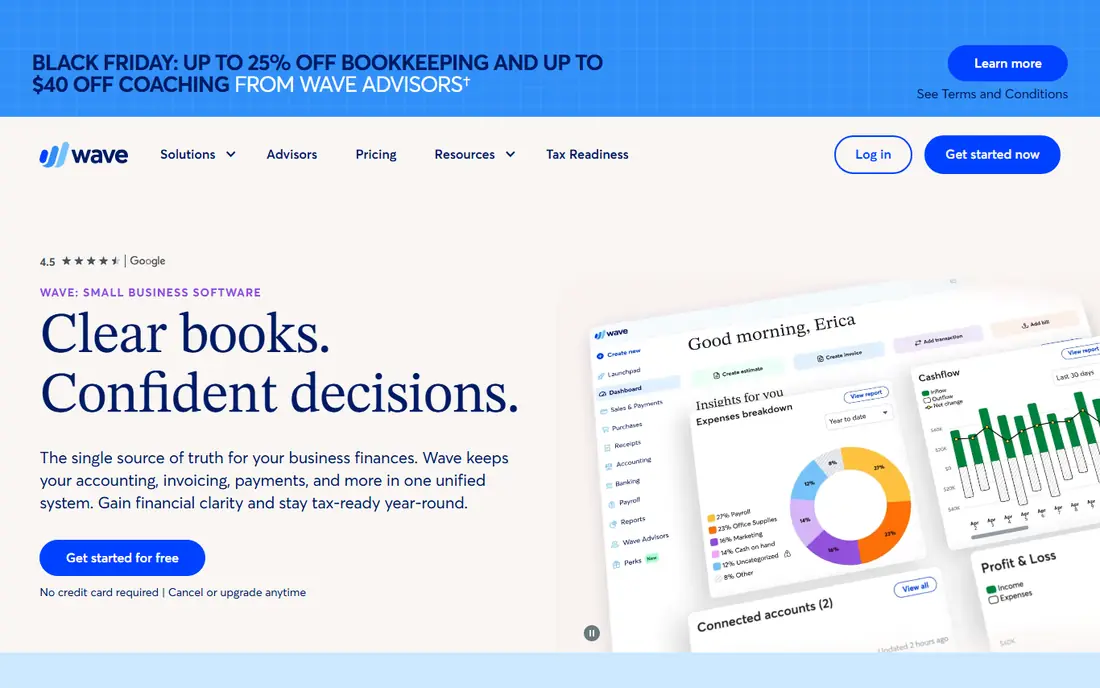
Wave is the best free accounting start for a solo service business. The free Starter plan includes unlimited invoices, estimates, bills and bookkeeping records, plus profit and loss reports and balance sheets, with no time limit. That covers the core money work for a freelancer, consultant or early stage firm without a monthly fee.
The limits matter as you grow. Automatic bank imports, transaction categorisation, multi-role access and live support sit on the Pro plan, listed at $19 per month billed monthly in recent guides, and Wave does not offer inventory tracking. If you sell physical products or hire staff soon, QuickBooks may be a better long term home, but Wave is hard to beat for a free start.
- Free invoicing, estimates and bookkeeping
- Simple dashboard
- Good for US and Canadian solo firms
- No inventory features
- Automatic bank imports need Pro
- Limited third party integrations
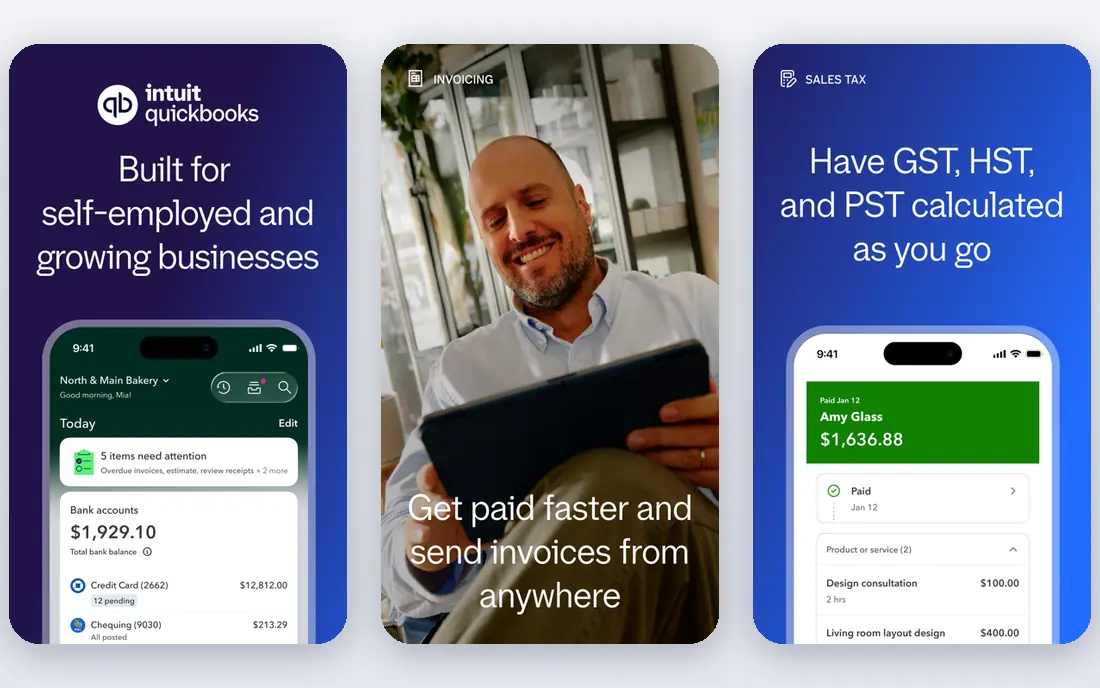
QuickBooks Online is the standard choice when a business outgrows free accounting. It covers invoicing, expenses, bank feeds, reports, inventory on higher tiers, time tracking and payroll add-ons, and it connects with hundreds of other apps. For US small businesses with employees, inventory or complex billing, that depth saves time that a simpler tool cannot.
Pricing changes often and varies by plan and promotion, so we list See website rather than a price that may be out of date by the time you read this. Expect a trial period, then a monthly subscription that rises with users and features. QuickBooks suits owners who want one accounting home for years, not just a free tool for the first months.
- Deep accounting, invoicing and payroll options
- Hundreds of integrations
- Strong mobile app
- Monthly cost rises with tiers
- Setup takes more time than Wave
Square lets a small business take card payments in person, online or by invoice without a monthly fee for the basic point of sale app. You can sell at a market, in a shop or from a website, book appointments, send invoices and track sales from one dashboard. That simplicity helps service and retail owners who need to get paid quickly.
Processing fees apply to each payment, so check the current rate for your payment type, since it affects margins more than any subscription. Advanced features, such as retail inventory, marketing and payroll, sit on paid plans or add-ons. Square is best for owners who sell in person or need a simple online checkout without building a full store first.
- Free point of sale app
- Easy card payments in person and online
- Appointments and invoicing included
- Payment processing fees apply
- Advanced retail features cost extra
Shopify is the clear pick when products are the core of the business. You can build a store, manage products and orders, take payments, handle shipping and discounts, and add apps for marketing, reviews and fulfilment. It scales from a first product launch to a large catalogue without moving platforms, which saves a painful migration later.
Pricing is subscription based with a trial, and transaction fees, apps and themes add to the total, so check the current plan page for your sales volume. Shopify is more than a small shop needs if you only sell a few items by invoice, where Square or a simple payment link may be enough. For a product business, though, it is the most complete store platform in this list.
- Full online store, checkout and apps
- Strong payment and shipping tools
- Scales from first product to large catalogues
- Monthly cost plus transaction and app fees
- Theme and app choices can add up
HubSpot CRM gives small businesses a free, permanent CRM for contacts, companies, deals and pipelines, with email tracking, meeting scheduling and basic reporting. That covers most of what a sole trader or small team needs to stop losing leads in spreadsheets and inboxes. Paid Starter, Professional and Enterprise hubs add marketing, sales automation and service tools as you grow.
The risk is cost creep. Free CRM is genuinely useful, but paid hubs are priced per seat and tier, so audit which features you actually use before upgrading. For a team that needs customer tracking first and marketing automation later, HubSpot is a safe start, since you can grow inside one system rather than migrating contacts later.
- Free CRM with contacts, deals and pipelines
- Email and meeting tools
- Scales to paid marketing and sales hubs
- Paid hubs can become costly
- Some advanced features need higher tiers
Trello turns work into boards, lists and cards that anyone can understand in minutes. A small team can track orders, content, client work or hiring with checklists, due dates, attachments and comments, without training. The free tier covers unlimited cards and core features, which is enough for many small businesses.
For complex projects with dependencies, budgets and reporting, Trello can feel light, and tools such as Asana or ClickUp may fit better. Paid plans add more automation, views and admin controls. Trello suits owners who want a visual, low friction way to see what is in progress, what is done and what is stuck, without a heavy project system.
- Easy boards, lists and cards
- Free tier covers core work
- Broad integrations and automation
- Large projects may need a fuller tool
- Advanced reporting sits on paid plans
Slack replaces long email threads with channels for teams, projects and clients, plus direct messages and searchable history. Integrations with Trello, HubSpot, Google Workspace and many other tools bring alerts and files into one place, so a small team can decide faster and keep work visible. The free tier works well for small teams starting out.
Free tier limits on message history and integrations mean larger or longer running teams will need a paid plan, listed from $8.75 per user per month in recent guides. Slack is best for teams of two or more who work remotely or across sites. A solo owner may not need it, since email and a project board may already cover communication.
- Fast team chat, channels and search
- Many integrations
- Free tier for small teams
- Message history limits on free tier
- Per user pricing adds up as teams grow
Canva lets a small business owner create social posts, flyers, menus, presentations and simple videos from templates, without design training. The free tier includes many templates and assets, while Pro adds a brand kit, background remover, premium assets and team controls. That makes it practical for weekly marketing, event flyers and product posts.
Canva will not replace a professional designer for a full brand identity or complex print work, and some of the best templates sit behind Pro. For daily marketing, though, it saves time and money, and it pairs well with HubSpot, Shopify or Square for selling and customer work. Start free, and upgrade only when brand controls or premium assets become a regular need.
- Free design templates for social and print
- Brand kit and team tools on Pro
- Easy for non-designers
- Not a full professional design suite
- Some templates and assets need Pro
How we picked these
We compared official vendor pages, pricing pages and app listings for tools that cover a core small business job and that offer a free tier or trial for small teams. We kept only products that are live in October 2026, widely used by US small businesses, and available without an enterprise contract. Where pricing changes by promotion or plan, we wrote See website rather than publishing a price that could mislead.
How to build a simple stack without overspending
Start with money, customers and selling, then add projects and marketing only where a gap hurts. A solo service owner may need only Wave, Square and Trello. A product seller may need Shopify, Square and Canva. A growing team may add QuickBooks and HubSpot, then Slack for communication.
Audit your stack every six months. Cancel tools no one opened in the last month, check per user costs as you hire, and look for duplicate features, such as invoicing in both accounting and payment tools. The goal is fewer logins and clearer ownership: one owner for money, one for customers, one for projects, even in a team of three.
Free tools that are actually free
Wave, HubSpot CRM, Trello, Slack and Canva all offer free tiers that cover real work, not just a demo. Free still has limits, such as user counts, history or premium features, so read the free tier page before you build a critical workflow on it, and keep an export of your data.
Frequently asked questions
What are the best apps for small business owners?
Wave and QuickBooks cover accounting, Square and Shopify cover selling, HubSpot covers customers, Trello covers projects, Slack covers team chat, and Canva covers design. The best mix depends on whether you sell services, products or both.
What are the best free apps for small business owners?
Wave offers free accounting, HubSpot CRM is free for contacts and deals, Trello and Slack offer free team tiers, and Canva offers free design templates. Square also offers a free point of sale app, with payment processing fees on sales.
What is the best app for small businesses?
There is no single best app, since accounting, selling and customer work are different jobs. If you must pick one first, pick the accounting tool, since clean books, invoicing and tax records affect every other part of the business.
What are the best tools for small business owners?
The best tools are those that cover money, customers, selling, projects and marketing without overlapping too much. A simple stack, such as Wave, HubSpot, Trello and Canva, often works better than ten tools that each do a little of everything.
Should a small business use QuickBooks or Wave?
Use Wave if you are solo, service based and want free accounting. Use QuickBooks if you have employees, inventory, complex billing or plans to grow quickly, since its integrations and payroll options will save time as you scale.
Is Shopify worth it for a small business?
Shopify is worth it when products are central to your business and you expect online sales to grow. For a few occasional sales, Square payment links or invoicing may be cheaper and simpler.
Sources
- https://www.waveapps.com
- https://quickbooks.intuit.com/online
- https://squareup.com
- https://www.shopify.com
- https://www.hubspot.com/products/crm
- https://trello.com
- https://slack.com
- https://www.canva.com
- https://emailanalytics.com/small-business-apps/
- https://www.saaswhizz.com/business-tools-to-streamline-operations-10-best-and-proven-apps-for-small-businesses-in-2026/
See where you really rank - block by block
ProMapRanker scans Google Maps across a grid of your service area. Simple monthly plans from $19, white-label on every plan.
Start freeKeep reading
 zscaler alternatives
Best Zscaler Alternatives in 2026
Looking for zscaler alternatives? We compare 9 SASE and zero trust platforms on architecture, data protection, pricing, and fit for your network and team.
Read → zapier alternatives free
Best Zapier Alternatives Free in 2026
Nine automation tools for zapier alternatives free in 2026, all with genuinely free tiers, plus free plan limits, starting prices and upgrade paths explained.
Read → which platform is best for online reputation
Which Platform Is Best for Online Reputation in 2026
Wondering which platform is best for online reputation? We compare 8 review, listing, and response tools for small and multi-location businesses and agencies.
Read →