 ProMapRanker
Best Apps for Reading Books Free in 2026

Key takeaways
- Libby is our pick for most readers, because it gives free access to a local library catalog with no subscription.
- Kindle and Google Play Books are best for readers who already buy books in those stores and want one reading app.
- Project Gutenberg and Wattpad are the strongest choices for free classics and free stories by newer writers.
- Readers who load their own files should look first at Moon+ Reader, FBReader, and ReadEra.
Quick comparison
| Pick | Great for | Pricing starts at | Free tier | |
|---|---|---|---|---|
 Libby | Free library borrowing | Free | Yes | Visit |
 Kindle | Amazon book buyers | Free | Yes | Visit |
 Google Play Books | Android and Google users | Free | Yes | Visit |
 Apple Books | iPhone and iPad readers | Free | Yes | Visit |
 Kobo Books | Kobo store readers | Free | Yes | Visit |
 Wattpad | Free stories and serials | Free | Yes | Visit |
 Project Gutenberg | Public domain classics | Free | Yes | Visit |
 Moon+ Reader | Your own ebook files | Free | Yes | Visit |
 FBReader | Simple file reading | Free | Yes | Visit |
The best apps for reading books free
Free reading does not mean one kind of app. Some apps lend books, some sell books with free samples and free titles, and some simply open files you already own. We compared the apps below on cost, catalog, and reading tools, so you can match the app to how you actually read.
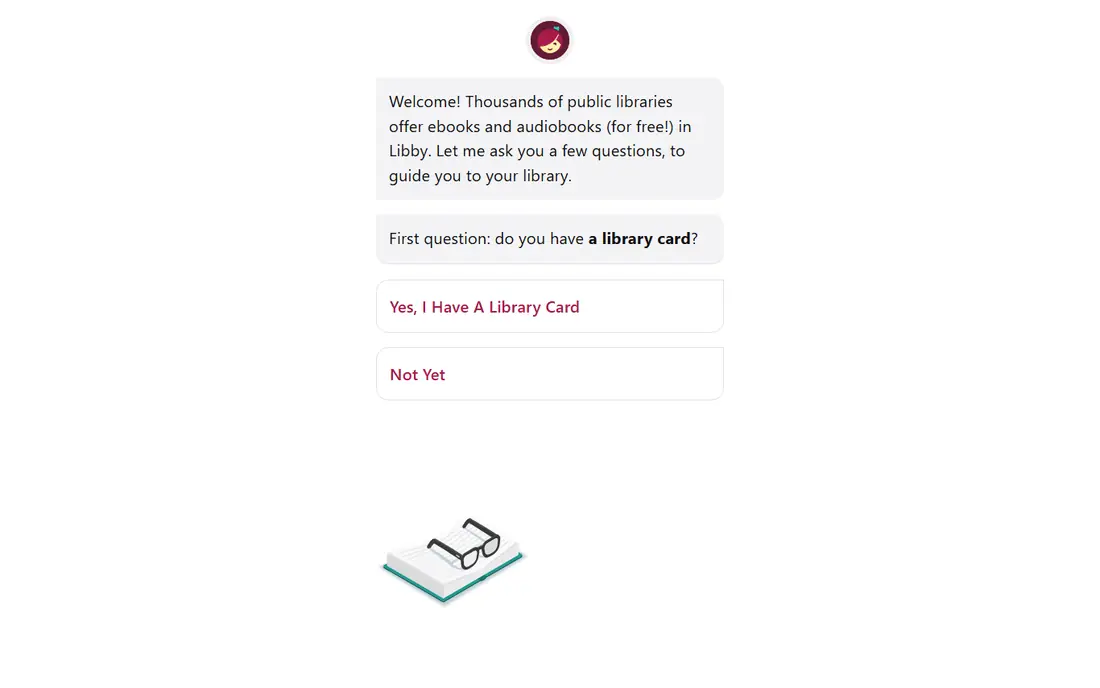
Libby, from OverDrive, connects to a public library and lets readers borrow digital books with a library card. The app is free to download, and borrowed titles carry no purchase cost. Readers can browse a library catalog, place holds, and read or listen inside the app, which keeps the whole process in one place.
The main catch is availability. A new release may have a wait list, and each library sets its own loan limits and loan periods. That trade-off is easy to accept for readers who plan ahead or who enjoy browsing staff picks and backlist titles. If you have a library card, start here before you pay for anything.
- Free with a library card
- Ebooks, audiobooks, and magazines in one place
- Offline downloads for loans
- Popular titles can have wait lists
- Catalog and loan limits vary by library
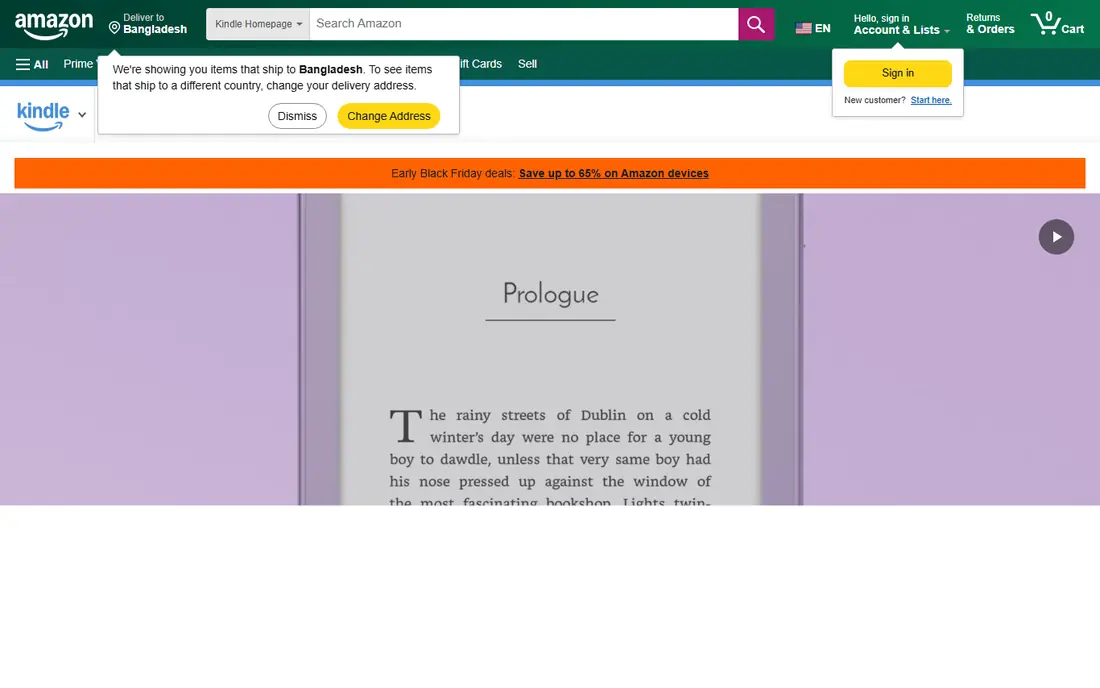
The Kindle app turns a phone or tablet into a Kindle reader without a separate device. The app itself is free, and Amazon lists free public domain titles and free promotional titles alongside paid books. Readers can change font size and line spacing, look up words, and pick up on another device where they left off.
The limit is the store lock-in. Books bought from Google, Apple, or Kobo do not open in the Kindle app in the same simple way. Readers who already buy from Amazon will feel at home here. Readers who buy across stores may want a second app for files and library loans.
- Free app with font, dictionary, and sync tools
- Large Kindle Store catalog
- Free samples and many free titles
- Works with Kindle books, not books bought in other stores
- Some features sit behind paid subscriptions
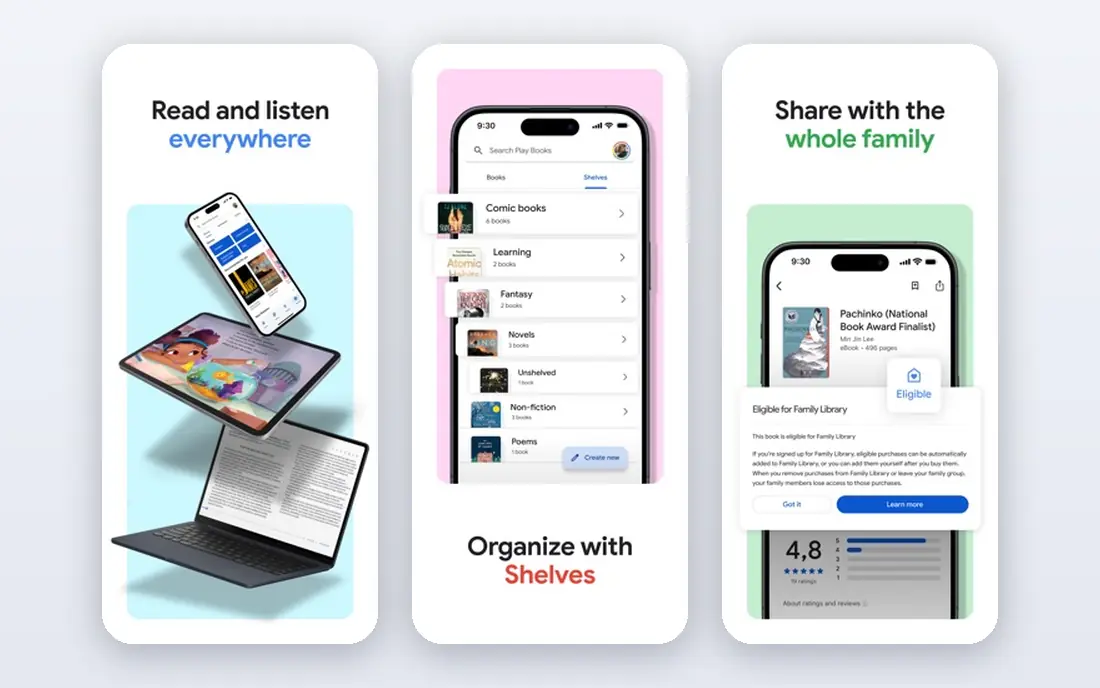
Google Play Books is a plain, capable reader for people who already use Google services. The app is free, and the store includes free books, free samples, and paid titles across fiction and nonfiction. Reading settings cover font size, brightness, and night reading, and progress syncs across devices signed into the same account.
This app is less useful as a library tool. It is built around the Google Play store, so readers who want free library loans should pair it with Libby. For a reader who buys an occasional ebook on Android, it is a solid default that needs no setup.
- Free app on Android, iOS, and web
- Free samples
- Many free and low-cost titles
- Purchased books stay tied to Google Play
- Library borrowing is not the main focus
Apple Books comes ready on iPhone, iPad, and Mac, so many Apple readers already have it installed. The Book Store includes free titles, samples, and paid books, and the reading view is calm and easy to adjust. Audiobooks sit in the same app, which helps readers who switch between reading and listening.
The clear limit is platform. Android readers and Windows readers will not get the same simple experience. Apple readers who want a no-cost start should browse the free section first, then use Libby for library loans that Apple Books does not cover.
- Built into Apple devices
- Clean reading view
- Free books and samples in the Book Store
- Best on Apple devices
- Book purchases stay in the Apple system
Kobo Books is the reading app for the Kobo store and Kobo e-readers. The app is free, and readers can adjust fonts, margins, and brightness to suit long sessions. The store includes free titles and samples, plus paid books, and progress can move between the app and a Kobo device.
Kobo is a smaller presence in the United States than Kindle or Apple Books, so some readers may find fewer local recommendations. Still, for a reader with a Kobo device, or a reader who prefers an alternative store, it is a clean and capable choice.
- Free app with reading settings
- Free books in the Kobo store
- Works with Kobo e-readers
- Catalog and free selection vary by country
- Less common as a first app in the United States
Wattpad is a home for free stories written by independent writers, with many serials released chapter by chapter. Readers can follow writers, save stories to a library, and read on a phone or in a browser. For readers who enjoy romance, fan fiction, fantasy, and new voices, the free catalog is deep.
Quality is uneven, because anyone can publish. That is part of the appeal and part of the risk. Readers should sample the first chapters, check comments, and keep expectations in line with a community platform rather than a curated bookstore.
- Large library of free user-written stories
- Serial reading and comments
- Works on phone and web
- Quality varies a lot by story
- Some stories and features sit behind paid options
Project Gutenberg offers free ebooks whose copyright has expired, including works by Jane Austen, Charles Dickens, Mark Twain, and many other classic writers. The books are free to download in common ebook formats, and readers can open them in Kindle, Kobo, Moon+ Reader, FBReader, or another reader app. No subscription is needed.
The trade-off is clear. Readers will not find current bestsellers here. Readers who want classics for a class, a book club, or a long reading list will find a catalog that costs nothing and never expires.
- Thousands of free public domain books
- No account or payment needed for downloads
- Many formats
- No modern bestsellers
- The site is a library, not a polished reading app
Moon+ Reader is for readers who already have ebook files and want a strong reader to open them. It supports common formats, offers detailed control over fonts, spacing, and themes, and organizes local books into shelves. The free version covers core reading well, which makes it a good first choice for file-based reading on Android.
It is not a store or a library service, so readers must supply their own books, from Project Gutenberg or another legal source. Readers who want to buy books in an app should look at Kindle, Google Play Books, or Kobo instead.
- Strong format support and reading controls
- Themes and night mode
- Library organization for local files
- Does not include a book store catalog
- Some advanced features require a paid version
FBReader is a simple, free reader for ebook files, with support for common formats and a clean reading view. It stays out of the way, which suits readers who want to open a book and read without extra menus. The app is available on Android and other platforms, and its open source roots appeal to readers who prefer simple tools.
FBReader does not replace a store or a library app. Readers still need a source for books, such as a library loan, a store purchase, or a public domain download. Paired with Libby or Project Gutenberg, it gives a low-cost reading setup with few distractions.
- Free and open source reader
- Supports common ebook formats
- Light and simple to use
- Plain design
- No built-in store catalog
- Network and sync features vary by version
How we picked these
We compared official app pages, store listings, and library guidance for each app, and we favored apps that are still available and that offer a real free path to books. We checked the main job each app does, from library borrowing to file reading, and we left out apps that only offer a short trial or that require a paid subscription for basic reading. We did not claim hands-on testing. Our comparison rests on published features, pricing pages, and app store listings.
How to choose a free reading app
Start with where your books will come from. Library readers should start with Libby and add one store app for purchases. Classic readers should start with Project Gutenberg and a file reader such as Moon+ Reader or FBReader. Serial and community readers should start with Wattpad, with the understanding that story quality will vary.
Check the free path before you sign up
Read the store or library page for each app and confirm what is free without a trial. A free app is not the same as a free book. Some apps are free to download but charge for most titles. Others, such as Libby and Project Gutenberg, give free books once you have a library card or a download link.
Match the app to your device
Kindle, Google Play Books, and Apple Books work best inside their own stores. Moon+ Reader and FBReader work best for files you already own. If you read on more than one device, check that progress syncs in the way you need, and keep your books in a format your chosen app can open.
Frequently asked questions
What is the best app for reading books for free?
Libby is the best starting point for most readers, because a library card gives access to ebooks, audiobooks, and magazines at no purchase cost. Readers without a nearby library option can turn to Project Gutenberg for classics and to the free sections of Kindle, Google Play Books, Apple Books, and Kobo.
What are the best free book reading apps for Android?
Libby, Kindle, Google Play Books, Kobo Books, Wattpad, Moon+ Reader, and FBReader all work on Android. Libby covers library loans, Moon+ Reader and FBReader cover local files, and the store apps cover purchases, samples, and free titles.
Are free book apps really free?
Many are free to download, but the books inside may cost money. Libby books are free to borrow with a library card, and Project Gutenberg books are free to download. Store apps often mix free titles with paid titles, so check the price on each book before you confirm.
Can I read free books without a Kindle device?
Yes. The Kindle app is free on phones and tablets, and Libby, Google Play Books, Apple Books, and Kobo Books also work without a dedicated reader. File readers such as Moon+ Reader and FBReader open downloaded books on a phone as well.
What is the best free app for classic books?
Project Gutenberg is the best source for free public domain classics, and it pairs well with Moon+ Reader or FBReader for reading. Readers who want a store experience can also browse free classics inside Kindle, Google Play Books, Apple Books, and Kobo.
Do free reading apps work offline?
Libby loans can be downloaded for offline reading, and downloaded files in Moon+ Reader and FBReader work offline once they are on the device. Store apps also allow downloads of purchased and free books for offline reading in most cases, subject to each store's rules.
Sources
See where you really rank - block by block
ProMapRanker scans Google Maps across a grid of your service area. Simple monthly plans from $19, white-label on every plan.
Start freeKeep reading
 zscaler alternatives
Best Zscaler Alternatives in 2026
Looking for zscaler alternatives? We compare 9 SASE and zero trust platforms on architecture, data protection, pricing, and fit for your network and team.
Read → zapier alternatives free
Best Zapier Alternatives Free in 2026
Nine automation tools for zapier alternatives free in 2026, all with genuinely free tiers, plus free plan limits, starting prices and upgrade paths explained.
Read → which platform is best for online reputation
Which Platform Is Best for Online Reputation in 2026
Wondering which platform is best for online reputation? We compare 8 review, listing, and response tools for small and multi-location businesses and agencies.
Read →