 ProMapRanker
Best Apps for Productivity Tips in 2026

Key takeaways
- Todoist is the simplest daily task app for most people, while Notion suits people who want tasks, notes, and databases in one workspace.
- TickTick gives you tasks, habits, calendar, and a Pomodoro timer for a low price, which makes it strong value for solo users.
- ClickUp, Asana, and Trello are team tools first. They can work solo, but they add setup that a personal task app avoids.
- Toggl Track and Forest solve narrower problems, time tracking and focused sessions, and pair well with a main task app.
- The best system is the one you open daily. Start free, keep one main list, and add a second tool only when a clear gap appears.
Quick comparison
| Pick | Great for | Pricing starts at | Free tier | |
|---|---|---|---|---|
 Todoist Todoist | Daily task capture | Free | Yes | Visit |
 Notion Notion | All-in-one workspace | Free | Yes | Visit |
 TickTick TickTick | Tasks plus habits | Free | Yes | Visit |
 ClickUp ClickUp | Custom team workflows | Free | Yes | Visit |
 Asana Asana | Team project tracking | Free | Yes | Visit |
 Trello Trello | Visual boards | Free | Yes | Visit |
 Toggl Track Toggl Track | Time tracking | Free | Yes | Visit |
 Microsoft To Do Microsoft To Do | Simple Microsoft lists | Free | Yes | Visit |
 Forest Forest | Focus sessions | $3.99 one-time | No | Visit |
The best apps for productivity tips
Productivity tips only help when the tool behind them fits your day. Some people need a fast task list, others need a shared project board, and others need a place for notes that grows into a workspace. The nine apps below cover those jobs without forcing you into one style of work.
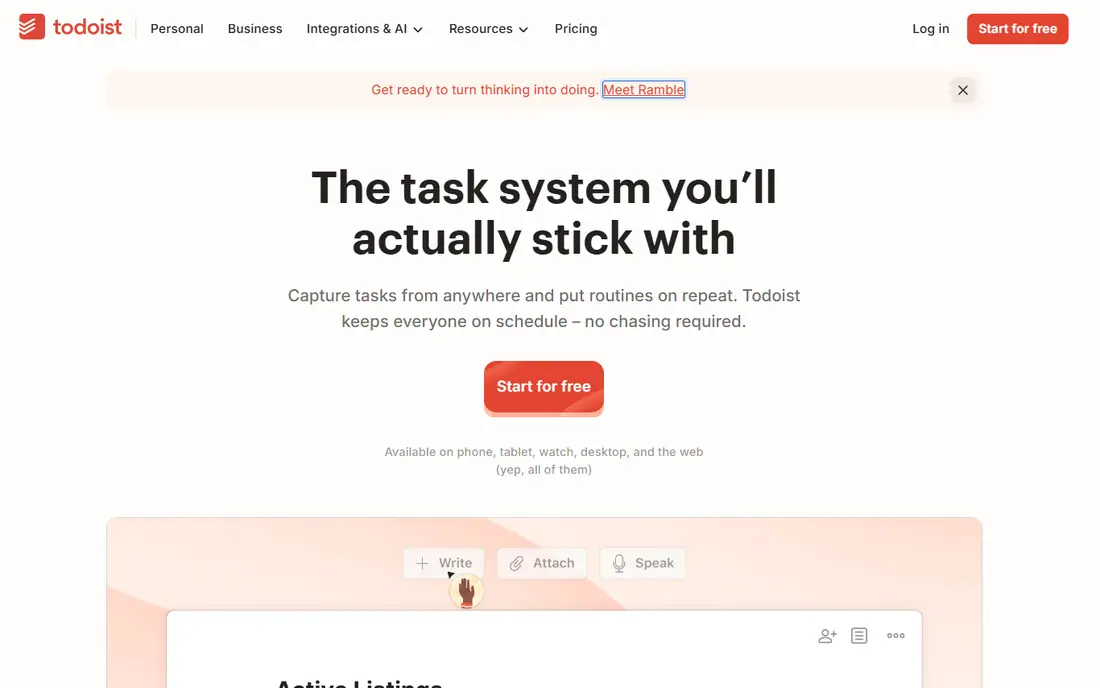
Todoist earns the top spot for personal productivity because capture is fast. Type a task in plain language with a date and time, and Todoist turns it into a scheduled item without a form. Projects, labels, filters, and priorities give you enough structure for a busy week, without the setup work of a full project tool.
The free tier covers basic projects, tasks, and collaboration for small teams. Pro, listed at $4 per month on annual billing in current listings, adds reminders, filters, calendar layout, and AI task help. Todoist is the best work productivity app for people who want a reliable daily list and nothing more. If you need docs, wikis, and databases as well, Notion is the better home base, and Todoist can still feed it through integrations.
- Fast natural language task entry
- Today and Upcoming views
- Works on phone, desktop, and web
- No built-in calendar time blocking
- Notes are basic compared with Notion
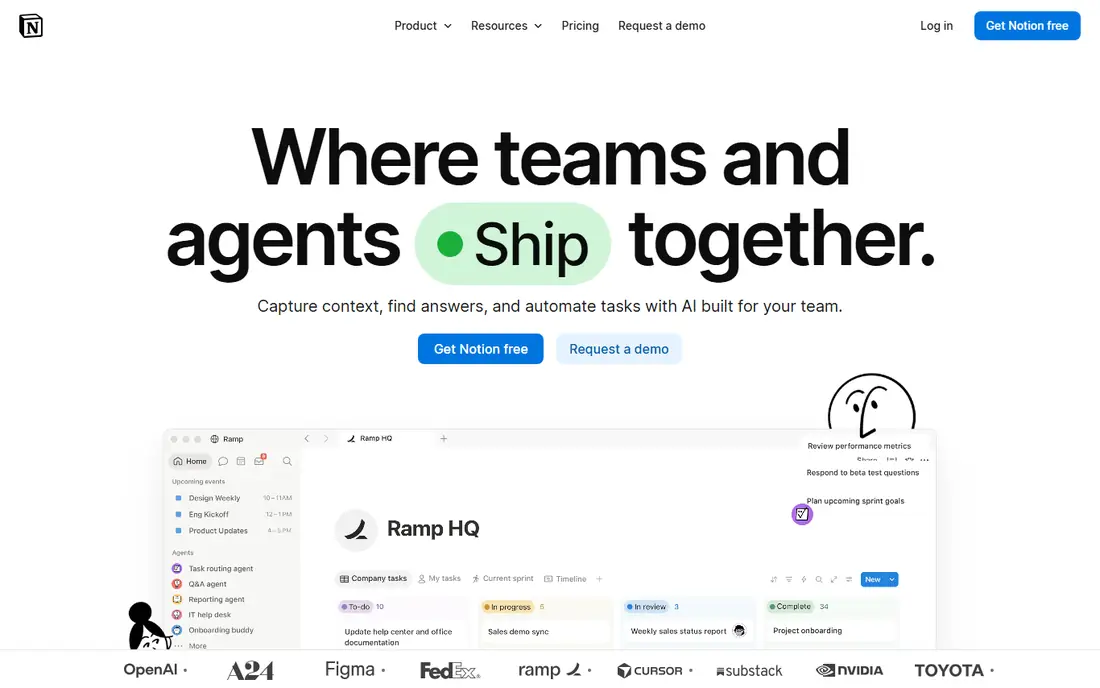
Notion is the best productivity management software for people who want one workspace for notes, tasks, projects, and reference material. You can build a daily task list, a project tracker with Kanban boards, a habit log, and a simple customer list, all linked through databases. Templates help you start, and the free tier is generous for personal use.
Plus, listed at $10 per member per month on annual billing, adds larger uploads, longer version history, and more collaboration controls. Business tiers add AI features and admin controls. The risk with Notion is scope. A workspace that tries to hold everything can become a project of its own, so start with one page for tasks and one for notes, and add databases only when a list stops working. Used that way, it is the most flexible app on this list.
- Pages, databases, boards, and calendars in one place
- Strong templates
- Good team collaboration
- Learning curve is steeper than a task app
- Easy to overbuild a system you then avoid
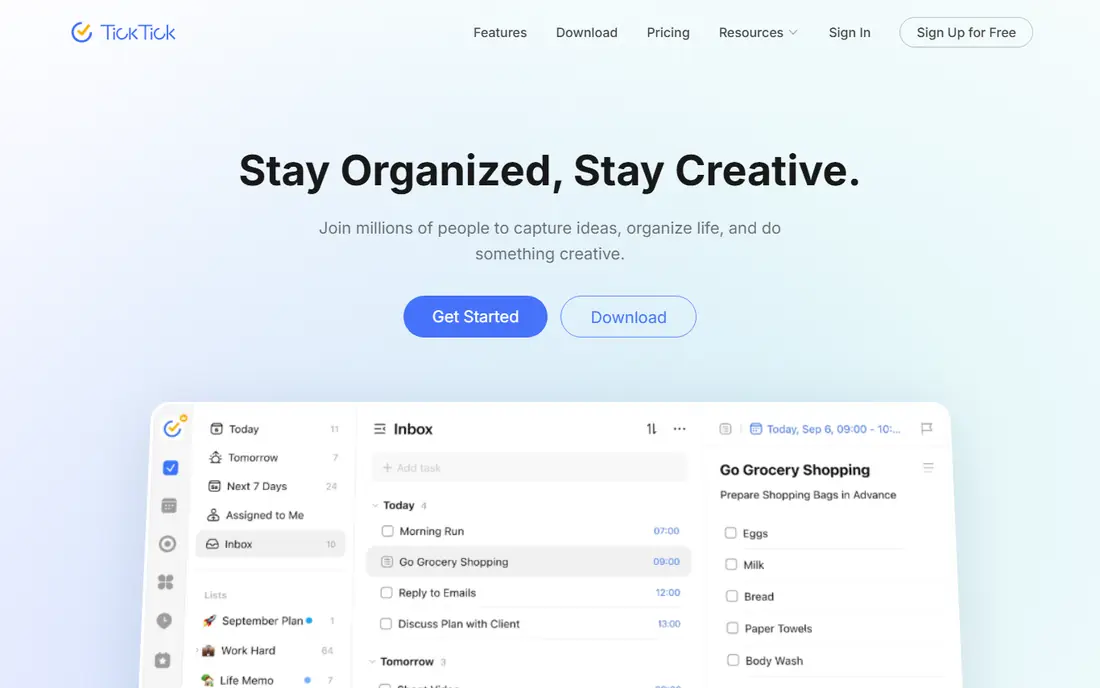
TickTick is the best productive app for solo users who want several tools without several subscriptions. Tasks, a calendar view, habit tracking, and a Pomodoro timer sit in one app, so a morning plan, a focus session, and a habit check can all happen in the same place. That breadth is rare at this price.
The free tier covers basic lists, tasks, and habits with limits. Premium, listed at $35.99 per year in current listings, adds full calendar features, more lists, custom filters, and habit statistics. TickTick is less polished for large team projects than Asana or ClickUp, but for personal work and small teams it offers more per dollar than most rivals. If you use a Pomodoro timer daily, it may replace two apps at once.
- Tasks, calendar, habits, and Pomodoro timer in one app
- Low premium price
- Good mobile apps
- Interface can feel busy
- Team features are lighter than ClickUp or Asana
ClickUp is the best business productivity app for teams that want to shape a workflow rather than accept a fixed one. You can track tasks in list, board, calendar, timeline, and doc views, add custom fields for priority or client, and automate routine steps such as status changes. That flexibility suits agencies, product teams, and operations teams with varied work.
The free tier covers core tasks and views with limits. Unlimited, listed at $7 per user per month on annual billing in current listings, adds more storage, integrations, and automation. Solo users should be careful. ClickUp can do almost anything, which means it can also take a week to set up well. Start with one space, one list, and one board view, and add automation only after the basic workflow feels steady.
- Many views including list, board, calendar, and docs
- Automation and custom fields
- Generous free tier
- Setup can feel heavy for solo users
- Interface has many options to learn
Asana is a strong pick for teams that need to see who owns what and when it is due. Projects, tasks, timelines, and workload views make it easy to spot an overloaded teammate or a slipping deadline. Reporting and goals features help managers track progress without asking for status updates in chat.
The free tier covers basic projects and tasks for small teams. Starter, listed at $10.99 per user per month on annual billing in current listings, adds timeline, reporting, and more automation. Asana is less suited to a personal to-do list, where its project structure feels formal, and its price rises quickly for larger teams. Choose it when shared accountability matters more than personal speed.
- Clear project timelines and workloads
- Good reporting
- Strong integrations
- Paid tiers are pricier than Todoist or TickTick
- Solo use can feel formal
Trello is the easiest team board to explain to a new colleague. Cards move from left to right, lists show stages, and labels, checklists, and due dates add detail without a manual. That visual clarity suits content calendars, hiring pipelines, event planning, and any workflow that moves through clear stages.
The free tier covers unlimited cards and basic boards. Standard, listed at $5 per user per month on annual billing in current listings, adds unlimited boards, advanced checklists, and more automation. Trello struggles when work has many dependencies, detailed reporting needs, or complex approvals, where Asana or ClickUp fit better. For a small team that wants a board today, not a system next month, Trello is hard to beat.
- Simple Kanban boards that are easy to learn
- Power-ups for calendar, automation, and integrations
- Good free tier
- Less useful for complex dependencies and reporting
- Large boards can get messy without rules
Toggl Track answers a question that task apps cannot: where did the time actually go. Start a timer, pick a project, and stop it when you finish. Reports then show time by client, project, or tag, which helps freelancers bill accurately, teams spot slow work, and solo users see which tasks eat their week.
The free tier covers basic time tracking and reports for small teams. Starter, listed at $10 per user per month on monthly billing in current listings, adds billable rates, time rounding, and more reporting. Toggl Track is not a task manager, so pair it with Todoist, TickTick, or Asana. Used together, the task app plans the day and Toggl Track shows whether the plan matched reality.
- Simple one-click timer
- Clear reports by client, project, and task
- Good integrations with task apps
- Does not manage tasks on its own
- Detailed reporting sits in paid tiers
Microsoft To Do is the best Android app for productivity in the Microsoft world, and it works just as well on iPhone, Windows, and the web. It is free, simple, and reliable for daily lists, shared shopping lists, and Outlook tasks. The My Day view helps you pick a short list each morning instead of facing a long backlog.
There is no paid tier for To Do itself, since it is included with a Microsoft account, and Microsoft 365 plans add the wider Office apps. The limits are clear. You will not get TickTick habits, a Pomodoro timer, or ClickUp project views. If you already live in Outlook and Teams, and you want a list that stays in sync without another subscription, Microsoft To Do is the calmest choice here.
- Free with a Microsoft account
- My Day view for daily planning
- Syncs with Outlook tasks
- Fewer power features than Todoist
- No built-in habits, Pomodoro, or project boards
Forest takes a different approach to productivity tips. Instead of adding tasks, it helps you protect time for the tasks you already have. Start a focus session, plant a virtual tree, and if you leave the app to check your phone, the tree withers. That small visual stake is enough for many people to stay with one task for 25 minutes.
Forest is listed at $3.99 as a one-time purchase on iOS in current listings, with in-app options for extra tree types, and Android availability varies. It does not replace Todoist or Notion, and it has no project tracking. Pair it with a task app: pick one task, start Forest, and work until the timer ends. For people whose main problem is distraction, not organization, Forest can change more than a new task system would.
- Gentle focus timer that grows a virtual tree
- Simple stats for focus time
- Helps reduce phone checking
- No task management
- IOS version is paid, while Android pricing varies by store
How we picked these
We compared official feature pages, pricing pages, and app store listings, plus public reviews for ease of use and reliability. We favored apps with a free tier or a low one-time price, clear task or project views, and apps that work across phone and desktop. We also weighed the honest limits, such as team tools that feel heavy solo, and focus tools that do not manage tasks. We did not claim hands-on testing, and prices can change by billing term and region, so check the vendor page before you pay.
Build a system you will actually use
Keep one main list
Most productivity failures come from too many lists, not too few features. Pick one app as your main list, and let other tools feed it. A note in Notion, a card in Trello, and a task in Todoist can all hold the same job, which means none of them is trusted. One main list, reviewed each morning, beats three perfect systems you never open.
Use time blocking for the top three tasks
A long task list hides priorities. Each morning, pick three tasks that must move, put them in your calendar or a Today view, and protect time for the first one before email and messages. TickTick and Todoist both support a Today view, and Toggl Track can show whether that protected time actually happened. If a task stays on the list for a week, break it smaller or drop it.
Review weekly, not constantly
A weekly review keeps a system honest without turning it into a chore. Once a week, clear completed tasks, move overdue items to a real date or delete them, and check one report: time in Toggl Track, progress in Asana, or habits in TickTick. That short review is where most productivity tips pay off, because it turns a list into a record of what you chose to do.
Add tools only for a named gap
Add a second app only when you can name the gap in one sentence, such as time tracking for billing, or focus sessions for distraction. Forest fills a focus gap. Toggl Track fills a time gap. Notion fills a notes gap. If you cannot name the gap, you probably need a simpler routine, not another subscription.
Frequently asked questions
What are the best Android apps for productivity?
Todoist, TickTick, Notion, and Microsoft To Do all work well on Android, with fast capture, widgets, and sync across devices. Todoist is best for a simple daily list, TickTick for tasks plus habits, Notion for notes and projects, and Microsoft To Do for a free list tied to Outlook. Pick by the job, not by feature count.
What are the best productivity apps for work?
For individual work, Todoist and TickTick lead for daily tasks. For team work, Asana and ClickUp lead for shared projects, timelines, and reporting. Trello suits visual workflows, while Toggl Track adds time data that managers and freelancers need. The best work productivity app is the one your team will actually update each day.
What is the best productivity management software for a small business?
ClickUp and Asana are the strongest small business options here, because they combine tasks, timelines, docs, and reporting in one place. ClickUp offers more customization at a lower entry price, while Asana offers clearer workload and reporting views. Start with a free tier, run one real project in it, and only pay when limits block that project.
Are the best business productivity apps worth paying for?
Paid tiers are worth it when a free limit blocks daily work, such as reminders in Todoist, calendar features in TickTick, or timeline views in Asana. They are not worth it for features you admire but rarely use. Test the free tier for two weeks, list the limits you hit, and pay for the tier that removes those limits.
How do I choose between Todoist and TickTick?
Choose Todoist if you want the fastest, simplest daily list with strong natural language entry. Choose TickTick if you want habits, a calendar view, and a Pomodoro timer in the same app for a low price. Both have free tiers, so you can run each for a week with the same tasks and keep the one you open more often.
What is a simple daily productivity routine with these apps?
Pick three tasks in Todoist or TickTick each morning, time-block the first one, use Forest for a 25-minute focus session if distraction is a problem, and track time in Toggl Track if billing or review matters. Review the list once at the end of the day and once each week. That routine uses the apps, rather than letting the apps become the work.
Sources
See where you really rank - block by block
ProMapRanker scans Google Maps across a grid of your service area. Simple monthly plans from $19, white-label on every plan.
Start freeKeep reading
 youtube alternatives
Best YouTube Alternatives in 2026
Looking for youtube alternatives in 2026? We compare Vimeo, Dailymotion, Twitch, Rumble, and more on price, audience, monetization, control and privacy.
Read → what's the best ai tool for photo editing
What Is the Best AI Tool for Photo Editing in 2026
What is the best AI tool for photo editing? We compare ten tools for 2026, from Photoshop and Lightroom to Luminar, Topaz, Canva and mobile editors today.
Read → twitter alternatives
Best Twitter Alternatives in 2026
Compare the best twitter alternatives for 2026, from Bluesky, Threads, and Mastodon to Reddit, Tumblr, and Micro.blog, with free plans and audience notes.
Read →