 ProMapRanker
Best Apps for Plumbers in 2026

Key takeaways
- Jobber is the best value starting point for solo plumbers and small crews, with Core from 29 dollars per month billed annually.
- Housecall Pro suits call heavy residential shops, with online booking and review requests built in, from 59 dollars per month billed annually.
- ServiceTitan fits larger fleets that need call center, membership and marketing tools, but it prices by quote and needs a longer setup.
- ServiceM8 is the budget pick, with a free plan for a small number of jobs and no per user fees on paid plans.
- Check per user pricing before you sign, since a low headline price can rise fast once every tech and office user is counted.
Quick comparison
| Pick | Great for | Pricing starts at | Free tier | |
|---|---|---|---|---|
 Jobber | Small crews and value | $29 per month | Free trial | Visit |
 Housecall Pro | Residential online booking | $59 per month | Free trial | Visit |
 ServiceTitan | Large fleets | See website | No | Visit |
 Workiz | Call heavy shops | See website | Free trial | Visit |
 Service Fusion | Flat pricing for mid size teams | See website | Free trial | Visit |
 FieldEdge | Dispatch and flat rate pricing | See website | No | Visit |
 ServiceM8 | Budget solo operators | Free | Yes | Visit |
 Simpro | Larger trade operations | See website | No | Visit |
 Fergus | Job costing and quoting | See website | Free trial | Visit |
The best apps for plumbers
We compared official pricing pages, feature pages and public documentation for the apps below. Our pick for most small plumbing shops is Jobber, with Housecall Pro close behind for shops that live by the phone and online booking.
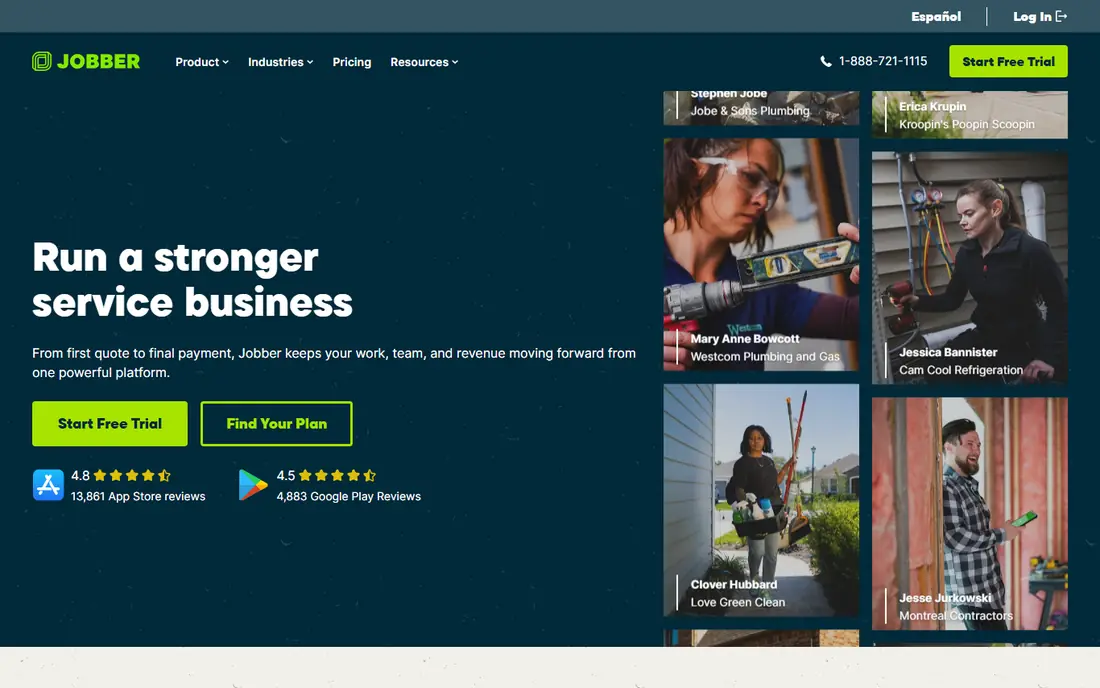
Jobber covers scheduling, dispatch, quoting, invoicing, customer records and online payments in one system, with a mobile app for techs in the field. Core starts at 29 dollars per month billed annually for one user, with Connect and Grow adding automation, time tracking and job costing. Route optimization is built in, which helps crews with several stops a day cut driving time without a separate routing tool. The per user cost is the catch to model. Every extra user costs 29 dollars per month, so a three person crew pays materially more than the headline Core price. Jobber still offers strong value for solo operators and small crews, and its 14 day free trial needs no credit card, so owners can test it on real jobs before paying.
- Clear published pricing
- Strong quoting and invoicing
- Built in route optimization
- Extra users cost 29 dollars per month each
- Some features need higher tiers
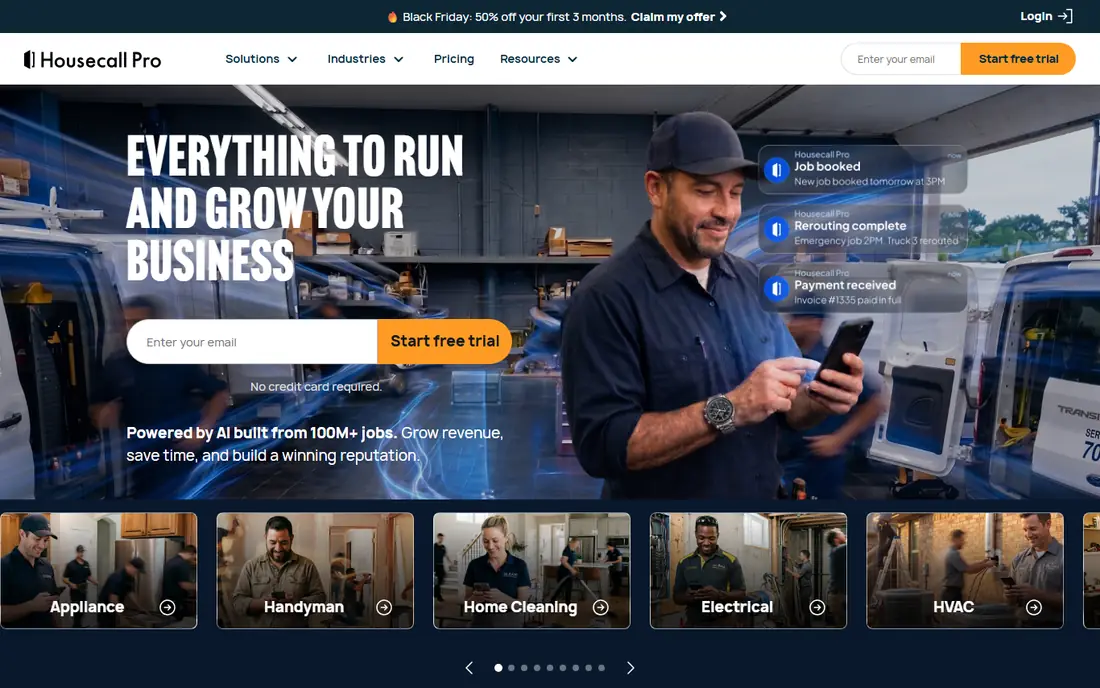
Housecall Pro is built for residential service shops that win work by answering fast and booking online. Customers can book from Google search, receive automated confirmations and tech on the way texts, and get a review request after the job closes. Basic starts at 59 dollars per month billed annually for one user, Essentials at 149 dollars for up to five users, and Max at 299 dollars for up to eight users. The plan jump matters. Basic has no QuickBooks sync and no GPS tracking, so growing crews usually land on Essentials. Housecall Pro still earns its place for call heavy shops, since its booking, reminders and review automation directly help win and keep residential customers.
- Online booking from search
- Automated reminders and review requests
- Strong mobile app
- Basic covers only one user
- QuickBooks sync needs Essentials or higher
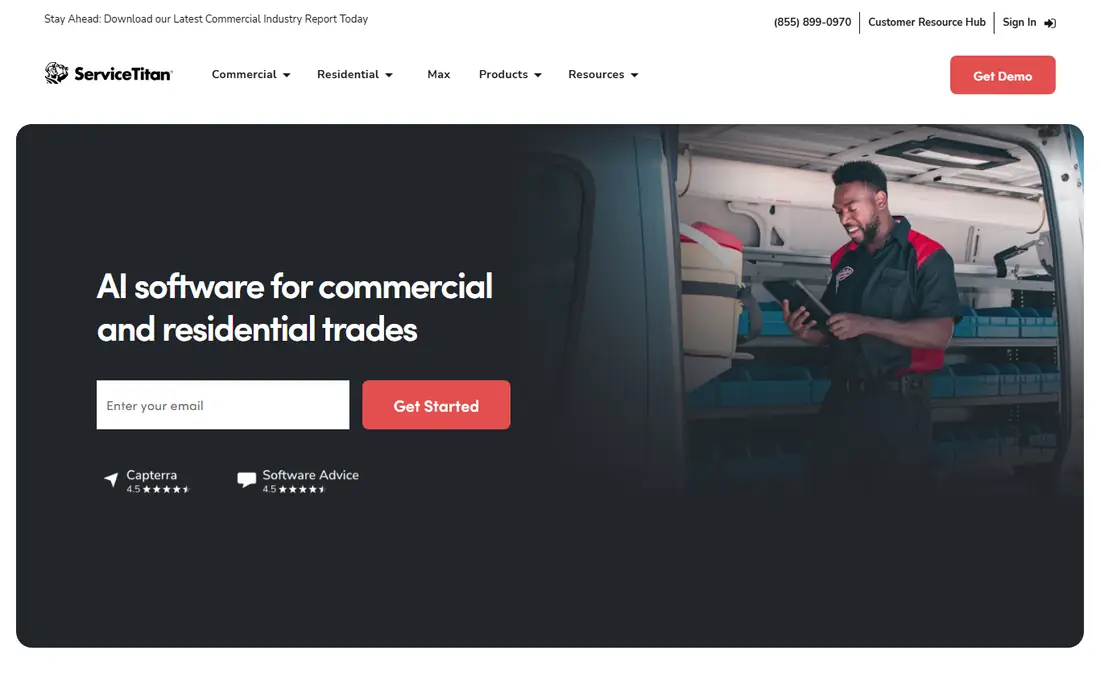
ServiceTitan is the most complete platform on this list, covering dispatch, call booking, estimates, memberships, marketing, payroll and reporting for large residential and commercial contractors. Its call center tools, pricebook and marketing attribution suit fleets that run many techs, take many calls and need to track which campaigns produce booked jobs. Larger shops also benefit from its reporting depth and integrations. ServiceTitan publishes no standard price and quotes per technician, so small shops should expect a high total cost and a longer rollout. For a shop with fewer than about ten techs, Jobber or Housecall Pro usually gives better value. For a large fleet that will use the full feature set, ServiceTitan is the benchmark.
- Deepest feature set for large shops
- Call center and membership tools
- Marketing attribution
- Quote only pricing
- Long implementation
- Overkill for small shops
Workiz focuses on shops where the phone drives the business, with call tracking, scheduling, dispatch, invoicing and online booking in one platform. Its tools help office staff turn calls into booked jobs, track which calls convert, and keep techs updated from the field app. Job management, estimates and payments cover the daily work of a plumbing crew. Workiz does not publish a single simple price for every team size, so owners should get a written quote for their user count before comparing it with Jobber or Housecall Pro. For shops that judge software by how many calls become jobs, Workiz deserves a trial.
- Strong phone and call tracking tools
- Scheduling and dispatch
- Online booking
- Pricing needs a sales conversation for exact totals
- Some features are add ons
Service Fusion offers field service management with scheduling, dispatch, estimates, invoicing and payments, and it stands out for flat pricing that avoids per user charges on its main plans. That model suits mid size shops that would pay heavily per seat elsewhere, since adding a tech or an office user does not automatically raise the bill. A customer portal lets clients approve estimates and pay online. Service Fusion is smaller than the leaders on this list, so owners should check integrations, especially accounting sync, during a trial. For a growing crew that hates per seat math, its flat pricing is a real advantage and worth pricing against Jobber and Housecall Pro.
- Flat pricing with unlimited users on some plans
- Dispatch and invoicing
- Customer portal
- Less well known than Jobber or Housecall Pro
- Feature depth varies by plan
FieldEdge, formerly FieldEdge by Xplor, covers dispatch, quoting with a flat rate pricebook, invoicing, customer management and QuickBooks integration. Its pricebook helps techs quote consistent prices in the home, rather than guessing or calling the office, and its dispatch board gives office staff a clear view of the day. The mobile app lets techs update jobs, capture signatures and take payments on site. FieldEdge prices by quote, so owners need a sales conversation to get a total. It suits mid size to larger shops that want pricebook discipline and a proven dispatch system. Solo operators will usually find Jobber or ServiceM8 cheaper and faster to start.
- Flat rate pricebook tools
- Dispatch board
- QuickBooks integration
- Quote only pricing
- Setup takes time and training
ServiceM8 offers job management, scheduling, quoting, invoicing and payments, with a free plan limited to a small number of jobs per month. Paid plans charge by job volume rather than by user, so a shop with many staff but a moderate job count can save money compared with per seat tools. Its field app is strongest on iPhone and iPad, which suits crews already on Apple devices. Job limits are the main constraint. A busy shop can outgrow the free or Starter plans quickly, and Android users should test the field app before committing. For a solo plumber or a small shop watching every dollar, ServiceM8 is the best budget starting point on this list.
- Free plan for small job volumes
- No per user fees on paid plans
- Strong iOS field app
- Job limits on lower plans
- Android field features are more limited
Simpro covers job management, quoting, scheduling, invoicing, inventory and asset management for trade and field service firms, including larger plumbing operations and commercial work. Its job costing and project features suit firms that run bigger jobs, manage stock and track profitability by job, not just by day. Multi office and multi trade support helps firms that do plumbing alongside HVAC or electrical work. Simpro is not a quick solo tool. Pricing is by quote, setup needs training, and small residential shops will find simpler tools faster to adopt. For larger operations that need inventory, projects and detailed costing, Simpro is a serious option.
- Strong job costing and project tools
- Inventory and asset management
- Multi trade support
- Quote only pricing
- Complex setup for small shops
Fergus is a job management tool for plumbers and other trades, with quoting, scheduling, invoicing, job costing and supplier price updates. It helps owners see the true cost of a job, including labor and materials, and quote with supplier prices rather than old price lists. Accounting links to Xero and QuickBooks keep the books in sync without manual rekeying. Fergus began in New Zealand and Australia, so its US presence and supplier coverage are smaller than Jobber or Housecall Pro. US owners should confirm supplier integrations and local support during a trial. For owners who rank job costing and accurate quoting above all else, Fergus is worth testing.
- Clear job costing and quoting
- Supplier price integration
- Xero and QuickBooks links
- Smaller US presence than in Australia and New Zealand
- Pricing by quote
How we picked these
We compared official pricing pages, feature pages and public documentation, and favored apps with current, supported products for plumbing and field service work in October 2026. We looked for scheduling, quoting, invoicing and field mobile apps as core coverage, and we included budget, mid market and large fleet options. We left out generic CRM tools that lack field dispatch and job costing.
What to check before you buy
Count users and jobs before you compare prices. Per user tools charge for every tech and office user, job volume tools charge by job count, and flat tools charge one price for the team. Run your real crew size and monthly job count through each pricing model, and the cheapest headline price often changes. Test the field app on a real job. Techs will use the app in basements, attics and areas with poor signal, so offline behavior, photo capture, signature collection and payment flow matter more than a pretty dashboard. Give two techs a trial week and ask what slowed them down. Check accounting sync and payment fees separately from subscription price. QuickBooks or Xero sync may need a higher plan, and card processing fees apply on top of every plan. Ask each vendor for the sync plan, the processing rate and any add on costs in writing before you sign.
Frequently asked questions
What is the best app for plumbers?
Jobber is our pick for most small shops on value and ease of use, while Housecall Pro suits residential shops focused on online booking. Larger fleets should look at ServiceTitan, and budget solo operators should start with ServiceM8.
What is the best software for plumbers?
The best software covers scheduling, dispatch, quoting, invoicing and payments in one system with a field app techs will actually use. Jobber, Housecall Pro and ServiceTitan all meet that bar at different sizes and prices.
How much does plumbing software cost?
Solo plans start around 29 dollars per month billed annually for Jobber and 59 dollars for Housecall Pro Basic, while larger plans and ServiceTitan cost far more. Always price your full user count, since per user fees change the total.
Is there a free app for plumbers?
ServiceM8 offers a free plan limited by job volume, and most paid tools offer a free trial. A free plan suits a very small job load, but a busy shop will usually need a paid plan for unlimited jobs and full features.
Do plumbers need field service software?
Not every solo plumber does, but most growing shops benefit once jobs, calls and invoices outgrow spreadsheets and paper. Software cuts missed calls, speeds invoicing and gives owners a clear view of which jobs make money.
Sources
See where you really rank - block by block
ProMapRanker scans Google Maps across a grid of your service area. Simple monthly plans from $19, white-label on every plan.
Start freeKeep reading
 zoho inventory alternatives
6 Alternatives to Zoho Inventory, Compared on Price and Fit
Zoho Inventory alternatives: 6 tools compared on price, free plans and fit. Katana leads the list for manufacturers. Fit and flaws are laid out for each entry.
Read → zoho crm alternatives
Best Zoho CRM Alternatives (2026)
Need Zoho CRM alternatives? We compare 7 tools on cost, free access and who each suits. Every pick gets a straight assessment. Built for quick decisions.
Read → zelle alternatives
Best Zelle Alternatives in 2026
Compare the best Zelle alternatives for sending money to friends, paying sellers and moving funds abroad, with honest notes on fees, speed and safety in 2026.
Read →