 ProMapRanker
Best Apps for Learning in 2026

Key takeaways
- Khan Academy is the best free learning app for academic foundations, with free lessons and practice across maths, science and more.
- Coursera suits career learning, with university and company courses plus certificates that employers recognise.
- Duolingo is the best learning app for building a daily language habit, thanks to short gamified lessons.
- Brilliant suits hands-on STEM learning, while Skillshare suits creative project-based learning.
- The best learning platform is the one whose lesson length fits your real day, so test free tiers before paying for a year.
Quick comparison
| Pick | Great for | Pricing starts at | Free tier | |
|---|---|---|---|---|
 Khan Academy Khan Academy | Free academic foundations | Free | Yes | Visit |
 Coursera Coursera | Career courses and certificates | Free | Yes | Visit |
 Duolingo Duolingo | Daily language habit | Free | Yes | Visit |
 Udemy Udemy | Specific practical skills, bought per course | See website | No | Visit |
 Brilliant Brilliant | Hands-on maths, science and logic | See website | No | Visit |
 Skillshare Skillshare | Creative project-based classes | See website | No | Visit |
 LinkedIn Learning LinkedIn Learning | Workplace and professional skills | See website | No | Visit |
 Codecademy Codecademy | Learning to code interactively | Free | Yes | Visit |
The best apps for learning
We compared official feature pages, pricing pages, app store listings and public reviews for leading learning apps. The best apps for education are not all trying to do the same job: some teach a subject, some build a habit, and some award a credential. All eight apps below are available in the United States and still actively updated.
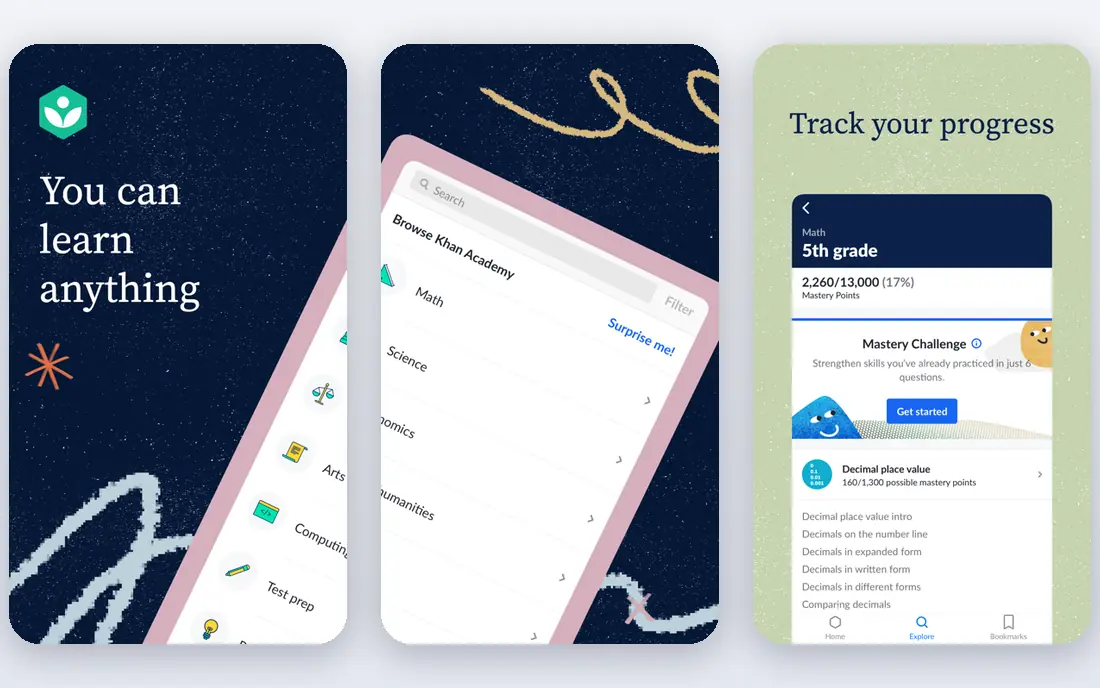
Khan Academy is the best free educational app on this list, and it is not close on value. Lessons and practice exercises cover maths, science, computing, history and test preparation, all free and without ads in the core app. Teachers and parents can track progress, and learners can work at their own pace.
The honest catch is style. Khan Academy feels like school, which is ideal for academic refreshers and exam preparation, but less appealing for casual creative learning. It also offers fewer career certificates than Coursera or LinkedIn Learning. If you want to rebuild maths, science or other academic foundations without paying, start here.
- Completely free
- Lessons and practice across maths, science, computing and humanities
- Trusted by schools
- School-style format suits some learners less
- Career certificates are limited
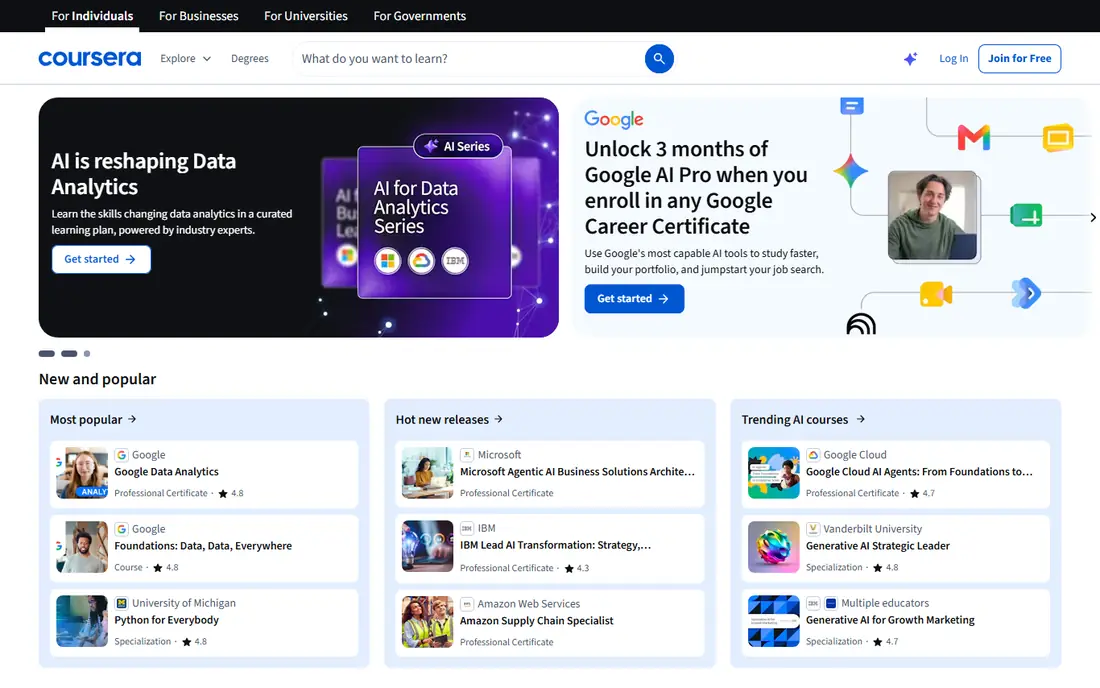
Coursera is the best learning platform for career change or advancement. It offers courses, professional certificates and degree paths from universities and companies, covering data, technology, business, marketing and health. Many courses can be audited free, so you can test the content before paying for a certificate.
The trade-off is time and cost. Certificates, graded assignments and full programme access require payment, and longer courses demand weeks of steady work. That structure is a strength if you want a credential, and a weakness if you only want a quick skill. For a CV-friendly certificate, Coursera is the strongest option here.
- Courses from universities and companies
- Professional certificates and degrees
- Many courses free to audit
- Full certificates and graded work cost extra
- Longer courses need sustained time
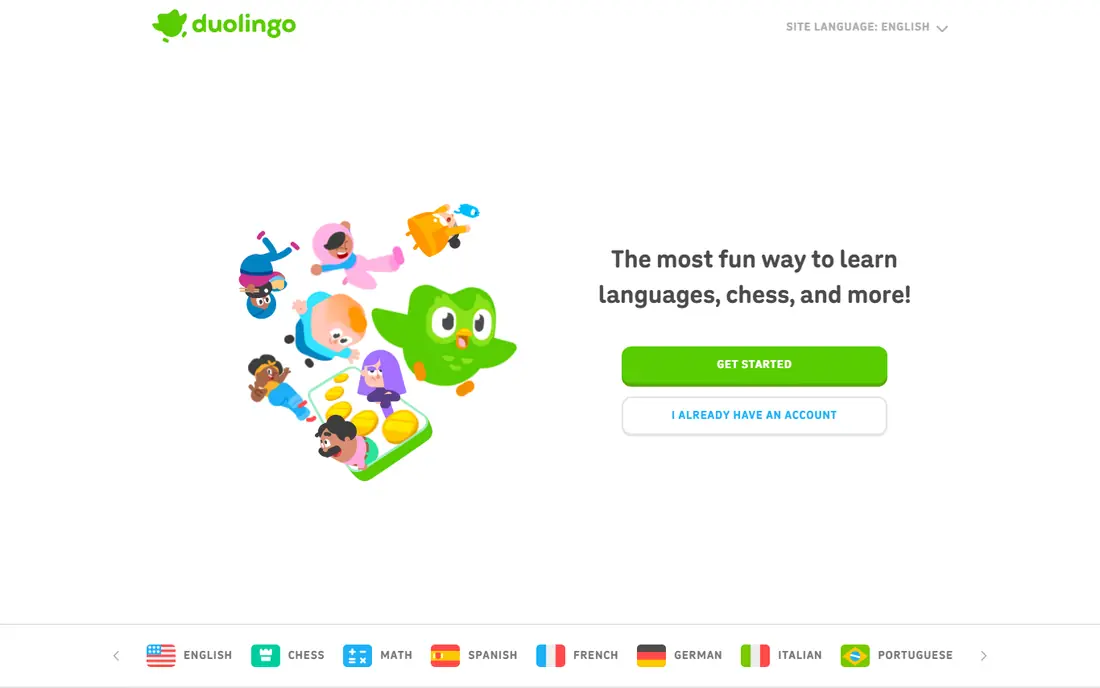
Duolingo is the best app for learning a language from zero. Short lessons, streaks and game-style rewards make daily practice easy, and the free tier covers core lessons in many languages. It works well for vocabulary, basic grammar and reading, and it fits into ten minutes a day.
The limit is depth. Duolingo builds recognition better than fluent conversation, so learners who reach an intermediate level often need conversation practice elsewhere, such as a tutor or exchange app. Ads and hearts in the free tier can also irritate heavy users. For building a habit and learning basics, Duolingo remains the easiest place to start.
- Short gamified lessons
- Many languages
- Streaks and reminders build a daily habit
- Stronger on recognition than real conversation
- Advanced learners may outgrow it
Udemy suits people who want one skill, fast. Its catalogue covers programming, design, business, music and hundreds of niche topics, and you pay per course rather than per month, with lifetime access to the course you buy. Sales are frequent, so patient buyers often pay far less than list price.
The weakness is consistency. Quality varies by instructor, since anyone can publish a course, so check preview videos, ratings and recent reviews before buying. Udemy also offers no formal accreditation, so it suits practical skills better than credentials. For a specific tool or technique, Udemy is often the quickest and cheapest route.
- Huge course catalogue
- Pay per course with lifetime access
- Frequent sales
- Quality varies by instructor
- No subscription library or formal accreditation
Brilliant is the best learning app for people who learn by doing. Instead of long videos, it presents interactive problems with visual explanations, covering maths, science, logic and computing. That format suits learners who zone out during lectures but engage when they solve the next step themselves.
The catch is scope and price. Brilliant is paid after a trial, and it covers STEM only, so language learners and humanities readers need another app. If you want to rebuild maths, understand data or learn logic through practice, Brilliant is one of the most effective tools on this list.
- Interactive problem solving rather than video lectures
- Visual explanations
- Courses in maths, science and computing
- Paid after a trial
- STEM only, so humanities and languages are out of scope
Skillshare suits creative learners who want to make something. Classes in illustration, design, photography, writing and crafts are built around projects, so you finish with work to show rather than just notes. Teachers are often working creators, which gives classes a practical, current feel.
The downside is the membership model. You pay for access rather than buying single courses, and Skillshare offers no formal certificates for employers. If you want creative skills and enjoy learning by project, Skillshare is a strong pick. If you need a credential, Coursera or LinkedIn Learning fit better.
- Project-based creative classes
- Teachers are working creators
- Good for design, illustration and photography
- Membership only, no per-course purchase
- No formal certificates
LinkedIn Learning is the best education app for workplace skills in a hurry. Courses and learning paths cover business, technology and creative tools in short, structured videos, and completed courses can appear on a LinkedIn profile. That visibility helps job seekers show recent learning.
The limits are depth and price. LinkedIn Learning is subscription only, and some topics stay introductory, so specialists will need deeper sources. It also suits professional skills better than academic foundations or pure creative practice. If your goal is a promotion, a new role or a current tool, LinkedIn Learning is a practical choice.
- Short workplace courses and learning paths
- Certificates can appear on a LinkedIn profile
- Broad business and tech catalogue
- Subscription only
- Depth varies by topic
- Less suited to academic or creative depth
Codecademy is the best app for learning to code from scratch. Lessons run in the browser, so you write and run code from the first lesson, and career paths guide you toward roles in web development, data and computer science. The free tier covers basics, which is enough to test whether coding suits you.
The catch is paywall placement. Full career paths, projects and certificates need a paid plan, so serious learners should budget for it. Codecademy also focuses on programming, so it does not replace a general learning app. If coding is your goal, Codecademy offers a clearer path than general platforms.
- Interactive coding lessons in the browser
- Career paths for programming roles
- Free tier for basics
- Free tier is limited
- Deeper career paths need a paid plan
How we picked these
We compared official feature pages, pricing pages, app store listings and public reviews for leading learning apps. We favoured apps that are actively updated, offer a clear learning method, and serve a distinct goal: academic foundations, career credentials, language habit, specific skills, STEM practice, creative projects, workplace skills or coding. We treated free tiers as testable starting points, not as proof of full value, and we noted where certificates or paid plans change the experience.
How to choose a learning app you will actually use
Start with the smallest lesson you can repeat daily. A ten-minute language lesson you do every day beats a two-hour course you open once, so match the app to your real schedule. Duolingo and Khan Academy suit short daily sessions, while Coursera suits longer weekly study blocks.
Next, decide what outcome you need. If you need a certificate for work, Coursera or LinkedIn Learning should lead your shortlist. If you need a skill for a project, Udemy or Skillshare may be faster. If you need understanding, Brilliant or Khan Academy will serve you better than a video library. Finally, use free tiers first, set a weekly goal, and drop an app quickly if you have not opened it in two weeks. The best free learning apps are only useful if they survive contact with your calendar.
Frequently asked questions
What are the best learning apps for adults?
Coursera and LinkedIn Learning lead for career skills, Khan Academy leads for free academic learning, Duolingo leads for languages, and Brilliant leads for hands-on STEM. The best apps for learning skills depend on whether you want a credential, a habit or a single practical skill.
What is the best free learning app?
Khan Academy is the best free learning app overall, since its core lessons and practice are free. Duolingo and Codecademy also offer useful free tiers, and many Coursera courses can be audited free without a certificate.
What are the best apps for learning skills quickly?
Udemy is best for a single practical skill bought per course, Skillshare is best for creative project skills, and LinkedIn Learning is best for short workplace skills. Check instructor ratings and preview content before you pay, since quality varies.
Are learning apps good for children as well as adults?
Khan Academy is widely used by schools and families, and Duolingo offers a family-friendly format, but age suitability varies by app and content. Parents should check each app's age guidance and privacy settings before letting children use it unsupervised.
Do certificates from learning apps help with jobs?
Certificates from Coursera and LinkedIn Learning can help show recent, relevant learning, especially when they match the role. Employers still value work samples, experience and interviews more than certificates alone, so pair a certificate with a project you can show.
What is the best learning platform for coding?
Codecademy is the best learning platform for interactive coding from scratch, with browser-based lessons and career paths. Brilliant suits maths and logic behind coding, while Udemy suits a specific language or framework bought as a single course.
Sources
See where you really rank - block by block
ProMapRanker scans Google Maps across a grid of your service area. Simple monthly plans from $19, white-label on every plan.
Start freeKeep reading
 youtube alternatives
Best YouTube Alternatives in 2026
Looking for youtube alternatives in 2026? We compare Vimeo, Dailymotion, Twitch, Rumble, and more on price, audience, monetization, control and privacy.
Read → what's the best ai tool for photo editing
What Is the Best AI Tool for Photo Editing in 2026
What is the best AI tool for photo editing? We compare ten tools for 2026, from Photoshop and Lightroom to Luminar, Topaz, Canva and mobile editors today.
Read → twitter alternatives
Best Twitter Alternatives in 2026
Compare the best twitter alternatives for 2026, from Bluesky, Threads, and Mastodon to Reddit, Tumblr, and Micro.blog, with free plans and audience notes.
Read →