 ProMapRanker
Best Apps for Japan Travel in 2026

Key takeaways
- Four apps cover most Japan trips: Google Maps for navigation, Google Translate for language, NAVITIME for rail detail and Suica for payments.
- The Japan Official Travel App adds sightseeing guides and disaster information from the Japan National Tourism Organization.
- Download offline maps and offline Japanese in Google Translate before you fly, since stations often have weak signal.
- Klook suits advance bookings for attractions and rail passes, while Tabelog suits finding local restaurants.
- An eSIM app like Airalo keeps maps and translation working from arrival, without hunting for a SIM shop.
Quick comparison
| Pick | Great for | Pricing starts at | Free tier | |
|---|---|---|---|---|
 Google Maps | Navigation and transit routes | Free | Yes | Visit |
 Google Translate | Menus, signs and conversations | Free | Yes | Visit |
 Japan Travel by NAVITIME | Detailed rail and transfer routes | Free | Yes | Visit |
 Japan Official Travel App | Sightseeing and safety information | Free | Yes | Visit |
 Suica | Tap payments for trains and shops | Free | Yes | Visit |
 Klook | Tours, tickets and rail passes | Free | Yes | Visit |
 Airalo | Travel eSIM data in Japan | Free | Yes | Visit |
 DeepL | Accurate written translation | Free | Yes | Visit |
 Tabelog | Restaurant discovery and reviews | Free | Yes | Visit |
The best apps for japan travel
We compared apps that help visitors move around Japan, read Japanese, pay for travel and book activities, with a focus on tools that work for first-time visitors.
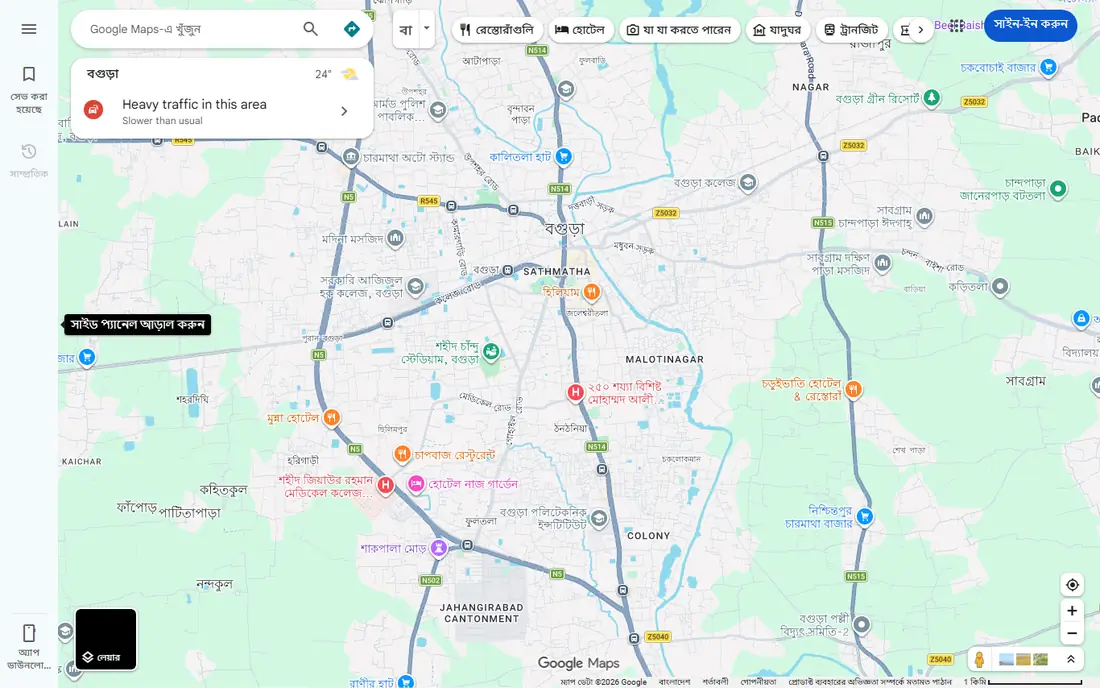
Google Maps is the first app most visitors should install for Japan. It handles walking directions, train routes, bus routes and station exits, and saved places sync across devices. In large stations, the exit guidance alone can save a long detour.
The limit is offline use. Offline maps support driving navigation, but offline walking and transit directions are limited, so download map areas and screenshot key routes before going underground. With data, Google Maps remains the most dependable all-round navigation tool for Japan.
- Reliable walking and transit directions
- Station exits and saved places
- Works across Japan
- Offline transit directions are limited
- Crowded station areas can confuse GPS
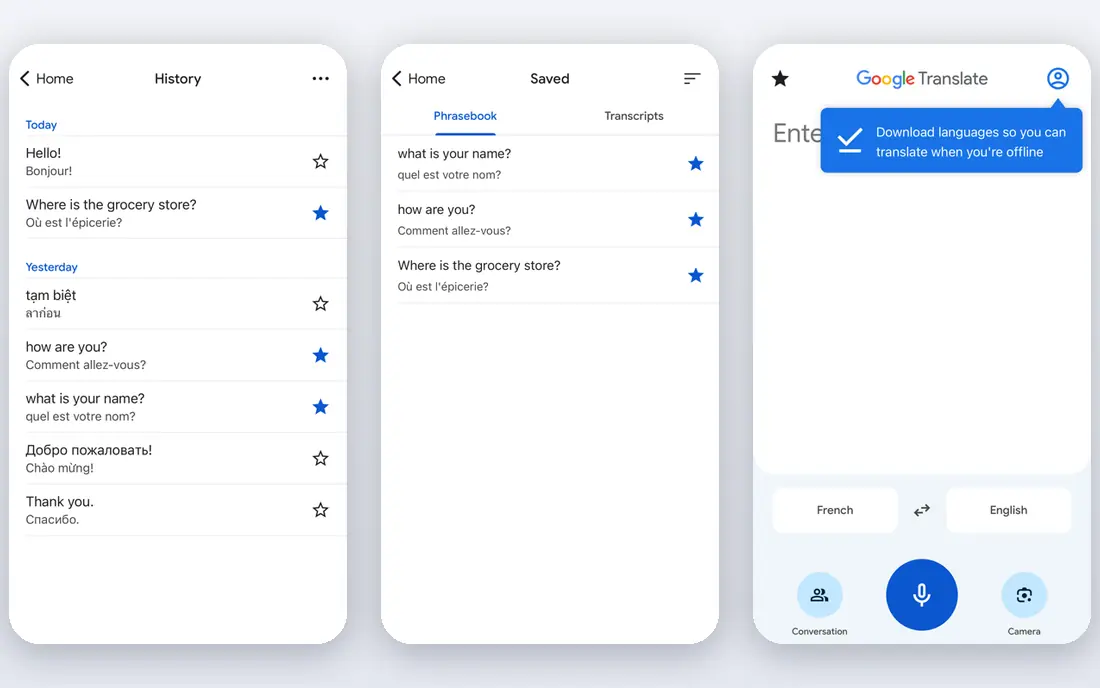
Google Translate solves the most common Japan problem: reading a menu, a sign or a ticket machine. Camera mode translates printed Japanese in view, while conversation mode helps with spoken exchanges. Downloading Japanese offline before the trip keeps translation working without data.
Accuracy is good for practical text but imperfect for nuance, so double-check prices, allergy information and safety warnings. For short, polite exchanges, a translated phrase plus a smile goes a long way, and staff in tourist areas often meet visitors halfway.
- Camera translation for menus and signs
- Conversation mode
- Offline Japanese downloads
- Translations can miss nuance
- Camera results need checking for prices and warnings
Japan Travel by NAVITIME
Great for: Detailed rail and transfer routes
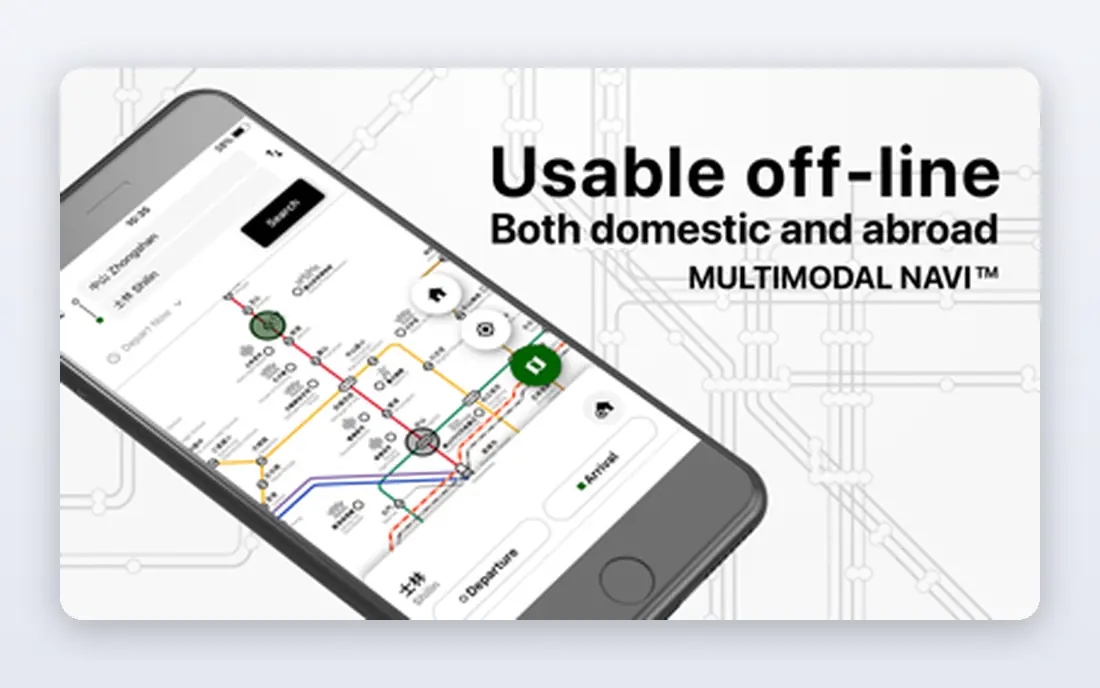
Japan Travel by NAVITIME adds rail detail that Google Maps sometimes lacks, including transfer guidance, platform information and spot searches for attractions. It suits visitors planning multi-city trips by train, where a missed transfer can cost an hour. Offline spot search helps when signal drops.
The app has paid premium features, so check which routing features sit behind payment before relying on them. For most visitors, the free routing plus Google Maps covers daily travel well, with NAVITIME as the stronger backup for complex rail days.
- Detailed transfer and platform information
- Spot search and offline features
- Japan-specific routing
- Some premium features need payment
- Interface takes a little learning
The Japan Official Travel App, from the Japan National Tourism Organization, gives sightseeing maps, attraction guides and travel routes in one trusted place. It also carries safety and disaster information, which matters in a country where earthquakes and severe weather can disrupt plans. First-time visitors gain a reliable starting point for each city.
It does not replace a daily transit app, since NAVITIME and Google Maps give deeper routing. Use the official app for planning and safety, and pair it with a transit app for the journey itself.
- Official sightseeing guides and routes
- Disaster and safety information
- Trusted source for visitors
- Less detailed for daily transit than NAVITIME
- Best as a companion, not a sole navigator
Suica, the rechargeable IC card from JR East, simplifies travel across much of Japan. Tap a phone or card at the gate for trains and buses, then use the same balance in convenience stores, vending machines and some shops. Adding Suica to a phone wallet avoids carrying a separate card.
The app itself is free, but travel and purchases draw from a topped-up balance, so keep an eye on funds before a long rail day. Check refund and balance rules for visitor cards before departure, since terms differ between card types and regions.
- Tap travel on trains and buses
- Accepted in convenience stores and vending machines
- Phone wallet option
- Needs top-ups
- Refund rules for visitors need checking
Klook suits visitors who want popular attractions, day tours and rail passes sorted before arrival. Booking in advance avoids ticket queues at busy sights, and the app keeps vouchers in one place. It is especially useful for theme parks, guided tours and multi-day passes.
The app download is free, but each activity carries its own price, so compare the total with official attraction prices before booking. Check cancellation terms carefully, since they vary by supplier and some tickets are date-specific.
- Advance booking for attractions and passes
- Clear ticket options
- Useful for popular sights
- App is free but activities cost money
- Booking terms vary by supplier
Airalo lets visitors buy a Japan eSIM before flying and activate it on arrival, so maps and translation work from the airport. That avoids hunting for a SIM shop after a long flight and keeps the home SIM untouched for calls if needed. Data amounts and validity periods vary, so pick a plan that matches trip length.
The catch is device support: the phone must accept eSIMs, and older phones may not. Check compatibility before buying, and note that eSIM prices change with data allowances, so compare the cost per day for your trip length.
- ESIM setup before departure
- Avoids airport SIM queues
- Keeps maps working on arrival
- ESIM prices vary by data amount
- Phone must support eSIM
DeepL suits longer written text, such as emails to a hotel, detailed directions or a museum description. Its translations often read more naturally than machine translation from other tools, which helps when nuance matters. The interface stays simple for typed and pasted text.
For menus and signs, Google Translate camera mode remains faster. Use DeepL as a second translator for written messages and documents, and Google Translate for live, visual translation on the street.
- Natural written translations
- Useful for emails and longer text
- Clean interface
- Less useful for camera translation than Google Translate
- Free plan has limits
Tabelog is the go-to restaurant guide for visitors who care about food. Its listings and rankings reflect local opinion more than tourist-focused guides, which helps visitors find neighbourhood restaurants beyond the main sights. Search by area, cuisine and budget to narrow a large city quickly.
Much of the content is in Japanese, so pair Tabelog with Google Translate camera mode for menus and reviews. Some listings lack full English detail, but photos, prices and maps usually make the choice clear enough for a confident visit.
- Deep Japanese restaurant listings
- Local reviews and rankings
- Good for food-focused trips
- Much content is in Japanese
- Some listings lack English detail
How we picked these
We compared official app pages, app store listings and tourism guidance for apps that are live in October 2026 and solve a real Japan travel task: navigation, translation, payment, booking, connectivity or dining. We favoured free core apps with broad coverage, and we noted where a paid booking, top-up or data plan sits behind a free download.
How to set up your Japan apps before you fly
Install the four core apps first: Google Maps, Google Translate, NAVITIME and Suica, plus the Japan Official Travel App for safety information. Download offline maps for your main cities and offline Japanese in Google Translate, then screenshot hotel addresses and key train routes. That preparation covers most underground and low-signal moments.
Add Klook bookings, an Airalo eSIM and Tabelog only after the core set is ready. Test each app once at home, including adding Suica to a phone wallet where supported, so arrival day is about travel, not troubleshooting.
Frequently asked questions
What are the best apps for Japan travel for first-time visitors?
Google Maps, Google Translate, Japan Travel by NAVITIME and Suica cover navigation, language, rail detail and payments. Add the Japan Official Travel App for sightseeing and safety information, and Klook for advance attraction bookings.
Do I need a Suica card in Japan?
A Suica card or phone wallet Suica makes train, bus and convenience store payments much easier, though paper tickets still work. Visitors should check current visitor card terms and top-up options before departure.
Does Google Maps work offline in Japan?
Offline maps support driving navigation, but offline walking and transit directions are limited. Download map areas in advance and screenshot key routes, or use NAVITIME for offline spot searches.
What is the best app for translating Japanese?
Google Translate suits menus, signs and conversations with camera and conversation modes. DeepL suits longer written text, such as emails and documents, where natural wording matters more.
How do I get mobile data in Japan?
An eSIM from a provider like Airalo can be set up before departure, while pocket Wi-Fi and local SIM cards are also available at airports. An eSIM suits most visitors, since it works from arrival without an extra device.
Sources
See where you really rank - block by block
ProMapRanker scans Google Maps across a grid of your service area. Simple monthly plans from $19, white-label on every plan.
Start freeKeep reading
 zscaler alternatives
Best Zscaler Alternatives in 2026
Looking for zscaler alternatives? We compare 9 SASE and zero trust platforms on architecture, data protection, pricing, and fit for your network and team.
Read → zapier alternatives free
Best Zapier Alternatives Free in 2026
Nine automation tools for zapier alternatives free in 2026, all with genuinely free tiers, plus free plan limits, starting prices and upgrade paths explained.
Read → which platform is best for online reputation
Which Platform Is Best for Online Reputation in 2026
Wondering which platform is best for online reputation? We compare 8 review, listing, and response tools for small and multi-location businesses and agencies.
Read →