 ProMapRanker
Best Apps for Interior Design in 2026


Easy 2D and 3D room design on web and mobile · Pricing starts at: $59.99 per year for Premium
Key takeaways
- Planner 5D is the easiest starting point for most home projects, while RoomSketcher suits measured plans you can hand to a builder or agent.
- SketchUp is the better pick when you need custom shapes, built-ins, and furniture that do not come from a catalogue.
- Sweet Home 3D and IKEA Kreativ prove that a useful plan does not always need a subscription, though both have clear limits.
- Free plans often limit the catalogue, export quality, or number of projects, so test saving and exporting before you invest hours in a design.
Quick comparison
| Pick | Great for | Pricing starts at | Free tier | |
|---|---|---|---|---|
| Planner 5D | Easy 2D and 3D room design on web and mobile | $59.99 per year for Premium | Yes | Visit |
 Homestyler Homestyler | Browser-based design with lifelike renders | $6.80 per month for Pro+ | Yes, Basic plan | Visit |
 RoomSketcher RoomSketcher | Measured floor plans with 3D photos and walkthroughs | $12 per month for Pro, billed annually | Yes, limited | Visit |
 SketchUp SketchUp | Custom modelling, built-ins, and detailed room shapes | $129 per year for Go | Yes, SketchUp Free for personal use | Visit |
 Sweet Home 3D Sweet Home 3D | Free offline home design without a subscription | Free | Yes | Visit |
 Houzz Houzz | Ideas, product shopping, and finding design professionals | Free for the app | Yes | Visit |
 IKEA Kreativ IKEA Kreativ | Seeing IKEA furniture inside your actual rooms | Free | Yes | Visit |
 Floorplanner Floorplanner | Quick floor plans in a browser without installing software | See website | Yes | Visit |
The best apps for interior design
Interior design apps split into three jobs: planning a room to scale, visualising it in 3D, and finding furniture or a professional to finish the job. We included tools for each job, and we say plainly where a free plan stops being useful.
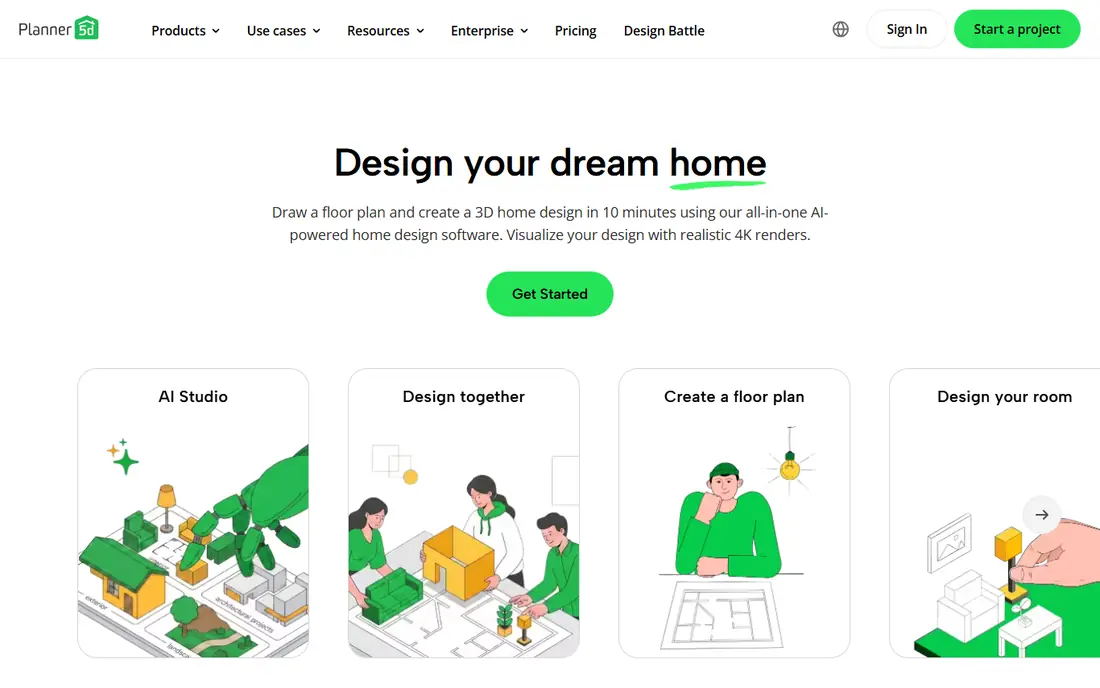
Planner 5D is the app we would hand to a friend who wants to rearrange a living room this weekend. You draw walls, drag furniture into place, switch to 3D, and walk through the result without learning modelling terms. The catalogue covers everyday rooms well, and the cross-device sync means a plan started on a laptop can be checked on a phone in the shop. Premium adds more of the catalogue and higher-quality renders. That is the main decision point. If the free catalogue covers your style, you may never need to pay. If you keep hitting locked items, the annual price is still modest compared with hiring a designer for a single room. Planner 5D is not a construction drawing tool, so use RoomSketcher or SketchUp when exact measurements and building details matter.
- Simple drag-and-drop layout, large furniture catalogue, works across devices
- Full catalogue needs Premium, advanced construction details are limited
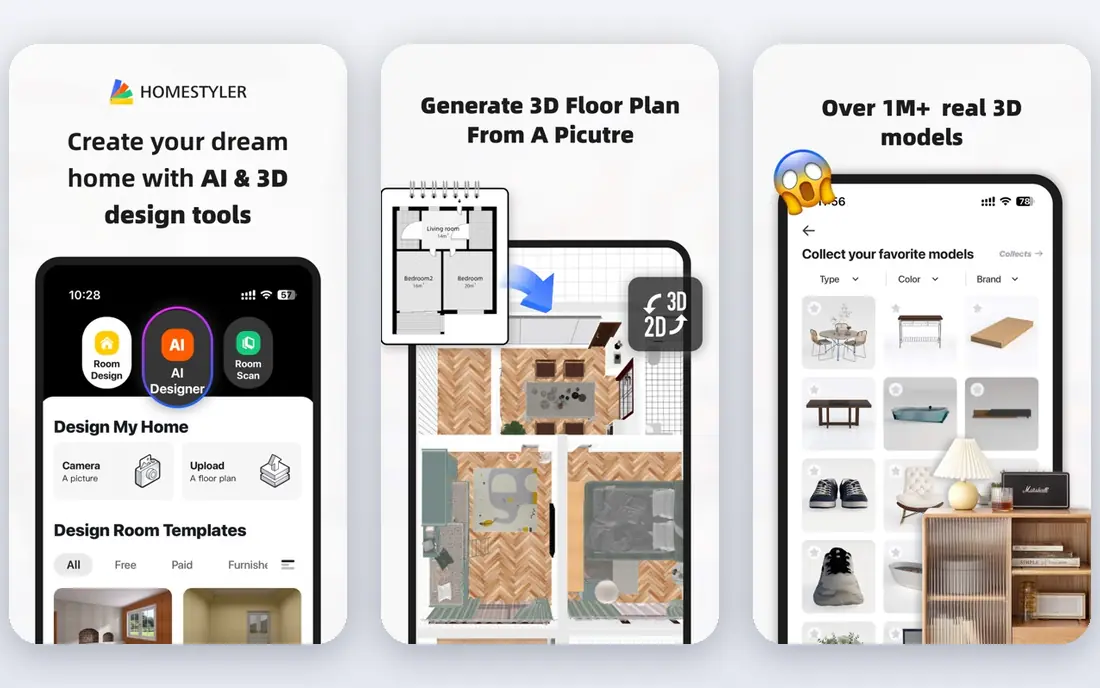
Homestyler suits people who want a pretty, believable picture of a room without installing software. You design in a browser, choose furniture, and render the result to see light, colour, and layout together. The Basic plan, with unlimited 1K renders, is generous for testing ideas before committing to paint or furniture. The limits appear when you need print-quality images or precise dimensions for a contractor. Paid plans improve render quality and add more features, but Homestyler still prioritises visual design over technical drawings. Use it to compare styles and colours, then move to a measured plan tool if a builder needs exact figures.
- No install needed, unlimited 1K renders on Basic, brand furniture options
- Higher-resolution renders need a paid plan, modelling is less precise than SketchUp
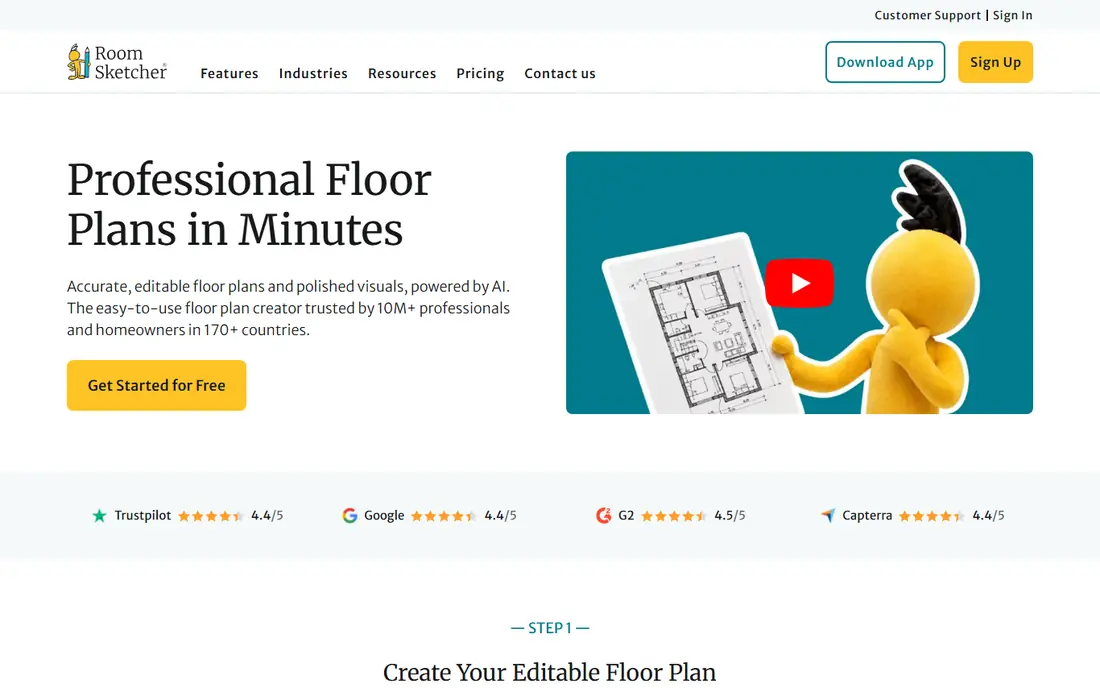
RoomSketcher takes measurement more seriously than most apps in this list. You draw a plan to scale, add doors and windows, furnish it, and generate 3D photos or a live walkthrough. Estate agents, landlords, and homeowners preparing a renovation brief will value that accuracy, because a plan that looks right but measures wrong causes expensive mistakes. The free plan lets you test the workflow, but serious use needs a paid tier. Check how many projects, floor plan levels, and 3D views your plan includes before starting a multi-room project. If you only need one room for personal use, Planner 5D may be cheaper. If you need a plan someone else will build from, RoomSketcher earns its fee.
- Accurate 2D plans, 3D photos, 360 views, good for property listings
- Free plan is limited, full features need a subscription
SketchUp is for people who find catalogue apps too limiting. Want a window seat with storage, a kitchen island at an exact size, or a sloped ceiling that matches your real room. SketchUp lets you build it, rather than searching for a close-enough item. The web-based Free version is a genuine way to learn modelling, and Go adds desktop and iPad tools for regular use. That freedom comes with effort. You will need to learn how to draw, push, pull, and group shapes, and photorealistic rendering usually needs an extension or a separate renderer. Designers and keen DIY builders will find that trade worthwhile. Casual decorators who only want to try sofa positions will finish faster in Planner 5D or Homestyler.
- True 3D modelling freedom, large extension and model library, works on web and iPad
- Learning curve is steeper, rendering needs extensions or separate tools
Sweet Home 3D is the budget pick that asks for nothing in return. Download the desktop app, draw a plan, add furniture, and view it in 3D, all offline and without a subscription. Students, landlords with simple properties, and anyone who refuses another monthly bill will appreciate that honesty. You can also import extra furniture models if the built-in set feels thin. The interface looks older than its rivals, and renders will not impress a client who expects a magazine-style image. Treat Sweet Home 3D as a planning tool first and a presentation tool second. For checking whether a bed fits, a door swings clear, or a table blocks a walkway, it does the job without cost or fuss.
- Fully free desktop app, offline use, furniture import, 2D and 3D views
- Interface looks dated, renders are basic compared with paid tools
Houzz starts where most design projects start: looking at rooms you like. Its photo library, idea books, and product links help you move from a vague feeling to a shortlist of styles, colours, and items. You can also find local designers, architects, and contractors, read their past work, and contact them from the same app. Do not expect Houzz to replace a floor planner. It is best used alongside Planner 5D, RoomSketcher, or SketchUp. Save the rooms that inspire you, note the products you like, then build the layout in a planning app and check measurements there. Houzz Pro, the separate business tool for professionals, starts at a much higher monthly price and is not needed for a home project.
- Huge photo library, product links, professional directory, idea books
- Not a measured planning tool, business software Houzz Pro is a separate paid product
IKEA Kreativ solves a narrow problem very well. Instead of guessing whether a sofa fits your room or clashes with your rug, you can place IKEA items into a scan or photo of your own space. That preview removes the most common buying regret in home design, which is ordering furniture that looked right in a showroom and wrong at home. The limit is obvious: it is an IKEA tool, so it will not help you plan a room full of items from other shops. It also does not replace a measured floor plan for structural changes. Use Kreativ when you are close to buying IKEA pieces, and use a general planner when you are still deciding the layout itself.
- Free, uses your own room photos or scans, furniture is shoppable
- Limited to IKEA products, not a general floor planner
Floorplanner
Great for: Quick floor plans in a browser without installing software
Floorplanner is the quickest way to get a clean floor plan on screen. Open a browser, draw rooms, add furniture, and switch to 3D to check the layout. Estate agents and homeowners who need a simple plan for a listing or a renovation chat will find it faster than learning a full modelling tool. Exports are where you should check the cost. Free projects and basic images cover simple needs, but higher-resolution renders and extra features use credits or a paid plan. Before you build a large project, confirm what your plan includes and what an export will cost. For a one-off plan, that check takes two minutes and avoids a surprise at the end.
- Fast browser workflow, 2D and 3D views, useful for simple listings and layouts
- Higher-quality exports use credits, pricing varies by credits and plan
How we picked these
We compared official feature pages, pricing pages, app store listings, and public reviews, and we kept only apps that work in October 2026. We looked for a clear planning job, a usable free entry point or a fair price, and tools that produce plans or visuals you can act on. We did not include apps that only apply a style filter to a photo, because those do not help you check size, layout, or furniture fit. Where a price could not be verified on the vendor page during our research, we wrote "See website" rather than guessing.
How to choose the right design app
Start with the decision you need to make, not with the prettiest render. A plan for a builder, a shopping shortlist, and a style experiment need different tools.
If you are rearranging one room
Planner 5D or Homestyler will cover most needs. Draw the room once, test two or three layouts, and check walkways, door swings, and TV viewing distances. Take measurements of your real room first, because even the best app cannot fix a wrong wall length.
If a builder or agent needs the plan
RoomSketcher or SketchUp are safer choices. Measured plans reduce misunderstandings, and 3D views help everyone picture the result before work starts. Keep a copy of the plan, note ceiling heights and window positions, and confirm which file formats your builder can open.
If budget is the main limit
Start with Sweet Home 3D for planning and IKEA Kreativ for furniture previews. Both are free, and together they cover layout and shopping for many rooms. Upgrade only when you hit a specific limit, such as render quality or catalogue access, rather than paying for features you may never use.
A note on measurements and shopping
No app replaces a tape measure. Measure wall lengths, ceiling height, door widths, and large furniture before you design. When you shop, check product dimensions against your plan, not against a photo. That habit saves more returns than any render upgrade.
Frequently asked questions
What are the best interior design apps for beginners?
Planner 5D and Homestyler are the easiest starting points. Planner 5D is best for drag-and-drop room layouts across devices, while Homestyler is best for browser-based renders without an install. Both have free plans, so you can test a real room before paying.
Which is the best app for interior design with accurate measurements?
RoomSketcher is the strongest pick in this list for measured plans, with 2D drawings plus 3D photos and walkthroughs. SketchUp is also accurate, and it gives more freedom for custom shapes, but it takes longer to learn. For a builder, a measured plan from either tool beats a pretty photo filter.
What is the best free interior design app?
Sweet Home 3D is the best fully free option for offline planning, and IKEA Kreativ is the best free option for previewing IKEA furniture in your own room. Planner 5D and Homestyler also have useful free plans, though both limit catalogues or render quality until you upgrade.
What is the best interior design software for professionals?
SketchUp suits professionals who need custom modelling, and RoomSketcher suits professionals who need measured plans and property visuals. Houzz Pro is a separate business system for designers who also need client management, estimates, and invoicing, but its monthly price puts it in a different category from home design apps.
Can I design a whole house with these apps?
Yes, with care. Planner 5D, RoomSketcher, SketchUp, and Sweet Home 3D all support multi-room projects, though free plans may limit projects or features. Work room by room, keep measurements consistent, and check how rooms connect, including doors, hallways, and stair positions, before finalising a whole-house plan.
Do interior design apps work on a phone?
Most apps in this list have mobile versions, and Planner 5D, Homestyler, Houzz, and IKEA Kreativ work well on a phone for browsing and simple edits. Detailed drawing is still easier on a larger screen, so use a phone for checking a plan in a shop and a laptop or tablet for building it.
Sources
- https://planner5d.com
- https://www.homestyler.com
- https://www.roomsketcher.com
- https://www.sketchup.com
- https://www.sweethome3d.com
- https://www.houzz.com
- https://www.ikea.com
- https://floorplanner.com
- https://editorialge.com/room-planner-and-home-design-apps/
- https://www.archivinci.com/blogs/best-interior-design-apps
- https://rankite.com/blog/best-home-design-software-for-beginners
See where you really rank - block by block
ProMapRanker scans Google Maps across a grid of your service area. Simple monthly plans from $19, white-label on every plan.
Start freeKeep reading
 youtube alternatives
Best YouTube Alternatives in 2026
Looking for youtube alternatives in 2026? We compare Vimeo, Dailymotion, Twitch, Rumble, and more on price, audience, monetization, control and privacy.
Read → what's the best ai tool for photo editing
What Is the Best AI Tool for Photo Editing in 2026
What is the best AI tool for photo editing? We compare ten tools for 2026, from Photoshop and Lightroom to Luminar, Topaz, Canva and mobile editors today.
Read → twitter alternatives
Best Twitter Alternatives in 2026
Compare the best twitter alternatives for 2026, from Bluesky, Threads, and Mastodon to Reddit, Tumblr, and Micro.blog, with free plans and audience notes.
Read →