 ProMapRanker
Best Apps for Habit Tracking in 2026

Key takeaways
- The best habit tracker app depends on your platform and what keeps you logging, not on the longest feature list.
- Habitica suits people who like games, Loop suits Android users who want a free private tracker, and Habitify suits people who use many devices.
- Streaks is the simplest Apple-only option with a one-time purchase, while Routinery suits timed morning and evening routines.
- Free plans are useful, but most cap habits, routines, or stats, so check the cap before you build a long habit list.
- A habit app works best with one or two habits at first, a visible reminder, and a forgiving way to restart after a missed day.
Quick comparison
| Pick | Great for | Pricing starts at | Free tier | |
|---|---|---|---|---|
 Habitica Habitica | Gamified habits | $4.99 per month | Yes | Visit |
 Streaks Streaks | Simple Apple tracking | See website | No | Visit |
 Habitify Habitify | Cross-platform tracking | $2.49 per month | Yes | Visit |
 Loop Habit Tracker Loop Habit Tracker | Free Android tracking | Free | Yes | Visit |
 Way of Life Way of Life | Visual trend tracking | See website | Yes | Visit |
 Fabulous Fabulous | Guided routines and coaching | See website | Free trial | Visit |
 Productive Productive | Clean routines and stats | See website | Yes | Visit |
 Finch Finch | Gentle self-care habits | See website | Yes | Visit |
 Routinery Routinery | Timed step-by-step routines | $5.00 per month | Yes | Visit |
The best apps for habit tracking
We compared official feature pages, pricing, app store listings, privacy policies, and public reviews, focusing on how easy each app makes daily logging, reminders, stats, and recovery after a missed day.
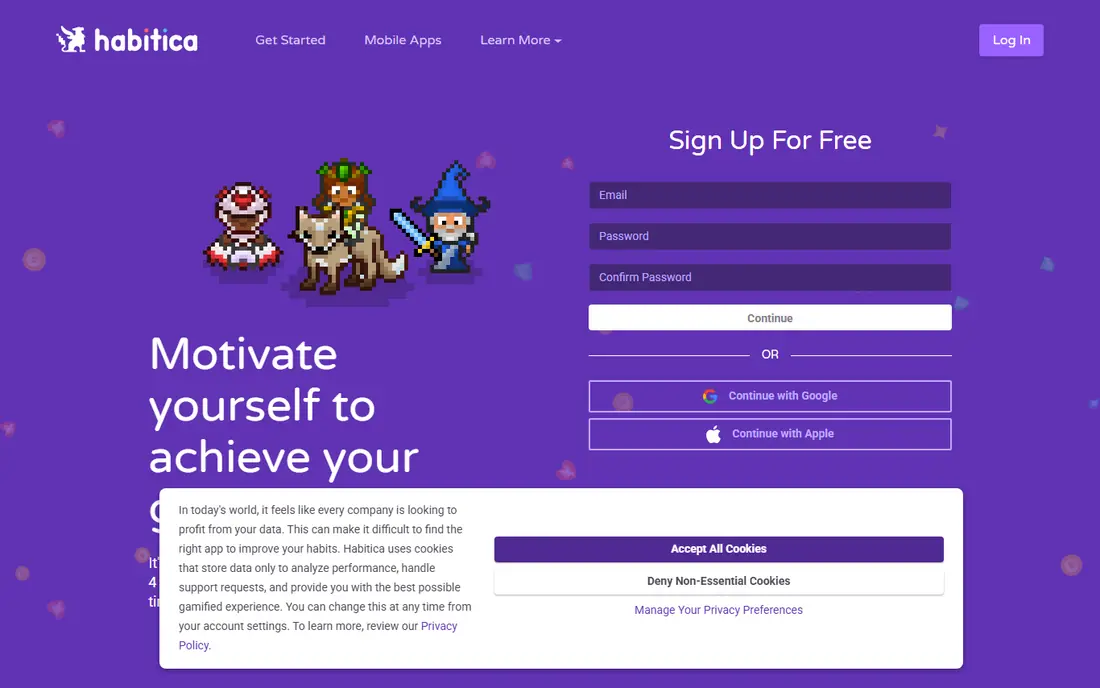
Habitica is the pick for people who find plain checklists boring. You create a character, earn experience and gold for completed habits and daily tasks, lose health when you skip a daily task, and buy gear for your avatar. Parties let friends fight bosses together, so your missed tasks affect the group, which some people find motivating and others find stressful. The core app is free, with an optional subscription for cosmetic and convenience extras, so cost is rarely the reason to skip Habitica. The real question is whether the game helps or distracts you. If you enjoy quests, guilds, and challenges, Habitica can turn a dull routine into something you open daily. If you want a quiet list and a chart, a simpler app on this list will serve you better.
- Turns habits, daily tasks, and to-dos into a role-playing game
- Free core app
- Parties and guilds add accountability
- Game layer can distract from the habits themselves
- Interface feels busy next to simple trackers
- Some extras need a subscription
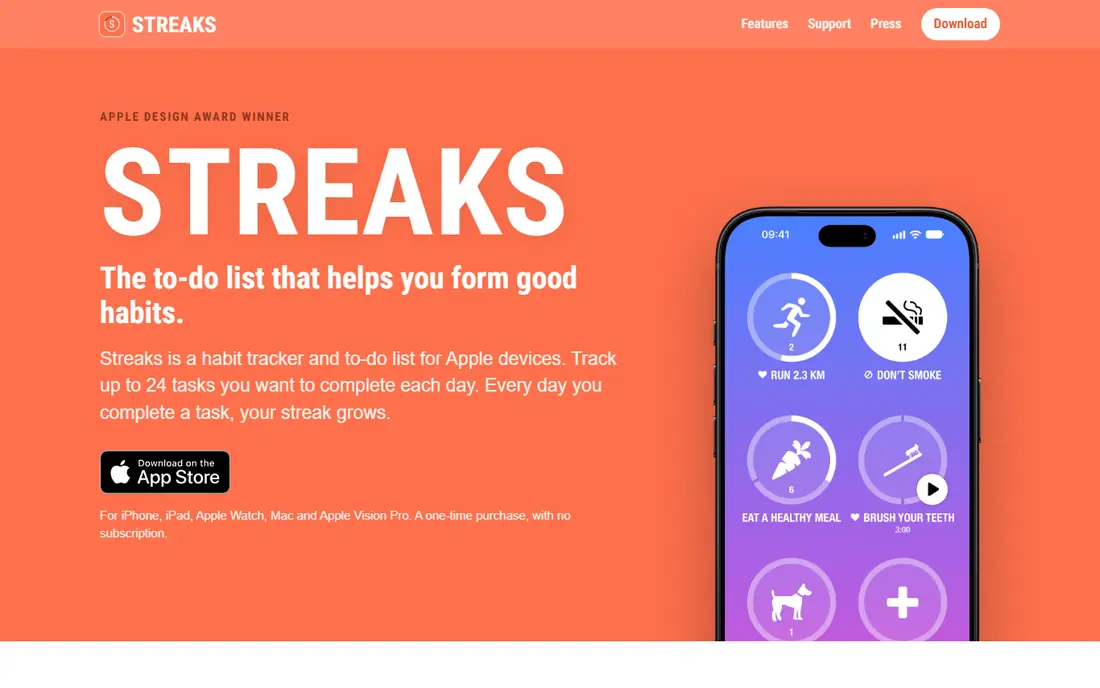
Streaks is the simplest serious tracker on this list, and that simplicity is its strength. You pick up to 24 tasks, set how often each one repeats, and watch a streak grow. Tasks linked to Apple Health, such as walking or workouts, can complete themselves, which removes one more tap from your day. The one-time purchase also means no monthly bill to justify. The limits are clear. Streaks runs only on Apple devices, so Android users and mixed-device households should look elsewhere. A missed day resets the streak to zero, which motivates some people and discourages others. If a reset would make you quit, choose an app with a habit score or a rest mode instead. If a clean count and a one-time price appeal to you, Streaks is hard to beat on Apple hardware.
- Clean design with up to 24 tasks
- Strong Apple Health and Apple Watch integration
- One-time purchase with no subscription
- Apple platforms only
- Streak resets to zero after a missed day
- No web or Android version
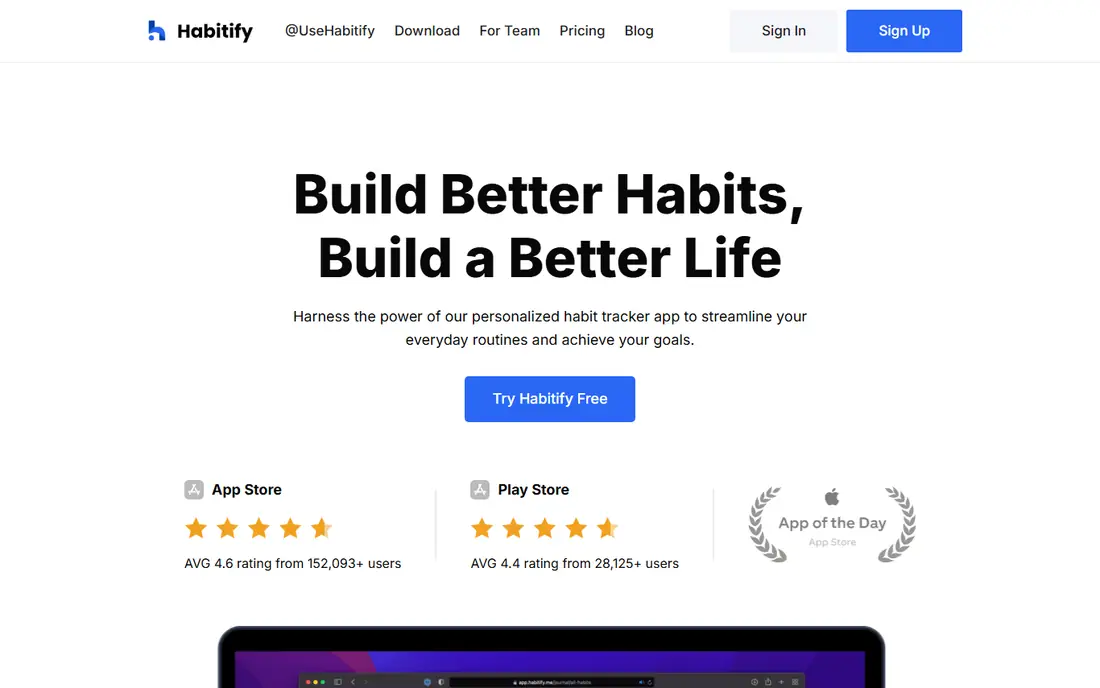
Habitify is our pick for people who switch devices during the day. Start a habit on your phone in the morning, check it on your computer at work, and review progress on a tablet at night, without losing sync. Habits can be grouped by morning, afternoon, and evening, which makes a long list easier to scan, and the charts show trends over weeks rather than only a single streak number. The free plan covers three habits, which is enough to test the app but not enough for a full routine. Premium, listed at $2.49 per month billed annually, plus a lifetime option, gives access to unlimited habits, habit stacking prompts, and break modes. If you only need three habits, the free tier is a strong deal. If you want ten habits across four devices, Habitify earns its price through sync and polish.
- Syncs across iPhone, Android, Mac, and web
- Clean interface with time-of-day grouping
- Detailed progress charts and streaks
- Free plan limits you to three habits
- Some break features need Premium
- Lifetime price is higher than a monthly plan for short-term users
Loop Habit Tracker is the best free option for Android users who care about privacy and data. It needs no account, shows no ads, and lets you set habits for any schedule, such as three times a week, rather than forcing a daily target. Its habit strength score is also more forgiving than a pure streak, because one missed day lowers the score instead of wiping your record. The trade-off is platform and sync. Loop has no iPhone or web version, and no cloud sync, so your data stays on one Android device unless you back it up yourself. That is a benefit for privacy and a drawback for people who use several devices. If you use Android alone and want a tracker you can inspect, trust, and use for free, Loop is the clear choice.
- Completely free and open source with no ads
- Habit strength score instead of only a streak
- Flexible schedules and detailed charts
- Android only
- No cloud sync between devices
- No social or gamified features
Way of Life suits people who want to see patterns, not chase a perfect streak. Each habit gets a green mark for yes, red for no, and a skip option, and the resulting chart shows at a glance whether a habit is improving, flat, or fading. Daily notes add context, so you can see that a habit slipped on travel days or on days with late meetings, rather than only seeing a broken chain. That focus on trends makes Way of Life calmer than gamified apps, but it also means fewer extras. There is no game layer, no large social system, and fewer device integrations than Habitify. The free tier covers a small number of habits, with Premium options available in the app. If you like a simple journal-style tracker and you value insight over motivation tricks, Way of Life fits well.
- Simple red and green trend view makes patterns obvious
- Notes for each day explain why a habit slipped
- Reminders and charts are easy to use
- Free tier limits the number of habits
- Design is plainer than Habitify or Streaks
- Fewer integrations than some rivals
Fabulous is less a tracker and more a coach that builds routines step by step. Instead of giving you a blank list, it guides you through journeys for habits such as a better morning, focused work, or better sleep, with short lessons and a structured daily plan. That guidance helps people who know they want change but do not know where to start. The drawback is flexibility and price. If you already know your habits and only want to log them, Fabulous can feel slow and prescriptive, and its subscription costs more than a simple tracker. A free trial lets you test whether the coaching style suits you. Choose Fabulous if you want structure and explanation, and choose Loop or Habitify if you want a blank, flexible tracker.
- Guided journeys for morning routines, focus, and sleep
- Coaching-style lessons explain why a habit matters
- Attractive, structured design
- More coaching than pure tracking
- Subscription cost is higher than simple trackers
- Less flexible for custom habit lists
Productive sits between a simple tracker and a full routine planner. You can schedule habits by time of day, set flexible frequencies, join challenges, and review statistics that show consistency over time. The design is calm and easy to read, which matters when you open the app several times a day. Free use covers basic tracking, while Premium adds more habits, reminders, and stats. The monthly price is higher than Habitify in some regions, so check the price in your app store before committing. Productive suits people who want a polished, scheduled routine without games, coaching lessons, or a complex setup. It is a reliable middle choice for both iPhone and Android users.
- Clean interface with scheduled habits and challenges
- Useful statistics and streak views
- IPhone, Apple Watch, and Android support
- Premium price is higher than some rivals
- Free tier has limits
- Fewer gamified or social features than Habitica
Finch is the kindest app on this list, and that is intentional. You care for a small virtual pet by completing daily habits, checking in on your mood, writing short journal entries, and doing breathing exercises. The pet grows as you keep going, which gives a gentle reward without the pressure of a hard streak reset. That tone suits beginners, people rebuilding a routine after burnout, and anyone who finds strict trackers stressful. It suits strict goal tracking less well, because Finch is built around self-care and reflection rather than detailed habit analytics. Finch Plus adds more customization and content, but the free tier covers the core daily check-in. If motivation is your main problem, Finch may help you open the app on hard days, which is often the hardest step.
- Friendly pet companion makes daily check-ins feel lighter
- Combines habits, mood, journaling, and breathing exercises
- Free core features
- Self-care focus may feel too gentle for strict goal tracking
- Some features need Finch Plus
- Pet and reward system can distract some users
Routinery is the pick when the problem is not remembering a habit, but getting through a whole routine in order. You build a routine from steps, such as wake, water, stretch, shower, and breakfast, set a time for each step, and follow voice or push alerts through the sequence. That structure helps morning and evening routines that otherwise drift or get cut short. The free plan covers two routines with ads, while paid plans start at $5.00 per month, with an annual option. Rest mode and a streak recovery option help when life interrupts a routine, which is a thoughtful touch. Routinery is less useful if you only want to tick a single habit, such as reading, once a day. Pair it with a simple tracker for single habits, or use it alone if routines are your main goal.
- Timed routines with step-by-step guidance
- Rest mode protects streaks during breaks
- Voice and push alerts for each step
- Built for routines, not single habits alone
- Free plan limits routines
- Step timers can feel rigid for flexible days
How we picked these
We compared official feature pages, pricing, app store listings, privacy policies, and public reviews. We looked for apps that are still maintained, that work on at least one major platform, that offer a clear free tier or one-time price, and that handle reminders, streaks or scores, and missed days in a clear way. We did not claim hands-on testing, and we did not include apps that only offer a to-do list with no habit scheduling or statistics.
How to build a habit that lasts
Pick one habit, make it small, and attach it to something you already do. Reading for ten minutes after breakfast is easier to keep than reading for an hour at an unspecified time. Put the app where you will see it, such as a home screen widget, and set a reminder for the exact time you plan to act.
Start small and track honestly
A habit you can do on a busy day beats an ambitious habit you skip twice a week. Log honestly, including missed days, because the chart is only useful if it shows real patterns. If a habit keeps failing at the same time of day, change the time or the size of the habit, not only your effort.
Plan for missed days
Missed days are normal, and the best habit tracking apps handle them without punishing you into quitting. Loop lowers a habit score instead of erasing history, Routinery offers rest mode, and Habitify Premium offers a break mode. Choose the recovery style that keeps you going, and restart the next day without trying to make up for lost days all at once.
Review weekly, not daily
A daily streak can make one bad day feel like failure, while a weekly review shows the real trend. Once a week, check which habits improved, which slipped, and why. Keep habits that fit your life, adjust habits that do not, and drop habits that no longer matter, rather than keeping a long list out of guilt.
Frequently asked questions
What is the best habit tracker app?
The best habit tracker app depends on your device and motivation style. Habitica suits gamers, Streaks suits Apple users who want simplicity, Loop suits Android users who want a free private app, and Habitify suits people who use many devices. Try the free tier of two apps for a week and keep the one you actually open daily.
What are the best habit tracking apps with a free plan?
Loop Habit Tracker is fully free, Habitica has a free core app, and Habitify offers three free habits. Finch, Productive, and Routinery also offer free tiers with limits. The best apps for tracking habits for free are the ones whose free cap still covers your habit list, so count your habits before you choose.
What is the best habit building app for beginners?
Finch and Fabulous are strong beginner options, because both guide you through small daily steps instead of giving you a blank list. Finch is gentler and cheaper to start, while Fabulous offers more structured coaching journeys. If you prefer a simple list, Habitify with three habits is also a good beginner start.
What is the best habit builder app for Apple users?
Streaks is the best habit builder app for many Apple users, because it is clean, integrates with Apple Health and Apple Watch, and costs a one-time purchase rather than a subscription. Habitify is a better Apple choice if you also use Android, Mac, or web, because it syncs across all of them.
How do the best habit tracking apps reviews compare on streaks?
Reviews of the best habit tracking apps often praise Streaks for simplicity, Habitica for motivation, and Loop for honest statistics, but they also note that strict streaks can backfire. A reset to zero helps some users and discourages others, so read reviews for the missed-day behavior, not only the design, before you choose.
Can a habit app alone build a habit?
A habit app helps with reminders, tracking, and review, but it cannot replace a clear cue, a small first step, and a realistic schedule. Use the app to make the habit visible and to spot patterns, and change the habit size, time, or trigger when the data shows it is not working.
Sources
See where you really rank - block by block
ProMapRanker scans Google Maps across a grid of your service area. Simple monthly plans from $19, white-label on every plan.
Start freeKeep reading
 youtube alternatives
Best YouTube Alternatives in 2026
Looking for youtube alternatives in 2026? We compare Vimeo, Dailymotion, Twitch, Rumble, and more on price, audience, monetization, control and privacy.
Read → what's the best ai tool for photo editing
What Is the Best AI Tool for Photo Editing in 2026
What is the best AI tool for photo editing? We compare ten tools for 2026, from Photoshop and Lightroom to Luminar, Topaz, Canva and mobile editors today.
Read → twitter alternatives
Best Twitter Alternatives in 2026
Compare the best twitter alternatives for 2026, from Bluesky, Threads, and Mastodon to Reddit, Tumblr, and Micro.blog, with free plans and audience notes.
Read →