 ProMapRanker
Best Apps for Gamers in 2026: 9 Apps Compared

Key takeaways
- Discord remains the default meeting place for squads, while Steam, Xbox, and PlayStation apps are best when you already live inside one store or console family.
- Cloud options such as GeForce NOW change the hardware question, but they depend heavily on your internet connection and on games you already own or can rent.
- Free apps cover most needs, so pay only when a paid tier adds a feature you will actually use, such as higher quality streaming, cloud saves, or a game catalog.
- Clip and overlay tools are worth adding only if you record or stream often; otherwise they add clutter to a setup that already works.
Quick comparison
| Pick | Great for | Pricing starts at | Free tier | |
|---|---|---|---|---|
 Discord | Squad voice chat and gaming communities | Free | Yes | Visit |
 Steam | PC game buying, library, and friends | Free | Yes | Visit |
 Twitch | Watching live gameplay and streaming | Free | Yes | Visit |
 Xbox | Xbox players and Game Pass members | Free | Yes | Visit |
 PlayStation App | PS4 and PS5 owners managing play away from the TV | Free | Yes | Visit |
 GeForce NOW | Playing owned PC games on weaker hardware | Free | Yes | Visit |
 Medal.tv | Capturing and sharing short gameplay clips | Free | Yes | Visit |
 Overwolf | In-game overlays and companion apps | Free | Yes | Visit |
 Nintendo Switch Online | Switch online play, voice chat, and classic games | $19.99 per year | No | Visit |
The best apps for gamers
We compared official feature pages, pricing, and app store listings for nine apps that cover chat, stores, streaming, cloud play, and recording. Our pick for most players is Discord for communication plus the app that matches your main platform, since no single app does every job well.
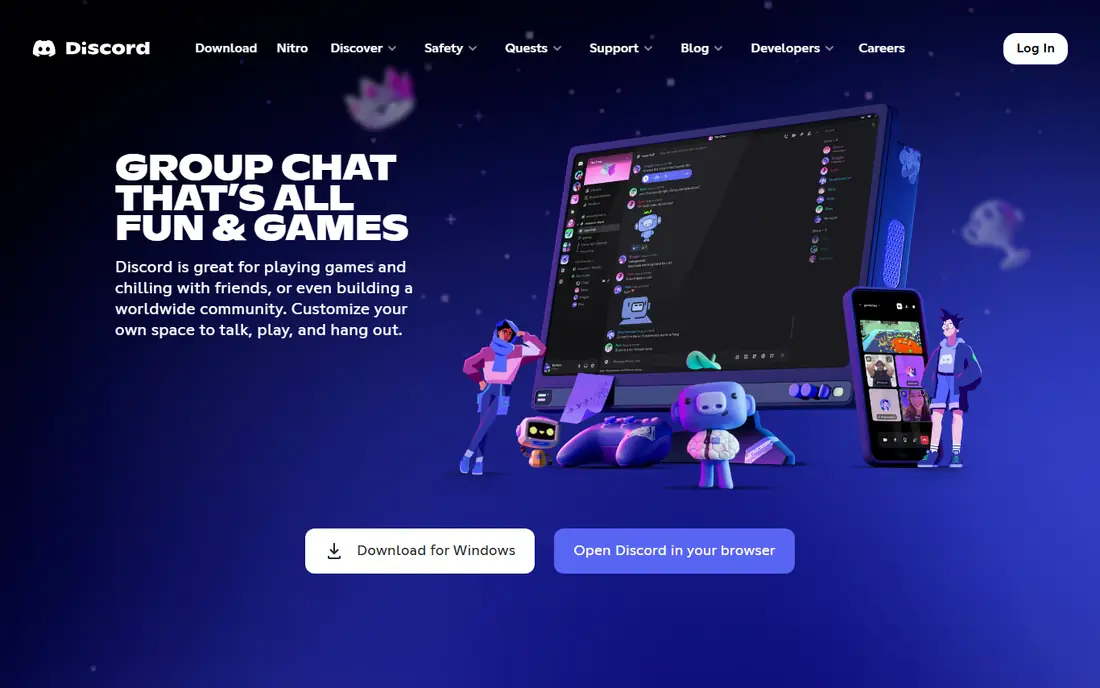
Discord is where most gaming groups actually gather, because a persistent server keeps text, voice, and video in one place between sessions. You can hop into a voice channel without a call invite, share your screen while a friend watches, and keep separate channels for different games or roles. That structure suits regular squads better than a one-off group call.
The catch is scale. Small servers feel calm and useful, while very large public servers can bury good conversation under constant messages and announcements. Nitro, at $9.99 per month, adds perks such as higher quality streaming and custom emoji, but the free tier already covers the core reason most players install it. If your group plays together weekly, Discord is the safest first install on this list.
- Reliable voice channels
- Large gaming communities
- Works across PC, console, and mobile
- Large servers can feel noisy
- Paid Nitro adds extras many casual players will not need
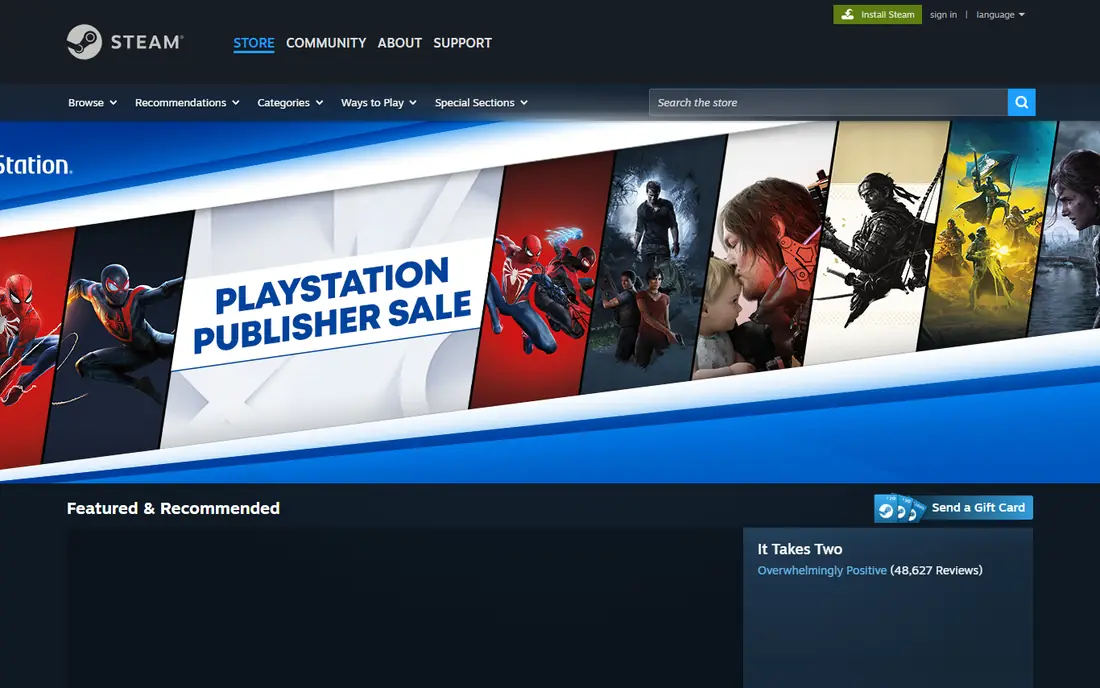
Steam is the center of PC gaming for a simple reason: your library, friends, achievements, and cloud saves live in one account across machines. The mobile app adds remote downloads, chat, and store browsing, so you can queue a download before you get home. For players who buy mostly on PC, that convenience matters every week.
The downside is choice overload. The store is vast, discovery mixes excellent small games with forgettable ones, and seasonal sales make it easy to stockpile titles. Steam also works best when your friends are on PC, since console players need a different app for their own ecosystem. Still, for PC-first players, no other app replaces it.
- Huge PC catalog
- Cloud saves on supported games
- Built-in friends, chat, and Workshop content
- Sales can encourage buying games you never play
- Interface feels crowded for new users
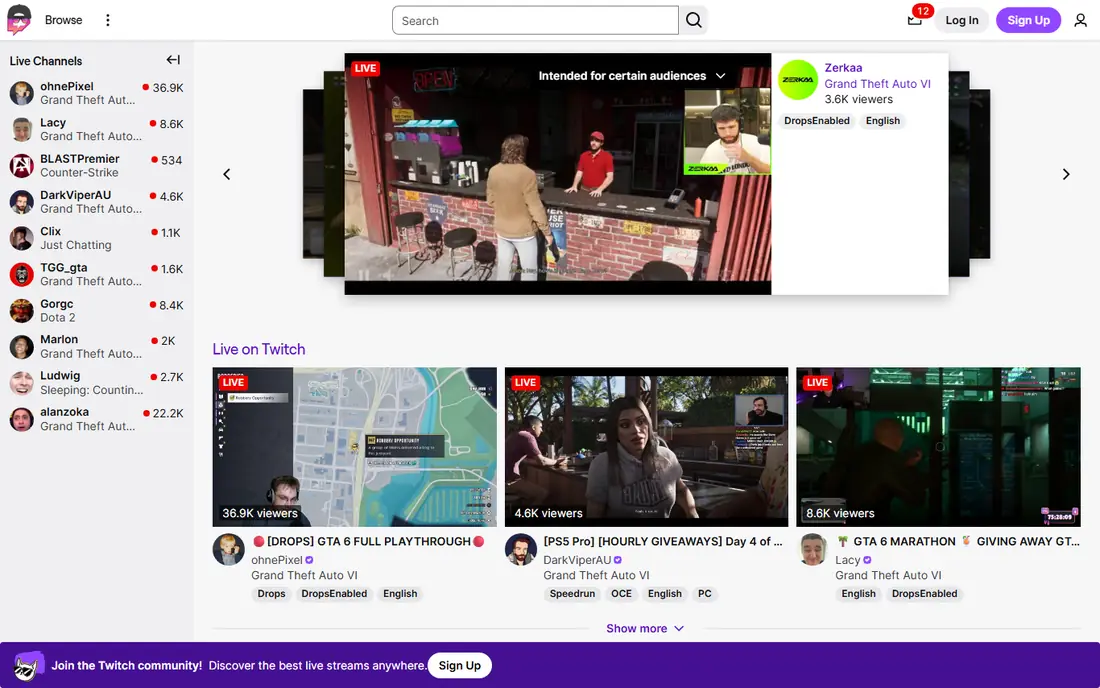
Twitch is the place to watch other people play, learn a game faster, or build a small streaming habit of your own. Live chat, clips, and channel points give viewers a way to take part, not just watch a video after the fact. For competitive games, watching a skilled player explain decisions in real time can teach more than a written guide.
The trade-off is discovery. Popular channels dominate the front page, and new streamers can stream for weeks to a tiny audience. As a viewer, that barely matters, since you can search by game and find steady streams. As a creator, Twitch rewards consistency and community building more than a single good broadcast, so set expectations accordingly.
- Largest live gaming audience
- Easy mobile viewing
- Clips and chat built in
- Discovering small streamers is hard
- Viewing quality depends on your connection
The Xbox app ties your console, PC, and phone together, which is handy if you play across devices. You can browse Game Pass, install games to your console remotely, chat with friends, and stream games through the cloud with Game Pass Ultimate, priced at $22.99 per month. That last feature is the real draw for players who want to try a game on a phone or a low-powered PC.
Without Game Pass, the app is still useful for friends, messages, and achievements, but it is less of a reason to open it daily. The app also assumes you are invested in the Xbox ecosystem, so PlayStation or Switch-only players will get little from it. For Xbox households, though, it is an easy, free install.
- Game Pass browsing and cloud play
- Remote downloads
- Party chat and messages
- Best value requires a Game Pass subscription
- Some features need a console or PC
The PlayStation App is the companion every PS4 or PS5 owner should install, because it handles the small jobs that otherwise mean turning on the TV. You can buy a game on your phone, start the download, check storage, message friends, and join a party chat. Those tasks sound minor until you want a game ready when you sit down to play.
The limit is the subscription layer. Online multiplayer needs PlayStation Plus Essential at $10.99 per month, and cloud streaming sits in the Premium tier at $19.99 per month. The app itself is free, but its most appealing extras sit behind those memberships. If you already pay for Plus, the app turns that membership into something you can use all day.
- Remote downloads and storage management
- Party chat and messages
- PlayStation Store browsing
- Cloud streaming needs PlayStation Plus Premium
- Online play needs a Plus membership
GeForce NOW is different from a game catalog service, because it streams PC games you already own from stores such as Steam to almost any device. That makes it appealing if your laptop, phone, or TV cannot run a demanding game locally. The free tier lets you test whether your connection handles cloud play before you pay anything.
The honest weakness is the network. A fast, stable connection matters more than the device in your hands, and latency can hurt fast competitive games even when the picture looks good. Paid tiers, including Ultimate at $19.99 per month, raise resolution and frame rate and lengthen sessions, but they cannot fix a weak connection. Test the free tier with your most played game first.
- Streams games you already own
- No big download or high-end PC needed
- Free tier to test
- Session limits on free tier
- Performance depends on internet speed and latency
Medal.tv is built for the moment after a great play, when you want the clip saved and shared before the next match starts. It records in the background on PC, lets you trim a clip quickly, and gives you a link friends can open without installing anything. For players who post highlights to Discord or social feeds, that speed is the whole point.
The catch is that casual players may not clip often enough to justify another app running in the background. Console players also have built-in capture tools that cover basic needs, so Medal.tv earns its place mainly with PC players who share clips often. If that is you, the free tier is enough to judge it.
- Quick clipping on PC and mobile
- Easy sharing links
- Simple editing tools
- Free tier limits storage and quality options
- Best on PC rather than console
Overwolf is a platform for smaller apps that sit on top of your game, such as trackers, build guides, and stat displays. Instead of tabbing out to a browser mid-match, you can glance at an overlay for the information you need. For games with deep stats or crafting systems, that convenience adds up over many sessions.
Quality is uneven because different developers build each app, so one overlay can feel polished while another feels rough. Overwolf also adds another layer to your PC, which older machines may feel. Pick one or two apps for the game you play most, rather than installing a large collection you will never open.
- Wide app catalog for popular games
- Overlays that stay out of the way
- Tracker and guide apps
- App quality varies by developer
- Extra overlays can distract or slow older PCs
Nintendo Switch Online
Great for: Switch online play, voice chat, and classic games
Nintendo Switch Online is required for online play in most Switch games, and at $19.99 per year for an individual membership it is the cheapest subscription on this list. It also adds cloud saves for supported titles and a rotating catalog of classic games, which gives occasional players something extra for a low yearly cost. The family plan at $34.99 per year covers up to eight accounts.
The weakness is voice chat, which still runs through the Nintendo Switch Online phone app for supported games rather than through the console in a straightforward way. That feels dated next to Discord or the Xbox party system. Still, if you play Switch games online at all, this membership is not really optional, and the price makes it an easy call.
- Low annual price
- Cloud saves on supported games
- Catalog of classic titles
- Voice chat runs through a phone app
- Online features feel thinner than rivals
How we picked these
We compared official feature pages, pricing pages, and app store listings, and we favored apps that are actively maintained, free or fairly priced, and useful to a broad group of players rather than one niche. We left out apps tied to a single game, tools that mainly duplicate a console feature, and services with unclear pricing. Where a price came from a subscription tier rather than the app itself, we said so in the write-up.
What to install first
Start with the app that matches your main platform, then add Discord if you play with a group. That pair covers buying, downloading, chatting, and organizing play for most people. Add Twitch if you watch streams, GeForce NOW if your hardware limits what you can run, and Medal.tv or Overwolf only if you clip or track games often. Check the subscription price before you commit, since free apps already handle chat, store browsing, and remote downloads well. If an app asks for permissions it does not need, or runs constantly in the background for a feature you rarely use, remove it and keep your setup simple.
Frequently asked questions
What is the best app for gamers overall?
Discord plus your platform app is the strongest combination for most players. Discord handles group chat and community, while Steam, Xbox, PlayStation, or Nintendo covers your library and online play.
Are gaming apps free?
Many core apps are free to download and use, including Discord, Steam, Twitch, Xbox, and the PlayStation App. Paid costs usually come from game purchases or subscriptions such as Game Pass, PlayStation Plus, or Nintendo Switch Online.
Do I need GeForce NOW if I have a good PC?
No. GeForce NOW is most useful when your device cannot run a game well on its own, or when you want to play on a phone, tablet, or TV. A capable gaming PC already does the same job locally with lower latency.
Can I stream games from my phone?
Yes, Twitch lets you stream from a phone, and Xbox and GeForce NOW let you play streamed games on a phone. Streaming quality depends on your upload speed and connection stability, so test with a short session first.
Is Discord safe for younger players?
Discord can be safe with care, but public servers vary widely in moderation. Younger players should stick to private servers with people they know, keep friend requests limited, and use privacy settings with a parent or guardian where needed.
Which app is best for recording clips?
Medal.tv is the most focused clip tool here for PC players who share often. Console players may prefer built-in capture first, since it needs no extra software and already saves to the console.
Sources
See where you really rank - block by block
ProMapRanker scans Google Maps across a grid of your service area. Simple monthly plans from $19, white-label on every plan.
Start freeKeep reading
 zyte alternatives
Best Zyte Alternatives in 2026
These zyte alternatives cover managed scraping APIs, proxy networks and no code tools for lawful collection from your own or consented sources only in 2026.
Read → zerto alternatives
Best Zerto Alternatives in 2026
Compare the best zerto alternatives for disaster recovery and replication, with recovery targets, cloud options and honest trade-offs for teams in 2026.
Read → zerofox alternatives
Best ZeroFox Alternatives in 2026
We compared 9 zerofox alternatives for brand protection, phishing takedowns, dark web monitoring, and social impersonation, with clear coverage notes.
Read →