 ProMapRanker
Best Apps in 2026: 9 Apps Compared

Key takeaways
- Google News and Apple News are the best news apps for most readers, with broad free feeds and, on Apple devices, a paid News Plus tier.
- Spotify, WhatsApp, and Google Maps cover music, messaging, and navigation for most households without a subscription.
- Todoist and Notion cover daily tasks and notes, while Duolingo and Canva cover learning and design for casual users.
- Free plans are generous across this list, so the best app stack is usually two or three free apps that match your phone, not a dozen paid ones.
- News aggregator apps work best in pairs: a broad aggregator for headlines, plus a specialist app for bias checks or a single topic.
Quick comparison
| Pick | Great for | Pricing starts at | Free tier | |
|---|---|---|---|---|
 Google News Google News | Free broad news from many publishers | Free | Yes | Visit |
 Apple News Apple News | Apple users who want curated news and magazines | Free | Yes | Visit |
 Spotify Spotify | Music and podcasts in one app | Free | Yes | Visit |
 WhatsApp WhatsApp | Free messaging and calls across phones | Free | Yes | Visit |
 Google Maps Google Maps | Navigation, local search, and travel planning | Free | Yes | Visit |
 Todoist Todoist | Daily tasks and simple planning | Free | Yes | Visit |
 Notion Notion | Notes, docs, and personal workspace | Free | Yes | Visit |
 Duolingo Duolingo | Short daily language lessons | Free | Yes | Visit |
 Canva Canva | Quick design for social posts and documents | Free | Yes | Visit |
The best apps
The best apps are the ones that earn a place on your home screen. They solve a daily job, work reliably, and do not demand a subscription for basic use. This roundup covers everyday categories, from news aggregators to music, maps, messaging, tasks, notes, learning, and design, so you can build a small stack that covers real life without clutter.
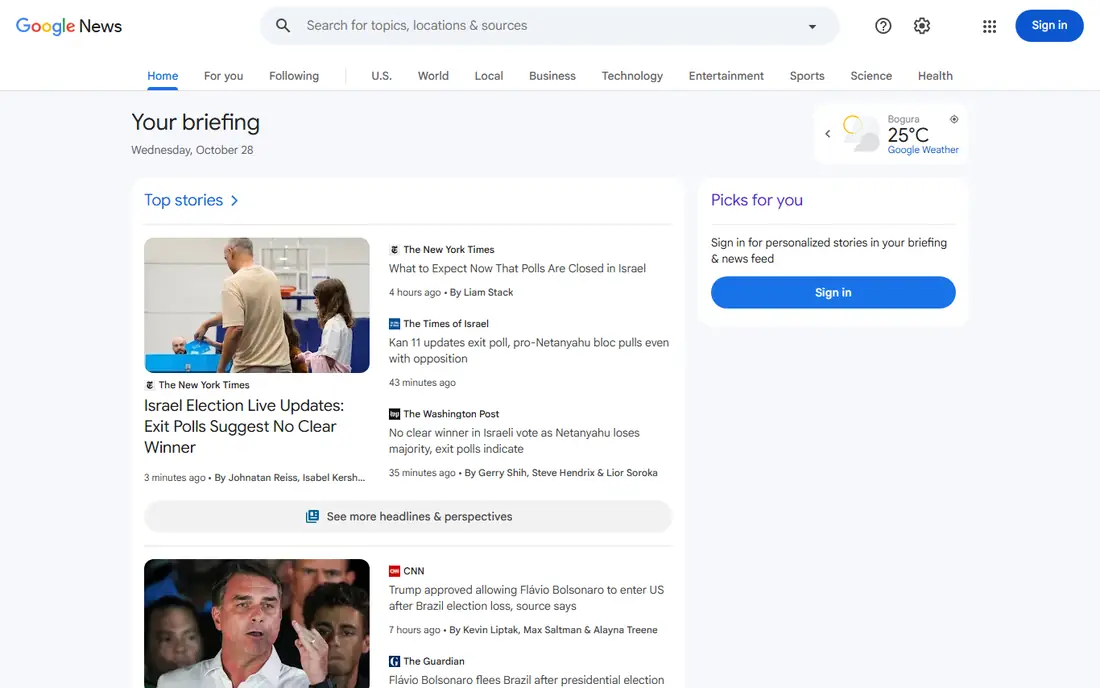
Google News is the best news app for most Android users, and it works well on iPhone too. It pulls headlines from thousands of publishers into topic feeds, local news, and a personalised For You section, with Full Coverage pages that gather multiple reports on the same story. That breadth makes a five minute morning scan genuinely useful.
Control is the trade off. You can follow topics and hide sources, but you cannot build the precise source by source feed that Feedly or Inoreader offer. For a free, no setup news aggregator app, Google News is the easiest starting point, and it pairs well with a bias focused app such as Ground News for stories where framing matters.
- Free and cross platform
- Full Coverage shows multiple views of a story
- Personalised topics and local news
- Less control over sources than an RSS reader
- Feed can favour popular stories
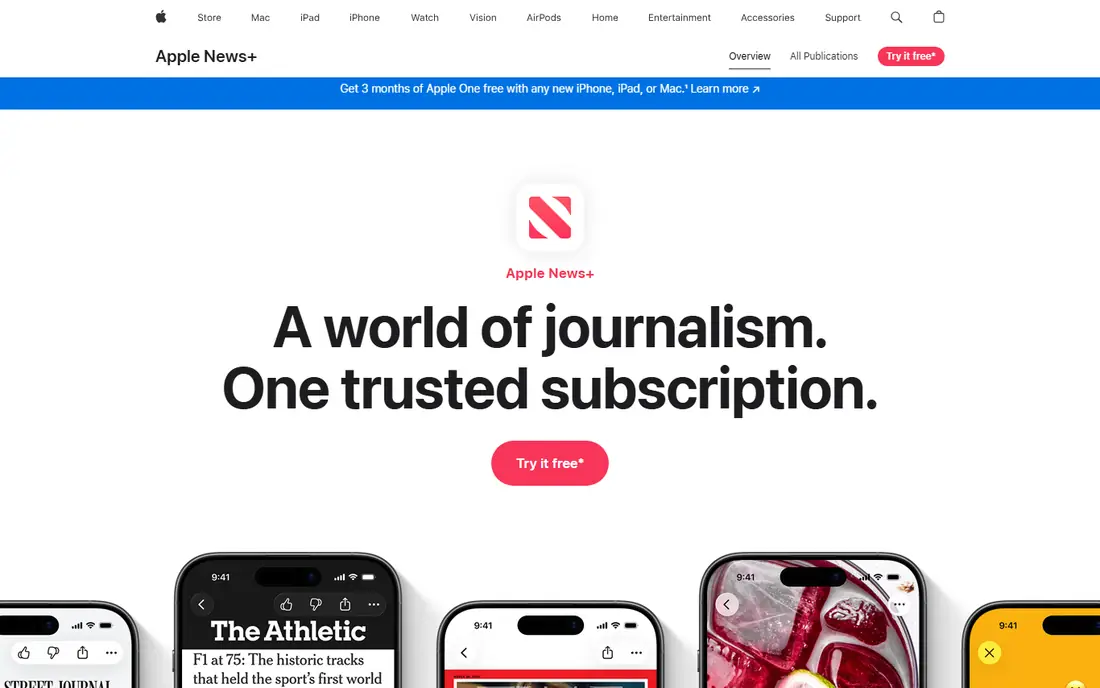
Apple News is the counterpart to Google News for iPhone, iPad, and Mac users. The free tier offers a curated feed from major publishers, while News Plus, at $12.99 per month in many listings, adds magazines, newspapers, and audio stories. The reading experience is clean, with large images and a consistent layout across devices.
It is Apple only, so Android households should use Google News instead. Personalisation is also lighter than a dedicated RSS reader. For Apple users who want a polished daily read and occasional magazine access, Apple News is the natural default, especially when bundled with other Apple services.
- Clean reading experience on Apple devices
- News Plus adds magazines and newspapers
- Audio stories
- Apple only
- News Plus costs $12.99 per month in many listings
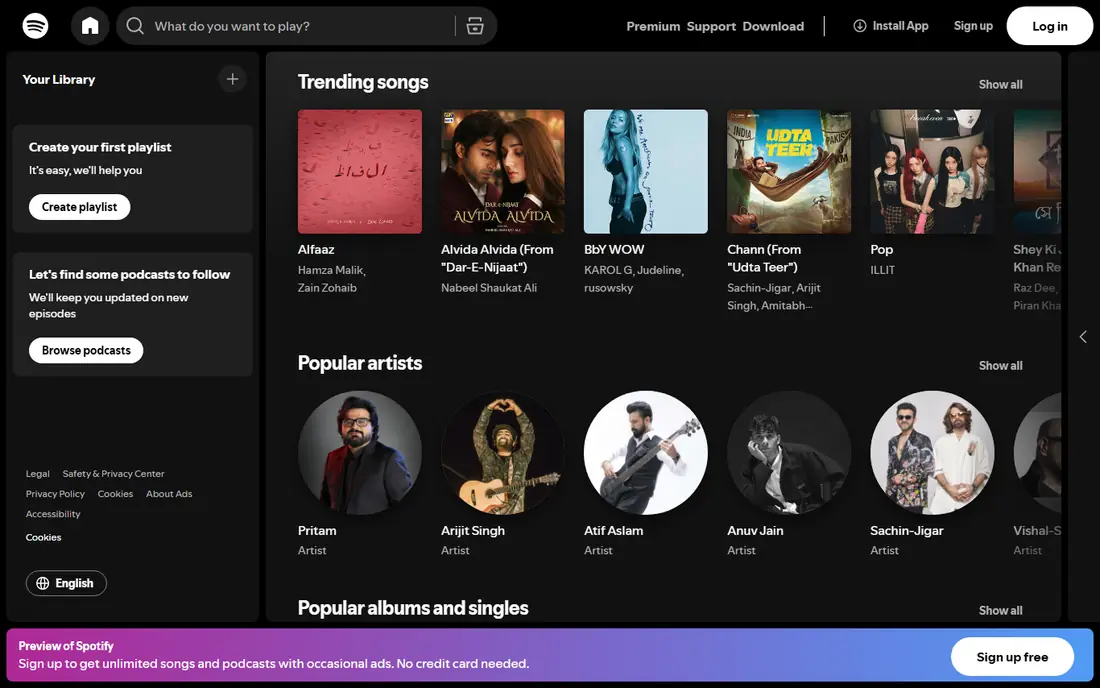
Spotify is the most widely used music app for a reason. The catalogue covers music and podcasts, playlists range from daily mixes to editorial lists, and the app works on phones, computers, speakers, and cars. Discovery features help new listeners find music without building playlists from scratch.
The free tier includes ads and, on mobile, shuffle based playback for many playlists, while premium removes ads and adds offline downloads. That free tier is still useful for casual listening at home. For households that listen daily, premium is the upgrade that matters most, but free Spotify remains a strong everyday app.
- Huge music and podcast catalogue
- Strong playlists and discovery
- Works on almost every device
- Free tier has ads and shuffle limits on mobile
- Premium needed for offline playback
WhatsApp is the default messaging app for much of the world, and its strength is universality. Messages, voice notes, group chats, voice calls, and video calls are free, chats are end to end encrypted, and the app works across iOS and Android without a separate account system. That makes it the easiest way to reach family, friends, and small groups.
It is tied to a phone number, and it lacks the channels and workspace features of Telegram or Slack. For personal messaging, that simplicity is a benefit. If your contacts already use WhatsApp, there is little reason to switch, since messaging apps are only useful when the people you message are on them.
- Free messages, voice, and video calls
- End to end encrypted chats
- Works on iOS and Android
- Tied to a phone number
- Fewer organisation features than some rivals
Google Maps is the most useful free app on many phones. Driving, walking, cycling, and transit directions cover daily travel, while local search shows hours, reviews, photos, and menus for shops and restaurants. Offline maps help on trips with poor signal, and saved places make repeat visits easy.
Location history and data collection are the privacy trade off, though settings let you limit or delete history. Apple Maps is a solid alternative for iPhone users who prefer Apple tools. For cross platform navigation and local discovery, Google Maps remains the most complete free option.
- Reliable driving, walking, and transit directions
- Local business info and reviews
- Offline maps
- Uses location data by default
- Business hours and traffic can vary
Todoist earns its place here because tasks are a daily job for almost everyone. Quick Add parses dates in plain language, the Today view keeps the plan short, and the free plan covers five personal projects. That simplicity beats a complex project tool for errands, household jobs, and solo work lists.
Paid plans add calendar layout, more projects, and reminders, starting at $5 per month billed yearly in many listings. Readers who want tasks plus notes in one workspace should also look at Notion below. For a fast, reliable task app that works on any phone, Todoist is the safest pick.
- Fast natural language capture
- Clean Today view
- Works on every platform
- Calendar view needs a paid plan
- No built in notes workspace
Notion is the most flexible app on this list. Pages, databases, templates, and wikis let you build a personal workspace for notes, reading lists, travel plans, habit trackers, and small projects, all in one place. The free plan covers personal use well, which makes it easy to test without a subscription.
Flexibility is also the weakness. A blank Notion page can feel overwhelming, and simple note takers such as Apple Notes or Google Keep are faster for a quick list. Start with a template, keep the workspace small, and expand only when a page proves useful. For readers who want one app for notes and light planning, Notion is the strongest free option.
- Flexible pages, databases, and templates
- Free plan for personal use
- Strong web and mobile apps
- Can feel complex for simple notes
- Offline use is limited
Duolingo makes language learning a daily habit rather than a course to dread. Short lessons, streaks, and levels keep sessions to a few minutes, which suits commutes and breaks. The free tier covers core lessons, while Super, the paid tier, removes ads and limits.
Fluency needs more than an app, including speaking practice and reading, so Duolingo works best as a habit builder alongside other study. For casual learners who want to start a language, keep a streak, or prepare for travel, it is the most approachable free app in its category.
- Free short lessons
- Gamified streaks and levels
- Many languages
- Free tier has ads and hearts limits
- Not enough alone for fluency
Canva is the design app for people who are not designers. Templates cover social posts, presentations, flyers, resumes, and invitations, and the drag and drop editor makes a decent result possible in minutes. The free tier is generous for casual use, while Pro adds premium assets, brand kits, and background removal.
Professional designers will still need dedicated tools for complex work, but small businesses, teachers, and households will find Canva enough for most everyday design. For a free, fast way to make a post, poster, or presentation look polished, Canva is the obvious pick.
- Free templates for social, slides, and print
- Easy drag and drop editor
- Works on web and mobile
- Free tier limits premium assets
- Not a replacement for professional design tools
How we picked these
We compared official feature pages, pricing pages, app store listings, and public reviews, focusing on apps that are widely used, live in October 2026, and offer a real free tier for everyday use. We weighed how many people use each app, how well it covers its category, free plan limits, cross platform support, and price. We did not claim hands on testing we did not do, and we left out niche apps, discontinued services, and apps that require a paid subscription for basic use.
How to build a small app stack that lasts
Start with the jobs you do every day, not with a list of popular apps. News, messaging, maps, music, tasks, and notes cover most households, and one app per job is usually enough. Two news apps can work, one broad aggregator plus one specialist, but two task apps or two note apps will split your attention and create duplicate lists.
Next, check free plans before paying. Most apps here offer a useful free tier, and paid tiers mainly remove ads, add storage, or add premium content. Use the free tier for two weeks, note which limits you actually hit, and only then upgrade. Finally, remove apps you do not open weekly. A smaller home screen makes the apps you keep easier to find, and it reduces notifications from tools that add little.
Frequently asked questions
What are the best apps?
The best apps depend on the job, but Google News, Apple News, Spotify, WhatsApp, Google Maps, Todoist, Notion, Duolingo, and Canva cover news, music, messaging, navigation, tasks, notes, learning, and design. Start with one app per daily job, use free plans first, and keep only the apps you open weekly.
What is the best news app?
Google News is the best news app for most readers, thanks to a free broad feed and Full Coverage pages. Apple News is best for Apple users who want a curated feed and optional News Plus magazines. For bias checks, add Ground News, and for source control, add an RSS reader such as Feedly.
What are the best news apps for Android?
Google News is the best free news app for Android, with Flipboard, SmartNews, and Feedly as strong alternatives. SmartNews suits offline reading, Flipboard suits magazine style browsing, and Feedly suits readers who want source by source control. Try Google News first, then add one specialist app for the gap you notice.
What is the best free Android app?
Google News, Google Maps, WhatsApp, Spotify free, Todoist free, Notion free, Duolingo free, and Canva free are all strong free Android apps. The best free Android app for you depends on whether you need news, navigation, messaging, music, tasks, or design most. All of these work without a subscription for basic use.
What is the best app for everyday use?
Google Maps, WhatsApp, and Todoist are the most everyday apps on this list, because navigation, messaging, and tasks come up daily for most people. Google News and Spotify cover the morning read and the commute. The best everyday stack is small: a news app, a messaging app, a maps app, and a task app.
Are these apps really free?
Yes, every app on this list offers a free plan or free tier for basic use, though some offer paid upgrades. Apple News Plus, Spotify Premium, Todoist Pro, Notion paid plans, Duolingo Super, and Canva Pro all add features or remove ads. Start free, and upgrade only when you hit a limit you actually feel.
Sources
See where you really rank - block by block
ProMapRanker scans Google Maps across a grid of your service area. Simple monthly plans from $19, white-label on every plan.
Start freeKeep reading
 youtube alternatives
Best YouTube Alternatives in 2026
Looking for youtube alternatives in 2026? We compare Vimeo, Dailymotion, Twitch, Rumble, and more on price, audience, monetization, control and privacy.
Read → what's the best ai tool for photo editing
What Is the Best AI Tool for Photo Editing in 2026
What is the best AI tool for photo editing? We compare ten tools for 2026, from Photoshop and Lightroom to Luminar, Topaz, Canva and mobile editors today.
Read → twitter alternatives
Best Twitter Alternatives in 2026
Compare the best twitter alternatives for 2026, from Bluesky, Threads, and Mastodon to Reddit, Tumblr, and Micro.blog, with free plans and audience notes.
Read →