 ProMapRanker
Best Appraisal Software in 2026

Key takeaways
- TOTAL by a la mode and ACI Report remain the main choices for residential report writing in the United States, with ClickFORMS and Appraise-It as established alternatives.
- Commercial teams face a different choice, where Valcre and ARGUS Enterprise fit valuation work that needs deeper models and narrative reports.
- Most residential forms tools do not publish a single simple price, so request a quote for your user count and add-ons before you compare totals.
- Check current Uniform Appraisal Dataset compliance and lender acceptance before you buy, because a form library alone does not guarantee acceptance.
- Solo appraisers can often work with forms software plus a data import tool, while larger firms gain more from order tracking and office management.
Quick comparison
| Pick | Great for | Pricing starts at | Free tier | |
|---|---|---|---|---|
 TOTAL by a la mode | Residential report writing | See website | No | Visit |
 ACI Report | Residential reports and lender work | See website | No | Visit |
 ClickFORMS | Independent residential appraisers | See website | No | Visit |
 Appraise-It | Budget-minded residential appraisers | See website | No | Visit |
 Valcre | Commercial appraisal teams | $167 per user per month | No | Visit |
 ARGUS Enterprise | Institutional commercial valuation | See website | No | Visit |
 Anow | Appraisal order and office management | See website | No | Visit |
 HouseCanary | Valuation data and comparable analysis | See website | No | Visit |
 Reggora | Appraisal workflow and lender delivery | See website | No | Visit |
The best appraisal software
We compared residential forms tools, commercial valuation platforms, and workflow tools that sit around them, so this list covers more than one kind of appraisal job. Pick by the reports you actually deliver, not by the longest feature list.
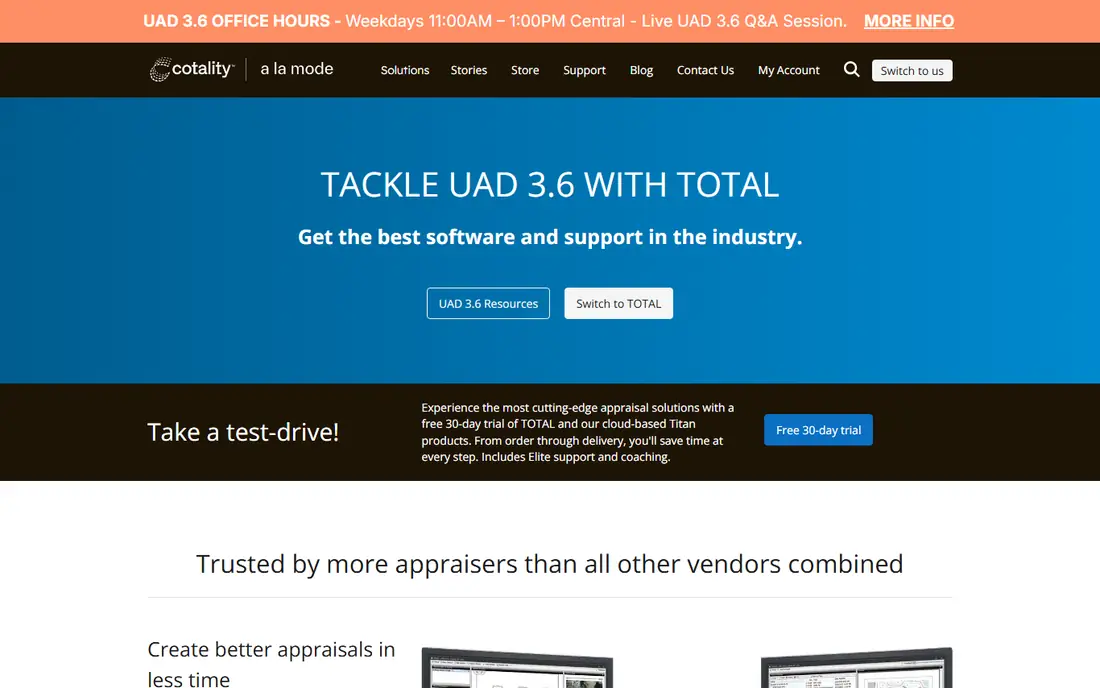
TOTAL is the familiar starting point for many residential appraisers, and that familiarity matters when turn times are tight. It covers common residential forms, helps organize comps and photos, and connects to delivery channels that lenders already use. For a solo appraiser or a small firm, that combination reduces the number of separate tools needed for a standard assignment.
The catch is cost clarity and change. Pricing depends on package and add-ons, so two appraisers can pay different totals for what looks like the same setup. Ask for a written quote that lists forms, data, sketching, and support separately, and confirm current dataset compliance for the reports you deliver most often.
- Wide residential form coverage
- Built-in sketching and photo tools
- Strong lender and delivery connections
- Pricing is not shown as one simple plan
- Desktop habits take time to learn for new users
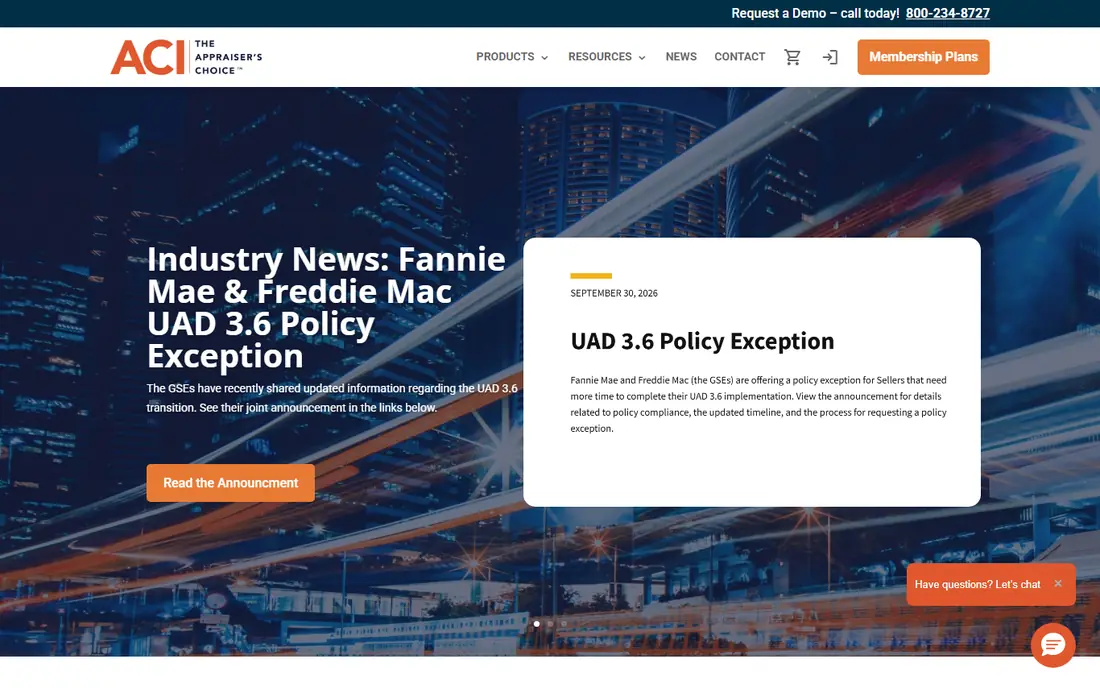
ACI Report is the main alternative when a client, lender, or appraisal management company already works in the ACI system. It handles residential forms, quality checks, and delivery, and its mobile capture tools help appraisers record inspection notes in the field. Teams that split work between office and site will find that split useful.
ACI is less appealing as a casual purchase because pricing is quote based and setup choices matter. Before committing, test how your comps, photos, and templates move into ACI, and check which delivery channels your clients require. A tool that fits your clients beats a tool with a slightly cleaner screen.
- Long history in residential appraisal
- Cloud and mobile options
- Lender-focused delivery tools
- Pricing requires a quote
- Interface feels dated in places compared with newer tools
ClickFORMS suits appraisers who want control over forms, templates, and output without joining a larger platform. Its form-driven approach makes repeat reports predictable, which helps when you handle similar property types week after week. Independent appraisers often value that predictability over newer collaboration features they may never use.
The trade-off is that pricing and support tiers need careful reading. Lower packages may leave out support or features that a busy appraiser later needs, so compare the full package, not just the headline figure. If you work alone and already have a data source you trust, ClickFORMS can stay simple and focused.
- Form-driven report building
- Flexible template control
- Long track record with independent appraisers
- Pricing varies by package and support tier
- Fewer cloud-first workflow features than some rivals
Appraise-It from SFREP is a practical choice for appraisers who want to write reports without paying for a large platform. It covers the core residential workflow, keeps data entry structured, and avoids forcing a firm-wide system on a one-person practice. For new appraisers, that lower complexity can shorten the learning period.
It is not the best pick for a firm that needs deep lender integrations or shared office management in the same product. Appraise-It works best when paired with tools you already use for orders, billing, and delivery. Judge it on report speed and accuracy for your common assignments, not on extras you will not open.
- Straightforward residential workflow
- Lower-cost entry point for many solos
- Stable core forms
- Fewer enterprise and lender platform extras
- Design feels plain next to newer products
Valcre is built for commercial appraisal work rather than adapted from residential forms. It brings property records, comps, market data, and report drafting into one workflow, which helps teams that handle complex properties and longer reports. The Essentials plan lists AI comp suggestions and document extraction, while higher plans add narrative tools and deeper templates.
The price is the main filter. At $167 per user per month on Essentials, a small team should count seats carefully and test whether the time saved on comps and drafting covers the subscription. Larger firms should also check the Professional and Enterprise plans, since templates, audit logging, and integrations sit at higher tiers.
- Commercial appraisal workflow in one place
- AI comp suggestions and document extraction
- Property and comps database
- Per-user price adds up for larger teams
- Annual contract required on listed plans
ARGUS Enterprise, from Altus Group, is the standard many institutional investors, lenders, and large appraisal firms expect for commercial valuation. It handles detailed cash flow models, development scenarios, and portfolio work that residential forms tools cannot handle. If your clients ask for ARGUS files, there is little point in shopping for a cheaper substitute.
That strength comes with cost and training time. Pricing is quote based, and new users need real practice before they can model complex assets with confidence. Small firms that do occasional commercial work may be better served by Valcre or a specialist, while firms that live in institutional valuation will find ARGUS hard to replace.
- Widely expected format for institutional work
- Deep cash flow and valuation modeling
- Used across large portfolios
- Quote-based enterprise pricing
- Steep learning curve for new analysts
Anow solves a different problem from forms software: it organizes the work around the report. Firms use it to track orders, assign appraisers, follow deadlines, and keep client messages tied to each assignment. That matters once manual spreadsheets start causing missed deadlines or duplicate messages.
Do not buy Anow expecting it to replace your forms tool. It works best beside TOTAL, ACI, or another report writer, and its value grows with team size. Solo appraisers with a handful of steady clients may not need it, while multi-appraiser firms often recover the cost in fewer scheduling errors.
- Order tracking and scheduling in one view
- Client and appraiser communication tools
- Invoicing support
- It is a management layer, not a full forms replacement
- Pricing requires a quote
HouseCanary fits appraisers and valuation teams that need data depth more than form filling. Its property data, valuation models, and comparable analysis can support screening, review, and portfolio work, and its data products suit firms that build their own workflows. Teams that already have report software may use HouseCanary as the data layer behind it.
The limit is scope. If you need a complete residential report writer with lender forms, HouseCanary alone will not finish that job. Check which data, models, and delivery options your plan includes, and confirm coverage for the counties and property types you actually appraise.
- Large property data coverage
- Valuation models and comparable tools
- API options for larger users
- It is a data and valuation platform, not a traditional forms writer
- Pricing is quote based for many uses
Reggora focuses on the connection between lenders, appraisal management companies, and appraisers. It helps manage orders, track status, share documents, and move appraisals through review with fewer emails and phone calls. For appraisers who work with lenders on that platform, joining it can reduce friction on each assignment.
For appraisers who work mainly direct with homeowners or small local clients, Reggora may add little. Its strength shows when your clients already use it or when you want a single place to manage lender-driven work. Ask clients which platform they use before adding another workflow tool to your day.
- Lender and appraiser workflow in one platform
- Order management and status tracking
- Appraisal review tools
- Value depends on lender and client adoption
- Pricing requires a quote
How we picked these
We compared official feature pages, pricing pages, and public product descriptions for residential forms tools, commercial valuation platforms, and workflow products that support appraisal work. We favored products that are actively sold in 2026, that fit a clear appraisal job, and that state their forms, data, or delivery coverage plainly. Where a vendor did not publish a price, we wrote See website rather than repeating a third-party figure as fact.
What to check before you buy appraisal software
Start with the reports you deliver most often, then work backward to the tool. A residential appraiser needs current forms, dataset compliance, comp handling, sketching, and a delivery route your clients accept. A commercial appraiser needs modeling depth, narrative templates, and a comps database that covers the right markets. A firm owner needs order tracking, permissions, and billing on top of report writing.
Test with a real assignment
Run one recent assignment through a trial or demo, from inspection notes to final PDF. Watch for retyping, photo handling, comp adjustments, and revision steps, because those small frictions repeat on every job. If a tool forces you to rebuild grids or re-enter data after a revision, its headline price understates its true cost.
Confirm compliance and client acceptance
Ask the vendor, in writing, which dataset versions and lender channels are supported, and confirm the same point with your largest clients. Also check data import from your MLS or data provider, and whether your existing templates and common responses transfer. Switching tools is far more costly when templates, comps, and client settings must be rebuilt by hand.
Frequently asked questions
What is the best appraisal software for residential appraisers?
TOTAL by a la mode is a strong default for many residential appraisers, with ACI Report as the main alternative and ClickFORMS and Appraise-It as established options. The right pick depends on your clients, your data source, and the forms you deliver most often. Request quotes from at least two vendors before you decide.
How much does appraisal software cost?
Residential forms software often costs hundreds to low thousands per appraiser per year, depending on package, users, and add-ons, while commercial tools such as Valcre list per-user monthly pricing. Many vendors quote rather than publish prices, so compare written quotes that list the same items. Include data, sketching, support, and delivery costs in the total.
Do I need separate software for appraisal office management?
Solo appraisers often manage with forms software plus a data tool. Multi-appraiser firms usually benefit from a management layer such as Anow or Reggora for orders, scheduling, and invoicing. The value appears once manual coordination starts costing you turn time or causing missed deadlines.
Can appraisal software import data from the MLS?
Many tools offer MLS or third-party data import, but coverage and quality vary by market and provider. Confirm that your MLS, county, and property types are covered, and test a real import during a trial. A clean import saves far more time than a slightly lower subscription price.
What is UAD 3.6 and why does it matter?
UAD 3.6 is the Uniform Appraisal Dataset standard that Fannie Mae and Freddie Mac required for new appraisal reports starting in late 2026. It moves reporting toward dynamic, data-first formats, so software must be verified for compliance. Confirm verification for your report types before you buy or renew.
Sources
See where you really rank - block by block
ProMapRanker scans Google Maps across a grid of your service area. Simple monthly plans from $19, white-label on every plan.
Start freeKeep reading
 zoro.to alternatives
Best Zoro.to Alternatives in 2026
We compare the best zoro.to alternatives in 2026, listing only legal licensed anime streaming services, from Crunchyroll to free options for fans today.
Read → zip alternatives
Best Zip Alternatives in 2026
We compare the best zip alternatives for buy now, pay later in 2026, covering pay-in-4 plans, fees, spending limits, and credit reporting options today.
Read → yesware alternatives
Best Yesware Alternatives in 2026
Compare the best yesware alternatives for sales email tracking, templates, and sequences, with current pricing and honest tradeoffs for small sales teams.
Read →