 ProMapRanker
Best Application Security Testing Tools in 2026

Key takeaways
- No single tool covers code, dependencies, and running apps well, so most teams pair a static tool with a dynamic tool.
- Snyk and SonarQube are the easiest starting points for developers, while Checkmarx and Veracode suit large enterprises with compliance needs.
- Burp Suite and ZAP are the standard tools for hands-on web testing, with ZAP free and Burp Suite paid for its scanner.
- StackHawk brings dynamic testing into CI pipelines at a low per-user price, and GitLab bundles testing into a DevSecOps platform.
- Use these tools only on applications you own or have written permission to test. Unauthorised testing is not covered here and can break the law.
Quick comparison
| Pick | Great for | Pricing starts at | Free tier | |
|---|---|---|---|---|
 Snyk | Dependencies and code | Free | Yes | Visit |
 SonarQube | Code quality and security | Free | Yes | Visit |
 Checkmarx | Enterprise static testing | See website | No | Visit |
 Veracode | Enterprise AppSec governance | See website | No | Visit |
 Burp Suite | Hands-on web testing | Free | Yes | Visit |
 ZAP | Free dynamic testing | Free | Yes | Visit |
 StackHawk | Dynamic testing in CI | $10 per user per month | Free trial | Visit |
 Invicti | Proof-based dynamic testing | See website | No | Visit |
 GitLab | Built-in DevSecOps testing | Free | Yes | Visit |
The best application security testing tools
Application security testing covers three main jobs: static testing (SAST) reads source code, software composition analysis (SCA) checks open source dependencies, and dynamic testing (DAST) probes a running app from the outside. We compared tools on which job they do best, CI integration, fix guidance, and price.
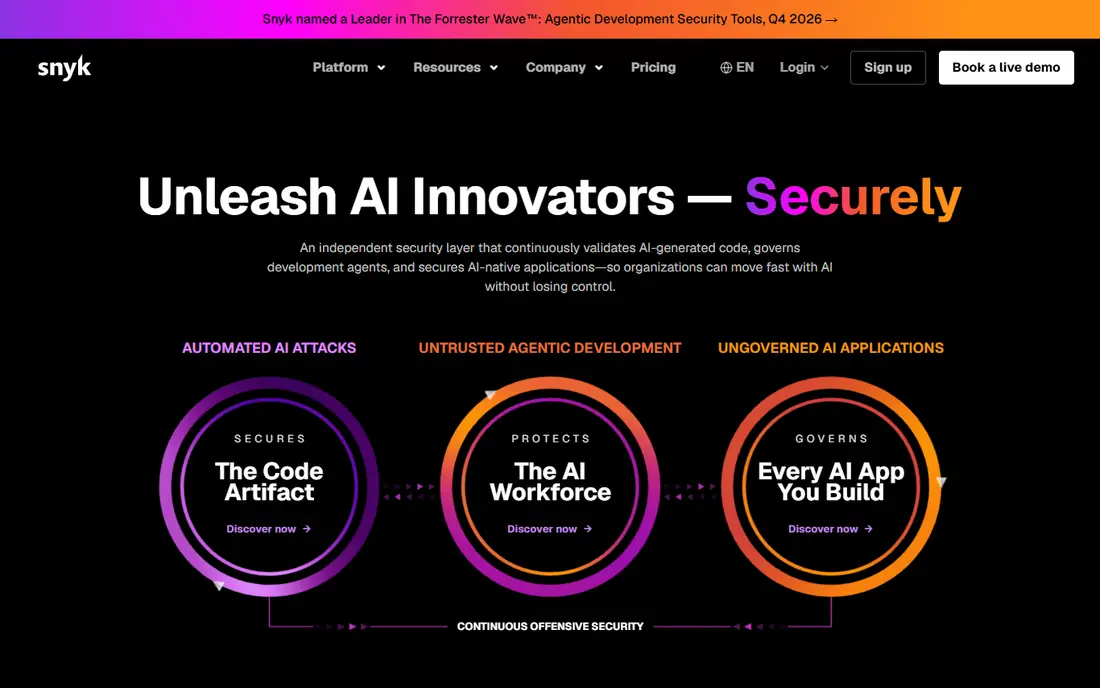
Snyk is our pick for developers who want security feedback inside their normal workflow. It scans open source dependencies for known vulnerabilities, checks code and containers, and can open fix pull requests that upgrade a vulnerable package. The free plan covers a limited number of open source tests per month, which is enough for a small project to start.
The cost jump is the catch. The Team plan starts at $25 per month for a small number of contributing developers, and larger teams move to enterprise pricing by quote. If you only need dependency scanning for a side project, the free tier is enough. If you need full code, container, and infrastructure scanning at scale, budget for the higher tiers.
- Free plan for open source tests
- Strong dependency scanning
- Fix pull requests for many issues
- Team plan starts at $25 per month and scales by developer
- Enterprise pricing is quote-based
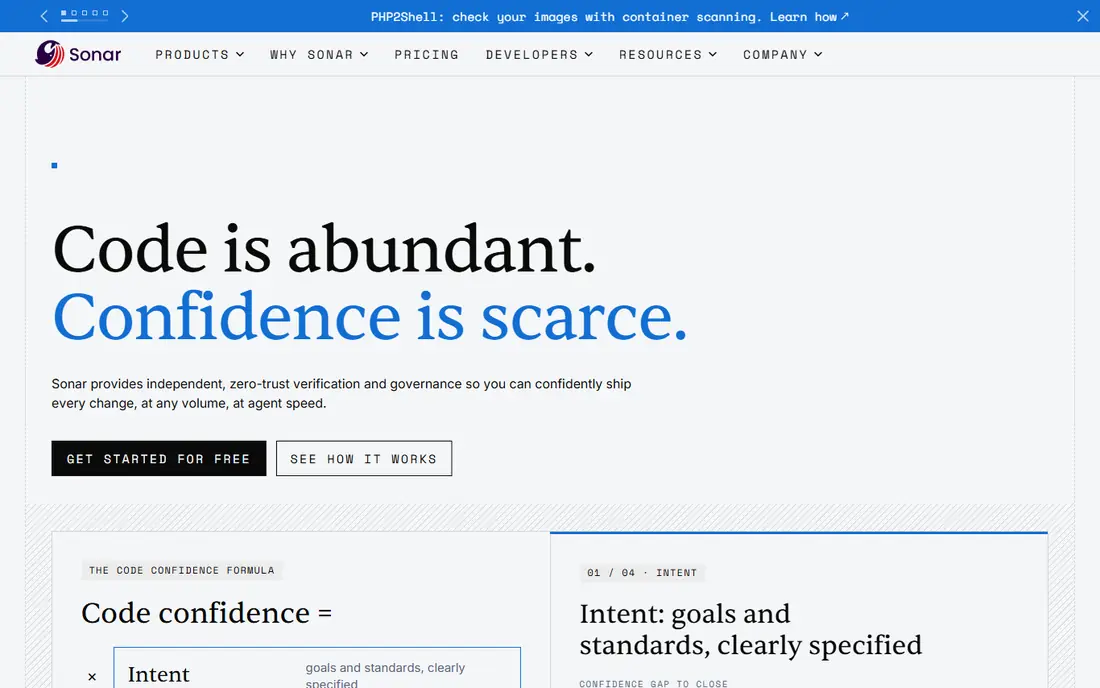
SonarQube suits teams that want code quality and security in one dashboard. It flags bugs, code smells, and vulnerabilities as developers write code, and it integrates with major code hosts and CI systems. The open source Community Build is free to self-host, while SonarQube Cloud starts at $34 per month in recent comparisons.
The limit is tier depth. The most complete security analysis, including some SAST and SCA features, sits on paid tiers, and server pricing scales by lines of code, which can grow with a large codebase. For a team that already cares about code quality, SonarQube adds security without a second tool.
- Free Community Build for self-hosting
- Code quality plus security findings
- Cloud plan from $34 per month
- Security rules on paid tiers are deeper
- Server pricing scales by lines of code
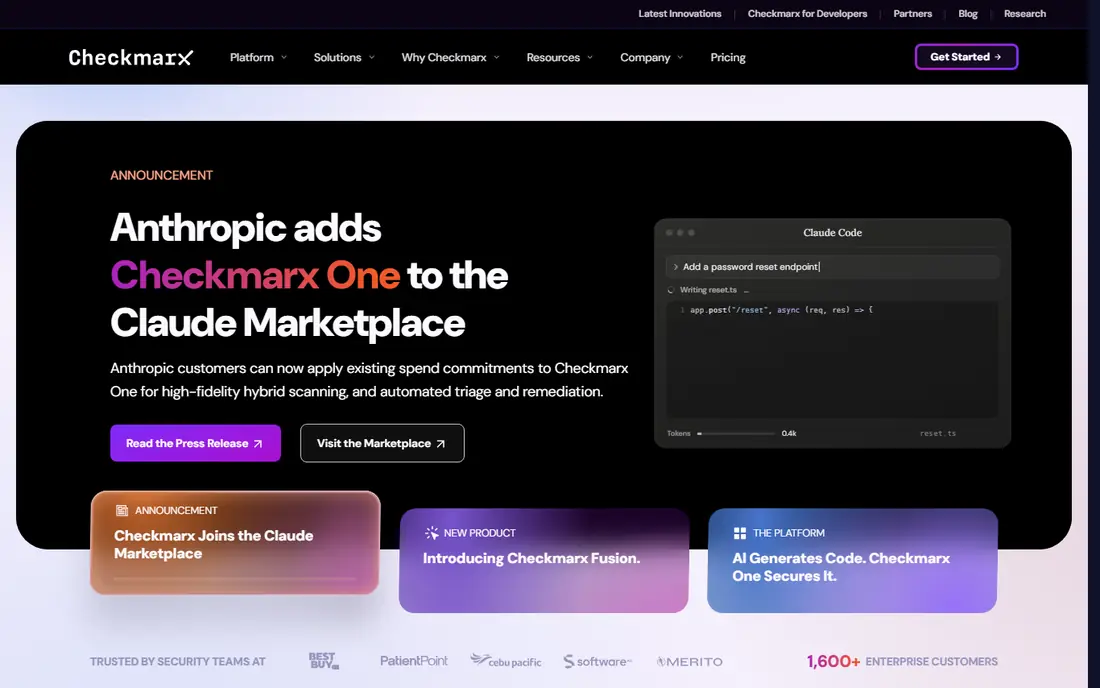
Checkmarx is the pick for enterprises that need deep static analysis across many languages and repositories. Its SAST engine finds insecure patterns in source code, and its wider platform adds dependency, API, and infrastructure scanning under one view. Large teams with compliance needs value its reporting and policy controls.
It is not a self-serve tool for a solo developer. Pricing is quote-based and typically enterprise-level, and tuning results to reduce false positives takes dedicated time. If you run a large codebase with strict compliance needs, that investment makes sense. If you run a small app, Snyk or SonarQube will get you further, faster.
- Deep static analysis across languages
- Broad AppSec platform
- Strong enterprise reporting
- Quote-based pricing
- Setup and tuning take dedicated AppSec time
Veracode suits large enterprises that need governance across many applications, not just scanning for one team. It combines static, dynamic, and dependency testing with policy gates that block risky releases, plus reporting that compliance teams can use directly. That governance layer is why regulated companies choose it despite the price.
Cost and commitment are the barriers. Pricing is quote-based and enterprise-level, and real discounts often come with multi-year terms. Small teams should not start here. Large teams that need a single policy view across dozens of apps will find the governance features worth the sales process.
- SAST, DAST, and SCA governance in one platform
- Policy and compliance reporting
- Mature enterprise support
- Quote-based pricing
- Multi-year commitments are common for discounts
Burp Suite is the standard toolkit for penetration testers and AppSec engineers who test web apps by hand. The Community edition is free and includes the proxy, repeater, and intruder tools for manual work, while Professional adds the automated scanner, collaboration, and faster workflows. PortSwigger Labs also offers free learning material for testers building skill.
The Community limit matters: without Professional, you get no automated scanner, so large apps take much longer to test manually. At $499 per user per year in recent listings, Professional is a real cost for a team, but for a professional tester it is the tool clients expect. Use it only on apps you own or have permission to test.
- Industry-standard manual testing toolkit
- Professional scanner for automated checks
- Extensive learning labs
- Professional costs $499 per user per year in recent listings
- Community edition has no automated scanner
ZAP, formerly OWASP ZAP and now maintained with Checkmarx support, is the best free dynamic testing tool in this list. It probes a running web app or API from the outside, finds common issues such as missing headers and injection flaws, and can run baseline scans in CI pipelines at no license cost. For a small team that needs DAST on a budget, it is the obvious start.
It is less polished for deep manual testing than Burp Suite Professional, and large scans need tuning to avoid noise and slow runs. Pair ZAP with a static tool such as Snyk or SonarQube, and you cover code and running app testing for the price of your time. Only scan targets you own or have permission to test.
- Free and open source
- Automated baseline scans
- CI integration for pipelines
- Manual testing workflow is less polished than Burp Suite
- Large scans need tuning
StackHawk is our pick for teams that want dynamic testing inside CI without an enterprise platform. Its Wingman plan costs $10 per user per month, covers unlimited apps, and runs scans as part of pull requests and pipelines, so developers see dynamic findings where they already work. That shift-left design is why smaller engineering teams like it.
It does not replace static testing, so you still need a SAST or SCA tool for code and dependencies. The Scale plan for larger teams is quote-based, so confirm pricing if you need advanced features. For a team adding its first DAST step to CI, StackHawk is the lowest-friction paid option here.
- Developer-first DAST in CI pipelines
- Low per-user price
- Unlimited apps on the entry plan
- Focused on DAST, so pair it with a SAST tool
- Scale plan is quote-based
Invicti, formerly Acunetix for its web scanner, suits enterprises that need dynamic testing with proof that a finding is real. Its proof-based approach confirms many vulnerabilities by showing safe evidence of exploitability, which cuts the triage time that plagues noisy scanners. Web and API coverage in one platform also helps teams with large estates.
Pricing is quote-based and often per target, so a company with many sites should model total cost carefully. Smaller teams will get similar baseline coverage from ZAP or StackHawk at far lower cost. Invicti earns its price when false positive triage, not scan cost, is the bottleneck.
- Proof-based scanning reduces false positives
- Web and API coverage
- Enterprise reporting
- Quote-based pricing
- Per-target pricing can grow with many sites
GitLab suits teams that already host code and pipelines on GitLab and want security built in rather than bolted on. Its free tier includes basic security scanning, while paid tiers add deeper SAST, DAST, dependency, and secret scanning, all inside the same merge request view developers already use. That single view reduces tool sprawl.
The catch is platform lock-in. If your code lives elsewhere, GitLab security alone is not a reason to move, and the deepest features need a paid tier with enterprise pricing by quote. For a GitLab shop, though, turning on built-in scanning is the fastest way to add AppSec coverage across every project.
- SAST, DAST, SCA, and secret scanning built into DevOps
- Free tier available
- Single pipeline view
- Deepest security features need paid tiers
- Best value only if you already use GitLab
How we picked these
We compared official feature and pricing pages, plus public reviews, for tools that perform SAST, DAST, SCA, or a clear combination of those jobs. We kept only tools that exist and work today, and we left out general vulnerability scanners with no application testing focus. Where pricing is quote-based, we say so, and where a price comes from a third-party listing rather than the vendor page, we note that it needs confirmation before purchase.
How to choose the right testing stack
Start with the layer you are missing. If your code has no static checks, add Snyk or SonarQube first, because they catch issues before code ships. If your running app has never been probed from the outside, add ZAP for free or StackHawk for CI-integrated DAST. If you need governance across many apps, shortlist Checkmarx, Veracode, or Invicti, and budget for a sales process and tuning time.
Then think about workflow, not just findings. A tool that opens fix pull requests or shows findings in a merge request will get fixed faster than a tool that emails a PDF report. Also plan for false positives: tune rules, confirm high-severity findings, and track fix rates, not just scan counts. Finally, never scan a system you do not own or have written permission to test, and keep test data out of production systems wherever possible.
Frequently asked questions
What is the best application security testing tool?
There is no single best tool, because SAST, DAST, and SCA are different jobs. Snyk leads for dependencies and code, SonarQube leads for code quality plus security, and ZAP leads for free dynamic testing. Most teams need at least one static tool and one dynamic tool, plus a dependency scanner, to cover all three layers.
What is the best tool for security testing of web apps?
Burp Suite Professional leads for hands-on manual testing, ZAP leads for free automated dynamic testing, and StackHawk leads for DAST inside CI pipelines. Invicti leads for enterprises that need proof-based results with low false positives. Pick based on your need for manual depth, CI automation, or enterprise reporting.
Which app security testing solution is best for a small team?
Start free with Snyk for dependencies, SonarQube Community for code, and ZAP for dynamic testing, then add StackHawk at $10 per user per month when you want DAST in CI. That stack covers all three layers at low cost. Move to Checkmarx or Veracode only when compliance or scale demands an enterprise platform.
What is the difference between SAST and DAST?
SAST reads source code for insecure patterns before the app runs, while DAST probes a running app from the outside like an attacker would. SAST catches issues early but can flag code paths that never run, while DAST finds real misconfigurations but only sees what it can reach during a scan. Use both, because neither catches everything alone.
Are free security testing tools good enough?
For small projects, yes. ZAP gives solid dynamic coverage for free, Snyk's free tier covers basic dependency tests, and SonarQube Community covers code quality and basic security. Free tools need more tuning and manual triage than paid platforms, and they lack enterprise governance, but they catch the most common issues when used regularly.
Can I test any website with these tools?
No. Only test applications you own or have written permission to test, such as your own staging environment or a client system under a signed testing agreement. Scanning a third-party site without permission can break the law and can disrupt a live service. For practice, use intentionally vulnerable test apps and vendor learning labs instead.
Sources
See where you really rank - block by block
ProMapRanker scans Google Maps across a grid of your service area. Simple monthly plans from $19, white-label on every plan.
Start freeKeep reading
 outreach alternatives
Outreach Alternatives in 2026
Compare outreach alternatives for 2026, from Salesloft and Apollo to HubSpot and Lemlist, with pricing, channels, features, limits, and honest trade-offs.
Read → best web conference tools
Best Web Conference Tools in 2026
Compare the best web conference tools for meetings, webinars and team calls, with current pricing, free plans and honest limits for each option here today.
Read → best voice cloning tools
Best Voice Cloning Tools in 2026
Compare the best voice cloning tools in 2026, from ElevenLabs and Descript to Resemble and Cartesia, with consent rules, pricing, licenses, and limits.
Read →