 ProMapRanker
Best Application Development Platforms in 2026


Large enterprise web and mobile apps · Pricing starts at: See website
Key takeaways
- Enterprise teams with strict governance needs should start with OutSystems, Mendix, or Appian, while smaller teams get faster value from Bubble, Glide, or Zoho Creator.
- Microsoft Power Apps is the natural pick for organisations already paying for Microsoft 365, because its data and identity tools sit close to that stack.
- Price is hard to compare directly, since some platforms charge per user, some per app, and some only on a quoted enterprise contract.
- The cheapest starting point is not always the cheapest finished app, so check limits on users, apps, data storage, and published apps before committing.
Quick comparison
| Pick | Great for | Pricing starts at | Free tier | |
|---|---|---|---|---|
| OutSystems | Large enterprise web and mobile apps | See website | Yes | Visit |
 Mendix | Business and IT teams building together | See website | Yes | Visit |
 Microsoft Power Apps | Organisations already using Microsoft 365 | $20 per user per month | Free trial | Visit |
 Bubble | Founders building web apps without code | $32 per month | Yes | Visit |
 FlutterFlow | Mobile apps with code you can keep | See website | Yes | Visit |
 Retool | Internal tools built by developers | $10 per user per month | Free trial | Visit |
 Appian | Process-led apps in regulated work | See website | Free trial | Visit |
 Zoho Creator | Small businesses already using Zoho | $8 per user per month | Free trial | Visit |
 Glide | Simple apps from spreadsheets and data | $19 per month | Yes | Visit |
The best application development platforms
We compared official pricing pages, product documentation, and public feature descriptions for these platforms. Our shortlist covers full app builders, low-code enterprise tools, and internal tool builders, so the right pick depends on who builds and what the app must do.
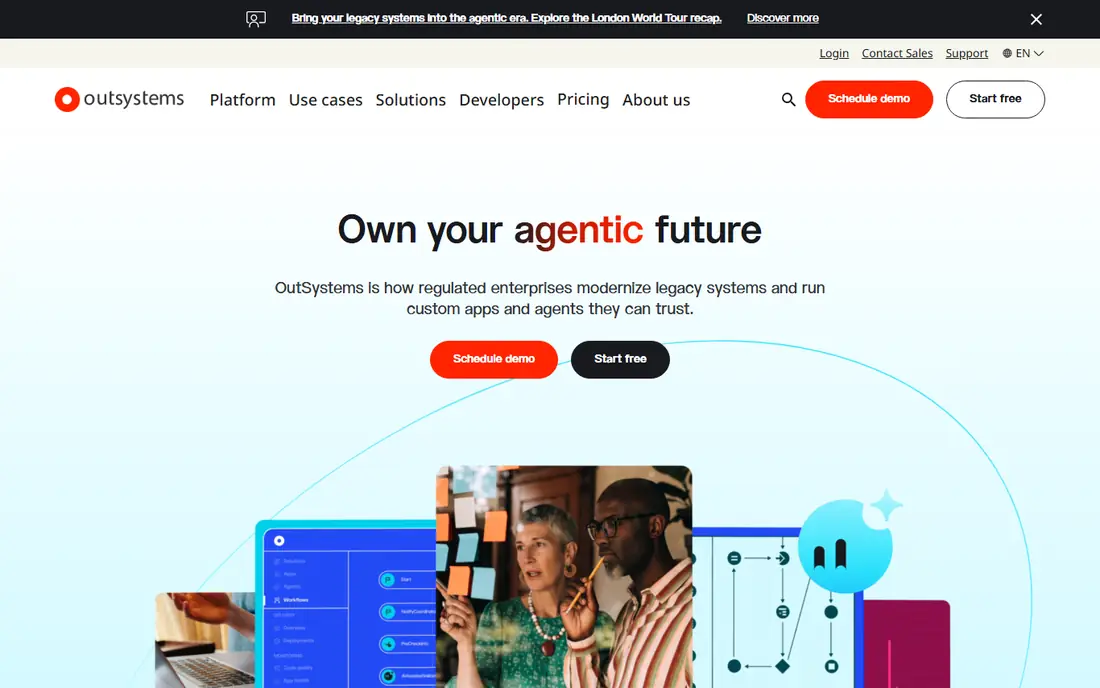
OutSystems suits teams that need to build and maintain mission-critical apps over several years. Its visual model, built-in deployment tools, and version control help larger groups keep changes orderly. It also supports native mobile apps, which matters when a web-only wrapper will not pass muster with users.
The trade-off is cost and commitment. Pricing is quoted rather than published, and published third-party estimates put entry costs well above small-team tools. We would only shortlist OutSystems when the app is central to the business, the team is professional, and the budget fits an enterprise platform.
- Visual development with strong lifecycle tools
- Builds web and mobile apps from one model
- Strong governance for large teams
- Enterprise pricing is quoted, not published
- Smaller teams may find the sales process heavy
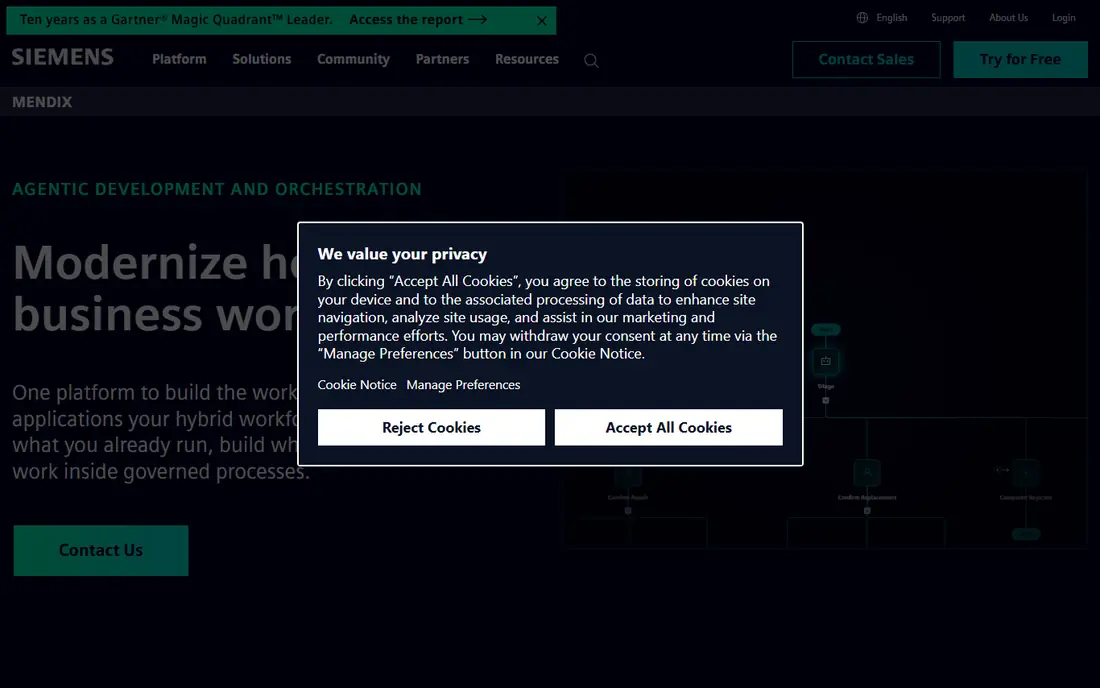
Mendix works well when business staff and developers must share one project. Its model-driven approach keeps the data model, pages, and logic visible, which makes reviews easier than digging through code alone. That shared view can cut the back-and-forth that slows many internal projects.
Mendix also offers a free edition for learning and small experiments, which helps a team test the fit before talking to sales. The catch is that a polished, integrated production app still needs skilled developers, and the quoted price for larger use can rise quickly with apps and users.
- Model-driven building that business staff can follow
- Collaboration tools for mixed teams
- Broad enterprise integrations
- Full pricing is quoted
- Advanced apps still need developer skill
Microsoft Power Apps
Great for: Organisations already using Microsoft 365
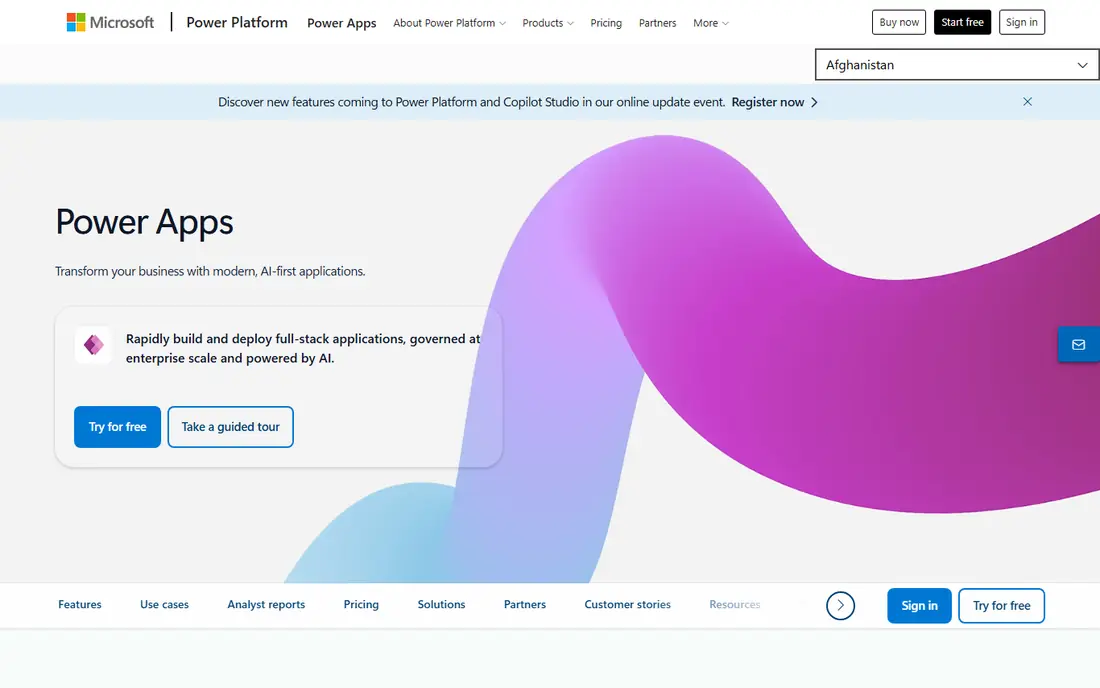
Power Apps is the pragmatic choice inside a Microsoft shop. It connects cleanly to SharePoint lists, Teams, Outlook, and Dataverse, and its formula language will feel familiar to anyone who builds complex spreadsheets. Admins also get environment controls and data-loss prevention policies, which help IT approve wider use.
The price to watch is the premium tier. The per-user plan at $20 per month covers premium use, while per-app plans can suit a single widely used app. Teams outside Microsoft 365 get less of this benefit and should compare Mendix or OutSystems before settling here.
- Close fit with SharePoint, Teams, and Dataverse
- Formula-based building feels familiar to spreadsheet users
- Strong admin controls
- Premium connectors and Dataverse capacity add cost
- Weaker fit outside the Microsoft stack
Bubble is the strongest no-code choice for a real web product rather than a simple internal tool. Founders can build user accounts, payments, search, and workflows in the visual editor, and the plugin library covers many common needs. The free tier is useful for learning the editor and testing an idea.
Bubble is not the best route to a native mobile app, since mobile delivery relies on wrappers rather than native code. Costs also rise with workload and capacity, so a popular app needs a pricing check early. For a web-first startup, though, it remains a practical path to launch.
- Builds complex web apps, marketplaces, and SaaS products
- Large plugin and template ecosystem
- Free tier for learning
- Web only, with no true native mobile export
- Performance and pricing need care at scale
FlutterFlow appeals to teams that want visual building without giving up the code. It generates Flutter code, so a team can export a project and continue in code if the visual editor reaches its limits. That option alone makes it different from most closed no-code builders.
The free tier is good for learning and prototyping, but publishing and team features sit on paid plans, so check the current pricing page before budgeting. Teams with no Flutter experience can still build a solid app, but they should expect a learning curve for custom functions and API work.
- Builds for iOS and Android from one project
- Code export reduces lock-in
- Visual design close to native app standards
- Paid plans are needed to publish and use full features
- Complex logic still benefits from Flutter knowledge
Retool is built for the unglamorous work that keeps a company running: admin panels, support tools, and internal dashboards. Developers drag components onto a canvas, wire them to a database or API, and add JavaScript where the visual tools stop. That mix makes it far faster than hand-building each internal screen.
Retool is a poor fit for a public product, since its design and pricing assume internal users. Costs also grow as more staff need access, so teams should count every regular user, not just builders. For internal tools, it is one of the fastest options on this list.
- Fast dashboards, admin panels, and CRUD tools
- Connects to databases and APIs
- Developers can drop into code when needed
- Not built for customer-facing products
- Pricing scales with every internal user
Appian fits work where the process matters as much as the screen: approvals, case handling, claims, and compliance workflows. It combines app building with process automation, so a team can model the steps, the data, and the interface in one platform. That combination suits banks, insurers, health organisations, and government teams.
The downside is weight and price. Appian is an enterprise sale, with quoted pricing and implementation effort to match. A small team building a simple app will move faster on Glide or Zoho Creator. For regulated, process-heavy work, Appian earns its place on the shortlist.
- Strong process automation and case management
- Built-in workflow, rules, and data tools
- Suited to regulated sectors
- Enterprise pricing is quoted
- Smaller projects may find it heavier than needed
Zoho Creator is the value pick for a small business that already lives in Zoho. It builds forms, reports, and simple workflow apps quickly, and it connects to Zoho CRM and other Zoho tools without a separate integration project. The $8 per user per month starting price keeps the entry cost low for a small team.
It is not a replacement for OutSystems or Mendix on a large public app, and deeper logic uses Zoho's Deluge scripting language. For internal apps, customer portals, and simple operational tools, that limit rarely bites. We would start here when the budget is tight and the Zoho stack is already in place.
- Low entry price
- Fits Zoho CRM, Books, and other Zoho apps
- Usable by non-developers for simple apps
- Less suited to large, complex public apps
- Some advanced work needs Deluge scripting
Glide is the fastest way to turn a spreadsheet into something staff or customers can actually use. A directory, a booking list, a simple portal, or an internal tracker can go live in hours rather than weeks. The editor is approachable, and the free tier lets a team test a real idea before paying.
The limit is depth. Complex workflows, heavy custom design, and large public apps will outgrow Glide, and at that point Bubble or a developer-built tool fits better. For a first internal app, a prototype, or a simple customer tool, Glide is hard to beat on speed.
- Turns a sheet or database into a working app fast
- Very low learning curve
- Free tier for trying ideas
- Limited depth for complex logic or custom design
- Not a fit for large public products
How we picked these
We compared official feature pages, pricing pages, and public documentation, and we favoured platforms that are live, maintained, and clearly suited to a distinct kind of builder. We did not claim hands-on testing, and we left out tools that are retired or that only automate workflows rather than build apps. Where a vendor quotes rather than publishes a price, we wrote See website instead of repeating a third-party estimate as fact.
What to decide before you choose a platform
Start with who will build and maintain the app. A founder with no code background needs a different tool from a professional team shipping a regulated system, and an internal-tools team needs a different tool from a public product team. List the builders, the users, and who fixes the app when it breaks, since that answer narrows the list fast.
Next, check the shape of the app. Mobile, web, or both, and customer-facing or internal only, changes the shortlist at once. Then test the hard limits: number of users, number of apps, data rows, workload or capacity, and whether you can export code or data. A platform that looks cheap at ten users can turn costly at one hundred.
Finally, run a small real project before signing a long contract. Build one screen, one workflow, and one integration, and time how long each takes. That short trial reveals editor friction, pricing traps, and integration gaps far better than a sales demo or a feature table.
Frequently asked questions
What is the best application development platform for beginners?
Glide and Zoho Creator are the easiest starts for simple apps, while Bubble suits beginners who want a full web product and are willing to learn a deeper editor. Enterprise platforms such as OutSystems and Mendix offer free editions, but they assume a longer learning path.
Are low-code platforms good for large apps?
Yes, when the platform matches the job. OutSystems, Mendix, and Appian are built for large, long-lived apps with governance and lifecycle controls. Simpler builders can struggle at that scale, so check user limits, performance, and support terms before committing.
Can I build a mobile app without code?
Yes. FlutterFlow builds for iOS and Android, Glide builds mobile-friendly apps from data, and Bubble covers web apps that work on mobile browsers. For a fully native app with deep device features, a code-based Flutter or native project may still fit better.
Do these platforms replace developers?
No. They change where developers spend time, from routine screens and forms to integrations, data models, and complex logic. Teams still need technical skill for a polished, secure, production app, even on a visual platform.
How much should a small business budget?
A small internal app can start at $8 to $32 per month on Zoho Creator, Glide, or Bubble, plus time to build it. Enterprise platforms are quoted and cost far more, so only shortlist them when the app justifies that spend.
Sources
See where you really rank - block by block
ProMapRanker scans Google Maps across a grid of your service area. Simple monthly plans from $19, white-label on every plan.
Start freeKeep reading
 zoro.to alternatives
Best Zoro.to Alternatives in 2026
We compare the best zoro.to alternatives in 2026, listing only legal licensed anime streaming services, from Crunchyroll to free options for fans today.
Read → zip alternatives
Best Zip Alternatives in 2026
We compare the best zip alternatives for buy now, pay later in 2026, covering pay-in-4 plans, fees, spending limits, and credit reporting options today.
Read → yesware alternatives
Best Yesware Alternatives in 2026
Compare the best yesware alternatives for sales email tracking, templates, and sequences, with current pricing and honest tradeoffs for small sales teams.
Read →