 ProMapRanker
Best App to Visualize Flooring in 2026

Key takeaways
- Roomvo and Floori lead for realistic flooring previews, with retailer catalogs and AR views of your own room.
- Visualizee and Tilesview suit photo-based previews, where you upload a room photo and try many floor types at once.
- Planner 5D, Homestyler and RoomSketcher suit full room design, where flooring is one part of a larger plan.
- A preview is a guide, not a guarantee, so order a physical sample and check the floor in your own light before you buy.
Quick comparison
| Pick | Great for | Pricing starts at | Free tier | |
|---|---|---|---|---|
 Roomvo | Retailer flooring previews | Free | Yes | Visit |
 Floori | AR flooring previews | Free | Yes | Visit |
 Visualizee | Photo-based floor swaps | Free | Yes | Visit |
 Tilesview | Tile and floor previews | Free | Yes | Visit |
 Reydar | Web AR floor previews | Free | Yes | Visit |
 Planner 5D | Full room design | Free | Yes | Visit |
 Homestyler | Room design with flooring | Free | Yes | Visit |
 RoomSketcher | Floor plans with finishes | Free | Yes | Visit |
The best apps to visualize flooring
These apps let you see hardwood, tile, vinyl, laminate or carpet in your own room before you order boxes of flooring. Some use augmented reality through your phone camera, while others re-render a photo of your room with a new floor. All eight are free to start, with paid options for retailers, designers or higher quality exports. A preview helps narrow choices, but color and texture still shift with light, so a physical sample remains an important final check.
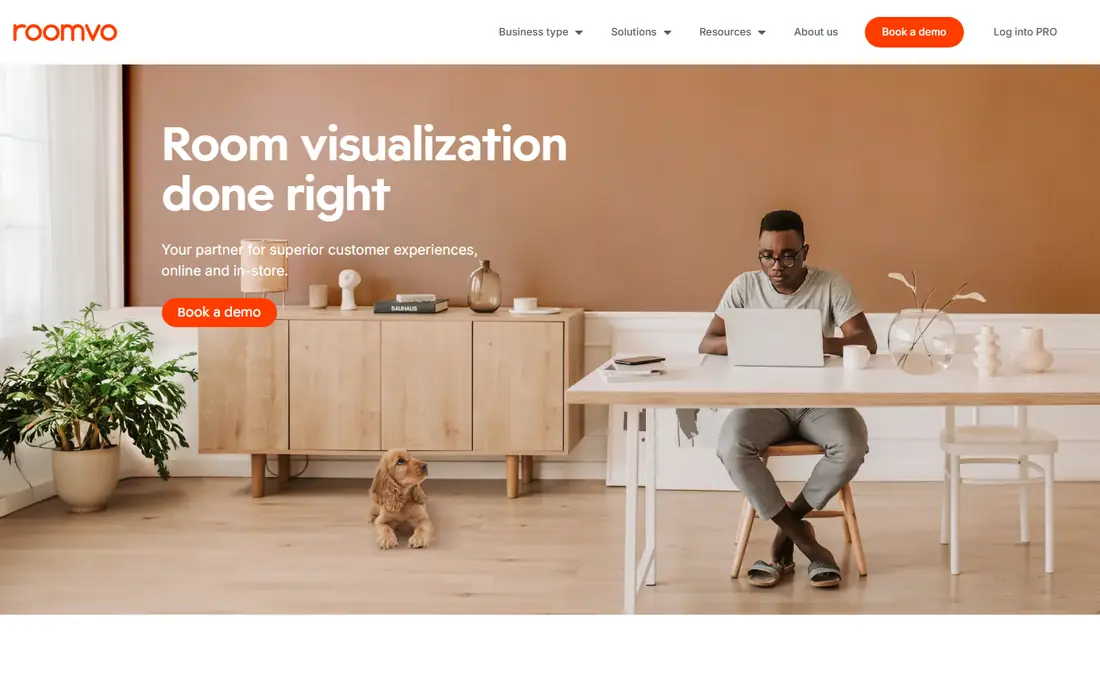
Roomvo is the technology behind many retailer flooring visualizers, including The Home Depot Flooring Visualizer. That reach matters, because it means you can preview actual products sold by a store, not just generic floor types. Point your phone at your floor or upload a room photo, pick a product from the store catalog, and see that exact floor across the room.
The limit is that Roomvo is mainly a business tool sold to retailers, so the consumer experience depends on which store visualizer you use. Some stores show a deep catalog, while others show a smaller set. If your retailer uses Roomvo, start there, since you can move from preview to purchase with the same product. If not, try Floori or a photo-based tool below.
- Powers visualizers for many retailers
- Large product catalogs
- Photo and AR previews
- Full catalog access depends on the retailer
- Consumer app experience varies by store

Floori specializes in flooring visualization through augmented reality. Point your phone at your floor, pick a product from a partner retailer catalog, and walk around the room to see wood, tile or carpet in place. Published guides note that it works best on newer iPhones with LiDAR, which detect walls and furniture with greater accuracy, while Android and older iPhones still work with less precision.
That flooring-only focus is the appeal. Textures, grain and color variation aim to match the real product, not a generic pattern, which helps when you compare two similar oak finishes. The catch is catalog access: you can only preview products from retailers that partner with Floori. Check whether your local store supports it before you rely on it for a final choice.
- AR focus on flooring alone
- Realistic material textures
- Works with retailer catalogs
- Best results need a newer phone with LiDAR
- Catalog depends on retailer partnerships
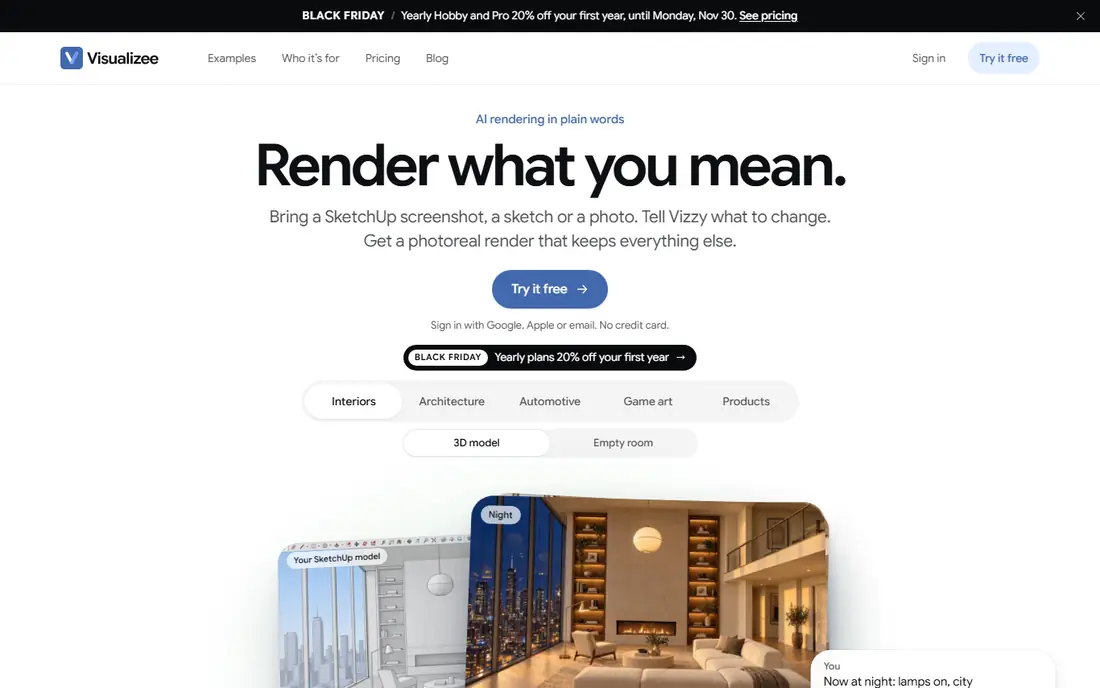
Visualizee takes a different path from AR apps. Upload a photo of your room, describe or pick a floor type, and the tool re-renders the room with that floor in place, keeping furniture, light and layout intact. That approach suits people who want to test many styles fast, from wide-plank oak to herringbone, luxury vinyl or polished concrete, without a retailer catalog limit.
Free renders are available to start, with paid options for more renders and higher quality output. The honest limit is detail: an AI render can look convincing at a glance while softening grain, grout lines or plank joints. Use Visualizee to narrow a long list to two or three favorites, then order samples and check those floors in daylight before you commit.
- Re-renders your actual room photo
- Not locked to one catalog
- Free renders to start
- AI renders can soften fine texture detail
- Paid renders needed for larger projects
Tilesview is a web room visualizer that covers flooring and tile, with a fast preview flow and no signup needed for basic use according to its site. Homeowners can upload a room photo or use a sample room, try tile and floor options, and share the result with a partner or contractor. Retailers can upload a full catalog, which makes it a Roomvo alternative for smaller stores.
The trade is depth by material. Tile previews are the strongest part, while wood, vinyl and carpet coverage depends on the catalog in use. For a tile project, Tilesview is a quick, low-friction first step. For a whole-home wood floor, pair it with a retailer visualizer that carries the exact product you plan to buy.
- Fast room visualizer
- Catalog uploads for retailers
- No signup needed for basic use
- Tile focus means wood and carpet catalogs vary
- Business features sit behind paid plans
Reydar offers a web-based AR flooring visualizer that runs in a browser on Chrome, Safari and Firefox, with no app download needed. Published guides describe a photo-realistic section of flooring shown in your space, with room corners and furniture detected on LiDAR devices. Retailers can print QR codes on marketing material, so scanning a code shows that specific product in your home.
That browser path is handy when you do not want another app, or when a store link opens straight to a product preview. The limit is consumer reach: Reydar is mainly a business tool, so you will meet it through a retailer rather than as a standalone consumer app. If your store offers Reydar, use it to test that store products in your room before you visit.
- Web-based AR with no app download
- Photo-realistic floor sections
- QR codes for retailers
- Smaller consumer presence than Roomvo
- Product range depends on retailer setup
Planner 5D suits people who want to redesign a whole room, with flooring as one choice among walls, furniture and layout. You can draw a room, try different floor materials and colors, move furniture, and view the result in 2D or 3D. That full-room view helps when flooring must work with cabinets, sofas and wall color, not just on its own.
The drawback is focus. Planner 5D does not give the same phone-camera AR preview as Floori, and its floor textures are design renders rather than retailer product photos. Use it to test a room scheme and layout, then confirm the exact product with a retailer visualizer or a physical sample. The free tier covers basic design well.
- 2D and 3D room design
- Large furniture and finish library
- Works on web and mobile
- Flooring preview is part of a larger design tool, not a dedicated AR view
- HD renders need payment
Homestyler is a friendly room design app for homeowners who want a 3D view without learning professional software. You can build a room, apply floor finishes, add furniture, and walk through the design in 3D. Templates and community designs give a fast start when you are unsure about style, and the tool works on web and mobile.
Flooring detail is the limit. Homestyler renders show how a floor color and tone work in a room, but they do not replace a retailer preview of the exact plank or tile. Use Homestyler to settle the overall look, such as warm wood versus cool tile, then narrow the product with Roomvo, Floori or samples. That two-step path avoids buying a floor that looks right in a render but wrong in your light.
- Easy room design tools
- 3D views
- Large design community and templates
- Flooring accuracy depends on the template and render
- Advanced renders need payment
RoomSketcher is the pick when you need a measured floor plan with finishes, for a renovation, a rental listing, or a contractor brief. You can draw rooms to scale, add doors, windows and furniture, apply floor finishes, and view the plan in 2D or 3D. Projects sync across Mac, Windows, tablets and phones, which helps when a contractor and homeowner share one plan.
RoomSketcher is not an AR camera preview, so it will not show your actual room through your phone. Its strength is planning and communication: a clear plan with finishes that a contractor can follow. Pair it with a photo or AR preview for the final product choice, and use the plan to confirm measurements and layout.
- Clear 2D and 3D floor plans
- Furniture and finish library
- Projects sync across devices
- Design tool first, AR preview second
- Detailed finishes and exports need paid plans
How we picked these
We compared official app and site pages, retailer visualizer guides and recent flooring preview roundups. We kept only tools that are live in 2026 and that show flooring in a room, either through AR, a photo render, or a 3D room design. We favored tools with free consumer access, real product catalogs where available, and a clear path to ordering samples. We did not claim hands-on testing, and we did not treat a render as proof of exact color.
How to get a preview you can trust
Start with a good photo or a clean AR scan. Use natural daylight, clear clutter from the floor, and capture the room from the angle you see most often. A dark or blurry photo makes every floor look wrong, while a bright, straight photo gives AR and photo tools a fair base. Try the same floor in two rooms if you plan whole-home flooring, since light changes the look.
Samples, light and finish checks
Order physical samples of your top two or three choices, and view them in the room at different times of day. Check the finish under warm evening light as well as daylight, and place the sample next to cabinets, trim and furniture. Note plank direction, grout color for tile, and sheen level, since those details change the feel of a room more than a small color shift. Keep the sample until the floor is installed, so you can check delivered boxes against it.
Retailer, contractor and budget notes
Confirm stock, lead time and waste allowance before you order, since flooring projects need extra material for cuts. Ask the retailer whether the visualizer product matches the exact SKU you buy, including finish and plank size. Share your preview and plan with your contractor, and agree on direction, transitions between rooms, and trim details before work starts.
Frequently asked questions
Is a flooring visualizer accurate?
A visualizer is a useful guide, but not exact. Screen color, room light and render style all shift how a floor looks. Use previews to narrow choices, then order physical samples and view them in your room before you buy. That two-step check avoids most surprises.
Do I need a LiDAR phone for AR flooring apps?
No, but LiDAR helps. Apps such as Floori and Reydar work best on newer iPhones with LiDAR, which detect walls and furniture with greater accuracy. Android phones and older iPhones still run AR previews, with less precise edge detection. Photo-based tools such as Visualizee work on any device with a good room photo.
Can I visualize flooring without downloading an app?
Yes. Web tools such as Reydar and Tilesview run in a browser, and many retailers offer Roomvo visualizers on their sites. Upload a room photo or use a sample room, pick a product, and share the result. A phone app adds camera AR, but a browser preview is enough to narrow choices.
Which app is best for hardwood flooring?
Roomvo through a retailer and Floori are strong for hardwood, since they preview actual products with grain and plank detail. Visualizee helps compare hardwood styles fast, such as wide-plank versus herringbone. Order samples of your favorites, since grain and tone vary by batch.
Can a visualizer help with tile as well as wood?
Yes. Tilesview and Roomvo cover tile, including grout and pattern options in many retailer catalogs. Check tile size, grout color and pattern direction in the preview, since those choices change a tiled room as much as tile color. Order a tile sample to confirm texture and finish.
Should I trust a free visualizer for a whole-home floor?
Use a free visualizer to narrow the style and color, but confirm the exact product before a whole-home order. Check stock, batch variation, plank size and finish with the retailer, order samples, and agree on layout with your contractor. A preview saves time, while a sample protects a large purchase.
Sources
- https://www.roomvo.com
- https://www.floori.io
- https://visualizee.ai
- https://tilesview.ai
- https://www.reydar.com
- https://planner5d.com
- https://www.homestyler.com
- https://www.roomsketcher.com
- https://www.carpetzonellc.com/blogs/top-ai-tools-to-visualize-new-floors-in-your-space-before-you-buy
- https://corporate.homedepot.com/news/company/dont-leave-it-imagination-use-home-depots-flooring-visualizer-transform-your-space
See where you really rank - block by block
ProMapRanker scans Google Maps across a grid of your service area. Simple monthly plans from $19, white-label on every plan.
Start freeKeep reading
 zyte alternatives
Best Zyte Alternatives in 2026
These zyte alternatives cover managed scraping APIs, proxy networks and no code tools for lawful collection from your own or consented sources only in 2026.
Read → zerto alternatives
Best Zerto Alternatives in 2026
Compare the best zerto alternatives for disaster recovery and replication, with recovery targets, cloud options and honest trade-offs for teams in 2026.
Read → zerofox alternatives
Best ZeroFox Alternatives in 2026
We compared 9 zerofox alternatives for brand protection, phishing takedowns, dark web monitoring, and social impersonation, with clear coverage notes.
Read →