 ProMapRanker
Best App to Transcribe Audio to Text in 2026

Key takeaways
- Otter.ai is our pick for meetings, because it combines live transcription, speaker labels and summaries in one workflow.
- Rev suits accuracy-first work, with human transcription available when an AI draft is not good enough.
- Notta and Descript suit creators and interviewers who need editing, exports and multilingual support.
- Whisper suits privacy-first users who can run software locally, while Google Recorder suits Pixel owners who want free on-device notes.
- Audio quality matters more than brand: clear speech, close microphones and low background noise improve every tool on this list.
Quick comparison
| Pick | Great for | Pricing starts at | Free tier | |
|---|---|---|---|---|
 Otter.ai | Meetings and summaries | See website | Yes | Visit |
 Rev | Accuracy-first transcripts | See website | No | Visit |
 Notta | Multilingual meeting notes | See website | Yes | Visit |
 Descript | Editing audio by editing text | See website | Yes | Visit |
 Trint | Newsroom and research transcripts | See website | Free trial | Visit |
 Sonix | Fast file transcription | See website | Free trial | Visit |
 Happy Scribe | Subtitles and transcripts | See website | Free trial | Visit |
 Whisper | Free local transcription | Free | Yes | Visit |
The best app to transcribe audio to text
We compared official pricing pages, free tiers, language support, speaker labels and export options for transcription tools. This list covers live meetings, uploaded files and local transcription, so the best pick depends on whether you record live, upload files or need subtitles. Always get consent before recording other people, and check local recording rules.
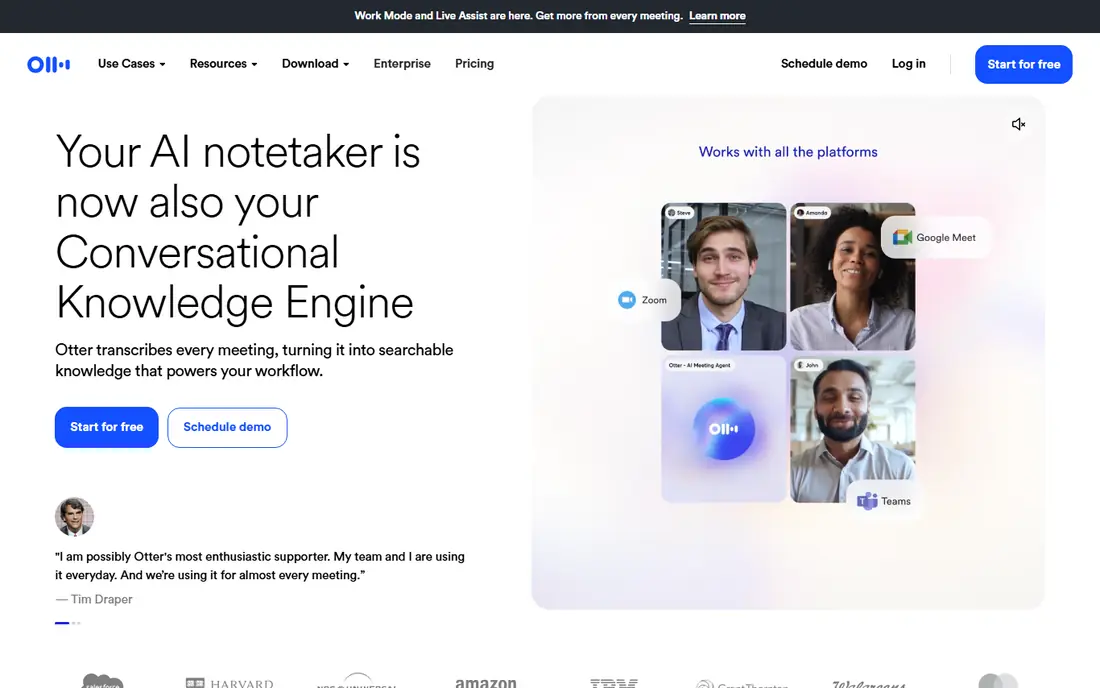
Otter.ai is the easiest starting point for meetings, because it transcribes live, labels speakers and produces a searchable transcript with a summary. You can join a meeting, let Otter capture the conversation, and later search for a decision or action item without replaying the full recording. Integrations with common meeting tools help teams that meet often.
The free plan is useful for occasional use, with published limits around 300 minutes per month and 30 minutes per session, though current terms should be checked on the Otter pricing page. Heavy background noise, overlapping speech and strong accents still cause errors, so important transcripts need a quick review. For regular meeting users, Otter is our top pick for the full workflow, not just raw text.
- Live transcription with speaker labels
- Meeting summaries and searchable transcripts
- Calendar and meeting integrations
- Free plan caps monthly minutes and session length
- Accuracy drops with heavy accents or background noise
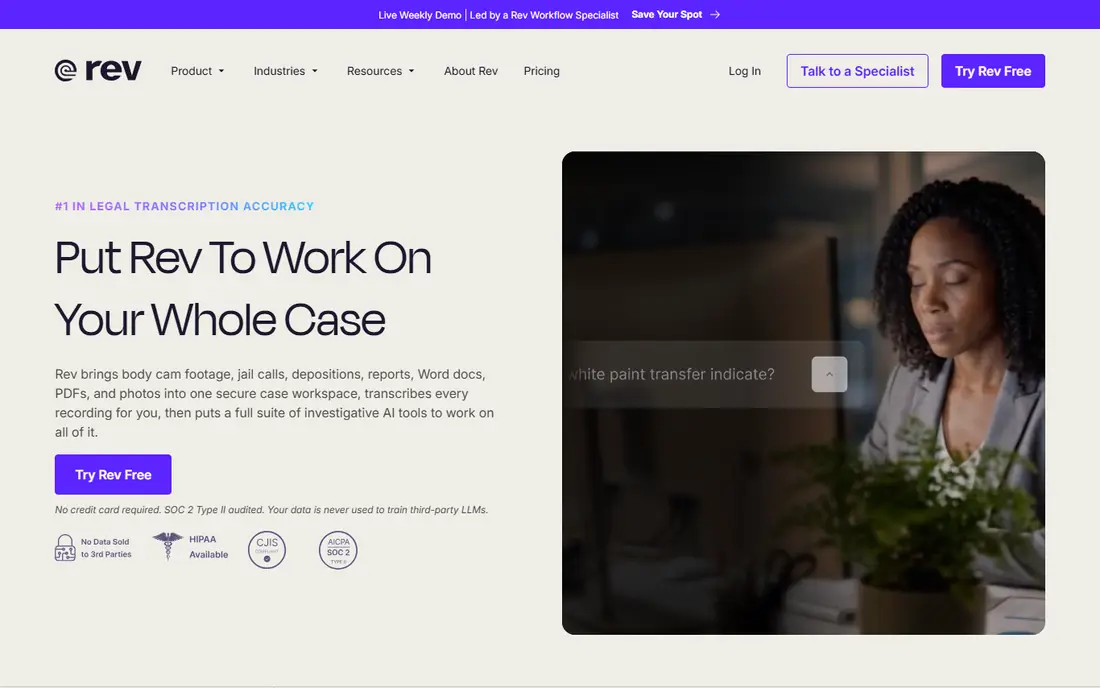
Rev suits work where accuracy matters more than speed, such as legal, medical in general terms, research and publication-ready interviews. Its AI transcription gives a fast draft, while its human service, where trained transcribers check the audio, produces a cleaner result for quotes and formal records. Captions and subtitles sit in the same service, which helps video teams.
The trade-off is cost and time. Human transcription is priced per minute and takes longer than an AI draft, so it is best reserved for final versions rather than every meeting note. Technical terms, names and accents still need checking, even in human transcripts. If a quote will be published or used as a record, Rev is the safer choice.
- Human transcription option for high accuracy
- AI transcription for speed
- Captions and subtitles available
- Human transcription costs more and takes longer
- AI drafts still need review for technical terms
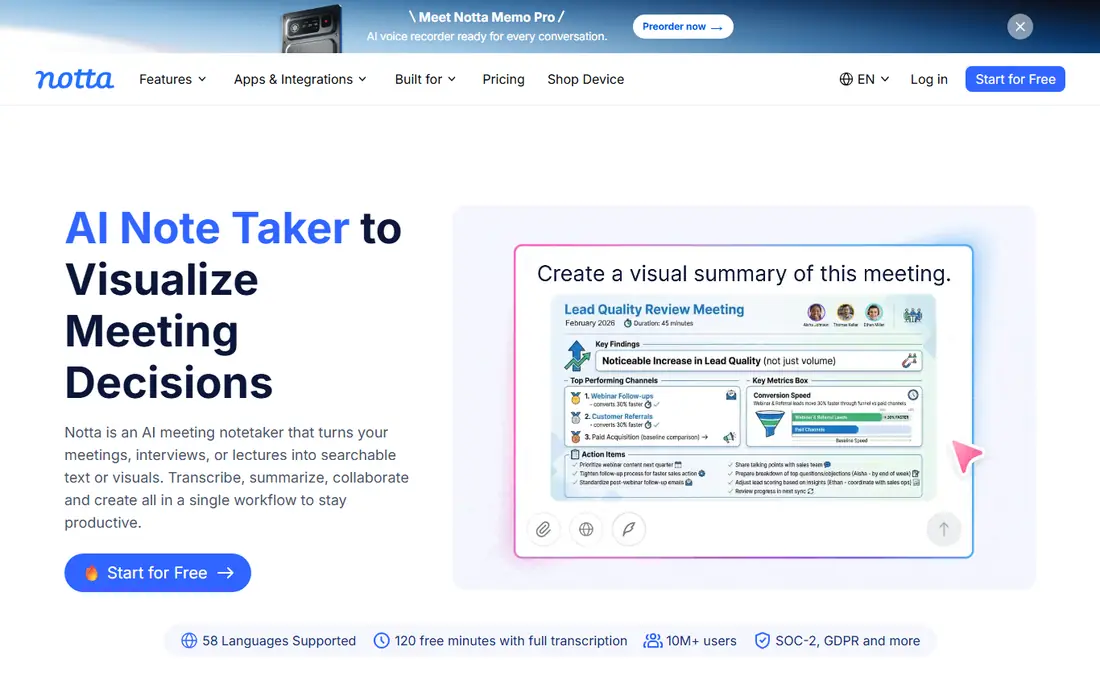
Notta is a strong choice for multilingual teams and interviewers, with support for dozens of languages in published descriptions and a free tier for light use. You can transcribe live meetings or upload files, then edit, search and export the result. Speaker labels and summaries help with longer interviews, where finding one answer in an hour of audio would otherwise take a long replay.
Free minutes are limited, with published figures around 120 minutes per month, so regular users will need a paid plan. Accuracy also varies by language, accent and recording quality, so non-English transcripts deserve extra review. For teams working across languages, Notta offers a good balance of features and price.
- Supports many languages
- Live and file transcription
- Speaker labels and summaries
- Free plan caps monthly minutes
- Accuracy varies by language and audio quality
Descript takes a different approach: it transcribes your audio, then lets you cut, rearrange and clean up the recording by editing the text. Delete a sentence in the transcript and the matching audio disappears, which makes podcast and video editing far faster than cutting waveforms by hand. It also offers studio sound cleanup, filler word removal and overdub-style tools on higher plans.
That power brings a learning curve, and users who only need a plain transcript may find Descript more than they need. Transcription hours are limited by plan, so heavy users should check current allowances. For podcasters, video creators and interview editors, Descript is the most useful transcription tool on this list, because the transcript becomes the editor.
- Edit audio and video by editing the transcript
- Speaker labels
- Podcast and video tools in one app
- Learning curve for full editing features
- Transcription limits apply on lower plans
Trint suits journalists, researchers and teams that handle many interviews and need to search across them. Upload a file, get a transcript quickly, then edit collaboratively, highlight quotes and export for publication or analysis. Search across a library of transcripts helps researchers find a theme or quote without opening each file.
Trint offers a free trial rather than a permanent free plan, and pricing is aimed at professionals and teams, so occasional users may prefer Otter or Notta free tiers. Accuracy is strong on clear audio but still needs review for names, numbers and technical terms. For newsrooms and research teams, Trint workflow tools justify the cost.
- Fast file transcription
- Collaborative editing
- Search across many transcripts
- No permanent free plan
- Pricing suits teams better than occasional users
Sonix focuses on fast, automated transcription of uploaded audio and video files, with timestamps, speaker labels and subtitle exports. It supports many languages and handles long files well, which suits teams transcribing lectures, conferences and interviews in batches. The editor lets you correct text while listening, and exports cover common document and subtitle formats.
Pricing uses subscriptions and pay-per-hour options, so large archives need a cost check before upload. A free trial lets you test accuracy on your own audio, which we recommend, since accent and noise affect results more than marketing claims suggest. For bulk file transcription with subtitle needs, Sonix is a practical, fast option.
- Fast automated transcription for many languages
- Timestamps and speaker labels
- Subtitle exports
- Free trial is limited
- Pay-per-hour options can add up for large archives
Happy Scribe combines AI transcription, human transcription and subtitle creation, which helps video teams that need both a transcript and timed captions. You can upload audio or video, get a draft quickly, edit in the browser and export subtitles in standard formats. Language support is broad, and the human option covers final, publishable versions.
The free trial limits individual file length, so test with a short file first. Costs also differ sharply between AI and human services, so budget for the level of accuracy you actually need. If subtitles are the main job, with transcripts as a bonus, Happy Scribe is a focused choice that avoids juggling two tools.
- Transcription and subtitles in one service
- Human transcription option
- Many language options
- Free trial limits file length
- Costs vary by AI or human service
Whisper, from OpenAI, is an open speech recognition model that can run on your own computer, which makes it the best privacy-first option here. Local use means audio does not need to leave your device, and there is no monthly minute cap beyond your hardware limits. Accuracy on clear English audio is strong, and many apps and tools build on Whisper for their own transcription features.
The catch is setup. Whisper itself is a model, not a polished consumer app, so you need to install software, choose a model size and handle exports yourself, or use a third-party app built on Whisper. It also lacks live meeting integrations and speaker labels out of the box. For technical users and privacy-sensitive work, Whisper is unmatched on cost and control.
- Free open model that can run locally
- Strong accuracy on clear audio
- No upload needed for local use
- Needs technical setup
- No polished app, meeting integrations or support line
How we picked these
We compared official pricing pages, free tiers, language support and export options in October 2026. We kept tools that are live, transcribe real audio files or live speech, and offer editing or export, rather than simple dictation toys. We noted free minute caps where published, and we used See website where pricing varies by plan or usage, rather than inventing figures.
How to choose the right transcription app
Start with your input type. Live meeting users should pick Otter or Notta, file upload users should pick Sonix, Trint or Happy Scribe, and creators who edit audio should pick Descript. Privacy-first users should pick Whisper, and accuracy-first users should pick Rev human transcription for final versions. Test each candidate on your own audio, with your own accents and noise levels, before committing.
Improve results with simple recording habits. Use a close microphone, record in a quiet room, ask speakers to avoid talking over each other, and state names and technical terms clearly at the start. Review every transcript for names, numbers and quotes, and keep the original audio until the transcript is approved. A good tool saves hours, but the final check stays human.
Frequently asked questions
What is the best software to transcribe audio to text for meetings?
Otter.ai is our pick for meetings, because it offers live transcription, speaker labels and summaries. Notta is a strong alternative for multilingual meetings, while Rev suits meetings where a published record needs higher accuracy.
What are the best apps to transcribe audio to text for free?
Otter.ai and Notta offer free tiers with monthly minute caps, Google Recorder offers free on-device transcription on supported Pixel devices, and Whisper offers free local transcription if you can set it up. Free tiers suit occasional use, not daily heavy transcription.
How accurate is AI transcription?
Accuracy is high on clear, single-speaker audio with low background noise, and lower with overlapping speech, accents and technical terms. Always review names, numbers and quotes, and use human transcription for publishable or legal records.
Can I transcribe audio offline?
Yes, with Whisper run locally on your computer, and with Google Recorder on supported devices. Most cloud tools need an internet connection to upload audio and return a transcript, so check privacy terms before uploading sensitive recordings.
Do I need consent to transcribe a conversation?
In many places, recording and transcribing other people requires their consent, and rules vary by location. Tell participants you are recording, explain why, and check local law before you start. When in doubt, get consent in writing.
What file formats do transcription apps accept?
Most tools accept MP3, WAV, M4A and FLAC audio, plus video files such as MP4 and MOV, from which they extract audio. For best results, use a clear, uncompressed format like WAV when you can, and check the file size limit for your plan.
Sources
See where you really rank - block by block
ProMapRanker scans Google Maps across a grid of your service area. Simple monthly plans from $19, white-label on every plan.
Start freeKeep reading
 zscaler alternatives
Best Zscaler Alternatives in 2026
Looking for zscaler alternatives? We compare 9 SASE and zero trust platforms on architecture, data protection, pricing, and fit for your network and team.
Read → zapier alternatives free
Best Zapier Alternatives Free in 2026
Nine automation tools for zapier alternatives free in 2026, all with genuinely free tiers, plus free plan limits, starting prices and upgrade paths explained.
Read → which platform is best for online reputation
Which Platform Is Best for Online Reputation in 2026
Wondering which platform is best for online reputation? We compare 8 review, listing, and response tools for small and multi-location businesses and agencies.
Read →