 ProMapRanker
Best App to Track Work Hours in 2026


Budget teams and generous free tracking · Pricing starts at: $3.99 per user per month
Key takeaways
- Clockify is our pick for most people on a budget, because its free plan covers the core timer, timesheets, and reports without a tight user cap on paid plans.
- Toggl Track is the simplest timer here, and it suits freelancers and small teams that want clean reports without monitoring features.
- Harvest is the strongest choice when tracked hours must turn into invoices with little extra work.
- Hubstaff and Time Doctor add screenshots and activity checks, so they fit remote teams that need proof of work, but they are a poor fit for teams that value privacy.
- Prices rise with seats and with billing features, so check the per-user price at your real team size before you commit.
Quick comparison
| Pick | Great for | Pricing starts at | Free tier | |
|---|---|---|---|---|
| Clockify | Budget teams and generous free tracking | $3.99 per user per month | Yes | Visit |
 Toggl Track | Simple timer for freelancers | $9 per user per month | Yes | Visit |
 Harvest | Time tracking with invoicing | $9 per user per month | Yes | Visit |
 Hubstaff | Remote teams needing monitoring and payroll | $4.99 per user per month | Free trial | Visit |
 Time Doctor | Accountability and productivity checks | $6.67 per user per month | Free trial | Visit |
 Everhour | Tracking inside project tools | $8.50 per user per month | Yes | Visit |
 Timely | Automatic time capture | $9 per user per month | Free trial | Visit |
 TimeCamp | Free tracking with invoicing options | $3.99 per user per month | Yes | Visit |
 Paymo | Small teams billing from projects | $10.90 per user per month | Yes | Visit |
The best app to track work hours
We compared timers, timesheets, reports, invoicing, and pricing from official product pages and public pricing summaries. The apps below all track real work hours today, and they differ mainly in how much billing, monitoring, or automation sits around the timer.
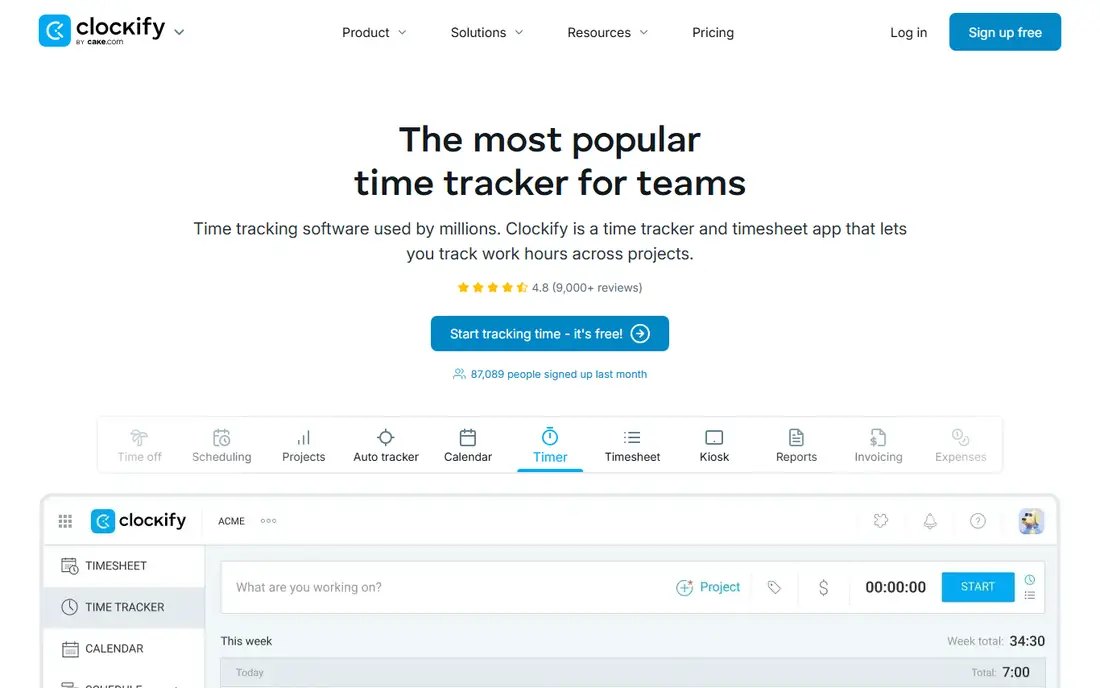
Clockify is the first app we suggest to a team that wants to start tracking this week without a long setup. The timer runs in a browser, on desktop, and on mobile, and timesheets give managers a plain view of hours by project, client, and team member. Reports are easy to filter and export, which matters when a client asks for a breakdown at month end. The free plan is genuinely useful for core tracking, rather than a short demo dressed up as a free tier.
The catch is that the features many businesses eventually want sit on paid plans. Invoicing, time-off management, and approvals require an upgrade, and the per-user price adds up as headcount grows. Even so, the paid entry price stays low compared with most rivals here. If your main need is accurate hours and clean reports, Clockify covers it at a fair price.
- Free plan covers timers, timesheets, and reports
- Kiosk mode for shared devices
- Wide range of integrations
- Invoicing and approvals need paid plans
- Larger teams still pay per user
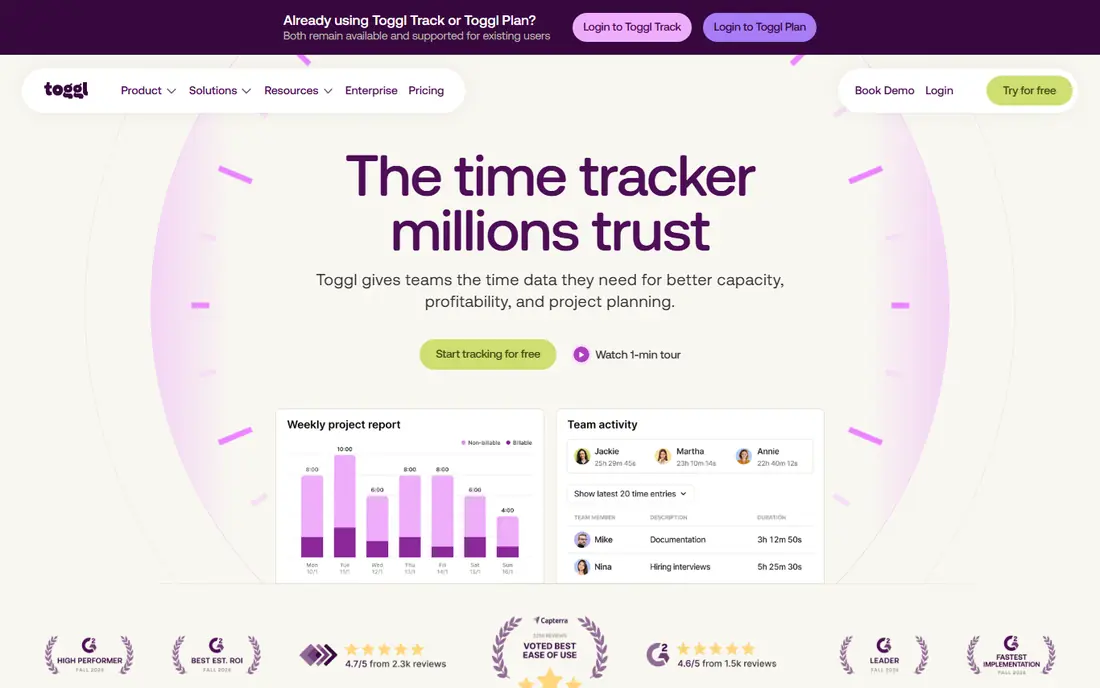
Toggl Track is the timer people keep using because it asks for so little. One click starts a timer, and the same timer syncs across browser, desktop, and mobile. Reports stay readable when you filter by client, project, or tag, and the browser extension starts timers inside tools such as Asana and Notion. For a freelancer logging hours for several clients, that low friction is worth more than a long feature list.
The free plan covers up to 5 users, which suits a solo worker or a very small team. Billable rates, project estimates, and timesheet approvals sit on paid plans, starting at $9 per user per month billed annually. Teams that grow past five users pay for every seat. If privacy matters and your team dislikes monitoring, Toggl Track remains a strong default.
- One-click timer that is easy to adopt
- Clear reports by client, project, and tag
- No screenshots or monitoring
- Free plan covers up to 5 users
- Billable rates and estimates need a paid plan
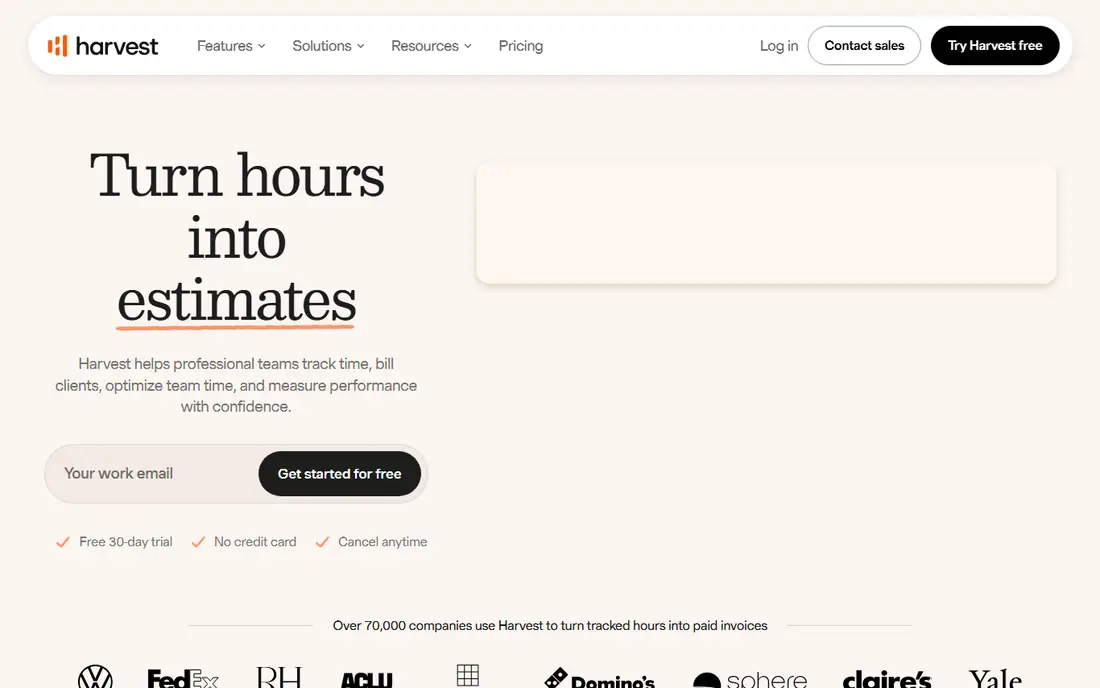
Harvest fits agencies and consultants whose hours are the product. You track time against a project, add expenses, and then turn unbilled hours into an invoice without retyping numbers. Clients can pay through connected payment options, and reports show budget use before a project runs over. That short path from timer to invoice is the reason Harvest keeps appearing in agency tool stacks.
The free plan is narrow, with 1 seat and 2 projects, so it works as a trial rather than a long-term free home. Paid plans start at $9 per user per month billed annually, and the cost grows with each seat. Teams that only need a timer can find cheaper options. Teams that bill hours every week will likely save more time than the price difference costs.
- Invoices built directly from tracked time and expenses
- Clean timesheets and reports
- Simple setup for agencies
- Free plan is limited to 1 seat and 2 projects
- Higher cost for larger teams
Hubstaff is built for managers who need to see what remote work looks like during the day. It combines timers with optional screenshots, activity levels, app tracking, and GPS for field staff. Payroll features let a team pay contractors from tracked time, which cuts a separate step from the weekly routine. For distributed teams and agencies with hourly contractors, that combination is practical.
The trade-off is trust. Screenshots and activity tracking can damage morale if staff feel watched, so a team should set clear rules before turning those features on. Hubstaff offers a 14-day free trial rather than a free plan, and paid plans start at $4.99 per user per month billed annually. It is best used where accountability is a stated job requirement, not as a quiet default.
- Screenshots and activity levels for remote accountability
- GPS tracking for field teams
- Payroll and payments built in
- Monitoring can feel intrusive to staff
- No free plan, only a trial
Time Doctor focuses on what happens after the timer starts. It records app and website use, flags distractions, and builds productivity reports that managers can review by person or team. Screenshots are optional, and the tool can nudge a worker back on task when time drifts to unrelated sites. For teams that bill by the hour and need to show clients how time was spent, that detail has real value.
The honest catch is the same as with any monitoring tool. Some staff will dislike being measured this closely, and a company should explain the policy in plain terms before rollout. Pricing starts at $6.67 per user per month billed annually, with a free trial instead of a free plan. If you want tracking without monitoring, pick Toggl Track or Clockify instead.
- Distraction alerts and productivity reports
- Screenshots and app tracking
- Payroll integrations
- Monitoring features may not suit every workplace
- No free plan, only a trial
Everhour suits teams that already plan work in Asana, Trello, Jira, or a similar tool. Instead of opening a separate tracker, staff start timers inside the task they are already viewing. Budgets, time estimates, and cost views sit close to the work, so a project manager can see overruns without waiting for a weekly report. That placement is why teams that tried standalone timers and gave up often stick with Everhour.
The limit is dependence on the host tool. If your work lives in email and chat rather than tasks, the embedded timer loses much of its advantage. Paid plans start at $8.50 per user per month billed annually, and a free plan covers small teams. For project-led teams, it is one of the most natural ways to keep hours accurate.
- Timers embedded in Asana, Trello, Jira, and other tools
- Budgets and cost estimates
- Reports by project and member
- Works best when your work already lives in a supported project tool
- Invoicing goes through accounting integrations
Timely is for people who hate manual timers. It records which apps, documents, and meetings filled the day, then drafts timesheet entries from that activity. The user reviews and confirms the draft, so the result is a fuller record than a day reconstructed from memory on Friday afternoon. For consultants and professionals with fragmented days, that approach recovers hours that manual timers miss.
Automatic capture is not magic. Entries still need a quick review, because time on a document does not always mean billable work on that project. Timely offers a 14-day free trial rather than a free plan, with paid plans from $9 per user per month. It is a good pick for people whose main problem is forgetting to start the timer.
- Automatic capture of apps, meetings, and documents
- Drafted timesheets reduce manual entry
- Private by design for individuals
- No free plan, only a trial
- Automatic capture needs review to keep entries accurate
TimeCamp gives small teams a generous starting point. Its free plan covers unlimited users and projects, with timers, timesheets, and basic reports included. Automatic tracking can fill gaps when someone forgets to log time, and paid plans add invoicing, billing rates, and deeper reporting. For a team that wants Clockify-style value with a different set of paid extras, TimeCamp is worth a trial.
The interface is busier than the simplest timers, so staff may need a short onboarding session to find reports and settings. Paid plans start at $3.99 per user per month billed annually. If your team is large and your budget is small, the free plan alone may carry you for months.
- Free plan for unlimited users
- Automatic tracking and timesheets
- Invoicing on paid plans
- Interface feels busier than Toggl Track
- Advanced reporting needs paid plans
Paymo combines time tracking with project management and invoicing, so a small studio can run a job from task list to invoice in one place. Time entries feed project budgets, and expenses sit beside hours when the invoice is built. That breadth helps teams that would otherwise juggle three tools and lose hours between them.
The breadth is also the drawback. A team that only wants a timer may find the project features more than it needs, and setup takes longer than a single-purpose timer. Paid plans start at $10.90 per user per month billed annually, and a free plan covers a single user. For small teams that bill from projects, the all-in-one design is a genuine time saver.
- Time tracking, tasks, and invoicing in one tool
- Project budgets and expenses
- Free plan for solo users
- Less suited to large teams than dedicated trackers
- Project tools add learning time for timer-only users
How we picked these
We compared official feature pages, pricing pages, and public pricing summaries for timers that track real work hours in October 2026. We kept tools with a live timer, timesheets or reports, and a current pricing page or app store listing, and we dropped tools that only estimate time or only schedule shifts. Prices shown are entry paid prices billed annually where the vendor states annual billing, and we wrote the free plan status as listed by each vendor. We did not claim hands-on testing, and we checked that each homepage below belongs to the named product.
Choosing a work hours app that staff will actually use
Start with the job the hours must do. If hours feed invoices, pick a tool with invoicing built in, such as Harvest or Paymo, so no one retypes numbers at month end. If hours feed payroll, Hubstaff or Time Doctor may fit better, but only with a clear monitoring policy that staff have seen in writing. If hours are only for internal records, a simple timer such as Toggl Track or Clockify will give cleaner data than a monitoring tool staff resist.
Test with real work for two weeks. Ask two or three people to track a normal week, then check the reports for missing days, duplicate entries, and projects that need renaming. Watch for mobile use, because field staff and freelancers often log time on a phone, and a timer that only works well on desktop will leave gaps. Check how the tool handles overtime, time off, and approvals if your business needs those, and confirm the total monthly cost at your current headcount, not just the per-user headline price. A tool that staff use every day beats a feature-rich tool they avoid.
Frequently asked questions
What is the best app for tracking work hours and pay?
Harvest and Paymo are strong choices when hours must turn into invoices, while Hubstaff suits teams that pay hourly staff from tracked time. Clockify and Toggl Track cover the tracking side well, but payroll and invoicing may need a connected accounting tool. Pick based on whether pay or invoicing is the main output, then test the reports with a real week of data.
What is the best app to keep track of hours worked as a freelancer?
Toggl Track is a good starting point for freelancers, because the timer is fast and reports split cleanly by client and project. Clockify is a strong free alternative with a generous free plan. If you bill from tracked time, Harvest adds invoicing in the same tool, which saves retyping hours at billing time.
What is the best work log app for a small team?
Clockify suits most small teams on a budget, while Everhour suits teams whose work already lives in a project tool. TimeCamp is worth a look for larger small teams that want a free plan without a user cap. Run a two-week trial with the people who will log time daily, and keep the tool with the fewest missing entries.
Do these apps track hours automatically?
Timely and TimeCamp offer automatic capture, and Clockify offers an auto tracker feature, but automatic entries still need review. A timer started by hand gives cleaner billable records when the work is focused. Automatic capture helps most when the day is fragmented across apps, meetings, and documents.
Can I track work hours for free?
Yes, in many cases. Clockify, Toggl Track, Harvest, Everhour, TimeCamp, and Paymo all offer a free plan or free tier, though limits differ by users, projects, and features. Free plans suit solo workers and very small teams. Larger teams and teams that need invoicing, approvals, or monitoring usually need a paid plan.
Sources
See where you really rank - block by block
ProMapRanker scans Google Maps across a grid of your service area. Simple monthly plans from $19, white-label on every plan.
Start freeKeep reading
 zoho inventory alternatives
6 Alternatives to Zoho Inventory, Compared on Price and Fit
Zoho Inventory alternatives: 6 tools compared on price, free plans and fit. Katana leads the list for manufacturers. Fit and flaws are laid out for each entry.
Read → zoho crm alternatives
Best Zoho CRM Alternatives (2026)
Need Zoho CRM alternatives? We compare 7 tools on cost, free access and who each suits. Every pick gets a straight assessment. Built for quick decisions.
Read → zelle alternatives
Best Zelle Alternatives in 2026
Compare the best Zelle alternatives for sending money to friends, paying sellers and moving funds abroad, with honest notes on fees, speed and safety in 2026.
Read →