 ProMapRanker
Best App to Track Stocks in 2026

Key takeaways
- Yahoo Finance is the best all-around free starting point for watchlists, portfolios, news, and basic charts.
- TradingView is the pick for charting and technical analysis, with the deepest free chart tools in this list.
- Webull suits mobile-first investors who want tracking plus trading in one app with real-time quotes.
- Stocktwits adds market sentiment and trader discussion, but treat community tips as noise until you check the facts.
- This is general information only, not financial advice. Tracking tools show prices and news; they do not tell you what to buy.
Quick comparison
| Pick | Great for | Pricing starts at | Free tier | |
|---|---|---|---|---|
 Yahoo Finance | All-around free tracking | Free | Yes | Visit |
 TradingView | Charts and technical analysis | Free | Yes | Visit |
 Webull | Mobile tracking plus trading | Free | Yes | Visit |
 Stocktwits | Sentiment and trader discussion | Free | Yes | Visit |
 Investing.com | Global markets and calendars | Free | Yes | Visit |
 Seeking Alpha | Research and analysis | Free | Yes | Visit |
 Morningstar | Deep fund and stock research | Free | Yes | Visit |
 Sharesight | Dividend and tax-aware tracking | Free | Yes | Visit |
 Delta | Multi-asset portfolio tracking | Free | Yes | Visit |
The best apps to track stocks
The best stock monitoring app is the one you check daily without friction. It should show your watchlist at a glance, alert you to real moves, and keep your portfolio math honest. These are the best apps to track stocks for different styles of investor.
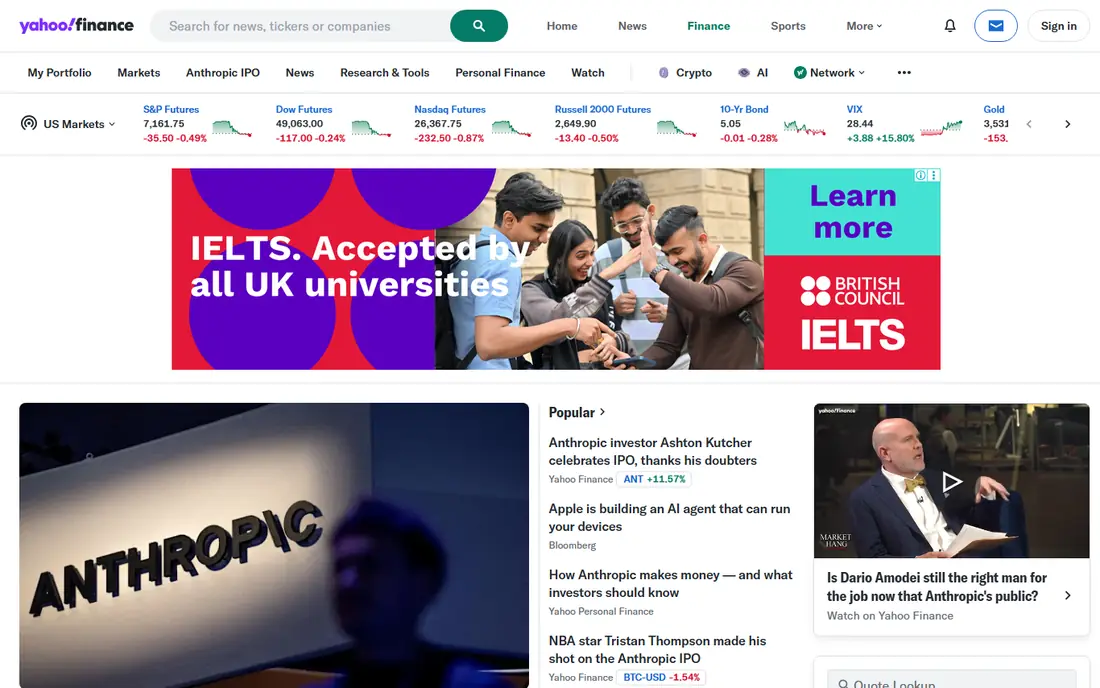
Yahoo Finance is our pick for most investors because the free tier covers the daily job so completely. Build a watchlist, add your holdings to a portfolio, set price alerts, and read company news in one feed. Coverage spans stocks, ETFs, and funds, and the basic charts answer most questions a long-term holder asks.
Paid plans add advanced charting, deeper portfolio analytics, and extra research, but the free version is enough for many people. The ads in the free app are the main annoyance. If you want one free app to track stocks without learning a trading terminal, start here.
- Free watchlists, portfolios, news, and basic charts
- Broad coverage of stocks, ETFs, and funds
- Price alerts included
- Advanced charting and analytics need a paid plan
- Ads and promotions appear in the free version
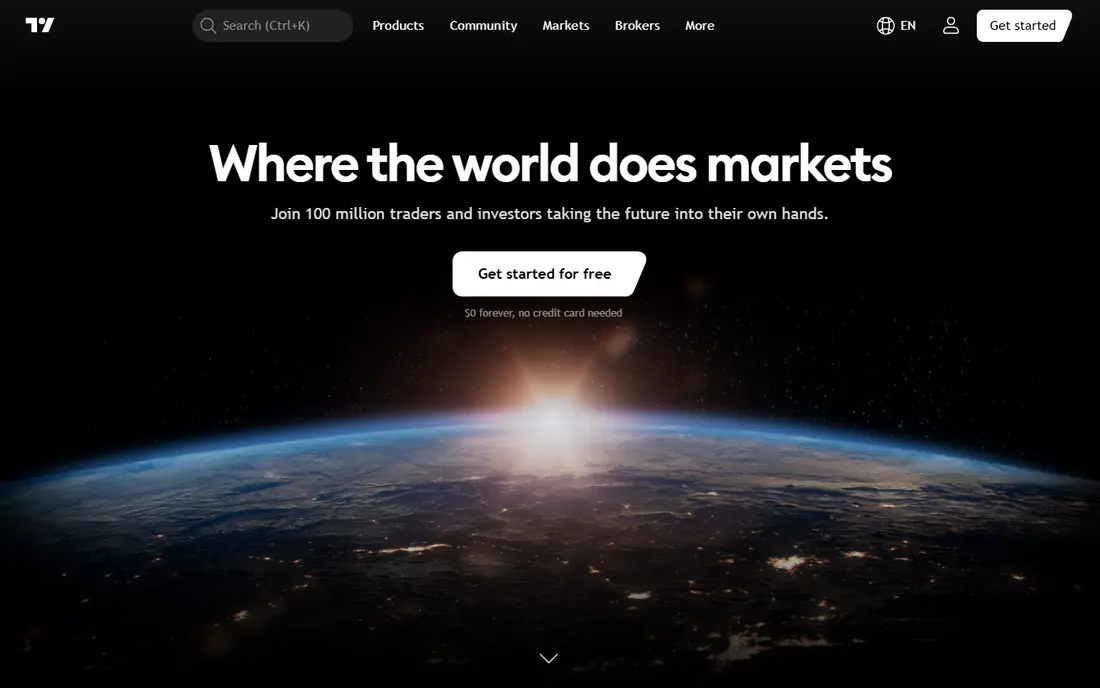
TradingView is the pick when charts matter more than news. The free tier gives you strong charting with a wide indicator library, drawing tools, and custom alerts, which is more than most rivals offer without payment. Screeners help you filter stocks by price, volume, or technical signals, and the community section shows how other traders read the same charts.
Beginners may find the interface busy at first, and the best layouts sit behind paid plans. If you trade on technical signals or simply love a good chart, TradingView is the best stock monitoring app for that style. Long-term holders who only check prices weekly may prefer Yahoo Finance.
- Deepest free charting tools with many indicators
- Custom alerts and screeners
- Large community sharing ideas and scripts
- Full multi-chart layouts and extra alerts need a paid plan
- Interface can overwhelm beginners
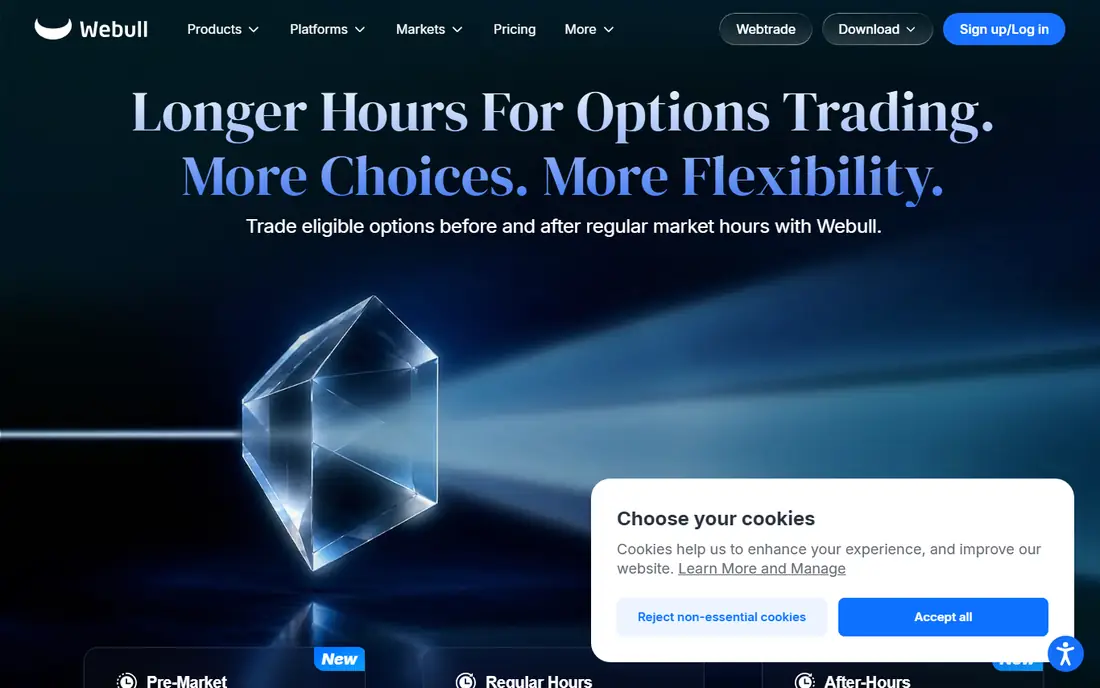
Webull suits investors who want tracking and trading in one mobile app. Real-time quotes, customizable charts, screeners, and price alerts all sit in a fast phone app, and paper trading lets you practice strategies without risking cash. Fractional shares also let small investors track and buy positions with modest amounts.
The catch is that Webull is a broker, not just a tracker, so the full experience assumes an account. Pure trackers may find the trading tools distracting. If you already trade or plan to, Webull is one of the best apps to track stocks on a phone.
- Free real-time quotes on mobile
- Strong charts and alerts in the app
- Paper trading to practice before risking money
- Broker account needed for full features
- Interface packs in many trading tools a pure tracker may not need
Stocktwits works like a social feed organized by ticker symbol. Open a stock and you see what traders are saying, how sentiment leans, and what news is breaking, all in real time. That makes it a useful second screen alongside Yahoo Finance or TradingView, especially around earnings.
Treat the feed with care. Posts range from sharp analysis to pure hype, and rumors spread fast. Use Stocktwits to spot what the market is talking about, then verify any claim in a company filing or a trusted news source before acting. As a sentiment gauge, it has no equal in this list.
- Fast read on trader sentiment per ticker
- Breaking news and earnings chatter in one stream
- Free watchlists and charts
- Community posts vary wildly in quality
- Hype and rumors need checking against primary sources
Investing.com suits investors who follow markets beyond the US. Coverage spans global stocks, indices, currencies, and commodities, and the economic calendar flags earnings, central bank decisions, and data releases that move prices. Portfolios and price alerts cover the daily tracking job.
The free app carries heavy advertising, which can slow the experience. If your focus is US stocks only, Yahoo Finance is cleaner. If you track global markets and want the calendar in the same app, Investing.com earns its place.
- Wide global market coverage
- Economic calendar for earnings and data releases
- Portfolios and alerts in the free app
- Ads are heavy in the free version
- Interface feels crowded compared with Yahoo Finance
Seeking Alpha is the research-first pick. Beyond quotes and charts, it gives you analyst ratings, contributor analysis, earnings transcripts, and dividend data for the stocks you follow. Portfolio tracking and alerts tie that research to your holdings, so a downgrade or earnings surprise reaches you in context.
The free tier limits how many premium articles you can read, and the deepest research needs a subscription. For investors who read before they trade, Seeking Alpha adds judgment to the raw numbers from a tracker. Pair it with Yahoo Finance for quotes and you cover both sides.
- Deep analyst and contributor research per stock
- Portfolio tracking with alerts
- Earnings call transcripts on many tickers
- Best research sits behind a paid plan
- Free articles are limited each month
Morningstar is the pick for fund and ETF investors who care about research quality. Its analyst ratings, portfolio risk views, and fund comparisons help long-term holders judge what they own beyond the daily price. The data is careful and well organized, which suits retirement and college savers.
Free users get delayed quotes and limited research, so active traders should look elsewhere for real-time data. For a buy-and-hold investor who checks holdings weekly and reads fund research carefully, Morningstar is a steady, trusted tracker.
- Strong fund and ETF research with analyst ratings
- Portfolio tools with risk views
- Trusted data for long-term holders
- Real-time data and full research need a paid plan
- Free quotes can be delayed
Sharesight answers a different question from most trackers: how is my portfolio actually performing after dividends and taxes. It imports trades from brokers, tracks dividends and corporate actions, and reports returns in a way that matches tax reporting needs. Multi-currency support helps investors with overseas holdings.
The free tier limits holdings, so larger portfolios need a paid plan. If you hold stocks across several brokers and want one honest performance number, Sharesight is the best app to track stocks for that job.
- Tracks dividends, returns, and tax lots across brokers
- Handles multiple currencies
- Clear performance reporting
- Free tier limits the number of holdings
- Best for investors with several accounts to reconcile
Delta suits investors whose holdings span stocks, ETFs, and crypto. One portfolio view shows the whole picture, with alerts for price moves and a clean design that works well on a phone. Broker connections pull in holdings automatically where supported, which saves manual entry.
Paid plans open deeper analytics, and the crypto features may feel extra for stock-only investors. If your portfolio crosses asset types, Delta keeps the tracking in one place instead of three apps.
- Tracks stocks, ETFs, crypto, and other assets in one view
- Clean portfolio and alert design
- Broker connections available
- Advanced analytics need a paid plan
- Crypto-heavy design may distract pure stock investors
How we picked these
We compared official product pages, pricing pages, and current stock tracking comparisons, and we kept only apps that still offer live tracking, watchlists, and alerts in 2026. We weighed quote speed, chart depth, portfolio math, alert quality, and free-tier honesty, and we favored apps with clear data sources over apps that hide delays. Prices change often, so we point readers to each vendor's pricing page where a figure could not be confirmed.
How to set up tracking that actually helps
Keep your watchlist tight. Ten to fifteen tickers you truly follow beat fifty you glance past, because a long list trains you to ignore alerts. Set alerts only for moves that would change a decision, like a set price level or an earnings date, not for every small daily move.
Separate tracking from trading
Use a tracker to watch and learn, and make trading decisions on a slower timetable. A price alert is information, not an instruction. Check the company news, the earnings calendar, and your own plan before acting, and keep a simple log of why you bought each holding. That log stops hindsight from rewriting your reasons later.
Check data delays before you rely on a quote
Free quotes on some platforms are delayed, especially for less common stocks. If you trade on a quote, confirm whether it is real-time or delayed in the app's data notes. For long-term holders, a short delay rarely matters. For active traders, it does, and a real-time source like Webull or TradingView is the safer pick.
Frequently asked questions
What is the best app to track stocks for free?
Yahoo Finance is the best free all-around pick, with watchlists, portfolios, news, and alerts at no cost. TradingView is the best free pick for charts, and Webull is the best free pick for real-time mobile quotes.
What are the best apps to track stocks and dividends?
Sharesight is the best pick for dividend and tax-aware tracking across brokers. Yahoo Finance also tracks dividends in its portfolio view, and Morningstar covers dividend data well for fund and stock research.
What is the best free stock tracking app for beginners?
Yahoo Finance, because it is simple, free, and covers watchlists, portfolios, and news in one place. Beginners who want to learn charting can add TradingView's free tier as a second app.
What is the best stock monitoring app for real-time alerts?
Webull and TradingView offer strong real-time quotes and custom alerts on their free tiers. Check each app's data notes for your specific exchanges, since real-time coverage can vary by market.
Do I need a paid plan to track stocks well?
No, for most investors. Free tiers from Yahoo Finance, TradingView, Webull, and Stocktwits cover watchlists, alerts, and basic charts. Paid plans add advanced charting, deeper research, and extra alerts for active traders.
Sources
See where you really rank - block by block
ProMapRanker scans Google Maps across a grid of your service area. Simple monthly plans from $19, white-label on every plan.
Start freeKeep reading
 zscaler alternatives
Best Zscaler Alternatives in 2026
Looking for zscaler alternatives? We compare 9 SASE and zero trust platforms on architecture, data protection, pricing, and fit for your network and team.
Read → zapier alternatives free
Best Zapier Alternatives Free in 2026
Nine automation tools for zapier alternatives free in 2026, all with genuinely free tiers, plus free plan limits, starting prices and upgrade paths explained.
Read → which platform is best for online reputation
Which Platform Is Best for Online Reputation in 2026
Wondering which platform is best for online reputation? We compare 8 review, listing, and response tools for small and multi-location businesses and agencies.
Read →