 ProMapRanker
Best App to Track Phone in 2026

Key takeaways
- This guide lists only consent-based tools: tracking your own phone, or family members with their knowledge and agreement.
- Apple Find My and Google Find Hub are the best free starting points for finding your own lost phone.
- Life360, GeoZilla and iSharing suit families who agree to share location in a private circle.
- Glympse suits short, time-limited sharing, such as telling family you are on your way home.
- Never use a tracking tool to follow an adult without their knowledge and consent, since that can break the law and cause serious harm.
Quick comparison
| Pick | Great for | Pricing starts at | Free tier | |
|---|---|---|---|---|
 Apple Find My | Finding your own Apple devices | Free | Yes | Visit |
 Google Find Hub | Finding your own Android devices | Free | Yes | Visit |
 Life360 | Family circles with driving safety | Free | Yes | Visit |
 GeoZilla | Family location with alerts | Free | Yes | Visit |
 Glympse | Short time-limited sharing | Free | Yes | Visit |
 iSharing | Family and friends sharing | Free | Yes | Visit |
 Google Maps sharing | Simple live sharing with contacts | Free | Yes | Visit |
 Findmykids | Parents tracking children with consent | Free | Yes | Visit |
 Prey | Finding your own lost devices | Free | Yes | Visit |
The best apps to track a phone
We compared official listings and privacy pages, and we kept only tools that show location to people who have agreed to share it, or that help you find a device you own. Our pick for most people is the built-in tool on your phone: Apple Find My on iPhone, Google Find Hub on Android. They cost nothing, need no extra account beyond your phone account, and are designed for lost devices rather than watching other people.
A plain privacy and consent note applies to every tool here. Location sharing should be mutual, visible and easy to stop. Every person in a family circle should know sharing is on, know who can see them, and be able to pause or leave. Parents tracking children should explain what is shared and why, and respect local laws and school rules. Do not install a tracking app on an adult phone without that person knowing and agreeing, and do not use these tools for stalking, harassment or non-consensual surveillance. If you are concerned about being tracked without consent, check your phone location settings and remove unknown apps and sharing links.
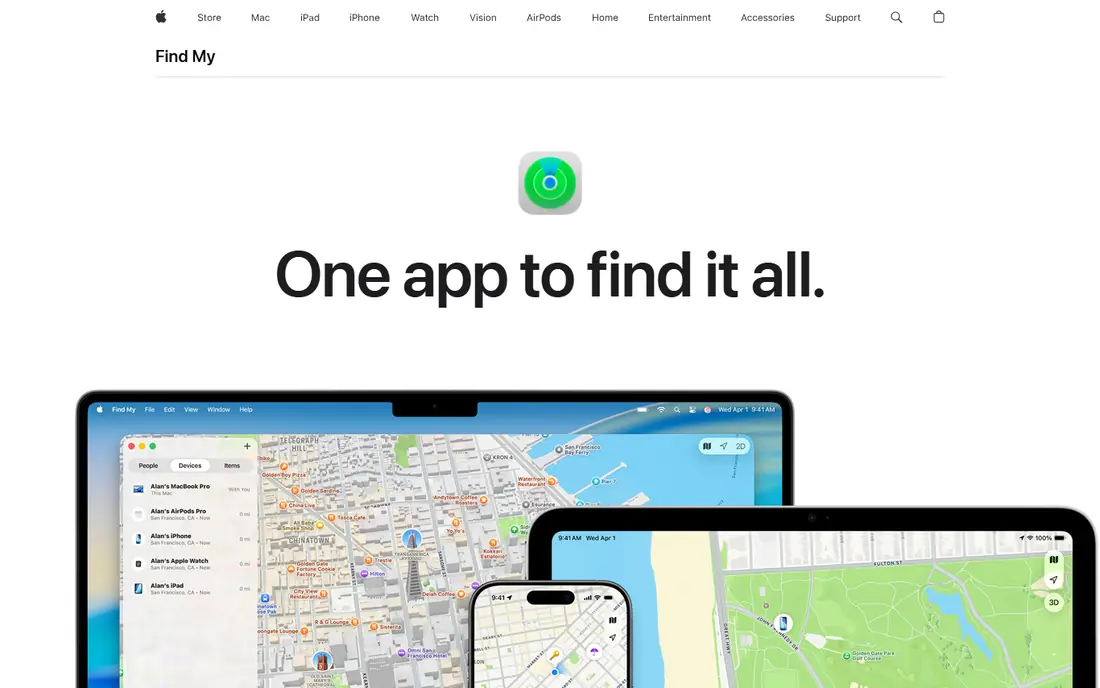
Apple Find My is the first tool to try if you lose an iPhone. It shows your own devices on a map, lets you play a sound, mark a device as lost, lock it and erase it remotely if needed. The Find My network can also help locate a device that is offline, using nearby Apple devices to relay an encrypted location.
For family sharing, you can share your live location with chosen contacts, with end-to-end encryption so Apple cannot see shared locations. Sharing is visible and can be stopped at any time, which fits the consent rule in this guide. The limits are platform and history. Find My is Apple only, and it shows live location rather than a long history for shared contacts. For a lost iPhone, though, it is free, fast and already on the phone.
- Free and built into iPhone, iPad and Mac
- End-to-end encrypted location sharing
- Works with AirTag and other Apple items
- Apple devices only
- No location history for shared contacts
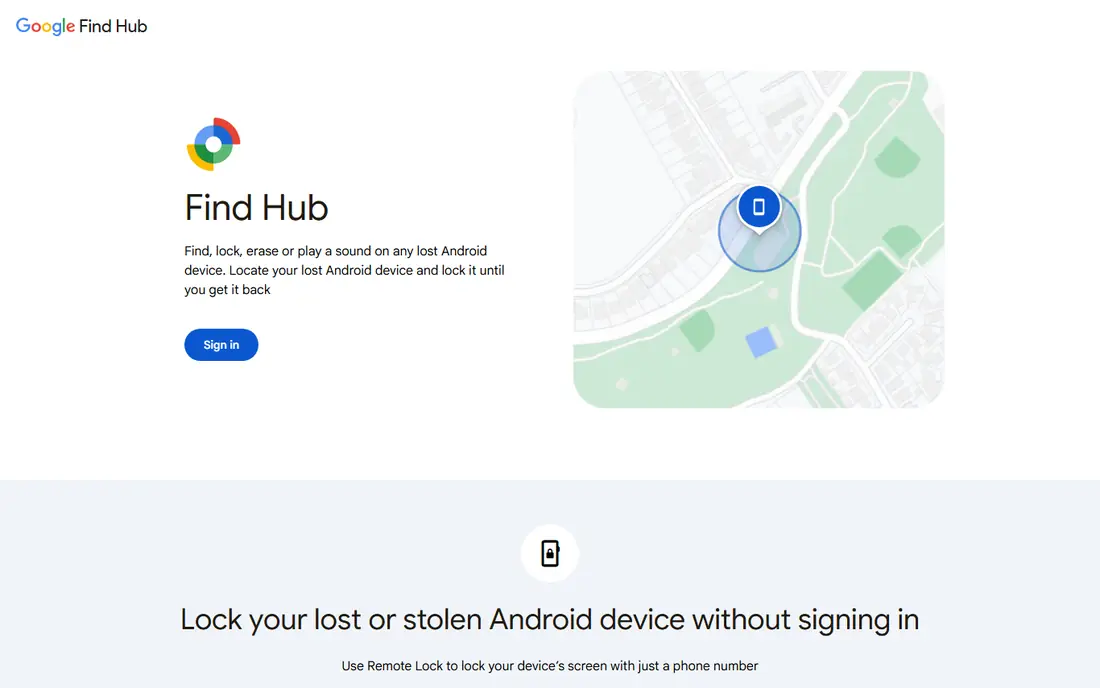
Google Find Hub, formerly Find My Device, is the Android equivalent of Apple Find My. It helps you locate your own Android phone, tablet or watch, ring it, lock it, sign out of your Google account on it, and erase it if recovery looks unlikely. The Find Hub network can help locate supported devices even when they are offline.
Setup matters. Location, Find Hub and a Google account must be on before the phone is lost, so check settings now rather than after a loss. Features vary by device maker and Android version, and some older phones offer fewer options. For Android owners, Find Hub is the free, consent-based starting point, since it tracks devices you own rather than other people.
- Free for Android owners
- Find, lock, ring and erase your own devices
- Network helps find offline devices
- Features vary by device and Android version
- Needs a Google account and location settings on
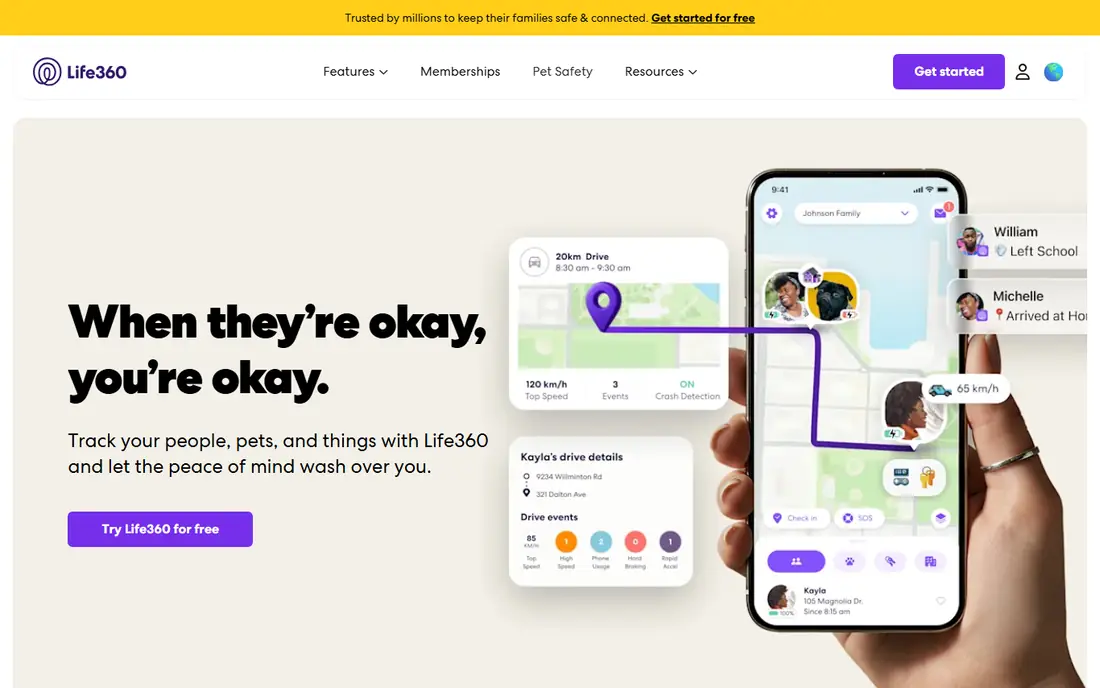
Life360 is the best-known family location app, and it works best when everyone in a circle agrees to share. Family members join a private circle, see each other live, set place alerts for home, school or work, and get driving summaries. Paid plans add longer location history, crash detection with emergency dispatch, roadside help and SOS features.
Pricing needs checking. The free plan covers basic sharing, while recent guides list Silver from 7.99 dollars per month, Gold from 14.99 dollars and Platinum from 24.99 dollars, with a 7-day trial for paid plans. Read the current privacy policy before you join, since Life360 has faced scrutiny over data sharing, and each person should know they can pause sharing or leave a circle. Used with open agreement, Life360 suits mixed iPhone and Android families who want driving safety as well as location.
- Private family circles with place alerts
- Crash detection and SOS on paid plans
- Works on iOS and Android
- Free history is limited
- Privacy policy and data sharing need careful reading
GeoZilla offers family location sharing with a simpler design than Life360. Family members share live location in a private circle, set alerts for arrivals and departures, chat inside the app, and use SOS features in an emergency. Premium adds longer history, unlimited place alerts and extra safety features, with recent guides listing annual Premium from about 59.99 dollars.
The free tier covers basic sharing, which is enough for many families to test whether location sharing helps or feels intrusive. GeoZilla suits families who want alerts without driving reports and identity features they may not need. As with every family tool here, agreement matters most. Talk about who is in the circle, when sharing is on, and how anyone can pause it.
- Family circles with place alerts and history on Premium
- Works on iOS and Android
- SOS and chat features
- Free limits are tighter than Life360
- Premium pricing varies by plan
Glympse is built for temporary sharing, which makes it the most consent-friendly tool in this list. You send a Glympse for a set time, such as 30 minutes while you drive home, and the viewer sees your live location on a map through a link, without needing the app. When the timer ends, sharing stops on its own.
That design fits everyday coordination: meeting friends, letting family know you are on your way, or sharing a trip route for a few hours. It does not offer ongoing family circles or long history, so it is not a replacement for Life360 if you want continuous sharing. For adults who dislike always-on tracking, Glympse is the right model, since sharing is short, visible and easy to end.
- Time-limited sharing with a link
- Viewers need no app
- Good for trips and meetups
- No ongoing family history
- Business features are a separate paid product
iSharing combines location sharing with messaging and a walkie-talkie feature, which helps families who want to talk as well as see each other on a map. You can create private groups, set place alerts, view location history on paid plans, and send panic alerts in an emergency. The app works across iPhone and Android, which helps mixed-device families.
The free plan covers basic sharing, while Premium has been listed from about 3.99 dollars per month in recent guides, with longer plans offering lower monthly equivalents. The interface packs in more features than Apple Find My or Google Maps sharing, so it takes a little longer to learn. iSharing suits families who want one app for location, chat and alerts, with everyone in the group agreeing to share.
- Real-time sharing with place alerts
- Walkie-talkie and messaging features
- Works on iOS and Android
- Free plan limits some features
- Interface is busier than Apple or Google tools
Google Maps location sharing is the simplest cross-platform option after Apple Find My and Google Find Hub. You can share your live location with a chosen Google contact for a set time, or until you turn it off, and the other person sees you on a map inside Google Maps. That simplicity makes it easy to explain and easy to stop.
It does not offer crash detection, driving reports or long history, and sharing links should be handled with care, since a link shared too widely could expose your location to people you did not intend. Use it for short trips, meetups and family coordination, and check the sharing list regularly. For many people, Google Maps sharing plus a built-in find-my tool covers every legitimate need.
- Free and already installed for many users
- Share live location for a set time
- Works on iOS and Android
- No driving safety or history features
- Sharing links need care to avoid oversharing
Findmykids is designed for parents who want to know where a child is, with the child knowing the app is there. It shows a child location on a map, offers SOS alerts, tracks steps and app use in some plans, and works with phones and dedicated GPS watches for younger children. That design fits school runs, after-school activities and family trips.
Parents should still talk openly with children about what is shared, why, and when sharing pauses, since trust matters as much as safety. The app offers a free tier, with Premium adding fuller history and features, so check the current store listing for pricing in your region. Findmykids is not a tool for tracking adults, and it should not be installed secretly on any phone.
- Designed for parents and children
- Location, SOS and app use insights
- Works with phones and GPS watches
- Paid plan needed for full history and features
- Parents should explain sharing to children
Prey helps you find and protect devices you own across phones, laptops and tablets. You can locate a lost device on a map, trigger an alarm, lock it, show a message on screen, and wipe data if recovery is unlikely. Reports can include location, network and device details that help you or police recover a stolen device.
The free plan covers a limited number of devices, with paid plans for larger device counts and business use, so check the current pricing page. Prey must be installed and signed in before a loss, which is true of every tool here. For people with several devices across brands, Prey gives one dashboard for finding your own hardware, without tracking other people at all.
- Find your own phones, laptops and tablets
- Remote lock, alarm and wipe options
- Works across platforms
- Free plan limits device count
- Setup must happen before a device is lost
How we picked these
We compared official listings and privacy pages, and we kept only tools that are live in October 2026 and that fit a consent-based use: finding your own device, or sharing location with family and friends who know and agree. We excluded covert tracking apps, apps marketed for watching a partner or employee without consent, and any tool whose main pitch is hidden surveillance. Prices in this guide come from vendor pages and recent guides, and we wrote See website in other guides where a price could not be confirmed. Check privacy terms and location settings before you share, since data handling differs by vendor.
Setting up sharing with consent
Start with a conversation, not an install. Agree who is in the circle, what places trigger alerts, and when sharing pauses, such as at work or school. Turn sharing on together, check that each person can see who else is in the circle, and test pausing and leaving so everyone knows those controls work. Review sharing lists every few months, and remove people who no longer need access.
For a lost phone, act fast. Use Apple Find My or Google Find Hub to ring the phone first, then mark it as lost and lock it if it does not turn up. Change passwords for accounts signed in on the phone if you think it was stolen, and contact your carrier to suspend service if needed. Do not try to recover a stolen phone in person. Share its last location with police and let them handle recovery.
Frequently asked questions
What is the best app to track my own phone?
Apple Find My is best on iPhone and Google Find Hub is best on Android, since both are free, built in and designed for lost devices. Prey is a good cross-platform option if you own phones, laptops and tablets from several brands.
Can I track a family member phone with their permission?
Yes, with their knowledge and agreement. Life360, GeoZilla, iSharing and Google Maps sharing all support mutual sharing in private circles. Everyone should know sharing is on, know who can see them, and be able to pause or leave at any time.
Is it legal to track someone phone without them knowing?
In many places, tracking an adult without their knowledge and consent can break privacy, stalking or computer misuse laws, and it can cause serious harm even where a specific law is unclear. Do not install tracking software on an adult phone secretly, and check local law if you are unsure. This guide does not provide legal advice.
How can I tell if someone is tracking my phone?
Check location sharing lists in Apple Find My, Google Maps and Google account settings, review installed apps and device admin permissions, and look for unknown profiles or sharing links. Remove sharing you did not agree to, change passwords, and seek help from police or a trusted support service if you feel unsafe.
Does Life360 work on both iPhone and Android?
Yes. Life360 works on iOS and Android, which makes it a good choice for mixed-device families. Apple Find My is Apple only, while Google Maps sharing and Glympse work across both platforms.
Can I share my location for a short time only?
Yes. Glympse is built for time-limited sharing, and Google Maps sharing lets you share for a set period. Both stop on their own when the timer ends, which suits trips, meetups and letting family know you are on your way home.
Sources
See where you really rank - block by block
ProMapRanker scans Google Maps across a grid of your service area. Simple monthly plans from $19, white-label on every plan.
Start freeKeep reading
 zscaler alternatives
Best Zscaler Alternatives in 2026
Looking for zscaler alternatives? We compare 9 SASE and zero trust platforms on architecture, data protection, pricing, and fit for your network and team.
Read → zapier alternatives free
Best Zapier Alternatives Free in 2026
Nine automation tools for zapier alternatives free in 2026, all with genuinely free tiers, plus free plan limits, starting prices and upgrade paths explained.
Read → which platform is best for online reputation
Which Platform Is Best for Online Reputation in 2026
Wondering which platform is best for online reputation? We compare 8 review, listing, and response tools for small and multi-location businesses and agencies.
Read →