 ProMapRanker
Best App to Track Expenses in 2026

Key takeaways
- YNAB suits hands on budgeters who want every dollar assigned before the month starts.
- Monarch Money is the strongest all round household dashboard for budgets, accounts, and net worth in one place.
- Rocket Money and Goodbudget offer the most useful free starting points, with different strengths for subscriptions and envelopes.
- Copilot is the design led pick for Apple users, while PocketGuard gives the clearest single safe to spend number.
Quick comparison
| Pick | Great for | Pricing starts at | Free tier | |
|---|---|---|---|---|
 YNAB | Hands on zero based budgeting | $14.99 per month | Free trial | Visit |
 Monarch Money | Household dashboard and budgets | $14.99 per month | Free trial | Visit |
 Copilot | Apple users who value design | $13 per month | Free trial | Visit |
 PocketGuard | A single safe to spend number | $12.99 per month | Yes | Visit |
 Rocket Money | Subscriptions and free tracking | Free | Yes | Visit |
 Goodbudget | Envelope budgeting without bank links | Free | Yes | Visit |
 EveryDollar | Simple zero based budgeting | Free | Yes | Visit |
 Quicken Simplifi | Low cost automatic tracking | See website | Free trial | Visit |
 Empower | Free net worth and spending overview | Free | Yes | Visit |
The best app to track expenses
Expense tracking only helps if you actually open the app, so the best choice is the one whose method you will stick with. Some people need a strict plan, others need a simple number that says what is left to spend. The nine apps below cover both styles, with bank sync, manual entry, and envelope options.
This article is general information only and is not financial advice. App prices and features change, so check the vendor site before subscribing, and consider independent advice for debt, tax, or investment decisions.
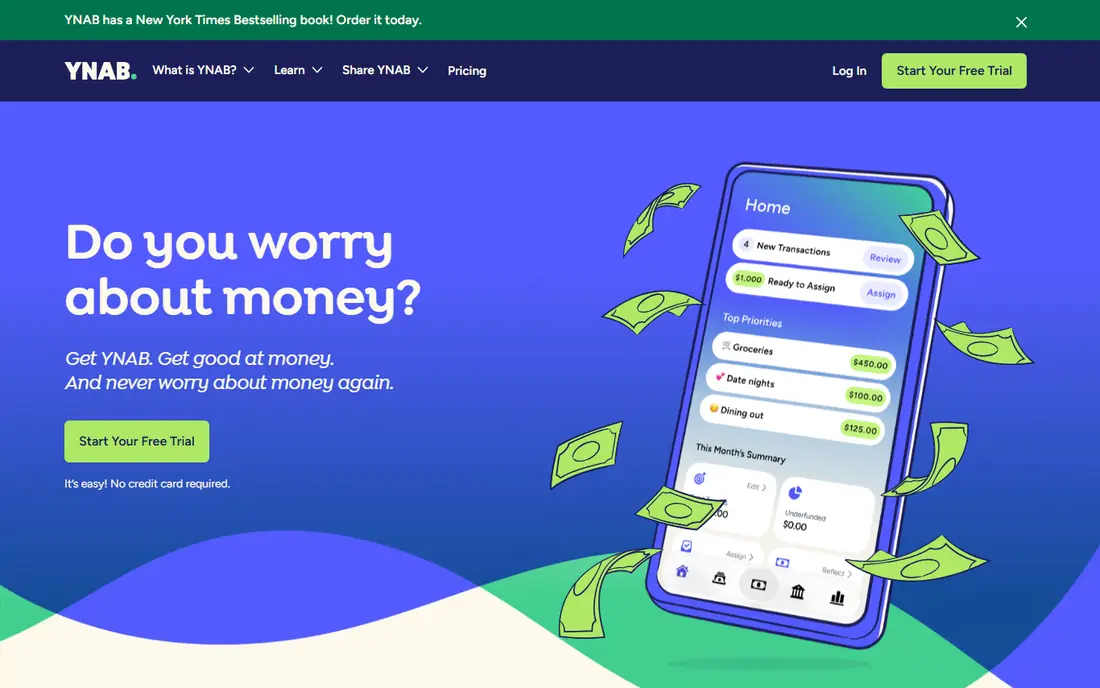
YNAB, short for You Need A Budget, is our pick for people who want a method, not just a spending list. You assign every dollar a job before you spend it, then adjust categories as the month changes. That hands on work is the point, and many users say it changes how they think about spending.
The price is 14.99 dollars per month or 109 dollars per year, based on published pricing checked for this roundup. The 34 day trial gives enough time to test the method, but the learning curve is real. If you want automatic tracking with less daily work, Monarch or Simplifi may fit better.
- Clear zero based method
- Bank sync and manual entry
- 34 day free trial and free year for eligible students in published offers
- Learning curve in the first weeks
- No free tier after the trial
- Annual cost is higher than simpler trackers
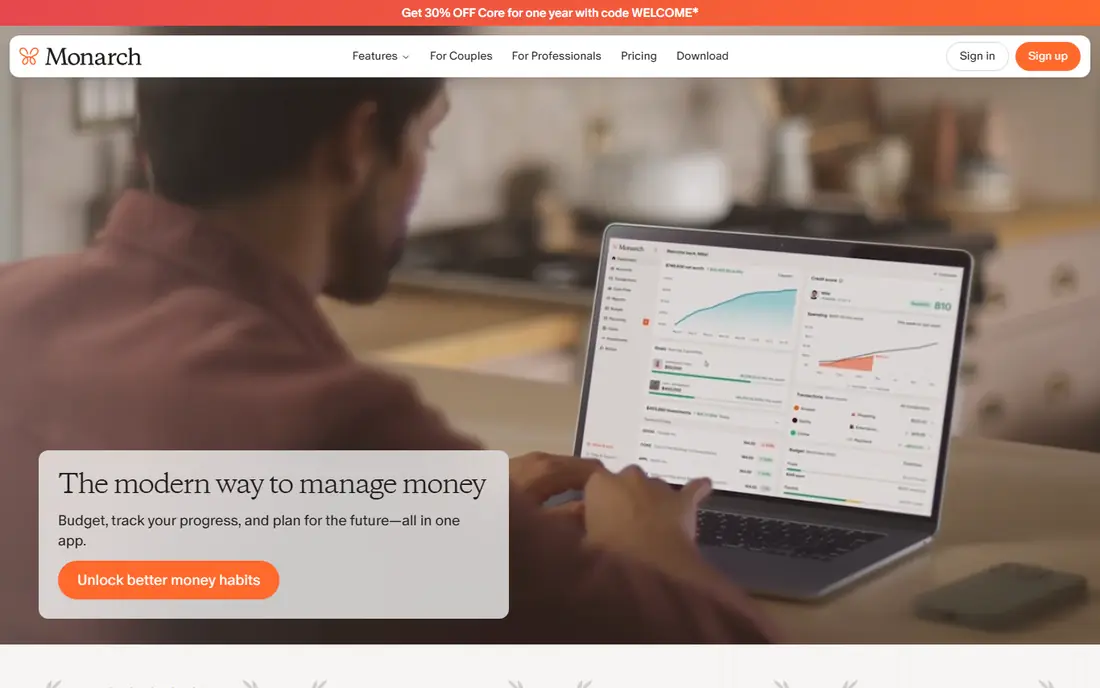
Monarch Money is the best app to track your expenses when a household wants one complete view. Link accounts, set category budgets, track bills, and see net worth alongside spending. Couples can share a household view, which helps when two people spend from shared accounts.
Pricing is 14.99 dollars per month or 99.99 dollars per year, with a 7 day free trial. That trial is short for a tool with this much setup, so use the trial week to link accounts and test reports before paying. For a single user who only wants a spending list, a free tool may be enough.
- Budgets, accounts, investments, and net worth in one dashboard
- Household sharing
- Flexible budget setup
- 7 day trial feels short
- Price is at the higher end for a tracker
- Setup takes time if you link many accounts
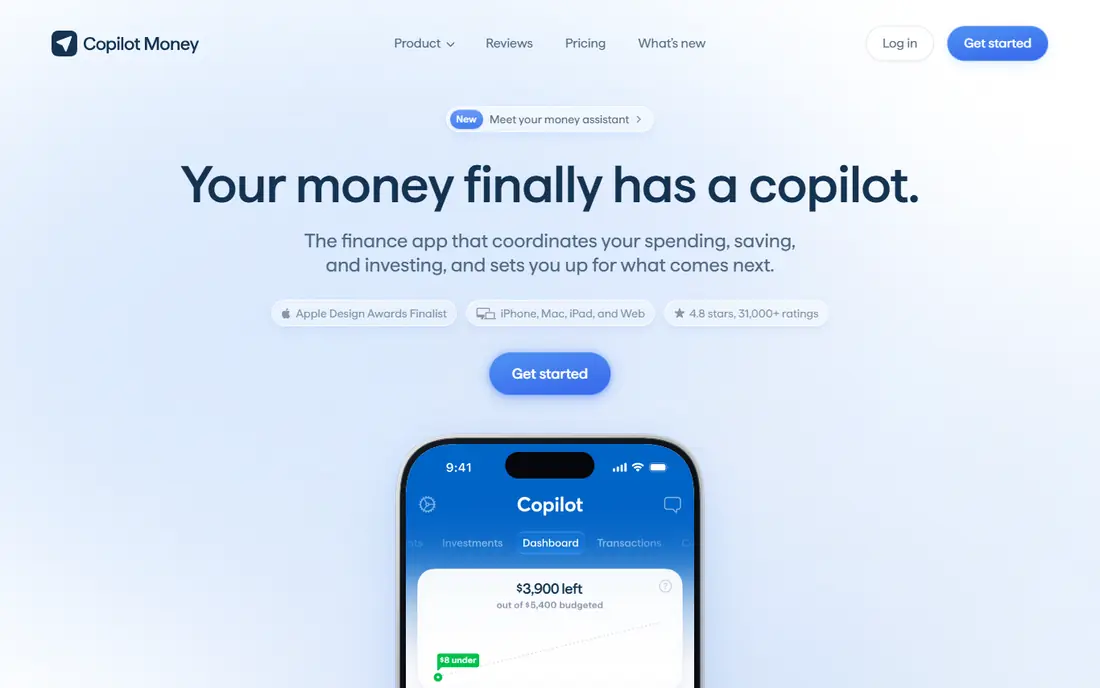
Copilot is the design led pick in this list. Its interface makes categories, trends, and upcoming bills easy to read, and its categorization handles many transactions without manual fixes. Apple users who open their money app daily often prefer it for that reason alone.
The main limit is platform. There is no Android app, so households with mixed devices need another choice. Pricing is 13 dollars per month or 95 dollars per year, with a free trial. If design keeps you engaged, that cost can be worth it. If not, Monarch offers a similar dashboard on both platforms.
- Clean design and smart categorization
- Bank sync, budgets, and investment views
- IPhone, iPad, Mac, and web access
- No Android app
- Price is higher than free trackers
- Trial length should be checked on the vendor site
PocketGuard answers one question well: after bills, goals, and set spending, how much can you spend right now. That single number suits people who find full budgets tiring and just want a guardrail. It also surfaces bills and subscriptions, which helps catch costs you forgot about.
Pricing is 12.99 dollars per month or 74.99 dollars per year, with a free tier and paid upgrades. The free tier is useful for testing, but full features need the paid plan. If you want deep category control, YNAB is stronger. If you want a simple answer each day, PocketGuard is the clearer pick.
- In My Pocket number shows what is safe to spend
- Bill and subscription views
- Simple setup for people who dislike detailed budgets
- Less detailed budgeting than YNAB or Monarch
- Paid plan needed for full features
- Free tier has limits
Rocket Money is the best app to keep track of spending if you want to start free. Its free tools track spending, surface subscriptions, and show categories without a paid plan. That makes it a good first app for people who are not sure they want to pay for tracking at all.
Premium adds more features on a pay what you want basis within a published range, so check the current range on the vendor site. Bill negotiation, where offered, is a separate service and should be read carefully before use. For subscription cleanup plus basic tracking, Rocket Money is hard to beat at the free level.
- Genuinely useful free tracking
- Subscription detection and cancellation help
- Spending categories and bill views
- Premium pricing is pay what you want within a range, so costs vary
- Bill negotiation is a separate service with its own terms
Goodbudget is the best app for track expenses using the envelope method in digital form. Put money into envelopes for groceries, transport, and other categories, then spend from each envelope until it is empty. That visual limit helps many people stop overspending in one category without a complex budget.
The free tier covers 20 envelopes, one account, and two devices, which is enough for a simple household. Bank sync is a paid feature for US banks, so many users enter transactions manually. If you dislike linking banks, that manual approach is actually a benefit. If you want full automation, choose a sync first app instead.
- Digital envelope method that is easy to understand
- Free tier with 20 envelopes
- Household sharing on paid plans
- Bank sync is limited to paid US plans
- Manual entry takes discipline
- Interface is simpler than newer dashboards
EveryDollar is the simplest zero based option on this list. Create a monthly budget, assign income to categories until the remaining amount is zero, and track spending against each category. The free manual version is genuinely usable, which makes it a good test of whether zero based budgeting suits you.
Bank sync sits behind Premium, priced at 17.99 dollars per month or 79.99 dollars per year in published listings. That cost is high if you only want sync, so compare it with Simplifi or Monarch before paying. For a simple, manual zero based plan, the free version is a strong start.
- Simple zero based setup
- Free manual version
- Clear monthly budget view
- Bank sync needs the Premium plan
- Premium price is higher than some rivals
- Reports are simpler than Monarch
Quicken Simplifi is the best low cost automatic tracker for people who want bank sync without a high annual fee. It builds a spending plan, forecasts cash flow, and tracks categories with less setup than a strict zero based app. That balance suits users who want automation plus a plan, but not daily budget work.
Pricing has varied between promotional and standard rates, so we list it as See website rather than locking in a rate that may change. Check the current annual price and renewal terms before subscribing. If the standard price fits, Simplifi offers strong value for automatic tracking.
- Automatic tracking with spending plans and forecasts
- Lower cost than many full dashboards
- Works on phone and web
- Promotional first year pricing renews higher
- Budget method is simpler than YNAB
- Pricing should be checked on the vendor site
Empower, formerly Personal Capital, is the best free overview tool when you want to see accounts, spending, and net worth together. Link accounts once, then check spending trends and investment holdings in one dashboard. There is no paid tier needed for core tracking, which sets it apart from most rivals here.
It is not a true budgeting app. Category budgets and envelope controls are weaker than in YNAB, Monarch, or Goodbudget. Use Empower as a free overview and pair it with a budgeting app if you need strict category control. For a big picture view at no cost, it remains a useful pick.
- Free dashboard for accounts, spending, and net worth
- Investment views
- No paid tier needed for core tracking
- Not a full budgeting tool
- Spending categories are simpler than YNAB or Monarch
- Some features promote advisory services
How we picked these
We compared official pricing pages, feature pages, and recent budgeting comparisons, and we kept only apps that operate in October 2026 and truly track personal expenses. We excluded Mint, which shut down in March 2024, and we favored apps with a clear method, a real free or trial route, and honest limits. We did not claim hands on testing, and we did not invent rates or returns.
How to choose an expense tracking app
Start with how much work you want to do. Manual entry suits Goodbudget and the free version of EveryDollar. Automatic sync suits YNAB, Monarch, Copilot, Simplifi, and Rocket Money. Next, decide whether you need a strict budget or just a spending view. Strict budgets point to YNAB or EveryDollar, while simple views point to PocketGuard, Rocket Money, or Empower.
Then check household needs. Monarch and Goodbudget handle shared budgets well, while Copilot suits Apple only households. Finally, test before you pay. Use a free tier or trial for at least two weeks, link the accounts you actually use, and see whether you open the app without forcing yourself. The app you open is the right one.
Bank sync or manual entry
Bank sync saves time and catches transactions you forget, but it needs account access and occasional category fixes. Manual entry takes more time, but it forces attention on each purchase and avoids linking banks. Neither is right for everyone, so choose based on privacy comfort and habit, not on a feature list.
Free, trial, or paid
Free apps suit simple tracking and subscription checks. Paid apps suit households that need sync, reports, and shared budgets. A trial should cover a full pay cycle if possible, so you can see bills, income, and spending together before you commit.
Frequently asked questions
What is the best app to track expenses for beginners?
Rocket Money and Goodbudget are strong beginner picks, because both offer useful free tiers. Rocket Money suits automatic tracking and subscription checks, while Goodbudget suits manual envelope budgeting.
What is the best app to track your expenses as a couple?
Monarch Money is our pick for couples, thanks to household sharing and a complete dashboard. Goodbudget also works well for shared envelopes, especially if you prefer manual entry.
What is the best app for track expenses without linking a bank?
Goodbudget and the free version of EveryDollar work well without bank links, using manual entry. That approach takes more time, but it keeps account access out of the app.
What is the best app to keep track of spending and subscriptions?
Rocket Money leads for subscriptions, with detection and cancellation help alongside free tracking. PocketGuard also surfaces bills and subscriptions, with a focus on what is safe to spend.
What is the best app to track expense categories in detail?
YNAB offers the most detailed category control in this list, followed by Monarch Money. Both need more setup than a simple tracker, but they reward that setup with clearer reports.
Is a paid expense tracker worth it?
It can be, if sync, reports, or household sharing save you time or catch wasteful spending. Start free, test a trial for a full pay cycle, and only pay if you open the app regularly and use the paid features.
Sources
See where you really rank - block by block
ProMapRanker scans Google Maps across a grid of your service area. Simple monthly plans from $19, white-label on every plan.
Start freeKeep reading
 zscaler alternatives
Best Zscaler Alternatives in 2026
Looking for zscaler alternatives? We compare 9 SASE and zero trust platforms on architecture, data protection, pricing, and fit for your network and team.
Read → zapier alternatives free
Best Zapier Alternatives Free in 2026
Nine automation tools for zapier alternatives free in 2026, all with genuinely free tiers, plus free plan limits, starting prices and upgrade paths explained.
Read → which platform is best for online reputation
Which Platform Is Best for Online Reputation in 2026
Wondering which platform is best for online reputation? We compare 8 review, listing, and response tools for small and multi-location businesses and agencies.
Read →