 ProMapRanker
Best App to Restore Old Photos in 2026

Key takeaways
- Remini is the fastest phone option for face recovery in old portraits, but weekly pricing adds up for large archives.
- VanceAI Photo Restorer suits browser-based one-click restoration with credits that are easy to track.
- MyHeritage suits family historians already building a family tree, since photo tools sit alongside genealogy features.
- Topaz Photo AI suits photographers who want manual control and a one-time purchase rather than a subscription.
- Fotor, PicWish and ImageColorizer suit small budgets, while Photomyne suits digitizing whole albums with a phone.
Quick comparison
| Pick | Great for | Pricing starts at | Free tier | |
|---|---|---|---|---|
 Remini | Quick mobile face restoration | See website | Yes | Visit |
 VanceAI Photo Restorer | One-click browser restoration | $9 per month | Yes | Visit |
 MyHeritage | Family historians | See website | Yes | Visit |
 Topaz Photo AI | Photographers wanting control | $199 one-time | Free trial | Visit |
 Fotor | Budget all-in-one editing | $39.99 per year | Yes | Visit |
 Photomyne | Digitizing whole albums | $59.99 per year | Free trial | Visit |
 AKVIS Retoucher | Manual scratch and damage repair | $87 one-time | Free trial | Visit |
 PicWish | Batch enhancement and cleanup | $6.99 per month | Yes | Visit |
 ImageColorizer | Low-cost colorization | $3.90 per month | Yes | Visit |
The best app to restore old photos
Old photos fade, tear, stain and blur, and the best restoration app depends on the damage and the photo itself. A phone app can rescue a portrait in seconds. A desktop tool gives you control over scratches and tears. A browser tool suits a small batch without installing software. We compared apps that are live and actively sold, and we note where AI invents detail, since that matters for family history. Edit only photos you own or have permission to use.
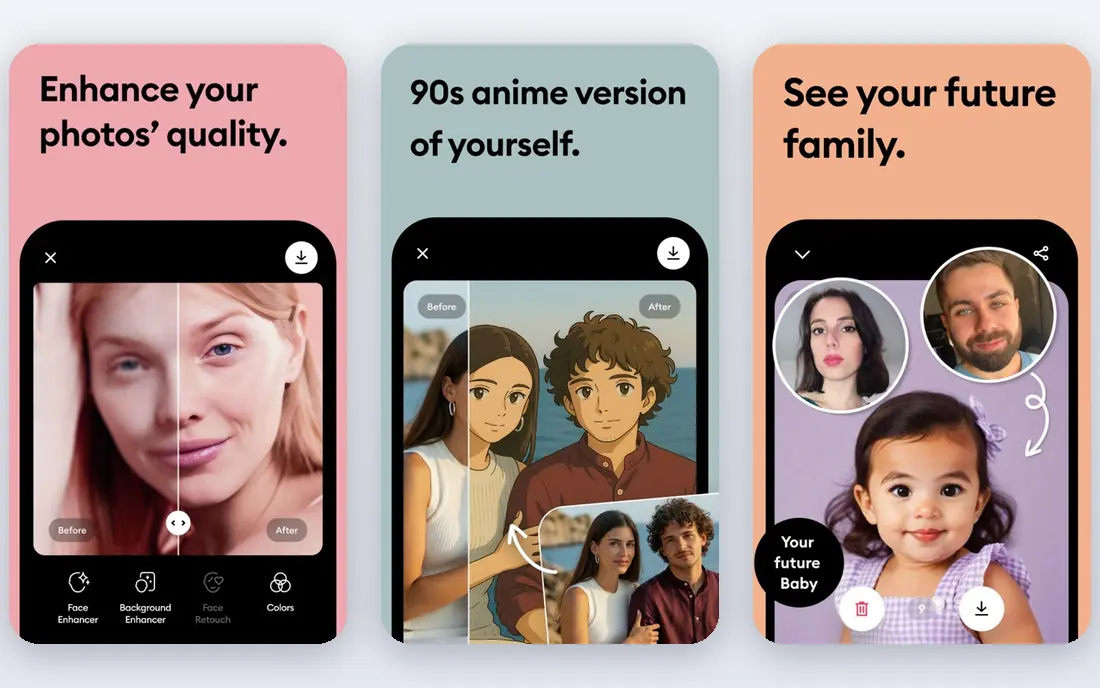
Remini built its reputation on faces. Where a general sharpener improves the whole image, Remini focuses on eyes, skin texture and expression, often producing a convincing portrait from a blurry original. For the single photo that anchors a family archive, that face-first approach is why many people start here. The app is simple, with little to learn before you get a result.
The limits matter for larger projects. The free tier works more like a trial, with ads and daily limits, and weekly billing adds up if you restore an archive over weeks. AI can also invent detail that was never in the original, especially on badly damaged faces, so keep the original scan and check results against it. Use Remini for a few important portraits, not as a bulk archive tool.
- Strong face recovery for blurry portraits
- Very simple one-tap workflow
- Works on phone and web
- Free tier is limited and ad-supported
- Paid plans can be costly for large archives
- AI can invent facial detail
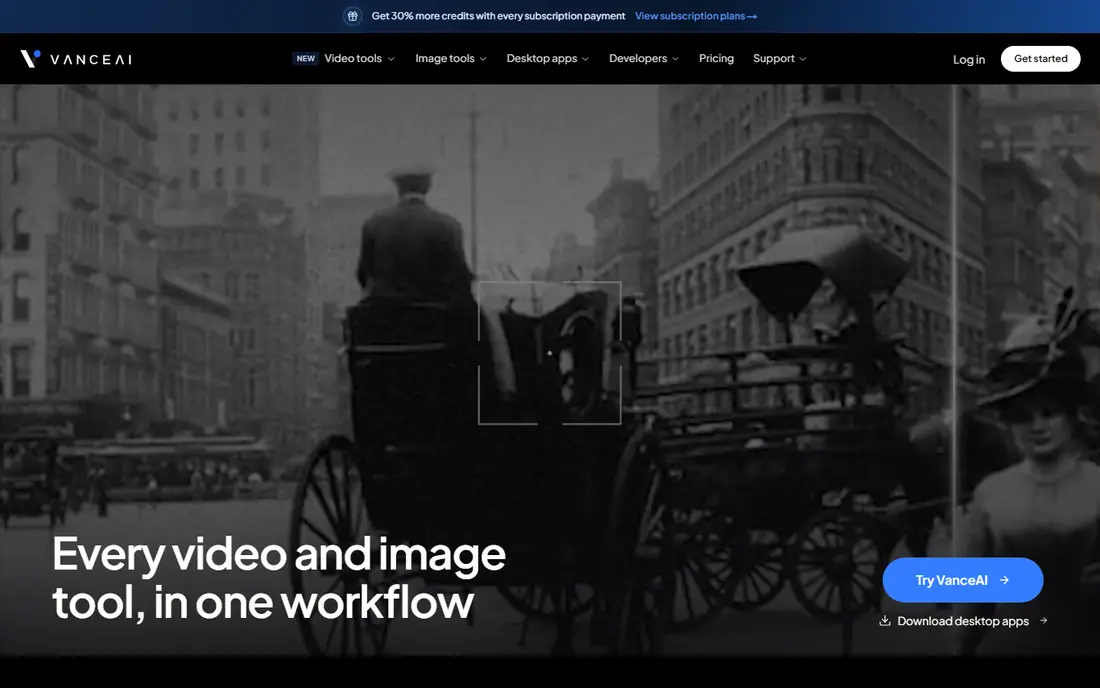
VanceAI Photo Restorer is a browser tool built around a simple restoration workflow: upload a scan, let the tool repair blur, noise and damage, then download the result. It suits people who do not want to install software or learn a desktop editor, and the credit system makes it easy to see how many photos you can process. That clarity helps when you have a defined batch, such as a box of fifty scans.
It is not a full manual editor. Deep tears, missing corners and complex damage still need a desktop tool with brushes and layers. Credit limits also mean a very large archive needs a larger plan or a different tool. For a straightforward batch of faded or blurry scans, VanceAI is a practical middle option.
- Browser-based restoration workflow
- Combines repair, denoising and enhancement
- Credits are easy to track
- Credit limits cap sustained use
- Heavy damage still needs manual editing
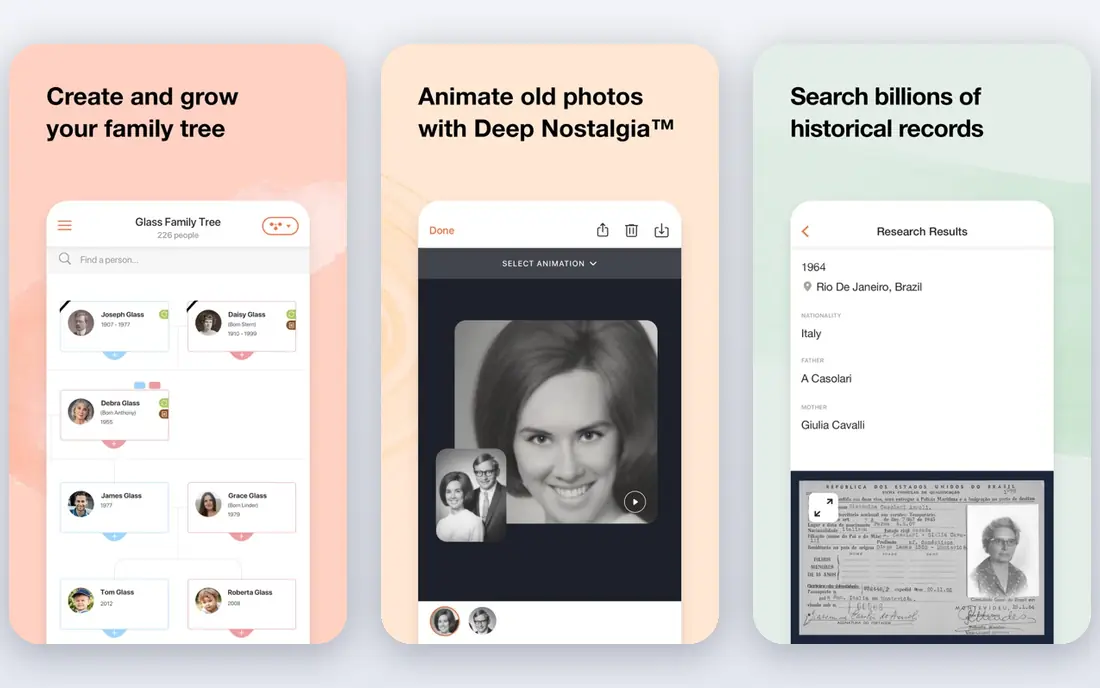
MyHeritage is the natural pick if you are already building a family tree. Its photo tools repair, enhance and colorize old photos, and the results sit alongside names, dates and family records, which helps you organize an archive by person and event. That context matters when you have hundreds of photos and need to know who is in each one.
Full photo use is tied to a genealogy subscription, and the free tier limits how many photos you can process. If you only need photo restoration and have no interest in genealogy, a dedicated restoration tool may be cheaper. For a family historian, the combined archive and tree make MyHeritage a strong choice.
- Photo repair and colorization alongside family tree tools
- Good for organizing family archives
- Web-based
- Photo tools are tied to a genealogy subscription for full use
- Free photo count is limited
Topaz Photo AI is aimed at photographers who want control over sharpening, denoising and upscaling, rather than a single automatic fix. You can adjust settings, preview the result and save only when you are happy, and the free trial lets you preview everything before paying. The one-time purchase suits people who dislike subscriptions and plan to use the tool for years.
It is not the fastest tool for a casual user with a few phone scans. The interface assumes some photo knowledge, and restoring tears or missing areas still needs a separate editor. For a photographer restoring scans for prints, or a serious archivist who wants precise control, Topaz Photo AI is worth the price.
- One-time purchase rather than subscription
- Full manual control over sharpening and noise
- Trial lets you preview results
- Not a one-click archive tool
- Learning curve higher than phone apps
- Price is high for casual use
Fotor is a general photo editor with AI enhancement tools that can improve old photos, including sharpening, denoising and color adjustment. The free tier handles small batches, and the yearly Pro plan is affordable compared with weekly mobile subscriptions. That makes it a good choice for someone who also wants a general editor for everyday photos.
Restoration is not its sole focus, so results on heavy damage, deep scratches or torn areas are less consistent than a dedicated restorer or a manual desktop tool. For light to moderate fading, blur and color loss, Fotor is a budget-friendly and capable option, especially if you will use it for other editing too.
- Affordable yearly plan
- Free tier for small batches
- General editing plus AI enhancement tools
- Restoration is one feature among many
- Results vary on heavy damage
Photomyne solves a different problem: getting a whole album into digital form quickly. Point your phone at an album page, and it detects, crops and saves individual photos, then helps you organize them. That batch scanning approach suits a shoebox or album project far better than scanning one photo at a time on a flatbed scanner.
Restoration itself is lighter than a dedicated repair tool, so badly damaged photos may still need another app after scanning. Scan quality also depends on your phone camera and lighting, so use good light and a steady hand. For digitizing a large collection first, then restoring the best photos, Photomyne is the most efficient starting point here.
- Phone scanning for whole albums and pages
- Automatic cropping and organizing
- Good for large collections
- Scanning quality depends on phone and lighting
- Restoration features are lighter than dedicated editors
AKVIS Retoucher is for people willing to do manual repair work. You brush over scratches, stains, creases and tears, and the tool rebuilds the area from surrounding pixels. That control matters when AI tools smudge a crease or invent detail you do not want. It works as a standalone program and as a plugin for larger editors, and the license is a one-time purchase.
It is not a one-click tool. A badly damaged photo can take time, and you need patience and a steady hand with the brush. For an archivist or hobbyist who values accuracy over speed, and who wants to control exactly what changes, AKVIS Retoucher is a strong desktop choice.
- Manual control for scratches, stains and tears
- One-time license
- Works as standalone and plugin
- Requires manual work and patience
- Windows and Mac only, with no mobile app
PicWish suits small batches and everyday cleanup. You can enhance several photos at once, remove unwanted objects, sharpen faces and improve old scans through a simple web or mobile workflow. The free tier gives a small number of enhancements per day, which is enough to test the tool on your most important photos before paying.
The daily free limit is too small for a large archive, and deep damage still needs manual work in a desktop editor. For a modest batch of faded or blurry photos, or for someone who wants batch enhancement without a large subscription, PicWish is a low-cost and easy option.
- Batch enhancement for multiple photos
- Free daily enhancements
- Simple web and mobile workflow
- Free daily limit is small for archives
- Heavy damage needs a manual editor
ImageColorizer focuses on colorizing black and white photos and repairing faded images at a low price. The Starter plan is inexpensive, and the free tier gives a set number of credits per month for testing. For a family historian who mainly wants to see old portraits in color, it is one of the cheapest ways to try colorization without a large commitment.
Color accuracy varies, especially on group photos, busy backgrounds and vintage clothing, where the tool may guess colors that look plausible but are not historically accurate. Keep the original black and white scan, and treat colorized versions as interpretations rather than records. For low-cost colorization of simple portraits, ImageColorizer is a practical pick.
- Low monthly starting price
- Free monthly credits
- Simple colorization and repair workflow
- Free credit count is limited
- Color results vary on complex group photos
How we picked these
We compared official pricing pages, product documentation and recent photo restoration comparisons in October 2026. We looked for apps that are live, actively sold and able to repair, enhance or colorize old photos as a core job. We did not claim hands-on testing. We weighed restoration method, face handling, batch ability, pricing model, platform and control, and we included phone, web and desktop options. We only listed legitimate editing tools, and we note that you should edit only photos you own or have permission to use.
What to check before you restore old photos
Start with a good scan, since no app can recover detail that was never captured. Scan at a high resolution, save the original file separately, and work on a copy. That way you can compare results, undo a bad AI guess, and keep an accurate record alongside any enhanced version. For valuable originals, handle them carefully and avoid repeated scanning.
Next, match the tool to the damage. Use a phone app for a quick face fix, a browser tool for a small batch of faded scans, and a manual desktop tool for tears, stains and missing areas. Check colorized results against what you know about the photo, since AI color is a guess, not a historical record. For prints, check resolution and file format before you pay, since a small scan will stay small even after enhancement.
Finally, think about privacy and permission. Only restore photos you own or have permission to use, and be careful with photos of other people, especially when sharing results online. Check whether an app stores your uploads, how long it keeps them, and whether you can delete them. A tool that deletes uploads after processing is a better choice for private family photos.
Frequently asked questions
What is the best app to restore old photos?
Remini is best for quick mobile face recovery, VanceAI suits browser-based batches, MyHeritage suits family historians, and Topaz Photo AI suits photographers who want control. For low-cost colorization, ImageColorizer is a practical starting point. Match the app to damage type and batch size.
Is there a free app to restore old photos?
Yes. Remini, VanceAI, Fotor, PicWish and ImageColorizer all offer free tiers or free credits, while Topaz Photo AI and AKVIS Retoucher offer free trials. Free tiers limit photos, daily use or features, so check those limits before planning a large archive project around a free plan.
Can an app really fix torn or badly damaged photos?
Partly. AI tools can repair fading, blur, noise and light scratches well, but deep tears, missing corners and badly damaged faces often need manual editing or professional restoration. Keep the original scan, check AI results carefully, and use a manual tool for damage the automatic tools smudge or invent.
Should I colorize old black and white photos?
Colorization can make a portrait feel more vivid, but AI color is an interpretation, not a historical record. Keep the original black and white version, note that the color version is colorized, and check clothing, backgrounds and skin tones against what you know about the photo and period.
Do these apps keep my photos private?
Policies vary by app, so check storage, retention and deletion options before uploading private family photos. Prefer tools that process photos securely, let you delete uploads, and do not use your photos for training without clear consent. Avoid uploading photos you do not own or have permission to use.
Sources
See where you really rank - block by block
ProMapRanker scans Google Maps across a grid of your service area. Simple monthly plans from $19, white-label on every plan.
Start freeKeep reading
 zscaler alternatives
Best Zscaler Alternatives in 2026
Looking for zscaler alternatives? We compare 9 SASE and zero trust platforms on architecture, data protection, pricing, and fit for your network and team.
Read → zapier alternatives free
Best Zapier Alternatives Free in 2026
Nine automation tools for zapier alternatives free in 2026, all with genuinely free tiers, plus free plan limits, starting prices and upgrade paths explained.
Read → which platform is best for online reputation
Which Platform Is Best for Online Reputation in 2026
Wondering which platform is best for online reputation? We compare 8 review, listing, and response tools for small and multi-location businesses and agencies.
Read →