 ProMapRanker
Best App to Remove Background From Photos in 2026

Key takeaways
- Adobe Express and Adobe Firefly give the strongest free starting point for clean cutouts.
- PhotoRoom and Pixelcut suit sellers who need batch edits and listing-ready images.
- Canva suits designers who want the cutout inside a template, post or presentation.
- GIMP suits people who want full manual control at no cost, with a steeper learning curve.
- Test any tool on hair, fur and glass before you pay, since those edges show the real quality gap.
Quick comparison
| Pick | Great for | Pricing starts at | Free tier | |
|---|---|---|---|---|
 Adobe Express | Everyday free cutouts | Free | Yes | Visit |
 Adobe Firefly | Free batch removal | Free | Yes | Visit |
 PhotoRoom | Product photos for sellers | See website | Yes | Visit |
 Canva | Cutouts inside designs | Free | Yes | Visit |
 Fotor | Budget all-in-one editing | Free | Yes | Visit |
 Pixlr | Browser editing plus removal | Free | Yes | Visit |
 Pixelcut | Mobile sellers | Free | Yes | Visit |
 Slazzer | Bulk and API work | See website | Yes | Visit |
 GIMP | Free manual control | Free | Yes | Visit |
The best apps to remove background from photos
A good background remover does one job well: it separates the subject cleanly, keeps fine edges intact, and exports a transparent PNG you can use anywhere. The best tool for you depends on volume, device and how much editing you want after the cutout.

Adobe Express is our first pick for most people because the free offer is genuinely usable. Upload a photo, remove the background, and download a transparent PNG without a watermark on the result. That combination is rarer than it sounds, since many free tools cap resolution or add a mark.
Once the background is gone, you can resize the cutout, add text, place it on a colour or drop it into a template without moving to another app. The catch is that heavy generative editing and larger credit allowances belong to Premium at $9.99 per month. For a social post, a slide or a profile image a few times a week, the free plan often covers the whole job.
- Free removal with no watermark on the result
- Editing tools in the same workspace
- Simple upload flow
- Advanced generative credits sit behind Premium at $9.99 per month
- Needs a free Adobe account

Adobe Firefly is now the home for Adobe background removal in a broader creative workspace. Single-image removal is free with an Adobe account, and product photos up to 50MB are supported, which helps with full-resolution camera files. The output is a transparent PNG ready for a store listing, slide or design file.
Paid plans add credits and batch processing, with Firefly Standard listed at $9.99 per month. That makes Firefly a better pick than Express when you process catalogues rather than single images. For one-off cutouts, start free and pay only when batch work becomes regular.
- Free single removal with an Adobe account
- Batch tools on paid plans
- Large upload limits
- Full batch and unlimited use need a paid plan
- Firefly Standard starts at $9.99 per month
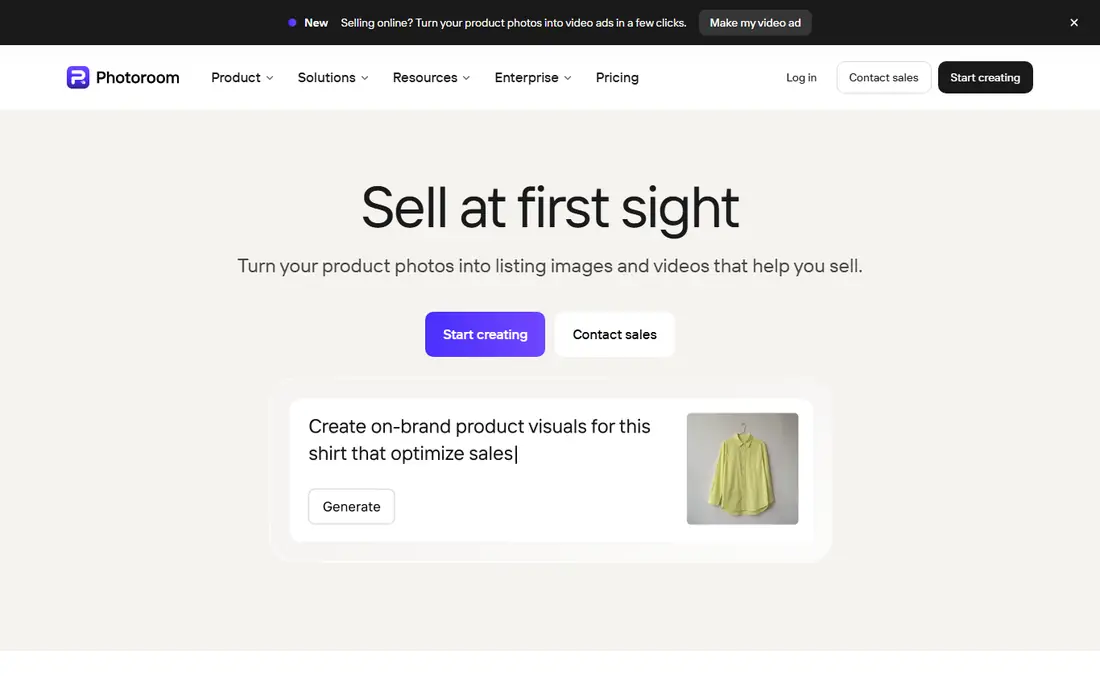
PhotoRoom is built for sellers. Open the app, take a product photo, and you get a clean cutout with a generated background in seconds. Batch editing, retouching and marketplace templates make it useful for a catalogue, not just a single listing. The mobile flow is the reason many resellers stay with it.
The free plan includes exports with a watermark and non-commercial limits, so check the current PhotoRoom pricing page before you publish free exports for a shop. Recent listings show Pro from $12.99 per month on monthly billing and lower on annual billing, with higher tiers for larger export volumes. For speed on a phone, PhotoRoom is hard to beat.
- Fast mobile workflow
- Batch editing
- AI backgrounds and marketplace templates
- Free exports are watermarked and non-commercial
- Pricing varies by billing period
Canva makes sense when the cutout is only the first step. Remove the background, then place the subject in a post, flyer, presentation or ad without exporting and re-importing files. That workflow saves time for marketers and small teams who already design in Canva.
Background Remover is a Pro feature, with Pro at $15 per month, so the free plan alone does not cover this job. If you already pay for Canva, the remover is a useful bonus. If you only need cutouts, a free tool such as Adobe Express will cost less.
- Cutout drops straight into templates
- Huge design library
- Easy brand tools
- Background Remover needs Pro at $15 per month
- More app than you need for cutouts alone
Fotor suits casual editors who want one app for cutouts, colour fixes and design. The background remover works from the browser or mobile app, and batch editing helps when you have a set of similar photos. The interface stays approachable for people who do not want a professional editor.
The free plan covers basic removal, while Pro at $8.99 per month adds higher-quality exports and more AI features. Edge quality on hair and fur is good but not always perfect, so check fine details before export. For a low-cost all-rounder, Fotor is a solid pick.
- Full photo editor beside removal
- Batch tools
- Low-cost Pro plan
- Free exports may carry limits
- Pro at $8.99 per month for full features
Pixlr is the browser pick. It gives you a full photo editor in a web tab, with background removal beside layers, filters and text tools. That suits people on shared computers or Chromebooks, where installing software is not an option. The free plan is ad-supported and covers occasional cutouts.
Paid plans add more AI credits and remove ads, with pricing shown on the Pixlr site. The catch is that heavy AI use can run through free credits quickly. For occasional browser edits, Pixlr is convenient. For daily high-volume work, a dedicated seller tool may be faster.
- Full browser editor
- No install needed
- Ad-supported free plan
- AI credits are limited on free plans
- Full Premium features need a paid plan
Pixelcut is built for mobile sellers who photograph products on a phone and list them the same day. Background removal sits beside product templates, background replacement and simple retouching, so a listing image can go from camera to shop in a few taps. The workflow feels closer to a camera app than to a desktop editor.
The free plan covers limited removal, while Pro adds more exports and features, with pricing shown in the app stores. Check the current Pixelcut pricing page, since rates vary by billing and region. For phone-first sellers, Pixelcut is a practical alternative to PhotoRoom.
- Mobile-first workflow
- Product templates
- Quick background replacement
- Full Pro features need a paid plan
- Pricing varies by store and region
Slazzer suits people who process many images or build removal into another system. It offers credit packs, bulk uploads and an API, so a store or app can send images and get cutouts back without manual work for each file. Free credits let you test quality on your own images before buying.
Pricing is credit-based and shown on the Slazzer site, so check the current pack prices for your volume. The interface is functional rather than pretty, and it lacks the design templates of Canva or PhotoRoom. For volume and automation, that trade is worth it.
- Credit-based plans for bulk work
- API for developers
- Unlimited previews on free tier
- Credit math takes care at volume
- Web interface is plainer than design apps
GIMP is the free desktop editor for people who want control, not automation. You can select a subject by hand, refine edges, feather hair and export a transparent PNG at full resolution, all without paying or creating an account. For tricky images where automatic tools fail, manual control is the only reliable fix.
The cost is time. GIMP does not offer one-click AI removal out of the box, and learning selection tools takes practice. If you process one difficult image a week, GIMP is excellent. If you process hundreds, pair it with an automatic tool and use GIMP only for fixes.
- Completely free
- Full manual masking and refinement
- No account or subscription
- Steep learning curve
- Automatic removal needs plugins or manual work
How we picked these
We compared official product pages, pricing pages and recent background remover comparisons in October 2026. We kept only tools that are live, that export a transparent PNG, and that truly remove a background rather than only blur it. We left out remove.bg, even though it still loads in October 2026, because its standalone site is announced to close on 1 December 2026 and its removal moves to Canva, so building a workflow on it now would be short-lived. Prices change, so the vendor page is the final check.
How to choose the right background remover
Start with volume. For a few images a week, use Adobe Express or Adobe Firefly free. For a shop catalogue, use PhotoRoom or Pixelcut for batch work. For design projects, use Canva if you already pay for it. For automation, use Slazzer. For difficult edges, use GIMP for manual fixes.
Test with your hardest photos, not your easiest ones. Hair, fur, glass, white products on white backgrounds and low-contrast scenes show where a tool fails. Check the export at full size, not only in a small preview, and confirm the PNG keeps transparency in the app where you will use it. Finally, check the licence for free exports, since some free tiers limit commercial use.
Frequently asked questions
What is the best free app to remove background from photos?
Adobe Express is the strongest free pick, since it removes backgrounds and downloads a transparent PNG without a watermark on the result. Adobe Firefly also offers free single removal with an Adobe account. Both need an account, but neither needs a payment for basic cutouts.
What is the best software to remove background from a photo for selling online?
PhotoRoom and Pixelcut suit sellers, because they pair removal with batch editing, AI backgrounds and marketplace templates. Adobe Firefly suits larger catalogues with batch processing on paid plans. Pick the one whose templates match the marketplaces you sell on.
Can I remove a background without losing hair detail?
Automatic tools handle most hair well, but fine strands against a busy background still need checking. Zoom in on the edges, and use GIMP or Photoshop-style manual refinement for the hardest cases. A sharp, well-lit source photo gives any tool a better starting point.
Do free background removers limit commercial use?
Some do. PhotoRoom free exports are watermarked and non-commercial, and other free tiers may limit resolution or volume. Read the plan terms before using a free cutout in a shop listing or ad. A paid plan is the clear route to commercial use.
Is there a background remover that works offline?
GIMP works fully offline on desktop, since it is installed software. Most AI removers need an internet connection to process images in the cloud. Genius Scan-style local tools aside, offline AI removal is rare, so plan for a connection when you use a web or mobile remover.
Sources
See where you really rank - block by block
ProMapRanker scans Google Maps across a grid of your service area. Simple monthly plans from $19, white-label on every plan.
Start freeKeep reading
 zscaler alternatives
Best Zscaler Alternatives in 2026
Looking for zscaler alternatives? We compare 9 SASE and zero trust platforms on architecture, data protection, pricing, and fit for your network and team.
Read → zapier alternatives free
Best Zapier Alternatives Free in 2026
Nine automation tools for zapier alternatives free in 2026, all with genuinely free tiers, plus free plan limits, starting prices and upgrade paths explained.
Read → which platform is best for online reputation
Which Platform Is Best for Online Reputation in 2026
Wondering which platform is best for online reputation? We compare 8 review, listing, and response tools for small and multi-location businesses and agencies.
Read →