 ProMapRanker
Best App to Read Books for Free Online in 2026

Key takeaways
- Libby is the best first app for most readers, because a public library card gives free loans of current ebooks and audiobooks.
- Hoopla is the best backup for instant borrowing, because it usually has no waitlist, though libraries set a monthly borrow limit.
- Project Gutenberg and Open Library are the best routes for classics and older books you can keep, with no due dates on public domain titles.
- Kindle, Google Play Books, Apple Books and Kobo are best as free readers for books you own, plus their rotating free titles and samples.
Quick comparison
| Pick | Great for | Pricing starts at | Free tier | |
|---|---|---|---|---|
 Libby | Library loans of current books | Free | Yes | Visit |
 Hoopla | Instant library borrowing | Free | Yes | Visit |
 Project Gutenberg | Public domain classics | Free | Yes | Visit |
 Open Library | Borrowed and public domain books | Free | Yes | Visit |
 Kindle | Free classics and Amazon promos | Free | Yes | Visit |
 Google Play Books | Free titles and personal uploads | Free | Yes | Visit |
 Apple Books | Free titles on Apple devices | Free | Yes | Visit |
 Kobo | Free classics and Kobo store | Free | Yes | Visit |
 Wattpad | Free original fiction | Free | Yes | Visit |
 LibriVox | Free public domain audiobooks | Free | Yes | Visit |
The best app to read books for free online
This guide covers legal licensed free reading only: public library loans, public domain collections, publisher free titles and free tiers from legitimate stores. It does not list piracy sites or unauthorised copies, and it does not recommend downloading a copyrighted book from an unofficial source. The distinction matters, because library and public domain routes give you real books, proper formatting and no legal or malware risk, while piracy sites often bundle poor files and security problems. We compared these apps on catalog, cost, offline reading, device support and how free access actually works in practice.
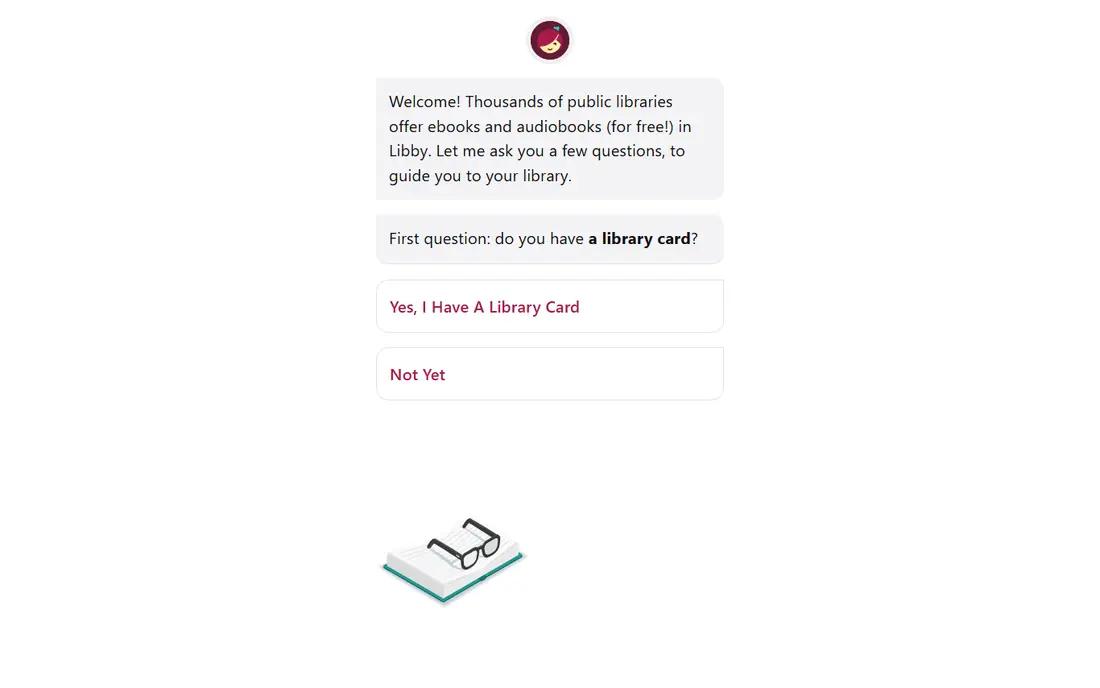
Libby, by OverDrive, is our pick for most readers with a library card. You sign in with your card, borrow ebooks and audiobooks, and read or listen in the app, with adjustable fonts, bookmarks and offline downloads. Because libraries buy current titles, Libby is one of the few free routes to new releases, not just old classics, and holds let you queue a popular book while you read something available now.
The catch is waiting. A bestseller can have a long hold queue, and your library sets how many books you can borrow at once and for how long. Use the available now filter, set up holds early, and pair Libby with Hoopla for instant reads while you wait.
- Free loans of current bestsellers with a library card
- Clean reading and listening tools
- Offline downloads and holds
- Popular titles often have waitlists
- Loan periods and loan limits vary by library
- Catalog depends on your library system
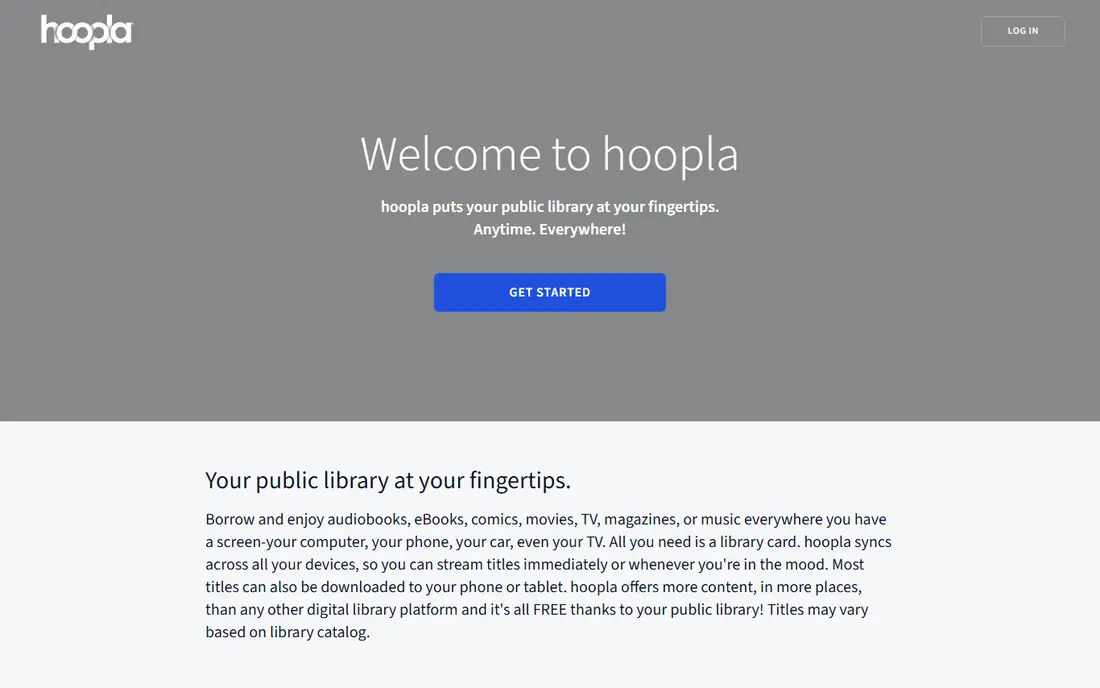
Hoopla is the best companion to Libby, because it solves the waitlist problem for many titles. When your library supports Hoopla, you can borrow an available ebook or audiobook at once, with no hold queue, and return it automatically at the end of the loan. The catalog also includes comics, music and video, which makes it a broader media app than a pure ebook reader.
The limit is the monthly borrow cap, which your library sets and which counts across all media types. A heavy reader can hit that cap mid-month, so save Hoopla borrows for books you want now and use Libby holds for planned reads.
- Usually no waitlists
- Ebooks, audiobooks, comics and video
- Simple borrowing with a library card
- Monthly borrow limit set by your library
- Catalog varies by library
- Some titles are not available on Hoopla
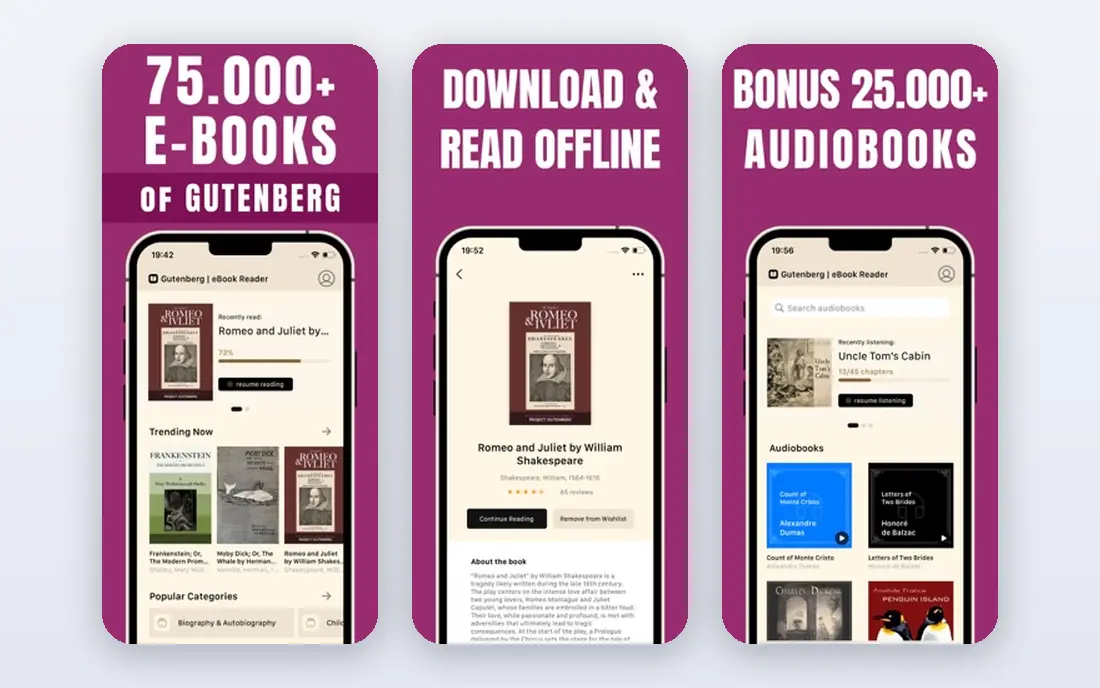
Project Gutenberg is the oldest large public domain library online, and it remains the simplest way to read classics for free. You can download works by Austen, Dickens, Twain, Shakespeare and many others, with no account, no due date and no borrow limit. Files work in most reading apps, so Gutenberg pairs well with Kindle, Kobo or Google Play Books as a reader.
The trade-off is age: public domain in the US generally means older works, so you will not find recent novels here. Formatting also varies, because many books were digitised by volunteers over decades. If a classic looks rough, try another format or a newer edition on the same site.
- Tens of thousands of public domain titles
- No account needed
- Downloads in EPUB, Kindle and plain text formats
- Catalog is mostly older books
- Formatting varies by title
- No current bestsellers
Open Library, from the Internet Archive, aims to create a web page for every book ever published, and it offers both public domain reading and controlled digital lending for many in-copyright titles. You can search by author, title or subject, borrow a book for a set period, and read in a browser or download where the rights allow. That breadth makes it useful for older, out-of-print and academic titles that libraries may not stock digitally.
The experience is less polished than Libby, and scan quality varies, especially for older digitised books. Borrowed books also have loan limits and waitlists, similar to a library.
- Large catalog with borrowing and public domain reading
- Free account
- Web reading and EPUB downloads for many titles
- Borrowing limits apply to in-copyright books
- Scan quality varies
- Interface is less polished than Libby
The Kindle app is free, and it is a strong free reader even if you never buy a book. Amazon lists many public domain classics at no cost, plus rotating free and low-cost promotions from publishers and independent authors, and you can send your own EPUB or PDF files to the app in many cases. Reading position, notes and highlights sync across phone, tablet and Kindle device, which helps if you switch devices often.
The catch is that Kindle is a store first, so free books sit beside paid books and subscription offers. Use the free section and price filters, and be careful not to tap a paid buy button by mistake.
- Free app on phones, tablets and computers
- Thousands of free public domain and promo titles
- Syncs across devices
- Most new books cost money
- Free titles need searching
- Amazon account required
Google Play Books is a good free reader for Android users and for anyone with a personal ebook collection. The store includes free classics and promotional titles, and you can upload your own legally owned EPUB and PDF files to read across devices. The reader offers adjustable fonts, night mode and offline downloads, and web reading works without installing anything extra.
As with Kindle, the free section is only part of a paid store, so new releases will usually cost money. Uploads also have limits and can lose complex formatting on some files.
- Free app with free titles
- Upload your own EPUB and PDF files
- Syncs across Android, iOS and web
- Free catalog is smaller than a library catalog
- Most new titles are paid
- Upload limits and format quirks apply
Apple Books is the simplest free reading option if you already use an iPhone, iPad or Mac, because it is built in and needs no extra account setup beyond your Apple ID. The store offers free public domain titles, free samples of paid books and occasional free promotions, and the reader handles fonts, night mode and audiobooks in one place. Samples are especially useful for testing a book before you borrow or buy it elsewhere.
The limit is platform: Apple Books does not offer a full Android or Windows app, so cross-device reading is harder if your household mixes systems. Most current titles are paid, so Apple Books works best as a reader for free classics and samples, paired with Libby for library loans.
- Built into iPhone, iPad and Mac
- Free classics and samples
- Clean reading and audiobook tools
- Apple devices only for the full app
- Most new books are paid
- Free catalog needs browsing
Kobo is a strong choice for readers who like EPUB files and Kobo e-readers, and who want a store that is not tied to Amazon or Apple. The Kobo app is free, the store lists free public domain titles and promotions, and books sync between the app and a Kobo device. EPUB support also makes it a natural reader for Gutenberg downloads and other legally owned files.
The free catalog is not as large as a library catalog, and new releases are paid, so Kobo is best as a reader and store, not as a sole free source.
- Free app and free classics
- Good EPUB support
- Syncs with Kobo e-readers
- Most new books are paid
- Store availability varies by country
- Free titles need searching
Wattpad is different from the other apps here, because its catalog is original fiction written by community authors, not published books from major houses. Most stories are free to read, many are serialised chapter by chapter, and genres range from romance and fantasy to mystery and fan fiction. For readers who enjoy discovering new writers and following a story as it grows, Wattpad offers endless free reading.
Quality varies, because there is no publisher gate, so a story can be rough, unfinished or abandoned. Read the first chapters, check comments and update dates, and save favourites before you invest in a long serial. Wattpad also offers paid stories and coins for some titles, so check whether a story is fully free before you start a long read.
- Large catalog of free original stories
- Many genres and serialised novels
- Community comments and writer tools
- Quality varies widely, since anyone can publish
- Some stories move to paid tiers
- Not a source for published bestsellers
LibriVox is the audio companion to Project Gutenberg: volunteers record public domain books, and the recordings are free to download and keep. That makes it ideal for commutes, chores and bedtime listening, especially for classics you already want to read. You can listen on the LibriVox site or in many podcast and audiobook apps that carry its catalog.
The trade-off is narration. Volunteer readers vary in pace, clarity and recording quality, and a long book may be split into many chapters by different readers. Sample the first minute, prefer solo recordings for a consistent voice, and download over Wi-Fi for offline listening. For free audiobooks of current titles, Libby remains the better route, since LibriVox covers older works only.
- Free public domain audiobooks read by volunteers
- No account or due dates
- Downloads you can keep
- Narration quality varies by reader
- Catalog is public domain only
- Some books are split into many short files
How we picked these
We compared official library, store and project pages, app store listings and help pages, and we kept only apps that offer a clear legal free route in October 2026. We excluded piracy sites, coin-gated apps that charge to continue reading, and apps whose free tier was only a short trial. We favoured apps with a real free catalog, offline reading and honest limits, such as library loan caps and public domain age, over apps that advertise free but require payment to finish a book. Where a price could not be verified, we used Free for the app itself and described paid books separately.
How to get the most free reading
Start with a library card, even if you already use Gutenberg or Wattpad. Libby gives you current books, Hoopla gives you instant reads, and together they cover most of what a paid subscription offers. Add Gutenberg and Open Library for classics and older titles you want to keep, and use Kindle, Play Books, Apple Books or Kobo as the reader that suits your devices. That four-part setup costs nothing and avoids the trap of paying for a book you could borrow.
Manage holds and limits like a reading plan. Place holds early for bestsellers, keep one available now book ready for gaps, and track Hoopla monthly borrows if your library sets a cap. Download over Wi-Fi, set font and night mode once, and delete finished books to keep your device tidy. If a book is not free legally anywhere, borrow it, wait for a hold, or use a sample first, rather than turning to an unauthorised copy.
Frequently asked questions
Do I need a library card to read books for free online?
Not for public domain books, which you can read on Project Gutenberg, Open Library and LibriVox without a card. For current bestsellers at no cost, a library card is the key, because Libby and Hoopla lend through your local library system. Many US libraries offer free digital cards to residents, so check your library site if you do not have a physical card.
Is Project Gutenberg really free and legal?
Yes. Project Gutenberg offers books whose copyright has expired in the US, plus other works shared with permission, and you can download and keep them at no cost. Copyright rules differ by country, so a book that is public domain in one place may not be in another, but for US readers the Gutenberg catalog is a legitimate free source. Do not confuse it with sites that offer recent copyrighted books for free without permission.
Why does Libby have waitlists if the books are free?
Libby lends digital copies under library licensing rules, so a library owns a limited number of digital copies of each title, just as it owns a limited number of print copies. When all copies are on loan, you join a hold queue. Hoopla often avoids waitlists because its model charges the library per borrow, but that model comes with a monthly borrow cap instead.
Can I read free books offline?
Yes, on most apps here. Libby, Hoopla, Kindle, Play Books, Apple Books and Kobo all offer offline downloads for borrowed or owned books, and Gutenberg and LibriVox files can be downloaded and kept. Download over Wi-Fi before a trip, check the loan return date for borrowed books, and note that a borrowed book will expire even if it is downloaded.
Are Wattpad stories really free?
Most Wattpad stories are free to read, because they are original works shared by community authors. Some stories and features use paid tiers or coins, and a story can move to a paid model, so check the story page before you start a long serial. Wattpad is not a source for traditionally published bestsellers, which are usually borrowed through a library or bought in a store.
Sources
See where you really rank - block by block
ProMapRanker scans Google Maps across a grid of your service area. Simple monthly plans from $19, white-label on every plan.
Start freeKeep reading
 zoro.to alternatives
Best Zoro.to Alternatives in 2026
We compare the best zoro.to alternatives in 2026, listing only legal licensed anime streaming services, from Crunchyroll to free options for fans today.
Read → zip alternatives
Best Zip Alternatives in 2026
We compare the best zip alternatives for buy now, pay later in 2026, covering pay-in-4 plans, fees, spending limits, and credit reporting options today.
Read → yesware alternatives
Best Yesware Alternatives in 2026
Compare the best yesware alternatives for sales email tracking, templates, and sequences, with current pricing and honest tradeoffs for small sales teams.
Read →