 ProMapRanker
Best App to Read Books for Free in 2026

Key takeaways
- Libby is our first pick for most readers because it connects a library card to current bestsellers, ebooks, audiobooks, and magazines at no cost.
- Hoopla is the best backup when Libby has a waitlist, since participating libraries usually offer instant borrowing with no holds.
- LibriVox, Project Gutenberg, and Open Library cover classic and public domain reading without a library card, though new releases are not included.
- The Kindle app and Google Play Books are useful for free titles and samples, but much of their catalog is paid, so check the price before you tap buy.
- A library card remains the key to the widest free choice, and many US libraries let residents sign up online in a few minutes.
Quick comparison
| Pick | Great for | Pricing starts at | Free tier | |
|---|---|---|---|---|
 Libby Libby | Library ebooks and audiobooks | Free | Yes | Visit |
 Hoopla Hoopla | Instant borrowing with no holds | Free | Yes | Visit |
 LibriVox LibriVox | Free public domain audiobooks | Free | Yes | Visit |
 Project Gutenberg Project Gutenberg | Classic ebooks to keep | Free | Yes | Visit |
 Open Library Open Library | Borrowing older and out-of-print titles | Free | Yes | Visit |
 Kindle Kindle | Free titles and library sends | Free | Yes | Visit |
 Google Play Books Google Play Books | Free ebooks and samples | Free | Yes | Visit |
 CloudLibrary CloudLibrary | A second library catalog | Free | Yes | Visit |
The best apps to read books for free
Free reading in 2026 is less about one magic app and more about pairing the right source with the kind of book you want. Library apps give you new releases for a limited loan period, while public domain apps let you keep classics forever. The eight options below cover both paths, plus the large stores that list free titles alongside paid ones.
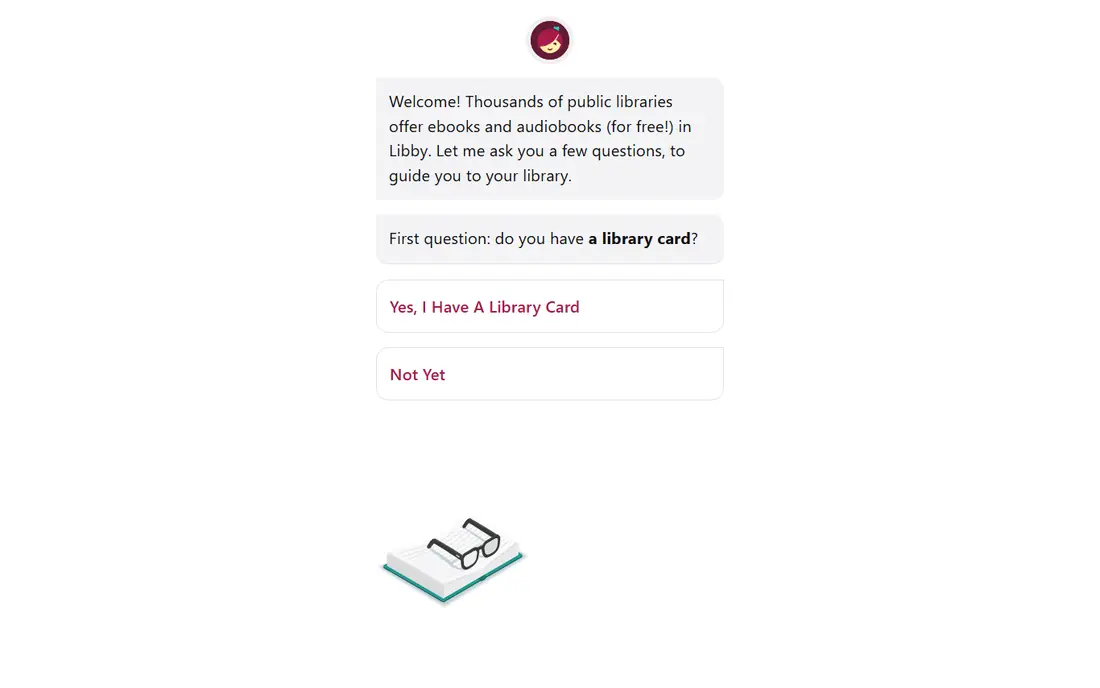
Libby, made by OverDrive, is the app most US readers should try first. You add a library card, browse that library catalog, and borrow ebooks and audiobooks for a set loan period, usually around two to three weeks depending on the library. The app also handles magazines and lets you place holds, set notifications for when a hold is ready, and download titles for offline reading.
The catch is availability. A new bestseller may have a long waitlist, and smaller libraries may own fewer digital copies than large city systems. Still, Libby lets you add more than one library card, so readers who qualify for cards in more than one system can widen their choices. For patient readers, the mix of new and backlist titles at no charge is hard to beat.
- Current bestsellers through libraries
- Ebooks, audiobooks, and magazines in one place
- Offline downloads and reading progress sync
- Popular titles often have holds
- Catalog and loan rules vary by library
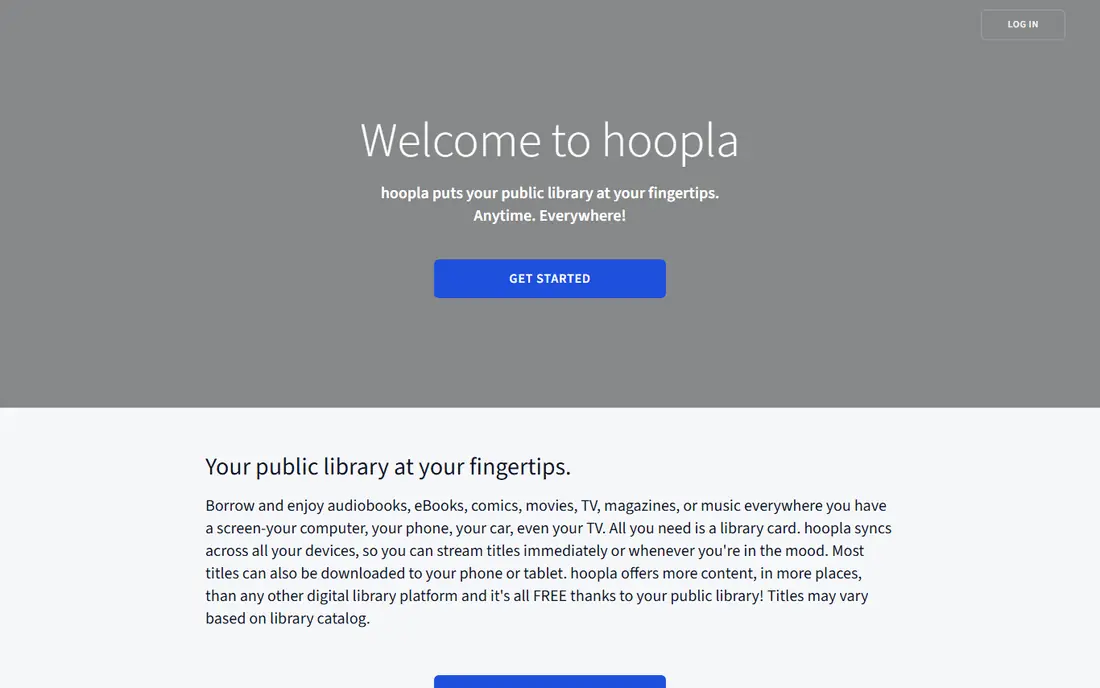
Hoopla works through participating public libraries and removes the hold problem that frustrates Libby users. When you find a title, you can usually borrow it right away and start reading or listening. That instant access makes Hoopla a strong choice for weekend reading, book club picks that are already available, and families who want comics and audiobooks alongside ebooks.
The trade-off is a monthly borrow cap. Each library sets its own limit, often in the range of a handful of titles per month, so heavy readers may run out before the month ends. Hoopla also leans more toward backlist and midlist titles than day-one bestsellers. Used together, Libby for holds and Hoopla for instant picks covers most free reading needs.
- No waitlists on most titles
- Ebooks, audiobooks, comics, music, and video in one app
- Simple borrowing with a library card
- Monthly borrow limits set by each library
- Catalog differs from Libby and may lack some new bestsellers
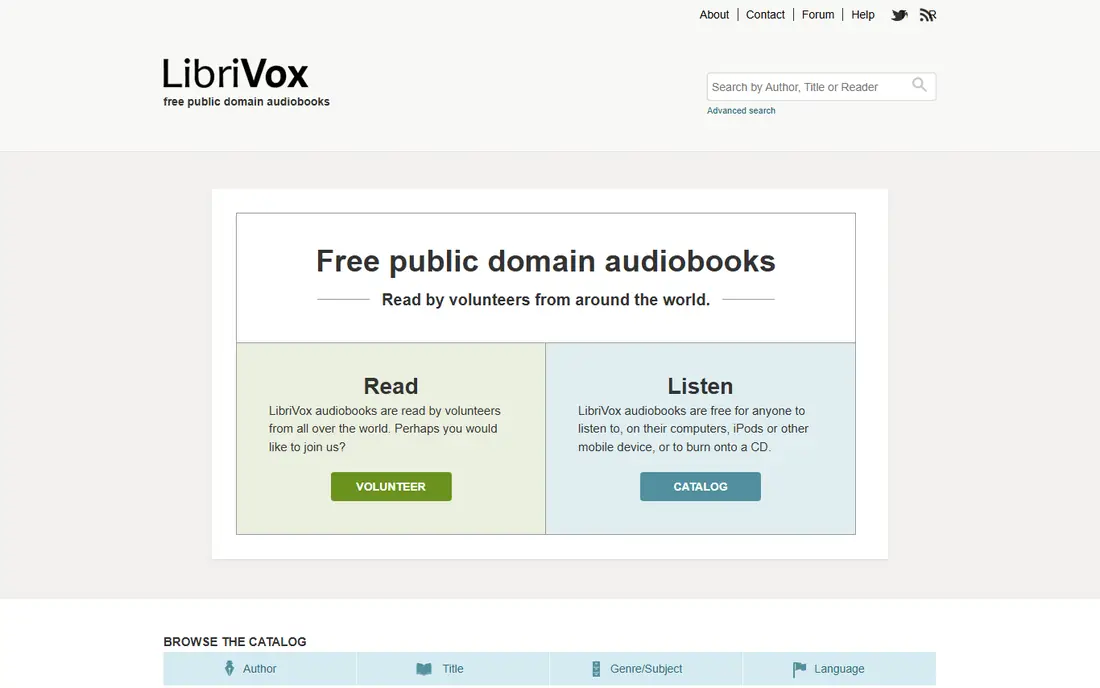
LibriVox is a volunteer project that records books in the public domain and gives the audio away free. That means Jane Austen, Charles Dickens, Mark Twain, and many other classic authors are available to stream or download without a subscription. The catalog is especially useful for students, commuters, and anyone who wants to listen to a classic without paying for a studio recording.
Because readers are volunteers, narration style and audio quality vary from book to book, and some long books are read by more than one voice. That variation is part of the project, and most listeners find a version they enjoy after sampling a chapter. LibriVox will not help with a book published in the last few decades, but for classics it is one of the best free audiobook sources available.
- Thousands of free audiobooks
- No account or library card needed
- Many classic novels, poems, and nonfiction works
- Volunteer narration quality varies
- No new releases
- App experience depends on the player you use
Project Gutenberg has offered free ebooks for decades, and its collection remains a core source for classic reading. You can download a title in EPUB, Kindle, or plain text formats and keep it, which is different from a library loan that expires. That permanence suits readers who reread favorites, annotate, or read on an e-reader without a constant connection.
The limit is copyright. Books still under copyright in the US are not in the collection, so you will not find recent bestsellers here. Formatting also varies, with some older scans showing rough paragraph breaks or missing illustrations. For classic fiction, poetry, history, and philosophy, though, the breadth and the zero price make Project Gutenberg a staple.
- Large public domain ebook collection
- Downloads in common ebook formats
- No account needed
- Older works only
- Plain formatting on some titles
- No audiobook catalog of its own
Open Library, a project of the Internet Archive, aims to create a web page for every book ever published. A free account lets you borrow many titles for a limited period, which is useful for out-of-print books, older editions, and research reading that a local library may not own in digital form. The catalog search is also helpful for checking editions, covers, and publication details.
Borrowing is not the same as owning, and popular or restricted titles may be unavailable when you want them. The reading interface is more functional than polished, and some readers prefer to send a borrowed book to a supported device rather than read in a browser. For curious readers and students, Open Library fills gaps that the main library apps sometimes leave.
- Millions of catalog records
- Controlled digital lending for many titles
- Free account for borrowing
- Not every title is borrowable at all times
- Reading happens in a browser or supported reader
- Newer bestsellers are limited
The Kindle app itself is free, and that distinction matters. You can read free public domain books, free samples, and promotional titles in the app without buying a Kindle device. In the US, many Libby loans can also be sent to a Kindle app or device, which lets library readers use Kindle reading features such as adjustable fonts, dictionary lookup, and progress tracking.
The store, by contrast, is mostly paid. New releases, current bestsellers, and recent nonfiction usually carry a purchase price, and the free listings sit alongside paid suggestions. Readers who search the store for free titles and sort carefully can build a solid no-cost shelf, but anyone expecting every book to be free will be disappointed. Treat Kindle as a reader and a free-classics source first.
- Free app on phones, tablets, and computers
- Many free and low-cost classics
- US library books can be sent to Kindle
- Most new books are paid
- Free section needs careful filtering
- Features vary by device
Google Play Books gives Android users a built-in reader and gives iOS and web users another place to collect free titles. The store includes a free section with classics and promotional books, and most paid books offer a free sample so you can test the writing and formatting before spending money. Reading progress, bookmarks, and notes carry across devices when you are signed in.
The free catalog is not as deep as a library system, and search results tend to surface paid bestsellers first. Audiobooks in Google Play Books are generally sold individually rather than borrowed free. Still, as a second shelf for free finds and samples, and as a reader for EPUB files you already own, it earns a place on a free-reading phone.
- Free app on Android, iOS, and the web
- A free ebook section
- Samples for paid books before buying
- Free selection is smaller than library catalogs
- Paid titles dominate search results
- Audiobook choice is paid in most cases
CloudLibrary is the library app some systems use instead of, or alongside, Libby. If your library partners with CloudLibrary, this is the app that opens its digital shelves, with ebooks and audiobooks to borrow, download, and return automatically at the end of the loan. For readers in those systems, it is not optional, it is the front door.
For everyone else, CloudLibrary is less relevant, since you cannot sign up without a participating library card. The app is straightforward rather than feature rich, and the catalog depends entirely on what your library has licensed. Check your library website to see which app it supports, and install the one that matches your card rather than guessing.
- Library ebooks and audiobooks through a different catalog
- Offline reading
- Useful when your library uses this system instead of Libby
- Only available through participating libraries
- Catalog and app polish vary by library
- Fewer extra features than Libby
How we picked these
We compared official product pages, library help pages, and app store listings for free reading apps that work in the US in October 2026. We favored apps that are actually free for the books described, that do not require a paid subscription to read, and that cover different reading needs, including library borrowing, public domain classics, and audiobooks. We left out paid subscription services as main picks, since the topic is free reading, and we noted where a free app also sells paid titles. Prices and loan rules vary by library, so we kept those details general where a single national figure does not exist.
What to check before you choose a free reading app
Start with your library card, because that one card decides whether Libby, Hoopla, or CloudLibrary will work for you. Visit your library website or ask at a branch about digital borrowing, and ask which app your system uses and how many titles you can borrow at once. Many libraries allow online sign-up for residents, and some offer a digital-only card that works right away for ebooks and audiobooks.
Next, match the app to your reading habit. If you read new releases, plan around holds in Libby and instant borrows in Hoopla. If you listen on a commute, test LibriVox narration and Libby audiobook controls, including sleep timers and playback speed, before a long trip. If you read classics, download a few Project Gutenberg titles and keep them, since they never expire.
Device and format notes
Check whether your phone, tablet, or e-reader supports the app you want. Libby, Hoopla, and CloudLibrary work on iOS and Android, while Kindle and Google Play Books add web reading and e-reader options in some cases. EPUB files from Project Gutenberg work on many readers, but Kindle devices handle them through a send-to-Kindle step rather than direct EPUB support in every case.
Keeping free reading actually free
Turn off one-tap buying in store apps, and check the price shown before you confirm a download. Free samples, promotional titles, and public domain books can sit next to paid books in the same search results. A library loan, by contrast, should never ask for payment, and any app that asks for card details for a library borrow deserves a second look on the library official site.
Frequently asked questions
What is the best app to read books for free?
Libby is the best starting point for most US readers, because a library card gives access to current ebooks, audiobooks, and magazines at no charge. Hoopla is a strong second app for instant borrowing when Libby has a waitlist. For classics that you want to keep, Project Gutenberg and LibriVox cover ebooks and audiobooks without a card.
Do I need a library card for free book apps?
You need a participating library card for Libby, Hoopla, and CloudLibrary, since those apps lend books owned by libraries. You do not need a card for LibriVox, Project Gutenberg, or Open Library browsing, though Open Library borrowing uses a free account. Many libraries offer online registration, so check your local library site before assuming you must visit in person.
What is the best library app for free audiobooks?
Libby is our pick for library audiobooks, thanks to its large catalog of new and popular titles, offline downloads, and playback controls. Hoopla is useful when you want an audiobook right away with no hold, subject to your monthly borrow limit. LibriVox is the best no-card option for classic audiobooks, with volunteer narration.
What is the best app for free audio books without a subscription?
LibriVox offers free public domain audiobooks with no subscription and no library card. Libby and Hoopla also offer free audiobooks through libraries, with no subscription fee for cardholders. The Kindle app and Google Play Books list some free audio titles, but their audio catalogs are mostly paid, so library apps give a wider free choice.
Are books on Project Gutenberg really free?
Yes, Project Gutenberg books are in the public domain in the US, so you can download and keep them at no charge. The collection focuses on older works whose copyright has expired, plus some works released for free distribution. New books under copyright are not included, which is why the catalog leans toward classics.
Can I read free books on a Kindle without paying?
Yes, you can read free books in the Kindle app, including public domain titles and promotional free books from the Kindle Store. In the US, you can also send many Libby library loans to a Kindle device or app. Paid books remain paid, so always check the listed price, which should show as free, before you download.
Sources
See where you really rank - block by block
ProMapRanker scans Google Maps across a grid of your service area. Simple monthly plans from $19, white-label on every plan.
Start freeKeep reading
 zendesk alternatives
Best Zendesk Alternatives in 2026
Compare the best Zendesk alternatives in 2026, from budget help desks to AI-first support tools, with current pricing, free plans, and honest trade-offs.
Read → wordpress alternatives
Best WordPress Alternatives in 2026
Looking for the best WordPress alternatives? We compare 8 free and paid options for blogs, business sites, stores, and developer-led projects in 2026.
Read → which real estate company has the best training
Best Real Estate Company Training in 2026
Compare which real estate company has the best training, from Keller Williams and eXp to Compass and Coldwell Banker, by program, mentor, and fit in 2026.
Read →