 ProMapRanker
Best Apps to Pay Bills in Installments in 2026

Key takeaways
- Deferit is the closest fit for this topic, since it pays a bill upfront and lets you repay it in four installments every two weeks.
- Zip, Klarna, Affirm, and Sezzle split purchases and some bill-type payments, but they are not a direct replacement for a bill payer for every biller.
- Papaya and doxo are better for paying and organizing bills on time, rather than for splitting a bill itself.
- This is not financial advice. Read the membership cost, processing fee, and repayment dates before you commit to any plan.
Quick comparison
| Pick | Great for | Pricing starts at | Free tier | |
|---|---|---|---|---|
 Deferit | Paying bills in four installments | See website | No | Visit |
 WillowPays | Bill photo upload and four installments | See website | No | Visit |
 Zip | Splitting payments over six weeks | See website | No | Visit |
 Klarna | Pay in four for eligible purchases | See website | No | Visit |
 Affirm | Larger amounts over longer terms | See website | No | Visit |
 Sezzle | Splitting purchases with credit building | See website | No | Visit |
 Papaya | Paying bills by photo | Free | Yes | Visit |
 doxo | Organizing and paying many billers | Free | Yes | Visit |
The best apps to pay bills in installments
We compared official sites and pricing pages for services live in October 2026 that either split a bill into installments or help you pay bills on time. Our pick for the exact job is Deferit, with Zip as a useful second option for eligible payments. This is not financial advice, and splitting a bill does not make it cheaper: fees and membership costs still apply.
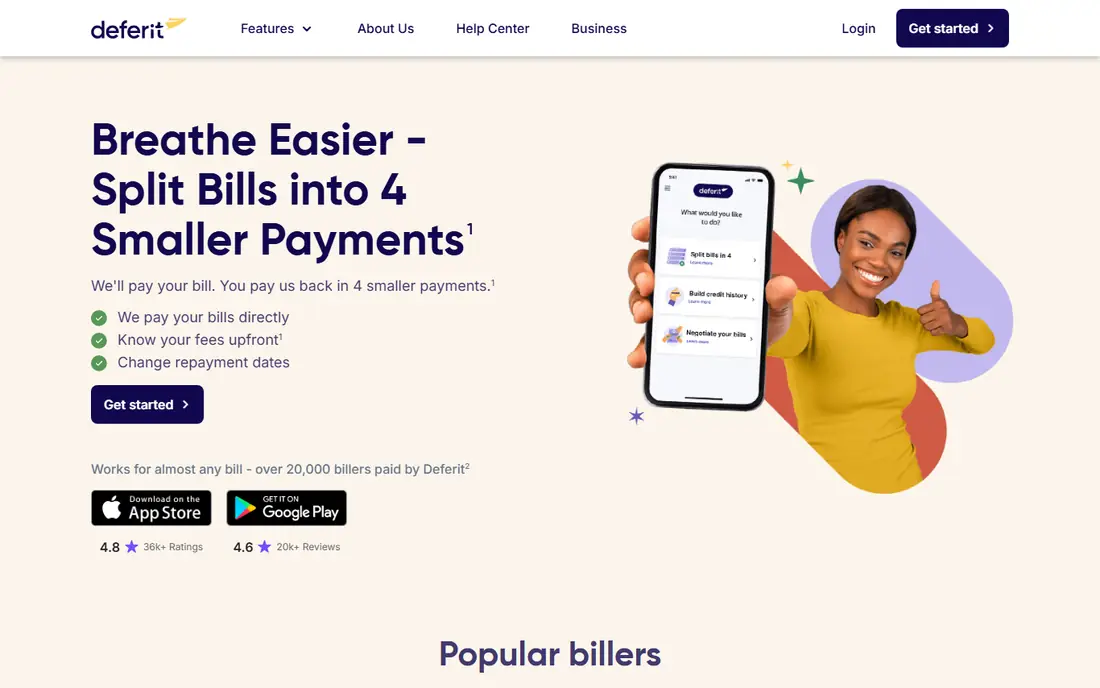
Deferit fits this topic most directly. You upload a photo of a bill, Deferit pays the amount you choose to the provider, and you repay it in four installments charged every two weeks. Its site lists phone, internet, electric, gas, and insurance bills among the types it handles, and it reports payments to credit bureaus.
The costs need a clear look. A monthly membership applies and can be cancelled at any time, and each payment carries a $0.99 processing fee. New customers start with a balance of $100 to $400, which may grow with good payment behavior, so a large bill may only be partly covered at first. Check your total cost across all four payments before you upload a bill.
- Pays bills upfront to the provider
- Repay in four installments every two weeks
- Photo bill upload
- Monthly membership applies
- Each payment carries a $0.99 processing fee
- Starting balance is limited to $100 to $400
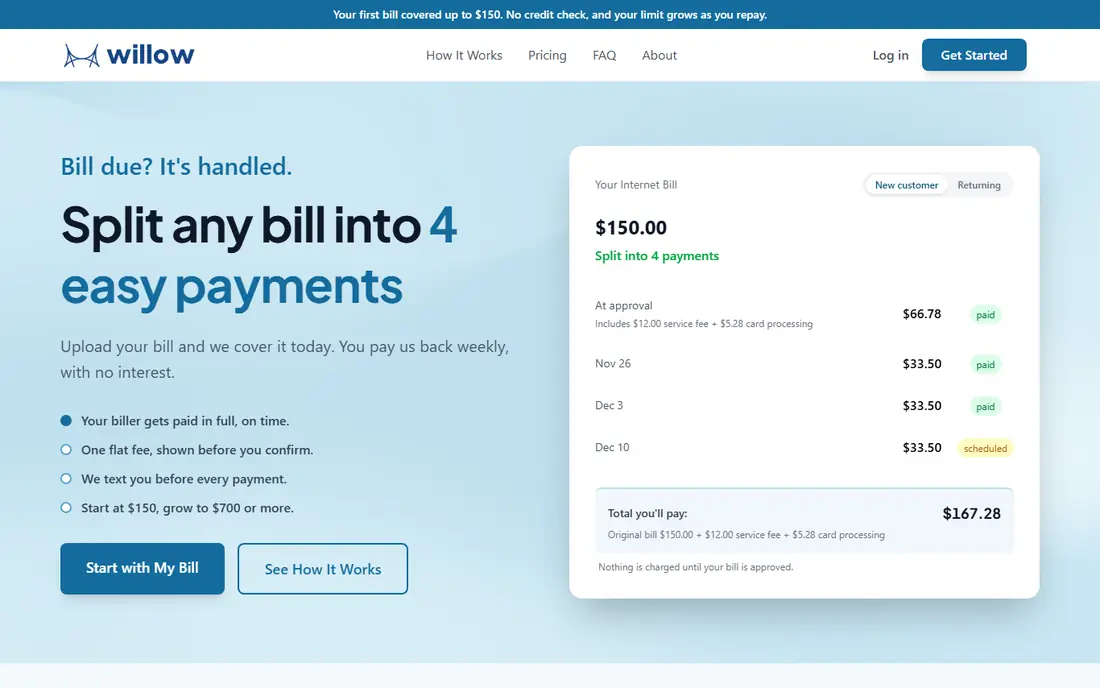
WillowPays follows a similar model to Deferit: upload a photo of a bill, have it paid, and repay in four weekly installments. That weekly rhythm suits people paid weekly, and the photo upload keeps setup simple for utilities, rent, and other essential bills. Third-party comparisons describe it as a close alternative to Deferit with no credit check in many cases.
Because it is a smaller service, availability and accepted bill types can vary, and you should confirm your biller and your total cost in the app before you rely on it. Do not assume every bill qualifies, and read the repayment schedule closely so a weekly payment does not clash with your pay cycle.
- Upload a bill photo and have it paid
- Repay in four weekly installments
- No interest stated on its model
- Availability and bill types vary
- Terms must be checked in the app
- Smaller track record than Zip or Klarna
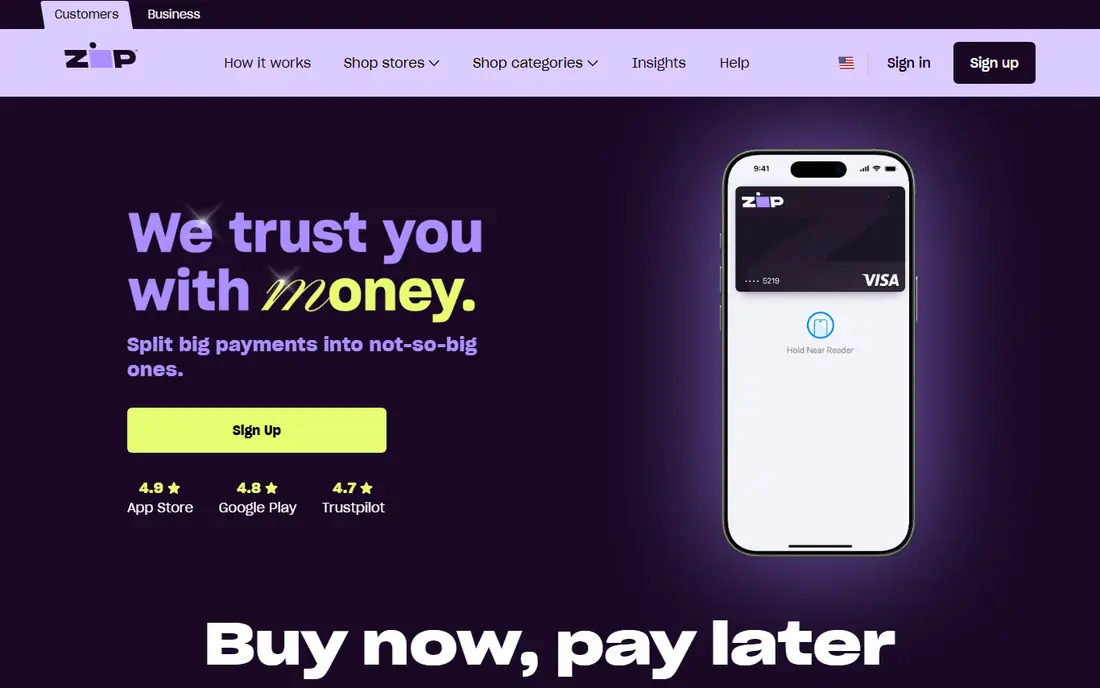
Zip splits an eligible payment into four installments over six weeks, which is a familiar pay-in-four pattern. It works well for purchases and for some bill-type payments where Zip is accepted, and the app keeps the schedule visible. For many users, it is the most widely available second option after Deferit.
The limit is coverage. Zip is not a universal bill payer: if your utility or landlord does not accept Zip, you cannot route that bill through it in the same way as Deferit. Late fees may apply if a payment fails, so set up payment reminders and keep a backup payment method ready.
- Split into four payments over six weeks
- Works with many merchants
- App-based checkout
- Not a direct bill payer for every biller
- Late fees may apply
- Approval and limits vary
Klarna is best known for pay-in-four at checkout, where an eligible purchase splits into four interest-free payments when paid on time. Some users also use it creatively for bill-type costs, but only where Klarna is an accepted payment method. The app shows each due date clearly, which helps with planning.
Do not treat Klarna as a bill payer for utilities or rent unless the biller accepts it. Longer financing plans through Klarna carry interest, so check the plan type before you confirm. If you miss a payment, fees may apply, and the total cost rises fast.
- Widely accepted pay-in-four option
- Clear payment schedule in the app
- No interest on pay-in-four when paid on time
- Bill coverage is limited to where Klarna is accepted
- Late fees may apply
- Longer financing options carry interest
Affirm suits larger bills or purchases that four payments cannot cover comfortably. It offers longer terms with the payment amount, interest, and total cost shown before you confirm, which makes comparison easier. That transparency is useful when a bill is too large for a short split.
Interest is the key check. Some Affirm plans carry 0 percent interest, while others do not, and the rate depends on the plan and your eligibility. Affirm also only works where it is accepted, so it cannot pay every biller directly. Compare the total cost, not just the monthly amount, before you choose a longer term.
- Longer repayment terms for larger amounts
- Terms shown before checkout
- No late fees stated on many plans
- Interest may apply depending on the plan
- Not a universal bill payer
- Approval depends on credit and purchase
Sezzle splits eligible purchases into four payments and offers a credit-building option for users who qualify. The app tracks due dates and payment history, which helps if you want a record of on-time payments. For smaller, regular costs, its structure is simple to follow.
As with Klarna and Zip, Sezzle is not a direct payer for every utility or landlord. If your biller does not accept Sezzle, you will need another route. Late fees may apply, so keep the payment dates in your calendar and check your bank balance before each due date.
- Pay-in-four structure
- Credit-building option for eligible users
- App tracks payments
- Bill coverage depends on acceptance
- Late fees may apply
- Limits vary by user
Papaya solves a different part of the problem: paying a bill quickly and simply. You snap a photo of the bill and pay it through the app, which suits people who want to clear a bill now rather than split it. Basic use is free, and the app keeps a record of what you paid.
It does not, by itself, split a bill into installments, so pair it with a plan for the money, such as a savings buffer or a split-payment service for another cost. Some billers may charge a fee for card payments, so check the total at checkout. Papaya is best as a fast payer and organizer, not as an installment lender.
- Snap a photo and pay a bill fast
- Free for basic use
- Simple bill tracking
- Does not split bills into installments itself
- Some billers may charge card fees
- Payment timing depends on the biller
doxo gathers bills from many providers into one account, with reminders, autopay, and a single payment history. That organization prevents missed due dates, which is often the real reason a bill becomes a problem. Free basic use covers organizing and paying with a bank account for many billers.
It does not split a bill into installments, so it fits best alongside a split-payment service or a budget plan. Some payment methods may carry fees, so check the fee for your chosen method before you confirm. If your main problem is tracking many due dates, doxo is the strongest organizer here.
- One place for many billers
- Reminders and autopay options
- Payment history in one account
- Does not split bills into installments
- Some payment methods may carry fees
- Setup takes time for many billers
How we picked these
We compared official sites, pricing pages, and terms for services live in October 2026. We favored services that either pay a bill in installments, split an eligible payment, or help you pay bills on time, and we noted plainly where a service does not split bills itself. We did not invent rates, fees, or savings figures, and we used See website where a price was not confirmed on the vendor site.
Choosing an installment plan without adding cost
Start with the total, not the installment amount. Add any membership fee, processing fee per payment, and interest across the full term, then compare that total with the original bill. A plan that looks small per payment can still cost more than paying the bill once, especially if fees stack across four payments.
Check the dates next. A two-week cycle suits people paid every two weeks, while a weekly cycle suits weekly pay. Line up each installment with a payday, and leave a buffer for a failed payment or a bank delay. If a plan offers no grace period, set a reminder two days before each due date.
Finally, check what happens if you miss a payment. Some services charge a late fee, some pause future use, and some report missed payments. Read that section before you upload a bill, and do not split a bill you cannot repay in full across the plan. If the total cost or the schedule looks tight, contact the biller first: many utilities offer payment plans with no third-party fee.
Frequently asked questions
What is the best app to pay bills in installments?
Deferit is the closest fit, since it pays a bill to the provider and lets you repay in four installments every two weeks. WillowPays offers a similar photo-upload model with four weekly installments. Zip, Klarna, and Sezzle split eligible payments, but they do not cover every biller.
Can I pay rent in installments with these apps?
Deferit and WillowPays list rent among the bill types they handle, subject to limits and availability. Other services only work if the landlord or payment portal accepts them. Check your biller and your limit in the app before you promise a split payment.
Do installment bill apps charge interest?
It depends on the service and the plan. Deferit charges a monthly membership and a $0.99 fee per payment, while pay-in-four plans from Klarna and Zip are interest-free when paid on time. Affirm plans may carry interest. Always read the full terms for your plan.
Will paying bills in installments build my credit?
Deferit states that it reports payments to credit bureaus, and Sezzle offers a credit-building option for eligible users. Reporting is not guaranteed for every service or plan, and missed payments can hurt rather than help. Check the reporting terms in the app.
Is splitting a bill cheaper than paying it once?
No, not usually. Fees, membership costs, and interest can make the total higher than the original bill. Splitting helps cash flow by spreading the cost, but it does not reduce the amount owed. Compare the full total before you commit.
Sources
See where you really rank - block by block
ProMapRanker scans Google Maps across a grid of your service area. Simple monthly plans from $19, white-label on every plan.
Start freeKeep reading
 zscaler alternatives
Best Zscaler Alternatives in 2026
Looking for zscaler alternatives? We compare 9 SASE and zero trust platforms on architecture, data protection, pricing, and fit for your network and team.
Read → zapier alternatives free
Best Zapier Alternatives Free in 2026
Nine automation tools for zapier alternatives free in 2026, all with genuinely free tiers, plus free plan limits, starting prices and upgrade paths explained.
Read → which platform is best for online reputation
Which Platform Is Best for Online Reputation in 2026
Wondering which platform is best for online reputation? We compare 8 review, listing, and response tools for small and multi-location businesses and agencies.
Read →