 ProMapRanker
Best App to Manage Expenses in 2026

Key takeaways
- Monarch Money is the best all-in-one pick for households that want budgeting, net worth, and investments in one dashboard.
- YNAB is the best pick for people who want a hands-on method that changes spending habits, not just tracking.
- Rocket Money, PocketGuard, Goodbudget, and EveryDollar all offer free tiers, with bank sync strongest on Rocket Money and PocketGuard.
- Copilot is the best-designed pick for Apple users, but it has no Android app.
- This is not financial advice, and linking bank accounts needs care: use strong passwords, two-factor sign-in, and read each app privacy policy.
Quick comparison
| Pick | Great for | Pricing starts at | Free tier | |
|---|---|---|---|---|
 Monarch Money | Household dashboard | $14.99 per month | Free trial (7 days) | Visit |
 YNAB | Hands-on zero-based budgeting | $14.99 per month | Free trial (34 days) | Visit |
 Copilot Money | Apple users | $13 per month | Free trial (1 month) | Visit |
 Rocket Money | Subscription cleanup | Free | Yes | Visit |
 PocketGuard | Safe-to-spend number | Free | Yes | Visit |
 Empower Personal Dashboard | Free net worth tracking | Free | Yes | Visit |
 Goodbudget | Envelope budgeting | Free | Yes | Visit |
 EveryDollar | Simple zero-based budgeting | Free | Yes | Visit |
 NerdWallet | Free tracking and credit score | Free | Yes | Visit |
The best app to manage expenses
Managing expenses is not just about seeing where money went. The best app helps you plan the month ahead, spot a subscription you forgot, and see whether you can afford a purchase before you make it. These nine do that in different ways.
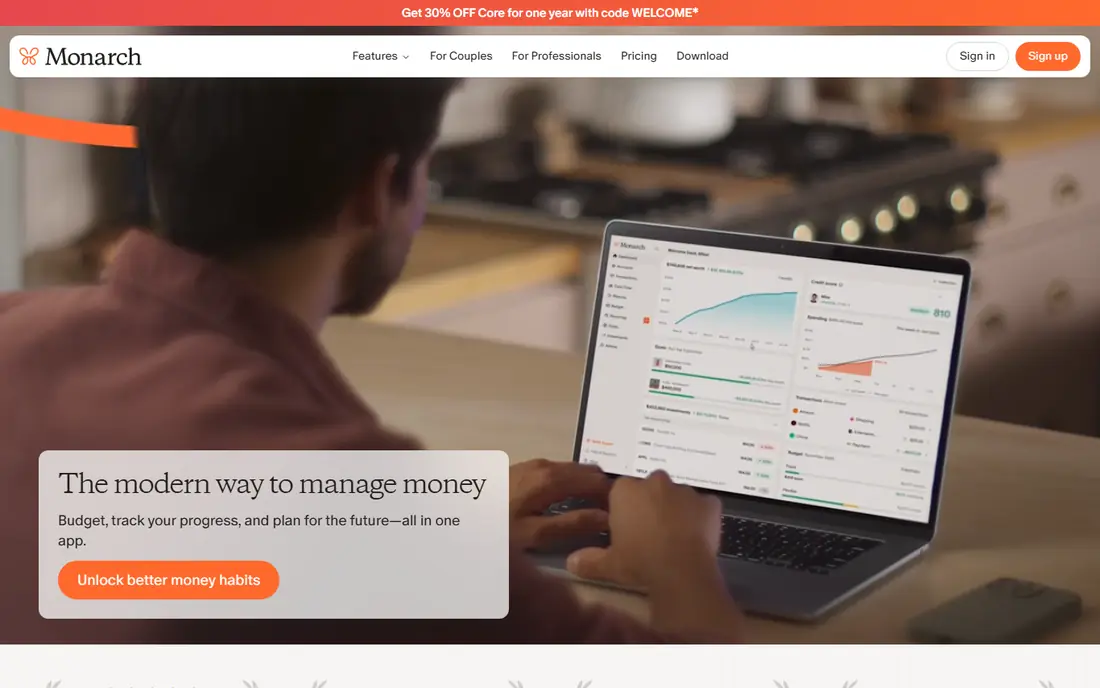
Monarch Money is the closest thing to a full household money dashboard in this list. You can link bank, card, loan, and investment accounts, set spending targets by category, track cash flow, and see net worth over time. Couples can share access, which helps when two people manage money together.
Pricing is $14.99 per month or $99.99 per year for Core, with a 7-day free trial, and a Plus tier at $199 per year for advanced forecasting. There is no free tier after the trial, so Monarch suits people who will use it weekly. If you want one polished place for budgeting and net worth, and you do not mind paying, this is our top pick.
- Budgeting, net worth, and investments in one place
- Partner sharing at no extra cost
- Flexible budgets with rollover
- No lasting free tier
- Monthly price is high for a single user
- Investment analysis is basic compared with Empower
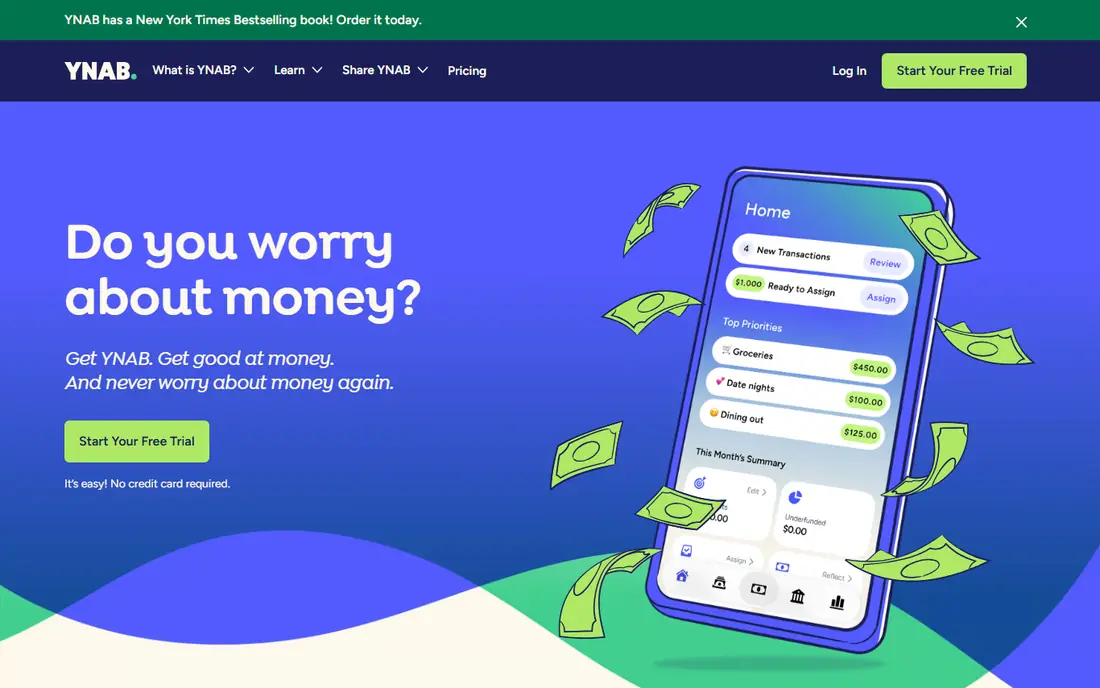
YNAB, short for You Need A Budget, is built around giving every dollar a job before you spend it. That method takes more effort than a passive tracker, but it is why many users say YNAB changes how they spend, not just how they record spending. You plan the month, adjust as life changes, and age your money so you are less dependent on the next paycheck.
Pricing is $14.99 per month or $109 per year, with a 34-day free trial and no card needed for the trial in many cases. That long trial is enough to learn the method and see whether it fits. If you want a tracker that mostly runs itself, Monarch or Rocket Money may suit you better. If you want discipline and a method, YNAB is the best in this list.
- Clear zero-based method
- Strong learning resources
- Sharing with up to six people
- Learning curve at first
- No free tier after trial
- More hands-on than passive trackers
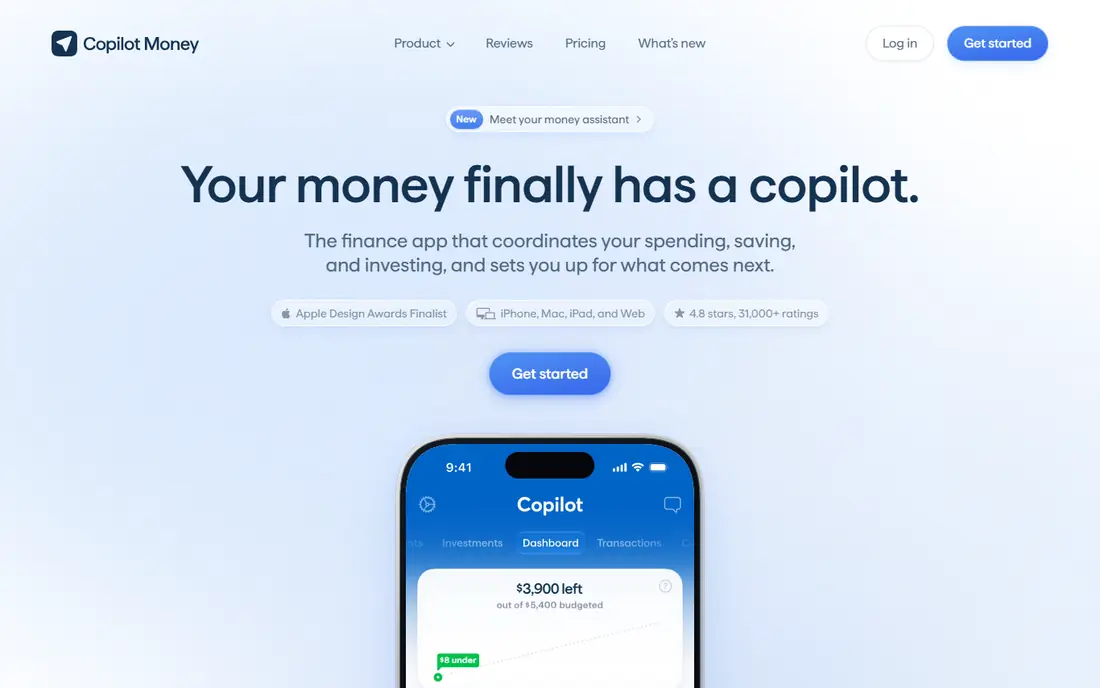
Copilot Money is the best-designed expense app in this list, and it is built for Apple households. It links accounts, categorizes spending with machine learning, and shows insights, budgets, and net worth in a clear interface on iPhone, iPad, Mac, and the web. If design keeps you coming back to an app, Copilot has an edge.
Pricing is $13 per month or $95 per year, with about a one-month free trial. There is no Android version, so Android users should choose Monarch or YNAB instead. Copilot also lacks a free tier, so it suits Apple users who will pay for a polished tracker and use it often.
- Clean design and smart categorization
- Apple device and web access
- Good insights and alerts
- No Android app
- No lasting free tier
- Price is high for tracking alone
Rocket Money is best known for finding subscriptions you forgot and helping you cancel them, but it also tracks spending and budgets. The free tier covers basic tracking and subscription views, while Premium adds more budgeting, alerts, and negotiation help. Premium is pay-what-you-want, listed between $7 and $14 per month in recent comparisons, with a Premium+ tier around $15.
The catch is that budgeting on Rocket Money is lighter than on YNAB or Monarch, and bill negotiation takes a percentage of the savings it finds. That is fair if it saves you money, but read the terms before you let it negotiate a bill. If your main goal is to cut recurring costs and track spending for free, start here.
- Free basic tracking
- Finds and cancels subscriptions
- Pay-what-you-want Premium
- Budgeting is thinner than YNAB or Monarch
- Bill negotiation takes a share of savings
- Premium price varies by choice
PocketGuard answers one question well: after bills, goals, and budgets, how much can you safely spend right now? That single number helps people who find full budgets overwhelming. You link accounts, set bills and goals, and PocketGuard shows what is left, with categories and alerts to keep you on track.
The free tier is useful but limited, with fewer linked accounts than paid plans, and Plus costs $12.99 per month or $74.99 per year, with a lifetime option around $149.99 in recent listings. If you want a simple daily spending guide rather than a detailed budget method, PocketGuard is our pick. If you want deep planning, YNAB or Monarch will serve you better.
- Simple safe-to-spend figure
- Free tier with bank links
- Bill and subscription views
- Free tier is limited
- Plus costs $12.99 per month or $74.99 per year
- Budgeting depth is thinner than YNAB
Empower Personal Dashboard, formerly Personal Capital, is the best free option for seeing your whole financial picture. You can link checking, savings, cards, loans, mortgages, and investments, track net worth, and check investment fees, all for free. Spending views help you see where money goes, even if budgeting is not as detailed as YNAB.
The trade-off is that Empower is also a wealth management firm, so free dashboard users may receive offers for paid advisory services. That does not make the dashboard less useful, but it is worth knowing before you sign up. If you want free net worth and investment tracking, with expense views included, Empower is the best free pick here.
- Free dashboard for accounts, net worth, and investments
- Fee analyzer for investment accounts
- Cash flow views
- Budgeting tools are less detailed than YNAB
- Expect offers for paid wealth management
- Advisor outreach can annoy some users
Goodbudget brings the envelope method to your phone: you divide money into envelopes for groceries, rent, transport, and fun, then spend from each envelope until it is empty. That visual limit helps people who overspend in one category while another sits untouched. You can share a budget with a partner, which suits couples who manage money together.
The free tier covers 20 envelopes, one account, and two devices, while Plus costs $10 per month or $80 per year for unlimited envelopes, more accounts, and more devices. Goodbudget does not focus on bank sync, so manual entry is part of the method. If you want control without linking bank accounts, or you like envelopes, this is our pick.
- Digital envelope method
- Works without bank links
- Shared budgets for couples
- Free tier caps envelopes and accounts
- Bank sync is not the focus
- Manual entry takes discipline
EveryDollar is a simple zero-based budgeting app from the Ramsey team. You plan each paycheck, assign every dollar to a category, and track spending against that plan. The free version uses manual entry, which keeps you close to your spending, while Premium adds bank sync and automatic transaction import.
Premium costs $17.99 per month or $79.99 per year, with a 14-day trial. That price is high for what is, at heart, a simple budget tool, so the free manual version is the best value here if you do not mind entering transactions. If you like the Ramsey method and want a clean, simple budget, EveryDollar is a good fit.
- Simple zero-based budgets
- Free manual version
- Clear paycheck planning
- Bank sync needs Premium
- Premium costs $17.99 per month or $79.99 per year
- Upsells appear in the free version
NerdWallet is best known for financial guides, but its app also offers free spending tracking and a free credit score. You can link accounts, see spending by category, and check your credit score without paying. That combination suits people who want a free overview and trusted guides in one place.
Budgeting in NerdWallet is more basic than in YNAB or Monarch, and the company earns money from product offers, so expect recommendations alongside your data. If you want a free tracker with credit monitoring and no subscription, NerdWallet is a solid choice. If you want deep budgeting, pair it with a dedicated budget app or choose Monarch or YNAB instead.
- Free spending tracking
- Free credit score
- Financial guides and comparisons
- Budgeting is basic compared with YNAB
- Product offers are part of the business
- Bank sync depth varies
How we picked these
We compared official pricing pages and current 2026 budgeting comparisons that checked prices against vendor sites in September and October 2026. We favored apps that are live in October 2026, offer real expense tracking, and state their free tier or trial plainly. We left out Mint, which shut down in March 2024, and we left out apps we could not confirm as actively maintained. Prices can change with offers and billing terms, so confirm the price at sign-up before you pay.
How to choose an expense app
Start with how much work you want to do. If you want a tracker that mostly runs itself, choose Monarch, Copilot, Rocket Money, or Empower, and link your accounts. If you want a method that changes spending, choose YNAB or EveryDollar, and accept manual planning as part of the deal. If you do not want to link bank accounts at all, choose Goodbudget and enter spending by hand.
Next, test the free tier or trial for two full weeks, including a payday and a bill week. Check whether your bank links stay connected, whether categories make sense, and whether you actually open the app. A beautiful app you ignore is worse than a plain app you use. Finally, protect your data: use a unique password, turn on two-factor sign-in where offered, and read how each app uses transaction data before you link accounts.
Frequently asked questions
What is the best app to manage expenses?
Monarch Money is the best all-in-one app for households, YNAB is the best for hands-on budgeting, and Rocket Money is the best free starting point for subscription cleanup. The best app depends on whether you want automation, a method, or a free tracker. Test a free tier or trial for two weeks before you pay.
What is the best app for keeping track of expenses?
For automatic tracking, Monarch, Copilot, and Rocket Money link bank accounts and categorize spending for you. For manual tracking, Goodbudget and the free version of EveryDollar work well without bank links. If you want a free automatic view, Empower and NerdWallet both offer free tracking with net worth or credit score views.
What is the best expense tracker app?
YNAB is the best expense tracker for people who want to plan spending in advance, while PocketGuard is best for a simple safe-to-spend number. Monarch is best for a full household view, and Copilot is best for Apple users. Choose based on whether you want planning, simplicity, or a full dashboard.
Is there a free app to manage expenses?
Yes. Rocket Money, PocketGuard, Goodbudget, EveryDollar, Empower, and NerdWallet all offer free tiers, with different limits. Free tiers usually cap linked accounts, envelopes, or budgets, and paid plans add bank sync or deeper features. Start free, and pay only when a limit actually blocks your routine.
Is Mint still available?
No. Mint shut down in March 2024, and Intuit pointed users to Credit Karma, which focuses on credit rather than full budgeting. Monarch Money is the closest paid replacement for many former Mint users, while Rocket Money and Empower offer free tracking options. If you still see Mint in an old guide, treat it as outdated.
Should I link my bank account to an expense app?
Linking saves time and gives you automatic tracking, but it needs care. Use a unique password, turn on two-factor sign-in, and read the app privacy policy to see how transaction data is used. If you are not comfortable linking, Goodbudget and manual EveryDollar let you track expenses without bank connections.
Sources
See where you really rank - block by block
ProMapRanker scans Google Maps across a grid of your service area. Simple monthly plans from $19, white-label on every plan.
Start freeKeep reading
 zscaler alternatives
Best Zscaler Alternatives in 2026
Looking for zscaler alternatives? We compare 9 SASE and zero trust platforms on architecture, data protection, pricing, and fit for your network and team.
Read → zapier alternatives free
Best Zapier Alternatives Free in 2026
Nine automation tools for zapier alternatives free in 2026, all with genuinely free tiers, plus free plan limits, starting prices and upgrade paths explained.
Read → which platform is best for online reputation
Which Platform Is Best for Online Reputation in 2026
Wondering which platform is best for online reputation? We compare 8 review, listing, and response tools for small and multi-location businesses and agencies.
Read →