 ProMapRanker
Best App to Make Flyers Free in 2026

Key takeaways
- Canva and Adobe Express are the best free starting points for most flyers, with large template libraries and easy mobile and browser editing.
- PosterMyWall suits event and local business flyers, while VistaCreate and Desygner suit template-heavy and print-focused work.
- The free plan detail that matters most is export: check resolution, format, and watermarks before you design a flyer for print.
- Stick to free elements and fonts on a free plan, since premium assets can add watermarks or require payment at download.
Quick comparison
| Pick | Great for | Pricing starts at | Free tier | |
|---|---|---|---|---|
 Canva | All-purpose free flyers | See website | Yes | Visit |
 Adobe Express | Quick polished flyers | $9.99 per month | Yes | Visit |
 PosterMyWall | Event and promo flyers | $13 per month | Yes | Visit |
 VistaCreate | Template-heavy flyers | $10 per month | Yes | Visit |
 Desygner | Print-focused flyers | See website | Yes | Visit |
 Microsoft Designer | Simple clean flyers | Free | Yes | Visit |
 Visme | Brand and business flyers | $12.25 per month | Yes | Visit |
 Snappa | Fast simple graphics | $15 per month | Yes | Visit |
The best apps to make flyers free
A good flyer app gives you the right size, a template close to your event or offer, and an export your printer or social feed can use. The apps below all offer a free plan, but they differ in templates, print options, and export limits.
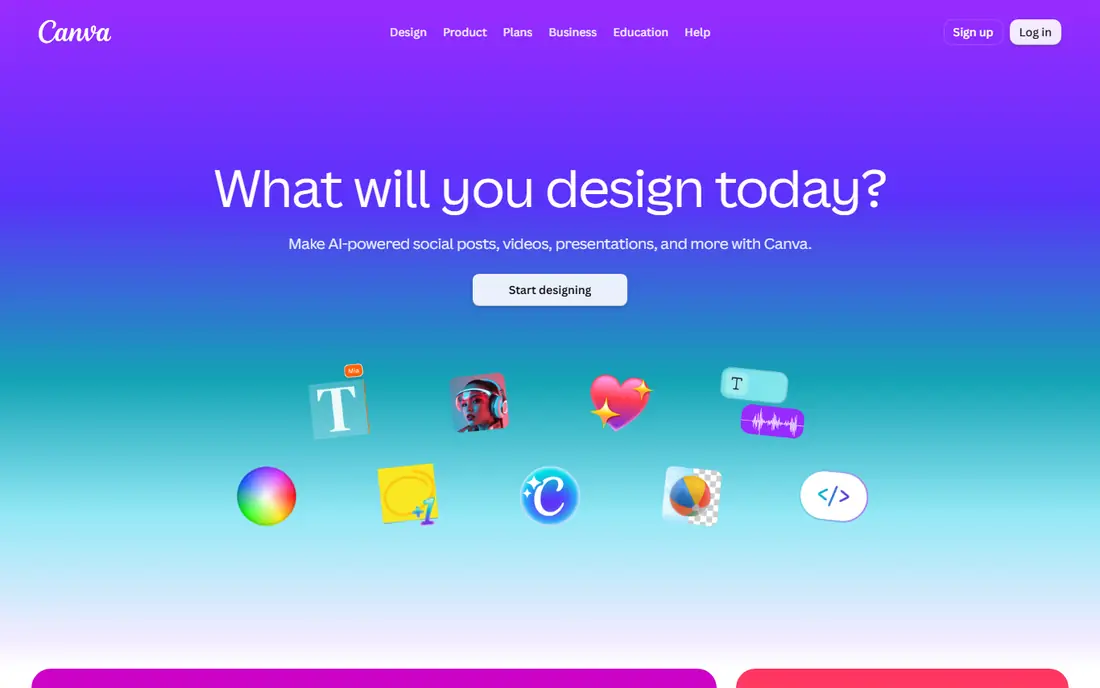
Canva is the default free flyer tool for most people, and the template library is the reason. Search for an event, sale, class, or opening, and you will find a layout close to finished, with text, images, and colors you can change in minutes. The editor works in a browser and on phones, so a flyer started on a laptop can be finished on the go.
Free plan care is needed. Premium photos, graphics, and fonts can appear watermarked or require payment when you download, so filter for free elements when budget matters. Print quality also depends on the export settings you choose. For speed and variety on a free plan, Canva is still the strongest all-round pick.
- Very large flyer template library
- Brand kits on paid plans
- Mobile app and browser editor
- Premium elements can be watermarked on the free plan
- Print ordering adds cost
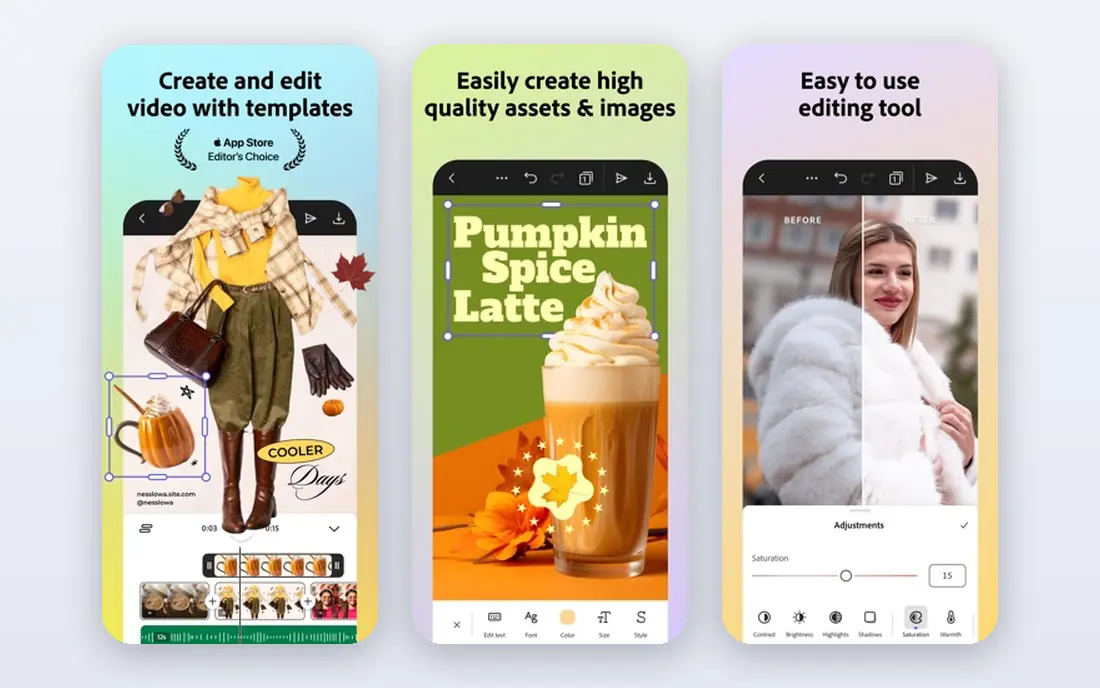
Adobe Express suits flyers where type and layout need to look sharp. Adobe Fonts give more typographic choice than most free tools, and templates cover events, sales, menus, and announcements with a polished feel. AI layout help can suggest arrangements, which speeds up a first draft for non-designers.
The free plan covers a lot, but the full asset library and some export options sit behind Premium. Physical print availability also varies by region, so check that before promising a printed run. For a flyer that must look professional without design experience, Adobe Express is a top free choice.
- Strong typography through Adobe Fonts
- Large template library
- High-quality exports
- Premium plan needed for full assets
- Physical print service has regional limits
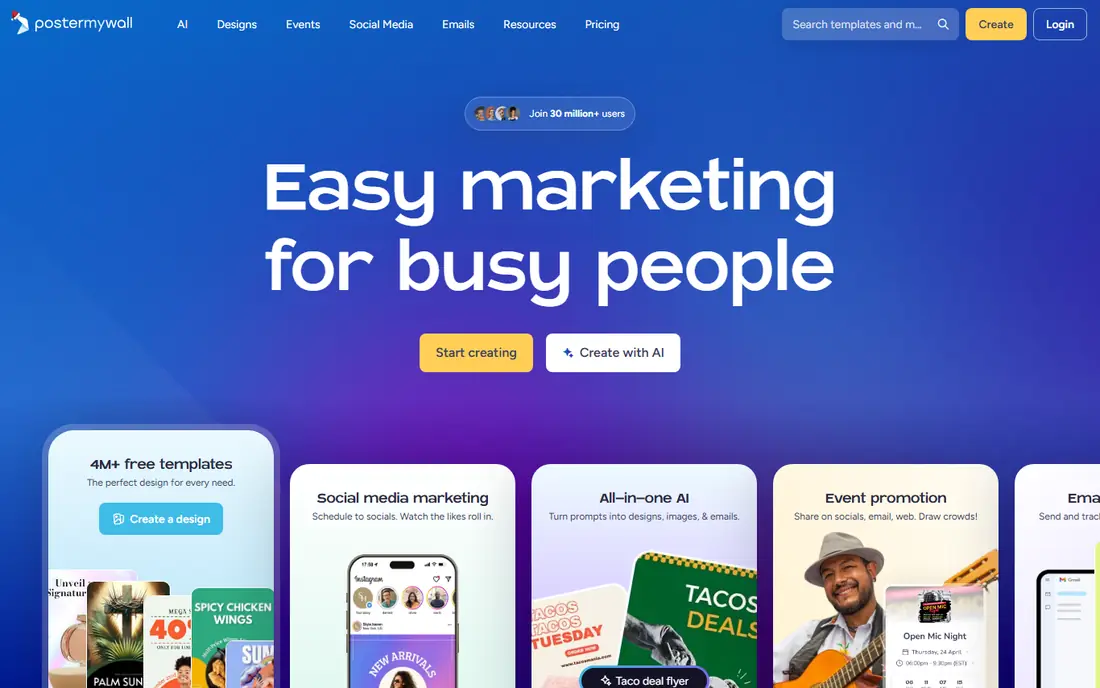
PosterMyWall is built for local businesses, events, churches, schools, and restaurants that need a promo flyer fast. Templates are organized by occasion and business type, so you start close to the message you want. One design can be resized for social posts, which saves time when the same event needs a flyer, a story, and a post.
Export is the catch. Basic-quality files are free, but high-resolution downloads for quality printing cost more. That split is fine for a social flyer, and it matters for a printed poster. If your flyer lives mainly online, PosterMyWall is fast and focused.
- Strong event and promotion templates
- Quick social versions of the same design
- Easy customization
- High-resolution downloads need a paid plan
- Basic free files suit screens more than print
VistaCreate, formerly Crello, offers a template-heavy alternative to Canva with a strong free tier. Flyer templates cover sales, events, and social promos, and the editor includes brand kit tools, stock assets, and several export formats. A mobile app makes quick edits possible away from a desk.
As with Canva, not every template is free, and Pro adds more assets and features. The editor also presents many options, which can slow a very simple job. For users who want template variety plus social scheduling, VistaCreate is a strong free option.
- Large template and asset library
- Brand kit on free and paid plans
- Scheduling for social posts
- Some templates and assets need Pro
- Interface has many options for a simple flyer
Desygner suits flyers that will actually be printed. Its workflow leans toward print sizes and PDF output, and its flyer page advertises free high-resolution PDF export, which is a real advantage over tools that charge for print-quality files. Templates cover business, event, and retail flyers, and the editor works in a browser and on mobile.
Pricing for paid plans should be confirmed on the official page, since listings vary. Premium assets also need checking before download, as with other free tools. For a printed flyer on a tight budget, Desygner deserves a test before you pay elsewhere.
- Print-oriented workflow
- Free high-resolution PDF export advertised
- Many templates
- Paid pricing needs checking on the official page
- Premium assets need care on the free plan
Microsoft Designer is a good fit for simple, clean flyers made quickly. With a free Microsoft account, you can describe a flyer and get design drafts, then edit text, images, and layout in a straightforward editor. The result suits announcements, sales, and community events where clarity matters more than elaborate design.
Template depth is the limit. Designer does not match Canva or VistaCreate for sheer template count, and print controls are less detailed than a print-focused tool. For a fast, free, no-fuss flyer, Designer is a practical pick, especially for Microsoft account holders.
- Free with a Microsoft account
- Text-to-design help for quick drafts
- Clean simple layouts
- Template range is narrower than Canva
- Fewer print controls than Desygner
Visme suits business flyers that need structure, such as service lists, pricing promos, and event programs. Layouts are more structured than a freeform canvas, which helps teams produce consistent materials. Brand controls keep colors and fonts in line, and the same tool can make infographics and presentations for a campaign.
That structure comes with a learning curve. New users may take longer to find the right layout than in Canva, and the free plan limits some exports and features. For business teams that reuse flyer formats, Visme is a solid and consistent choice.
- Structured layouts for business flyers
- Brand controls
- Infographics and presentations in the same tool
- Learning curve is higher than Canva
- Best features sit on paid plans
Snappa is built for speed. Preset sizes cover social posts and common flyer formats, the stock photo library is large, and the editor stays simple, which helps users who want a finished graphic in minutes rather than an hour of design work. That simplicity suits small business owners who make their own promos.
The free plan limits how many downloads you get per month, so heavy users will need Pro. Template variety is also smaller than Canva. For occasional, fast flyers with good photos, Snappa is an efficient free starting point.
- Fast preset sizing for social and print
- Large stock photo library
- Simple editor
- Free plan limits downloads per month
- Template range is smaller than Canva
How we picked these
We compared official pricing pages, template libraries, and export options, and we checked recent flyer maker guides to confirm which tools were still active in October 2026. We favored tools with a real free plan, flyer or poster templates, and an export path to image or PDF. We left out professional layout tools with no free plan, and tools whose free version blocked basic exports.
How to make a flyer free without surprises
Start with the end use. A social flyer needs a screen-friendly size and format, while a printed flyer needs a print size, sufficient resolution, and a PDF export your printer accepts. Common print sizes include letter and tabloid for handouts, so pick the size before you design, not after.
Next, use only free elements. Filter template and asset searches to free items, and check fonts, photos, and graphics before you download. Test the export early: download a draft, open it at full size, and check for watermarks, blur, or cropped text. Fixing those problems after a full design wastes the time a template was meant to save.
Design tips that help a free flyer look paid
Keep one clear headline, one offer or date, and one call to action, since crowded flyers get ignored. Use high-contrast text over photos, leave breathing room around the headline, and limit the design to two or three fonts. Check the flyer on a phone screen and at print size, since a design that looks good in an editor can fail in both places.
Frequently asked questions
What is the best app to make flyers free?
Canva is the best app to make flyers free for most people, thanks to its template library and free plan. Adobe Express is a close second for polished typography, while PosterMyWall suits event flyers and Desygner suits print flyers.
What is the best app to make flyers on a phone?
Canva, Adobe Express, VistaCreate, and Desygner all offer mobile apps for making flyers on a phone. Canva has the broadest template range on mobile, while Adobe Express offers strong typography for quick phone edits.
What is the best app for making flyers for events?
PosterMyWall is a strong app for making event flyers, since its templates are organized by occasion and it creates social versions of the same design. Canva and VistaCreate also offer large event template libraries.
What is the best software to create flyers for print?
Desygner is a strong print-focused choice, with a workflow built around print sizes and PDF export. Canva and Adobe Express also support print exports, but check resolution and format settings before sending a file to a printer.
Can I make a flyer completely free?
Yes, if you use a free plan, free templates, and free assets, and you accept the export limits of that plan. Check for watermarks and resolution limits before you publish or print, since premium elements and high-resolution downloads can require payment.
Sources
See where you really rank - block by block
ProMapRanker scans Google Maps across a grid of your service area. Simple monthly plans from $19, white-label on every plan.
Start freeKeep reading
 zoho inventory alternatives
6 Alternatives to Zoho Inventory, Compared on Price and Fit
Zoho Inventory alternatives: 6 tools compared on price, free plans and fit. Katana leads the list for manufacturers. Fit and flaws are laid out for each entry.
Read → zoho crm alternatives
Best Zoho CRM Alternatives (2026)
Need Zoho CRM alternatives? We compare 7 tools on cost, free access and who each suits. Every pick gets a straight assessment. Built for quick decisions.
Read → zelle alternatives
Best Zelle Alternatives in 2026
Compare the best Zelle alternatives for sending money to friends, paying sellers and moving funds abroad, with honest notes on fees, speed and safety in 2026.
Read →