 ProMapRanker
Best App to Make AI Videos in 2026

Key takeaways
- Runway is the best pick for cinematic clips and editing control, while Pika is the cheapest way to make short stylised clips.
- HeyGen and Synthesia lead for avatar presenter videos, with HeyGen stronger on translation and Synthesia stronger on corporate training.
- Kling offers strong value for realistic clips, while Luma bundles several models on one plan for experimenters.
- Almost every tool bills by credits, so check clip length, resolution, and commercial use rights before you subscribe.
Quick comparison
| Pick | Great for | Pricing starts at | Free tier | |
|---|---|---|---|---|
 Runway | Cinematic clips and editing | $12 per month | Yes | Visit |
 Pika | Short stylised social clips | $8 per month | Yes | Visit |
 Synthesia | Corporate avatar training | $29 per month | Yes | Visit |
 HeyGen | Avatar marketing and translation | $29 per month | Yes | Visit |
 Kling | Realistic clips on a budget | See website | Yes | Visit |
 Luma | Multi-model video bundle | $30 per month | No | Visit |
 InVideo AI | Prompt to finished marketing video | $20 per month | Yes | Visit |
 Pictory | Turning text into video | See website | Free trial | Visit |
 Google Veo | Realistic clips with audio | $19.99 per month | Yes | Visit |
The best apps to make AI videos
AI video tools split into two kinds: generators that create footage from text or images, and avatar tools that present a script with a digital presenter. Both kinds are covered here, since readers searching for the best AI app to make videos may need either one. Only use a person's likeness, voice, or face with their clear permission, and never use these tools to create deceptive or non-consensual content.
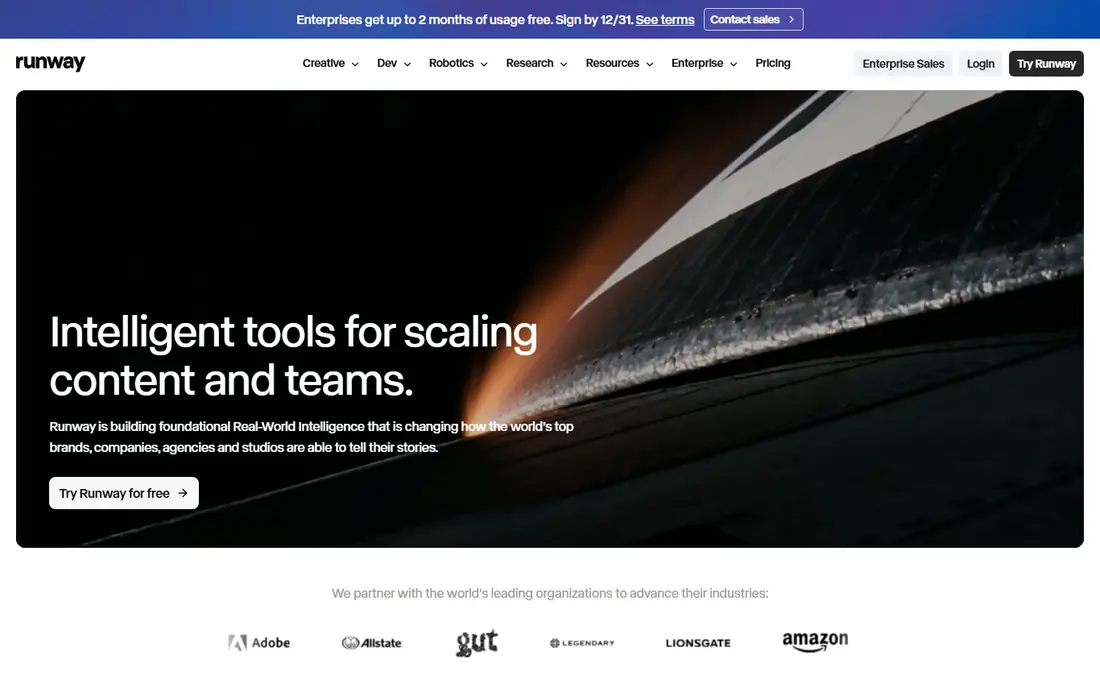
Runway is the best pick for creators who want control over a generated clip, not just a quick result. Its Gen-4.5 model and editing tools let you shape camera movement, edit scenes, and work with footage in a fuller workspace than most rivals. That makes it a good fit for ads, short films, and social content where the look of each shot matters.
The pricing model needs care. Standard costs $15 per month monthly, or $12 per month billed annually, and the free plan offers 125 one-time credits. High-end models use more credits per second, so a short test can use a large share of a monthly allowance. Plan your clips, test at lower settings first, and check commercial use terms on the plan you choose.
- Strong camera and shot control
- Video editing workspace
- Multiple models
- Credit use rises fast on longer clips
- Free credits are one-time only
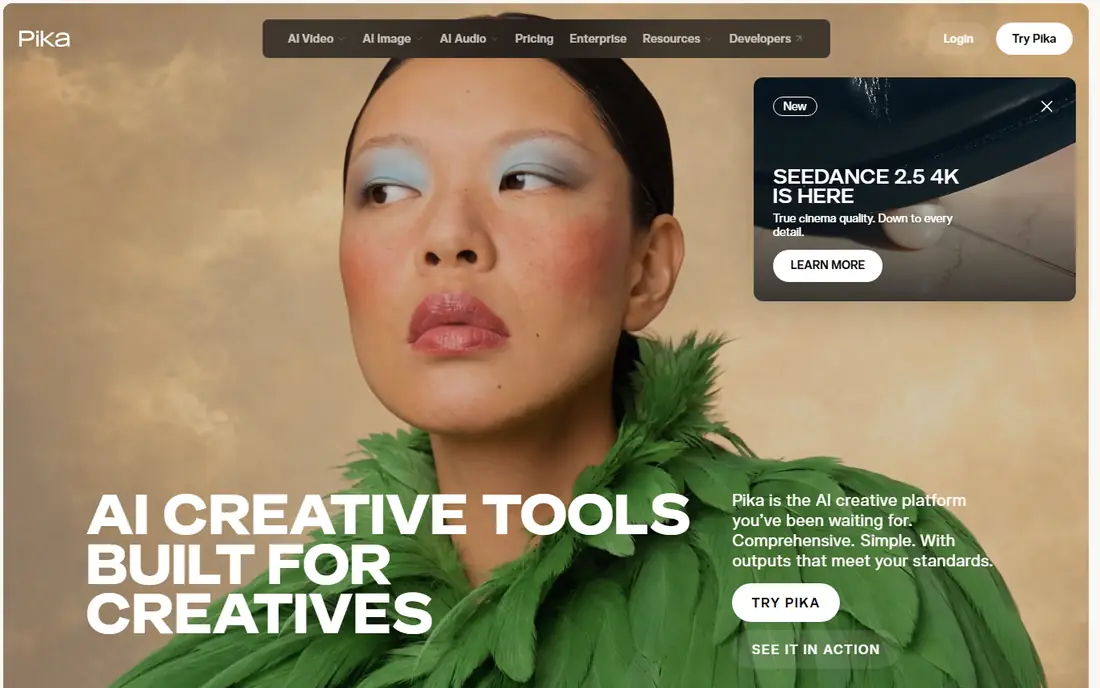
Pika is the cheapest entry point for short, stylised AI video. It turns text or images into short clips, with effects that suit social posts, memes, and quick creative tests. The Starter plan costs $10 per month monthly, or $8 per month billed annually, which makes it easy to try without a large commitment.
Free credits are limited, and commercial use starts on the Creator plan in recent comparisons, so check the current terms before using clips for client work. Pika is best for short clips rather than long scenes, and it suits creators who want fast, playful results over cinematic realism.
- Low entry price
- Fun effects for social clips
- Fast generation
- Free plan credits are limited
- Commercial use needs a higher plan
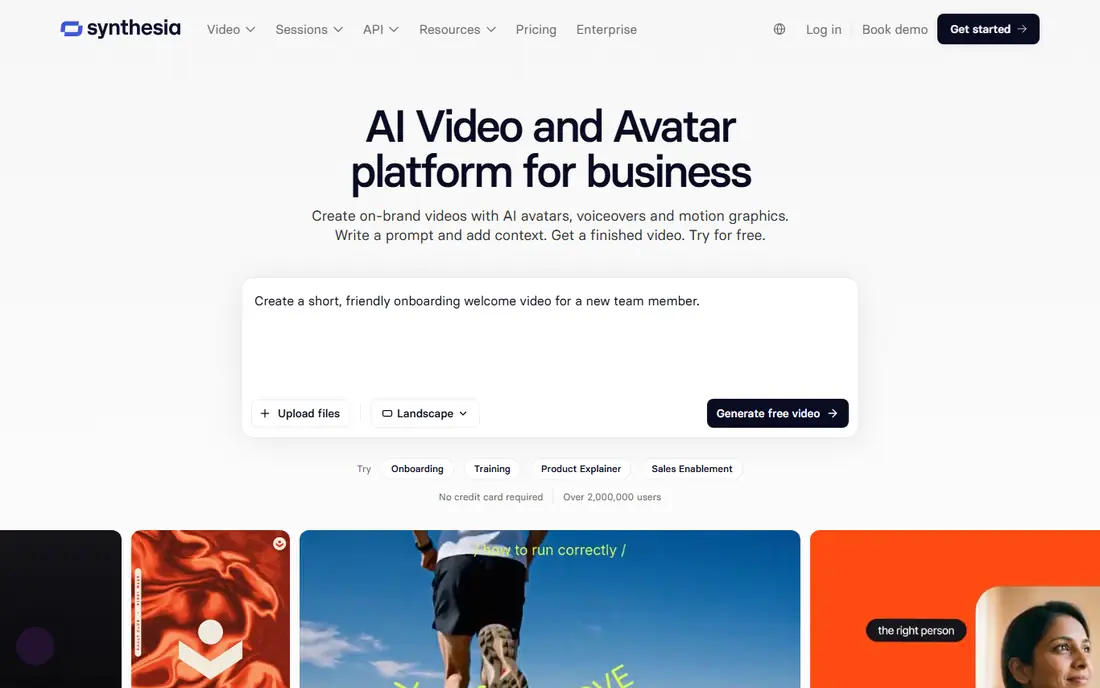
Synthesia turns a script into a presenter video with an AI avatar, which suits training, onboarding, internal updates, and explainers. You can update a video by editing text, rather than re-shooting, and localise it into other languages without booking a presenter. That saves time for teams that publish many similar videos.
The output is a presenter video, not generated footage, so it will not suit ads that need cinematic scenes. Starter costs $29 per month monthly, or $18 per month billed annually in recent listings, and the free Basic plan is watermarked. Check credit use per video minute, since longer training videos use more credits.
- Many avatars and languages
- Team and governance controls
- Training video focus
- Avatar videos look formal, not cinematic
- Monthly price is higher than clip generators
HeyGen is the stronger avatar pick for marketing, sales, and social video, with realistic avatars and video translation across many languages. You can create a presenter clip, translate it, and publish variants for different markets without re-shooting. That makes it useful for product launches, ads, and multilingual campaigns.
The free plan allows only three watermarked videos per month in recent listings, so it is a trial rather than a working plan. Creator costs $29 per month monthly, or $24 per month billed annually, and credit use varies by avatar model. Check the cost per minute for the avatar you plan to use, since higher-quality models use more credits.
- Realistic avatars
- Video translation
- Marketing and sales video templates
- Credit use varies by avatar model
- Free plan allows only a few videos per month
Kling, from Kuaishou, has become a value favourite for realistic text-to-video and image-to-video clips. Its Kling 3.0 model supports clips of up to around 15 seconds with sound, including dialogue and lip sync, which puts it ahead of silent clip generators for many projects. Recent listings put the entry price at around $6.99 for the first month, then $8.80 per month, but offers change often.
That changing price is why we list Kling as See website. Check the current pricing page and the daily free credit allowance before you commit. Kling suits creators who want realistic footage on a budget and who are happy to work within short clip lengths.
- Realistic human motion
- Clips with sound
- Low entry price in recent listings
- Pricing and first-month offers change often
- Clip length is limited
Luma is now a broader creative platform built around its Ray video model, plus third-party models such as Veo and Kling on the same plan. Its Ray 3.2 model supports clips of 5 or 10 seconds at up to 1080p, with HDR and EXR export options for grading work. Video-to-video tools can restyle footage you already shot, which suits post-production work.
There is no free plan published on the current pricing page, and Plus costs $30 per month monthly, or $25 per month billed annually. That makes Luma a better fit for experimenters and professionals who want several models in one place, rather than beginners who want a free trial. The older Dream Machine name now redirects to the Luma app.
- Ray model plus third-party models on one plan
- HDR and EXR export options
- Video restyling
- No free plan published
- Higher entry price than Pika or Kling
InVideo AI turns a prompt into a finished video draft, with script, scenes, voiceover, and stock media assembled for you. That suits marketers and small businesses that need a social ad, product video, or explainer quickly, without editing each clip by hand. Templates and a media library help when you have no footage of your own.
The draft is a starting point, not a finished ad. Expect to edit pacing, voiceover, and visuals before publishing, especially for brand work. Paid plans start at around $20 per month billed annually in recent listings, with a free plan for testing. Check the current plan limits for AI generation minutes before you buy.
- Prompt to full video draft
- Templates and stock media
- Voiceover options
- Output needs editing for a polished result
- AI clips are limited on lower plans
Pictory is a repurposing tool, not a cinematic generator. It turns a blog post, script, or long video into a short video with scenes, captions, and voiceover, which suits content teams that need to turn written work into social clips. That focus makes it different from Runway and Kling, which create new footage from a prompt.
There is no ongoing free plan, only a trial, and paid plans start at around $19 per month in recent listings, so we list Pictory as See website. If you need new footage rather than repurposed text, pick a generator instead. If you need to turn existing content into video at scale, Pictory is a strong pick.
- Turns blog posts and scripts into video
- Captions and voiceover
- Repurposing focus
- No ongoing free plan, trial only
- Less suited to generated cinematic footage
Google Veo, in its Veo 3.1 version, is one of the most realistic text-to-video models available, with native audio including dialogue and sound effects in the same generation. That combination suits ads, product shots, and short scenes where sound matters as much as visuals. Access comes through Google AI Pro, which costs $19.99 per month in recent listings, with limited free access.
Clip length per generation is short, around 8 seconds, so longer scenes need several generations and editing. Availability and plan terms also vary by region, so check the current Google AI page before you plan a project around Veo. For realism with sound, it is currently hard to beat.
- Realistic footage with synced audio
- Strong prompt understanding
- Google ecosystem access
- Access depends on Google AI plan and region
- Clip length is short per generation
How we picked these
We compared official pricing pages and recent October 2026 comparisons for AI video tools that are live, that generate video from text, images, or scripts, and that suit the other keywords in this row, including AI apps and AI tools to make videos. We excluded Sora as a live consumer product, since its consumer web and app experience closed on 26 April 2026 in recent reports. Where prices conflicted, we wrote See website.
Choosing an AI video app
Start with the job, not the model name. For a presenter video, pick HeyGen or Synthesia. For a cinematic clip, pick Runway, Veo, or Kling. For a marketing draft from a prompt, pick InVideo AI. For repurposing text, pick Pictory. Mixing those jobs leads to the wrong subscription.
Understand credits before you pay
Most tools bill by credits, and the cost per second varies by model, resolution, and length. A plan that looks cheap can run out fast on longer clips or higher resolutions. Test with a short clip, check how many credits it used, and work out how many finished clips your monthly allowance actually covers.
Check rights, watermarks, and consent
Free plans often watermark exports or limit commercial use, so check the terms for the plan you will actually use. Never create a video of a real person without their permission, and never use AI video to mislead viewers about a real event. For client work, keep a record of the plan terms and the model used.
Plan for editing, not just generation
Generated clips rarely publish as-is. Budget time for editing, captions, sound, and colour, and pick a tool that exports in a format your editor accepts. Runway and InVideo AI help here by including editing tools, while pure generators need a separate editor for a polished result.
Frequently asked questions
What is the best app to make AI videos?
The best app to make AI videos depends on the job. Runway is best for cinematic clips, HeyGen and Synthesia are best for avatar presenters, and InVideo AI is best for a quick marketing draft from a prompt. Pick by output type, not by headline features.
What is the best AI app to make videos for free?
Pika and Runway offer the best free starting points for AI video, with limited free credits for testing. HeyGen and Synthesia also offer free plans, though exports are watermarked or limited. Free credits run out fast, so use them to test style before subscribing.
What are the best AI tools to make videos for marketing?
HeyGen, Synthesia, and InVideo AI are the best AI tools to make videos for marketing, since they cover avatar ads, training, and prompt-to-video drafts. Runway and Veo suit cinematic ad footage, while Pictory suits turning blog posts into social clips.
Can AI video tools make long videos?
Most generators make short clips, often 5 to 15 seconds per generation, which you then edit into a longer video. Avatar tools such as HeyGen and Synthesia can make longer presenter videos, since they present a script rather than generating each scene. Plan longer projects as edited sequences, not single generations.
Do I own the commercial rights to AI videos I make?
Commercial rights depend on the tool and the plan. Many tools grant commercial use only on paid plans, and some limit it by model or credit type. Check the current terms on the vendor pricing page before using clips for client or ad work, and keep a record of your plan.
Is Sora still available as an AI video app?
No, Sora's consumer web and app experience closed on 26 April 2026 according to recent reports. Creators looking for a replacement should consider Veo, Runway, Kling, or Pika, depending on whether they need realism, control, value, or short social clips.
Sources
See where you really rank - block by block
ProMapRanker scans Google Maps across a grid of your service area. Simple monthly plans from $19, white-label on every plan.
Start freeKeep reading
 who has the best home internet service
Who Has the Best Home Internet Service in 2026
Who has the best home internet service in 2026? Compare fiber, cable, and 5G providers on speed, price, data caps, and availability at your address today.
Read → visio alternatives
Best Visio Alternatives in 2026
Compare 9 Visio alternatives for flowcharts, org charts, and network diagrams, with free plans, pricing, and the best pick for teams and solo users in 2026.
Read → top 10 logistics software
Top 10 Logistics Software in 2026
We compared the top 10 logistics software tools for transport, warehousing, visibility and shipping, for shippers, carriers and 3PL teams in 2026 today.
Read →