 ProMapRanker
Best App to Learn Maths for Free in 2026

Key takeaways
- Khan Academy and CK-12 offer the broadest free lessons and practice, from early maths through algebra and calculus.
- Photomath, Symbolab and Mathway help when you are stuck on a specific problem, but free step-by-step help is often limited.
- Desmos and GeoGebra are the strongest free tools for seeing graphs, shapes and functions rather than only reading answers.
- Prodigy Math and Math is Fun suit younger learners, while older students get more from structured courses and practice sets.
Quick comparison
| Pick | Great for | Pricing starts at | Free tier | |
|---|---|---|---|---|
 Khan Academy | Structured free courses | Free | Yes | Visit |
 Photomath | Scanning homework problems | Free | Yes | Visit |
 GeoGebra | Geometry and graphing | Free | Yes | Visit |
 Desmos | Graphing calculator | Free | Yes | Visit |
 CK-12 | Free textbooks and practice | Free | Yes | Visit |
 Symbolab | Step-by-step algebra and calculus | Free | Yes | Visit |
 Mathway | Quick answer checking | Free | Yes | Visit |
 Prodigy Math | Game-based practice for children | Free | Yes | Visit |
 Math is Fun | Clear explanations for beginners | Free | Yes | Visit |
The best apps to learn maths for free
Free maths help works best when it teaches the method, not only the answer. We compared apps and sites with a genuine free tier, covering lessons, practice, graphing and problem solving, and we checked current free plans before listing them.
Khan Academy remains the most complete free maths library for most learners. Courses run from counting and early arithmetic through algebra, geometry, trigonometry and calculus, with short videos, worked examples and practice questions. Learners can follow a set path or dip into a single topic, and hints help when a question goes wrong.
The main limit is motivation. Because the work is self-paced, a learner who stops for a week may lose momentum, and there is no free live tutor waiting to explain a hard step. Used as a daily habit, with practice after each video, it gives a stronger base than a solver alone.
- Full courses from early maths to calculus
- Practice with hints
- Progress tracking for learners and teachers
- Self-paced format needs discipline
- Limited live tutor support on the free plan
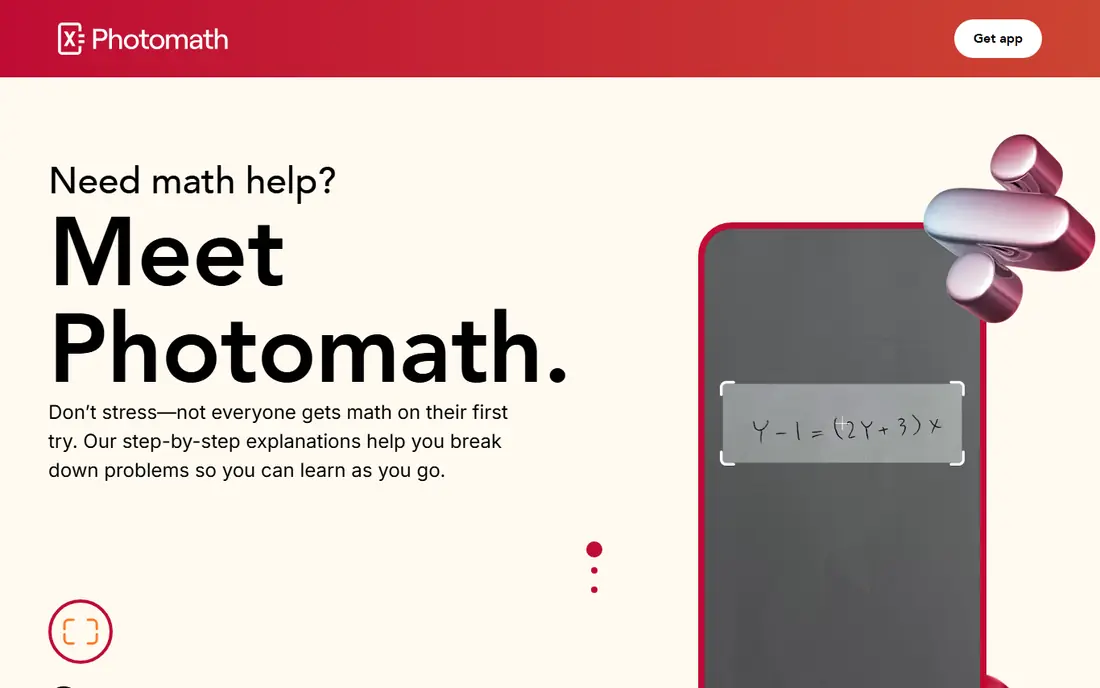
Photomath helps at the exact moment a learner gets stuck. Point a phone camera at a problem, and the app reads it and shows a solution with steps. That speed makes it useful for checking homework and for seeing where a working went wrong, especially in algebra and arithmetic.
The free tier covers basic steps, while deeper explanations and extra methods need a paid Plus plan. Learners get the most value by covering the answer, trying the step themselves, then checking the method. Used as a shortcut alone, it will not build lasting skill.
- Camera scanning for printed and handwritten problems
- Clear basic steps on the free tier
- Wide topic range
- Advanced steps and animated tutorials sit behind Plus
- Easy to copy answers without learning
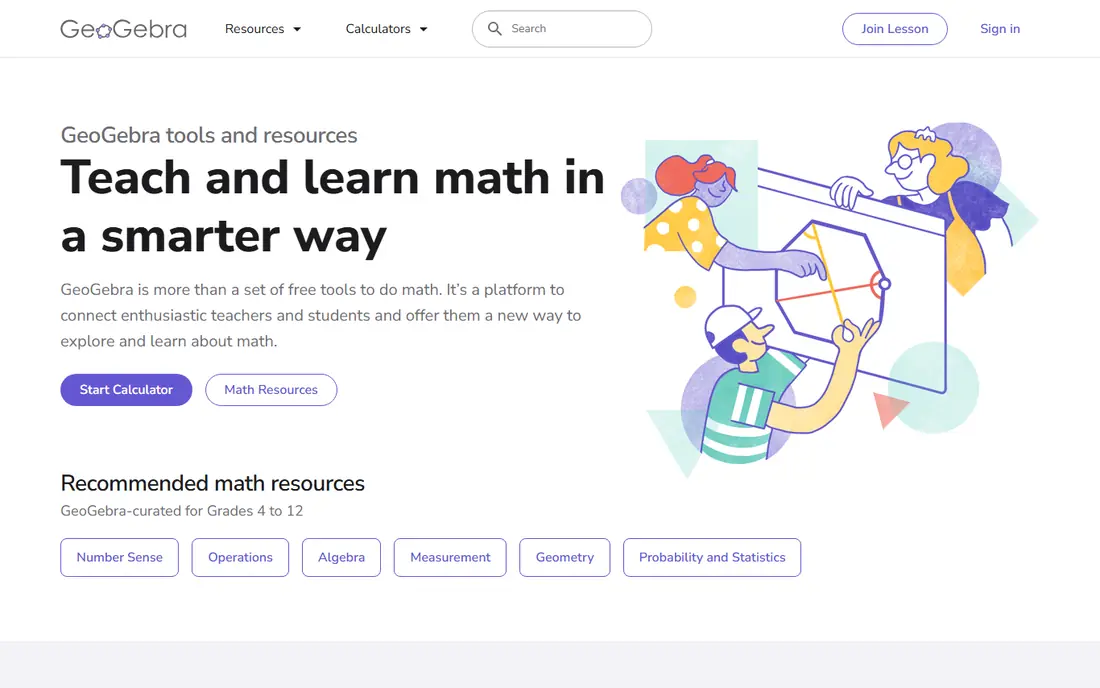
GeoGebra turns abstract maths into something a learner can move and test. Drag a point, change a slider, and watch a graph or shape change at once. That hands-on link between algebra and geometry helps learners grasp why a formula behaves as it does, not only how to apply it.
The tool can feel crowded on a first visit, because it packs many views and tools into one screen. Starting with a ready-made classroom activity, rather than a blank page, makes the first session easier. For geometry, functions and data, it is one of the strongest free options available.
- Combines geometry, algebra and graphing in one free tool
- Classroom materials shared by teachers
- Works on web and mobile
- Interface can feel busy at first
- Needs a device and internet access for full features
Desmos is the graphing calculator many students open first, and its clean design is the reason. Type a function, add a slider, and see the curve move. Tables, points and inequalities work in the same view, which helps learners test ideas quickly during algebra and calculus work.
Desmos does not teach a full course on its own, and it will not walk a learner through a word problem. Its strength is visual checking and exploration alongside lessons from another source. Pair it with Khan Academy or CK-12, and it fills the graphing gap those courses leave open.
- Fast, clean graphing calculator
- Tables and sliders included
- Classroom activities for teachers
- Not a full course
- Limited help for word problems or written working
CK-12 offers free textbooks, practice, simulations and study guides across school maths, from grade-level maths through algebra and beyond. Learners can read a short section, try practice questions and use simulations that show a concept in action. Teachers can also assign content and track progress.
The site looks more like a textbook than a game, so younger learners may find it less exciting than Prodigy Math. For a learner who wants a free, structured text with practice, that plain approach is a strength. It also works well for revision, because topics are easy to find and revisit.
- Free interactive textbooks and practice
- Simulations and study guides
- Flexi tutor for questions
- Design is plainer than game-based apps
- Some content is aimed at US school levels
Symbolab suits learners who want to see the working, not only the final answer. It covers algebra, trigonometry, calculus, matrices and more, and it shows steps that can reveal a missed rule or a sign error. Practice problems let a learner test the same method on a fresh question.
Free use is limited, with some step-by-step views capped each day, and a paid plan removes those limits. That makes Symbolab a good second opinion rather than an unlimited solver. Use the free steps for the problems that block progress, and save routine checking for a free calculator.
- Detailed steps for many problem types
- Calculator for algebra, calculus and matrices
- Practice problems included
- Free use has daily limits on some steps
- Full access needs a paid plan
Mathway is fastest as an answer checker. Enter a problem, and it returns a result across algebra, calculus, statistics and more, with little fuss. That speed helps a learner who has done the working and wants to confirm the result before moving on.
On the free tier, step-by-step explanations are limited, so it teaches less than Photomath or Symbolab for a stuck learner. Treat Mathway as a checker, not a tutor. If the answer differs from your working, use a free lesson or a step-by-step tool to find the error.
- Very fast answers across many topics
- Simple typing or photo input
- Useful for checking a result
- Step-by-step explanations need a paid plan
- Weak as a teaching tool on the free tier
Prodigy Math turns practice into a game world where children answer maths questions to progress, earn rewards and complete quests. Questions adapt to the child, and teachers can assign specific skills and track class progress from a dashboard. Parents can also follow progress through a free account.
The game itself is free to play, while membership adds extra items and features that do not change the core maths questions. That distinction matters for families watching costs: the learning practice remains available without paying. Prodigy suits primary and early secondary learners best, rather than older students studying calculus.
- Free game-based practice aligned to school standards
- Adaptive questions
- Teacher and parent dashboards
- Core maths practice is free, but extra game items need membership
- Aimed at younger learners
Math is Fun explains maths in plain words, with diagrams, examples and short puzzles. It covers early topics through algebra and data, and it is a good place to look up a term or method that a textbook made sound harder than it is. The puzzles give a low-pressure way to practise after reading.
It does not offer the same progress tracking or structured course path as Khan Academy, and its pages are text-heavy. Use it as a reference and a first explanation, then move to practice in a course app. For a learner who wants a clear answer to what a term means, it is hard to beat.
- Plain-language explanations
- Puzzles and games for practice
- Covers topics from counting to algebra
- No account-based progress tracking like a course app
- Design is simple and text-heavy
How we picked these
We compared official sites and app listings for tools with a genuine free tier in October 2026, not only a short trial. We kept tools that teach, practise or visualise maths, and we left out tools that had closed or that required payment for core learning. We also avoided Microsoft Math Solver, which closed in July 2025, and we checked that each listed tool still offers free access to its core features.
How to use free maths apps without wasting time
Start with one course source and one helper, not five apps at once. A course source such as Khan Academy or CK-12 gives order to your learning, while a helper such as Photomath or Desmos solves a specific block. Adding more apps often splits attention and makes progress harder to track.
Build a short daily routine
Set aside 20 to 30 minutes for a lesson and practice, then use a solver only for problems that still resist after a real attempt. Write the working on paper, even when the app shows steps, because the act of writing helps memory. Review mistakes the next day, rather than moving straight to a new topic.
Match the tool to the topic
Use GeoGebra or Desmos for graphs and geometry, a course app for new topics, and a step-by-step tool for algebra and calculus working. For younger learners, Prodigy Math can carry daily practice, while a parent or teacher checks that the questions match school work. A tool that fits the topic will feel easier than a general app used for everything.
Watch for paywalls in free plans
Free tiers differ. Some limit daily steps, some limit advanced lessons, and some keep core practice free while charging for extras. Check the free plan before building a study routine around a feature, and keep a backup tool for the days when a daily limit runs out.
Frequently asked questions
What is the best app to learn maths for free?
Khan Academy is our pick for most learners, because it offers structured free courses from early maths to calculus with practice and hints. Add Desmos for graphing and Photomath for stuck moments, and you cover lessons, visualisation and problem help without paying.
Can I learn maths for free without a tutor?
Yes, with a steady routine and the right mix of tools. A course app gives structure, practice questions test understanding, and a step-by-step tool explains a block. A tutor helps for exam pressure or deep gaps, but many learners make strong progress with free tools alone.
Are free maths apps good for adults?
Yes. Khan Academy, CK-12, Desmos and GeoGebra work for adult learners returning to maths, because they let you start at your level and move at your pace. Adults often benefit from short daily sessions and from writing working on paper, rather than only tapping answers.
Is Photomath free?
Photomath offers a free tier with basic problem solving and steps, while Plus adds deeper explanations and extra methods. The free tier is enough for checking many homework problems, but learners who need full steps every day may hit its limits.
Which free app is best for geometry?
GeoGebra is the strongest free choice for geometry, because it links shapes, algebra and graphs in one interactive tool. Desmos is also useful for graphing, but GeoGebra adds construction, measurement and dynamic shapes that suit geometry lessons.
Sources
See where you really rank - block by block
ProMapRanker scans Google Maps across a grid of your service area. Simple monthly plans from $19, white-label on every plan.
Start freeKeep reading
 zyte alternatives
Best Zyte Alternatives in 2026
These zyte alternatives cover managed scraping APIs, proxy networks and no code tools for lawful collection from your own or consented sources only in 2026.
Read → zerto alternatives
Best Zerto Alternatives in 2026
Compare the best zerto alternatives for disaster recovery and replication, with recovery targets, cloud options and honest trade-offs for teams in 2026.
Read → zerofox alternatives
Best ZeroFox Alternatives in 2026
We compared 9 zerofox alternatives for brand protection, phishing takedowns, dark web monitoring, and social impersonation, with clear coverage notes.
Read →