 ProMapRanker
Best App to Keep Receipts in 2026


Teams and expense reports · Pricing starts at: $5 per user per month
Key takeaways
- Expensify is the best all-round receipt app for teams, with SmartScan capture and approval workflows.
- Dext suits accountants and bookkeepers who need high-volume capture and clean accounting sync.
- Shoeboxed is the best choice if you hate scanning, thanks to its mail-in envelope service for paper receipts.
- Zoho Expense and Wave Receipts offer the best value for small teams and freelancers on a tight budget.
Quick comparison
| Pick | Great for | Pricing starts at | Free tier | |
|---|---|---|---|---|
| Expensify | Teams and expense reports | $5 per user per month | Yes | Visit |
 Dext | Accountants and bookkeepers | See website | No | Visit |
 Shoeboxed | Mail-in paper digitization | $18 per month | No | Visit |
 Zoho Expense | Value for small teams | Free | Yes | Visit |
 Wave Receipts | Free receipts with Wave books | Free | Yes | Visit |
 QuickBooks Online | Receipts inside QuickBooks | See website | No | Visit |
 Smart Receipts | Simple personal receipt tracking | Free | Yes | Visit |
 Everlance | Mileage and receipts together | See website | Yes | Visit |
The best apps to keep receipts
A receipt app should capture a clear image, extract vendor, date, and amount, and keep the record searchable until tax time. We compared capture quality, accounting sync, tax features, and price for individuals, freelancers, and small teams. This is not tax advice. Keep originals or IRS-accepted digital copies as your accountant advises, and check current record rules for your situation.
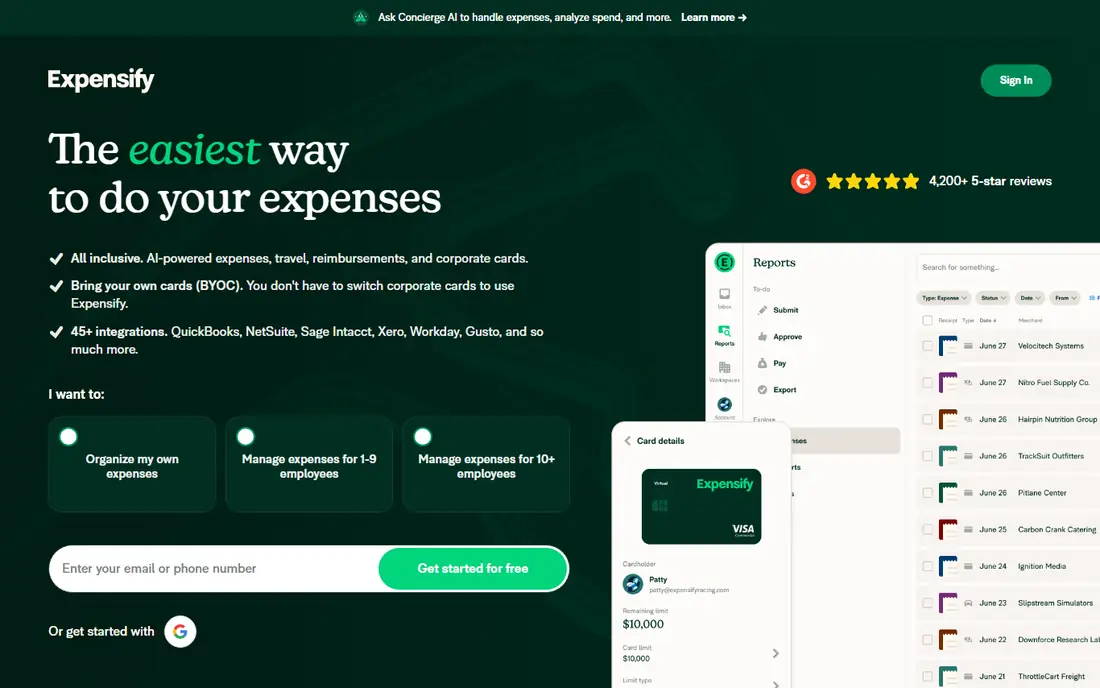
Expensify is our pick for teams because it covers the full expense flow, not just storage. SmartScan turns a receipt photo into a coded expense, corporate card transactions match to receipts, and approvals follow policies you set. That flow saves finance teams the manual chasing that fills many receipt systems.
The Collect plan starts at $5 per unique member per month, with a free tier for light individual use, while Control ranges higher depending on term and card use. If you only need personal storage, a simpler app may be cheaper, but for team expenses Expensify is hard to beat.
- SmartScan receipt capture
- Card matching and approvals
- Syncs with QuickBooks, Xero, and NetSuite
- Pricing tiers and card conditions can confuse
- Interface divides opinion
- Advanced controls need Control plan
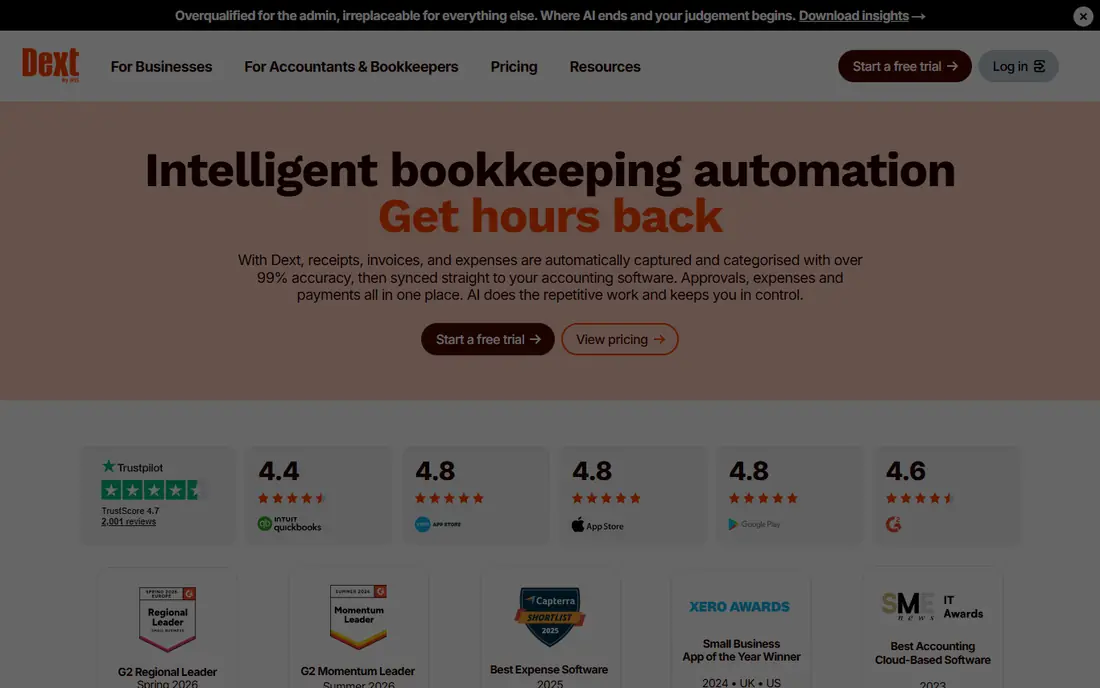
Dext, formerly Receipt Bank, is built for accountants and their clients who process many receipts each month. Capture is fast, extraction is strong, and supplier rules learn how recurring vendors should be coded. Publishing to Xero or QuickBooks keeps books current without retyping data.
Pricing starts around $25 to $31 per month in recent comparisons and scales with volume, so confirm the current plan for your document count. Individuals with a handful of receipts per month will find cheaper options, but bookkeepers handling client volumes will value its accuracy.
- Strong OCR capture
- Supplier rules and auto-categorization
- Clean publishing to Xero and QuickBooks
- Priced for businesses, not casual users
- Plans scale by volume
- Setup takes time
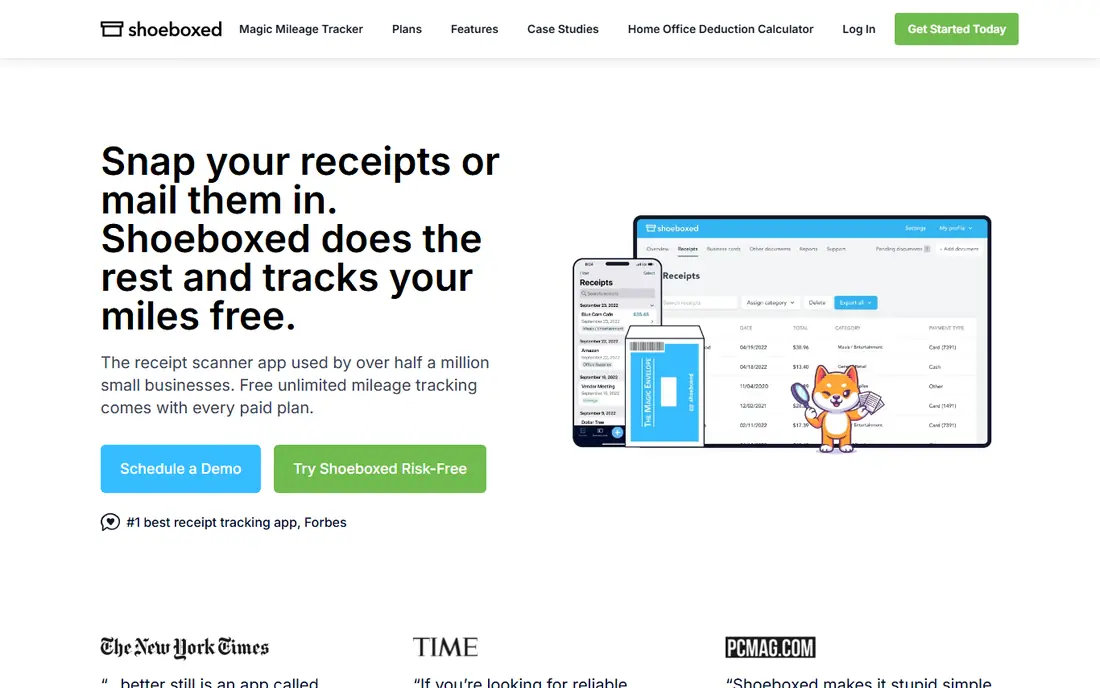
Shoeboxed suits people with a backlog of paper receipts and no wish to scan them one by one. Stuff receipts into a prepaid Magic Envelope, mail it in, and Shoeboxed scans, digitizes, and categorizes them for you. Human-verified entry gives cleaner records for tax preparation than OCR alone.
Plans start around $18 per month in recent comparisons, with higher tiers for larger volumes. If you already scan receipts by phone, that price may feel high, but for paper-heavy freelancers and small businesses, the time saved is the point.
- Magic Envelope mail-in scanning
- Human-verified data entry
- Mileage tracking and Gmail import
- Higher price for low volumes
- Reporting is basic
- Mail-in adds turnaround time
Zoho Expense is the best value pick for small teams that need more than storage. The free tier covers a small team, with scanning, expense reports, and approvals, while paid plans start around $4 to $5 per user per month in recent comparisons. That balance suits startups and freelancers growing into team expenses.
It integrates with Zoho Books and other accounting tools, and its mobile capture is straightforward. Larger teams with complex policies may need Expensify or Dext, but for value, Zoho Expense is a strong first test.
- Free tier for small teams
- Receipt scanning and expense reports
- Good accounting integrations
- Paid plans start per user
- Advanced controls need higher tiers
- Interface takes learning
Wave Receipts is the best free option for freelancers already using Wave Accounting. Scan a receipt in the Wave app, and it flows into your books without a separate subscription, which keeps tax-time records in one place. For solopreneurs on a budget, that free link is hard to beat.
Its expense controls are lighter than Expensify or Zoho Expense, and Wave Pro adds paid features around $19 per month in recent summaries. If you do not use Wave, choose a standalone app instead of switching books for receipts alone.
- Free receipt capture
- Syncs to free Wave Accounting
- Simple for freelancers
- Tied to Wave ecosystem
- Fewer advanced expense controls
- Pro features cost extra
QuickBooks Online suits businesses that already run their books in QuickBooks. Receipt capture is built into the mobile app, so you can snap a receipt, match it to a transaction, and reconcile it without exporting data to another tool. Accountants can review the same books directly.
Pricing is for QuickBooks itself, starting around $38 per month for some plans in recent comparisons, so confirm the current tier. Do not buy QuickBooks for receipts alone, but if you already pay for it, use its capture tools before adding another app.
- Receipt capture inside your books
- Snap, match, and reconcile
- Strong accountant sharing
- Requires a QuickBooks subscription
- Receipt tools alone do not justify the price
- Plans vary
Smart Receipts is a simple, open source option for personal receipt tracking. You can photograph receipts, add prices and categories, and generate PDF or CSV reports for taxes or reimbursement. That simplicity suits individuals who want a searchable record without a subscription or a team workflow.
It lacks the accounting sync and smart extraction of paid rivals, so you will enter more data by hand. For personal tax records and small reimbursement claims, its free, no-frills approach is enough.
- Free and open source
- Simple expense reports
- PDF and CSV exports
- No accounting sync like Dext
- OCR is lighter
- Interface is plain
Everlance suits drivers, field workers, and freelancers who track both mileage and receipts for taxes. Automatic trip detection logs business miles, while receipt capture keeps expense proof in the same report. That pairing saves time at tax season for people who drive for work.
Receipt capture alone is lighter than Dext or Expensify, so office-based users may prefer a dedicated receipt app. For anyone whose tax deductions mix miles and receipts, Everlance brings both into one clean report.
- Automatic mileage tracking
- Receipt capture in same app
- Tax-ready reports
- Mileage focus may outweigh receipt depth
- Paid tiers vary
- Best for drivers and field workers
How we picked these
We compared official pricing pages, app listings, and 2026 receipt app comparisons for tools that are live and built to capture, store, and organize receipts. We kept personal, freelance, and small-team options, not generic scanners, and we favored apps with searchable records and accounting or export options. Where prices varied by plan or volume, we used See website rather than publishing a disputed figure.
Choosing the best app for keeping receipts
Start with who uses the receipts. Personal users should test Smart Receipts, Wave Receipts, or Zoho Expense free tiers first. Freelancers with paper backlogs should test Shoeboxed. Teams should test Expensify or Zoho Expense on a real month of expenses.
Next, check the tax workflow. Can you search by vendor and date, export a year of records, and share them with an accountant? Does the app keep images clear enough for audit, and does it support your accounting tool? A pretty capture screen matters less than a clean export at tax time.
Finally, build a weekly habit. Photograph receipts the day you get them, review the extracted amount before you file, and back up exports outside the app each quarter. The best app is the one whose capture step you actually complete, not the one with the longest feature list.
Frequently asked questions
What is the best app to keep receipts?
Expensify is the best all-round app to keep receipts for teams, while Shoeboxed is best for paper backlogs and Zoho Expense is best for value. For personal use, Smart Receipts and Wave Receipts offer strong free starting points.
What is the best receipt app for taxes?
Dext and Shoeboxed lead for tax preparation, with Dext for bookkeeper-grade capture and Shoeboxed for human-verified paper digitization. Expensify and Everlance also produce tax-ready reports, but check with your accountant on record rules for your situation.
Is there a best receipt app free?
Yes. Zoho Expense, Wave Receipts, and Smart Receipts all offer free plans or free use for receipt capture. Wave Receipts is free inside Wave Accounting, while Zoho Expense free tier suits small teams and Smart Receipts suits personal tracking.
What is the best app for keeping receipts for a small business?
Expensify, Dext, and Zoho Expense all suit small businesses, with Expensify for team expenses, Dext for accountant-led books, and Zoho Expense for value. Shoeboxed suits small businesses with many paper receipts and little time to scan.
Can I use a receipt app instead of keeping paper receipts?
In many cases, yes, if the digital copy is clear, complete, and stored safely, but rules vary and your accountant can confirm what applies to you. Keep paper originals for important records until you confirm your digital copies meet the requirements that apply to your taxes.
Sources
See where you really rank - block by block
ProMapRanker scans Google Maps across a grid of your service area. Simple monthly plans from $19, white-label on every plan.
Start freeKeep reading
 zscaler alternatives
Best Zscaler Alternatives in 2026
Looking for zscaler alternatives? We compare 9 SASE and zero trust platforms on architecture, data protection, pricing, and fit for your network and team.
Read → zapier alternatives free
Best Zapier Alternatives Free in 2026
Nine automation tools for zapier alternatives free in 2026, all with genuinely free tiers, plus free plan limits, starting prices and upgrade paths explained.
Read → which platform is best for online reputation
Which Platform Is Best for Online Reputation in 2026
Wondering which platform is best for online reputation? We compare 8 review, listing, and response tools for small and multi-location businesses and agencies.
Read →