 ProMapRanker
Best App to Find Local Jobs in 2026

Key takeaways
- Indeed and ZipRecruiter offer the widest local coverage, with distance filters and alerts that keep new nearby postings in view.
- Snagajob and Handshake are stronger when the search is hourly work or an early career role close to home.
- LinkedIn and Glassdoor add useful context about employers, pay ranges, and company reviews before you apply.
- All nine apps here are free for job seekers, so using two or three together usually beats relying on one feed alone.
- A saved search with a tight radius and a daily alert is the simplest way to catch local openings early.
Quick comparison
| Pick | Great for | Pricing starts at | Free tier | |
|---|---|---|---|---|
 Indeed | Widest local job coverage | Free | Yes | Visit |
 ZipRecruiter | Fast local matches and alerts | Free | Yes | Visit |
 Snagajob | Hourly and shift work nearby | Free | Yes | Visit |
 LinkedIn | Professional roles and networking | Free | Yes | Visit |
 Glassdoor | Pay and employer research | Free | Yes | Visit |
 Monster | Traditional local job search | Free | Yes | Visit |
 SimplyHired | Simple local search across boards | Free | Yes | Visit |
 CareerBuilder | Local roles with career tools | Free | Yes | Visit |
 Handshake | Students and recent graduates | Free | Yes | Visit |
The best app to find local jobs
Local work rewards a short search radius and quick replies. These nine apps cover general, hourly, professional, and early career openings, and each one is free for people looking for work.
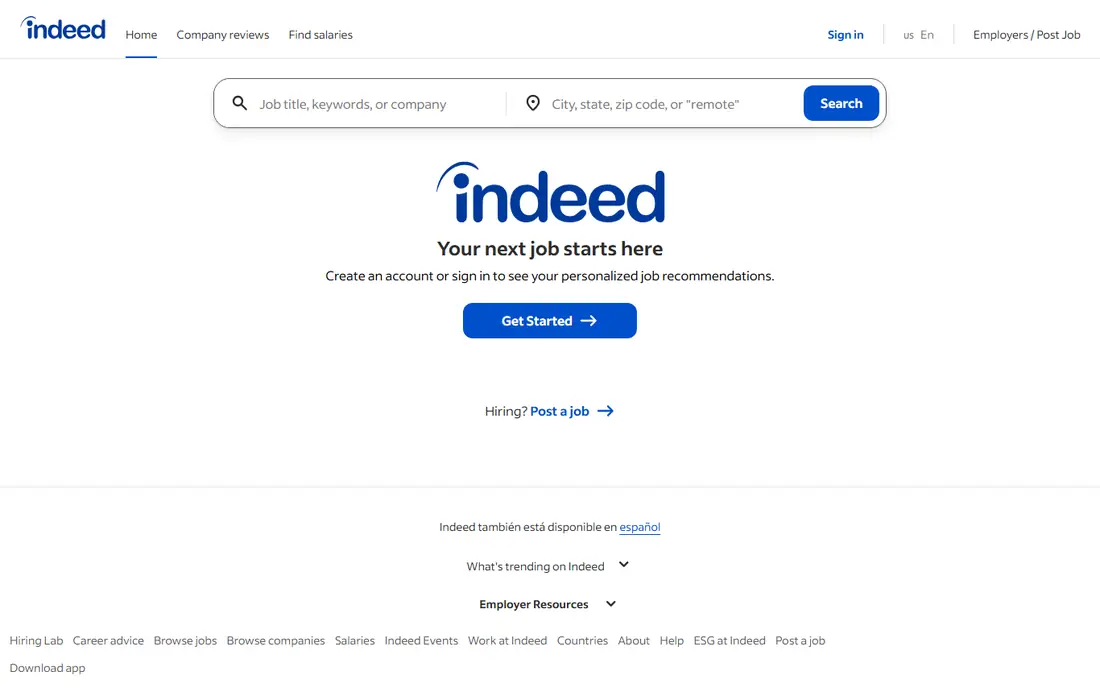
Indeed is our first stop for most local searches because the pool is so broad. A search by city or ZIP code, paired with a distance limit, turns a national board into a neighborhood tool. Filters for job type, salary estimate, and date posted help narrow that pool fast, and alerts can surface new postings each morning.
The trade-off is competition. A well known local opening can attract a large number of applicants quickly, so timing matters. We suggest applying promptly when a role fits, and using the company pages to check pay details and reviews before spending time on a long application. For sheer local volume, though, few rivals match it.
- Very large local listing pool
- Distance and date filters
- Job alerts and saved searches
- Popular postings draw many applicants
- Some listings redirect to employer sites
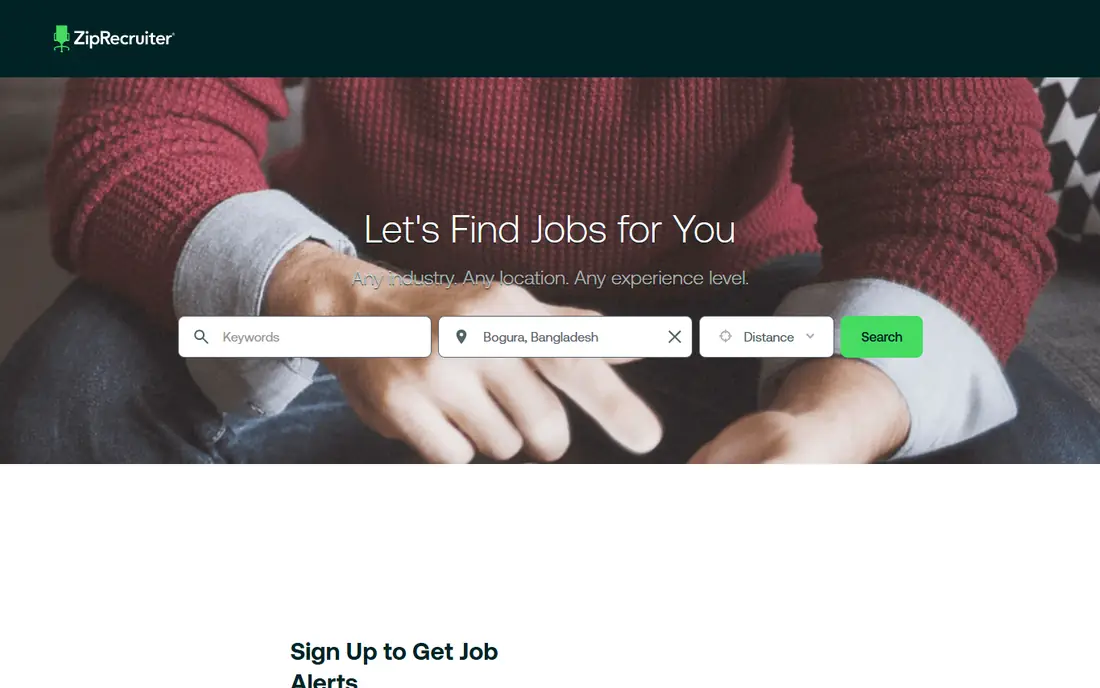
ZipRecruiter leans on matching. After you enter a title, location, and preferred job type, it pushes roles that fit that profile and lets you apply from the app in a few steps. That speed helps when a local employer is hiring for an immediate opening and wants to move quickly.
The catch is that a match is only a starting point. Read the full posting, check the employer, and confirm hours, pay, and location before you accept an interview. Used as a daily alert tool alongside a broader board, ZipRecruiter is a practical second feed for local work.
- One tap apply on many listings
- Match alerts
- Clear commute and location filters
- Match quality varies by role
- Some listings are also posted elsewhere
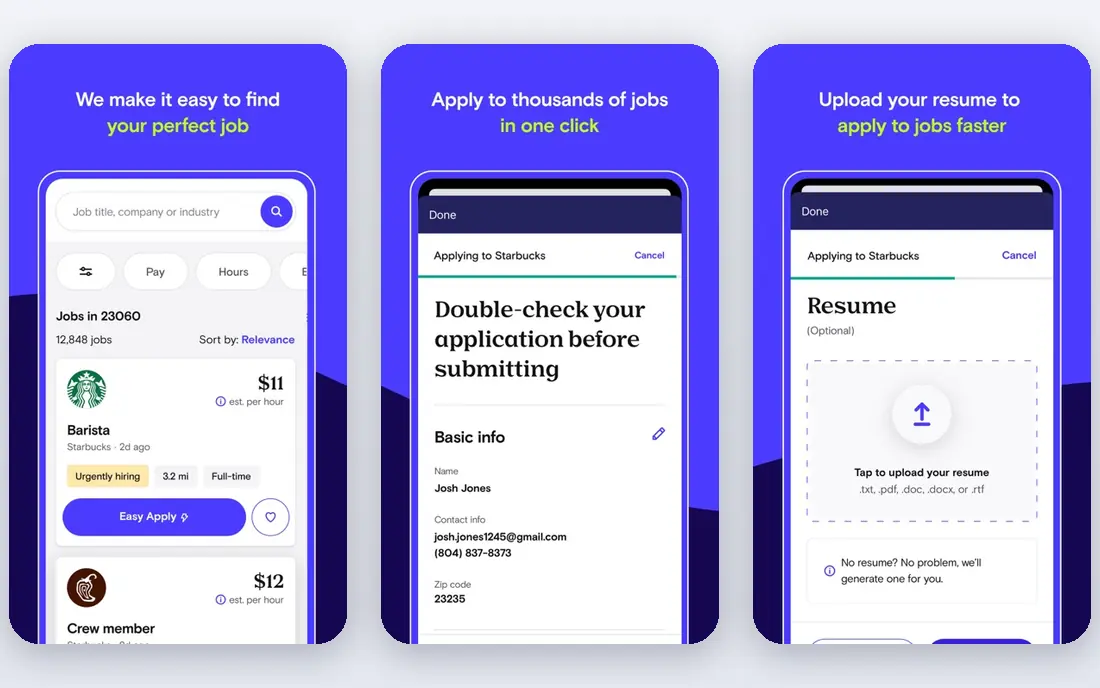
Snagajob focuses on the hourly market that general boards sometimes bury. Restaurants, retail stores, warehouses, and customer service employers post here often, and the filters suit people who need a specific shift pattern or a part time schedule. That focus makes it easy to scan for work that fits around school, caregiving, or another job.
It is not the best place for salaried office roles, and smaller towns may have fewer listings than larger cities. For hourly local work, however, it deserves a place on the home screen, especially when you want to see which nearby employers are hiring right now.
- Strong hourly and part time focus
- Shift and schedule filters
- Local employer coverage
- Less useful for salaried professional roles
- Coverage varies by town
LinkedIn works best when the local search is for professional, office, health care, or management work. Location filters pair with industry and seniority filters, and many employers let you apply without leaving the app. A profile also lets local recruiters find you, which can matter for roles that are filled before they are widely advertised.
The weakness is hourly work, where LinkedIn coverage is thinner. It also rewards a finished profile, with a clear headline, work history, and location. If you put in that setup time, it becomes a useful local channel, not just a national network.
- Professional local roles
- Company and recruiter visibility
- Easy Apply on many postings
- Less hourly coverage
- A complete profile takes time to build
Glassdoor is worth using even when you find a job elsewhere, because it adds context before you apply. Salary estimates, employee reviews, and interview notes can flag a low paying employer or a workplace with repeated complaints. The job listings themselves are searchable by city, job type, and salary range.
Treat the numbers as a guide, not a promise. An estimate is built from reported data and can differ from the offer for a specific role. Still, when two local jobs look similar on paper, Glassdoor often makes the better choice clear.
- Salary estimates and reviews
- Local job listings
- Interview insights
- Salary figures are estimates, not offers
- Review quality varies
Monster has been a job board for decades, and its local search still does the basics well. You can upload a resume, set alerts by city and title, and browse by industry or job type. Employers across health care, manufacturing, office support, and skilled trades continue to post here.
The app feels less modern than Indeed or ZipRecruiter, and stale listings can appear in results. Sorting by date posted and checking the posting date before applying helps. For a traditional, no fuss local search, it remains a solid option.
- Long running job board
- Resume upload and alerts
- Local search tools
- Interface feels dated next to newer apps
- Some older listings linger
SimplyHired aggregates listings, so a local search can surface roles from several boards in one place. That is helpful when you want a quick scan without opening five apps. Salary estimates and job type filters keep the results readable, and the layout stays simple.
The limit is that many listings link out to the original posting site, so the application itself may happen elsewhere. That extra step is a fair trade for breadth, but it means SimplyHired works best as a discovery tool rather than a single place to manage every application.
- Clean local search
- Salary estimates
- Pulls listings from many sources
- Applying may redirect to another site
- Fewer original employer tools
CareerBuilder pairs job listings with resume help and career resources, which suits job seekers who are also updating their application materials. Local filters cover city, distance, job type, and industry, and the app keeps saved jobs and applications in one place.
Its listing pool is smaller than Indeed, so it should not be your only source. As a second or third app, especially when you want resume guidance alongside local openings, it adds value without adding cost.
- Resume builder and career advice
- Local filters
- Employer postings across sectors
- Smaller pool than the largest boards
- Alerts need tuning to avoid noise
Handshake is built for students and recent graduates, and that focus shapes its local listings. Employers post internships, part time campus area roles, and entry level jobs aimed at people starting out. School partnerships can also surface openings that do not appear on general boards.
If you are mid career, Handshake will feel narrow. For a student looking for a first job near campus or home, or a recent graduate seeking a local entry role, it is one of the most relevant apps in this list.
- Employers seeking students and graduates
- Local internships and entry roles
- School partnerships
- Best for students and recent graduates
- Less useful for mid career searches
How we picked these
We compared official feature pages, app store listings, and public help pages for local search tools, distance filters, alerts, and application options. We kept only apps that are free for job seekers, live in the United States, and genuinely support a city or ZIP code search. We favored a mix of general boards, hourly specialists, and early career platforms so different local searches are covered.
What to check before you apply locally
A local listing is only useful if the commute, hours, and pay fit your life. Confirm those three facts in the posting or at the first employer contact, and be wary of any listing that asks for payment, bank details, or sensitive personal data before an interview. A real employer will not ask you to pay to apply.
Set a tight radius first
Start with 10 to 15 miles if you rely on public transport or a short drive, then widen the radius only if results are thin. A tight radius keeps alerts useful and stops a local search from turning into a regional one. Save that search so new postings arrive without a fresh search each day.
Apply fast, then follow up
Local employers often review early applicants first, especially for hourly roles. Apply when a role fits, keep a short note of where you applied and when, and follow up once if you hear nothing after a week. A brief, polite message to the hiring contact can keep your application visible without becoming a nuisance.
Use reviews as a second check
Pay estimates and reviews do not replace the interview, but they can reveal patterns. Repeated complaints about scheduling, pay, or management deserve attention, while a single negative review may reflect one bad experience. Ask about hours, overtime, and scheduling in the interview to confirm what matters most to you.
Frequently asked questions
Is there a free app to find local jobs?
Yes. Indeed, ZipRecruiter, Snagajob, LinkedIn, Glassdoor, Monster, SimplyHired, CareerBuilder, and Handshake are all free for job seekers. Employers may pay to post or promote listings, but searching and applying as a job seeker does not require a paid plan on these apps.
Which app is best for hourly jobs near me?
Snagajob is the strongest hourly specialist here, with shift and schedule filters suited to retail, restaurant, and warehouse work. Indeed also has a large hourly pool, so checking both gives a fuller picture of nearby openings.
How do I search only for jobs in my city?
Enter your city or ZIP code, set a distance limit such as 10 or 15 miles, and save the search with alerts turned on. Sorting by date posted helps you see the newest local openings first and avoid older listings.
Should I use more than one job app?
Yes, in most cases. Different employers post on different boards, so one app can miss local openings. Two or three apps, with saved searches and alerts, usually cover a local market better than a single feed.
Do job apps show salary for local jobs?
Many do, but the figures are often estimates. Glassdoor and Indeed show salary ranges on many postings, while other listings leave pay until the interview. Use estimates to compare roles, then confirm exact pay with the employer.
How can I avoid job scams on local apps?
Apply through the app or the employer's official site, never pay to apply, and be cautious about listings that promise very high pay for vague work. Check the employer name, address, and reviews, and report suspicious postings inside the app.
Sources
See where you really rank - block by block
ProMapRanker scans Google Maps across a grid of your service area. Simple monthly plans from $19, white-label on every plan.
Start freeKeep reading
 worlds best local seo company
8 Worlds Best Local SEO Companies for Map Pack Growth in 2026
Compare the worlds best local seo company options for Google Business Profile work, citations, reviews, and multi-location rankings and reporting in 2026.
Read → world's best web hosting company
World's Best Web Hosting Company in 2026
Searching for the world's best web hosting company? We compared 10 hosts on price, renewal rates, speed, and support to help you choose well today in 2026.
Read → who's got the best nanny tax services
Who's Got the Best Nanny Tax Services in 2026
We answer who's got the best nanny tax services, comparing full filing, back taxes, software, and pricing so families can handle nanny taxes correctly.
Read →