 ProMapRanker
Best App to Detect Hidden Cameras and Microphones in 2026

Key takeaways
- No app can guarantee detection of every hidden device, so use these tools together with a careful visual check of the room.
- Network scanners such as Fing only find devices on the same Wi-Fi network, while magnetic and lens checks look for physical clues in the room.
- Offline, wired, and mobile-data cameras will not show up on a Wi-Fi scan, which is the biggest gap in every app here.
- Free apps cover the basics, but full device details, infrared filters, and unlimited scans often sit behind a paid upgrade.
Quick comparison
| Pick | Great for | Pricing starts at | Free tier | |
|---|---|---|---|---|
 Fing | Checking Wi-Fi for unknown devices | Free | Yes | Visit |
 NSpy | Combined Wi-Fi, infrared, and magnetic checks | Free | Yes | Visit |
 Hidden Devices Detector | Quick magnetic and infrared scans | Free | Yes | Visit |
 Detectify | Simple privacy checks on Android | Free | Yes | Visit |
 Glint Finder | Lens reflection checks in a dark room | Free | Yes | Visit |
 Faraday | Guided room scans on iPhone | Free | Yes | Visit |
 Peek Hidden Camera Detector | Quick all-in-one scanning | Free | Yes | Visit |
 FindSpy | Finding cameras and listening devices | Free | Yes | Visit |
 SpyRadar | Magnetic, infrared, and network checks | Free | Yes | Visit |
The best apps to detect hidden cameras and microphones
These apps are legitimate privacy tools, not spy tools. They help you check a hotel room, rental, office, or changing area, and they work best when combined with a manual inspection. If you find a suspicious device, do not touch it if you can avoid it, and report it to the property host, manager, or local police.
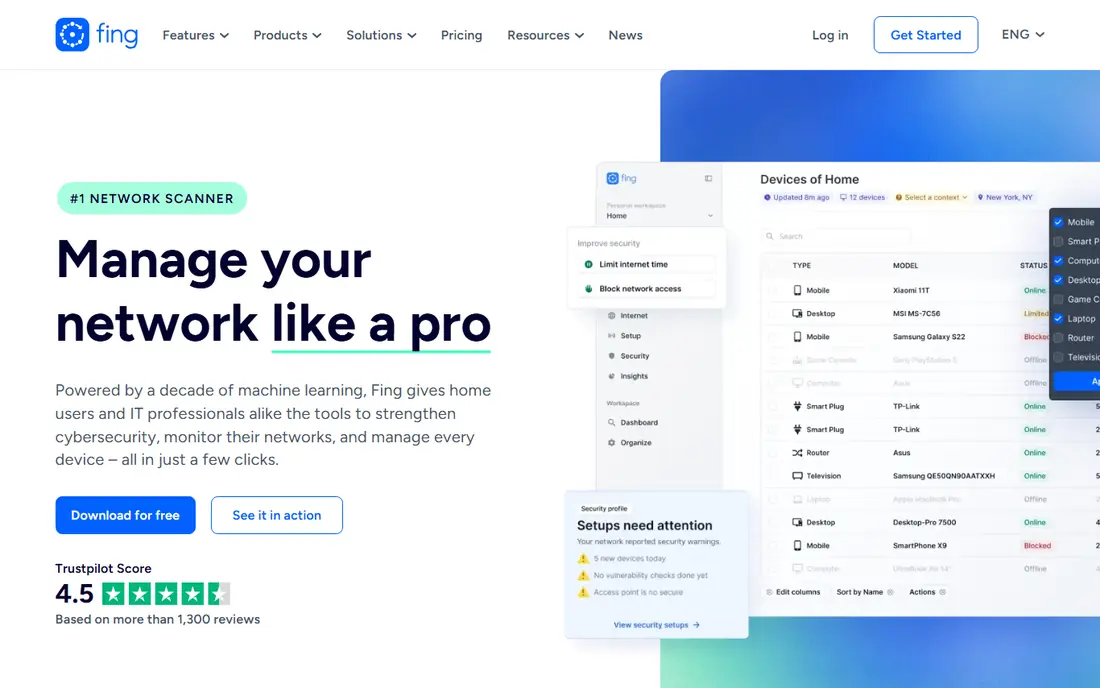
Fing is the most useful starting point for a rental or hotel room, because it lists every device on the Wi-Fi network you are connected to. If a wireless camera is streaming or connected to that network, it should appear in the list with brand, model, and IP details, which helps you spot an unknown camera among known phones, TVs, and routers. The free app also includes speed tests, ping, and device alerts, so it is useful beyond privacy checks.
The limit is scope. Fing cannot see a camera that records to a memory card, uses its own mobile data, sits on a separate network, or is wired into a building system. Rename your own devices first, so unknown entries stand out, and treat any device you cannot explain as a reason to look closer, not as proof of a camera. Fing is a network tool, not a full-room scanner, and it works best paired with a lens or magnetic check.
- Free network discovery
- Detailed device brand, model, and IP information
- Speed test and device alerts included
- Only sees devices on the network you join
- Cannot find offline or wired cameras
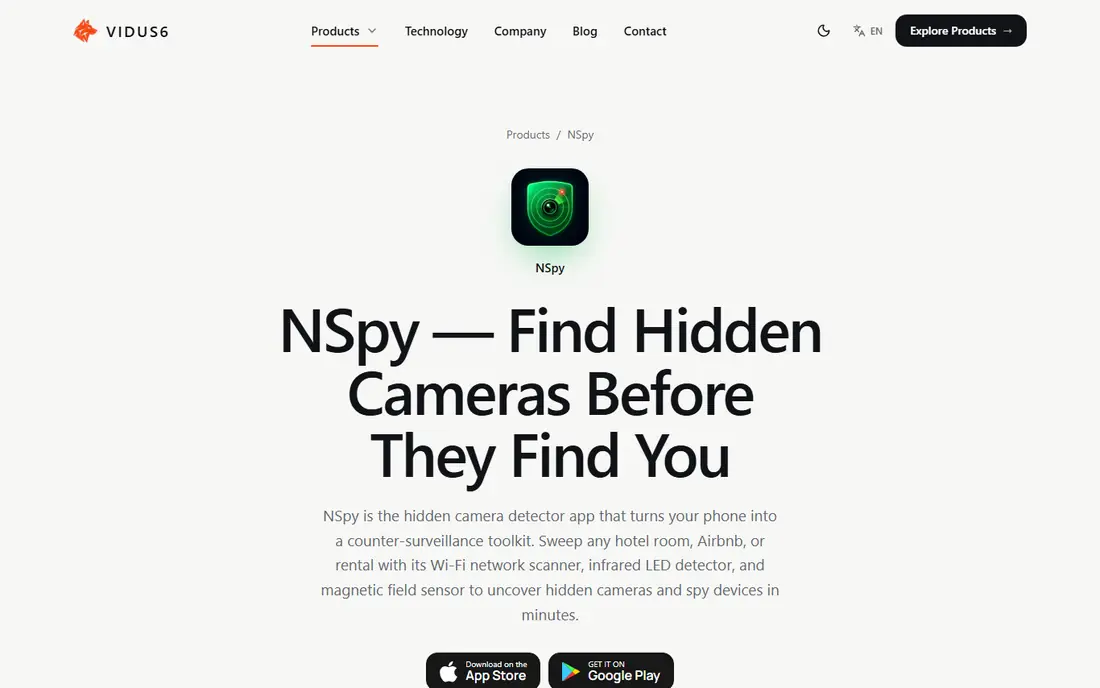
NSpy packs three methods into one app, which is why we rank it high for travelers. The Wi-Fi scan flags camera-like and microphone-like devices on your network, the infrared viewer helps spot night-vision and pinhole camera lenses in a dim room, and the magnetic scan uses your phone sensor to check clocks, outlets, vents, and chargers for hidden electronics. A built-in guide explains where to look, which helps first-time users scan in a sensible order.
NSpy is honest about its limits, stating plainly that it cannot promise to find every hidden camera. The free version covers the core scans, while Pro adds full scan results, device details, infrared color filters, and magnetic detection features. Use all three methods together, and finish with a visual check of mirrors, smoke detectors, and wall fixtures. A clean scan is reassuring, but it is not a guarantee.
- Wi-Fi, infrared, and magnetic scans in one app
- Per-device details for network finds
- Step-by-step guide included
- Paid Pro adds full scan results and filters
- Network scan misses cameras off your Wi-Fi
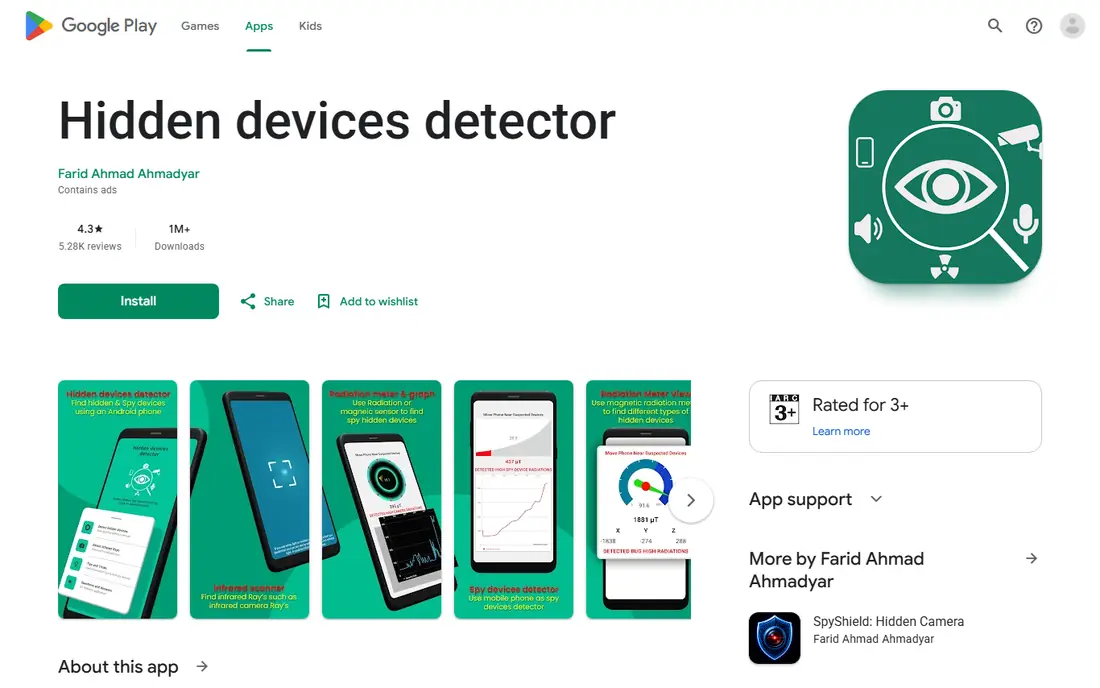
Detectify focuses on doing a few checks well, rather than packing in extra features. It uses the phone magnetometer to look for electromagnetic components, sweeps Wi-Fi and Bluetooth for nearby devices, and offers an infrared camera view for spotting lens glints with a flashlight in a dim room. That mix covers the three most common ways a hidden device reveals itself, and the clean interface keeps the process calm rather than alarming.
False alarms are the main drawback, and the developer community notes them openly. Speakers, fridges, cars, and other metal or magnetic objects can trigger readings, and budget phones with weaker sensors give less reliable results than flagship models. Rename known devices before a Wi-Fi sweep, scan slowly, and recheck any hotspot from a second angle. Detectify is a good first check for travelers, but it does not replace a visual inspection.
- Magnetic, Wi-Fi, and Bluetooth sweeps
- No account needed for basic use
- Clear interface
- False alarms near speakers, fridges, and cars
- Results vary by phone sensor quality
Glint Finder does one job, and it does it with a narrow focus. It uses your phone flash and camera to highlight reflections from camera lenses, which stand out as bright points when you sweep a dark room slowly. That makes it useful as a second check after a network or magnetic scan, when you already have a suspicious area and want to confirm whether a lens is present.
The method has clear limits. A lens hidden behind dark glass, fabric, or a tiny hole may not reflect enough light to show up, and mirrors, screws, glasses, and polished surfaces produce similar glints. Work in a dark room, move slowly, and check each bright spot by hand and by eye. Glint Finder is best used for verification, not as a single all-clear verdict for a whole room.
- Focused lens glint detection
- Works without internet
- Light and quick to use
- Only finds lenses that reflect light
- Mirrors and shiny objects cause false positives
Faraday is an iPhone tool built around a guided room sweep, which helps users who do not know where to start. It runs a network scan to flag camera-like devices on your Wi-Fi, then moves to a lens detector and a bug detector for the room itself, with presets for hotels and rentals that run the main checks in one pass. A room-sweep guide explains where cameras are usually hidden, which keeps the process orderly rather than random.
Faraday states that every scan runs on the phone, with no account and no scan results uploaded, which is a welcome privacy stance for a privacy tool. The main limits are platform and scope: it is iPhone only, and like every tool here, it cannot guarantee detection of offline or well-hidden devices. For iPhone owners who want a structured scan rather than a set of separate tools, the guided approach is a real plus.
- Network, lens, and bug checks in one app
- Scans stay on the phone
- Room-sweep guide included
- IPhone only
- Paid features may limit some advanced checks
FindSpy is a free app that looks for hidden cameras, listening devices, and other covert equipment using Wi-Fi scanning, Bluetooth detection, and sensor monitoring. It is designed for quick checks in hotel rooms, rentals, and offices, and its simple layout makes it easy to run a scan without technical knowledge. The app flags unusual signals and devices that may be recording without your knowledge.
The usual limits apply. FindSpy cannot find a camera that records offline to a memory card, uses mobile data, or sits on another network, and its free features are basic compared with paid detector tools. Bluetooth scans also pick up legitimate nearby devices, such as headphones and speakers, so expect some noise. Treat FindSpy as a screening tool, and follow up any unknown device with a visual check and, if needed, a report to the host or police.
- Wi-Fi, Bluetooth, and sensor checks
- Free to start
- Easy to use in hotels and rentals
- Free features are basic
- Cannot detect offline recording devices
SpyRadar, listed as Spy Hidden Camera Finder in some stores, combines magnetic field detection, an infrared glint finder, and a network security scan that highlights device brands often used in spy cameras. It also includes a Bluetooth scanner for nearby low-energy signals, and a privacy safety guide with tips for hotels, bathrooms, and changing rooms. That guide is useful, since knowing common hiding spots matters as much as the scan itself.
No app in this category replaces professional equipment, and SpyRadar states that plainly in its own description. Paid upgrades may limit full results, and Bluetooth scans will list legitimate trackers, headphones, and smart devices alongside anything suspicious. Use SpyRadar to narrow down a room, then inspect, photograph if safe, and report anything you cannot explain. A scan that finds nothing is not proof that a room is clear.
- Magnetic field detection
- Infrared glint finder
- Network scan with suspicious-brand flags
- Some features sit behind paid adds
- Bluetooth results include many legitimate devices
How we picked these
We compared app store listings, developer descriptions, and privacy guides for detector apps that were updated recently and that use at least one legitimate method: Wi-Fi network scanning, magnetic sensing, infrared lens viewing, or Bluetooth scanning. We left out apps that promised guaranteed detection, apps with no clear developer information, and tools marketed for spying on other people. We also checked permissions guidance, since some detector apps ask for more access than the job needs.
How to check a room properly
Start with the network scan, since it is fast and it lists real devices. Join the room Wi-Fi, run Fing or NSpy, and note anything you cannot explain. Then dim the lights and sweep slowly with an infrared or glint tool, paying attention to smoke detectors, air vents, clocks, speakers, TV sets, USB chargers, picture frames, mirrors, lamps, and light fixtures. Finish with a magnetic sweep over outlets, chargers, and wall fixtures, and a hands-on look behind mirrors and inside vents where safe.
If you find a device you believe is hidden, do not remove it if you can avoid it, and do not confront a host alone in a private setting. Note the location, take photos if safe, leave the room if you feel unsafe, and report it to the host platform, property manager, or local police. If you are in a changing room, bathroom, or other private space, leave and report it right away. No app result, clean or flagged, should be treated as legal proof on its own.
Frequently asked questions
What is the best app to detect hidden cameras?
NSpy is our pick for most travelers, because it combines Wi-Fi, infrared, and magnetic checks in one app with a guide. Fing is the best network-only check, and Glint Finder is a useful second check for lens reflections. No single app covers every type of hidden device.
Can an app really find hidden cameras and microphones?
An app can help find some devices, especially wireless cameras on your Wi-Fi network, and lenses or electronics that show up on magnetic or infrared checks. It cannot find every device. Cameras that record offline, use mobile data, or sit on another network will not appear on a Wi-Fi scan, and microphones are harder to confirm than cameras.
What is the best app to find hidden cameras in a hotel?
Start with Fing for the network, then NSpy for a combined check, and finish with a visual inspection of common hiding spots. Check smoke detectors, vents, clocks, chargers, mirrors, and lamps. Report anything suspicious to the hotel or rental platform, and do not rely on one scan alone.
Do hidden camera detector apps work on iPhone and Android?
Most of the apps here are available on both platforms, but some, such as Faraday, are iPhone only, and magnetic results depend on if your phone has a magnetic sensor. Check the store listing for your exact phone model before you travel, and test the app at home first.
Can a hidden camera detector app find a camera that is turned off?
A camera that is off and not connected to a network is very hard for an app to find. A lens check might still spot a reflective lens in a dark room, but an offline, powered-down device leaves little signal for a phone to detect. A visual check remains the most reliable method for powered-down devices.
Should I buy a physical detector instead of an app?
A physical radio-frequency detector or lens finder can add another layer, but it has limits too, and it cannot guarantee detection either. For most travelers, a good app plus a careful visual check is a sensible start. If you have a serious safety concern, contact local police or a professional security service rather than relying on any consumer tool.
Sources
- https://www.fing.com
- https://vidus6.com/hidden-camera-detector/privacy
- https://play.google.com/store/apps/details?id=com.faridahmad.hiddendevicesdetector
- https://free-apps-android.com/detectify
- https://play.google.com/store/apps/details?id=com.hidden.devices.detector.bugs.finder
- https://apps.apple.com/us/app/hidden-camera-detector-nspy/id6760902959
- https://www.faradayscan.com
- https://apps.apple.com/us/app/hidden-camera-detector-peek/id1571925628
- https://play.google.com/store/apps/details?id=com.hiddencamera.detect.spycamera.finder&hl=en_US
- https://play.google.com/store/apps/details?id=com.uneapps.hiddencameradetector&hl=en_US
See where you really rank - block by block
ProMapRanker scans Google Maps across a grid of your service area. Simple monthly plans from $19, white-label on every plan.
Start freeKeep reading
 zscaler alternatives
Best Zscaler Alternatives in 2026
Looking for zscaler alternatives? We compare 9 SASE and zero trust platforms on architecture, data protection, pricing, and fit for your network and team.
Read → zapier alternatives free
Best Zapier Alternatives Free in 2026
Nine automation tools for zapier alternatives free in 2026, all with genuinely free tiers, plus free plan limits, starting prices and upgrade paths explained.
Read → which platform is best for online reputation
Which Platform Is Best for Online Reputation in 2026
Wondering which platform is best for online reputation? We compare 8 review, listing, and response tools for small and multi-location businesses and agencies.
Read →