 ProMapRanker
Best App to Create AI Videos in 2026

Key takeaways
- Our pick for most readers is Runway, because it covers the core job well without a steep learning curve.
- Synthesia is a strong second choice when you need more control or a different way of working.
- Prices and free tiers change often, so check the vendor pricing page before you pay for a plan.
- The right choice depends more on your workflow and budget than on any single headline feature.
- Consent rule: only use a likeness or voice you own or have clear permission to use.
Quick comparison
| Pick | Great for | Pricing starts at | Free tier | |
|---|---|---|---|---|
 Runway | Cinematic AI clips and creative video | See website | Yes | Visit |
 Synthesia | Training and explainer videos with avatars | $29 per month | Yes | Visit |
 HeyGen | Avatar marketing and training videos | $29 per month | Yes | Visit |
 Pictory | Turning text and long content into video | See website | Free trial | Visit |
 InVideo | Template-led marketing and social videos | See website | Yes | Visit |
 Kapwing | Browser-based editing and repurposing | See website | Yes | Visit |
 Descript | Text-based editing of spoken video | See website | Yes | Visit |
 Lumen5 | Simple social videos from text | See website | Yes | Visit |
 Veed | Online editing with captions and AI tools | See website | Yes | Visit |
 Colossyan | Avatar training videos for teams | See website | Free trial | Visit |
The best app to create ai videos
We compared avatar tools, text to video editors, and cinematic generators on ease of use, output quality, free allowance, and price, so you can pick the right type before you pay. Only use a likeness or voice you own or have clear permission to use, and never create intimate or non-consensual imagery.
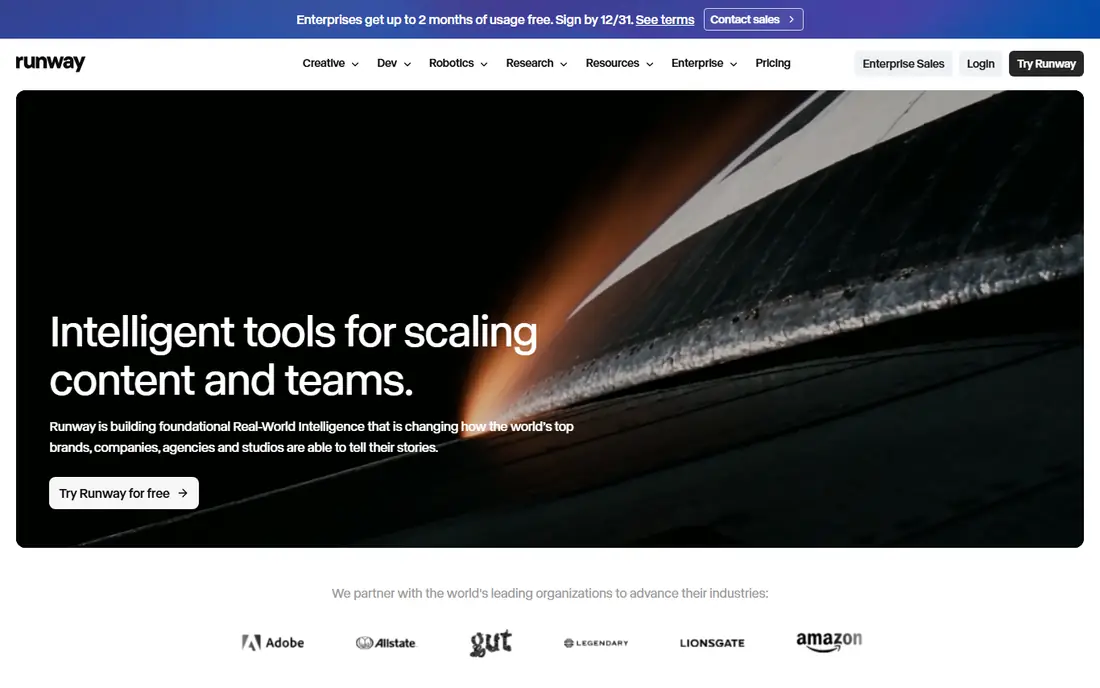
Runway suits creators who want short, stylised clips for ads, music videos, and social posts rather than a presenter reading a script.
Its strength is motion and visual control, with tools that let you guide camera movement, style, and edits from a prompt or a reference image. The workflow rewards patience, because a usable clip often comes after testing prompts, lengths, and settings, and longer projects need careful planning around credits.
The honest catch is cost control, since credit use varies by model and length, so a small test project is the best way to learn the real price. Before you commit, try the free tier or trial on a small real project and check export, sharing, and billing terms.
- Text and image to video
- Creative controls
- Editing tools in one place
- Credit costs rise fast
- Results need several tries
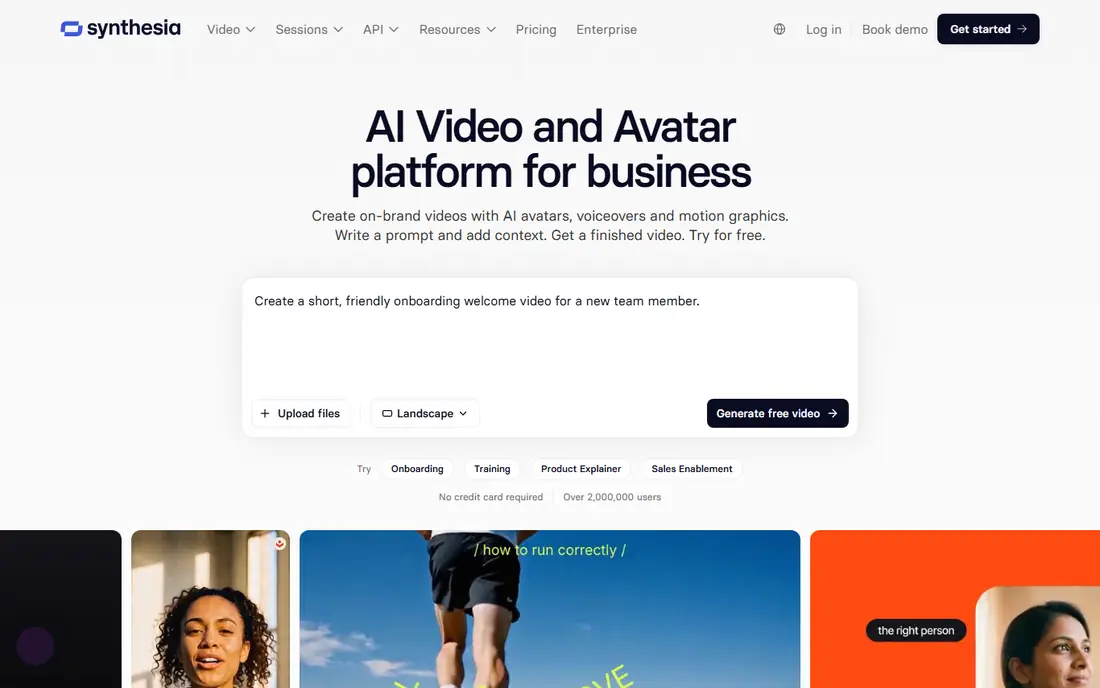
Synthesia suits teams that need clear training, onboarding, and explainer videos without booking a studio or a presenter for every update.
Its strength is consistency, because the same avatar can present a new script in many languages, which helps teams keep material current. The editor is built around scripts, scenes, and slides, so it works best when the message is planned in advance rather than improvised on camera.
The honest catch is format, since avatar videos can feel formal for casual social content, so check a sample against the tone you want. Before you commit, try the free tier or trial on a small real project and check export, sharing, and billing terms.
- Large avatar library
- Many languages
- Script to video workflow
- Presenter style only
- Less creative freedom
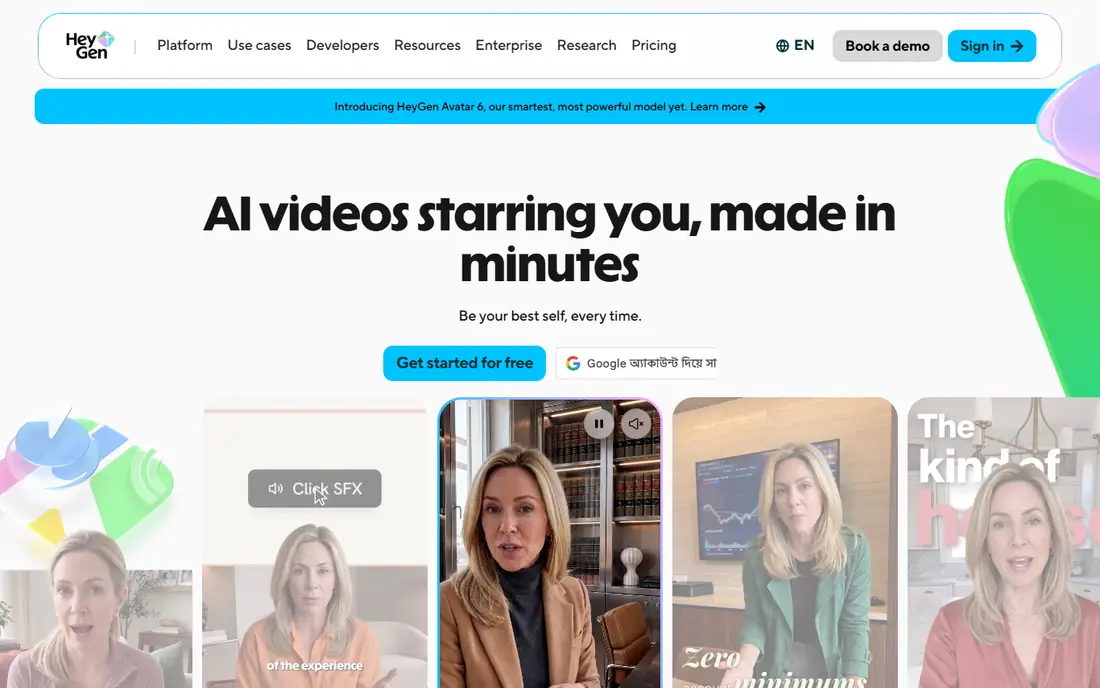
HeyGen suits marketers and trainers who want a presenter-led video quickly, including versions in more than one language.
Its strength is the avatar workflow, where you write a script, pick or create an avatar, and produce a polished clip without filming. Voice and translation tools help small teams reuse one script across regions, though you should still review wording for each audience.
The honest catch is the free allowance, which is small, so plan your first videos carefully and confirm credit use before a larger project. Before you commit, try the free tier or trial on a small real project and check export, sharing, and billing terms.
- Realistic avatars
- Voice cloning options
- Translation tools
- Free plan is limited
- Avatar videos suit set scripts
Pictory suits bloggers, course creators, and marketers who already have written content and want short videos from it.
Its strength is speed, because it can turn an article or script into scenes with stock footage, captions, and voiceover. That makes it a practical choice for social clips and summaries, even if it is not the tool for fully original cinematic footage.
The honest catch is originality, since stock-based scenes can look familiar, so add your own text, branding, and edits where it matters. Before you commit, try the free tier or trial on a small real project and check export, sharing, and billing terms.
- Blog to video workflow
- Stock footage
- Automatic captions
- Less control over generated scenes
- Trial limits apply
InVideo suits small businesses and creators who need regular social and marketing videos without learning a full editing suite.
Its strength is templates, which give you a starting point for format, pacing, and text, so a first draft comes together fast. AI features can help with scripts and scene ideas, but the best results still come from trimming, rewriting, and checking the final cut.
The honest catch is polish, because template-led videos can look generic unless you adjust colours, fonts, and footage to your brand. Before you commit, try the free tier or trial on a small real project and check export, sharing, and billing terms.
- Large template library
- AI script and editing help
- Social formats
- Watermarks on free exports
- AI output needs editing
Kapwing suits creators who edit in a browser and need to resize, caption, and repurpose one video for several platforms.
Its strength is convenience, because projects live online and collaborators can review and edit without swapping large files. Captioning, trimming, and format tools cover most everyday social work, and the interface stays approachable for non-editors.
The honest catch is scale, since very long or complex timelines may run better in desktop software, so test it with your longest project. Before you commit, try the free tier or trial on a small real project and check export, sharing, and billing terms.
- No install needed
- Captions and resizing
- Team editing
- Free exports carry limits
- Heavy projects can feel slow
Descript suits podcasters, educators, and teams whose videos are driven by spoken words rather than visual effects.
Its strength is text editing, because deleting a sentence in the transcript can remove the matching video, which speeds up rough cuts. Transcription, filler-word cleanup, and studio-style voice tools help spoken material sound tidy without deep editing skill.
The honest catch is scope, since it is not a cinematic generator, so pair it with footage tools when visuals carry the story. Before you commit, try the free tier or trial on a small real project and check export, sharing, and billing terms.
- Edit video by editing text
- Filler removal
- Transcription
- Best for spoken content
- Less suited to cinematic clips
Lumen5 suits small teams that need clean social videos from blog posts, announcements, and short scripts.
Its strength is simplicity, because scenes, text, and music come together through a guided editor rather than a blank timeline. Brand colours and logos help repeated posts look consistent, which matters more than fancy effects for most business accounts.
The honest catch is depth, since advanced editors may want more control over timing and motion, so try a full post before subscribing. Before you commit, try the free tier or trial on a small real project and check export, sharing, and billing terms.
- Easy drag and drop editor
- Text to video
- Brand kits
- Template feel
- Limited advanced editing
Veed suits creators who want an online editor for captions, cuts, and short AI-assisted videos without installing software.
Its strength is the everyday editing set, with subtitles, trimming, and templates that cover most social and training clips. AI tools can speed up transcription and first drafts, though a human check of captions and cuts still improves the result.
The honest catch is plan limits, since export length and quality vary by plan, so confirm the plan matches your usual video length. Before you commit, try the free tier or trial on a small real project and check export, sharing, and billing terms.
- Browser editor
- Subtitles
- AI features for spoken video
- Free plan limits apply
- Export quality depends on plan
Colossyan suits workplace trainers who need scenario-based learning videos that can be updated when a process changes.
Its strength is the training focus, with avatars and templates built around workplace conversations and step-by-step guidance. Updating a script is much faster than refilming, which helps teams keep compliance and onboarding material current.
The honest catch is fit, since it is built for training rather than social marketing, so casual creators may find it too formal. Before you commit, try the free tier or trial on a small real project and check export, sharing, and billing terms.
- Workplace avatars
- Scenario templates
- Easy updates
- Presenter format only
- Pricing is not entry level for casual use
How we picked these
We compared official feature pages, pricing pages, and app store listings for tools that were live in October 2026. We kept only legitimate creative tools that turn text, images, or scripts into original video, and we left out tools built for undressing, face swapping without consent, or other non-consensual uses. We also left out products that are not sold as a live consumer product. Prices are shown where we could confirm them, and we wrote See website where a plan was unclear or varied by use.
What to check before you pay for an AI video tool
Start with the video type, not the brand. Avatar tools suit scripted training and explainers, text to video editors suit social clips from written content, and cinematic generators suit short visual scenes. Picking the wrong type is the most common reason a subscription feels disappointing.
Check credits, length, and exports together. A low monthly price can still cost more if each video uses many credits, if exports are capped at a short length, or if watermark removal needs a higher plan. Run one real project on the free tier or trial first.
Use consent as a hard rule. Only create avatars from your own photo or voice, or from a person who has given clear permission, and check the vendor terms on commercial use. Keep the original script and source files, so you can remake a video when a tool changes its plans or models.
Frequently asked questions
What is the best AI app to create videos?
It depends on the job. Synthesia and HeyGen suit presenter-led training, Pictory and InVideo suit text and template-led social videos, and Runway suits short cinematic clips. Pick the type first, then compare price and free allowance.
What is the best AI tool to create videos for free?
Kapwing, InVideo, Veed, and Lumen5 offer free plans with limits, and HeyGen and Synthesia offer limited free use. Free exports often carry watermarks or length limits, so check those terms before you publish.
Can AI video apps replace filming?
They can replace some filming, mainly scripted presenter videos and short social clips. They are less reliable for complex scenes, hands, and long stories, where real footage or careful editing still gives a better result.
Do I need permission to clone a face or voice?
Yes. Only use your own likeness or voice, or a likeness or voice where the person has given clear permission for that use. Never use these tools to create intimate imagery or to impersonate someone.
Which AI video app is easiest for beginners?
InVideo, Lumen5, and Kapwing are among the easiest starting points, because templates and guided editors reduce the learning curve. Descript is also easy when the video is driven by spoken words.
Sources
See where you really rank - block by block
ProMapRanker scans Google Maps across a grid of your service area. Simple monthly plans from $19, white-label on every plan.
Start freeKeep reading
 zscaler alternatives
Best Zscaler Alternatives in 2026
Looking for zscaler alternatives? We compare 9 SASE and zero trust platforms on architecture, data protection, pricing, and fit for your network and team.
Read → zapier alternatives free
Best Zapier Alternatives Free in 2026
Nine automation tools for zapier alternatives free in 2026, all with genuinely free tiers, plus free plan limits, starting prices and upgrade paths explained.
Read → which platform is best for online reputation
Which Platform Is Best for Online Reputation in 2026
Wondering which platform is best for online reputation? We compare 8 review, listing, and response tools for small and multi-location businesses and agencies.
Read →