 ProMapRanker
Best App to Cancel Subscriptions for Free in 2026

Key takeaways
- No free app cancels everything for you for free, but several free apps find subscriptions and remind you before renewals.
- Rocket Money has the strongest free auto-detection, while Bobby, Subby, and SubScale are best if you want no bank connection.
- OneMain MyMoney is free to use, but done-for-you cancellation is limited to OneMain and Brightway customers.
- The cheapest reliable method is still a free tracker plus cancelling directly on each provider site.
Quick comparison
| Pick | Great for | Pricing starts at | Free tier | |
|---|---|---|---|---|
 Rocket Money | Auto-detecting subscriptions | Free | Yes | Visit |
 OneMain MyMoney | Free tracking for any user | Free | Yes | Visit |
 Bobby | Simple manual tracking on iPhone | Free | Yes | Visit |
 Subby | Manual tracking without an account | Free | Yes | Visit |
 Finny | Private tracking without bank linking | Free | Yes | Visit |
 PocketGuard | Seeing what is safe to spend | Free | Yes | Visit |
 SubScale | Offline tracking on iPhone and Android | Free | Yes | Visit |
The best free apps to cancel subscriptions
A free subscription app earns its place here if you can use it without paying and it helps you find, track, or cancel a subscription. Some apps detect charges from linked accounts, while others rely on manual entry and reminders. We flag the difference clearly, because a free tracker that only watches is not the same as a free cancellation service.
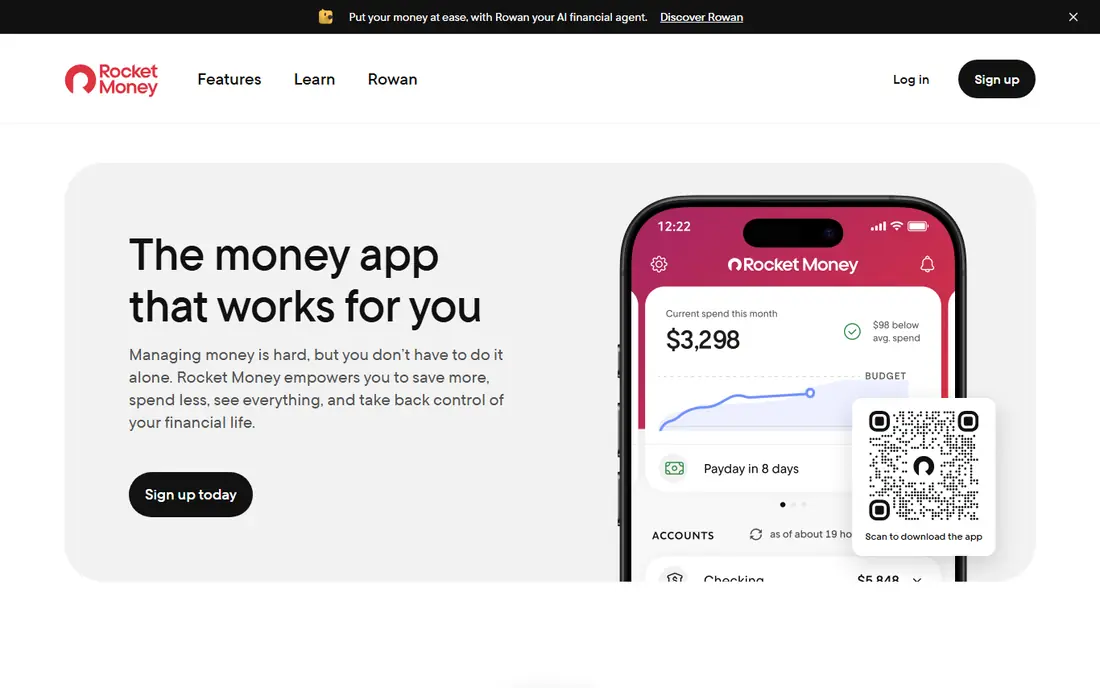
Rocket Money, formerly Truebill, is the most useful free starting point for most people. Link your accounts once and it scans for recurring charges, lists upcoming bills, and flags amount changes, so forgotten trials and yearly renewals are harder to miss. The free tier covers account linking, subscription detection, a basic budget, and balance alerts, which is enough for a full audit.
The catch is the line between finding and cancelling. Cancelling through the app and the concierge service sit behind Premium, priced on a sliding scale reported at $7 to $14 per month, and bill negotiation takes 35 to 60 percent of first-year savings when it works. If you are willing to cancel yourself using the list Rocket Money builds, the free tier does the hard part. If you want someone else to make the calls, budget for Premium.
- Links bank and card accounts to find recurring charges
- Clear subscription list
- Renewal and spending views
- Cancellation for you requires Premium
- Bill negotiation takes a share of savings
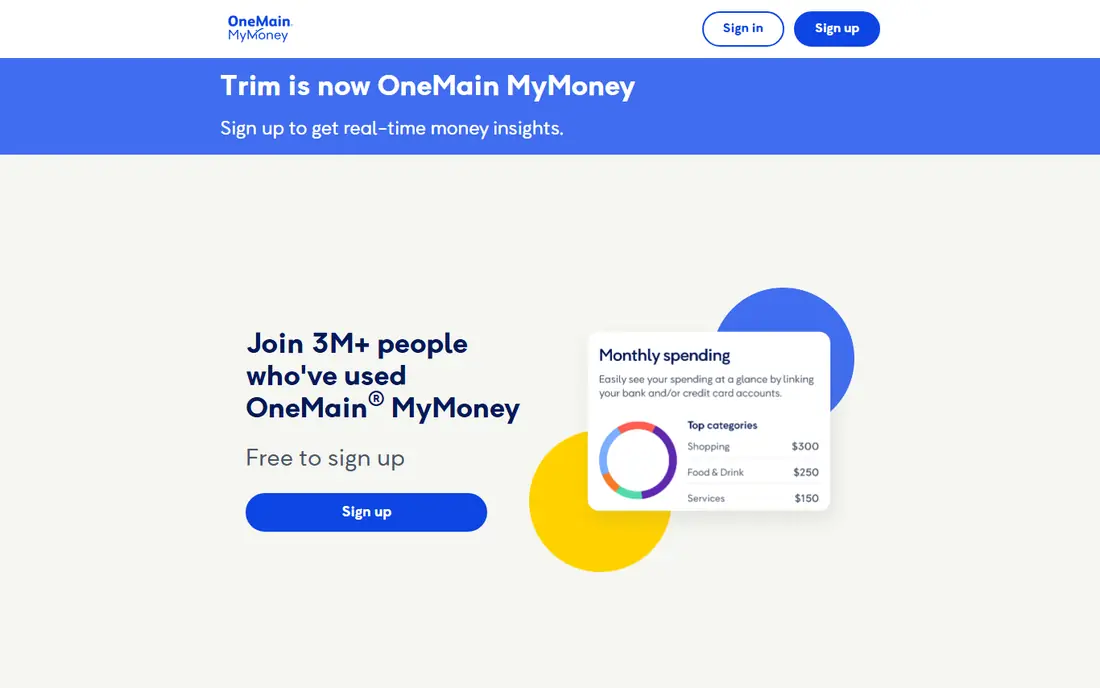
OneMain MyMoney is the current form of Trim, which joined OneMain Financial in 2021. Its help pages list every feature as free, including subscription tracking, transaction alerts, a budget tool, and a car insurance comparison. For any user, it finds subscriptions and shows how to contact the merchant, which is enough to cancel directly.
The honest limit is that the hands-off part is restricted. Bill negotiation and done-for-you subscription cancellation are free, but only for OneMain Financial loan customers and Brightway credit card holders. Everyone else gets detection and guidance, not a concierge. That still makes it a strong free tracker, as long as you do not expect it to cancel for you.
- All listed features are free
- Subscription tracking and renewal views
- Budget and alerts included
- Done-for-you cancellation only for OneMain and Brightway customers
- Formerly Trim, so older reviews may confuse
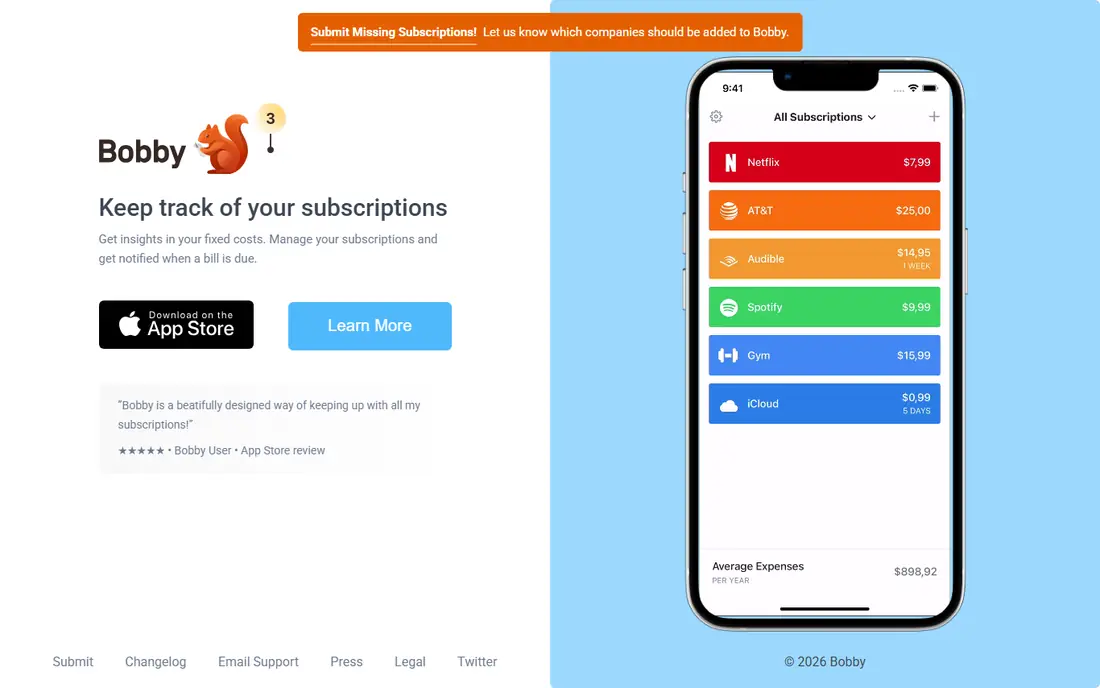
Bobby is the simplest app in this list, and that is its appeal. You add subscriptions by hand, set renewal dates, and get reminders before each charge, with no bank connection and no account needed for basic use. The free tier covers manual tracking and upcoming renewals, and Bobby Pro is a small one-time purchase that adds widgets, extra themes, and export.
The trade-off is that Bobby does nothing automatically. It will not find a subscription you forgot to enter, and it will not cancel anything for you. For people with a short list of subscriptions who want a private, low-friction reminder, that simplicity is a strength. For people with dozens of charges across many cards, an auto-detecting app will catch more.
- Clean manual tracker
- Renewal reminders
- Very cheap one-time Pro upgrade
- IPhone only
- No auto-detection and no cancellation help
Subby has tracked subscriptions since 2017 and takes a privacy-first approach: no account, no sign-in, and no bank connection. Your list lives on your device, with optional backup to your own Google Drive on Pro. The free app tracks an unlimited number of subscriptions, supports many currencies, and sends renewal alerts before each charge.
The catch is the same as Bobby, with a different platform mix. Subby does not detect charges from your bank, so a subscription you never enter will never appear. Pro is a single one-time purchase, reported at about $2.99, which removes ads and adds widgets, cloud backup, and screenshot import. If you value privacy over automation, Subby is one of the best free choices available.
- Free unlimited manual tracking
- No account and no bank login
- Supports many currencies
- Manual entry only
- Pro features such as cloud backup cost a one-time fee
Finny turns recurring expense tracking into a calendar-style habit. You set daily, weekly, monthly, or yearly rules for any subscription or bill, and the app logs transactions on schedule and reminds you before a charge lands. It also supports Tap to Track for Apple Pay transactions and AI input from text, voice, or a screenshot of a billing email on Pro.
The free tier covers unlimited manual tracking with custom categories and charts, so you can monitor subscriptions without paying or linking a bank. Finny does not cancel subscriptions for you, and it does not detect charges from a bank feed. For users who want visibility without handing over financial logins, that trade is easy to accept.
- Unlimited manual tracking on the free tier
- No bank credentials needed
- Recurring rules and reminders
- No cancellation help
- Pro price is low but not always published as a single figure
PocketGuard answers a different question from a pure reminder app: after bills and goals, what can you actually spend this month? Its In My Pocket figure subtracts detected bills and goals from income, which makes upcoming subscriptions hard to ignore. The free tier includes bill tracking and detection across linked accounts, and you can also use it manually through the web app if you prefer not to link a bank.
The honest downside is price pressure. Plus now costs $12.99 per month or $74.99 per year, which is high for this category, and free users report regular upgrade nudging. PocketGuard also does not cancel subscriptions for you. If you mainly want a free list of recurring charges plus a spending guardrail, the free tier does the job, and you can ignore the upsells.
- Free bill tracking and detection on linked accounts
- Clear safe-to-spend figure
- Manual use through the web app
- Plus is now $12.99 per month or $74.99 per year
- Free users see frequent upgrade prompts
SubScale is built around local-first privacy: no account creation, no email address, and no bank credentials, with data stored on the device. The free core version tracks up to 10 combined subscriptions and expenses, with free trial alerts and a home screen widget, plus 7-day, 30-day, and 90-day cash outflow forecasts. A one-time Pro upgrade removes the cap.
The limit to note is that 10 free entries will not cover a household with many streaming, app, and membership charges. SubScale also relies on manual entry, so it will not discover a charge you forgot. For a smaller list, or for someone who wants the most private free tracker here, it is a strong pick, and the one-time upgrade avoids another monthly subscription.
- Offline-first and private by design
- Works on iOS and Android
- Multi-currency totals and renewal forecasts
- Free core version caps entries at 10 combined items
- Manual entry only
How we picked these
We compared official app pages, app store listings, and help pages for apps that offer a usable free tier in October 2026. We favored apps that track subscriptions without a paywall blocking the core list, and we checked whether cancellation help was free, paid, or limited to certain customers. We did not claim hands-on testing of every app, and we treated older reviews with care, because several apps in this space have changed owners, names, or pricing. Prices were checked against vendor pages and recent public summaries.
How to cancel subscriptions for free, step by step
Start with a free tracker, not a paid concierge. Link accounts in Rocket Money, OneMain MyMoney, or PocketGuard if you want auto-detection, or enter subscriptions by hand in Bobby, Subby, Finny, or SubScale if you prefer privacy. Then scan at least three months of bank and card statements, because yearly charges and trials often hide outside the current month. Add anything the app missed before you cancel anything.
Cancel directly, and keep proof
For each unwanted subscription, cancel on the provider site or in the app store that bills you, rather than through a third party when a direct route exists. App Store subscriptions are cancelled in Apple device settings, and Google Play subscriptions are cancelled in the Play Store, while direct-billed services are cancelled in account settings on the provider site. Take a screenshot of the confirmation, note the end date, and check the next statement to confirm the charge stopped. If a charge continues after a confirmed cancellation, contact the provider with the confirmation and then your bank if needed.
Use free tools for the parts that matter most
The parts of cancelling that cost money are usually the concierge service and bill negotiation, not the tracking itself. A free tracker plus direct cancellation gives you most of the savings with none of the fees. Set renewal reminders a few days before each charge, especially for yearly plans and trials, and review the list once a month. That monthly check takes a few minutes and catches price rises, duplicate services, and trials that were meant to be short.
Frequently asked questions
What is the best free app to cancel subscriptions?
Rocket Money is the best free starting point for auto-detection, because its free tier finds recurring charges from linked accounts. Bobby, Subby, and SubScale are better if you want a free tracker with no bank connection, and you cancel directly yourself.
Can any app cancel subscriptions for free?
Most free tiers find and list subscriptions but do not cancel for you. Rocket Money cancellation help requires Premium, and OneMain MyMoney done-for-you cancellation is limited to OneMain and Brightway customers. Direct cancellation on each provider site remains free.
Is it safe to link my bank to a subscription app?
Bank-linked apps use read-only connectors and encryption, but you are still sharing transaction history with a third party. Link only the accounts you need, review permissions, and unlink accounts after your audit if you do not need ongoing tracking.
What is the best free app to cancel subscriptions without a bank connection?
Subby and SubScale are strong choices, because both work without an account or bank login and store data on your device. Bobby is a good iPhone-only manual option, and Finny adds recurring rules without requiring bank credentials.
How do I cancel App Store subscriptions for free?
Open device settings, go to your Apple account subscriptions, pick the subscription, and cancel it there. This is free and covers only subscriptions billed by Apple, so direct-billed services still need cancelling on the provider site.
Sources
See where you really rank - block by block
ProMapRanker scans Google Maps across a grid of your service area. Simple monthly plans from $19, white-label on every plan.
Start freeKeep reading
 zoho inventory alternatives
6 Alternatives to Zoho Inventory, Compared on Price and Fit
Zoho Inventory alternatives: 6 tools compared on price, free plans and fit. Katana leads the list for manufacturers. Fit and flaws are laid out for each entry.
Read → zoho crm alternatives
Best Zoho CRM Alternatives (2026)
Need Zoho CRM alternatives? We compare 7 tools on cost, free access and who each suits. Every pick gets a straight assessment. Built for quick decisions.
Read → zelle alternatives
Best Zelle Alternatives in 2026
Compare the best Zelle alternatives for sending money to friends, paying sellers and moving funds abroad, with honest notes on fees, speed and safety in 2026.
Read →