 ProMapRanker
Best App to Cancel Subscriptions in 2026


Hands-off detection and cancellation · Pricing starts at: Free
Key takeaways
- Rocket Money is the strongest all-in-one pick, because it detects subscriptions and can cancel many of them for Premium users.
- OneMain MyMoney, formerly Trim, suits OneMain and Brightway customers, but other users get tracking and manual cancel guides.
- Bobby, Subby and ReSubs suit users who do not want to link a bank account and prefer manual tracking.
- Bank-linked apps find forgotten charges faster, but they need access to transaction data, so check privacy terms first.
- This is not financial advice. Always confirm a cancellation with the merchant, because an app cannot guarantee every provider will accept its request.
Quick comparison
| Pick | Great for | Pricing starts at | Free tier | |
|---|---|---|---|---|
| Rocket Money | Hands-off detection and cancellation | Free | Yes | Visit |
 OneMain MyMoney | OneMain and Brightway customers | Free | Yes | Visit |
 Bobby | Simple manual reminders | See website | Yes | Visit |
 Subby | Simple manual tracking | See website | Yes | Visit |
 ReSubs | Screenshot and import tracking | Free | Yes | Visit |
 PocketGuard | Spending plus subscription views | Free | Yes | Visit |
 Quicken Simplifi | Subscriptions inside a budget | See website | Free trial | Visit |
 Copilot Money | iPhone budgeting with subscription views | See website | Free trial | Visit |
 Monarch Money | Shared household subscription views | See website | Free trial | Visit |
The best apps to cancel subscriptions
We compared official feature pages, pricing pages and public reviews for these apps. Some apps cancel for you, while others track charges and guide you to cancel yourself. That difference matters, so we state it plainly for each pick.
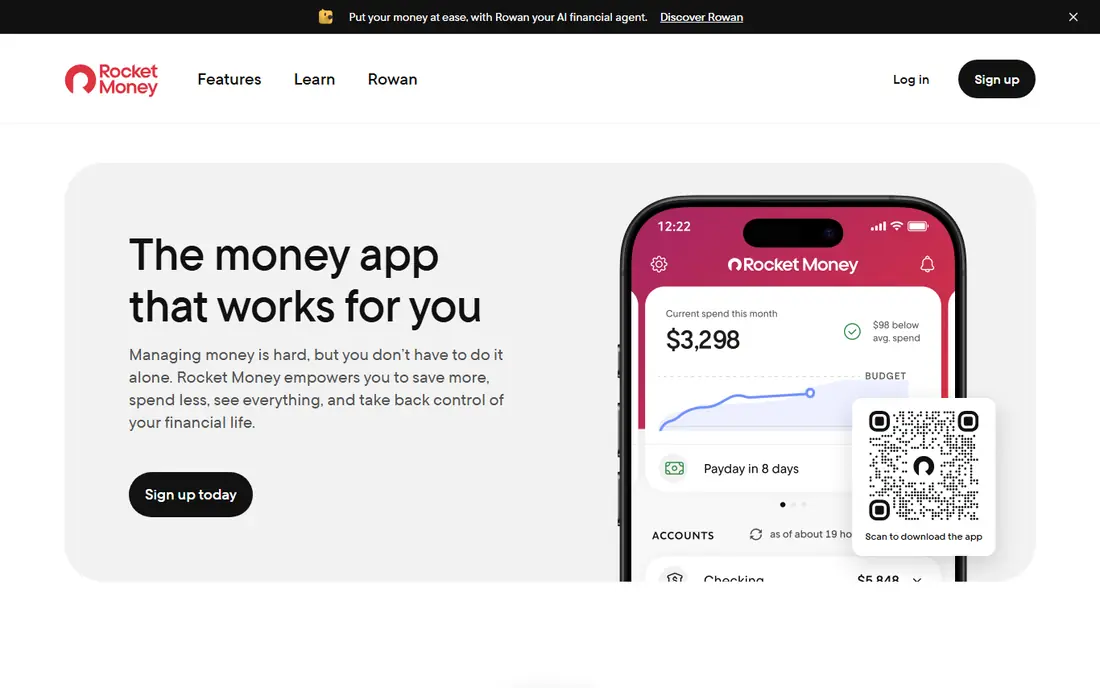
Rocket Money, formerly Truebill, scans linked bank and card accounts to find recurring charges, then shows them in one list with amounts and renewal dates. Premium users can ask Rocket Money to cancel eligible subscriptions on their behalf, which helps when a provider makes cancellation hard to find. Bill negotiation is also available on Premium, with a share of savings as a fee in many cases.
The free plan covers tracking and budgeting, but cancellation and negotiation need Premium, which uses a sliding monthly price in many listings. Bank linking is also required for automatic detection, so privacy-conscious users should read the data terms first. For most users who want detection plus action, Rocket Money is our pick.
- Automatic subscription detection
- Cancellation service on Premium
- Bill negotiation options
- Cancellation needs Premium
- Premium price varies by plan
- Requires bank linking
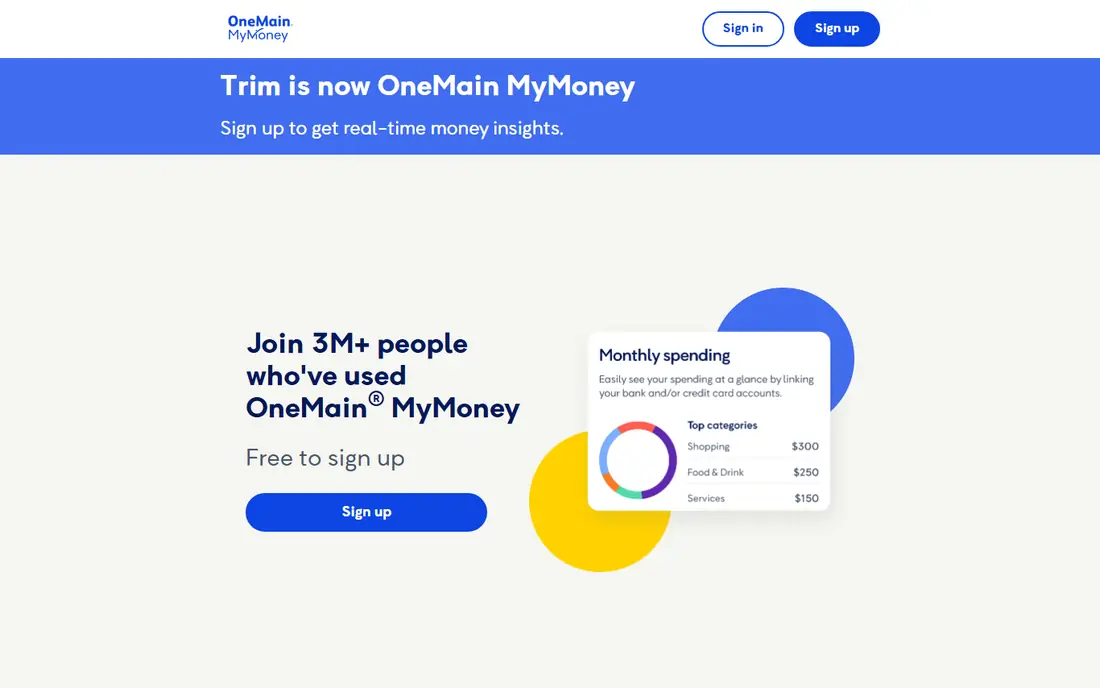
OneMain MyMoney is the current form of Trim, which joined OneMain Financial in 2021. It tracks subscriptions, sends alerts and offers budgeting tools for free. For OneMain Financial loan customers and Brightway card holders, bill negotiation and done-for-you cancellation are also free for eligible bills and subscriptions.
Other users get tracking and guidance on how to contact merchants, but they must cancel themselves. That limit makes OneMain MyMoney less useful as a cancellation service for the general public. If you are an eligible OneMain or Brightway customer, it is a strong free option. If not, Rocket Money or a manual tracker fits better.
- Free subscription tracking
- Bill negotiation for eligible customers
- Simple money tools
- Done-for-you cancellation only for eligible customers
- Other users must cancel themselves
- Smaller feature set than Rocket Money
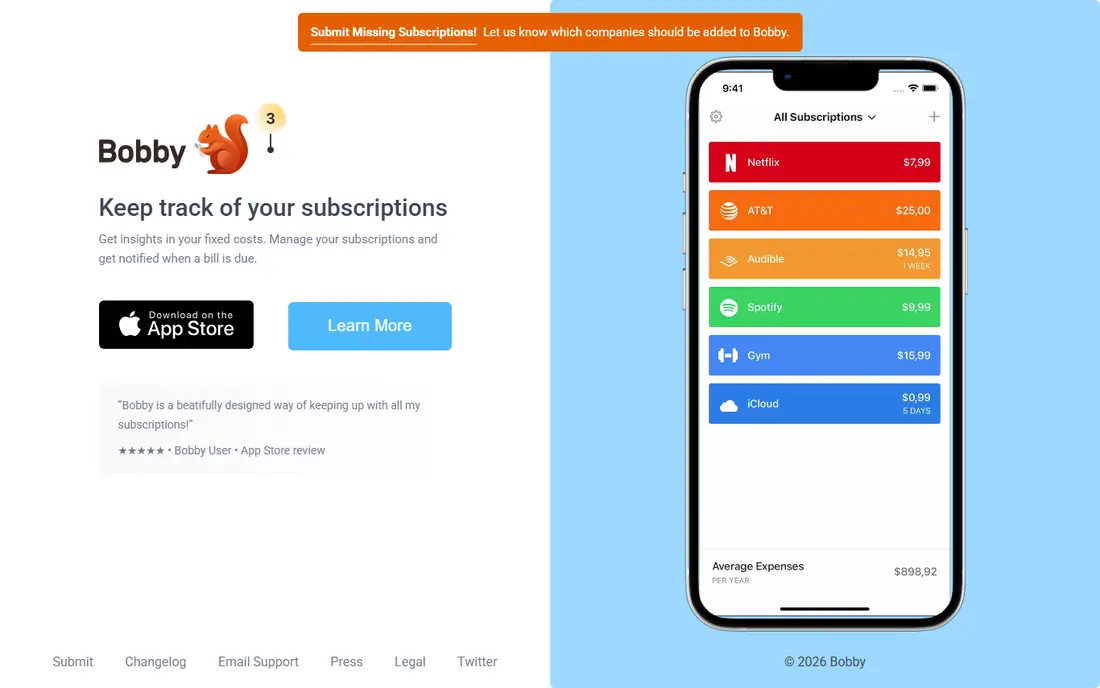
Bobby is a simple subscription tracker for users who already know their subscriptions and just want reminders before renewals. You enter each subscription, its cost and its renewal date, and Bobby alerts you before it renews. That simplicity suits users who dislike bank linking and want a small, focused app.
Bobby does not detect forgotten charges from bank data, and it does not cancel for you. You must keep entries up to date when prices or dates change. If you want awareness without sharing financial data, Bobby is a good, low-friction choice.
- No bank linking needed
- Simple renewal reminders
- Easy manual entry
- No automatic detection
- No done-for-you cancellation
- Manual entry needs upkeep
Subby offers a similar manual approach to Bobby, with subscription entries, costs and renewal reminders in one list. It suits users who want to see monthly and yearly totals without connecting a bank account. The interface is simple enough to set up in a few minutes.
Like Bobby, Subby cannot find charges you forgot, and it cannot cancel for you. Free use has limits, and paid plans lift those limits. If you prefer manual control and privacy over automation, Subby is a solid pick.
- Simple manual tracking
- Renewal reminders
- No bank linking needed
- No automatic detection
- No done-for-you cancellation
- Free limits apply
ReSubs tracks subscriptions with manual entry plus screenshot, Gmail import and CSV import options in some listings, which helps users who do not want bank linking. Trial-to-paid reminders and lifecycle tracking help catch free trials before they convert. That mix suits users who want more than a simple list but still want control over data.
ReSubs does not offer automatic bank-linked detection, and its free tier has limits on entries and features. Premium pricing varies by platform and plan. For users who want import help without bank access, ReSubs is a useful middle ground.
- Screenshot and import options
- Trial reminders
- No bank access needed for manual tracking
- No automatic bank detection
- Free tier has limits
- Premium pricing varies
PocketGuard is a budgeting app that also shows recurring charges and bills, so subscriptions sit alongside spending and savings goals. Its safe-to-spend estimate helps users see what remains after bills and subscriptions. That broader view suits users who want subscription control inside a budget, not as a standalone tool.
PocketGuard is less focused on cancellation than Rocket Money, and done-for-you cancellation is not its main strength. Paid Plus features add more budgeting tools. If you want a budget app that also flags subscriptions, PocketGuard is a good fit.
- Spending and subscription views together
- Safe-to-spend estimate
- Bank linking for detection
- Cancellation help is limited
- Paid features need Plus
- Less focused than Rocket Money
Quicken Simplifi shows recurring transactions alongside budgets, bills and spending plans, which helps users spot subscriptions that no longer fit their budget. It suits households that already use Quicken tools or want a full finance view. Alerts and reports make it easier to review subscriptions monthly.
Simplifi does not cancel subscriptions for you, so you must contact merchants yourself. It also adds its own subscription cost, which matters if you are trying to cut spending. For users who want subscription awareness inside a serious budget, Simplifi is a strong option.
- Recurring transactions inside budgets
- Spending and bill views
- Long-running finance brand
- No done-for-you cancellation
- Subscription cost is separate
- Setup takes time
Copilot Money is a popular budgeting app for iPhone and Mac users, with smart categories and recurring transaction views that surface subscriptions. Its design makes monthly reviews pleasant, and transaction review helps catch charges that look unfamiliar. That review habit is often enough to cut waste.
Copilot does not cancel subscriptions for you, and it is limited to Apple platforms. After a free trial, it uses an annual price. For Apple users who want a polished budget app with subscription visibility, Copilot is a good pick.
- Clean iPhone and Mac design
- Smart transaction categories
- Recurring charge views
- Apple platforms only
- No done-for-you cancellation
- Annual cost after trial
Monarch Money suits couples and households that share bills and subscriptions, because it shows recurring charges, budgets and goals in one shared dashboard. That shared view helps partners agree on which subscriptions to keep, pause or cancel. It also tracks investments and net worth for users who want a fuller finance picture.
Monarch does not cancel subscriptions for you, and it uses an annual price after a free trial. Setup takes time when linking shared accounts. For households that want one subscription and budget view together, Monarch is a strong choice.
- Shared household views
- Recurring transactions and budgets
- Good for couples and families
- No done-for-you cancellation
- Annual price after trial
- Setup takes time for shared accounts
How we picked these
We compared official pricing pages, feature pages and public reviews, and we kept only apps that are live in October 2026 and clearly help users track or cancel subscriptions. We favored a mix of bank-linked detection, manual tracking and budgeting tools, and we stated plainly where an app tracks only and does not cancel for you. Where pricing varies by platform or plan, we wrote See website.
Choosing the right cancellation app
Start with your comfort around bank linking. If you want forgotten charges found for you, choose Rocket Money and accept bank linking and Premium for cancellation. If you dislike bank linking, choose Bobby, Subby or ReSubs and set reminders for every subscription you enter.
Confirm every cancellation yourself
After any app or manual cancellation, check the merchant account and your next bank statement to confirm the charge stops. Keep confirmation emails and screenshots, especially for annual subscriptions. An app request is not proof until the merchant confirms it.
Review subscriptions monthly
Set a monthly review date, even if you use an automatic tracker. Prices change, trials convert, and family plans add members. A five-minute monthly review often saves more than a new app.
Frequently asked questions
What are the best apps to cancel subscriptions?
Rocket Money is the strongest all-in-one app for detection and cancellation, while OneMain MyMoney suits eligible OneMain and Brightway customers. Bobby, Subby and ReSubs suit manual tracking without bank linking. The best app depends on whether you want automation or privacy.
Can an app cancel any subscription for me?
No, not every subscription is eligible, and some providers require you to cancel directly or confirm by phone or email. Rocket Money cancels eligible subscriptions on Premium, but always confirm with the merchant. Manual trackers do not cancel at all.
Do I need to link my bank account?
Only for automatic detection. Bank-linked apps like Rocket Money find forgotten charges faster, but they need transaction access. Manual apps like Bobby and Subby work without bank linking, but you must enter every subscription yourself.
Is Rocket Money free?
Rocket Money has a free plan for tracking and budgeting, while cancellation and bill negotiation need Premium. Premium pricing varies by plan, so check the current pricing page. Bill negotiation may also involve a share of savings.
What happened to Trim?
Trim joined OneMain Financial in 2021 and now runs as OneMain MyMoney. Free tracking is available to all users, while bill negotiation and done-for-you cancellation are free only for eligible OneMain and Brightway customers. Other users get tracking and manual cancel guidance.
Sources
See where you really rank - block by block
ProMapRanker scans Google Maps across a grid of your service area. Simple monthly plans from $19, white-label on every plan.
Start freeKeep reading
 zoho inventory alternatives
6 Alternatives to Zoho Inventory, Compared on Price and Fit
Zoho Inventory alternatives: 6 tools compared on price, free plans and fit. Katana leads the list for manufacturers. Fit and flaws are laid out for each entry.
Read → zoho crm alternatives
Best Zoho CRM Alternatives (2026)
Need Zoho CRM alternatives? We compare 7 tools on cost, free access and who each suits. Every pick gets a straight assessment. Built for quick decisions.
Read → zelle alternatives
Best Zelle Alternatives in 2026
Compare the best Zelle alternatives for sending money to friends, paying sellers and moving funds abroad, with honest notes on fees, speed and safety in 2026.
Read →