 ProMapRanker
Best App to Accept Credit Card Payments in 2026

Key takeaways
- Square is our pick for most small businesses because it covers in-person, online, invoice, and payment link sales in one free-to-start account.
- Stripe is best for online businesses that need a custom checkout, subscriptions, and many payment methods.
- PayPal suits occasional sellers and buyers who trust the brand, while Helcim and Payment Depot suit higher-volume sellers watching effective rates.
- No provider makes card processing free, because card networks charge on every sale, so compare the total cost, not just the monthly fee.
- Hardware, chargeback fees, payout timing, and contract terms matter as much as the headline transaction rate.
Quick comparison
| Pick | Great for | Pricing starts at | Free tier | |
|---|---|---|---|---|
 Square | All-round small business payments | See website | Yes | Visit |
 Stripe | Online checkout and subscriptions | See website | Yes | Visit |
 PayPal | Occasional sellers and buyer trust | See website | Yes | Visit |
 Shopify Payments | Shopify store checkout | See website | Yes | Visit |
 Helcim | Interchange-plus pricing and recurring billing | See website | Yes | Visit |
 Clover | Counter hardware plus payments | See website | Free trial | Visit |
 QuickBooks Payments | Accounting users who invoice in QuickBooks | See website | Yes | Visit |
 Payment Depot | Higher-volume subscription pricing | See website | Yes | Visit |
 Stax by Fattmerchant | High-volume flat subscription pricing | See website | Free trial | Visit |
The best apps to accept credit card payments
We compared how each platform accepts cards in person and online, what it charges per sale, what hardware or setup it needs, and how it handles invoices, payment links, and payouts. Our list favors platforms that let a small business start without a long contract.

Square is the easiest starting point for most small businesses. Create an account, download the app, pair a reader, and take a card payment the same day. The same account also covers an online store, invoices, payment links, and a virtual terminal for phone orders, so a business that sells at a counter and online does not need two providers.
Square's flat per-sale rate is simple to understand, but it is not the cheapest option once monthly volume grows large. At that point, an interchange-plus provider may give a lower effective rate. For new and small sellers, Square's lack of a monthly software fee and contract makes it a low-risk start.
- No monthly fee for core point of sale
- In-person, online, invoice, and link payments in one account
- Wide card reader and terminal range
- Flat rate gets less competitive at very high volume
- Account holds can affect some sellers
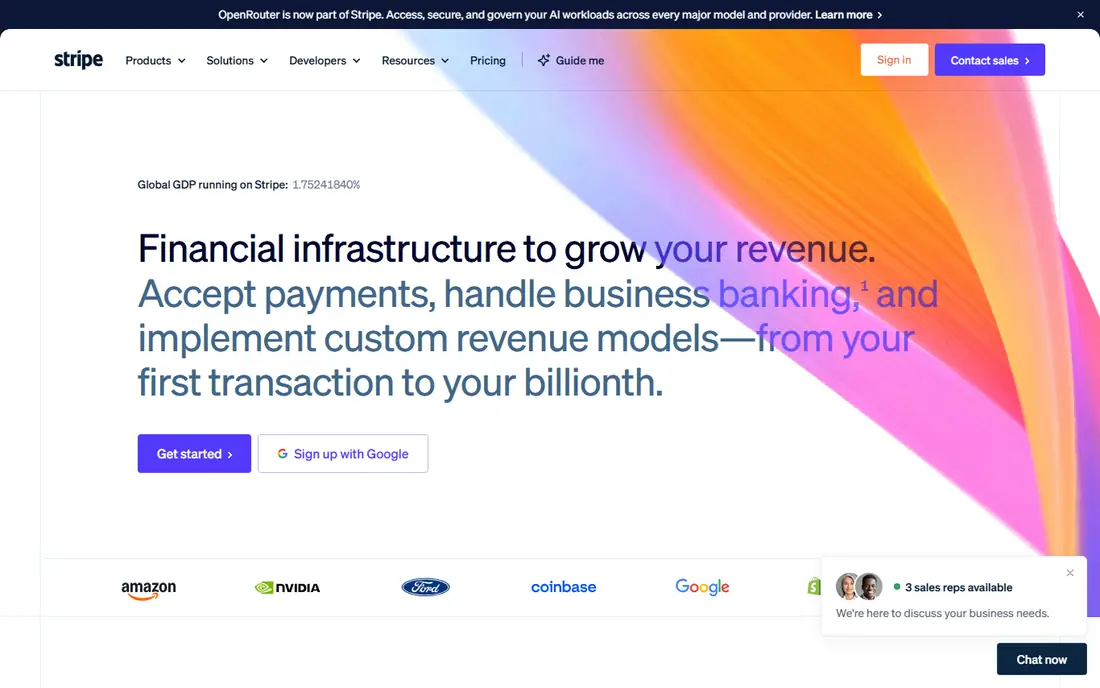
Stripe is the best platform to accept credit card payments online when you need control over checkout. It supports cards, digital wallets, bank payments, and buy-now-pay-later options, plus subscriptions, invoicing, and tax tools in the same account. Online stores, marketplaces, and software sellers use Stripe to build a checkout that matches their brand.
Stripe's depth comes with a learning curve. A simple payment link or invoice needs no code, but a fully custom checkout needs developer time. If most sales happen at a counter, Square or Clover will feel more natural.
- Strong online checkout, invoicing, and billing tools
- Many payment methods and currencies
- Clear developer documentation
- Full customization needs developer help
- In-person tools are less central than Square
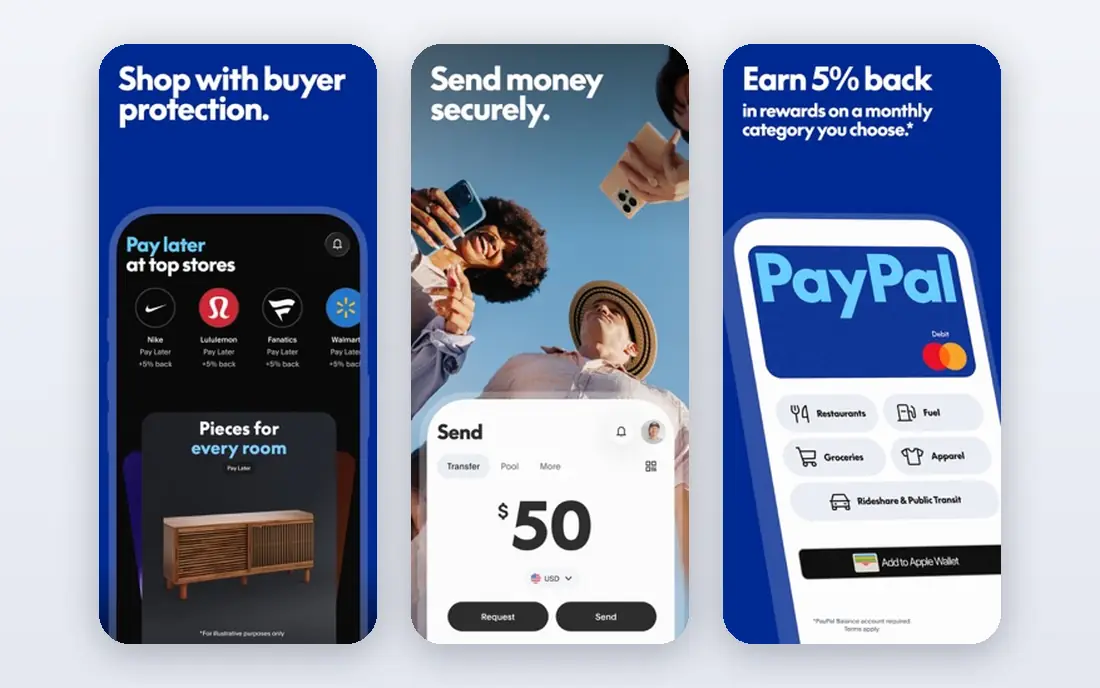
PayPal suits freelancers, occasional sellers, and small shops that want a trusted checkout button fast. Buyers who do not want to enter card details on a new site often complete a PayPal checkout, and sellers can send invoices and payment links without a full store build. A card reader option also covers in-person sales.
PayPal is not the cheapest choice for high-volume card sales, and its dispute process can feel strict. Read the seller protection terms before you ship a high-value order, and keep tracking and proof of delivery for physical goods.
- Widely recognized by buyers
- Payment links, invoices, and QR payments
- No monthly fee for a basic business account
- Per-sale fees add up on larger volumes
- Seller protection rules need careful reading
Shopify Payments is the natural choice for a business already selling on Shopify. It removes the need to set up a separate gateway, and it keeps orders, payouts, and reports inside the same dashboard as products and customers. Shoppers get cards, Apple Pay, Google Pay, and Shop Pay without extra checkout steps.
The catch is lock-in. Shopify Payments makes most sense inside Shopify, and the monthly Shopify plan is a separate cost from card fees. If you sell mainly in person or on another platform, Square or Stripe may fit better.
- Built into Shopify checkout with no separate gateway setup
- Cards, wallets, and Shop Pay in one place
- Clear store reporting
- Best value only inside Shopify
- Monthly Shopify plan cost applies on top of transaction fees
Helcim appeals to businesses that have outgrown flat-rate pricing. Interchange-plus pricing passes the card network cost through and adds a smaller markup, which can lower the effective rate as volume rises. Helcim also covers online payments, invoices, virtual terminal, and recurring billing in one account.
Helcim is less familiar to shoppers than PayPal, but that matters little when the seller controls checkout. The main check is whether your volume is high enough for interchange-plus savings to outweigh the simplicity of a flat rate.
- Interchange-plus pricing that can beat flat rates at volume
- No monthly fee on some plans
- Invoicing and recurring billing tools
- Less well known than Square or Stripe
- In-person hardware range is smaller
Clover fits shops and restaurants that want a proper counter setup. Its terminals, registers, and handheld devices pair with point of sale software for orders, tips, inventory, and staff permissions. The app marketplace adds tools for loyalty, gift cards, and reporting as a business grows.
Clover costs more to start than a phone plus a small reader. Hardware, software plans, and processing fees all need counting together. For a busy counter, that investment pays back in speed and reliability. For a solo seller, Square is simpler.
- Strong counter hardware range
- Point of sale software for retail and restaurants
- App marketplace for add-ons
- Hardware and software costs add up
- Some plans need a merchant account setup
QuickBooks Payments
Great for: Accounting users who invoice in QuickBooks
QuickBooks Payments suits businesses that already invoice in QuickBooks. A customer can pay from the invoice by card or bank transfer, and the payment records itself in the books without manual entry. That link saves time at month end and reduces errors from copying numbers between systems.
If you do not use QuickBooks, there is little reason to choose it over Square or Stripe. The payment fees sit on top of the QuickBooks subscription, so add both costs when you compare.
- Payments land inside QuickBooks invoices and books
- Card, bank, and payment link options
- Less manual reconciliation
- Best value only for QuickBooks users
- Per-sale fees still apply on top of QuickBooks cost
Payment Depot uses a membership model: pay a monthly subscription, then get interchange-plus card rates with a smaller markup. For a business with steady, growing card volume, that structure can beat a flat rate over a year. It covers in-person, online, invoice, and virtual terminal payments.
Low-volume sellers should do the math first. A monthly fee that looks small can outweigh rate savings when sales are thin. Payment Depot fits once volume is high enough to cover the subscription with rate savings.
- Subscription pricing with interchange-plus rates
- Can lower costs for growing volume
- Wholesale-style rate structure
- Monthly subscription fee means low-volume sellers may pay more
- Setup is less instant than Square
Stax follows a similar idea to Payment Depot: a flat subscription plus interchange-plus rates, aimed at businesses with meaningful card volume. Its dashboard covers payments, invoicing, and reporting, and its pricing model rewards sellers who process enough to benefit from lower per-sale markups.
Stax is not a casual seller tool. The subscription fee and setup effort make sense only when volume justifies them. Small sellers should start with Square or PayPal and revisit Stax when monthly card sales grow.
- Flat monthly subscription with interchange-plus rates
- Dashboard for payments and reporting
- Good for larger sellers
- Monthly fee is a poor fit for very small sellers
- Setup needs more steps than a free-to-start app
How we picked these
We compared official pricing pages, product documentation, and app listings for in-person and online card acceptance, fees, hardware, and contract terms. We favored platforms that accept major card brands, offer invoices or payment links, and let a small business start without a long contract. Where a vendor lists a flat rate, we treated it as a starting point, because the effective rate also depends on card type, channel, and monthly volume.
How to choose the best platform to accept credit card payments
Start with where sales happen. Counter sales need readers or terminals, online sales need checkout or payment links, and service businesses need invoices and a virtual terminal. A platform that covers your main channel well will beat a platform with a slightly lower rate in a channel you rarely use.
Next, estimate total cost, not just the headline rate. Add monthly software fees, hardware cost, chargeback fees, payout fees, and any subscription. Then divide the total by monthly card sales to get an effective rate. Compare that number across two or three providers using your real volume, not a review site's example volume.
Finally, check payout timing and contract terms. Next-day payouts help cash flow, while weekly holds hurt it. Avoid long contracts and early termination fees unless the rate savings clearly justify them. A free-to-start account with no contract is a safer test than a discounted rate locked in for years.
Frequently asked questions
What is the best app to accept credit card payments for a small business?
Square is best for most small businesses because it covers in-person, online, invoice, and link payments with no monthly software fee for core tools. Stripe is better for online-first businesses that need custom checkout, and PayPal suits occasional sellers who value buyer trust.
Can I accept credit card payments for free?
Card processing itself is not free, because card networks charge on every sale. Some providers have no monthly, setup, or cancellation fees, so you only pay per sale. That is the closest to free in practice, and Square, Stripe, and PayPal all offer that kind of start.
Do I need a merchant account to accept cards?
Not always. Square, PayPal, Stripe, and Shopify Payments let you accept cards under their broader merchant setup. A traditional merchant account can offer more pricing control, but it usually needs a separate application and gateway setup.
What fees should I watch beyond the transaction rate?
Watch monthly software fees, hardware costs, chargeback fees, instant payout fees, and fees for keyed-in or international cards. A low headline rate can still cost more once those extras are added. Ask for a full fee schedule before you sign up.
How fast do I get paid after a card sale?
Standard payouts often arrive in one to two business days, depending on the provider and your bank. Some providers offer instant payouts to a linked debit card for a fee. Check payout timing in the provider terms, because it affects cash flow as much as the rate does.
Sources
See where you really rank - block by block
ProMapRanker scans Google Maps across a grid of your service area. Simple monthly plans from $19, white-label on every plan.
Start freeKeep reading
 zscaler alternatives
Best Zscaler Alternatives in 2026
Looking for zscaler alternatives? We compare 9 SASE and zero trust platforms on architecture, data protection, pricing, and fit for your network and team.
Read → zapier alternatives free
Best Zapier Alternatives Free in 2026
Nine automation tools for zapier alternatives free in 2026, all with genuinely free tiers, plus free plan limits, starting prices and upgrade paths explained.
Read → which platform is best for online reputation
Which Platform Is Best for Online Reputation in 2026
Wondering which platform is best for online reputation? We compare 8 review, listing, and response tools for small and multi-location businesses and agencies.
Read →