 ProMapRanker
App Store Optimization Software in 2026

Clean reporting and review monitoring · Pricing starts at: See website
Direct answer
Start with Appfigures if you need clean reporting and review monitoring. Alternatives: ASOdesk for keyword tracking and semantic core building at low cost, and SplitMetrics for a/B testing icons, screenshots and metadata. Prices, free plans and limits for all 6 tools follow.
Key takeaways
- This list starts with Appfigures, which is built for clean reporting and review monitoring.
- Appfigures, AppTweak and the 4 others all sell by quote; expect sales conversations before you see a price.
- A free plan is available from 3 of the 6 tools: Appfigures, ASOdesk, App Radar.
- AppTweak suits teams wanting ASO, reviews and market data in one place.
Quick comparison
| Pick | Great for | Pricing starts at | Free tier | |
|---|---|---|---|---|
| Appfigures | Clean reporting and review monitoring | See website | Yes | Visit |
 ASOdesk | Keyword tracking and semantic core building at low cost | See website | Yes | Visit |
 SplitMetrics | A/B testing icons, screenshots and metadata | See website | No | Visit |
 Sensor Tower | Publishers who require the deepest market and keyword data | See website | No | Visit |
 App Radar | Indie developers and small studios on a budget | See website | Yes | Visit |
 AppTweak | Teams wanting ASO, reviews and market data in one place | See website | No | Visit |
The best app store optimization software
Choosing app store optimization software usually comes down to price, fit and limits. This ProMapRanker guide sets 6 tools side by side on those three points, with the facts kept short and checkable.
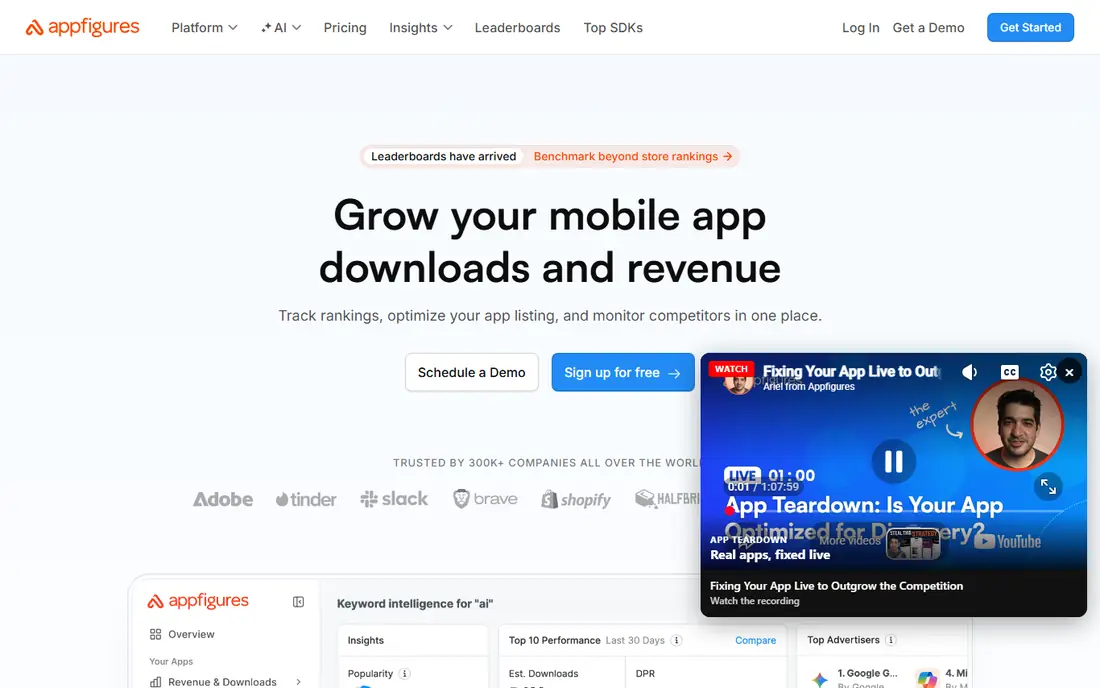
Appfigures is a good fit for clean reporting and review monitoring. Developers who live in metrics tend to like it.
Appfigures excels at the reporting layer: downloads, revenue, ranks and reviews in dashboards that stakeholders actually read. Check the vendor site for Appfigures pricing; none is listed in this comparison. Appfigures includes a free tier.
Limits to weigh: market data is entry-level; Keyword tools lighter than ASO-first rivals.
- Sales and download reporting
- Review tracking with alerts
- Pricing per app brings up
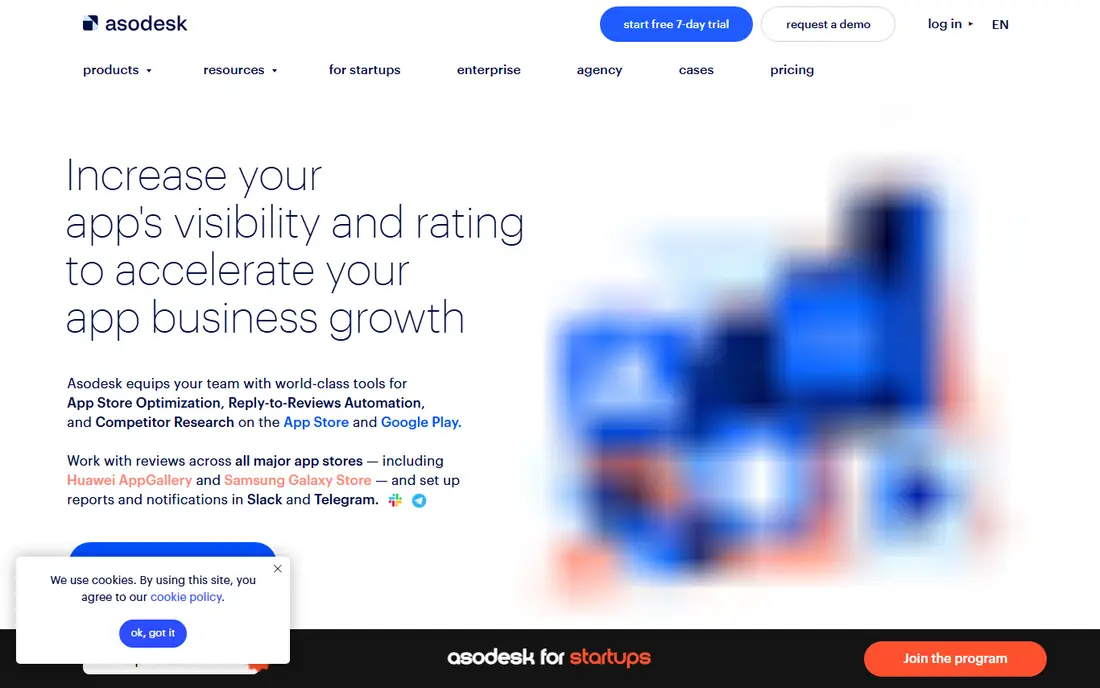
ASOdesk was built for keyword tracking and semantic core building at low cost. Group by intent, assign owners per group, and review the weakest group each month. That routine turns a thousand tracked keywords into a manageable system.
Watch-outs: Interface less refined; data coverage thinner in smaller locales.
ASOdesk concentrates on the keyword workflow: building a semantic core, tracking ranks across countries, and spotting keyword gaps against competitors. The interface is functional instead of slick, and data in smaller markets can be thin. Beyond that, the price is among the lowest here, which makes it widely used with freelancers and small agencies managing numerous apps. This comparison lists no price for ASOdesk; ask the vendor. ASOdesk has a free plan.
- Review reply tools
- Semantic keyword grouping
- Advanced features cost additional
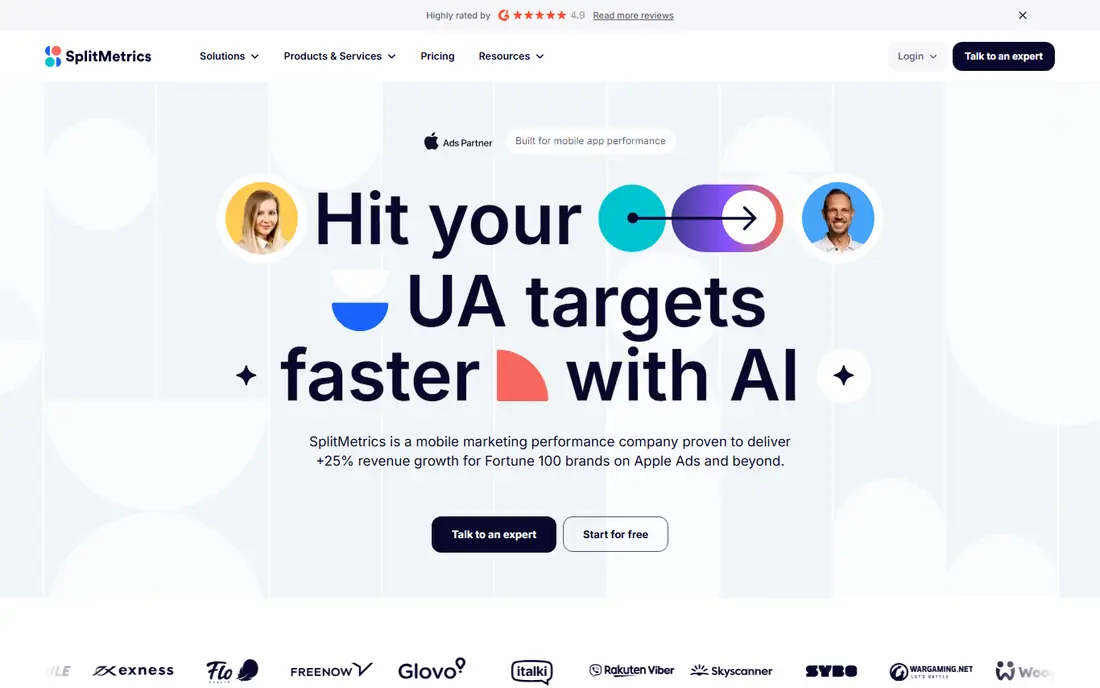
SplitMetrics makes the most sense for a/B testing icons, screenshots and metadata. SplitMetrics answers the question every ASO manager asks: will this new screenshot set convert better? Its experiments test listing variations with real users before you ship, and the reporting displays statistical confidence instead of gut feel.
Limits to weigh: experiments need traffic to conclude, pricing is quote-based.
Upsides: Purpose-built store listing experiments. That pre-launch testing can save a bad creative from tanking conversion. It is a specialist, so pair it with a keyword tool for research. SplitMetrics experiments need enough traffic to reach confidence, so run them on your highest-volume locales first. Beyond that, a winning screenshot set in the US can then roll out to smaller markets without retesting everything. SplitMetrics does not show a starting price in this comparison, so check the vendor site for current pricing. There is no free plan with SplitMetrics.
- Pre-launch testing with real users
- Agency services available
- Testing focus means thinner keyword tools, no free plan
Sensor Tower
Great for: Publishers who require the deepest market and keyword data
Sensor Tower works best for publishers who require the deepest market and keyword data. Sensor Tower is the data source plenty of publishers treat as ground truth.
Downsides: Enterprise pricing, no free plan, interface takes training.
Its keyword database spans volume and difficulty estimates, and its market intelligence estimates competitor downloads and revenue. Check the vendor site for Sensor Tower pricing; none is listed in this comparison. Sensor Tower has no free plan. Best features of Sensor Tower: solid competitor intelligence.
- Category rankings and trends
- Used by top publishers
- Overkill for a single indie app
App Radar is designed for Indie developers and small studios on a budget. Keyword tracking, suggestions and competitor monitoring include the daily workflow, and a free level lets you start at once.
On top of that, the publishing tools help handle listings across keeps. App Radar shows no starting price here, so confirm the cost on the vendor site. Free access exists with App Radar.
Trade-offs to know: fewer market intelligence features; best for smaller portfolios.
- Free level for basics
- Budget-friendly plans
- Review tools are entry-level
Think of AppTweak for teams wanting ASO, reviews and market data in one place. AppTweak merges keyword research, rank tracking, review monitoring and competitor tracking in a single dashboard. From a buyer's view, plans scale with the number of apps tracked, so costs stay proportional for small portfolios.
From a buyer's view, there is no free plan, but trials let you test the data quality against your own rankings before committing. The timeline view, which displays when competitors changed their screenshots or metadata, is genuinely handy for spotting what rivals are testing. This comparison lists no price for AppTweak; ask the vendor. AppTweak does not include a free plan.
Strengths: decent keyword suggestions. Points against: No free plan.
- Wide feature set
- Timeline of store listing changes
- Pricing climbs with tracked apps
Notes on app store optimization software store optimization spans the metadata, visuals and ratings that decide your ranking: the title, subtitle, keyword field, screenshots and reviews. Also, keyword research and rank tracking form the core. Creative testing checks screenshots and icons.
In daily use, market intelligence zooms out to category trends and competitor downloads. Few teams need every module on day one, so pick the tool that spans your current bottleneck.
Our selection method
We compared the tools on published pricing, free plan or trial availability, feature coverage for app store optimization software, and the limits each vendor documents. Plan names, prices and limits change often. Treat the figures here as a starting point and verify them with the vendor. The ranking is editorial: typical fit first, then clear pricing, then free access. If your needs are unusual, read the profiles rather than relying on position.
A buyer's checklist
- Confirm the entry price with every vendor: no tool from Appfigures to AppTweak shows a fixed starting price.
- Check what the free option really includes: Appfigures, ASOdesk and App Radar offer a free plan, and usage caps differ.
- Read the limits listed for Appfigures first: keyword tools lighter than ASO-first rivals, pricing per app brings up, market data is entry-level, less guidance for beginners.
- Check whether Sensor Tower bills monthly or annually, and what cancelling early costs.
- Pick one real project and run it in AppTweak first; a small pilot shows fit faster than a checklist.
Frequently asked questions
How are the tools for app store optimization software ordered?
The order follows typical fit for app store optimization software, with Appfigures first and AppTweak last, then price clarity and free access. It is editorial judgement, not a score, so another team could rank the tools differently.
Can I try these options before paying?
Often, yes. Appfigures, ASOdesk and App Radar have a free plan. Use your own data and a real task during the test, and check what the free tier or trial limits before you rely on it.
Do these tools publish their prices?
No. None of the tools, from Appfigures to AppTweak, shows a fixed starting price here, so budget time for quotes.
Which options for app store optimization software have a free plan?
Appfigures, ASOdesk and App Radar offer a free plan in this list. Free plans usually cap users, projects or features, so check the limits on the vendor page.
Sources
See where you really rank - block by block
ProMapRanker scans Google Maps across a grid of your service area. Simple monthly plans from $19, white-label on every plan.
Start freeKeep reading
 zscaler alternatives
Best Zscaler Alternatives in 2026
Looking for zscaler alternatives? We compare 9 SASE and zero trust platforms on architecture, data protection, pricing, and fit for your network and team.
Read → zapier alternatives free
Best Zapier Alternatives Free in 2026
Nine automation tools for zapier alternatives free in 2026, all with genuinely free tiers, plus free plan limits, starting prices and upgrade paths explained.
Read → which platform is best for online reputation
Which Platform Is Best for Online Reputation in 2026
Wondering which platform is best for online reputation? We compare 8 review, listing, and response tools for small and multi-location businesses and agencies.
Read →