 ProMapRanker
Best App Store Optimization in 2026

Key takeaways
- AppTweak is the best all-round keyword and market intelligence tool for mid-market app teams.
- App Radar suits small teams that want daily ASO work and publishing from one dashboard.
- Sensor Tower is the strongest market intelligence choice, but its pricing fits larger publishers.
- AppFollow leads when review management and sentiment matter as much as rankings.
- Appfigures and MobileAction give smaller teams useful ASO data at lower entry prices.
Quick comparison
| Pick | Great for | Pricing starts at | Free tier | |
|---|---|---|---|---|
 AppTweak | keyword and market intelligence | $79 per month | Free trial | Visit |
 Sensor Tower | enterprise market intelligence | See website | No | Visit |
 App Radar | daily ASO workflow | €69 per month | Free trial | Visit |
 MobileAction | Apple Search Ads and ASO | $15 per month | Yes | Visit |
 AppFollow | review management | See website | Yes | Visit |
 Appfigures | analytics and keyword tracking | $9.99 per month | Yes | Visit |
 ASOdesk | budget keyword tracking | See website | Yes | Visit |
 SplitMetrics | store page A/B testing | See website | No | Visit |
 Gummicube | managed ASO and creative testing | See website | No | Visit |
The best app store optimization tools
These tools cover keyword research, ranking tracking, reviews, market data and creative testing for Apple App Store and Google Play.
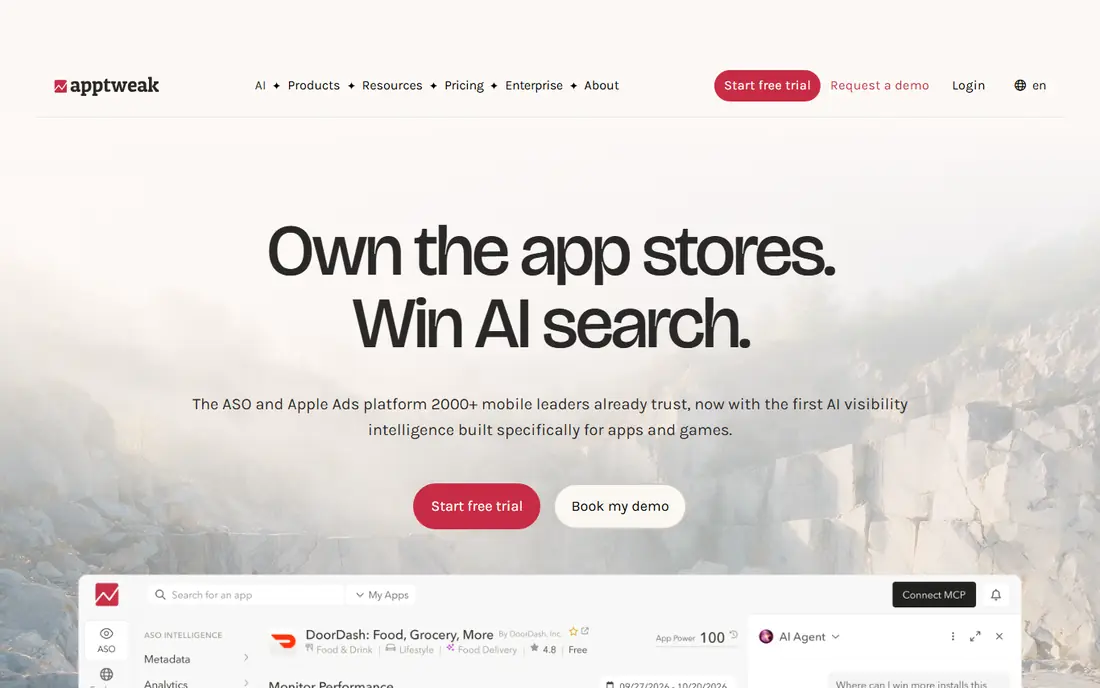
AppTweak is the default shortlist tool for teams that live in keyword data. You can research terms, track rankings, watch competitors and check which keywords drive visibility in each store. The interface keeps daily work fast, which matters when ASO is one job among many.
The main limit is inherent to the category. Search volume figures are modeled estimates, so treat them as direction rather than fact. If your budget is tight, start on the entry plan and add apps or markets only when the data proves useful.
- Broad keyword research and volume estimates
- Competitor tracking
- Apple Search Ads intelligence
- Keyword volumes are estimates, not exact counts
- Higher tiers are costly for indie developers
Sensor Tower is a market intelligence platform that also supports ASO, rather than a narrow ASO tool. Publishers use it to size categories, track competitors, study advertising and judge where a new app might fit. That breadth helps strategy teams and investors as much as marketers.
For a solo developer with one app, it is usually too much tool at too high a price. For a publisher with a portfolio, the same breadth becomes the point. Ask for a scoped quote tied to the apps and markets you actually track.
- Deep download, revenue and advertising estimates
- Broad market and audience data
- Includes data.ai data after the acquisition
- Pricing is quote-based and enterprise level
- More tool than a single app needs
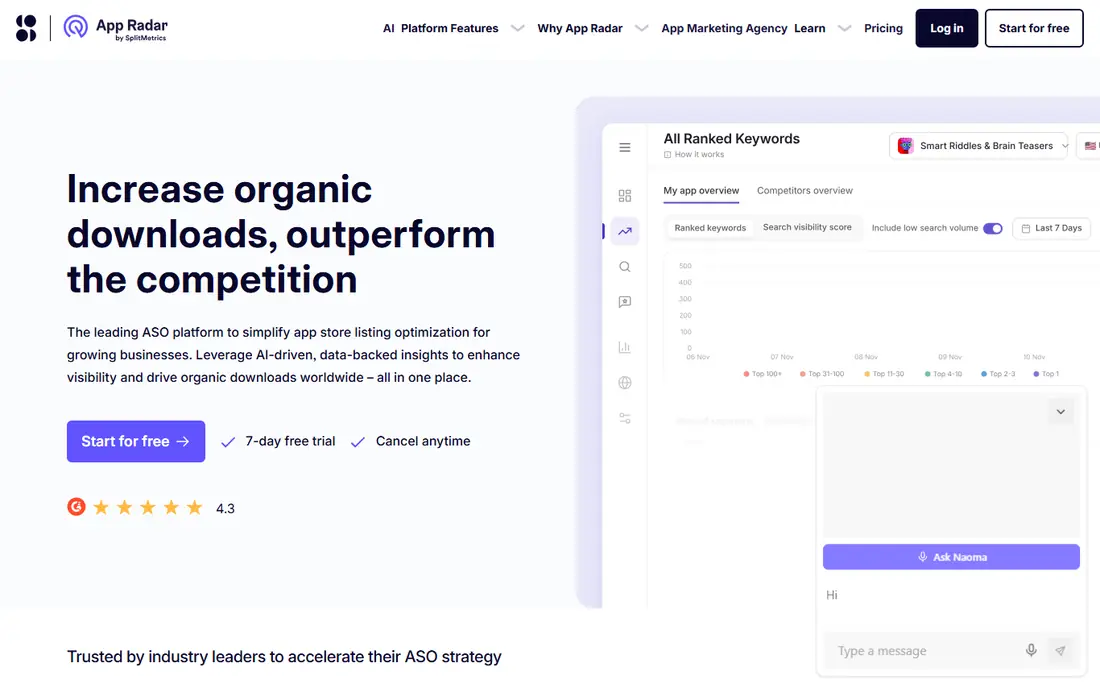
App Radar fits teams that want ASO as a daily habit, not a monthly report. Keyword tracking, metadata drafting, localization and publishing sit in one place, so changes move from idea to store listing without switching tools. That workflow focus is why small and mid-size teams rate it highly.
It will not match Sensor Tower on market sizing, and it should not be judged on that ground. Judge it on whether your team updates listings more often with it in place. If the answer is yes, the workflow value is real.
- Keyword tracking with AI metadata suggestions
- Publishing from the dashboard
- Review management in the same workflow
- Market data is lighter than Sensor Tower
- Entry price still matters for very small teams
MobileAction is a practical entry point for teams that run paid and organic app marketing together. Apple Search Ads intelligence sits next to keyword rankings, so you can see where paid terms overlap with organic visibility. The low entry price makes it easier to test before committing.
Depth is the trade-off. The cheapest plan covers core tracking, while richer intelligence sits higher up. For a team that already spends on Apple Search Ads, the combined view can justify the upgrade, but check which features sit on each tier.
- Low entry price
- Apple Search Ads data alongside organic data
- Keyword and competitor tracking
- Depth varies by plan
- Some advanced features need higher tiers
AppFollow starts from a different problem: what users say about your app, and how fast you respond. Reviews from Apple, Google and other stores land in one place, with sentiment analysis and reply tools to manage them at scale. Keyword tracking and ASO features sit alongside, so review themes can feed listing changes.
Review management only helps if someone owns it. Without a regular reply and triage routine, the tool becomes another inbox. Teams with support, product and marketing sharing the same review data get the most from it.
- Review aggregation across stores
- Sentiment analysis and auto-replies
- ASO keyword tools in the same platform
- Business pricing can rise quickly
- Review work needs regular attention to pay off
Appfigures is a good fit for developers who want clean numbers first. Sales, downloads and revenue reporting across stores sit in one dashboard, and keyword tracking adds the ASO view. The free starter plan lets a small team test the reporting before paying.
Check the plan ladder carefully. The cheapest paid plan covers reporting, while keyword features start higher, so the real ASO price may be above the headline figure. For a portfolio of apps, the unified reporting alone can still be worth it.
- Unified sales and download reporting
- Keyword tracking
- Low entry price with a free starter plan
- Keyword features sit on higher plans
- Market intelligence is lighter than AppTweak
ASOdesk appeals to indie developers and small studios that need keyword tracking without an enterprise bill. The free plan covers one app, which is enough to learn the workflow and test whether tracking changes your decisions. Review replies add practical value beyond rankings.
The trade-off is depth. Competitor and market data are thinner than AppTweak or Sensor Tower, and the interface feels more utilitarian. If your main need is steady rank tracking on a budget, that trade-off is reasonable.
- Affordable keyword tracking for indie developers
- Review reply tools
- Free plan for one app
- Interface and data depth lag larger rivals
- Some features need paid plans
SplitMetrics answers a different ASO question: does the store page convert visitors into installs. Its Optimize product tests page variants with paid traffic before a full launch, and its Acquire tools support Apple Search Ads work. That focus on conversion complements keyword tools rather than replacing them.
Testing without enough traffic gives noisy results, so small apps may struggle to reach clear conclusions. Larger teams with paid traffic and frequent creative updates get the most value. Use it when conversion, not discovery, is the bottleneck.
- Pre-launch and live store page testing
- Creative insights for screenshots and video
- Apple Search Ads optimization tools
- Quote-based pricing is high for small teams
- Testing needs real traffic to give clear results
Gummicube blends software with a managed service, which suits teams that want ASO expertise as well as data. Its tools support keyword research and creative testing, while its team can run the optimization work itself. That model helps companies without an in-house ASO specialist.
The cost and control trade-off should be clear up front. A service-led engagement is less flexible than a self-serve subscription, and pricing depends on scope. If you want to learn ASO in-house, a self-serve tool fits better, but if you want work done, Gummicube is a credible option.
- Managed ASO service with data tools
- Splitcube creative testing
- Experience across app categories
- Quote-based and service-led, so costs vary
- Less self-serve control than a pure software tool
How we picked these
We compared official feature pages, pricing pages and current 2026 tool comparisons for ASO platforms covering Apple App Store and Google Play. We favored tools with live keyword tracking, ranking data or creative testing, and we noted where data.ai now sits inside Sensor Tower and where App Radar sits under SplitMetrics. We excluded tools that only sell installs or reviews, since those do not fit honest ASO work.
We did not claim hands-on testing that did not happen. Our comparison rests on published features, pricing and public reviews, and we flag where keyword volumes are estimates. Prices and plan names change, so confirm the current tier before subscribing.
How to choose an ASO tool for your stage
Start by naming the job you need done this quarter. A new app needs keyword discovery and listing basics, while a growing app needs rank tracking and review management, and a mature app needs creative testing and market data. Buying a market intelligence platform for a first launch wastes money, just as buying a rank tracker for a portfolio review wastes time.
Next, check store coverage and data limits. Some plans limit tracked keywords, apps or countries, and those limits matter more than a long feature list. Count the keywords you actually track, the countries you target and the competitors you watch, then match the plan to those numbers.
Finally, plan the weekly routine before you pay. ASO tools help only when someone checks rankings, updates metadata, replies to reviews or tests creatives on a schedule. Pick the tool whose workflow your team will actually open each week, even if a rival has a longer feature list.
Frequently asked questions
What is the best app store optimization software?
AppTweak is the best all-round choice for most mid-market teams, with strong keyword research and competitor tracking. App Radar suits small teams that want a daily workflow, and Sensor Tower suits larger publishers that need market intelligence. The best choice depends on team size, budget and whether you need market data or daily execution.
What are the best app store optimization tools for indie developers?
ASOdesk, Appfigures and MobileAction are the strongest low-cost starting points, with free plans or low entry prices. ASOdesk offers a free plan for one app, Appfigures offers a free starter plan, and MobileAction starts at a low monthly price. Start with one tool and upgrade only when tracking limits start to bite.
Do ASO tools give exact download and search volume numbers?
No. Most ASO tools model download and search volume from store data, so figures are estimates that help with comparison rather than exact counts. Use them to judge relative demand and ranking movement, and check Apple App Store Connect and Google Play Console for your own actual install data.
Is Sensor Tower the same as data.ai?
Sensor Tower acquired data.ai in 2024 and retired the standalone data.ai product, so data.ai market data now sits inside Sensor Tower. If a vendor still pitches data.ai as a separate current product, treat that pitch as out of date and ask what Sensor Tower plan it actually refers to.
Can one ASO tool do keyword research and A/B testing?
Some platforms cover both, but the strongest testing tools are often separate. AppTweak and App Radar cover keyword work well, while SplitMetrics focuses on store page testing. Many teams pair a keyword tool with a testing tool once creative conversion becomes the main bottleneck.
Sources
See where you really rank - block by block
ProMapRanker scans Google Maps across a grid of your service area. Simple monthly plans from $19, white-label on every plan.
Start freeKeep reading
 zoho inventory alternatives
6 Alternatives to Zoho Inventory, Compared on Price and Fit
Zoho Inventory alternatives: 6 tools compared on price, free plans and fit. Katana leads the list for manufacturers. Fit and flaws are laid out for each entry.
Read → zoho crm alternatives
Best Zoho CRM Alternatives (2026)
Need Zoho CRM alternatives? We compare 7 tools on cost, free access and who each suits. Every pick gets a straight assessment. Built for quick decisions.
Read → zelle alternatives
Best Zelle Alternatives in 2026
Compare the best Zelle alternatives for sending money to friends, paying sellers and moving funds abroad, with honest notes on fees, speed and safety in 2026.
Read →