 ProMapRanker
Best App Ideas in 2026: 9 Apps Compared

Key takeaways
- The best app idea is one you can test fast, so pick a builder that lets you launch a working version in days, not months.
- Bubble suits complex web apps, while FlutterFlow and Adalo suit native mobile apps for iOS and Android.
- Glide and Softr suit data led tools built from a spreadsheet, Airtable, or existing records.
- AI builders like Lovable and Bolt speed up a first version, but you still need to test with real users.
- Check code export, pricing per user, and app store publishing before you commit to a platform.
Quick comparison
| Pick | Great for | Pricing starts at | Free tier | |
|---|---|---|---|---|
 Bubble | Complex web apps | $29 per month | Yes | Visit |
 FlutterFlow | Native apps with code export | $39 per month | Yes | Visit |
 Glide | Spreadsheet to app tools | See website | Yes | Visit |
 Adalo | Simple native apps | $36 per month | Yes | Visit |
 Softr | Portals on existing data | $19 per month | Yes | Visit |
 Lovable | Prompt to web app | $25 per month | Yes | Visit |
 Bolt | Browser based AI building | $25 per month | Yes | Visit |
 Thunkable | Beginner mobile apps | See website | Yes | Visit |
 AppSheet | Data driven business apps | $5 per user per month | Free trial | Visit |
The best app ideas
An app idea only matters once people can try it. The tools below turn ideas into working apps, from a habit tracker to a booking tool, a marketplace, or an internal business app. Pick by app type first, then by how much control and code access you want later.
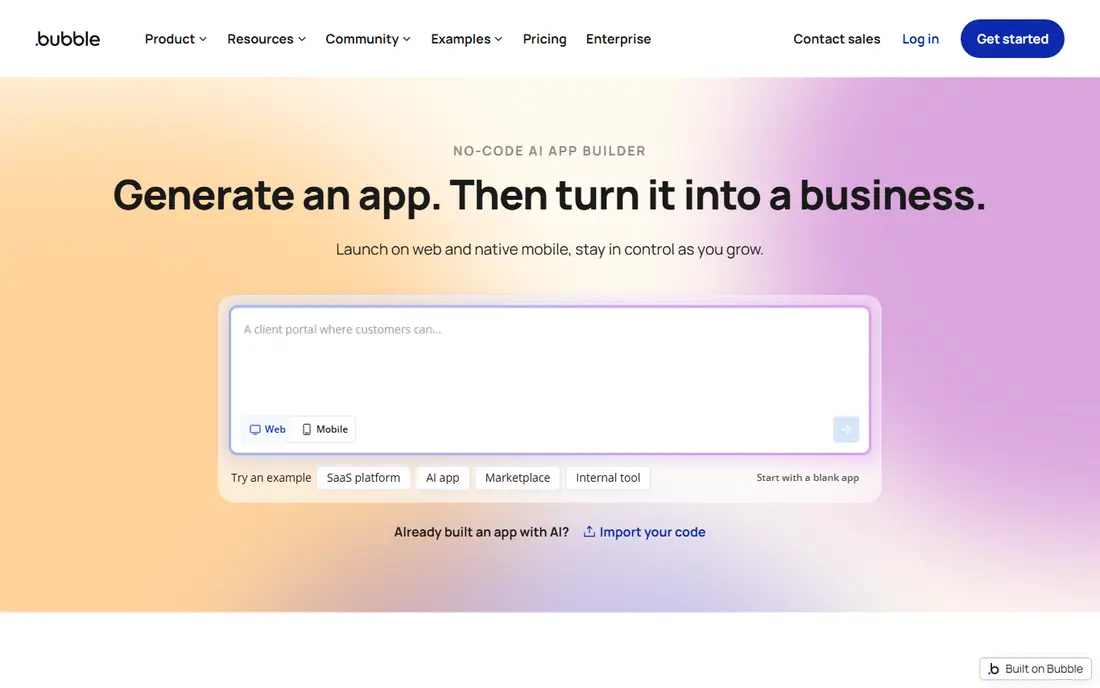
Bubble suits ideas that need real logic, such as a marketplace with user accounts, payments, and search filters. You build with visual workflows instead of code, and the built in database keeps user data, listings, and orders together. Templates can speed up common ideas like directories and booking tools.
The trade off is learning time. Bubble rewards a few weeks of practice, and very simple ideas may be faster elsewhere. Mobile apps are possible but less direct than with a native builder. If your idea is a full web product with custom rules, Bubble gives the most room to grow.
- Visual workflows for complex logic
- Large plugin and template range
- Database built in
- Learning curve is steep
- Native mobile apps need extra work
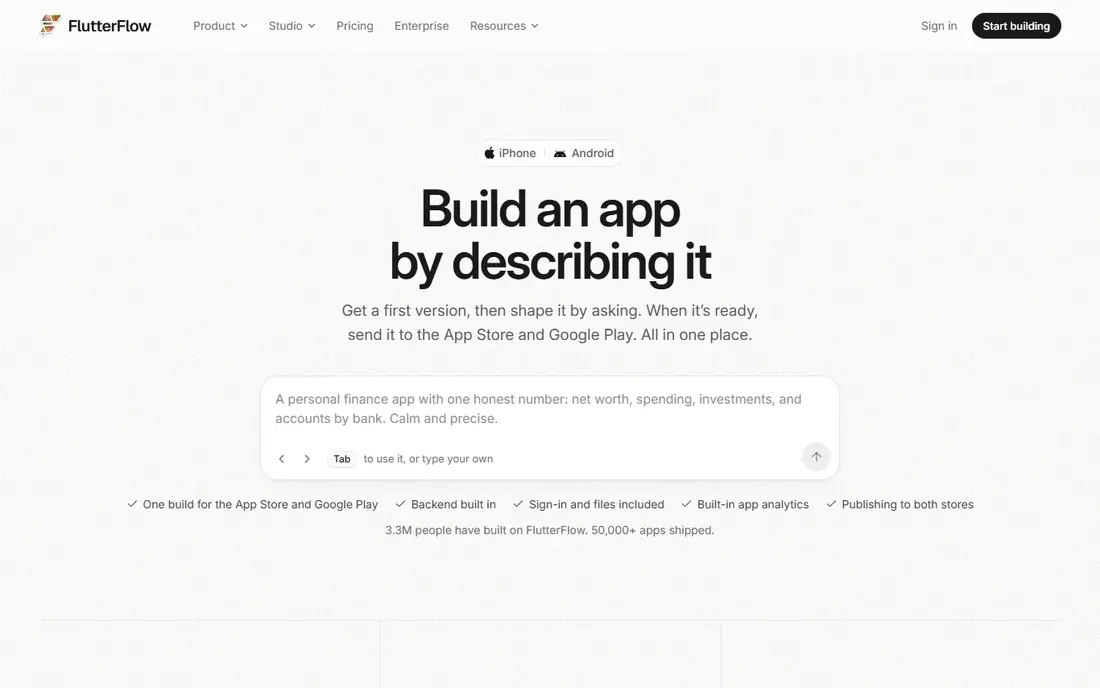
FlutterFlow suits app ideas that must live in the App Store and Google Play as true native apps. You design screens visually, connect data through Firebase, and export Flutter code if you later hire developers. That code access matters for ideas you plan to grow for years.
Setup is heavier than a simple builder, since data and logins often need a Firebase project. Beginners should start with a template and a small feature set, then add complexity. For a serious mobile idea with a long future, FlutterFlow is a strong, portable pick.
- Native iOS and Android output
- Flutter code export
- Firebase integration
- Setup can involve Firebase work
- Steeper learning than Glide
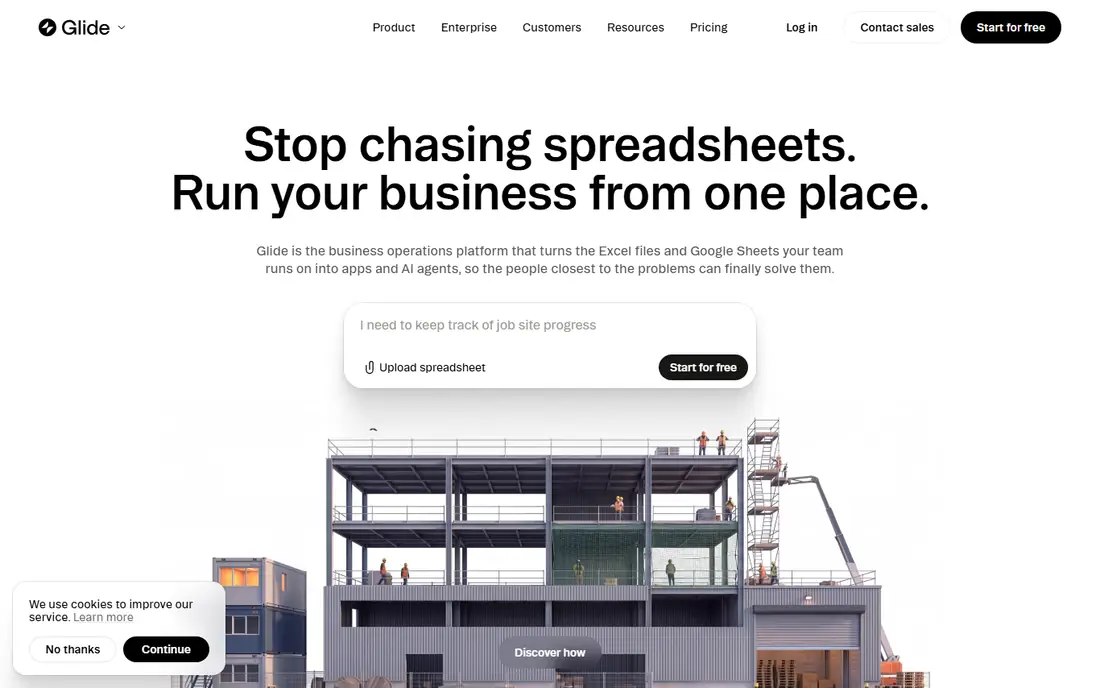
Glide turns a spreadsheet or data source into a working app in hours, which makes it ideal for ideas like an inventory tracker, a staff directory, or a customer portal. You pick a template, connect your data, and publish a web app that works well on phones. That speed helps you test an idea with real users before you invest more.
The limit is native publishing. Glide apps are web apps, not App Store apps in the usual sense, and design control is narrower than Bubble or FlutterFlow. If your idea is a data tool for a team or a small audience, Glide is often the fastest route to a working version.
- Fast build from sheets and data
- Clean templates
- Good for internal tools
- Mainly web apps, not native store apps
- Design control is limited
Adalo suits simple mobile ideas, such as a local guide, a fitness log, or a small booking app. You design once and publish to iOS, Android, and web, which saves time for solo builders. The editor stays approachable, and you can fix AI or template misses by hand on the canvas.
Complex apps with heavy data or many users may hit limits, so keep the first version focused. Check database and user limits on the plan you choose, and test on a real phone early. For a first mobile app idea, Adalo balances ease and native output well.
- Native iOS and Android from one design
- Simple drag and drop
- App store publishing
- Scaling limits for complex apps
- Database size limits on lower plans
Softr is the fastest pick when your app idea is really a portal on data you already have. A client portal, a membership directory, or a resource library can go live quickly from Airtable, Google Sheets, or Notion. User permissions let different groups see different records, which suits teams and clients.
If your idea needs custom workflows or a unique mobile experience, Softr will feel limited. Treat it as a portal builder, not a general app builder. For data led ideas, its speed and low starting price make it easy to test with a small group first.
- Fast portals from Airtable and Sheets
- User logins and permissions
- Clean templates
- Less suited to fully custom apps
- Design and logic limits
Lovable suits founders who want to describe an idea in plain words and get a working web app back in minutes. You can then ask for changes in plain language, connect a database, and share a live link for feedback. That speed helps you test several ideas in a week instead of one idea in a month.
The catch is control and cost. Lovable builds web apps, not native store apps, and heavy prompting uses credits that can raise the bill. Use it for prototypes and early versions, and plan a move to a more controlled builder if the idea proves popular. For testing ideas fast, it is a useful first step.
- Fast prompt to working web app
- Built in database and hosting
- Easy iteration
- Web only for most ideas
- Usage credits can add up with heavy iteration
Bolt, from StackBlitz, builds a web app in the browser from a prompt and gives you access to the code behind it. That mix suits builders who like AI speed but want to keep the code and fix things by hand when needed. Sharing a live link for feedback takes only a few clicks.
As with Lovable, Bolt is web focused, so native store apps need another route. Complex ideas may need manual fixes, so some comfort with code helps. If you want AI speed plus code ownership for a web idea, Bolt is a strong option to test first.
- Builds in the browser with code access
- Fast prototypes
- Easy to share a live link
- Web focused
- Needs some code comfort to fix complex issues
Thunkable suits beginners, students, and educators with a first mobile app idea. Block based building keeps logic visible, live testing on a phone shows changes quickly, and you can export to the app stores when the app is ready. That path works well for simple ideas like quizzes, guides, and trackers.
More complex ideas with large databases or custom design will feel limited. Keep the scope small, test with a few users, and move to FlutterFlow or Adalo if the idea outgrows Thunkable. For learning and for simple published apps, it remains a friendly starting point.
- Drag and drop blocks
- Live testing on a phone
- App Store and Google Play export
- Database options are limited
- Design control is basic
AppSheet suits business app ideas built around data capture, such as inspections, field reports, and inventory checks. It works well with Google Sheets and Google Workspace, and it can add workflows, forms, and maps without code. The per user price keeps small team costs clear.
The design is practical rather than polished, so consumer facing ideas may look better on Glide or Adalo. If your idea serves a team that already uses Google tools, AppSheet is a low cost, reliable way to turn a spreadsheet process into a real app.
- Strong Google Workspace fit
- Data capture and workflows
- Low per user cost
- Design feels business like
- Google centred workflow suits some teams more than others
How we picked these
We compared official pricing pages, free plans, publishing options, and public reviews of each builder. We favoured tools still available in 2026, with a free plan or trial, and a clear path from idea to a working app. We left out tools that had closed, lacked a working homepage, or offered only design mockups with no working app output.
How to test an app idea before you build it fully
Start with the smallest version that solves one problem for one group. A booking app needs booking first, not chat, payments, and social features. Build that core, share it with ten real users, and watch what they do instead of only asking what they think. Their behaviour will tell you what to build next.
Next, check the boring details early. Confirm how users sign in, what data you store, and how you handle privacy. Check app store fees and publishing rules if you plan a native app, since Apple charges a developer fee and Google Play has a one time fee. Those costs sit outside the builder price.
Finally, plan for growth before you need it. If you may hire developers later, code export matters, which favours FlutterFlow, Lovable, and Bolt. If you stay no code, check user and database limits on your plan. A cheap start that forces a rebuild in six months can cost more than a slightly dearer builder that scales.
Frequently asked questions
What are the best app ideas to build in 2026?
Good ideas solve a clear, repeated problem for a defined group, such as booking, tracking, or managing shared data. Tools for small teams, local services, health habits, and learning tend to test well because users feel the benefit fast. Avoid ideas that need a huge user base on day one to work at all.
What is the best app idea for a beginner?
A simple tracker, guide, or booking tool is a good first idea, since it has one core job and clear screens. Thunkable, Glide, and Softr make those ideas fast to build. Start small, publish to a few users, and add features only after real feedback.
What are the best ideas for apps that make money?
Apps that save time for a business, such as scheduling, inventory, or client portals, often charge a subscription more easily than consumer apps that rely on ads. Check what similar tools charge and whether users already pay for a workaround. A paid idea needs a clear value that beats a spreadsheet or a free tool.
What are the best apps to make an app without coding?
Bubble, Glide, Adalo, Softr, and Thunkable are the strongest no code picks, each suited to a different app type. FlutterFlow adds code export for mobile apps, while Lovable and Bolt add AI speed for web apps. Pick by app type, not by which tool looks most popular.
How do I validate an app idea?
Build a small working version, share it with real users, and measure whether they return and complete the core task. Landing page signups alone can mislead, since clicking is easier than using an app weekly. Talk to users, watch where they get stuck, and change the idea based on that evidence.
How much does it cost to build an app idea?
A no code prototype can start free, with paid plans from about $5 per user per month to $39 per month for the builders here. App store fees, domain costs, and paid plan upgrades add to that total. A custom coded app costs far more, so test with a builder before you commission code.
Sources
See where you really rank - block by block
ProMapRanker scans Google Maps across a grid of your service area. Simple monthly plans from $19, white-label on every plan.
Start freeKeep reading
 zscaler alternatives
Best Zscaler Alternatives in 2026
Looking for zscaler alternatives? We compare 9 SASE and zero trust platforms on architecture, data protection, pricing, and fit for your network and team.
Read → zapier alternatives free
Best Zapier Alternatives Free in 2026
Nine automation tools for zapier alternatives free in 2026, all with genuinely free tiers, plus free plan limits, starting prices and upgrade paths explained.
Read → which platform is best for online reputation
Which Platform Is Best for Online Reputation in 2026
Wondering which platform is best for online reputation? We compare 8 review, listing, and response tools for small and multi-location businesses and agencies.
Read →