 ProMapRanker
Best Apps for Tracking Work Hours in 2026


Simple timer for freelancers and teams · Pricing starts at: $9 per user per month
Key takeaways
- Clockify and Toggl Track are the best starting points for simple timers, reports, and small teams.
- Harvest suits freelancers and agencies that turn tracked hours straight into invoices.
- Hubstaff and Time Doctor add monitoring for remote teams, so check privacy expectations before rolling them out.
- ClockShark, Homebase, and QuickBooks Time fit shift and field work, with scheduling and payroll links that pure timers lack.
Quick comparison
| Pick | Great for | Pricing starts at | Free tier | |
|---|---|---|---|---|
| Toggl Track | Simple timer for freelancers and teams | $9 per user per month | Yes | Visit |
 Clockify | Free tracking for small teams | $3.99 per user per month | Yes | Visit |
 Harvest | Hours to invoices for agencies | $11 per seat per month | Yes | Visit |
 Hubstaff | Remote team accountability | $4.99 per user per month | Free trial | Visit |
 Time Doctor | Productivity visibility for remote teams | $6.67 per user per month | Free trial | Visit |
 ClockShark | Field crews and job costing | $42 per month plus $9.50 per user per month | Free trial | Visit |
 Homebase | Hourly teams with scheduling | Free | Yes | Visit |
 QuickBooks Time | QuickBooks payroll and accounting users | $20 per month plus $10 per user per month | Free trial | Visit |
The best apps for tracking work hours
A good work hours app does two jobs: it makes logging time easy enough that people actually do it, and it turns those hours into payroll, invoices, or job costs without manual retyping. The tools below range from a simple timer to a full time card system for hourly staff.
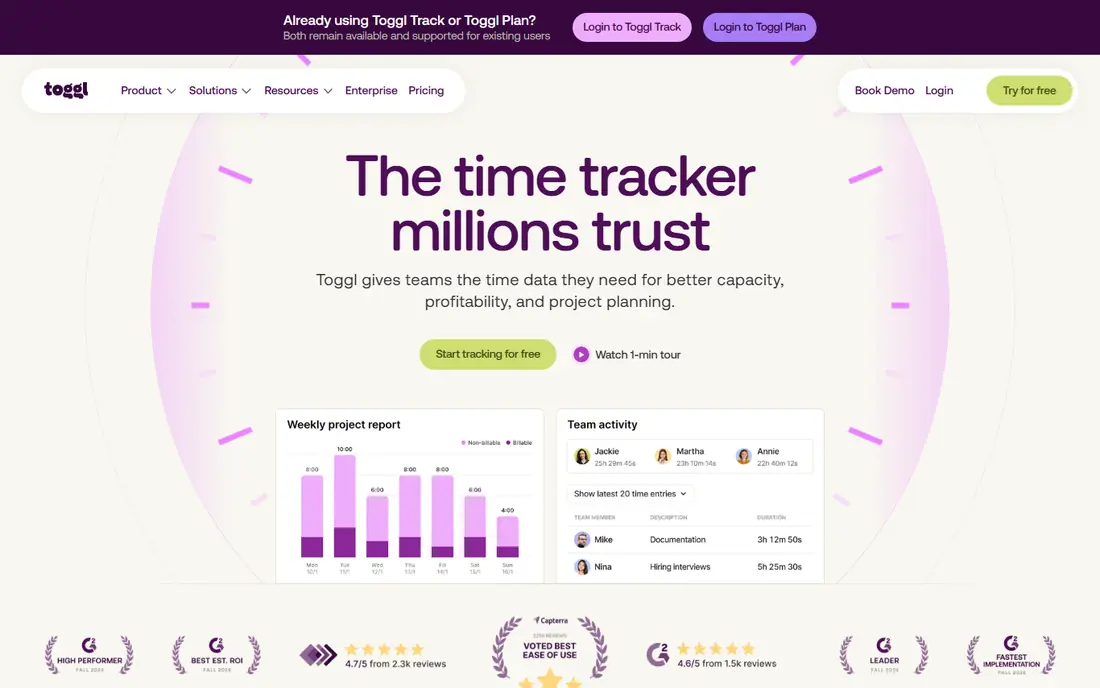
Toggl Track is the tracker we suggest first when someone wants time tracking without a learning curve. Start the timer, pick a project, and stop it when the work ends. Reports filter by client, project, tag, or team member, and exports are clean enough to send to a client without reformatting. That simplicity is why teams actually keep using it after the first month.
The free plan covers up to 5 users, which suits freelancers and tiny teams, while Starter at $9 per user per month adds billable rates, project estimates, and scheduled reports. Toggl Track does not do shift scheduling or GPS clock-ins, so field and hourly teams should look further down this list. For knowledge work and client billing, though, it is hard to beat for ease of use.
- One-click timer on web, desktop, and mobile
- Clean reports by client, project, and tag
- No screenshots or monitoring
- Billable rates and estimates need paid plans
- Free plan covers up to 5 users
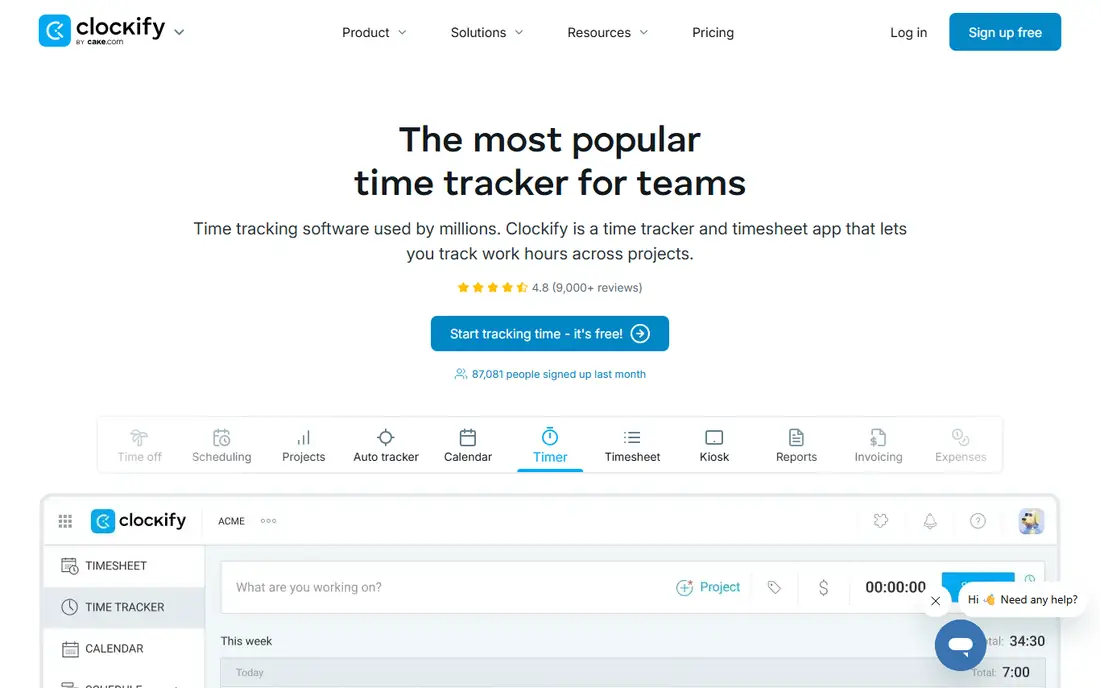
Clockify is the best free starting point for teams that want solid tracking without paying from day one. The free plan covers timers, timesheets, and reports, with unlimited projects and clients, plus a kiosk mode that lets staff clock in from a shared device. That combination works well for small businesses that need hours by project or client, not surveillance.
Paid plans start at $3.99 per user per month billed annually, adding invoicing, approvals, and time-off management. Note that recent reports describe a 5-user cap on the free plan, so larger teams should confirm the current limit on the pricing page before relying on free use. Even with that cap, Clockify remains one of the cheapest paid options here.
- Free plan with unlimited projects and clients
- Timesheets, reports, and kiosk mode
- Low paid entry price
- Free plan now caps at 5 users in recent reports
- Invoicing and approvals need paid tiers
- GPS tracking needs a paid plan
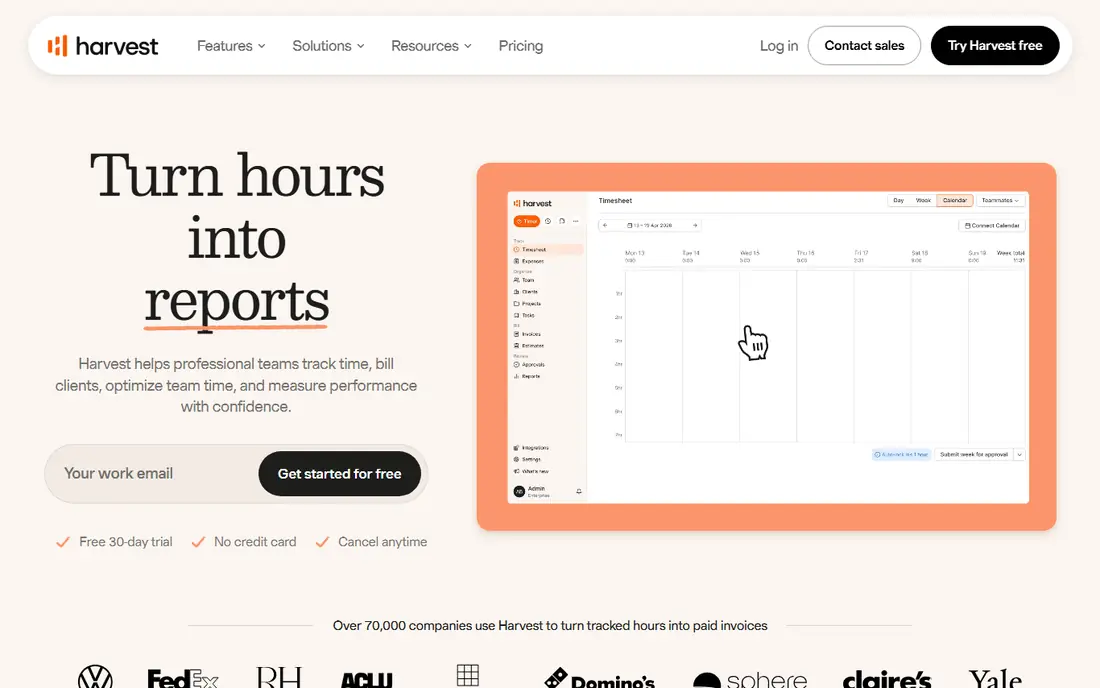
Harvest fits agencies, consultants, and freelancers who bill by the hour. Track time against a project, and Harvest turns those hours into an invoice with the right rates, expenses, and client details already attached. Project budgets show when a job is eating more hours than planned, which helps before a project goes over budget rather than after.
The free plan is narrow, with 1 seat and 2 projects, so it works as a trial rather than a long-term free tool. Pro at $11 per seat per month removes those limits. Harvest does not try to be a shift scheduler or a payroll system, so hourly retail or field teams will need a different tool. For billable work, the direct path from timer to invoice is its main strength.
- Built-in invoicing from tracked time
- Project budgets and expense tracking
- Clean client reporting
- Free plan covers only 1 seat and 2 projects
- Scheduling and payroll features are limited
Hubstaff suits managers who need proof of hours for remote or field staff, not just a self-reported timesheet. GPS tracking, geofencing, and optional screenshots give a record of where and when work happened, and payroll features turn approved hours into pay. That audit trail matters for contractors, agencies with remote staff, and teams spread across time zones.
That same monitoring is the reason to handle rollout carefully. Tell staff what is tracked, what is not, and why, and turn off screenshots if your team does not need them. Starter pricing starts at $4.99 per user per month billed annually, with a 14-day trial and no permanent free plan. If your team trusts self-reported time, Toggl Track or Clockify will feel lighter. If you need verification, Hubstaff is a practical choice.
- GPS tracking and geofencing for field staff
- Optional screenshots and activity levels
- Automated payroll and invoicing links
- Monitoring features can feel intrusive if not explained clearly
- No permanent free plan, only a 14-day trial
Time Doctor is built for distributed teams that need to validate hours and understand how work time is spent. It records screenshots, app and website use, and idle time, then turns that data into reports by person, project, and client. Managers can spot unproductive patterns early, and staff get a clear record of their own hours for payroll disputes.
As with Hubstaff, the monitoring side needs an honest conversation with staff before you switch it on. Some teams will accept it as part of remote work, while others will see it as surveillance and push back. Basic pricing starts at $6.67 per user per month billed annually, with a 14-day trial. If you need visibility without screenshots, look at Toggl Track or Clockify first.
- Screenshots and app usage reports for accountability
- Payroll and project reporting
- Works for distributed teams
- Monitoring can raise privacy concerns
- No permanent free plan, only a 14-day trial
- Setup takes care to get right
ClockShark is made for construction and field service crews, and that focus shows in every feature. Workers clock in against a specific job, switch jobs without clocking out, and their hours land against the right cost code. A foreman can clock in a whole crew at once, GPS documents job locations, and punches keep working offline and sync when signal returns. That job-level detail is what turns timesheets into real labour costing.
The price and terms need a close read. Standard pricing is reported as a $42 monthly base plus $9.50 per user per month, and multi-year contract terms have been reported on plans, so confirm current terms on the pricing page before signing. There is a 14-day trial and no permanent free plan. For a crew that lives on job costing, ClockShark earns its cost. For a small office team, it is more tool than needed.
- GPS clock-ins tied to jobs and cost codes
- Crew clock-in by a foreman
- Offline punches that sync later
- QuickBooks integration
- Base fee plus per-user pricing adds up
- Multi-year contract terms reported on plans
- No permanent free plan
Homebase is the best fit for restaurants, retail shops, salons, and other hourly teams that need scheduling and time tracking together. Staff clock in from a phone or tablet, managers build schedules, and team chat keeps shift changes in one place. The free Basic plan covers one location and up to 10 employees, which is enough for many small businesses to run on without paying.
Paid plans start at $24 per location per month billed annually, with unlimited team members on paid tiers, so costs stay flat as you add staff at one site. Payroll is an add-on rather than included. Homebase is weaker for agencies that bill clients by project, but for hourly shift work it combines the daily tools a manager actually opens into a single app.
- Free Basic plan for one location and up to 10 employees
- Scheduling, time clock, and team chat in one app
- Optional payroll add-on
- Paid plans charge per location, not per user
- Payroll is an extra cost
- Less suited to project-based billing
QuickBooks Time, formerly TSheets, makes sense when your books already live in QuickBooks. Approved hours flow into QuickBooks timesheets and payroll without retyping, and job and client context carries over with them. GPS tracking, geofencing, scheduling, and time-off requests cover the field and office sides of an hourly team in one place.
Outside QuickBooks, the value drops. Pricing is reported as a $20 monthly base plus $10 per user per month on the Premium plan, with a 30-day trial and no permanent free plan. If you run payroll elsewhere, Clockify, Homebase, or ClockShark may fit better for less money. If QuickBooks is already your system of record, QuickBooks Time removes the weekly copy-and-paste job that eats admin time.
- Native sync with QuickBooks payroll and timesheets
- GPS and geofencing for field staff
- Scheduling and time-off tracking
- Base fee plus per-user pricing
- Best value only inside the QuickBooks system
- No permanent free plan
How we picked these
We compared official feature and pricing pages, plus public reviews, and kept only apps that are live in October 2026 and genuinely track work hours, whether by timer, timesheet, or time card. We excluded pure project tools with no time tracking and pure payroll tools with no clock-in workflow. Where prices conflicted across sources, we used the most widely reported figure and noted the conflict in our report to the coordinator.
How to choose for your team
Match the app to how your people actually work. Desk and laptop teams do best with a simple timer like Toggl Track or Clockify, since adoption matters more than features. Freelancers and agencies should weigh Harvest, where hours become invoices without extra steps. Hourly and shift teams need Homebase or QuickBooks Time, with scheduling built in, while field crews need ClockShark for job costing and GPS.
Test with the people who will clock in every day, not just managers. If staff find the app slow or confusing, hours will be guessed at the end of the week no matter how good the reports look. Check the free plan or trial limits, confirm whether GPS or screenshots are on by default, and agree a privacy policy with staff before turning monitoring features on. A tracker that staff trust will give you better data than a stricter tool they work around.
Frequently asked questions
What is the best app for tracking work hours for free?
Clockify and Toggl Track are the strongest free starting points, with Clockify offering a broad free feature set and Toggl Track offering a polished timer for up to 5 users. Homebase also offers a free Basic plan for one location and up to 10 employees. Check current free plan user limits on each pricing page, since free caps have changed over time.
What is the best app for time cards?
Homebase and QuickBooks Time are the best time card options here, since both combine clock-ins with scheduling and payroll links. ClockShark adds GPS and job costing for field crews that need hours tied to jobs. Pure timers like Toggl Track and Clockify work for timesheets, but they do not manage shifts in the same way.
Do these apps work for freelancers?
Yes, and Toggl Track, Clockify, and Harvest are the best freelancer picks. Toggl Track is simplest, Clockify is cheapest for small teams, and Harvest turns hours into invoices most directly. Freelancers who bill by the hour should check whether billable rates and invoicing sit on a free or paid plan before committing.
Should I use screenshots and GPS tracking?
Only when you have a clear reason, such as verifying field hours or resolving payroll disputes, and only after telling staff what is tracked. Hubstaff, Time Doctor, ClockShark, and QuickBooks Time offer GPS or screenshots, while Toggl Track and Clockify track time without monitoring. A tracker that staff trust usually produces more accurate hours than a stricter tool they avoid.
How much do work hours apps cost?
Free plans cover small teams on Clockify, Toggl Track, Harvest, and Homebase, while paid plans range from $3.99 per user per month for Clockify to base-plus-user pricing for ClockShark and QuickBooks Time. Monitoring tools like Hubstaff and Time Doctor start around $4.99 and $6.67 per user per month billed annually. Model your real team size, since per-user pricing adds up fast.
Sources
See where you really rank - block by block
ProMapRanker scans Google Maps across a grid of your service area. Simple monthly plans from $19, white-label on every plan.
Start freeKeep reading
 zoho inventory alternatives
6 Alternatives to Zoho Inventory, Compared on Price and Fit
Zoho Inventory alternatives: 6 tools compared on price, free plans and fit. Katana leads the list for manufacturers. Fit and flaws are laid out for each entry.
Read → zoho crm alternatives
Best Zoho CRM Alternatives (2026)
Need Zoho CRM alternatives? We compare 7 tools on cost, free access and who each suits. Every pick gets a straight assessment. Built for quick decisions.
Read → zelle alternatives
Best Zelle Alternatives in 2026
Compare the best Zelle alternatives for sending money to friends, paying sellers and moving funds abroad, with honest notes on fees, speed and safety in 2026.
Read →