 ProMapRanker
Best App for Self Employed in 2026

Key takeaways
- FreshBooks is the strongest pick for service freelancers who live on invoicing, while QuickBooks Solopreneur is the tax-first choice for US filers.
- Wave and Zoho Books both offer genuinely free plans, so a tight budget is no reason to track income in a spreadsheet that never gets reconciled.
- The features that matter most for self-employed work are Schedule C categories, quarterly tax estimates, mileage tracking, and easy invoice payment.
- This is not financial or tax advice; check current tax rules for your state and talk to an accountant before you rely on any estimate.
Quick comparison
| Pick | Great for | Pricing starts at | Free tier | |
|---|---|---|---|---|
 FreshBooks | Invoicing-first freelancers | $23 per month | Free trial (30 days) | Visit |
 QuickBooks Solopreneur | Tax-first US users | $20 per month | Free trial (30 days) | Visit |
 Wave | Zero-cost bookkeeping | Free | Yes | Visit |
 Xero | Growing toward an accountant | See website | Free trial (30 days) | Visit |
 Zoho Books | Free books in the Zoho suite | Free | Yes | Visit |
 Bonsai | Contracts plus invoicing | See website | Free trial | Visit |
 Found | Banking with bookkeeping built in | Free | Yes | Visit |
 Hurdlr | Mileage and gig taxes | See website | Yes | Visit |
The best apps for self employed workers
Self-employed work means you are the sales team, the bookkeeper, and the tax department. These eight apps cover that whole job, from sending an invoice to estimating quarterly tax, with a clear note on where each one stops.
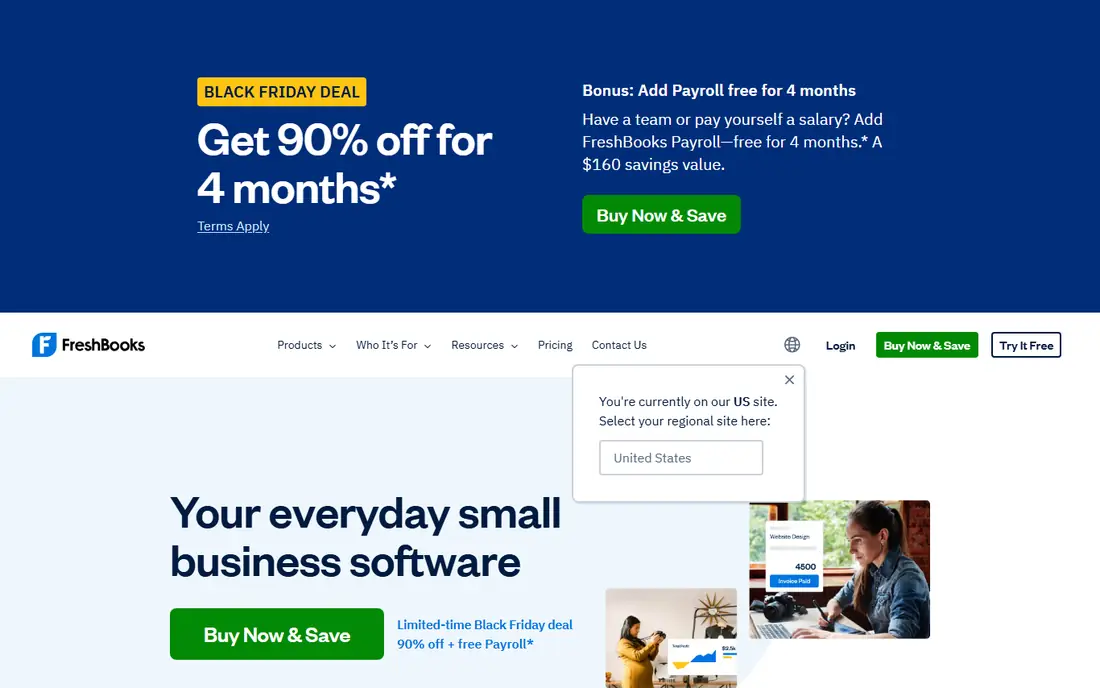
FreshBooks is our pick for service freelancers who bill by the hour or by the project. Invoices look professional, clients can pay online, and tracked time and expenses flow straight into the invoice instead of being retyped. That small saving adds up across a month of client work, and it cuts the chance of forgetting a billable hour.
The limit to check is the Lite plan client cap of 5 billable clients. If you serve more clients, you will need a higher plan, so count your active clients before you choose a tier. FreshBooks is also less of a full double-entry accounting system than QuickBooks or Xero. For a solo service business, that trade is usually fine; for a business heading toward inventory or complex reporting, a deeper accounting tool fits better.
- Polished invoices with online payment
- Time tracking that flows into invoices
- Mileage and expense tracking
- Lite plan allows only 5 billable clients
- Lighter on pure accounting depth than QuickBooks or Xero
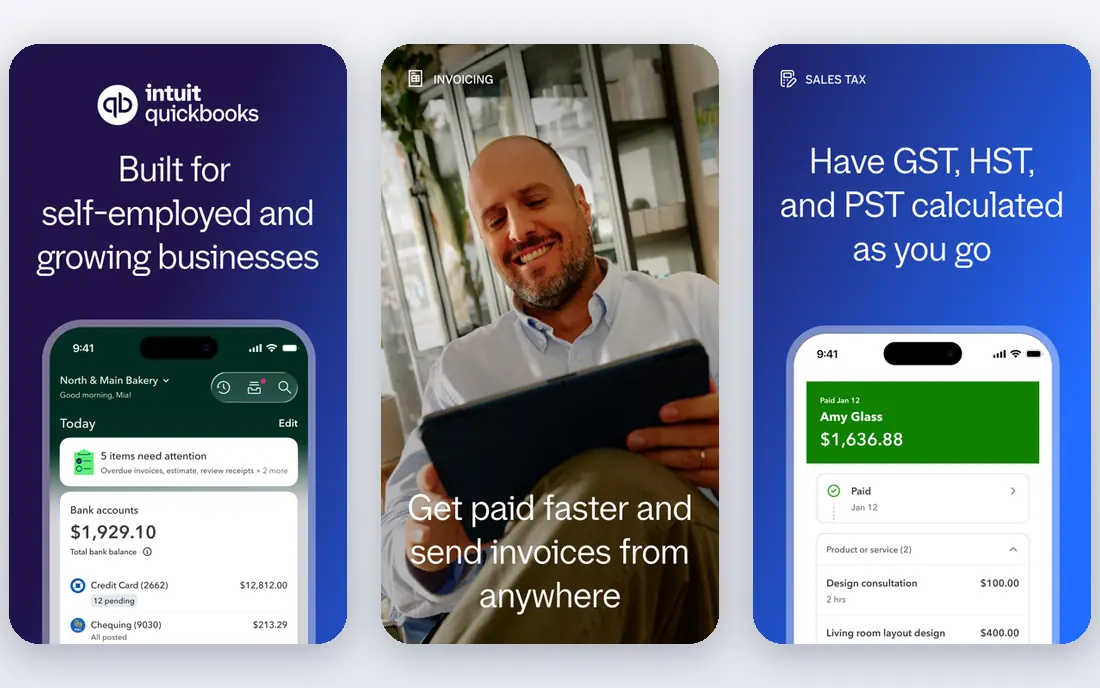
QuickBooks Solopreneur is the successor to QuickBooks Self-Employed, and it is built for US solo operators who file Schedule C. It separates business and personal spending, categorizes expenses into tax categories, and estimates quarterly tax, which removes the year-end scramble to sort a pile of receipts. Mileage tracking is built in, and the TurboTax link helps at filing time.
The cost is the honest drawback: free tools cover invoicing and basic books, so you are paying for the tax features and the QuickBooks name. Expect regular prompts to move to a higher QuickBooks Online tier. If your accountant already works in QuickBooks and you want tax estimates you can trust, the price is easier to justify. If you only send a few invoices a month, start free elsewhere.
- Schedule C categories and quarterly tax estimates
- Mileage tracking
- TurboTax integration
- Pricier than free options for similar basics
- Frequent upsells to higher QuickBooks tiers
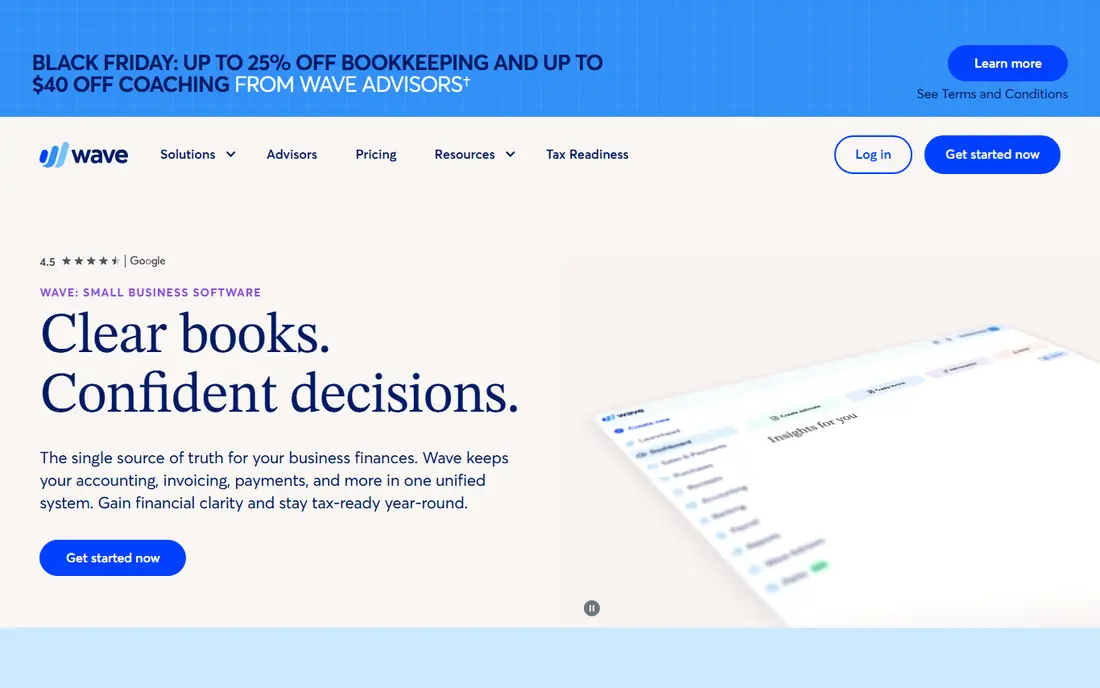
Wave is the honest answer for a self-employed worker starting out on a tight budget. Accounting and invoicing are free, with unlimited invoices, and there is no revenue cap forcing you onto a paid plan. You can send a professional invoice, record expenses, and keep double-entry books without a monthly fee, which is rare in this category.
Wave earns money from payment processing and payroll, so check those fees if most clients pay by card. Automatic bank feeds sit on the paid Pro plan, which means the free Starter plan needs more manual entry. If you are willing to enter transactions by hand or import statements, Wave gives you real bookkeeping for no subscription cost.
- Free accounting and invoicing with no revenue cap
- Unlimited invoices and bookkeeping records
- Receipt scanning
- Automatic bank feeds need the paid Pro plan
- Payment processing fees apply when clients pay by card
Xero suits a self-employed worker who plans to grow into a small business with an accountant. It is a full double-entry system, it allows unlimited users on every plan, and most accountants know it well, which makes handover easy. Bank reconciliation, invoicing, and reporting are strong, and the app ecosystem covers payroll, inventory, and payments.
The Early plan caps invoices and bills, so a busy freelancer can outgrow it quickly, and the interface assumes more accounting knowledge than FreshBooks. Check the current plan limits and price on the vendor site before you commit. If you expect to hire, add a partner, or hand books to an accountant within a year, starting in Xero saves a later migration.
- Proper double-entry accounting
- Unlimited users on every plan
- Large app ecosystem and accountant network
- Lowest plan caps invoices and bills
- Learning curve is steeper than FreshBooks
Zoho Books is the best free option if your revenue is under $50,000 a year and you like the Zoho suite. The free plan covers invoicing, expense tracking, bank reconciliation, and accountant access, with up to 1,000 invoices a year, which covers most solo freelancers. Paid plans add automation and deeper reporting as you grow.
The revenue cap is the line to watch. Cross $50,000 and you move to a paid plan, so a fast-growing business should price that step in advance. The app also works best alongside other Zoho tools such as Zoho CRM and Zoho Invoice. If you already use Zoho, or you want a free plan with real depth, Zoho Books is a strong choice.
- Free plan for businesses under $50,000 revenue
- 1,000 invoices per year on the free plan
- Accountant access built in
- Free plan ends above the revenue limit
- Full value needs other Zoho apps
Bonsai is built for the whole client workflow, not just the books. You can send a proposal, turn it into a contract, track time, and invoice from the same place, which cuts the tool sprawl that many freelancers live with. Templates for contracts and proposals look professional, and the client portal keeps approvals and payments in one thread.
Tax support is thinner than a tax-first tool, so Bonsai suits a freelancer who wants client workflow first and handles tax estimates elsewhere or with an accountant. Published prices have varied across sources, so confirm the current plan price on the vendor site before you sign up. If contracts and proposals eat your week, Bonsai can replace several separate tools.
- Contracts, proposals, and invoices in one workflow
- Client portal and time tracking
- Clean templates for freelancers
- Tax features are thinner than QuickBooks Solopreneur
- Published prices vary, so confirm at checkout
Found combines a business bank account with bookkeeping features, which suits self-employed workers who want money and records in one place. You can invoice clients, track expenses, and set aside a share of income for taxes in a separate bucket, all from the same app. Core features are free, which makes it easy to try without a subscription.
The limit is depth. Found is not a full accounting system, so a business that needs detailed reporting, inventory, or accountant-ready double-entry books will still need another tool. It also ties your banking and bookkeeping together, which is convenient until you want to switch banks. For a solo operator who wants simple banking plus basic books, Found is a neat fit.
- Business banking with invoicing and expense tracking built in
- Automatic tax savings buckets
- Free core features
- It is a bank account, not full accounting software
- Advanced reporting needs another tool
Hurdlr is aimed at gig workers, drivers, couriers, and freelancers whose biggest tax job is mileage and mixed income. It tracks mileage automatically, separates business and personal spending, and estimates tax on self-employed income. That focus makes it a good companion app even if you invoice elsewhere.
As a standalone invoicing system, Hurdlr is thinner than FreshBooks or Wave, so many users pair it with another tool. The free plan covers core tracking, while premium adds deeper tax features. If mileage is a large part of your deductions, Hurdlr can pay for itself in one tax season; if you mainly need invoicing, start with a tool built for that job.
- Automatic mileage tracking
- Income and expense tracking for gig work
- Tax estimates for self-employed filers
- Less suited as a full invoicing system
- Premium features need a paid plan
How we picked these
We compared apps that are live in October 2026 and that serve self-employed workers directly, using official pricing pages, feature pages, and recent freelancer accounting roundups. We kept tools for invoicing, bookkeeping, tax estimates, and banking, and we left out general personal finance apps that do not handle business income. Where prices varied by offer, we wrote See website rather than publishing a figure that might be out of date at checkout.
How to choose the right one for your work
Start from how you get paid. If clients pay you for time or projects, invoicing quality matters most, and FreshBooks or Bonsai will feel right. If most income comes from gig platforms or driving, mileage and tax estimates matter more, and QuickBooks Solopreneur or Hurdlr will save more time. If cash is tight, Wave or Zoho Books cover the basics for free, and you can move later without losing your history if you export regularly.
Set a weekly money habit before you worry about features. Send invoices the day work finishes, photograph receipts the day you spend, and move a fixed share of each payment into a tax savings account. Most tools here can automate part of that routine, but none of them replace it. Check your tax estimates against real quarterly deadlines, and talk to an accountant before you change how you categorize income or claim deductions.
Frequently asked questions
What is the best app for self employed workers starting out?
Wave is the best free starting point, since accounting and invoicing cost nothing and there is no revenue cap. Move to FreshBooks when invoicing volume grows, or to QuickBooks Solopreneur when US tax estimates become the main job.
Do I need accounting software if I only have a few clients?
A spreadsheet can work for a handful of clients, but it breaks down once you need bank reconciliation, mileage logs, or tax reports. Free tools such as Wave and Zoho Books remove the cost excuse, so the question becomes whether you will actually use the app every week.
How much should I set aside for taxes as a self-employed worker?
Many US freelancers set aside 25 to 30 percent of net profit for federal tax, plus state tax where it applies, but the right share depends on income, deductions, and filing status. Use the estimate in your app as a guide, not a filing, and confirm it with an accountant.
Can one app handle invoicing, expenses, and taxes?
FreshBooks and QuickBooks Solopreneur come closest for solo service work, with invoicing, expenses, mileage, and tax estimates in one place. Found adds banking to that mix, while Bonsai adds contracts. No single app replaces an accountant for a complex return.
What happens to my data if I switch apps later?
Most tools here let you export invoices, expenses, and reports, but formats and history depth vary. Export your data regularly, keep copies of invoices and tax reports outside the app, and confirm the import path into the new tool before you cancel the old one.
Sources
See where you really rank - block by block
ProMapRanker scans Google Maps across a grid of your service area. Simple monthly plans from $19, white-label on every plan.
Start freeKeep reading
 worlds best local seo company
8 Worlds Best Local SEO Companies for Map Pack Growth in 2026
Compare the worlds best local seo company options for Google Business Profile work, citations, reviews, and multi-location rankings and reporting in 2026.
Read → world's best web hosting company
World's Best Web Hosting Company in 2026
Searching for the world's best web hosting company? We compared 10 hosts on price, renewal rates, speed, and support to help you choose well today in 2026.
Read → who's got the best nanny tax services
Who's Got the Best Nanny Tax Services in 2026
We answer who's got the best nanny tax services, comparing full filing, back taxes, software, and pricing so families can handle nanny taxes correctly.
Read →