 ProMapRanker
Best App for Preschoolers in 2026


Free learning across reading, math, and social skills · Pricing starts at: Free
Key takeaways
- Khan Academy Kids and PBS KIDS Games are the best free starting points, with no ads in the core experience.
- ABCmouse suits families who want one long guided path across many subjects, while Starfall suits early reading.
- Duolingo ABC, Lingokids, and SplashLearn each focus on a narrower skill, which helps when a child needs practice in one area.
- Young children learn best with an adult nearby, so check privacy settings, purchase controls, and screen-time limits before handing over a device.
Quick comparison
| Pick | Great for | Pricing starts at | Free tier | |
|---|---|---|---|---|
| Khan Academy Kids | Free learning across reading, math, and social skills | Free | Yes | Visit |
 ABCmouse | A long guided curriculum for ages 2 to 8 | $14.99 per month | Yes | Visit |
 PBS KIDS Games | Free games with familiar characters | Free | Yes | Visit |
 Duolingo ABC | Early reading and phonics practice | Free | Yes | Visit |
 Starfall | Learning to read with phonics | Free | Yes | Visit |
 Lingokids | Play-based learning with English language exposure | See website | Yes | Visit |
 HOMER | A personalised reading and learning path | See website | Free trial | Visit |
 SplashLearn | Math and reading games for preschool to grade 5 | Free | Yes | Visit |
 ScratchJr | Creative coding and storytelling for ages 5 to 7 | Free | Yes | Visit |
The best apps for preschoolers
Preschool apps should teach through play, keep sessions short, and avoid ads, chats, and surprise purchases. We compared apps by age fit, subjects covered, free access, parent controls, and whether the content follows a path or lets a child explore. All nine apps below are live in October 2026 and suit ages roughly 2 to 8, with most focus on ages 3 to 6.
Khan Academy Kids
Great for: Free learning across reading, math, and social skills
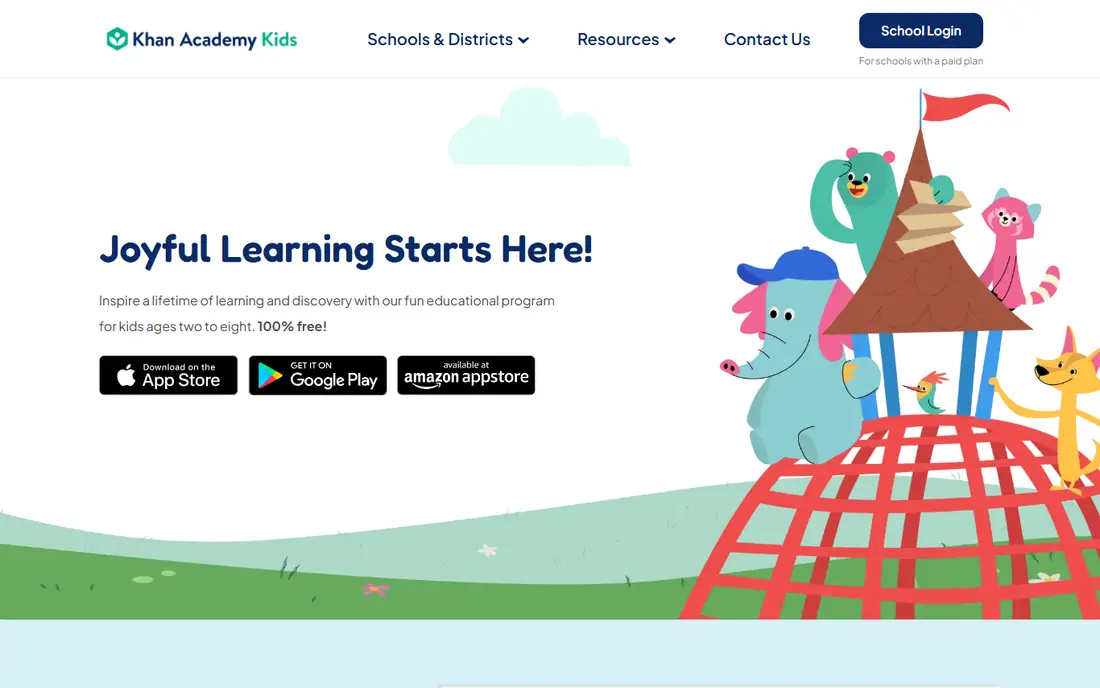
Khan Academy Kids is our first recommendation for most families, because it is free, ad-free, and covers reading, early math, logic, and social-emotional learning for ages 2 to 8. Children follow a personalised path with books, videos, and activities, and parents can track progress without paying for a dashboard. The nonprofit model is why the free tier is the full app, not a teaser.
The main limit is platform. It runs as an app on phones, tablets, and Chromebooks, rather than as a full web app, so check device support first. For older children who have outgrown early reading, a paid curriculum or a reading-focused app may add more depth, but for preschool, Khan Academy Kids covers the core ground well.
- Completely free with no ads or in-app purchases
- Adaptive learning path
- Parent dashboard
- No web version for full use
- Content is gentler than some paid curricula for older kids
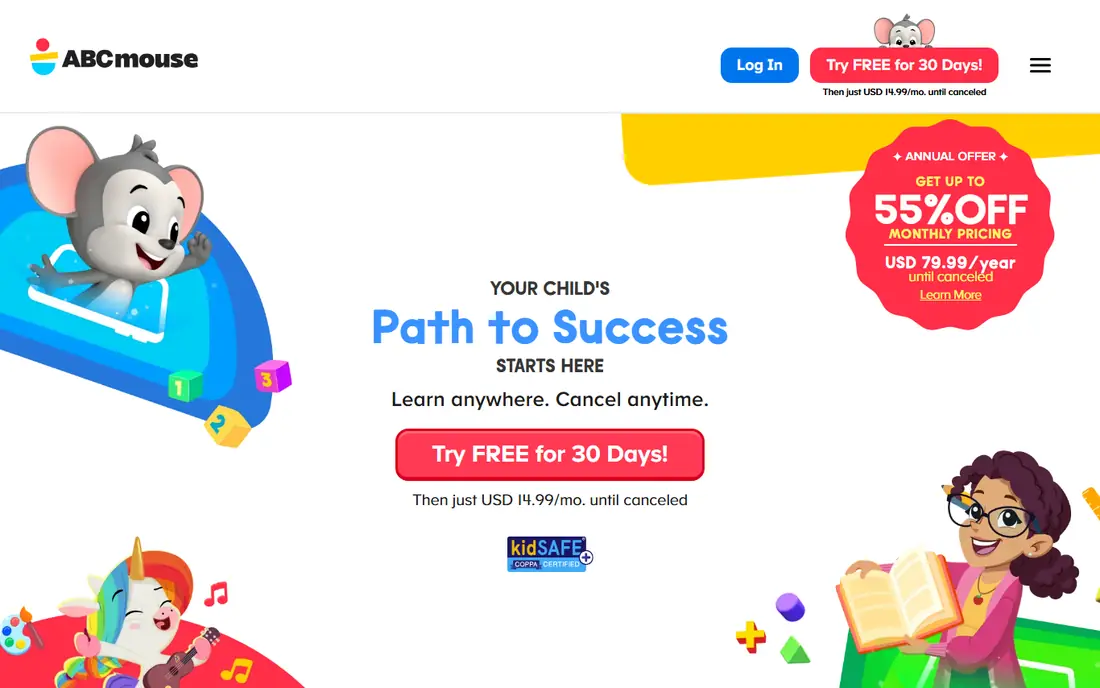
ABCmouse offers a large guided curriculum, with activities in reading, math, science, art, and music for ages 2 to 8. Children follow a step-by-step path, earn tickets and rewards, and move through levels in order. That structure helps families who want a clear sequence without planning lessons themselves. Monthly pricing is listed at $14.99 per month after a trial on web sign-ups, with annual offers that vary.
The free Basic tier lets families test a limited number of activities per day before paying. The guided path is a strength for some children and a limit for others, since a child who wants to jump between topics may find it restrictive. Try the free tier first, and compare it with Khan Academy Kids before committing to a year.
- Thousands of activities across subjects
- Step-by-step learning path
- Progress reports for up to three children
- Monthly price adds up
- Guided path can feel slow for children who like free exploration
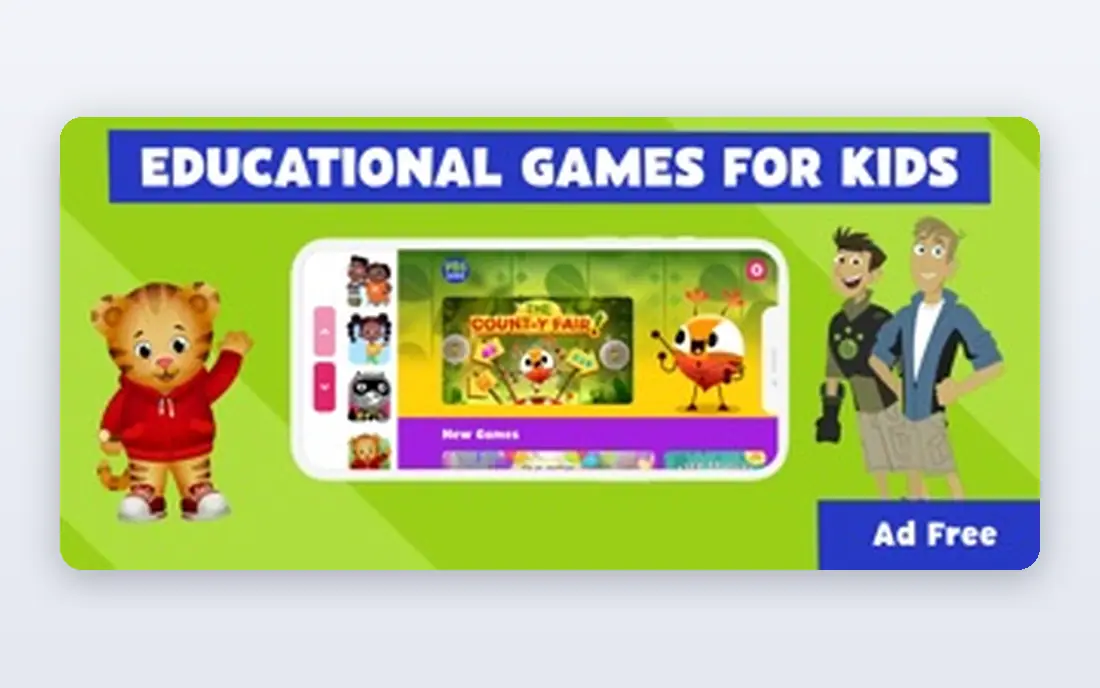
PBS KIDS Games gives children free games featuring characters from PBS shows, covering early reading, math, science, and creativity. The app is free, with more games also available on the PBS KIDS website, and it carries no subscription pressure. For a child who loves Daniel Tiger, Elmo, or other PBS characters, that familiarity makes learning feel like play.
It is not a curriculum. There is no guided path or detailed progress tracking, so parents who want measurable skill steps should pair it with Khan Academy Kids or Starfall. As a free, safe, character-led play app, though, PBS KIDS Games is an easy addition to any preschool device.
- Free with no subscription
- Hundreds of games
- Characters children already know from PBS shows
- No structured curriculum or progress path
- Games vary in learning depth
Duolingo ABC teaches early reading through short, playful lessons in phonics, letter sounds, and simple stories. Children tap, listen, and trace their way through bite-size activities, which suits short sessions and early readers who need steady practice. The app is free, which makes it an easy companion to a broader learning app.
Its narrow focus is both a strength and a limit. It does not try to teach math, science, or social skills, so it works best alongside Khan Academy Kids or ABCmouse. If reading is the main goal, Duolingo ABC is one of the best free tools for the job, especially for children who enjoy the Duolingo style of short, game-like lessons.
- Free with no ads in the core app
- Short phonics lessons
- Story-based practice
- Reading-focused, so it does not cover math or science
- Best as a companion app, not a full curriculum
Starfall, run by a nonprofit foundation, has taught early reading for many years through a clear phonics sequence. Children learn letter sounds, blend sounds into words, and read simple stories in order, which gives parents a visible path from letters to reading. The core reading content is free, and a home membership, listed at $35 per year, opens the full math and reading curriculum.
The design is simpler and older-looking than ABCmouse or Lingokids, but that simplicity helps young readers focus on sounds and words rather than on rewards and animations. Starfall is a strong pick when reading is the priority, and it pairs well with a broader free app for math and play.
- Core learn-to-read content is free
- Clear phonics sequence
- Membership adds math and full reading
- Design feels older than newer apps
- Full curriculum needs a paid membership
Lingokids offers play-based learning for ages 2 to 8, with games, songs, and activities that build vocabulary, early math, and social skills, with a strong focus on English language learning. Children explore a world of characters and activities, rather than following a single strict path, which suits children who like to choose what to play next.
A free tier lets families test the app, while a subscription opens the full library and parent features. Check current pricing in your app store, since offers vary. Lingokids is a good fit for families who want playful, language-rich screen time, especially where English exposure is a goal alongside general preschool learning.
- Large library of games and songs
- Parent dashboard
- Content for ages 2 to 8
- Paid features sit behind a subscription
- Pricing varies by store and offer
HOMER, also known as Learn with Homer, builds a personalised learning path after assessing a child's level and interests. It covers early reading, math, creativity, and social-emotional learning, with stories and activities matched to that path. Parents can track progress and see which skills a child is practising, which helps when you want more guidance than free exploration offers.
Full access requires a subscription, with pricing shown at sign-up and in app stores, so check the current offer before committing. A trial lets you test whether the personalised path suits your child. HOMER suits families who want a tailored plan without building one themselves, and who are happy to pay for that guidance.
- Personalised path based on a child's level
- Reading, math, and creativity activities
- Progress tracking
- Subscription needed for full access
- Price varies by offer and plan
SplashLearn offers game-based math and reading practice from preschool through grade 5, with a free account for one child profile. Preschool activities cover counting, shapes, letter sounds, and early words through games that reward progress without heavy text. Parent dashboards show which skills a child has practised, which helps adults guide the next session.
The free tier is a genuine starting point, while paid plans open more content and profiles. Since SplashLearn grows with a child into early school grades, it can last longer than a preschool-only app. For pure preschool play, Khan Academy Kids is simpler, but for math practice that continues into school, SplashLearn is a strong free option.
- Free account for one child
- Game-based math and reading
- Parent and teacher dashboards
- Paid plans open full content
- Some activities suit school-age children more than preschoolers
ScratchJr lets young children create their own interactive stories and games by snapping together programming blocks, with no reading required to start. Children choose characters, add movement and sounds, and learn sequencing, cause and effect, and creative problem-solving through play. It is free, with no ads or purchases, and it runs on tablets and Chromebooks.
It suits ages 5 to 7 best, so younger preschoolers may need an adult to help at first. ScratchJr does not teach reading or math directly, so it works as a creative companion to a learning app, not as a replacement. For a child who likes making things rather than answering quizzes, it is a delightful free choice.
- Completely free
- Teaches sequencing through blocks
- Children create stories and games
- Best for ages 5 and up, not toddlers
- No reading curriculum or progress dashboard
How we picked these
We compared official product pages, app store listings, and current pricing, and we kept only live apps in October 2026 designed for young children, with clear age guidance and parent controls. We favoured free and ad-free options, a mix of guided paths and free exploration, and coverage across reading, math, creativity, and play, and we left out apps with chat, open social features, or heavy purchase pressure.
What to check before you install a preschool app
First, check age fit and session length. An app for ages 2 to 8 may still be too easy or too hard for your child, so watch a first session together. Second, check privacy and purchases. Turn off in-app purchases where possible, review data collection and permissions, and choose apps with no ads or external links for young children.
Third, balance screen time with offline play. Apps work best as one part of learning, alongside books, drawing, building, and conversation. Use the parent dashboard to see what a child practised, then follow up offline with a related book or game. If an app causes frustration or demands long sessions, try a different one, since fit matters more than brand.
Frequently asked questions
What is the best app for preschoolers?
Khan Academy Kids is the best free all-round pick, and ABCmouse is the best paid guided curriculum. PBS KIDS Games is a strong free addition for character-led play, while Starfall leads for early reading.
What are the best preschool apps that are free?
Khan Academy Kids, PBS KIDS Games, Duolingo ABC, and ScratchJr are free, and Starfall's core reading content is free. SplashLearn and Lingokids also offer free tiers, with paid plans for full access.
What are the best apps for preschoolers for learning to read?
Starfall and Duolingo ABC lead on phonics and early reading, with Khan Academy Kids covering reading alongside math and social skills. ABCmouse and HOMER add guided reading paths for families who want more structure.
Is ABCmouse worth it for preschoolers?
ABCmouse can be worth it if your child likes a guided path and you want one curriculum across many subjects. Try the free Basic tier and Khan Academy Kids first, since many families find the free options cover the same ground.
Are preschool apps safe for young children?
The apps in this list are designed for children, with no open chat or social features, but safety still needs adult checks. Review privacy settings, turn off purchases, preview content, and stay nearby during early sessions.
How much screen time is right for a preschooler?
Keep sessions short, watch together when possible, and balance app time with books, outdoor play, and conversation. If an app holds attention through rewards rather than learning, shorten the session or switch apps.
Sources
See where you really rank - block by block
ProMapRanker scans Google Maps across a grid of your service area. Simple monthly plans from $19, white-label on every plan.
Start freeKeep reading
 zscaler alternatives
Best Zscaler Alternatives in 2026
Looking for zscaler alternatives? We compare 9 SASE and zero trust platforms on architecture, data protection, pricing, and fit for your network and team.
Read → zapier alternatives free
Best Zapier Alternatives Free in 2026
Nine automation tools for zapier alternatives free in 2026, all with genuinely free tiers, plus free plan limits, starting prices and upgrade paths explained.
Read → which platform is best for online reputation
Which Platform Is Best for Online Reputation in 2026
Wondering which platform is best for online reputation? We compare 8 review, listing, and response tools for small and multi-location businesses and agencies.
Read →