 ProMapRanker
Best App for Making Transparent Backgrounds in 2026

Key takeaways
- Adobe Express and Canva suit quick transparent PNGs inside a design, while remove.bg suits a fast one-click cutout.
- Photopea and GIMP suit precise manual work, because they give full selection and layer control for tricky edges.
- Free tiers often limit resolution, image count or commercial use, so check those limits before using a cutout for a shop or client.
- A transparent PNG needs a clean edge at full size, so test hair, fur and glass on a dark background before exporting.
Quick comparison
| Pick | Great for | Pricing starts at | Free tier | |
|---|---|---|---|---|
 remove.bg | Fast one-click cutouts | $9 per month | Yes | Visit |
 Adobe Express | Free one-click removal in a design app | Free | Yes | Visit |
 Canva | Cutouts inside a design | Free | Yes | Visit |
 Photopea | Free manual editing in a browser | Free | Yes | Visit |
 GIMP | Full manual control offline | Free | Yes | Visit |
 Pixlr | Browser editing with AI removal | Free | Yes | Visit |
 Photoroom | Product photos for shops | Free | Yes | Visit |
 Fotor | All-round photo editing with removal | Free | Yes | Visit |
 Clipdrop | AI removal with batch options | See website | Yes | Visit |
The best apps for making transparent backgrounds
A transparent background means the subject sits on a clear layer, so you can place it on any colour, photo or design. We compared one-click removers and manual editors, and we checked current free limits and pricing pages before listing them.
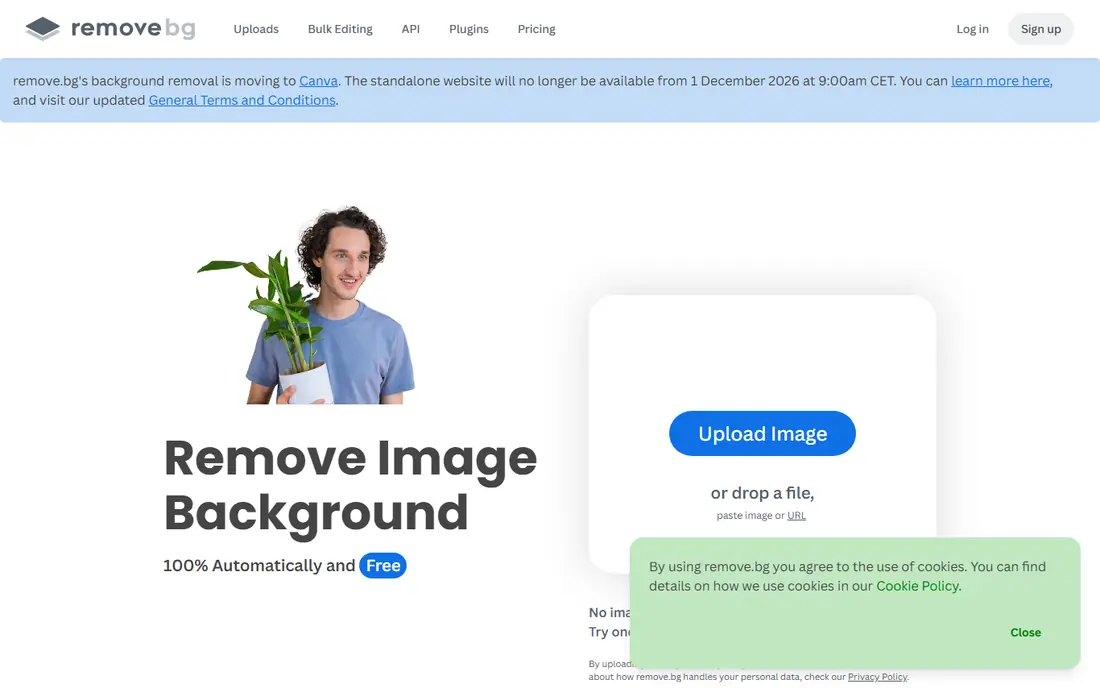
remove.bg built its name on one-click removal: upload a photo, and the subject is cut out in seconds with a transparent background. Its results on people, products, animals and cars are consistently clean for a one-click tool, which is why many sellers and creators start here. It also offers desktop apps and an API for bulk work.
Free use gives a low-resolution preview, while full-resolution downloads need a subscription from $9 per month for 40 credits, or pay-as-you-go credits. Note also that the standalone remove.bg site is set to close on 1 December 2026, with removal moving to Canva. For a quick cutout today, it still works, but plan a longer-term tool as well.
- Very fast automatic cutouts for people and products
- Clean edges on common subjects
- API and app integrations
- Free downloads are low-resolution previews
- Full-resolution downloads need credits
- Standalone site is moving to Canva from December 2026
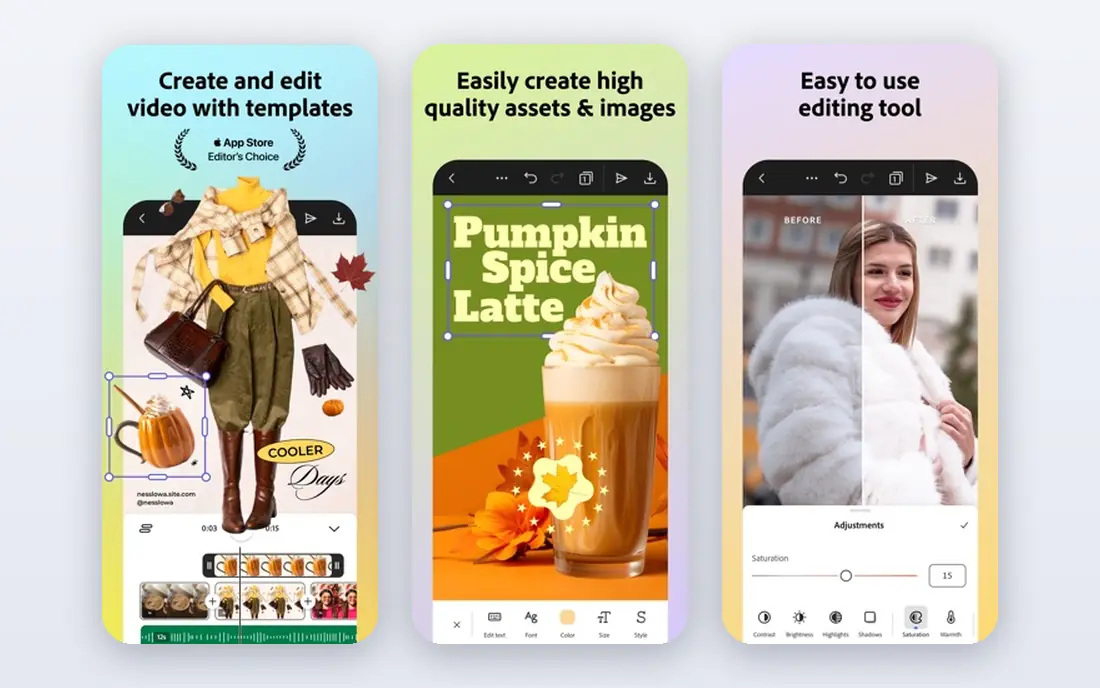
Adobe Express removes a background in one click from JPG, PNG and WebP, and downloads a transparent PNG for use in a design. Recent tests found full-size downloads on a free account, which makes it a strong free option for social posts, thumbnails and product mockups. The result drops straight into an Adobe Express design, so you can add text or a new background at once.
The web tool handles one image at a time, so bulk work needs another tool. Adobe pricing pages also list removal among premium features in places, even though free use worked in tests, so check your account before relying on it for a large batch. For single images, it is a reliable free pick.
- One-click removal with a free Adobe account
- Full-size downloads on free use in recent tests
- Design tools beside removal
- One image at a time on the web tool
- Removal is listed among premium features in some Adobe pricing pages
Canva suits creators who want a cutout and a finished design in the same place. Remove the background, place the subject on a new background, add text and export, all without switching apps. Recent tests found a full-size transparent download on a free account, matching remove.bg closely on common subjects.
Canva help pages state that background remover is included with paid plans, with limited free downloads, so free use may be capped. That makes Canva best for occasional cutouts inside a design, rather than unlimited bulk removal. Since remove.bg is moving to Canva, Canva is also the natural longer-term home for that workflow.
- Cutout drops straight into a design
- Full-size downloads in recent free tests
- Large template library
- Background remover is mainly a paid feature, with limited free use
- Bulk removal needs a paid plan
Photopea is a free, browser-based editor that works like a desktop photo app, with layers, masks and selection tools. That control matters when a one-click tool fails on hair, fur, glass or a busy background. You can refine a mask by hand, feather an edge, and export a transparent PNG at full size.
The free version shows ads, and beginners may need time to learn selections and masks. Photopea is not the fastest route to a simple cutout, but it is the best free manual option when precision matters. Use a one-click tool first, then Photopea for the images that need fixing.
- Free browser editor with layers and selections
- Opens PSD files
- Manual control for tricky edges
- Ad-supported free version
- Learning curve for beginners
- AI cutout is an aid, not a one-click magic fix
GIMP is a free, open-source desktop editor that gives full control over a transparent background. Fuzzy select, paths, layer masks and feathering let you build a clean cutout for hard subjects, and the result exports as a transparent PNG. Because it runs offline, it suits large files and private images that you do not want to upload.
The interface feels older than a modern web app, and new users need time to learn masks and selections. GIMP is overkill for a single social post, but it is the strongest free choice for professional, manual work where edge quality matters more than speed.
- Free and open-source
- Full layer, mask and selection tools
- Works offline on desktop
- Interface feels dated
- Needs installation and learning time
Pixlr combines AI background removal with a full browser editor, so you can cut out a subject and keep editing in the same window. That flow suits quick social and product edits, where you want to refine an edge, adjust colour and export without switching apps. The free tier covers casual use well.
Free use includes ads and limits on monthly removals, and some advanced tools need a paid plan from around $4.90 per month. Pixlr is a good middle ground: faster than a manual editor, more flexible than a one-click site, and free enough for occasional work.
- AI removal inside a capable browser editor
- Free tier for quick edits
- No installation needed
- Free use has ads and monthly limits
- Advanced tools need a paid plan
Photoroom is built for sellers who need clean product photos at scale. Upload a product shot, remove the background, and place it on a white or branded background with a template. Batch editing on paid plans helps shops that process many listings, and the mobile app suits shooting and editing on a phone.
Free exports can carry a watermark, and clean, high-resolution exports need a Pro plan. For a shop that needs consistent, listing-ready images, that cost is often worth it. For a one-off personal cutout, a free tool such as Adobe Express may be simpler.
- Strong product cutouts
- Batch editing on paid plans
- Templates for shop listings
- Free exports can carry a watermark
- Full clean exports need Pro
Fotor suits users who want background removal as part of wider photo editing. Remove a background, adjust brightness and colour, add text or a template, and export a transparent PNG, all in one app. That breadth helps creators who edit many images for social, shops or presentations.
Free use has limits, and the cleanest results and higher-resolution exports sit on paid plans. Fotor is a good all-rounder, but if you only need removal, a dedicated one-click tool may be faster. Choose Fotor when removal is one step in a larger edit.
- Background removal inside a full photo editor
- Templates and effects beside removal
- Easy web and mobile use
- Free use has limits and ads
- Best removal quality sits on paid plans
Clipdrop offers AI background removal alongside other image tools, with batch and API options for teams that process many images. Its results on products and people are strong for a one-click tool, and the wider toolset covers upscaling, cleanup and relighting. That range suits creators who edit images often.
Pricing is usage-based, so check the current plan before building a workflow around it, and free use is limited. Clipdrop suits a team that needs removal plus other AI edits, rather than a user who only needs one free cutout.
- AI removal with API and batch options
- Strong results on products and people
- Part of a wider AI toolset
- Pricing is usage-based and needs checking
- Free use is limited
How we picked these
We compared official sites and recent tests for tools that export a true transparent PNG, not only a white background, in October 2026. We kept one-click removers and manual editors, because a simple cutout and a hard edge need different tools. We used See website where pricing is usage-based or unclear, and we noted free limits on resolution, count and commercial use where tests reported them.
How to get a clean transparent PNG
Start with a well-lit photo against a contrasting background, because a clear subject edge gives any tool a better chance. Avoid backlighting and busy patterns behind hair or fur, which are the hardest edges for automatic tools. A few minutes spent on the source photo saves far more time than fixing a bad cutout.
Check the edge at full size and on dark
Zoom to full size and place the cutout on a dark background to reveal halos, stray pixels and rough hair edges. Feathering a mask by a pixel or two can soften a hard edge, while a manual brush can clean a halo. Export as PNG, because JPG does not support transparency, and keep the original file for rework.
Choose the right tool for the edge
Use a one-click tool for simple people and product shots, a manual editor for hair, fur, glass and reflective items, and a batch tool for many shop images. If a one-click result looks good at thumbnail size but rough at full size, move to Photopea or GIMP for that image rather than accepting a weak cutout.
Frequently asked questions
What is the best app for making transparent backgrounds?
For most people, Adobe Express or Canva is the best starting point, because they give a free one-click removal inside a design app. remove.bg is fastest for a single cutout, while Photopea and GIMP are best for precise manual edges. The best pick depends on whether you need speed, design or precision.
How do I make a PNG with a transparent background for free?
Upload a photo to Adobe Express, Canva or remove.bg, remove the background, and download as PNG. Check the free limits first: some tools limit resolution or image count, and some free downloads are low-resolution previews. For full-size free work, Photopea and GIMP give manual control without a resolution cap.
Is remove.bg still available?
Yes, in October 2026, but its standalone site is set to close on 1 December 2026, with background removal moving to Canva. If you rely on remove.bg, test Canva removal now, so your workflow is ready before the move. Canva cutouts in recent tests matched remove.bg closely.
Why does my transparent PNG have a white edge?
A white halo often comes from a low-resolution source, a busy background, or an automatic mask that kept a few background pixels. Zoom in, refine the mask in Photopea or GIMP, and test the cutout on a dark background. A cleaner source photo also reduces halos on the next attempt.
Can I use a free background remover for shop listings?
Check the licence first. Some free tiers are for personal use only, or they limit resolution and commercial use. For shop listings, use a tool with a clear commercial licence, such as a paid plan on Photoroom, Canva or Clipdrop, and export at full size for a clean listing image.
Sources
See where you really rank - block by block
ProMapRanker scans Google Maps across a grid of your service area. Simple monthly plans from $19, white-label on every plan.
Start freeKeep reading
 zyte alternatives
Best Zyte Alternatives in 2026
These zyte alternatives cover managed scraping APIs, proxy networks and no code tools for lawful collection from your own or consented sources only in 2026.
Read → zerto alternatives
Best Zerto Alternatives in 2026
Compare the best zerto alternatives for disaster recovery and replication, with recovery targets, cloud options and honest trade-offs for teams in 2026.
Read → zerofox alternatives
Best ZeroFox Alternatives in 2026
We compared 9 zerofox alternatives for brand protection, phishing takedowns, dark web monitoring, and social impersonation, with clear coverage notes.
Read →