 ProMapRanker
Best App for Making Photo Books From Phone in 2026

Key takeaways
- Mixbook is our top pick for most people because it pairs a flexible editor with many templates and a clear starting price.
- Chatbooks and FreePrints are best for low-effort, recurring books, with Chatbooks focused on small books and FreePrints on a monthly free book offer.
- Artifact Uprising and Blurb suit premium or longer projects, but expect a higher price and more design time.
- Check shipping, page count, and photo resolution before you order, since a cheap book can cost more once pages and shipping are added.
Quick comparison
| Pick | Great for | Pricing starts at | Free tier | |
|---|---|---|---|---|
 Mixbook | Flexible design and templates | $14.99 per book | Yes | Visit |
 Chatbooks | Small recurring books | $10 per book | Yes | Visit |
 FreePrints Photobooks | Monthly free book offer | Free | Yes | Visit |
 Shutterfly | Frequent deals and many sizes | See website | Yes | Visit |
 Snapfish | Simple one-off books | See website | Yes | Visit |
 Artifact Uprising | Premium gift books | $59 per book | Yes | Visit |
 Blurb | Longer and custom projects | See website | Yes | Visit |
 Canva | Design-led books from existing designs | See website | Yes | Visit |
 Journi | Automatic travel books | See website | Yes | Visit |
The best app for making photo books from phone
We compared official product pages, pricing summaries, and app listings for services that let you build a book from a phone, not just from a desktop site. The best monthly photo book app for you depends on how much design control you want, how often you want a book, and how much you want to pay per book after shipping.
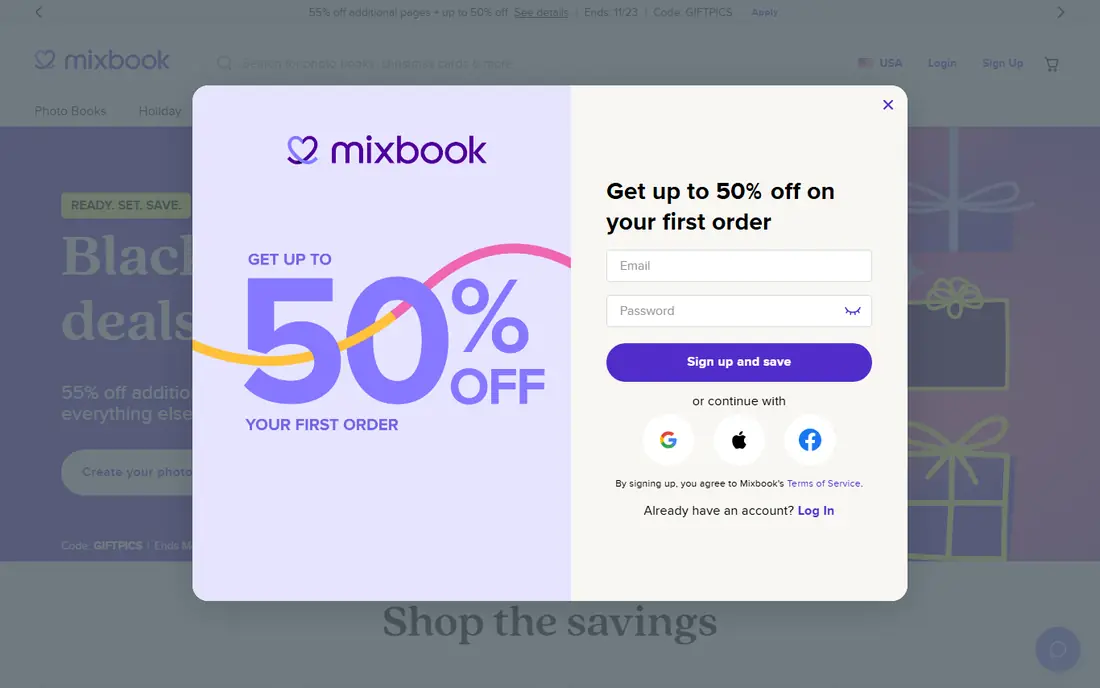
Mixbook is the strongest all-round choice in this list. You can upload from your phone, Google Photos, or other sources, pick a theme, and adjust layouts, text, and page order without losing control. Recent pricing summaries put softcover books from $14.99, with layflat books higher, and books start at 20 pages with extra spreads adding cost.
We like Mixbook for birthdays, weddings, and year-in-review books where you want the design to look considered. The app and web editor are both usable, so you can start on your phone and finish on a larger screen. If you want the cheapest possible book and do not care about design, Chatbooks or FreePrints will be cheaper.
- Many templates and layouts
- Drag and drop editor on phone and web
- Happiness guarantee described on its site
- Price rises with pages and layflat options
- Design choices can take time for a first book
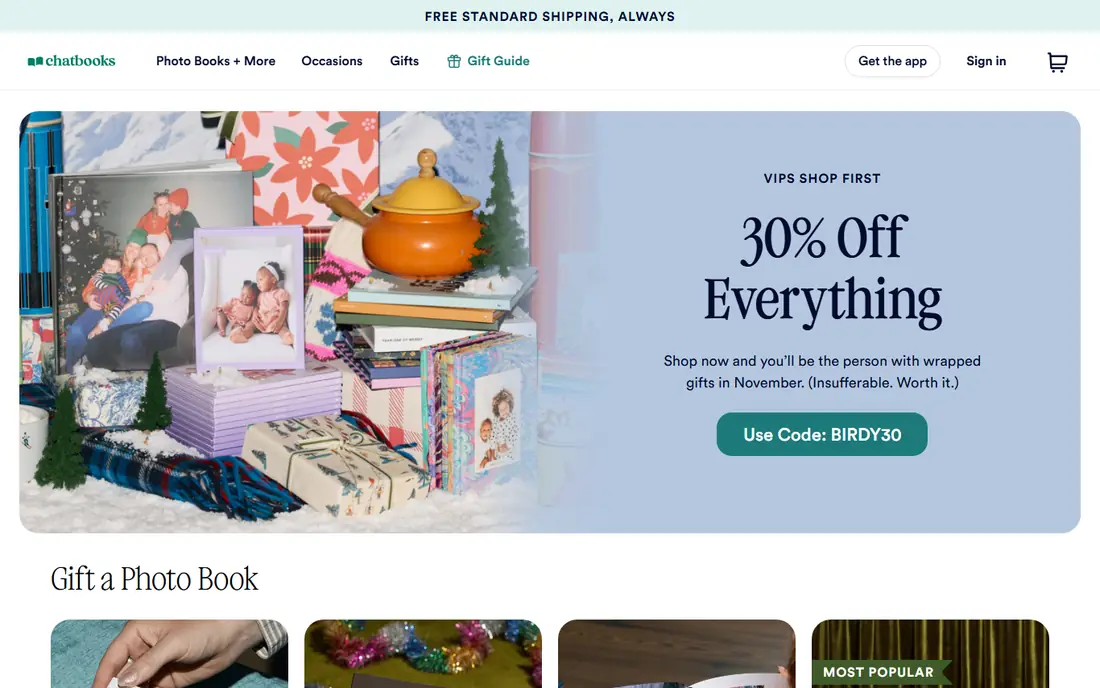
Chatbooks is built for people who want a book without a design project. Add photos from your camera roll or Google Photos, let the app arrange them, swap a few pages, add captions, and order. Recent reviews put small books from around $10, which makes it easy to make a book for a trip, a school term, or a grandparent gift.
The trade-off is scope. Chatbooks has fewer templates than Mixbook, and its small format is not the best fit for a long wedding album or a detailed travel story. For a regular, low-effort book habit, though, that simplicity is the appeal. You can also order one-off books without a strict subscription schedule.
- Very simple auto-layout
- Low starting price for small books
- Free shipping described in reviews
- Fewer design templates than Mixbook
- Small books suit short collections better than long stories
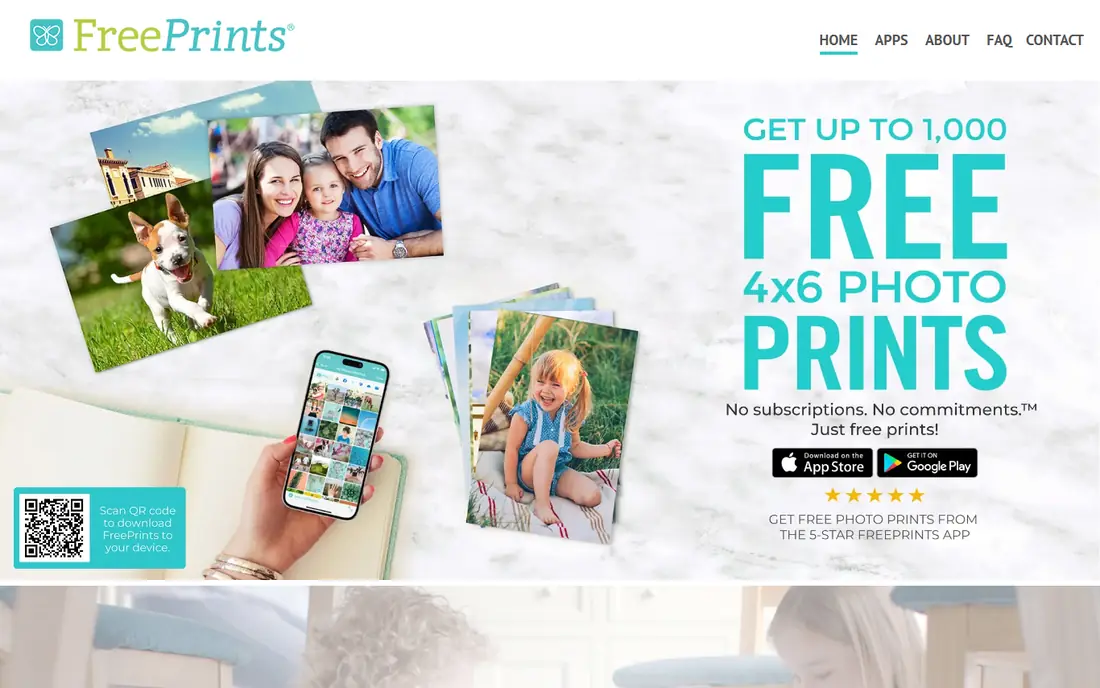
FreePrints Photobooks offers a monthly free 20-page softcover book in a small size, with shipping paid by the customer, according to recent summaries. That makes it a good way to test print quality and to build a habit of turning phone photos into physical books. The app is phone-first, and you can add up to several photos per page using layouts.
The catch is in the upgrades. Hardcover, layflat, and extra pages cost more, and the design tools are simpler than Mixbook. If you want a premium album, this is not the tool. If you want a low-cost monthly book for family photos, the free book offer is hard to beat, as long as you check the current shipping charge before you order.
- Monthly free small softcover book offer
- Simple phone-first builder
- Imports from phone and Google Photos
- You pay shipping
- Upgrades and extra pages add cost
- Editing is basic
Shutterfly is a familiar name for photo books, cards, and gifts, and its app lets you build books from phone photos with auto-arrange help. It offers many sizes, covers, and paper options, which suits people who want a specific format for a gift. Sales are frequent, so the price you pay often depends on the offer running at the time.
That deal-led pricing is also the downside. Compare the final checkout total, including shipping and extra pages, rather than the headline book price. The builder is capable, but the number of product options can slow down a first book. If you already use Shutterfly for cards, staying in one account is convenient.
- Wide range of book sizes and covers
- Frequent sales and promo codes
- App plus web builder
- Final price depends heavily on sales and shipping
- Design options can feel busy
Snapfish suits a straightforward one-off book. Pick a template, add photos from your phone, adjust layouts and captions, and order. Recent comparisons put its books among the cheaper one-off options during sales, which makes it a good pick when you do not want a subscription.
It is not the best choice for a premium gift where paper and binding matter most. Template depth is also thinner than Mixbook, so a highly custom design will take more work. For a simple family or holiday book, Snapfish keeps the process short and the price clear at checkout.
- Simple template builder
- Low-cost one-off books in sales
- Phone and web access
- Fewer premium finishes than Artifact Uprising
- Support and print consistency vary in reviews
Artifact Uprising is the premium pick in this list. Its books are designed for gifts and milestones, with clean layouts and layflat spreads that suit wedding photos, anniversaries, and baby books. Recent comparisons put books from around $59, which reflects the paper and binding quality rather than a budget price.
You will pay more, and you will spend more time choosing layouts, but the finished book looks more like a keepsake than a quick print. If your goal is a low-cost monthly book, choose Chatbooks or FreePrints instead. If you want one book that will sit on a shelf for years, Artifact Uprising is worth the higher price.
- Premium paper and layflat options
- Clean, editorial design
- Strong choice for wedding and milestone gifts
- Higher starting price
- Fewer budget sizes than Chatbooks or Snapfish
Blurb fits longer projects that outgrow a small phone book. It supports larger page counts, portfolio books, and self-publishing projects, and you can build from a phone upload or a desktop tool. That flexibility helps photographers and families making a yearbook or a travel book with many photos.
The downside is effort. Custom layouts and longer books take time to proof, and the final price depends on size, pages, and paper. For a quick 20-page family book, Mixbook or Chatbooks will be faster. For a book with a story arc and many pages, Blurb gives you room to build it properly.
- Good for longer books and portfolios
- Flexible book sizes and papers
- Print-on-demand options for creators
- Learning curve for custom layouts
- Price rises with page count and size
Canva is not a photo book specialist, but many people already use it for social posts and invitations, so making a book there feels natural. You can pick a template, drop in phone photos, add text and graphics, and order a printed book. The free plan lets you design without paying until you print.
Print pricing needs a checkout check, since it varies by size, pages, and paper, and the photo book workflow is less focused than Mixbook. If you already design in Canva and want a book that matches other materials, it is a practical choice. If you want the simplest photo book builder, a specialist app will be faster.
- Huge template library
- Easy text and graphic design
- Phone app plus web editor
- Print book pricing varies by size and pages
- Photo book tools are part of a broader design app
Journi is built around travel. It can detect trips from your photos, group them by day and place, and build a book with maps and travel layouts. That automation saves a lot of time after a holiday, when sorting hundreds of photos by hand feels like a chore.
For non-travel books, such as a baby book or a family yearbook, Journi is less of a fit, and its design control is thinner than Mixbook. For a trip book, though, the automatic grouping and maps give it a clear edge. Check current book sizes and shipping on the vendor site before you order.
- Automatic trip detection and map layouts
- Good for travel stories
- Phone-first workflow
- Less suited to non-travel books
- Design control is thinner than Mixbook
How we picked these
We compared official product pages, pricing summaries, and app listings, and we only included services with a phone app or a clear phone-first builder in October 2026. We checked starting prices, page counts, book sizes, shipping notes, and whether auto-layout was genuinely useful or just a gimmick. Services without a usable phone workflow were left out.
What to check before you order
Count pages and photos honestly
A 20-page book fills fast. Pick your best 40 to 60 photos for a small book, and save the full set for a longer book. If you try to fit 200 photos into 20 pages, the print will feel crowded and small.
Check photo resolution
Phone photos print well at small sizes, but heavily cropped or old low-resolution shots can look soft in a large book. Most builders warn about low-resolution images, so heed that warning and swap the photo or use a smaller layout.
Compare the checkout total
Book price, extra pages, cover upgrades, and shipping all change the final cost. A free book with shipping can still be cheaper than a discounted book with high shipping, so compare totals, not headline prices.
Proof on a larger screen if you can
Start on your phone, then proof on a tablet or computer before you order. Text errors, wrong dates, and duplicate photos are easier to spot on a larger screen, and reprinting a book costs more than a five-minute proof.
Frequently asked questions
What is the best monthly photo book app?
Chatbooks is a strong monthly pick for small books because it is simple and low cost, while FreePrints offers a monthly free small book with shipping paid. Mixbook is better if you want more design control each month. Choose based on whether you value low effort, low price, or design control most.
What is the cheapest way to make a photo book from my phone?
FreePrints Photobooks is often cheapest for a small book because of its monthly free book offer, with shipping as the main cost. Chatbooks and Snapfish during sales are also low cost for one-off books. Always compare the checkout total with shipping and extra pages.
How many photos do I need for a photo book?
For a 20-page small book, 40 to 60 well-chosen photos work well. For a longer travel or wedding book, 100 or more photos can work if you use larger page counts and varied layouts. Pick quality over quantity, and leave white space so the best photos stand out.
Can I make a photo book only on my phone?
Yes. Mixbook, Chatbooks, FreePrints, Shutterfly, Snapfish, and Journi all offer phone apps or phone-first builders. You can upload, arrange, add captions, and order without a computer, though proofing on a larger screen can help for longer books.
How long does a photo book take to arrive?
Delivery time varies by service, book type, and shipping choice, and most services quote a range at checkout. Allow extra time for premium books and for holiday periods. If you need a book for a specific date, order early and check the delivery estimate before you pay.
Sources
See where you really rank - block by block
ProMapRanker scans Google Maps across a grid of your service area. Simple monthly plans from $19, white-label on every plan.
Start freeKeep reading
 zscaler alternatives
Best Zscaler Alternatives in 2026
Looking for zscaler alternatives? We compare 9 SASE and zero trust platforms on architecture, data protection, pricing, and fit for your network and team.
Read → zapier alternatives free
Best Zapier Alternatives Free in 2026
Nine automation tools for zapier alternatives free in 2026, all with genuinely free tiers, plus free plan limits, starting prices and upgrade paths explained.
Read → which platform is best for online reputation
Which Platform Is Best for Online Reputation in 2026
Wondering which platform is best for online reputation? We compare 8 review, listing, and response tools for small and multi-location businesses and agencies.
Read →