 ProMapRanker
Best App for Identifying Insects in 2026

Key takeaways
- Seek by iNaturalist is our pick for most people because it is free, needs no account and stays cautious when it is not sure of a species.
- iNaturalist is the best choice when you want a community check, since other naturalists can confirm or correct an identification.
- Picture Insect suits gardeners and homeowners who want pest notes and a polished photo ID workflow in one app.
- No app guarantees safe identification, so never eat or handle a wild insect based on an app alone, and keep a safe distance from anything unknown.
- A clear, close photo with size and location context gives every app a better chance than a distant or blurry shot.
Quick comparison
| Pick | Great for | Pricing starts at | Free tier | |
|---|---|---|---|---|
 Seek by iNaturalist | Most people and families | Free | Yes | Visit |
 iNaturalist | Community-verified identifications | Free | Yes | Visit |
 Picture Insect | Gardeners and pest notes | Free | Yes | Visit |
 ObsIdentify | Biodiversity recording | Free | Yes | Visit |
 BugKnow | Household bugs and bite reference | Free | Yes | Visit |
 Insect ID | Dedicated insect photo ID | See website | Yes | Visit |
 Google Lens | Quick ID from a phone you already own | Free | Yes | Visit |
 Leps by Fieldguide | Butterflies and moths | Free | Yes | Visit |
 Bug Identifier | Simple photo ID for common bugs | See website | Yes | Visit |
The best apps for identifying insects
Insect apps use a photo to suggest a species, then add notes on habitat, behavior and pest risk. Accuracy varies with photo quality, region and how common the species is, and no app is certain every time. We compared official app pages, community documentation and public reviews, and we kept only apps that are live in October 2026 and that identify insects from a photo or live camera. We angled this article independently, with a focus on safety and everyday use, rather than copying a companion insect identifier article.
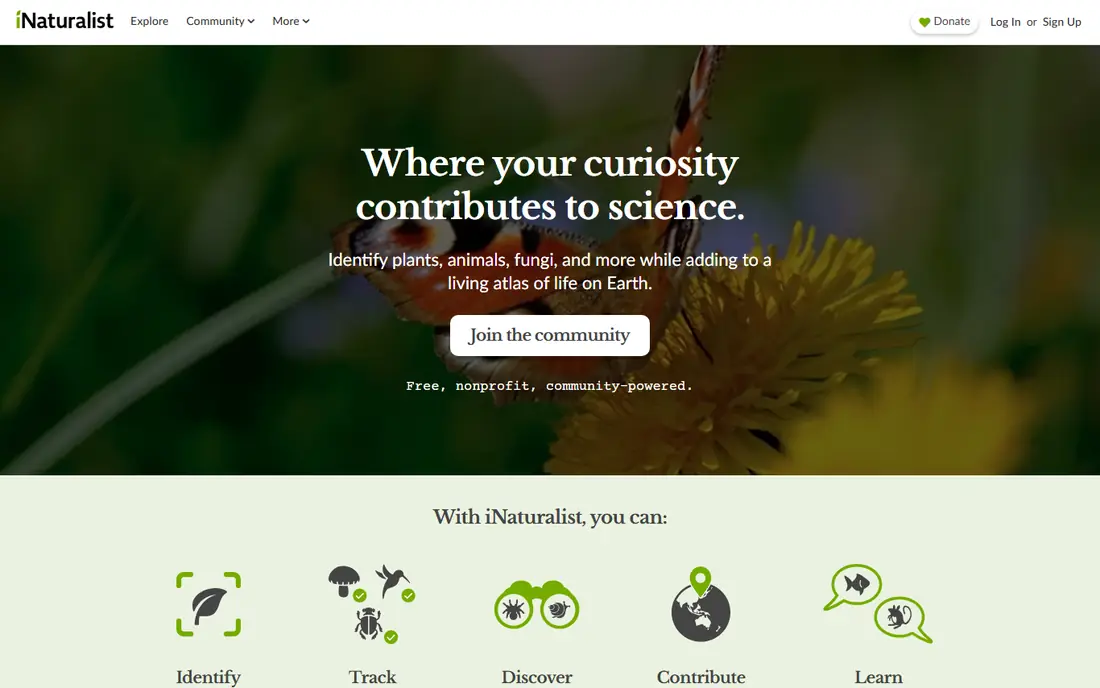
Seek is the best starting point because it removes friction and stays honest about uncertainty. Point the camera at an insect, and the app suggests an identification in real time, earning badges and challenges along the way. No account is needed, and observations stay on your device unless you choose to share them, which makes it a good fit for families and classrooms.
The honesty is also the limit. When Seek is not sure, it will give you a genus or family rather than a guessed species, which can feel vague when you wanted a name. That caution is safer than a confident wrong answer, especially for a pest or a stinging insect. Use Seek first, then check a second source when the answer matters for safety or pest control.
- Completely free with no account needed
- Live camera identification
- Cautious when confidence is low, stopping at genus or family
- Broad scope means insect detail is thinner than specialist apps
- Sometimes gives a broad group rather than a species
- Needs a clear photo for best results
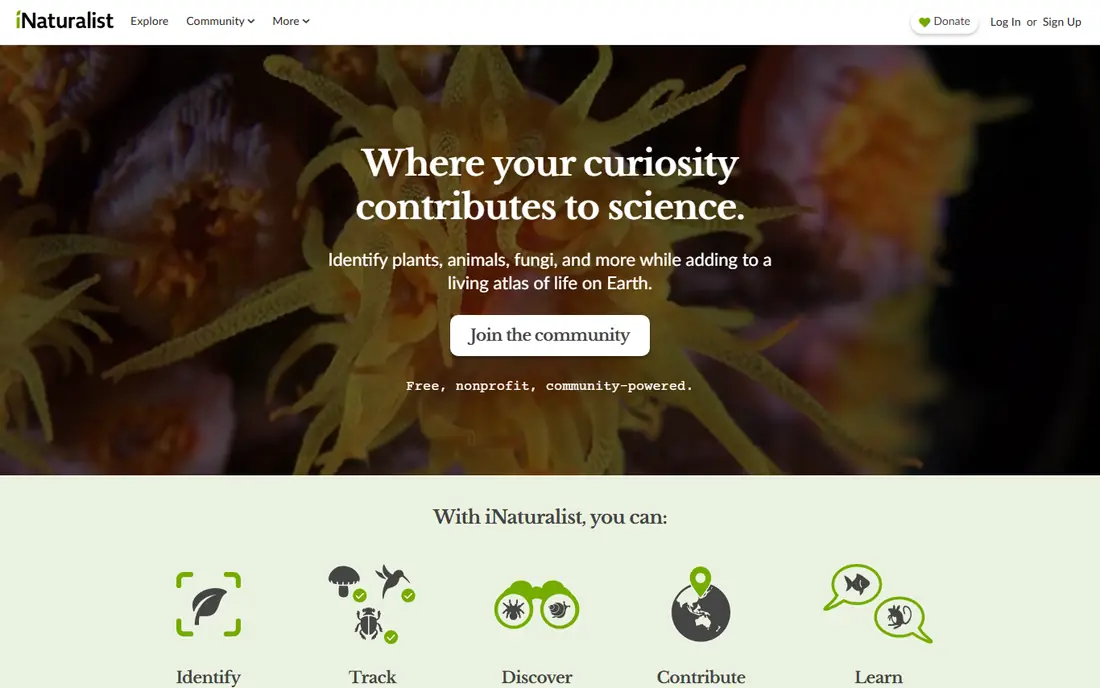
iNaturalist is the deeper companion to Seek. You post a photo with location and date, the app suggests an identification, and other users confirm or correct it. When the community agrees, an observation can reach research grade, which means the identification carries more weight than a single AI guess. That process suits gardeners, students and nature lovers who want to learn over time.
The trade-off is speed. A community check is not instant, and a rare or blurry insect may wait for an expert eye. iNaturalist also covers plants, fungi and other wildlife, so insect-specific notes are less focused than in Picture Insect. Use iNaturalist when accuracy matters more than an instant answer, and keep Seek for quick field checks.
- Free nonprofit platform
- Community of naturalists can confirm or correct IDs
- Observations contribute to science
- Identification can take time while the community responds
- App is broader than insects alone
- Needs an account to post observations
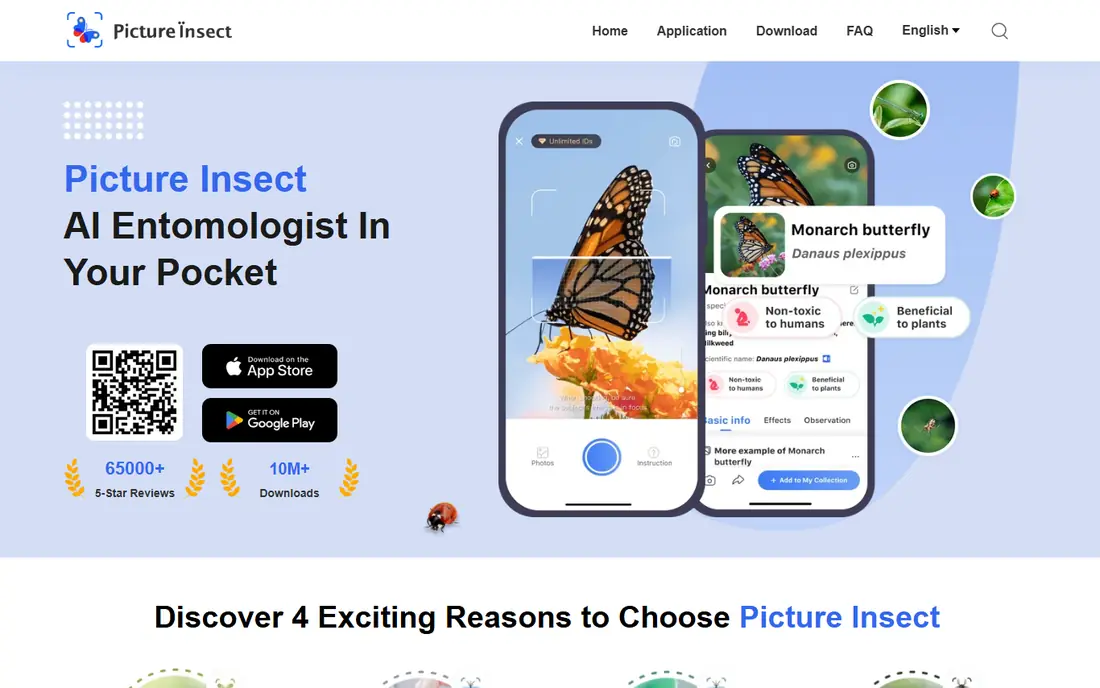
Picture Insect is built for the question most homeowners actually ask: what is this bug, and should I worry about it. The app identifies from a photo, then adds notes on habitat, behavior and pest risk, plus a collection view for past finds. That extra context helps a gardener decide if a beetle is a garden helper, a minor nuisance or a pest worth watching.
The free version works for occasional IDs, but premium prompts appear often, and unlimited identification and expert answers sit behind a subscription. Check the current subscription price in the app store before you pay, since it can change. Even with a paid plan, treat the result as a guide, not a safety verdict, and do not handle an unknown insect to get a better photo.
- Dedicated insect database with pest and bite notes
- Photo ID from gallery or camera
- Personal collection of past identifications
- Full features need a paid subscription
- Subscription prompts are frequent in the free version
- Accuracy still depends on photo quality
ObsIdentify is a free identification app from a biodiversity recording background, and it has performed well in independent tests that compared apps on real insect photos. It identifies from a photo and links the result to observation records, which suits nature recorders who want their finds to count toward a larger dataset. The interface is plain, but the identification focus is clear.
The limits are region and polish. Coverage and accuracy are stronger in the regions where its recording community is most active, and pest advice is thinner than in Picture Insect or BugKnow. For a US homeowner with a kitchen pest, a household-focused app may be more useful. For a nature walk or a recording project, ObsIdentify is a strong free choice.
- Free identification with a focus on recorded observations
- Strong performance in independent tests on European species
- Useful for nature recording
- Less polished than commercial rivals
- Coverage is stronger in some regions than others
- Fewer pest-control notes for homeowners
BugKnow targets everyday household finds. Point the camera at a bug in the kitchen, garden or garage, and the app returns a species match with habitat, behavior and human interaction notes. A bite checker and a pest severity guide add practical context when you find an unexplained bite or a possible infestation, and scanning is free and unlimited in the basic app.
As a newer app, BugKnow lacks the long community history of iNaturalist, and its pest guidance is general information, not professional pest control advice. If you suspect an infestation, a stinging insect nest or a bite that is getting worse, contact a local professional or clinician rather than relying on the app. For a common household bug, BugKnow is a fast, free first check.
- Free unlimited scanning in the basic app
- Large species database for US finds
- Bite checker and pest severity guides
- Newer app with a smaller community than iNaturalist
- Pest advice is general, not a substitute for professional advice
- Accuracy varies on rare species
Insect ID, also listed as Insect.id, focuses only on insects, which gives it an edge in depth over general visual search tools. The app returns taxonomy, distribution and ecological notes alongside the identification, and independent testing has shown strong species-level results on clear photos. That focus suits enthusiasts who want more than a common name.
The trade-off is community size and platform variation. It does not have the same large verification community as iNaturalist, and paid features differ between app stores, so check the listing for your phone before you buy. Use Insect ID as a specialist second opinion, especially when Seek gives only a genus or family.
- Focused only on insects, not plants or general objects
- Detailed taxonomy and distribution notes
- Performed well in independent species tests
- Smaller community than iNaturalist
- Paid features vary by platform
- Needs a clear photo for species-level results
Google Lens is the tool you already own, and that is its main advantage. Open Lens, point it at an insect or a photo, and it searches visually across the web for similar images and pages. That can be enough for a common butterfly or beetle, and it is useful when you do not want another app.
As a general tool, Lens is weaker than specialist apps on species-level insect identification, and independent tests have shown lower accuracy than ObsIdentify or Insect ID on hard cases. Treat Lens as a quick cross-check, not a final answer. When Lens and a specialist app agree, confidence rises. When they disagree, trust the specialist and the community check.
- Already on many Android phones and in the Google app
- Fast visual search across the web
- No extra install for many users
- General visual search, not an insect specialist
- Accuracy is lower on species-level insect IDs
- Results can mix insects with unrelated images
Leps by Fieldguide, from the Fieldguide team, focuses on Lepidoptera, the order that includes butterflies and moths. That narrow focus gives it depth on caterpillars, adult forms and similar species that general apps often confuse. For a butterfly hobbyist, a classroom project or a garden survey, Leps adds detail a general app cannot match.
The limit is scope. Leps will not help with a beetle, ant or wasp, so it works as a companion rather than a sole identifier. Pair it with Seek or iNaturalist for general finds, and turn to Leps when the insect is clearly a butterfly or moth and you want a more confident, community-checked answer.
- Specialist focus on butterflies and moths, including larvae
- Community verification for Lepidoptera
- Useful for hobbyists and educators
- Covers only one insect order, not all insects
- Smaller user base than general apps
- Best as a companion to a general identifier
Bug Identifier suits a one-off question. The workflow is plain: upload or take a photo, get a suggested identification, and read basic notes. A web option means you can check a bug from a computer without installing an app, which helps when the photo is already on a desktop.
Depth is the limit. Community verification is thinner than iNaturalist, and less common species are more likely to be misidentified or given only at a broad level. Check the current app listing for price and free limits before you rely on it for frequent use. For a common garden or household bug, it is a serviceable quick check alongside a specialist app.
- Simple photo ID workflow for common insects
- Web and app options for quick checks
- Useful for a one-off question with no setup
- Accuracy varies on less common species
- Fewer community checks than iNaturalist
- Paid options vary by platform
How we picked these
We compared official app pages, community documentation and public identification tests, and we kept only apps that are live in October 2026 and that identify insects from a photo or live camera. We favored free access, cautious uncertainty handling and community verification, and we left out plant-only apps and general object scanners that do not focus on insects, except for Google Lens as a widely available cross-check. We did not claim hands-on lab testing, and where a price was not clearly stated on the vendor page, we wrote See website rather than guessing a figure.
What to check before you trust an identification
Start with the photo. A clear, close, well-lit shot from the side or top, with a note on size and location, gives every app a better chance than a distant, blurry image. Take two photos if you can, one close and one showing where you found the insect, and do not move or handle the insect to improve the shot. If the app gives only a genus or family, accept that limit rather than forcing a species name from a weak photo.
Then apply the safety rule plainly. No app guarantees safe identification, so never eat or handle a wild insect based on an app alone, and keep a safe distance from anything unknown, especially stinging insects, brightly colored species and anything near a nest. An app can help you learn and decide if you need professional pest help, but it cannot clear an insect as safe to touch or eat. When a bite, sting or possible infestation is involved, contact a local professional or clinician, and use the app result only as background for that conversation.
Frequently asked questions
Can an insect app tell me if a bug is dangerous?
An app can give general notes on a species, but it cannot guarantee safety for the individual insect in front of you. Species can look alike, photos can mislead, and a single wrong identification can matter. Treat any danger note as general information, keep your distance, and get professional advice when safety is at stake.
Why do apps sometimes give only a genus or family?
A cautious app stops at a broader group when the photo or the species is not clear enough for a species answer. That is better than a confident guess, since many insects look alike at species level. A clearer photo, a second app and a community check can often narrow the result.
Should I kill or catch an insect to identify it?
No. A photo from a safe distance is enough for most apps, and handling an unknown insect adds risk. If you need a better photo, wait for the insect to settle, use zoom, and note size and location instead of touching it.
Which app is best for children?
Seek by iNaturalist is the best fit for children, since it is free, needs no account and keeps observations on the device unless shared. It also frames identification as exploration with badges, which suits classroom and family use. Supervise outdoor use and keep the safety rule about not handling unknown insects.
Can I use these apps for pest control decisions?
Apps can help you narrow down a likely pest and decide if professional help is worth calling, but they are not a substitute for professional inspection. For a possible infestation, a nest, wood damage or repeated bites, contact a local pest professional with photos and dates, and use the app result as background only.
Sources
See where you really rank - block by block
ProMapRanker scans Google Maps across a grid of your service area. Simple monthly plans from $19, white-label on every plan.
Start freeKeep reading
 worlds best local seo company
8 Worlds Best Local SEO Companies for Map Pack Growth in 2026
Compare the worlds best local seo company options for Google Business Profile work, citations, reviews, and multi-location rankings and reporting in 2026.
Read → world's best web hosting company
World's Best Web Hosting Company in 2026
Searching for the world's best web hosting company? We compared 10 hosts on price, renewal rates, speed, and support to help you choose well today in 2026.
Read → who's got the best nanny tax services
Who's Got the Best Nanny Tax Services in 2026
We answer who's got the best nanny tax services, comparing full filing, back taxes, software, and pricing so families can handle nanny taxes correctly.
Read →