 ProMapRanker
Best App for Group Photo Sharing in 2026

Key takeaways
- Google Photos is the easiest default for mixed iPhone and Android groups, with shared albums that let many people add photos.
- FamilyAlbum and Tinybeans suit private family sharing, with invite-only feeds and tools for milestones and prints.
- Cluster and 23snaps keep things simple when a group wants one private album without a full backup service.
- Storage limits matter more than features for large groups, so check the free allowance and who must create an account to add photos.
Quick comparison
| Pick | Great for | Pricing starts at | Free tier | |
|---|---|---|---|---|
 Google Photos | Mixed-device groups | Free | Yes | Visit |
 FamilyAlbum | Private family sharing | Free | Yes | Visit |
 Cluster | Simple private group albums | Free | Yes | Visit |
 Tinybeans | Milestones and family journals | Free | Yes | Visit |
 iCloud Shared Albums | All-Apple groups | Free | Yes | Visit |
 Amazon Photos | Prime households | Free | Yes | Visit |
 Dropbox | Organized shared folders | Free | Yes | Visit |
 23snaps | Small private circles | Free | Yes | Visit |
The best app for group photo sharing
A good group photo app solves one simple problem: everyone took photos, and no one can find them later. The apps below differ in privacy, storage, and how easy it is for guests to add photos, so pick based on your group, not just the longest feature list.
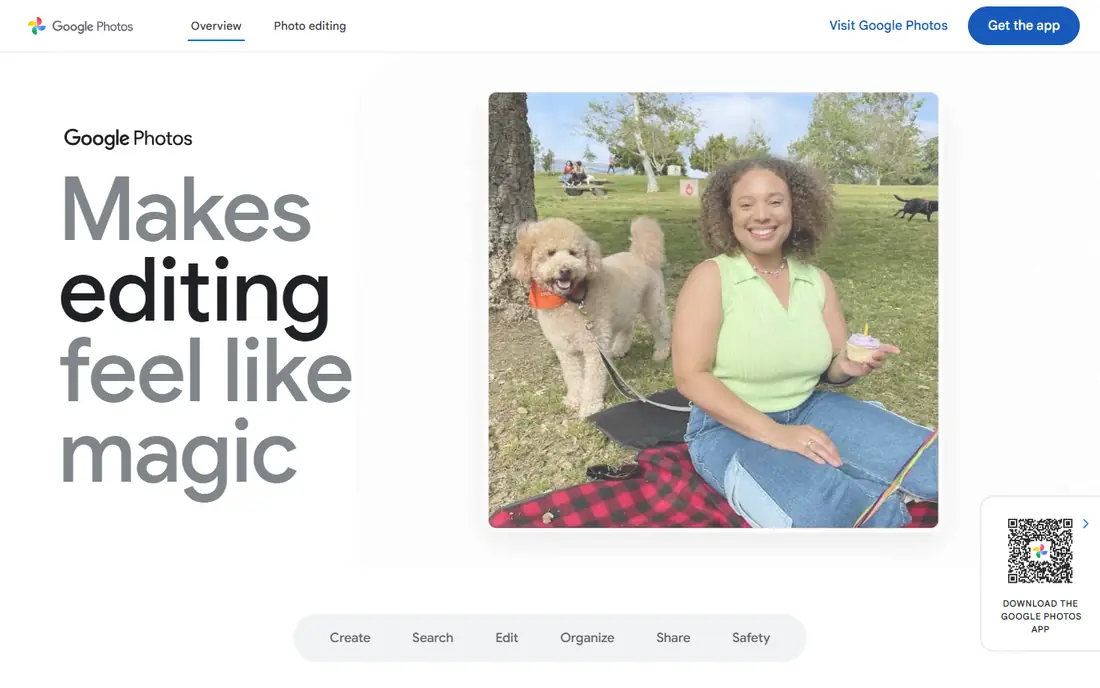
Google Photos is our pick for most groups because it works across phones and the web, and shared albums are easy to explain. One person creates an album, invites others, and everyone can add photos, like photos, and comment. Search also helps when a trip album grows to hundreds of shots and someone asks for one specific photo.
The limit is storage. The free 15 GB allowance is shared across Google Photos, Gmail, and Drive, so a heavy photo group can fill it fast. Paid Google One storage solves that, but it adds a cost for the account holder. If your group already uses Google, this is still the lowest-friction choice.
- Shared albums on iPhone and Android
- Search by person, place, and date
- Familiar Google account setup for many users
- Free storage is shared with Gmail and Drive
- Contributors need a Google account
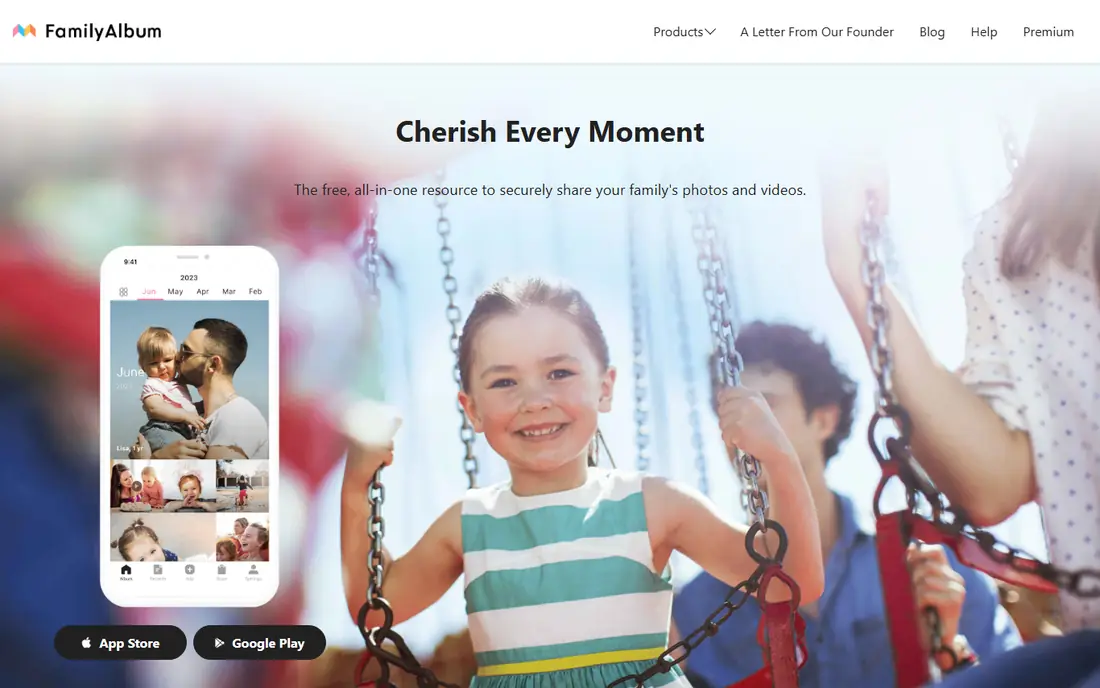
FamilyAlbum is built for families rather than general backup, and that focus shows in its private feed. Parents invite grandparents and close family, share photos and short videos, and keep the album out of public social feeds. Published comparisons note unlimited uploads on the free plan, which is generous for a family app.
The trade-off is that the app experience is central, and some conveniences, such as longer videos and bulk downloads, require a paid plan. For a family that wants a calm, private place to follow a child or a trip, that is a fair exchange. For a one-off event with many guests, a simpler album tool may collect more photos.
- Private, invite-only family feed
- Unlimited uploads on the free plan in published comparisons
- Print options for families
- Full experience leans on the app
- Longer videos and bulk downloads sit behind paid tiers
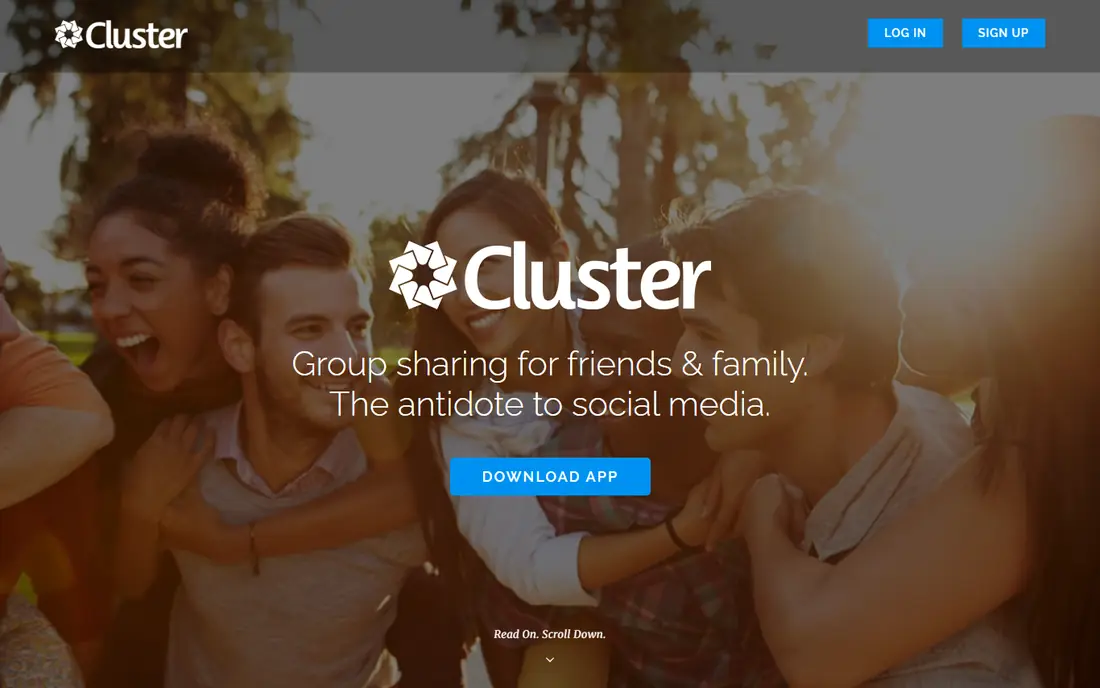
Cluster keeps group sharing close to its core idea: a private space where only invited people see the photos. That simplicity is its strength for weddings, school trips, and friend groups that do not want a social feed. People join a group, add photos, and browse one shared collection.
It is not a full backup service, so do not expect the same search, editing, or storage tools as Google Photos. If your group mainly wants to pool photos from one event and look back later, Cluster is enough. If you also want automatic backup of your whole camera roll, pair it with a backup app or pick a larger service.
- Private albums for a defined group
- Simple invite model
- No public feed needed
- Fewer backup and search tools than Google Photos
- Paid tiers add space and features
Tinybeans suits families that want more than an album, with a journal feel, milestone tracking, and a private circle. Parents can record moments as a child grows, and relatives can follow along without a public post. That structure makes it easy to look back by age or event, rather than scrolling a single feed.
The free plan is limited, with published comparisons noting a monthly upload limit and ads, so a busy family will likely need the paid plan. That cost is worth weighing against FamilyAlbum, which is more generous for free uploads. Choose Tinybeans when the journal and milestone structure matters more than free storage.
- Private family journal with milestones
- Print and keepsake options
- Invite-only sharing
- Free plan limits monthly uploads
- Paid plan needed for fuller use
For a group that all uses Apple devices, iCloud Shared Albums is hard to beat for simplicity. Albums live in the Photos app, invites are straightforward, and there is nothing new to install. Family members can add photos, like them, and comment from the app they already use.
Mixed groups are the weak spot. Android guests can view a shared link in a browser, but they cannot contribute as easily as on a cross-platform app. Storage rules have also changed over time, so check the current iCloud terms before you rely on shared albums for a large event. For Apple-only families, though, this is the cleanest option.
- Built into iPhone, iPad, and Mac
- No new app for Apple users
- Easy invites for Apple households
- Android guests have a weaker experience
- Storage rules can confuse new users
Amazon Photos is a strong pick if your household already pays for Prime, since Prime plans include unlimited photo storage in published terms. Shared albums and family vault features let a household pool photos, and the app runs on both major phone platforms. That makes it useful for a family that wants backup plus sharing in one place.
Without Prime, the free allowance is smaller, and the value drops. Video storage also has its own limits, so a family that records a lot of video should check the current plan. If Prime is already in your home, Amazon Photos deserves a place on the shortlist. If not, Google Photos or FamilyAlbum may be simpler.
- Unlimited photo storage for Prime members in published plans
- Works on iPhone and Android
- Family sharing options
- Best value depends on a Prime membership
- Non-Prime storage is limited
Dropbox is not a photo-first app, but it works well when a group needs organized folders rather than a social feed. A wedding team, a school project, or a club can share a folder, set permissions, and keep files in a clear structure. It also works across phones, computers, and the web, which helps mixed groups.
The free plan is small, so a photo-heavy group will hit the limit quickly unless someone pays for more space. It also lacks the album comments, reactions, and timeline feel of a family app. Pick Dropbox when control and organization matter most, and pick a photo app when the experience for grandparents and guests matters more.
- Shared folders with clear permissions
- Works across devices and the web
- Good for organized projects
- Free storage is small at 2 GB in published terms
- Feels more like file storage than a photo feed
23snaps offers a private feed for family and close friends, without the noise of a public social network. That small-circle feel suits parents who want a handful of relatives to follow a child, or a group that wants one quiet place for photos. The interface is simple, which helps less technical relatives.
Because it is smaller than Google Photos or Amazon Photos, it has fewer backup, search, and print tools. Paid tiers add more, so check what the free plan covers for your group size. If a private, low-key feed is the goal, 23snaps is a solid choice. If you need heavy backup or advanced search, a larger service fits better.
- Private feed for a small circle
- Simple sharing for family and close friends
- No public social feed
- Smaller community and fewer tools than large apps
- Paid tiers add features
How we picked these
We compared official product pages, app store listings, and published pricing comparisons for apps that support shared albums or private group feeds in 2026. We favored apps that are live, support group contributions, and offer a usable free tier, and we noted storage limits and account requirements because those decide whether guests actually add photos. We did not claim hands-on testing, and prices were taken from published comparisons where vendor pricing was not fully listed.
How to choose for your group
Start with who is in the group. If everyone uses different phones, a cross-platform app like Google Photos or Amazon Photos avoids the account problem that stops guests from adding photos. If everyone uses Apple devices, iCloud Shared Albums is simpler. If the group is family-only, a private app like FamilyAlbum or Tinybeans keeps photos out of public feeds and gives relatives a calmer place to browse.
Next, think about the event. A one-off wedding or trip needs fast invites and easy uploads, even from guests who will not install a new app. A family album that grows for years needs storage, search, and a way to export photos later. Check both the free storage limit and the export options before you commit a large archive to one service.
Finally, set the rules early. Name one album, share one link, and tell guests whether they should add full-resolution photos or a smaller set. Ask the group not to post photos of children publicly without permission from parents, and keep the album private by default. A clear plan gets more photos than a perfect app with no instructions.
Frequently asked questions
What is the best photo sharing app for groups?
Google Photos is the best default for mixed-device groups because shared albums work on iPhone, Android, and the web. FamilyAlbum is a better pick for private family sharing, while iCloud Shared Albums suits Apple-only groups. Choose based on your group's phones, privacy needs, and storage limits.
Do guests need an account to add photos?
It depends on the app. Google Photos contributors need a Google account, while some event tools allow browser uploads without an account. For a large event, test the guest flow yourself before the day, and share clear instructions with the invite link.
Is group photo sharing private?
Private albums and invite-only feeds keep photos out of public search, but anyone with access can still download or screenshot a photo. Keep albums private by default, invite only people you trust, and avoid posting photos of children publicly without parental permission.
How much free storage do I get?
Google Photos gives 15 GB shared across Google services, while FamilyAlbum offers unlimited uploads on its free plan in published comparisons. Dropbox free storage is much smaller. Check the current plan before a large trip, since storage rules change.
Can I export photos from a group album later?
Most services allow downloads, but the ease varies, and some paid tiers are needed for bulk downloads. Before you build a large archive, test a small export and confirm that photo dates and quality are kept. That check avoids a painful move later.
Sources
- https://photos.google.com
- https://family-album.com
- https://cluster.co
- https://tinybeans.com
- https://www.icloud.com
- https://www.amazon.com/photos
- https://www.dropbox.com
- https://www.23snaps.com
- https://blog.family-album.com/blog/the-best-family-photo-sharing-apps-in-2026-free-and-private-options-compared/
- https://familyphotoapps.com/
See where you really rank - block by block
ProMapRanker scans Google Maps across a grid of your service area. Simple monthly plans from $19, white-label on every plan.
Start freeKeep reading
 zscaler alternatives
Best Zscaler Alternatives in 2026
Looking for zscaler alternatives? We compare 9 SASE and zero trust platforms on architecture, data protection, pricing, and fit for your network and team.
Read → zapier alternatives free
Best Zapier Alternatives Free in 2026
Nine automation tools for zapier alternatives free in 2026, all with genuinely free tiers, plus free plan limits, starting prices and upgrade paths explained.
Read → which platform is best for online reputation
Which Platform Is Best for Online Reputation in 2026
Wondering which platform is best for online reputation? We compare 8 review, listing, and response tools for small and multi-location businesses and agencies.
Read →